XABCD TRADING

How to Use NinjaTrader Hotkeys (Basic to Advanced Setups for NinjaTrader 8)
Why You Need To Care About NinjaTrader Hotkeys
NinjaTrader Hotkeys is an important feature but far too often they will probably think of buy and sell buttons for placing orders. This is not their only practical use. In fact there can be so many applications for hotkeys as trading platforms expand.
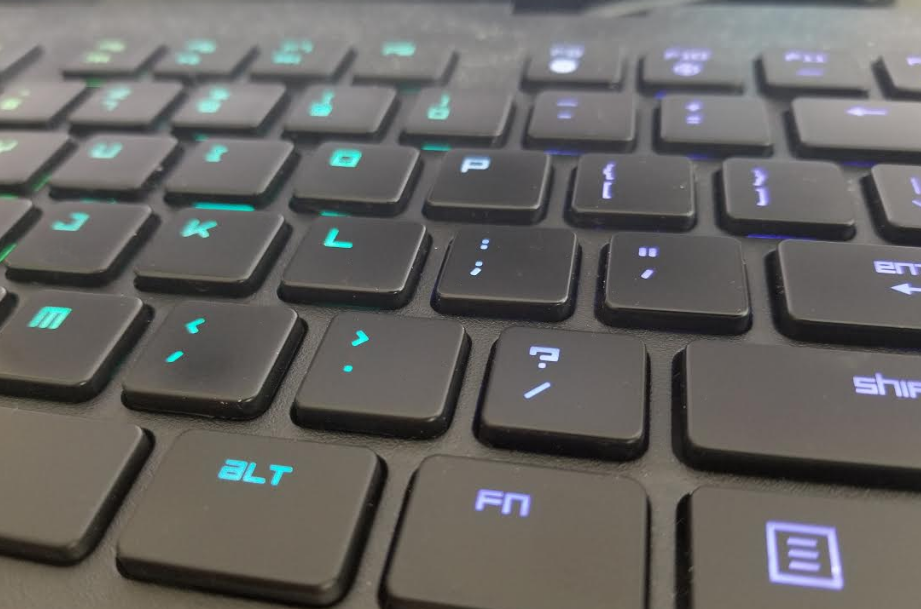
One of those primary applications you can use them for is by linking our XABCD drawing tools to specific hotkeys on your keyboard or mouse. Current mice these days have hotkey buttons on them that you can use to sync with your NinjaTrader 8 hotkey's.
Setting Up NinjaTrader Hotkeys
Setting up NinjaTrader hotkeys is an easy process, just follow along with these step by step instructions:
- Open your Control Center which is the first window when your NinjaTrader 8 platform launches
- Select Tools and then Hot Keys
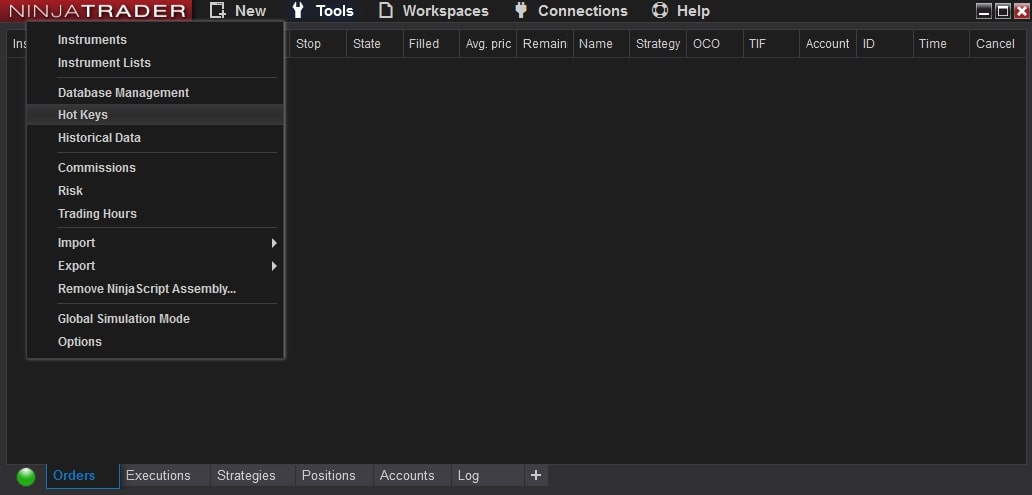
This will open a new window
- Select Chart under the Categories window
- Scroll down until you see the list of drawing tools provided by your indicators for NinjaTrader 8 at the very bottom starting with XT. You can also do this with any of the default tools like the Triangle, Square, Ruler, risk vs reward etc.
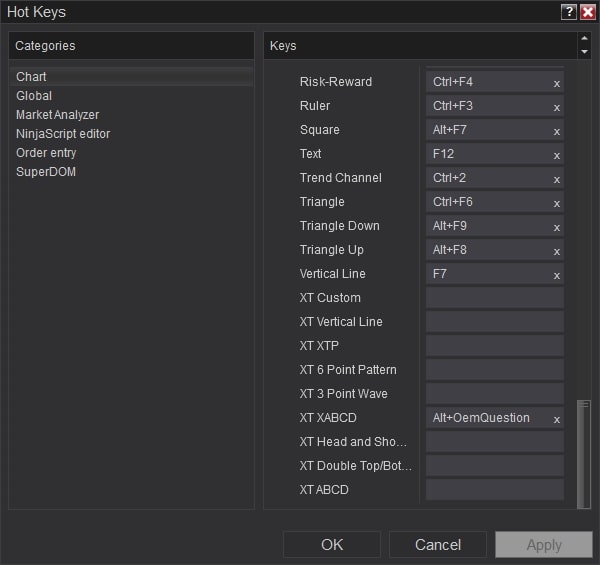
- Select Click inside the box to the right of the drawing tool and it will let you hit the keystroke that will be your hotkey.
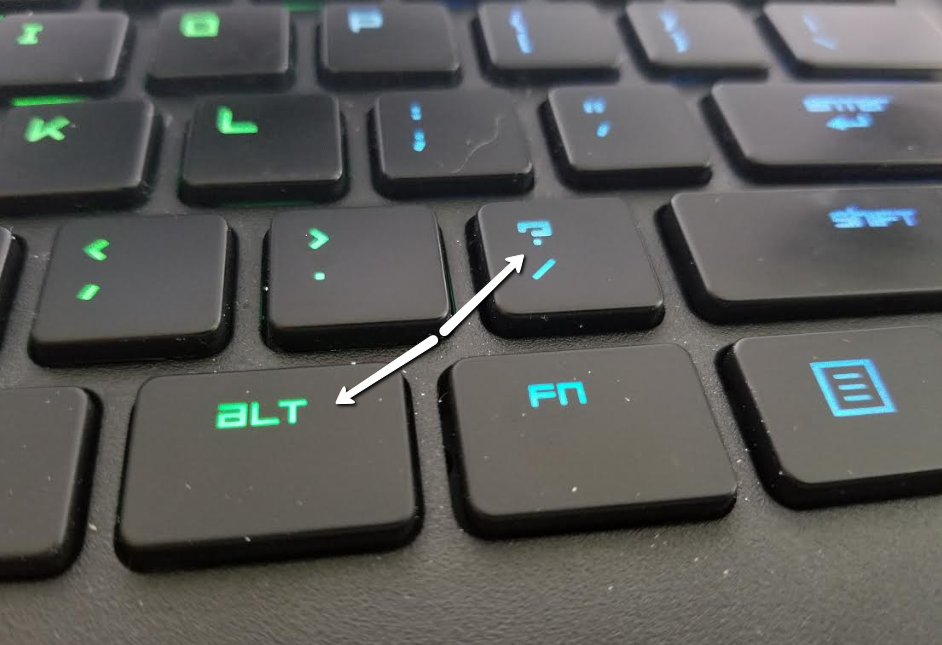
The hotkey can be a single stroke, or it could even be a combination. Eg, You can press ALT + Question mark. As you can see from the image above, it shows you the text once set as Alt+OemQuestion.
Totally Crazy Hot Key Setup for NinjaTrader
Watch this video to see how you can take this one step further. You can link up your external input managers if you wanted to configure your hotkeys to a mouse for example. The mouse we used is the Razer Naga Chroma but there are also other producers of mice who have similar features.
Here is an example of how you can use shortcut / hotkey’s with your mouse and NinjaTrader together.
Hotkeys with a mouse!
Probably the most common hotkey’s you could use by default can be found in this video:
HotKey's With A Keyboard
Probably the most common hotkey's you could use by default can be found in this video:
NinjaTrader Position Sizing: What the XABCD Position Tool Can Do That ATM’s Can’t
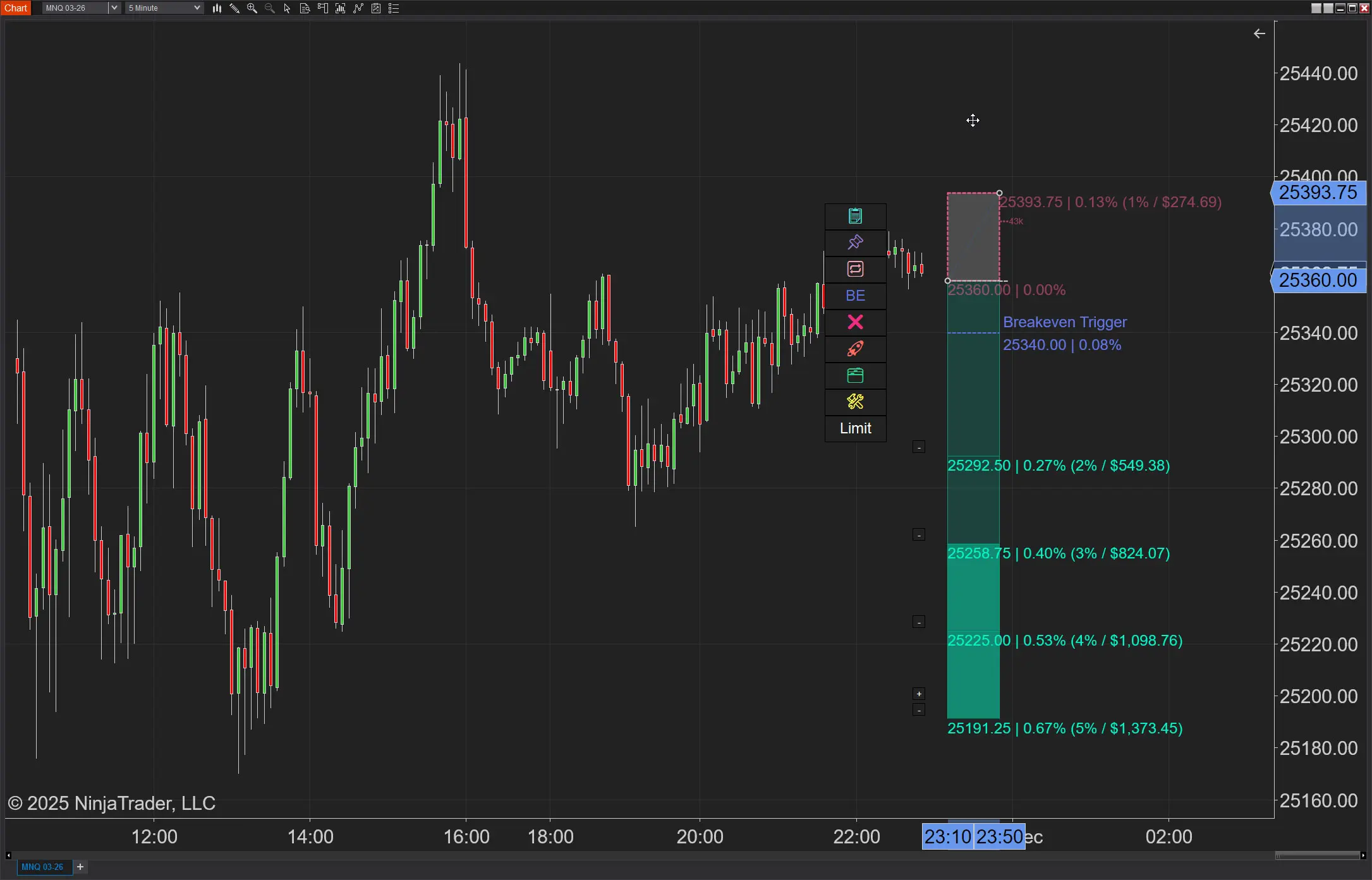
NinjaTrader position sizing is possible, but not through ATMs. Furthermore, no longer will you need to build NinjaTrader bracket orders…
Chris
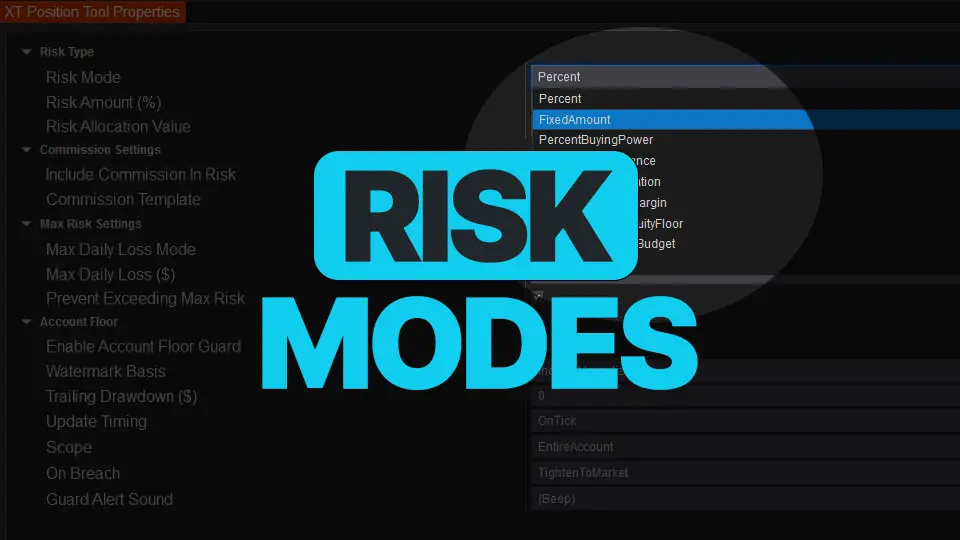
NinjaTrader Risk Management That Actually Moves the Needle
Smart position sizing isn’t “set it and forget it.” Markets move, balances change, and your constraints (margin, daily loss, prop-style…
Carl
NinjaTrader 8.1.6 — The “No Fluff” Tour (Speed, Clarity, Fewer Clicks)
If you only have five minutes to figure out what changed in NinjaTrader, make it this update. 8.1.6 quietly fixes…
Chris
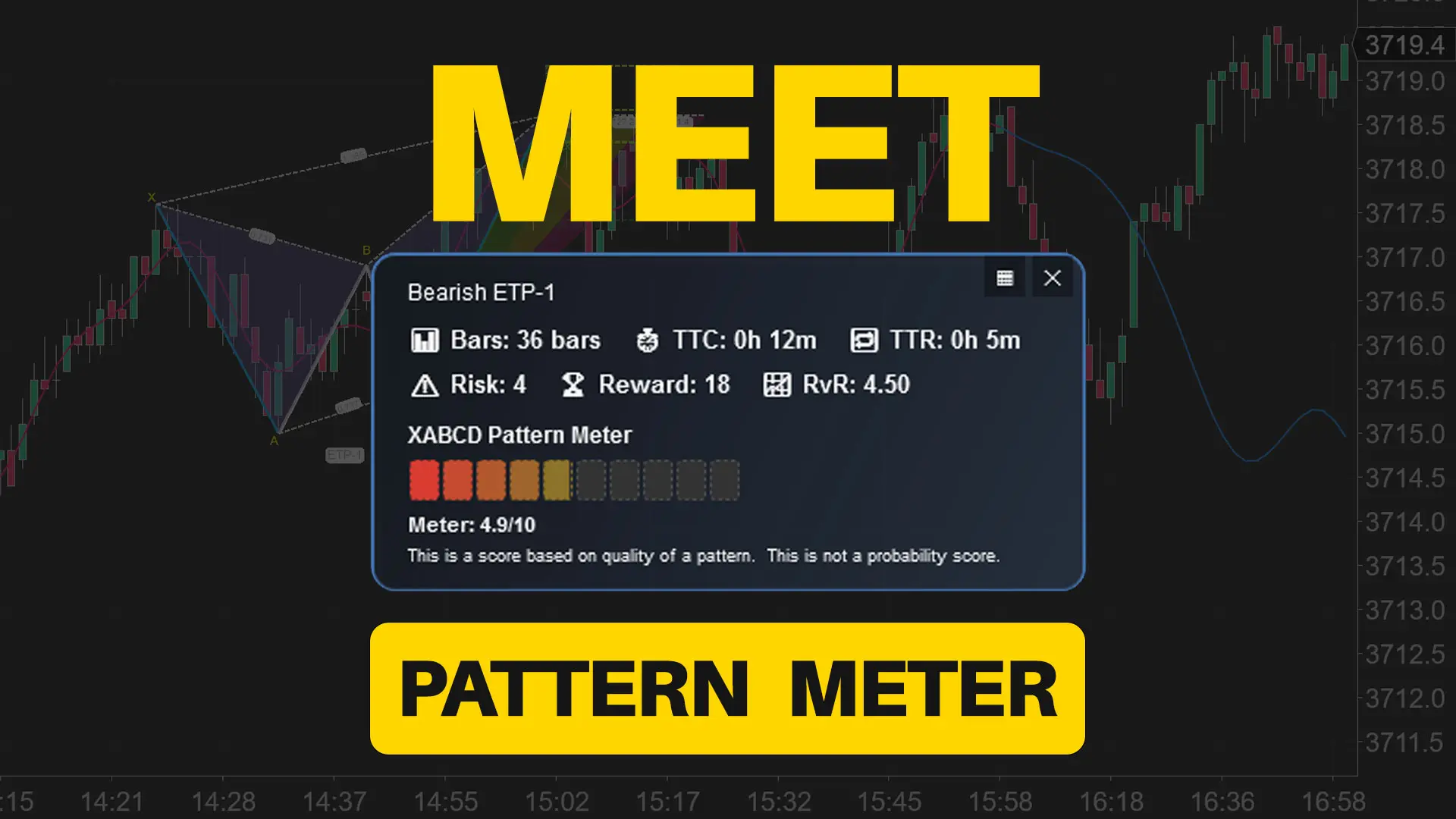
Meet the XABCD Pattern Meter (Real-Time Clarity)
The XABCD Pattern Meter packs the objective checks you would normally do by hand into one weighted score for quick…
Carl
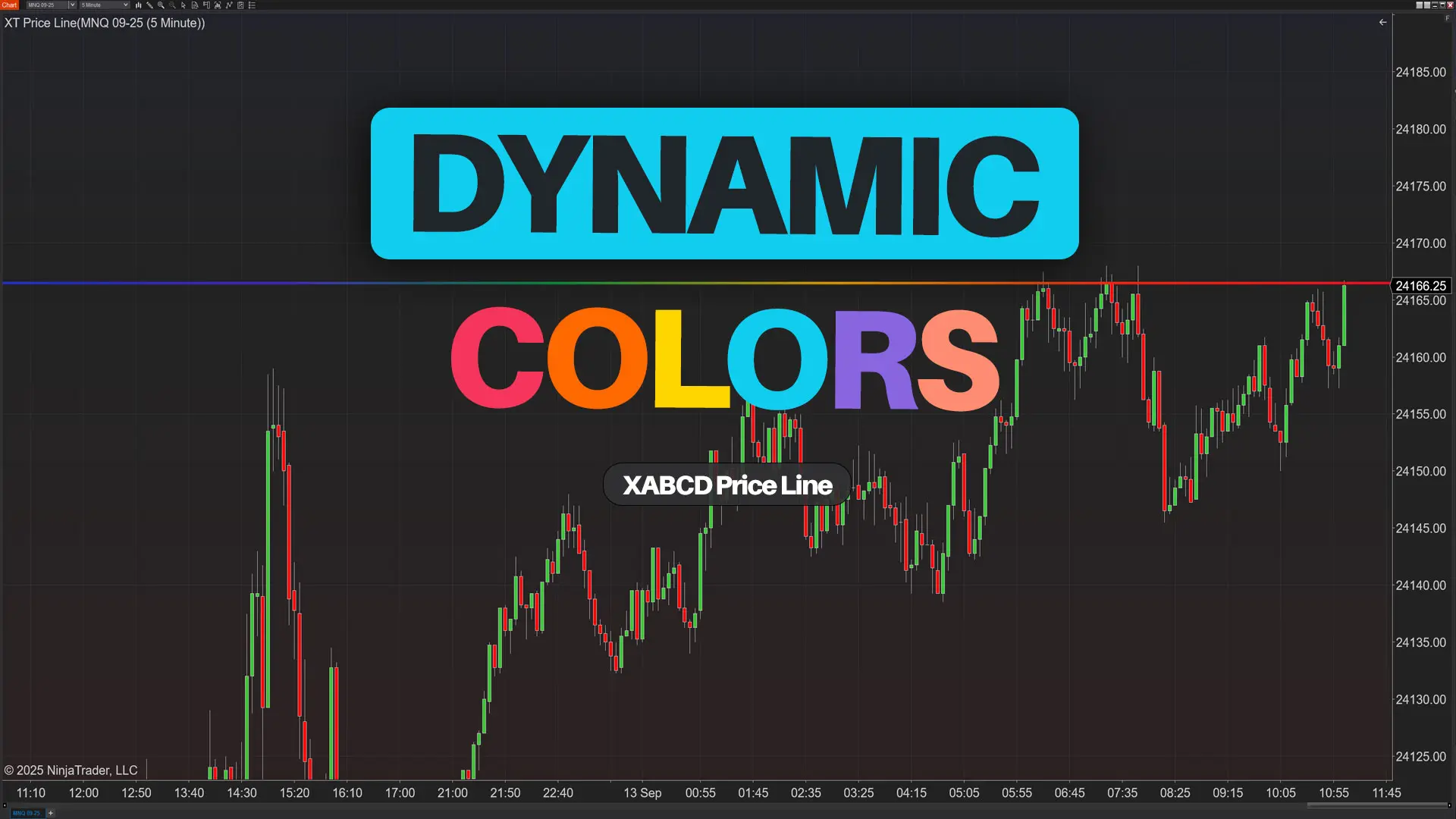
XT PriceLine: Dynamic Colors That Let You See Every Tick
When you open your NinjaTrader platform and price wiggles, you shouldn’t have to stare at numbers to know what just…
Carl
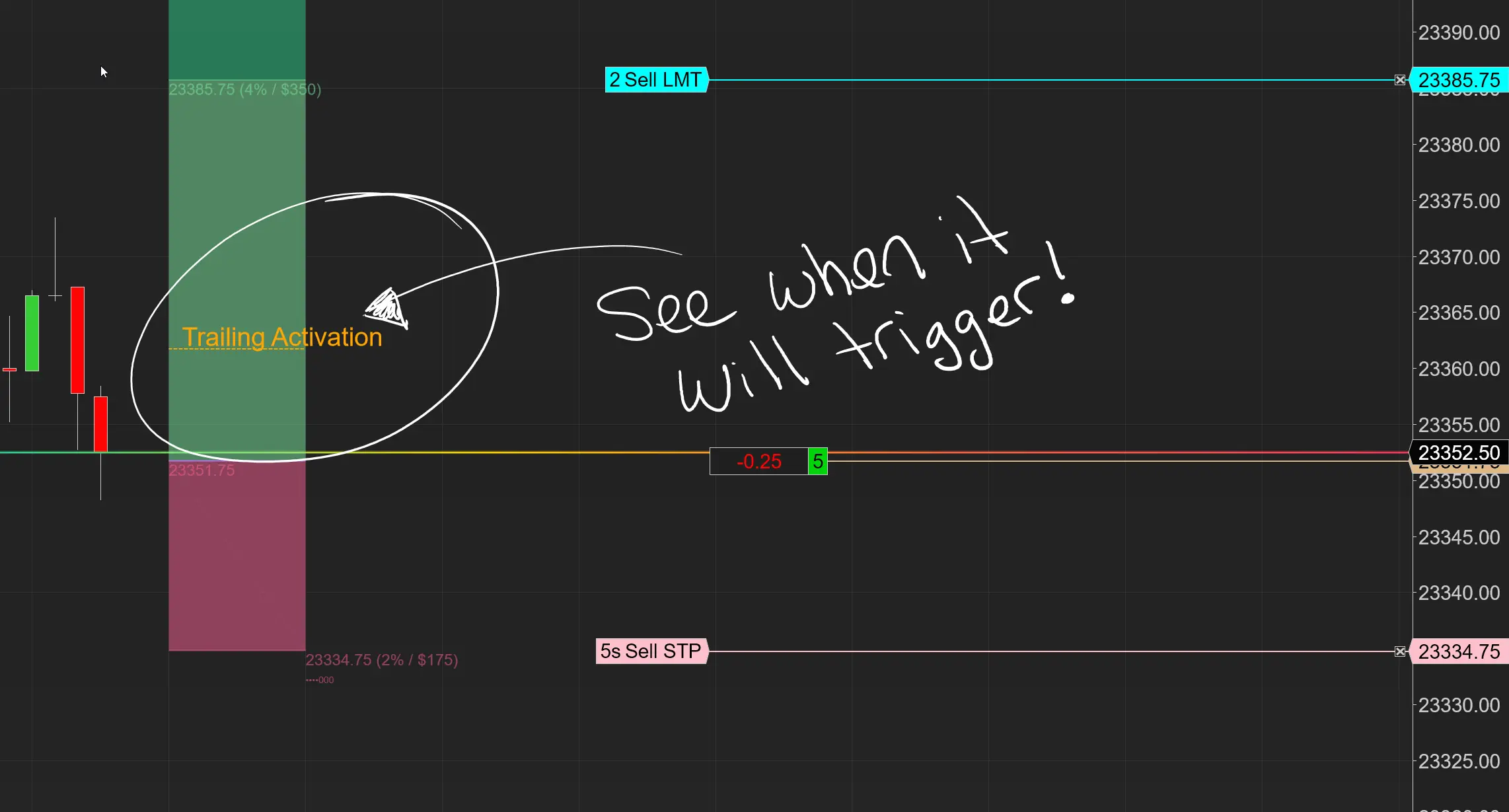
Dominate the Market with Smarter Trailing Stops in NinjaTrader
Listen up. If you’re still running standard ATM trailing stops in NinjaTrader, you’re leaving money on the table. Period. ATMs…
Carl

Easy Order Tool
The Strategy

Scanning & Alerting
NinjaTrader Release
XABCD News (Free Version)
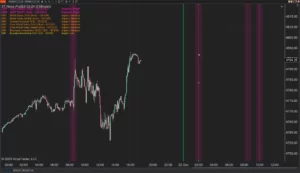
XABCD News (Community Edition) is the best free Indicator for NinjaTrader 8. Don't let news sneak up on you again. Puts economic news events on your charts so you can stay informed and move around positions/stops before the news is released. Works in any market.
XABCD Priceline (Free)
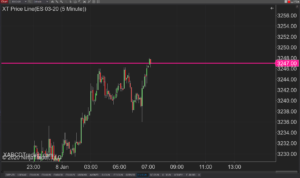
XABCD Price Line tool for NinjaTrader 8 will draw a line at current price and move every time the market changes price. This is useful because it will allow you to easily identify where price is at all times and the exact quoted price.
