XABCD TRADING

What is Needed For A Day Trading Computer Setup?

Subscribe
to get alerts to our next blog post!
Desktop Machines For Day Trading
Select Your Desktop Budget
Desktop machines are by far the most popular for day traders since parts can be expanded as needed. Usually monitors also require a lot of real estate and specific graphic cards. You'll find below our selection of desktop machines for traders that we have vetted. As an amazon associate we earn from qualifying purchases. Any questions please do ask.
AMD Ryzen 5 5500 3.6 GHz
16GB RAM
500 GB PCIe Gen4 SSD
Radeon RX 6400 4 GB
16GB RAM
500 GB PCIe Gen4 SSD
Radeon RX 6400 4 GB
Intel Core i7-12700F 2.1 GHz
16GB RAM
1 TB NVMe SSD
NVIDIA RTX 4060 8 GB
16GB RAM
1 TB NVMe SSD
NVIDIA RTX 4060 8 GB
AMD Ryzen 9 7900X 4.7 GHz
32 GB DDR5
12 TB M.2 NVMe
NVIDIA RTX 5070 8 GB
32 GB DDR5
12 TB M.2 NVMe
NVIDIA RTX 5070 8 GB
Laptop Machines for Day Trading
Select Your Laptop Budget
Trading on a laptop can be done without any issues. Usually requires the trader to change their workflow a bit from a full desktop setup and these specific machines will help you do that and fill a good part of your requirements from a technical perspective. As an amazon associate we earn from qualifying purchases. Any questions please do ask.
Intel Core i5-12450H
16GB RAM
1 TB SSD
NVIDIA RTX 3050 4 GB
16GB RAM
1 TB SSD
NVIDIA RTX 3050 4 GB
Intel Core i9-13900H
16GB RAM
512 GB Gen4 SSD
NVIDIA RTX 4060 8 GB
16GB RAM
512 GB Gen4 SSD
NVIDIA RTX 4060 8 GB
Intel Core i7-14650HX
32 GB DDR5
512 GB SSD
NVIDIA RTX 4070 8 GB
32 GB DDR5
512 GB SSD
NVIDIA RTX 4070 8 GB
Do You Need The Best Trading Computer?
... or Do You Just Want It? There Is A Difference.
There is a big difference if you need some technology for your day trading computer setup, or if you just want the technology because it would make things easier. It's time to get honest with yourself on what you need and what you want.
When it comes to computers desktops are far from dead. Sure there is something to be said for mobile taking off but when it comes to trading graphic cards with multiple outputs and big monitors are some compelling reasons to stick with the desktop setup.
Questions To Ask Yourself First:
- Were the funds I'm using generated by my returns from trading or are they in hopes of getting some returns?
- Is the equipment 100% necessary to generate the growth of your trading account?
- Are the funds you plan to spend on your technology more than 5% of your trading account balance?
Frequently Asked Questions
What specs do I need for a trading computer?
A trading computer should have at least a modern multi-core processor (such as an Intel Core i5 or AMD Ryzen 5), 16 GB of RAM, and an SSD for fast boot and load times. A dedicated graphics card with multiple outputs is important if you plan to run several monitors, which is common in day trading setups.
Is a desktop or laptop better for day trading?
Desktop machines are by far the most popular for day traders since parts can be expanded as needed and they support graphic cards with multiple monitor outputs. Trading on a laptop can be done without any issues, but it usually requires the trader to adjust their workflow compared to a full desktop setup.
How much should I spend on a trading computer?
You can find capable trading computers across a wide range of budgets, from under $1,000 to $5,000 or more. Before purchasing, consider whether the funds are more than 5% of your trading account balance and whether the equipment is truly necessary to generate account growth rather than simply a want.
Do I need a powerful graphics card for stock trading?
A dedicated graphics card is important for a trading computer primarily because it provides multiple display outputs needed to run several monitors simultaneously. You don't necessarily need a top-tier GPU—options ranging from an entry-level Radeon RX 6400 up to an NVIDIA RTX 5070 can serve traders depending on their budget and monitor setup.
Can you use a regular laptop as a trading computer?
Yes, a regular laptop with solid specs can serve as a trading computer. Look for at least 16 GB of RAM, an SSD for storage, and a dedicated NVIDIA graphics card to handle charting software and multiple windows smoothly. Keep in mind that using a laptop may require adjusting your workflow compared to a multi-monitor desktop setup.
Frequently Asked Questions
What specs do I need for a trading computer?
A trading computer should have at least a modern multi-core processor (such as an Intel Core i5 or AMD Ryzen 5), 16 GB of RAM, and an SSD for fast boot and load times. A dedicated graphics card with multiple outputs is important if you plan to run several monitors, which is common in day trading setups.
Is a desktop or laptop better for day trading?
Desktop machines are by far the most popular for day traders since parts can be expanded as needed and they support graphic cards with multiple monitor outputs. Trading on a laptop can be done without any issues, but it usually requires the trader to adjust their workflow compared to a full desktop setup.
How much should I spend on a trading computer?
You can find capable trading computers across a wide range of budgets, from under $1,000 to $5,000 or more. Before purchasing, consider whether the funds are more than 5% of your trading account balance and whether the equipment is truly necessary to generate account growth rather than simply a want.
Do I need a powerful graphics card for stock trading?
A dedicated graphics card is important for a trading computer primarily because it provides multiple display outputs needed to run several monitors simultaneously. You don't necessarily need a top-tier GPU—options ranging from an entry-level Radeon RX 6400 up to an NVIDIA RTX 5070 can serve traders depending on their budget and monitor setup.
Can you use a regular laptop as a trading computer?
Yes, a regular laptop with solid specs can serve as a trading computer. Look for at least 16 GB of RAM, an SSD for storage, and a dedicated NVIDIA graphics card to handle charting software and multiple windows smoothly. Keep in mind that using a laptop may require adjusting your workflow compared to a multi-monitor desktop setup.
New NinjaTrader Articles Delivered First
Recommended Video
Ditch NinjaTrader ATMs: This Is More Powerful
See how to set your risk and calculate contracts directly on the chart.
Watch Now
Subscribe on YouTube
Related Tool
XABCD Position Tool
Automatic position sizing and on-chart trade management.
Explore the Tool
Why XABCD Trading
- Built for NinjaTrader 8 since 2009
- Trusted by 2,000+ traders
- On-chart tools, no ATM templates needed
- Free tools to get started
Get Project Updates
Twice-monthly maximum, we will give you updates on all the projects going here.
Quick Links
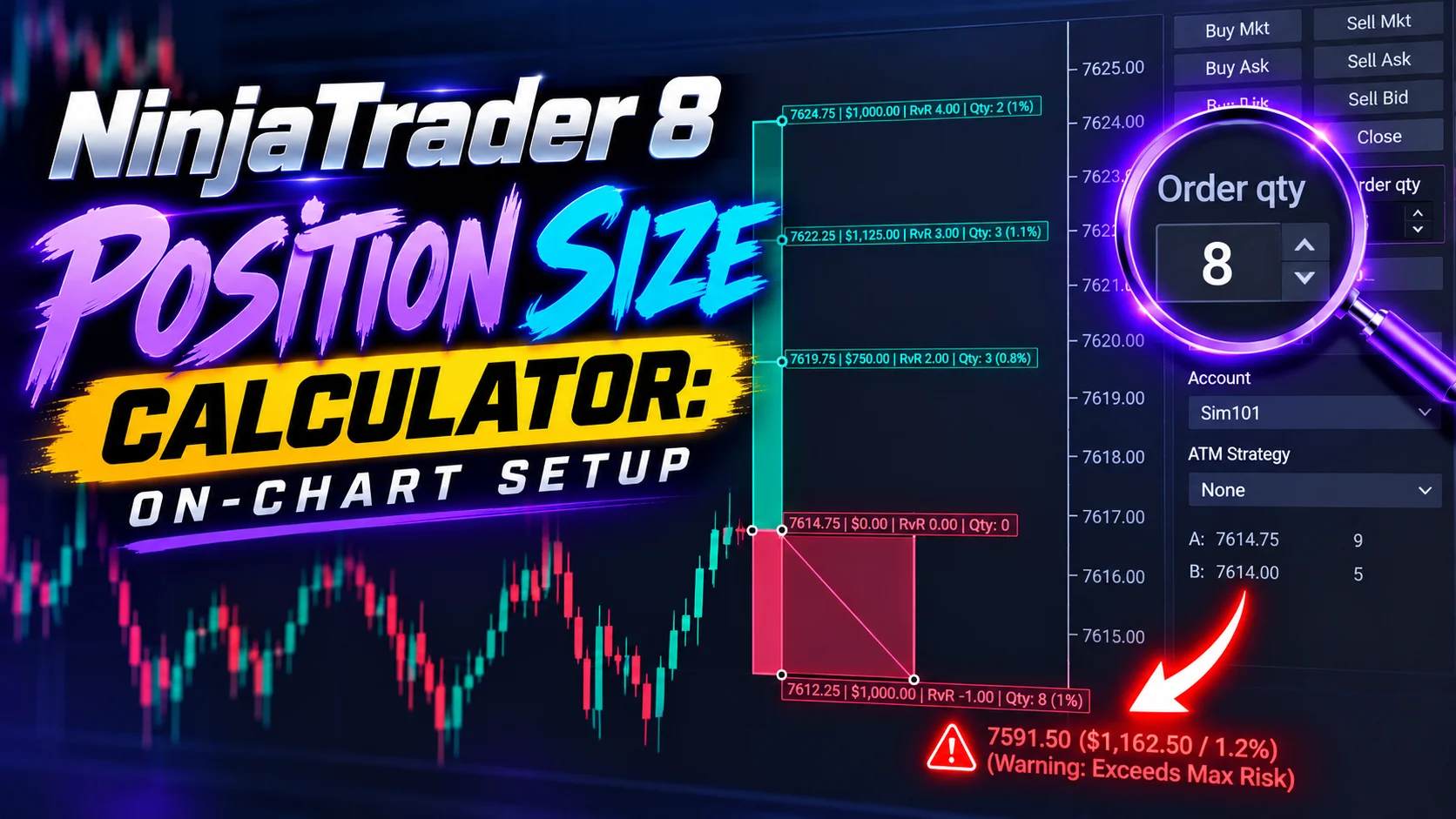
NinjaTrader 8 Position Size Calculator: On-Chart Setup
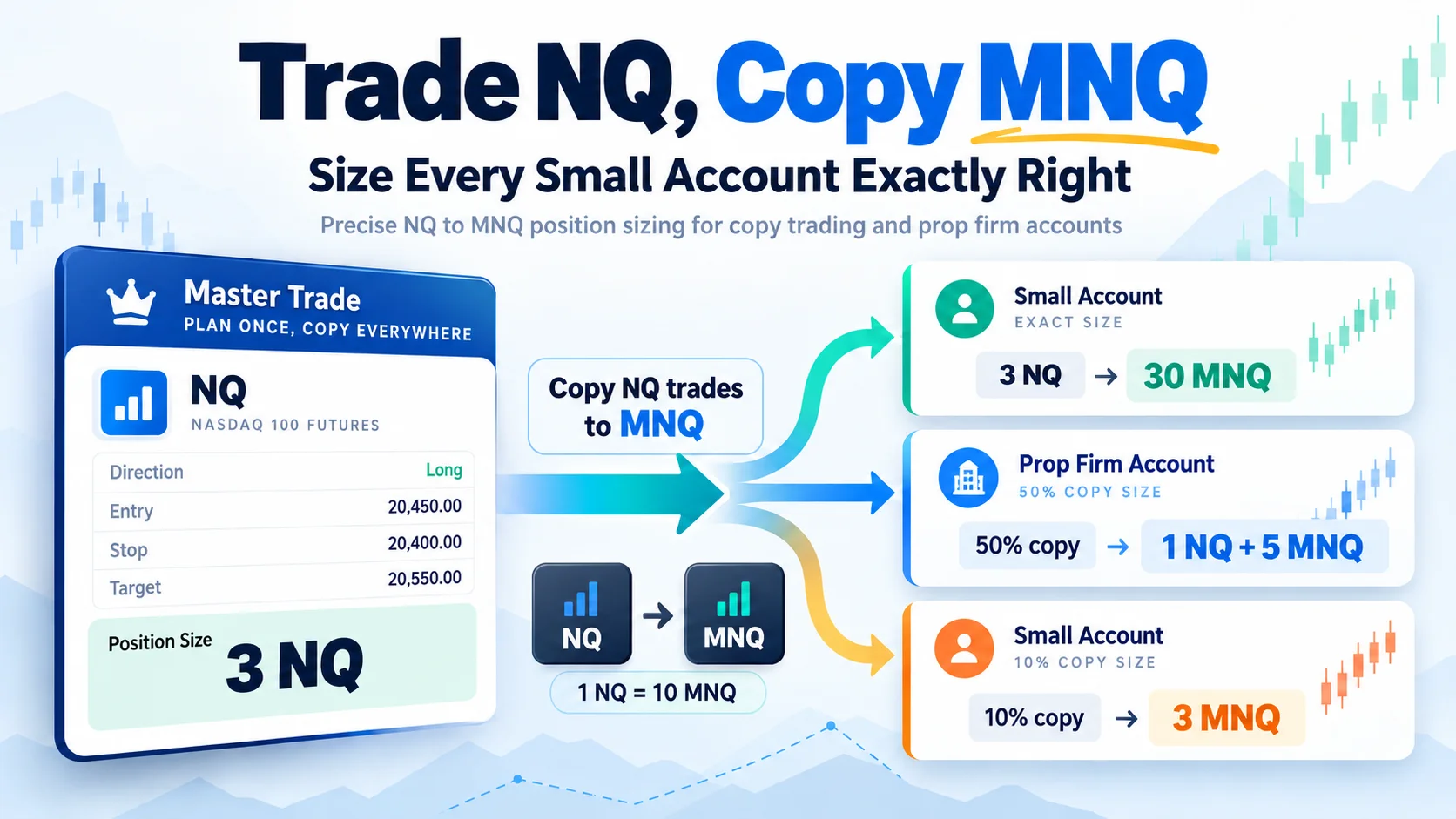
Trade NQ, Copy MNQ: Copy NQ Trades to MNQ in NinjaTrader 8
NinjaTrader Data Feed Not Updating? Quick Fixes
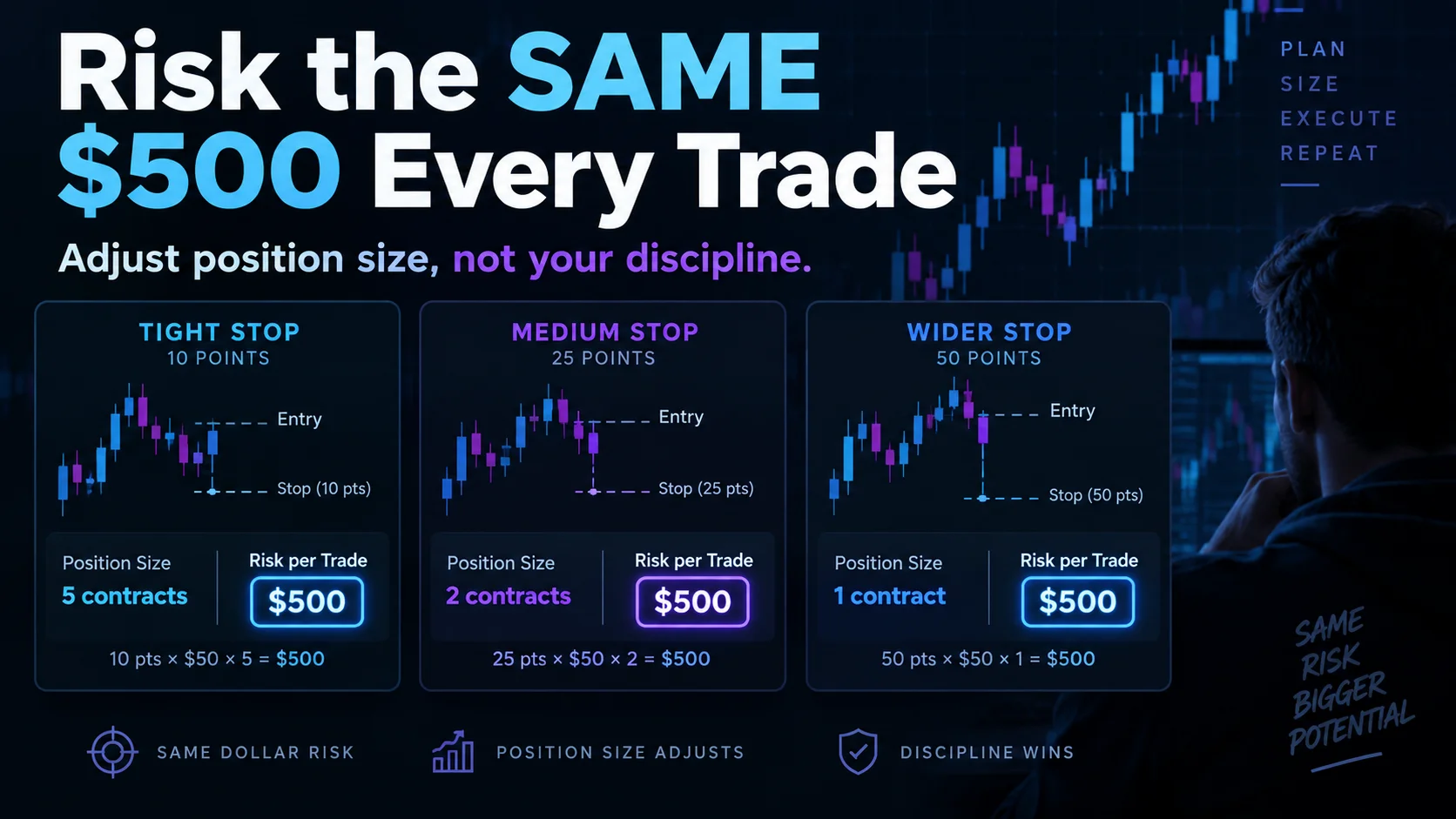
NinjaTrader Risk Per Trade: Risk $500 on Every Trade
NinjaTrader 8.1.8 Review: Should You Upgrade or Wait?
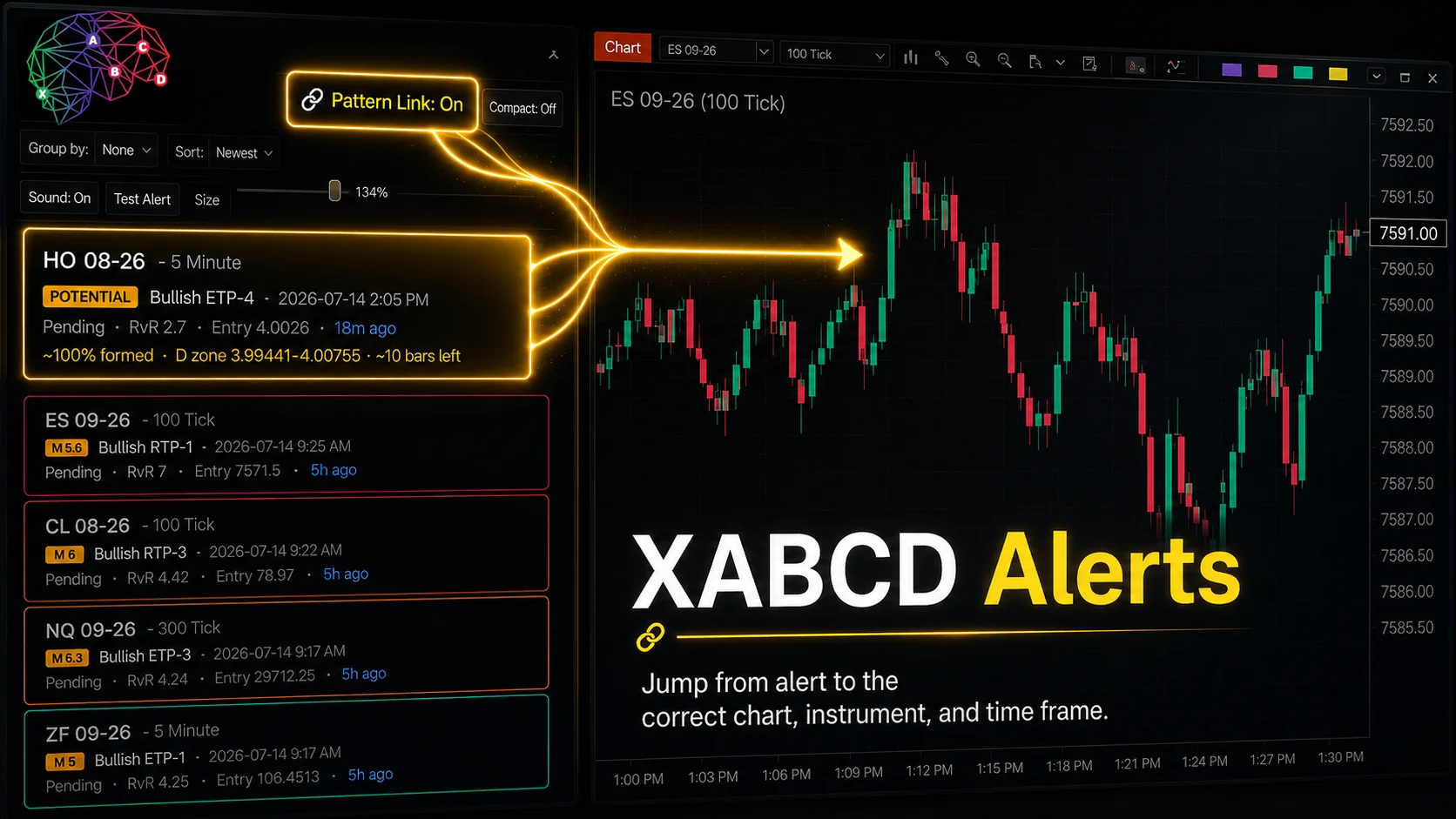
XABCD Pattern Alerts: The Complete Guide for Traders
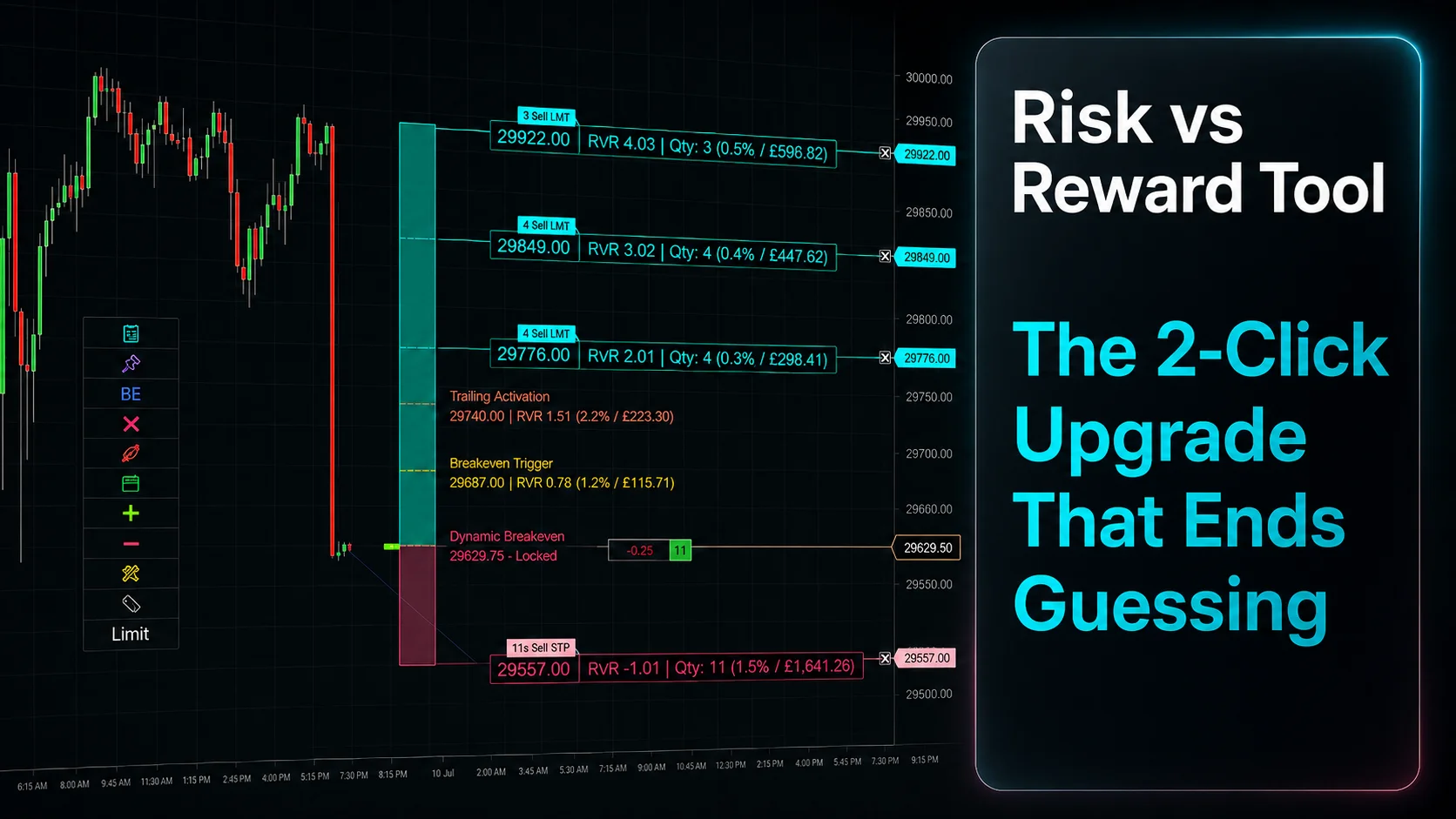
Risk vs Reward Tool: The 2-Click Upgrade That Ends Guessing
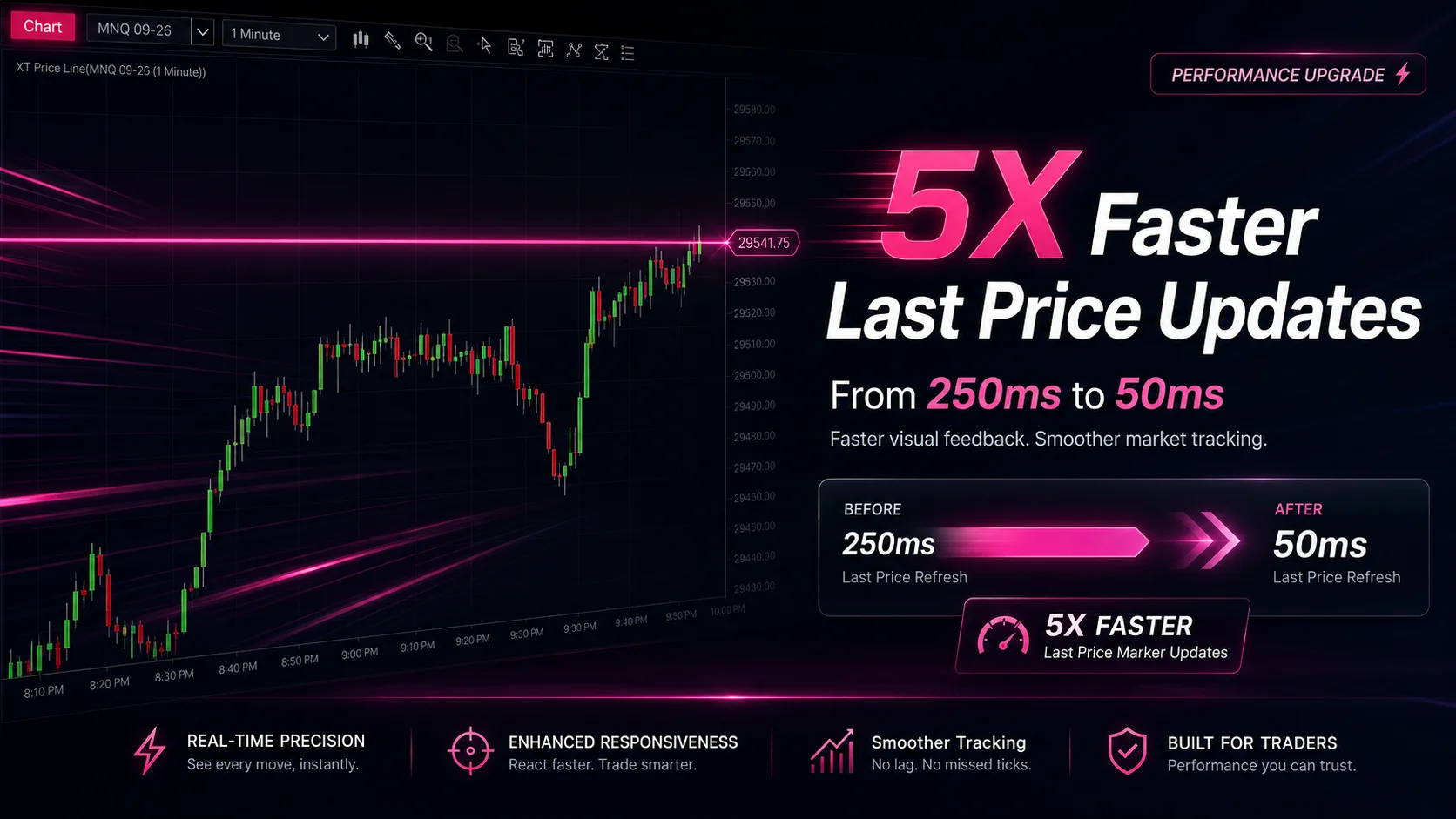
NinjaTrader Faster Last Price Updates on Charts Explained
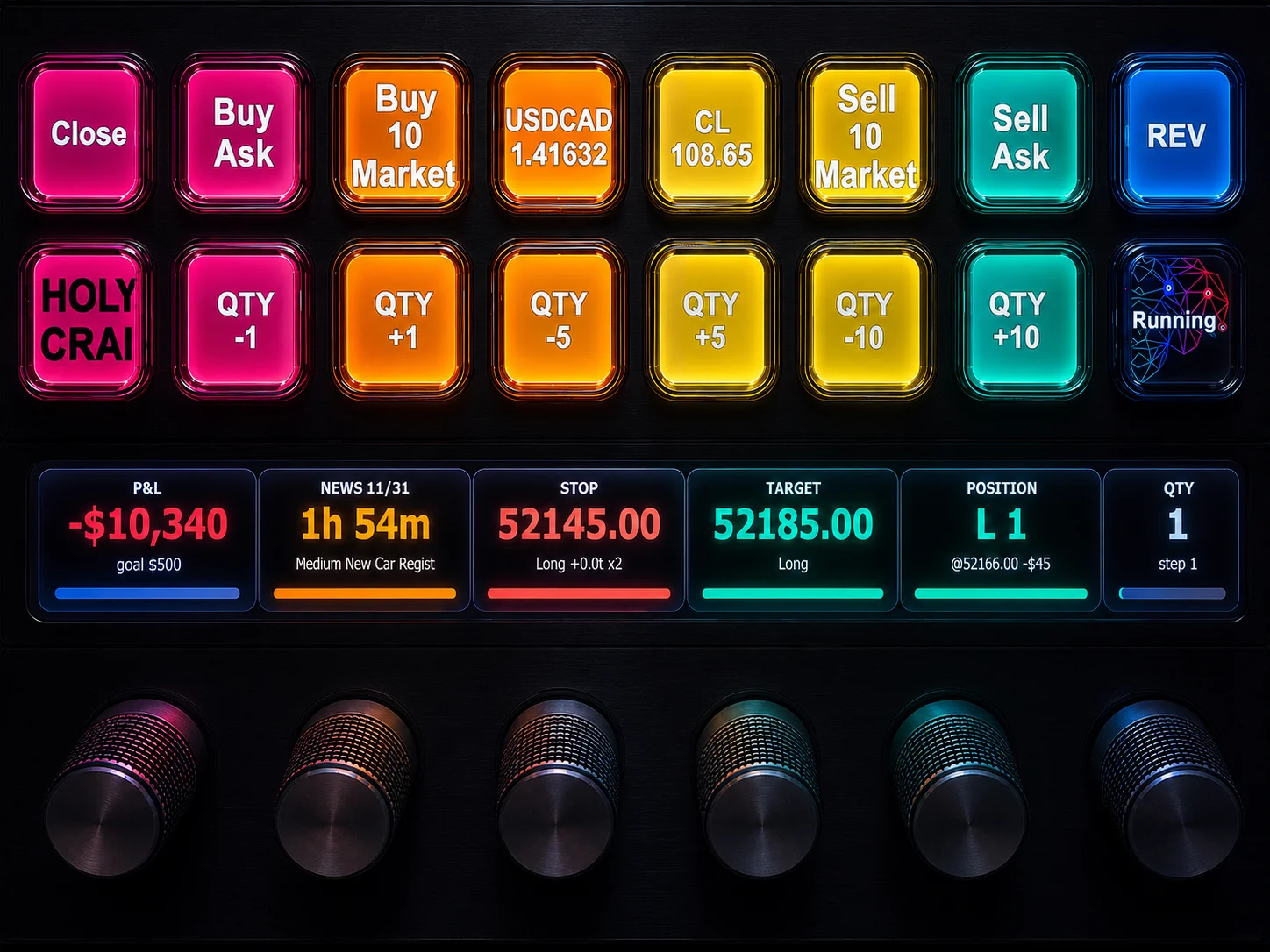
NinjaTrader 8 Hotkeys: Best Shortcuts for Faster Trading