
XABCD TRADING

How to use the Market Analyzer templates for scanning NinjaTrader 8?
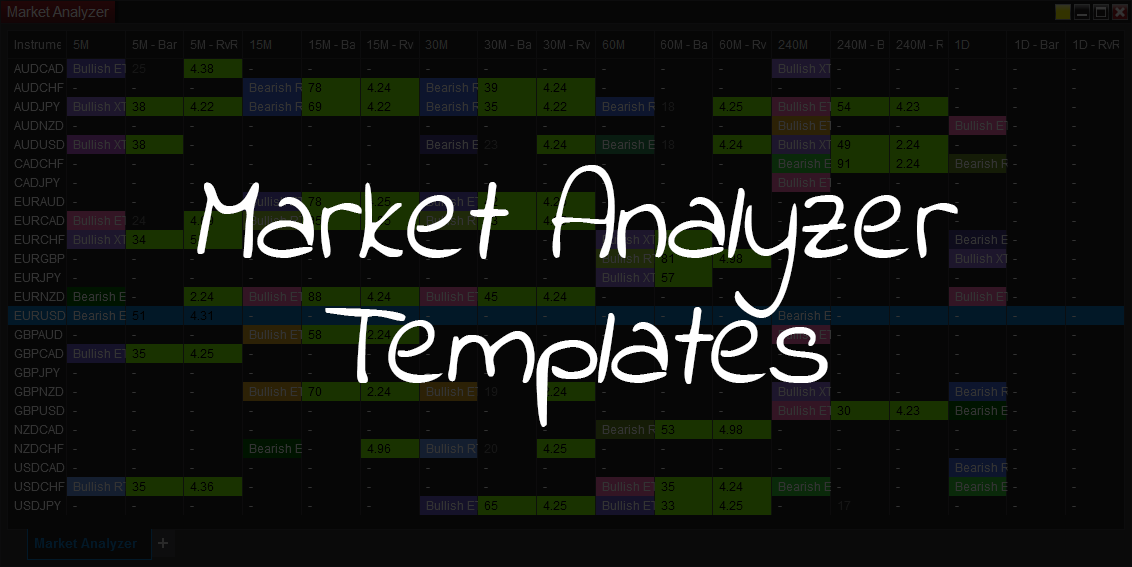
Start Scanning with Market Analyzer Templates
The market analyzer is part of NinjaTrader 8. It has a ton of abilities for scanning for potential opportunities if you know how to use it. This article is not going to cover the usage of it as we'll probably have many videos on our youtube channel to cover that, but instead I want to focus on the use of the market analyzer templates.
What is the purpose of a market analyzer template?
It can take a lot of work and time to setup a market analyzer template to work properly. This includes setting up all the columns, but also the conditions and filtering to cells change color when meaningful conditions are met.
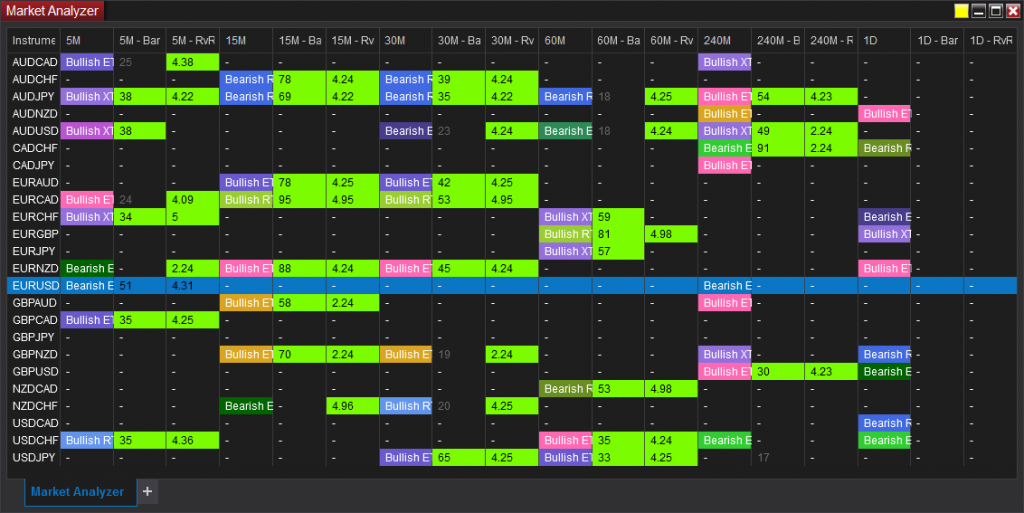
In the image above you can see we setup 3 columns for every time frame. This would look a lot better when you could have it displayed across your big monitor where the columns won't be so tiny.
In our case since we are looking for patterns, each time frame has a column to show us which pattern has been found. The column is also color coded to match the color of the pattern that is identified. By clicking on the column, you are linked to a chart which automatically display's the pattern that is running our NinjaTrader 8 indicator suite.
You can also add in any indicators you want into the market analyzer. If you are someone that uses MACD, CCI or Stochastic's, all of these values can be put into the market analyzer, and cells can change color based off their results.
Download our Market Analyzer Templates
Our market analyzer templates can be downloaded from within our members area. If you are a member you can login, otherwise you will need to register and setup your account to gain access to download our templates. These templates will only work with our NT8 suite since they require our indicator to populate the market analyzer data.
This video will go over the market analyzer and give you a brief over view on how we use it.
Questions regarding the Market Analyzer?
Do you have any questions regarding the market analyzer and what it can do? We would love to hear from you. Feel free to type your question in below by leaving a reply or you can contact us another way.
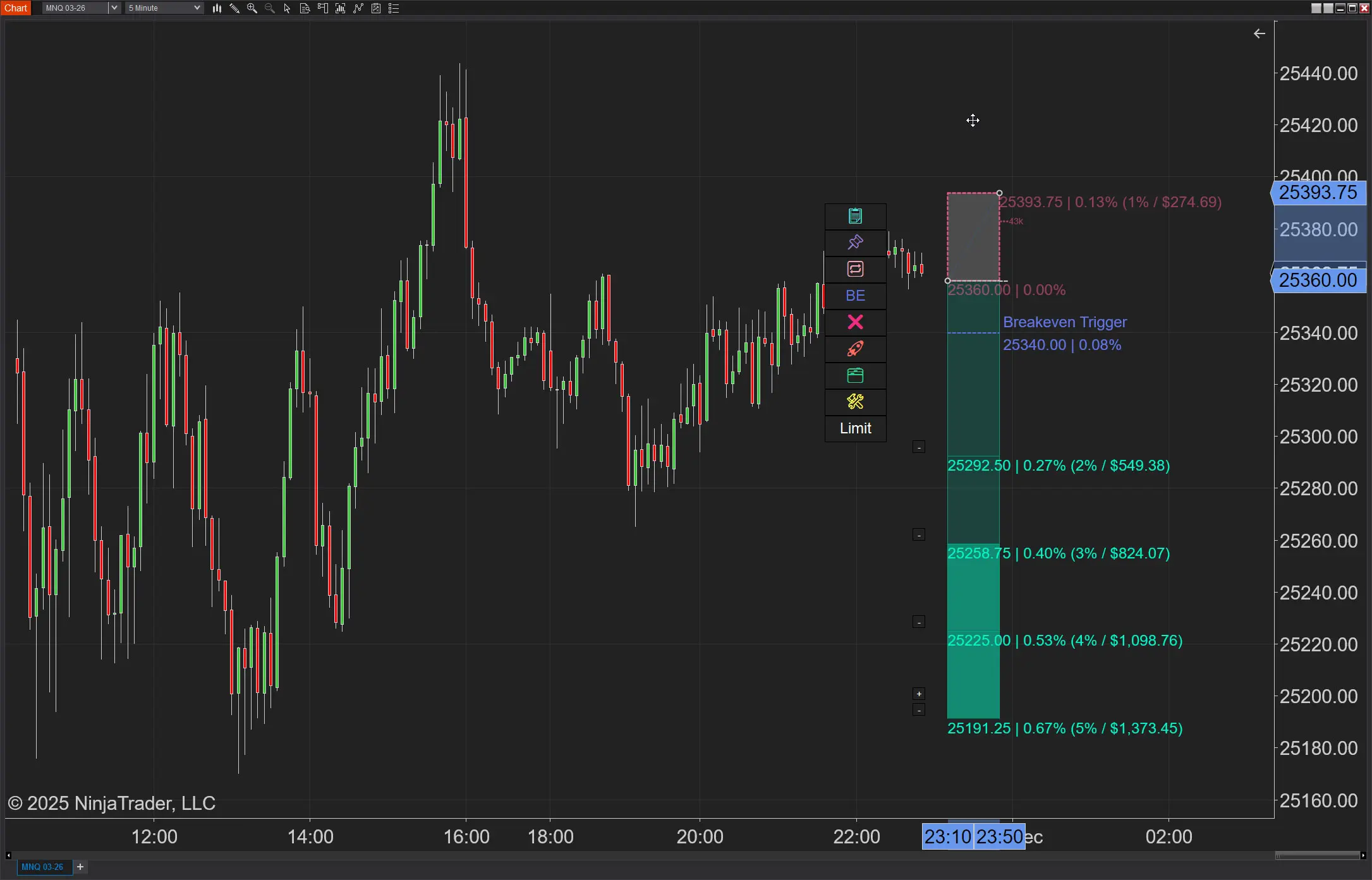
NinjaTrader Position Sizing: What the XABCD Position Tool Can Do That ATM’s Can’t
NinjaTrader position sizing is possible, but not through ATMs. Furthermore, no longer will you need to build NinjaTrader bracket orders…
Chris
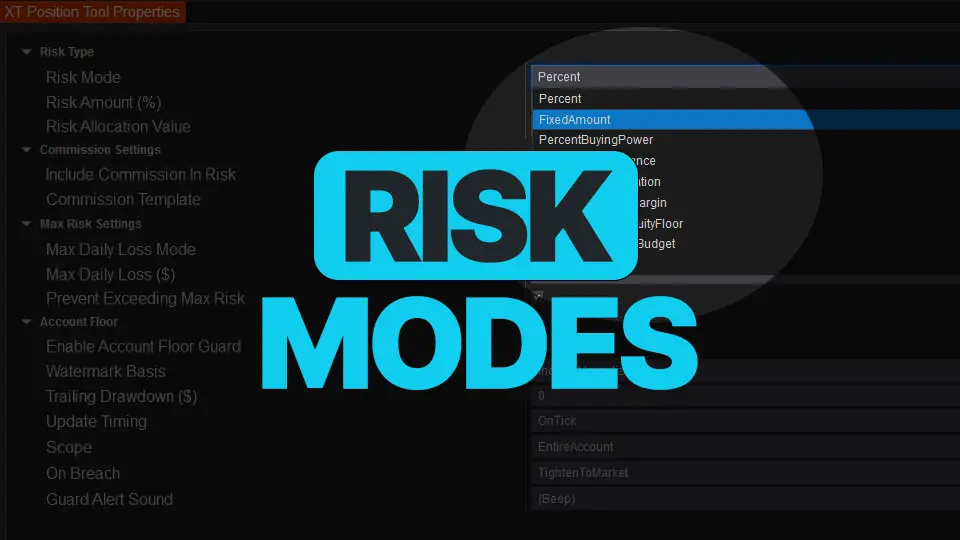
NinjaTrader Risk Management That Actually Moves the Needle
Smart position sizing isn’t “set it and forget it.” Markets move, balances change, and your constraints (margin, daily loss, prop-style…
Carl
NinjaTrader 8.1.6 — The “No Fluff” Tour (Speed, Clarity, Fewer Clicks)
If you only have five minutes to figure out what changed in NinjaTrader, make it this update. 8.1.6 quietly fixes…
Chris
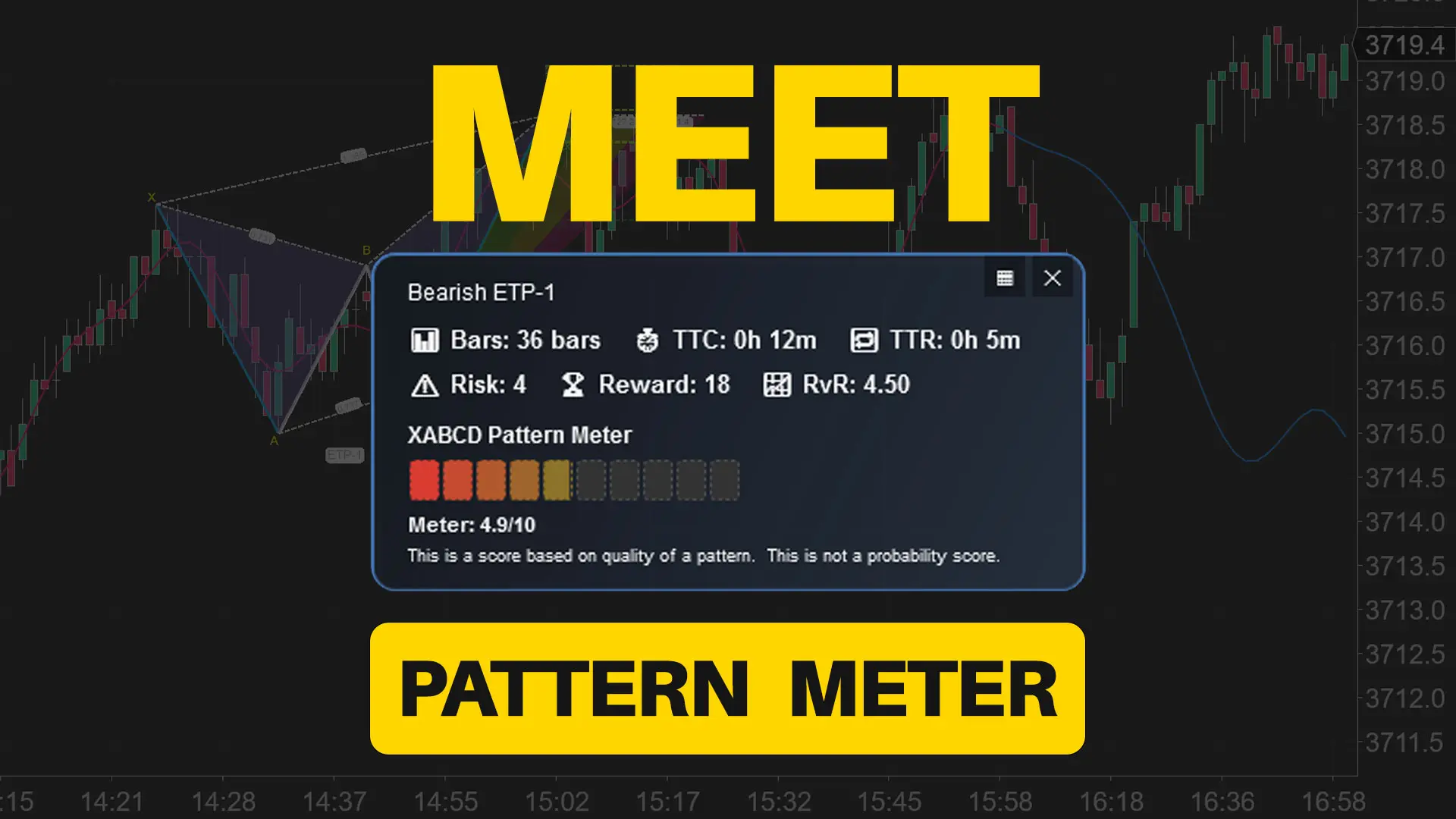
Meet the XABCD Pattern Meter (Real-Time Clarity)
The XABCD Pattern Meter packs the objective checks you would normally do by hand into one weighted score for quick…
Carl
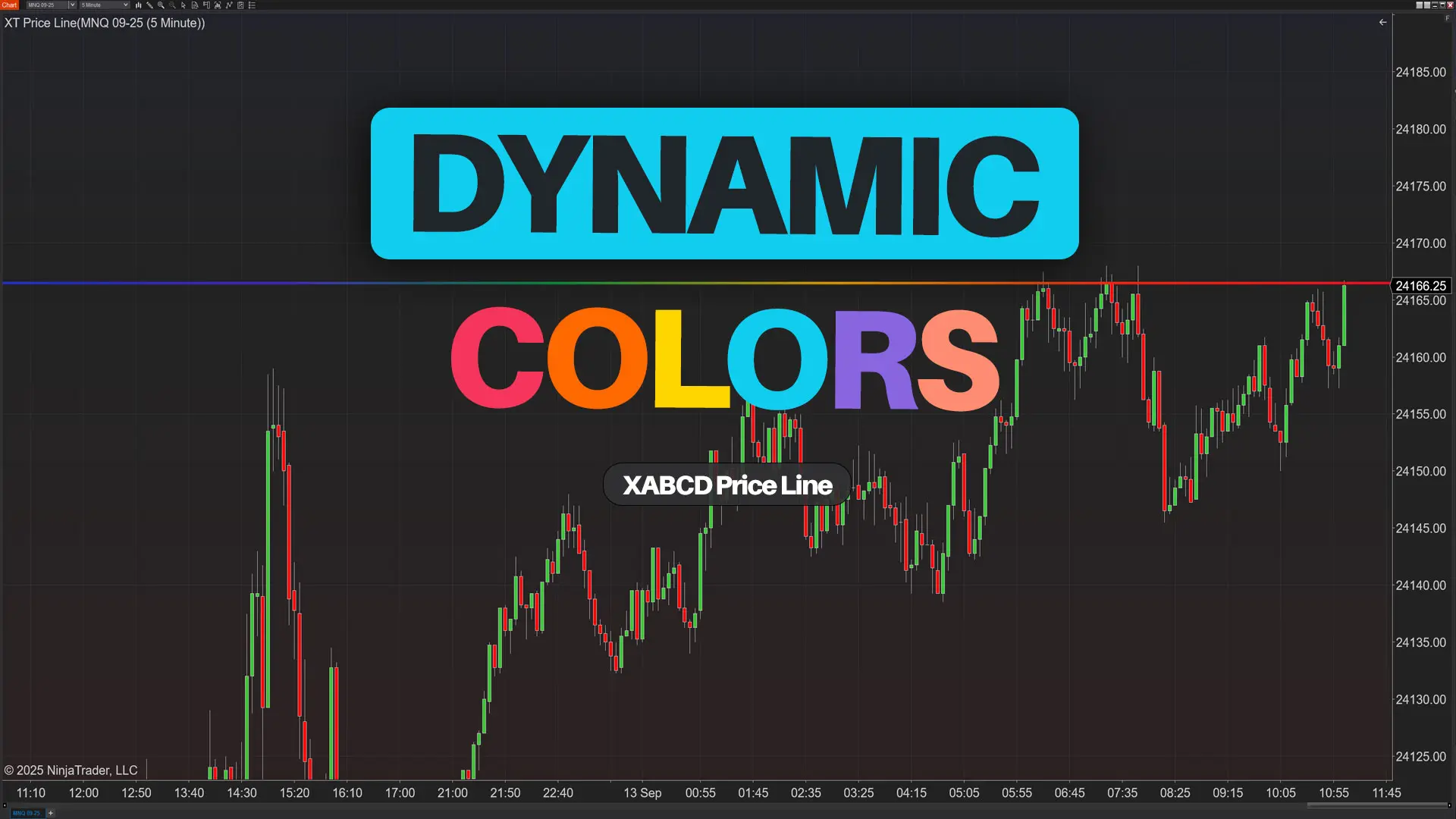
XT PriceLine: Dynamic Colors That Let You See Every Tick
When you open your NinjaTrader platform and price wiggles, you shouldn’t have to stare at numbers to know what just…
Carl
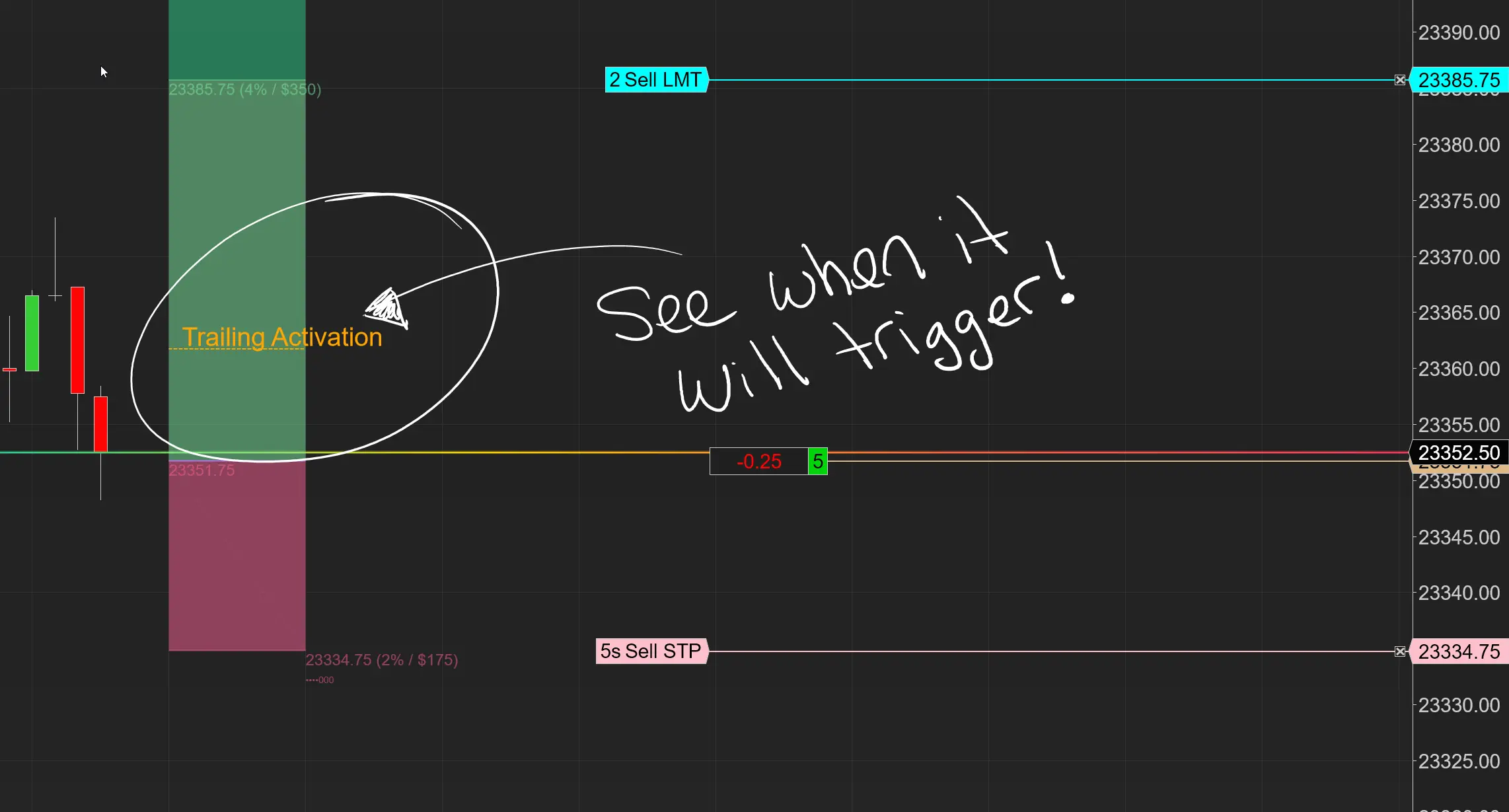
Dominate the Market with Smarter Trailing Stops in NinjaTrader
Listen up. If you’re still running standard ATM trailing stops in NinjaTrader, you’re leaving money on the table. Period. ATMs…
Carl

Easy Order Tool
The Strategy


Scanning & Alerting

NinjaTrader Release

XABCD News (Free Version)
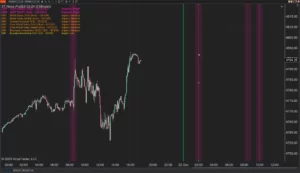
XABCD News (Community Edition) is the best free Indicator for NinjaTrader 8. Don't let news sneak up on you again. Puts economic news events on your charts so you can stay informed and move around positions/stops before the news is released. Works in any market.
XABCD Priceline (Free)
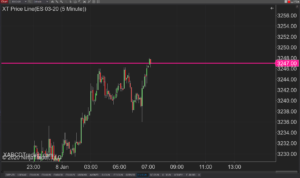
XABCD Price Line tool for NinjaTrader 8 will draw a line at current price and move every time the market changes price. This is useful because it will allow you to easily identify where price is at all times and the exact quoted price.
