XABCD TRADING
How to Trade FOREX in NinjaTrader?
Subscribe
to get alerts to our next blog post!
Do You Want Forex Data or to Trade Forex?
The first very important question to ask yourself. Do you need to place FOREX trades into NinjaTrader, or are you just looking for FOREX data?
Forex Data Only: The good news if you only want forex data you can get it for free (doesn't expire) and it will cost you nothing to get it into NinjaTrader. However, you will not be able to execute orders. You also do not have to pay the $99/month fee to access a different broker. It is free to get FX data into NinjaTrader.
Execute FOREX Orders: On March 4th 2023, NinjaTrader changed its pricing, licensing and overall vision of the company to just focus on Futures. They were no longer going to offer FX trading and instead you would have to use a different Forex broker. If you wanted to use a different broker besides NinjaTrader and to trade FX, they would also charge you $99 a month. The exception to this is for those who bought lifetime licenses of the NinjaTrader software prior to the change on March 4, 2023. If you do own an old license, you do not have to pay the 99/month fee.
Where to Get Free Data for FOREX?
FOREX.com will give anyone data to load up into their NinjaTrader account regardless what country you're from and it will never expire.
30 Days of Data
- Head to Forex.com Demo Account and put in your name, email and telephone number.
- Email support@ninjatrader.com and give them your account login (not the password, just the login) and let them know you won't be trading through it, but it's just for data.
- Setup your FOREX.com account inside NinjaTrader by the "Connections" tab.
How to Trade FOREX on the NinjaTrader Platform?
This is going to depend on your geography and the broker you wish to use.
Forex.com and NinjaTrader
US Residents, US, Australia and Singapore FOREX.COM will take you as a client. Make sure you are opening up a NinjaTrader specific account as they will only allow you if you're from one of these 3 countries. It's worth noting that they will take other clients, but these are not NinjaTrader specific accounts. So if you're going through the account opening process and they offer these other countries, you're not opening a NinjaTrader account.
FXCM and NinjaTrader
FXCM will take most countries outside of the US + Canada but can check your specific country on their account opening form.
- Open an account with FXCM. This is a "Trade Station" account and not a NinjaTrader account. We will convert this later.
- Fill out an LTA (limited trading authority) form.
- Go on their live chat and let them know you completed the NinjaTrader LTA and opened your account (provide them the account login) and that you want to change it to a NinjaTrader account.
- If you're not a lifetime license holder of NinjaTrader 8 software before March 4, 2023, you will need to pay a $99/month fee to access an external broker with NinjaTrader. If you do have a lifetime license from before, this added fee does not apply to you.
Interactive Brokers and NinjaTrader
Interactive Brokers will take almost anyone as a client but be prepared for a very long account opening process.
Frequently Asked Questions
Does NinjaTrader still support forex trading?
As of March 4, 2023, NinjaTrader shifted its focus entirely to futures and no longer directly offers forex trading. However, you can still trade forex on the NinjaTrader platform by connecting to an external broker such as Forex.com, FXCM, or Interactive Brokers. Unless you own a lifetime license purchased before March 4, 2023, you will need to pay a $99/month fee to access an external broker through NinjaTrader.
Can I get free forex data on NinjaTrader without a broker account?
Yes, you can get free forex data in NinjaTrader by opening a demo account with Forex.com, which provides 30 days of data regardless of your country. Simply sign up for the demo, then email support@ninjatrader.com with your account login and let them know it's only for data purposes. This will not allow you to execute trades, but the data is completely free and you do not have to pay the $99/month external broker fee.
Which forex brokers are compatible with NinjaTrader?
The main forex brokers compatible with NinjaTrader are Forex.com, FXCM, and Interactive Brokers. Forex.com accepts clients from the US, Australia, and Singapore for NinjaTrader-specific accounts, while FXCM takes most countries outside the US and Canada. Interactive Brokers accepts clients from almost any country, though the account opening process can be lengthy.
How to trade forex on NinjaTrader if I'm outside the US?
If you're outside the US, FXCM is typically the best option for trading forex on NinjaTrader, as they accept clients from most countries except the US and Canada. You'll need to open a Trade Station account with FXCM, fill out a Limited Trading Authority (LTA) form, then contact their live chat to convert it to a NinjaTrader account. Interactive Brokers is another option that accepts clients from almost any country.
Do I have to pay $99 a month to trade forex on NinjaTrader?
Yes, unless you purchased a lifetime license of NinjaTrader 8 software before March 4, 2023, you will need to pay a $99/month fee to connect an external forex broker to NinjaTrader. This fee applies because NinjaTrader now focuses exclusively on futures and charges for access to third-party brokers. Lifetime license holders from before that date are exempt from this additional fee.
Frequently Asked Questions
Does NinjaTrader still support forex trading?
As of March 4, 2023, NinjaTrader shifted its focus entirely to futures and no longer directly offers forex trading. However, you can still trade forex on the NinjaTrader platform by connecting to an external broker such as Forex.com, FXCM, or Interactive Brokers. Unless you own a lifetime license purchased before March 4, 2023, you will need to pay a $99/month fee to access an external broker through NinjaTrader.
Can I get free forex data on NinjaTrader without a broker account?
Yes, you can get free forex data in NinjaTrader by opening a demo account with Forex.com, which provides 30 days of data regardless of your country. Simply sign up for the demo, then email support@ninjatrader.com with your account login and let them know it's only for data purposes. This will not allow you to execute trades, but the data is completely free and you do not have to pay the $99/month external broker fee.
Which forex brokers are compatible with NinjaTrader?
The main forex brokers compatible with NinjaTrader are Forex.com, FXCM, and Interactive Brokers. Forex.com accepts clients from the US, Australia, and Singapore for NinjaTrader-specific accounts, while FXCM takes most countries outside the US and Canada. Interactive Brokers accepts clients from almost any country, though the account opening process can be lengthy.
How to trade forex on NinjaTrader if I'm outside the US?
If you're outside the US, FXCM is typically the best option for trading forex on NinjaTrader, as they accept clients from most countries except the US and Canada. You'll need to open a Trade Station account with FXCM, fill out a Limited Trading Authority (LTA) form, then contact their live chat to convert it to a NinjaTrader account. Interactive Brokers is another option that accepts clients from almost any country.
Do I have to pay $99 a month to trade forex on NinjaTrader?
Yes, unless you purchased a lifetime license of NinjaTrader 8 software before March 4, 2023, you will need to pay a $99/month fee to connect an external forex broker to NinjaTrader. This fee applies because NinjaTrader now focuses exclusively on futures and charges for access to third-party brokers. Lifetime license holders from before that date are exempt from this additional fee.
Still have a question about this?Ask the XABCD team in Live Chat and get help with your setup.Ask in Live Chat →
New NinjaTrader Articles Delivered First
Free tutorials, fixes and setup guides by email. Two emails a month at most.
Free tutorials, fixes and setup guides by email. Two emails a month at most.
Recommended Tool
XABCD ATM Pack
23 free ATM strategy templates for NinjaTrader 8. Import them and start with your stops and targets already set up.
Get the Free ATM Pack →
Recommended Video
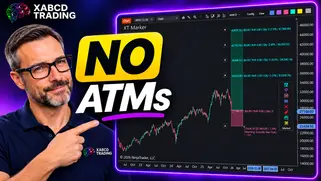
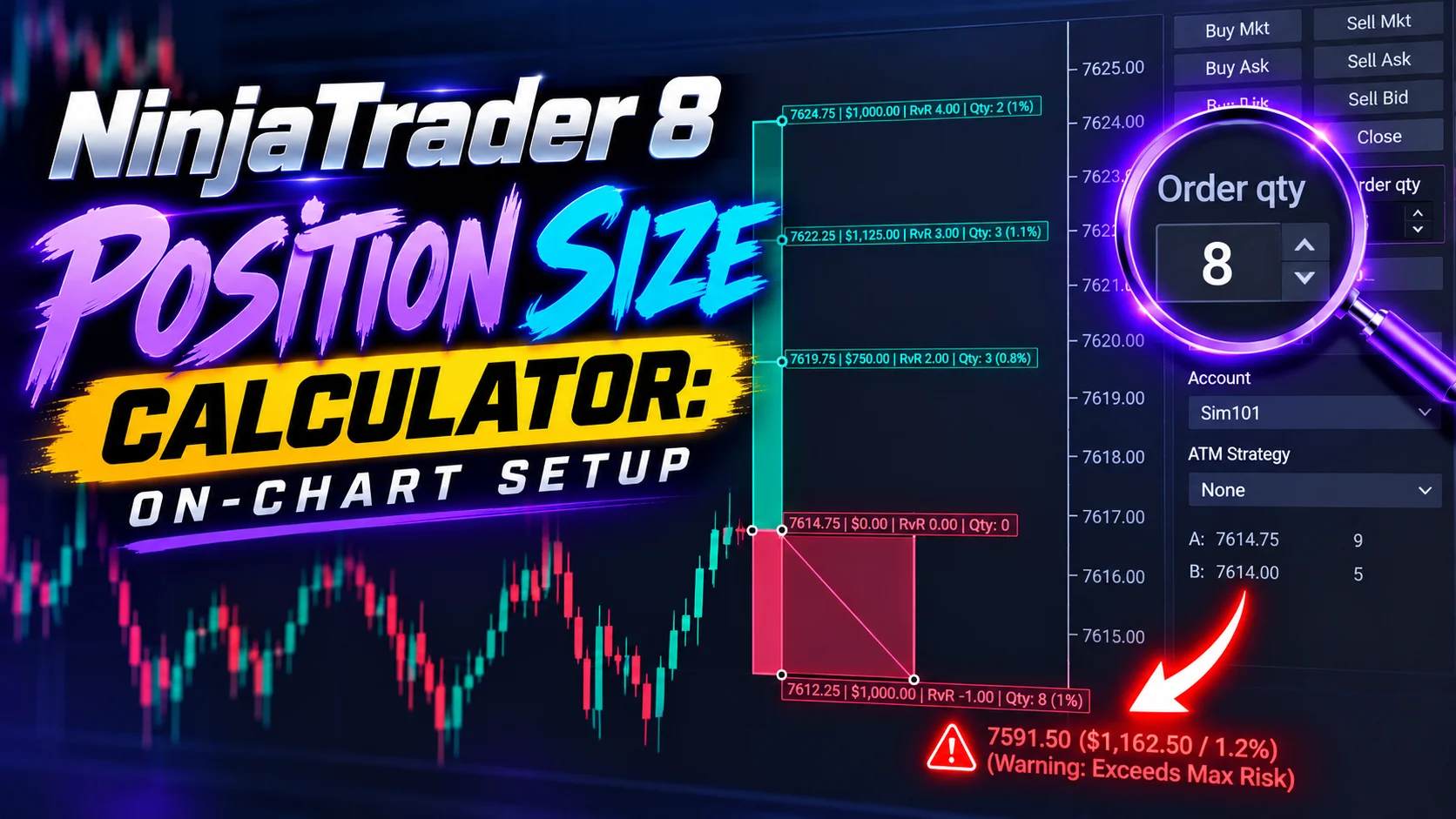
Ditch NinjaTrader ATMs: This Is More Powerful
See how to set your risk and calculate contracts directly on the chart.
Watch Now
Subscribe on YouTube
Related Tool
XABCD ATM Pack
23 free ATM strategy templates for NinjaTrader 8. Import them and start with your stops and targets already set up.
Get the Free ATM Pack
Why XABCD Trading
- Built for NinjaTrader 8 since 2009
- Trusted by 2,000+ traders
- On-chart tools, no ATM templates needed
- Free tools to get started
Get Project Updates
Twice-monthly maximum, we will give you updates on all the projects going here.
Quick Links