XABCD TRADING
NinjaTrader Margin Rules for Futures Trading
Subscribe
to get alerts to our next blog post!
Margin Calculator for NinjaTrader
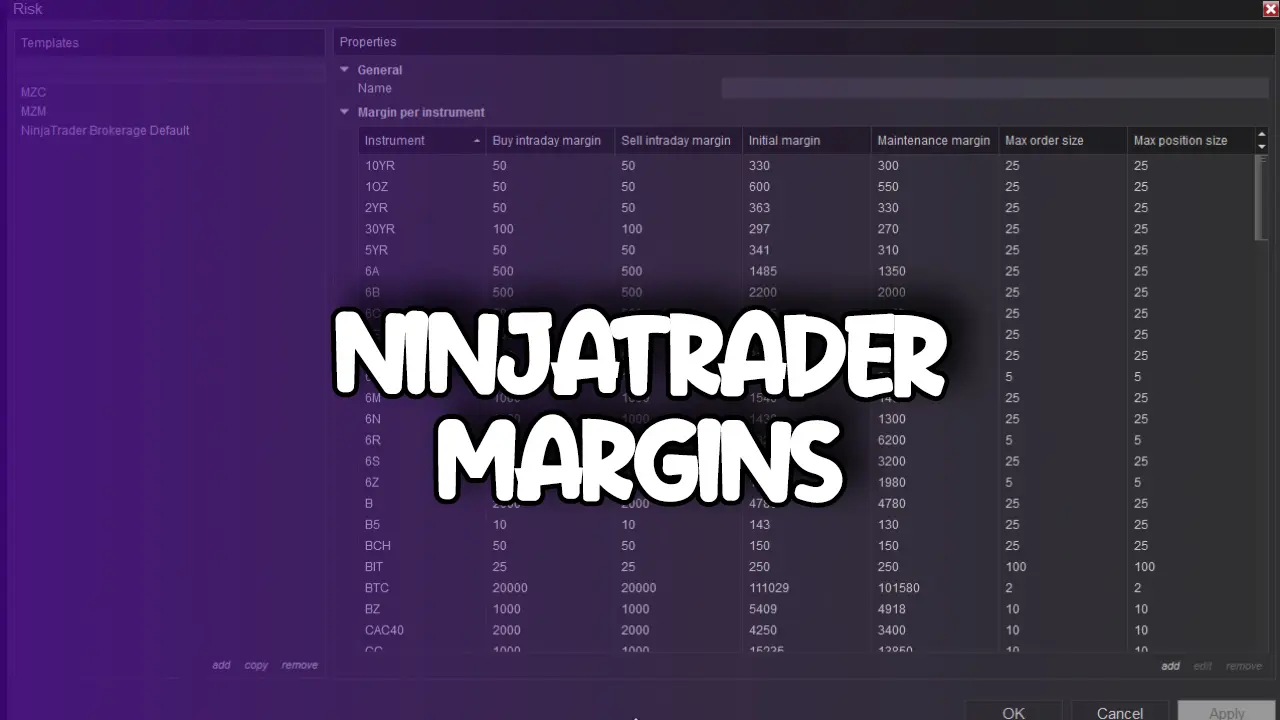
Many traders wonder about ninjatrader margin requirements and how it compares to standard exchange margins. NinjaTrader brokers typically offer intraday leverage that is significantly reduced from overnight requirements, allowing day traders to control larger positions with less capital.
NinjaTrader margins are a powerful tool that can really boost your gains—or your losses. On NinjaTrader, a favorite platform for futures, forex, and stock traders, getting a handle on margin requirements is key to managing risk and fine-tuning your trading game. In this article, we'll break down what margins are all about, how NinjaTrader handles them, and share some practical tips to keep your margin trading risk in check.
Results:
This calculation is based off NinjaTraders contract details from their website.
How NinjaTrader Handles Margins
Calculating Your Margin Manually
NinjaTrader makes it pretty straightforward to calculate how much margin you need. The platform pulls in the latest info from your broker and factors in things like:
- Contract Value: The full value of the asset or trading instrument.
- Leverage Ratio: How much leverage you’re using to control a larger position.
- Market Volatility: More volatile markets might mean you need to post a higher margin.
- Broker and Exchange Rules: Every broker and exchange can have its own rules about margins, which NinjaTrader helps you keep track of.
For example, if you’re eyeing a futures contract worth $100,000 that requires a 5% margin, you’ll need to have $5,000 in your account. NinjaTrader continuously monitors your balance and market movements, so you’re always in the know about your current margin status.
Popular Instruments with NinjaTrader Margin Requirements
Below is a handy table that shows the current margin requirements for the instruments you asked about—ES, MES, NQ, MNQ, CL, and GC—as well as an approximate number of contracts you could trade on a $5,000 account. (Note: Standard contracts typically have much higher margin requirements, so with a $5,000 account you’d mainly be looking at the micro versions.)
Instrument:
ES (E-mini SP 500)
Initial Margin
$11,660
Maintenance Margin
$10,600
Max Contracts on $5,000 Account
0 (Not tradable on $5K)
ES (E-mini SP 500)
Initial Margin
$11,660
Maintenance Margin
$10,600
Max Contracts on $5,000 Account
0 (Not tradable on $5K)
Instrument:
MES (E-mini SP 500)
Initial Margin
$1,166
Maintenance Margin
$1,060
Max Contracts on $5,000 Account
4
MES (E-mini SP 500)
Initial Margin
$1,166
Maintenance Margin
$1,060
Max Contracts on $5,000 Account
4
Instrument:
NQ (E-mini NASDAQ 100)
Initial Margin
$17,380
Maintenance Margin
$15,800
Max Contracts on $5,000 Account
0 (Not tradable on $5K)
NQ (E-mini NASDAQ 100)
Initial Margin
$17,380
Maintenance Margin
$15,800
Max Contracts on $5,000 Account
0 (Not tradable on $5K)
Instrument:
MNQ (Micro NASDAQ 100)
Initial Margin
$1,738
Maintenance Margin
$1,580
Max Contracts on $5,000 Account
2
MNQ (Micro NASDAQ 100)
Initial Margin
$1,738
Maintenance Margin
$1,580
Max Contracts on $5,000 Account
2
Instrument:
CL (Crude Oil)
Initial Margin
$7,260
Maintenance Margin
$6,600
Max Contracts on $5,000 Account
0 (Not tradable on $5K)
CL (Crude Oil)
Initial Margin
$7,260
Maintenance Margin
$6,600
Max Contracts on $5,000 Account
0 (Not tradable on $5K)
Instrument:
MCL (Micro Crude Oil)
Initial Margin
$726
Maintenance Margin
$660
Max Contracts on $5,000 Account
6
MCL (Micro Crude Oil)
Initial Margin
$726
Maintenance Margin
$660
Max Contracts on $5,000 Account
6
Instrument:
GC (Gold)
Initial Margin
$8,140
Maintenance Margin
$7,400
Max Contracts on $5,000 Account
0 (Not tradable on $5K)
GC (Gold)
Initial Margin
$8,140
Maintenance Margin
$7,400
Max Contracts on $5,000 Account
0 (Not tradable on $5K)
Instrument:
MGC (Micro Gold)
Initial Margin
$814
Maintenance Margin
$740
Max Contracts on $5,000 Account
6
MGC (Micro Gold)
Initial Margin
$814
Maintenance Margin
$740
Max Contracts on $5,000 Account
6
Getting a Handle on Margin Calls
Nobody likes margin calls, but they’re a fact of life if you’re trading on margin. A margin call happens when your account balance dips below the required maintenance margin. When that happens, NinjaTrader will send you an alert so you can either add more funds or close out a position before things get messy.
Real-Time Tools for Keeping Tabs on Your Margin
One of the coolest things about NinjaTrader is how it lets you see your margin status in real time. Here are a few tools that can really help:
- Equity Curve Monitoring: This handy feature gives you a live snapshot of your account’s performance so you can see if your margins are holding up.
- Customizable Alerts: Set up alerts to notify you when you’re getting close to a margin call. It’s like having a friendly nudge reminding you to keep an eye on your trading balance.
- Scenario Analysis Tools: These let you play around with different market scenarios and see how they might impact your margin. It’s a great way to be proactive rather than reactive.
The Role of Leverage in Margin Trading
Leverage is a bit like a double-edged sword in trading. On one hand, it can really magnify your gains; on the other, it can make losses blow up faster than you’d expect.
The Upside and Downside of Leverage
With a leverage ratio—say, 10:1—a small price move can mean big profits. For instance, a 1% increase in the asset’s price could translate to a 10% gain on your invested capital. But remember, it works the same way in reverse. A 1% drop could hit you with a 10% loss. That’s why it’s crucial to know your limits and always keep an eye on your margins.
Risk Management When Using Leverage
Since high leverage can lead to rapid losses, here are some risk management tips you can follow:
Stop Loss Orders
Set up stop losses to automatically close your trades if things go south. This helps to lock in your losses before they spiral out of control.
Position Sizing Tools
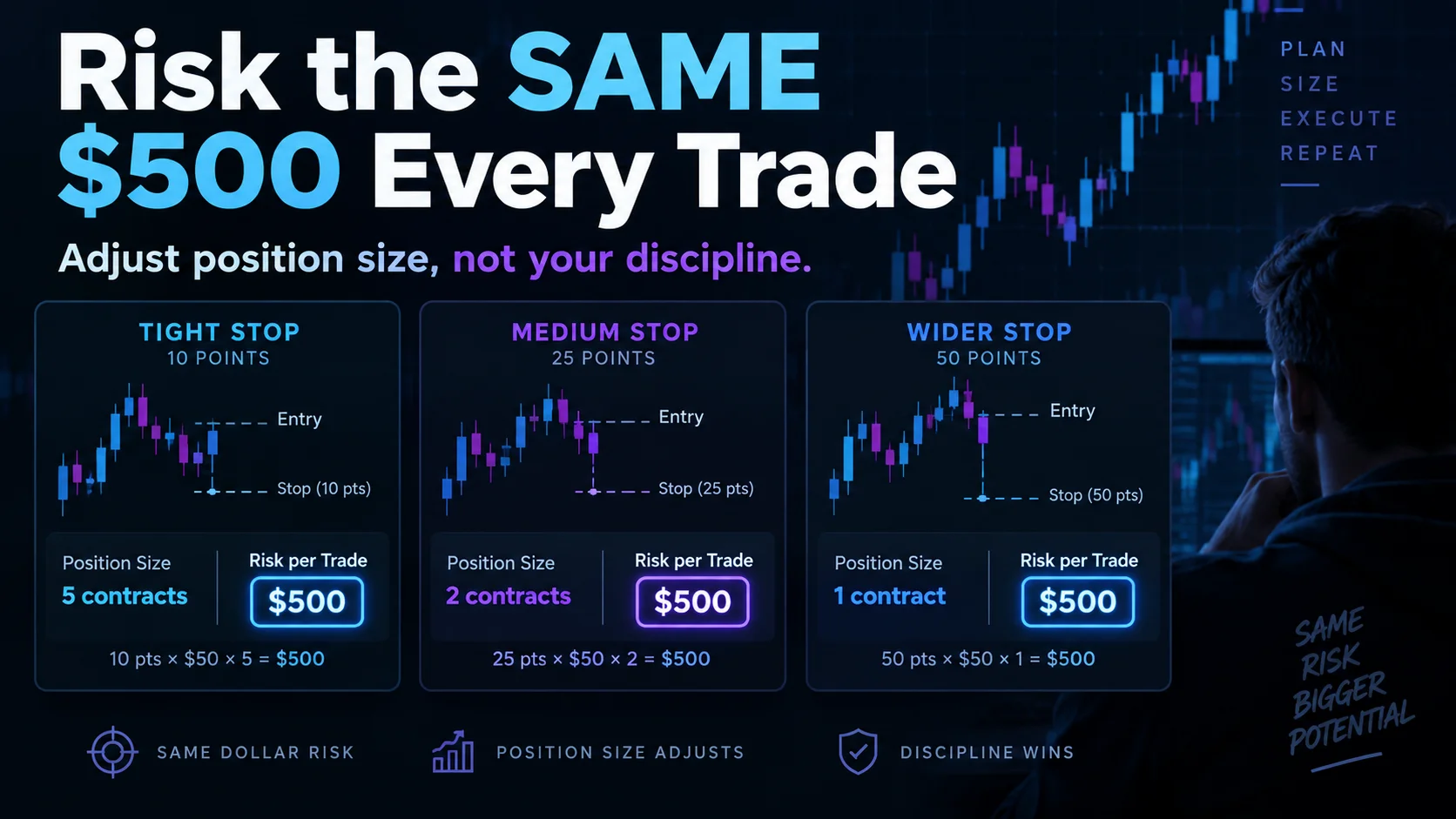
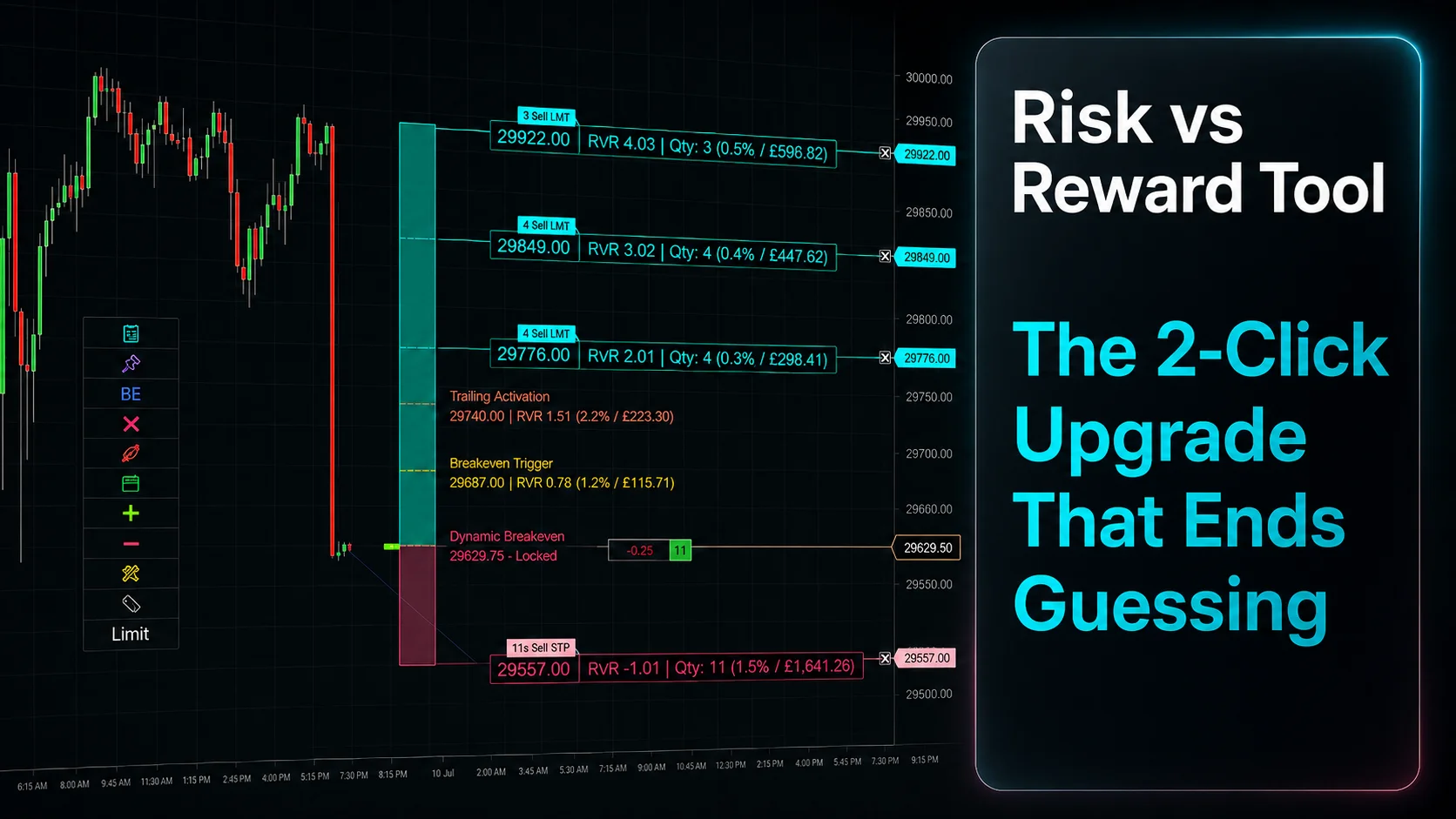
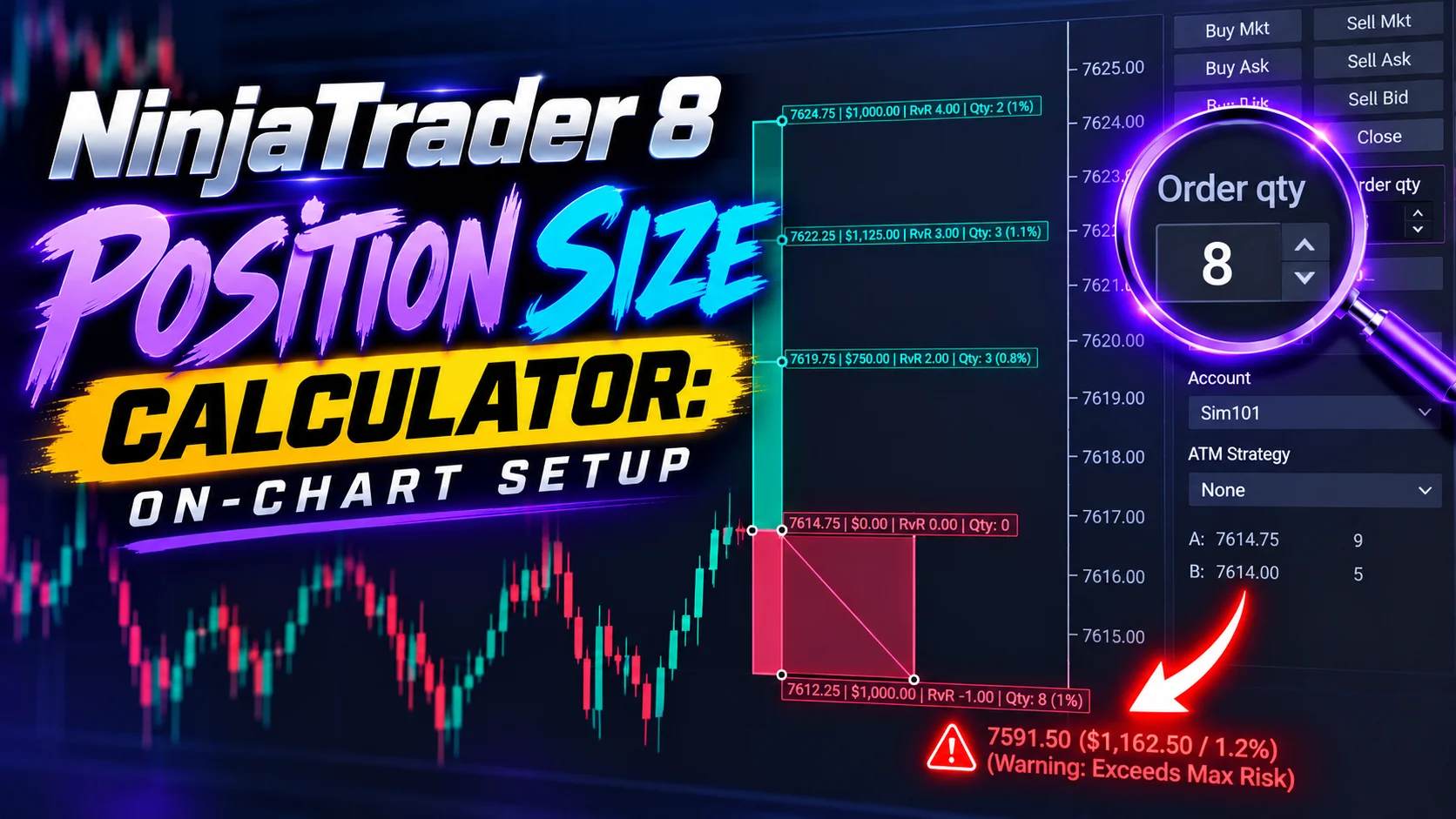
The XABCD Position Tool is a tool that help you figure out the right position size for your account. Over-leveraging is a common pitfall, so it pays to be cautious.
Leverage Adjustments
Some brokers let you tweak your leverage settings. It might be a good idea to lower your leverage if you’re testing the waters or if the market seems extra volatile.
Real-World Examples of Margin Trading on NinjaTrader
Sometimes, examples are the best way to see how all these pieces fit together. Let’s look at a couple of scenarios.
Futures Trading Example
Imagine you’re trading a futures contract on a popular commodity. The contract is worth $50,000, and the exchange requires a 10% initial margin.
Initial Calculation:
You need 10% of $50,000—that’s $5,000—to open the trade.
Maintenance Margin:
Let’s say the maintenance margin is set at 8%, which is $4,000.
Keeping an Eye on It:
As prices move, NinjaTrader keeps track of your margin. If your account drops below $4,000 because of market moves, you’d get a margin call, giving you a chance to either add more funds or exit the trade.
You need 10% of $50,000—that’s $5,000—to open the trade.
Maintenance Margin:
Let’s say the maintenance margin is set at 8%, which is $4,000.
Keeping an Eye on It:
As prices move, NinjaTrader keeps track of your margin. If your account drops below $4,000 because of market moves, you’d get a margin call, giving you a chance to either add more funds or exit the trade.
Forex Trading Example
Forex trading often involves even higher leverage than futures. Suppose you start with $1,000, and you’re trading with a 50:1 leverage ratio.
Big Position, Small Deposit:
With 50:1 leverage, your $1,000 can control a $50,000 position.
Low Margin Requirement:
Typically, forex margin requirements are low—maybe just 2% of your total position, which in this case would be $1,000.
Watch Out for the Risks:
High leverage means that even small adverse moves can quickly eat into your margin, so keeping a tight rein on your trades is essential.
With 50:1 leverage, your $1,000 can control a $50,000 position.
Low Margin Requirement:
Typically, forex margin requirements are low—maybe just 2% of your total position, which in this case would be $1,000.
Watch Out for the Risks:
High leverage means that even small adverse moves can quickly eat into your margin, so keeping a tight rein on your trades is essential.
Frequently Asked Questions
How do I use a NinjaTrader margin calculator to find out how many contracts I can trade?
Enter your account balance and select the futures instrument you want to trade. The NinjaTrader margin calculator divides your available balance by the initial margin requirement for that contract to determine the maximum number of contracts you can open. For example, with a $5,000 account trading Micro S&P 500 (MES) futures at an initial margin of $1,166, you could trade up to 4 contracts.
What is the difference between initial margin and maintenance margin on NinjaTrader?
Initial margin is the amount you must have in your account to open a new position, while maintenance margin is the minimum balance required to keep that position open. If your account falls below the maintenance margin due to market moves, NinjaTrader will issue a margin call, prompting you to either deposit more funds or close out a position.
What are the NinjaTrader margin requirements for Micro E-mini futures?
According to NinjaTrader's contract details, the Micro S&P 500 (MES) has an initial margin of $1,166 and a maintenance margin of $1,060, while the Micro NASDAQ 100 (MNQ) requires $1,738 initial and $1,580 maintenance. Micro Crude Oil (MCL) and Micro Gold (MGC) have initial margins of $726 and $814, respectively. These lower requirements make micro contracts accessible for smaller accounts.
Can I trade E-mini S&P 500 futures with a $5,000 account on NinjaTrader?
No, the standard E-mini S&P 500 (ES) contract requires an initial margin of $11,660, which exceeds a $5,000 account balance. However, you could trade the Micro S&P 500 (MES) instead, which requires only $1,166 in initial margin and would allow you to hold up to 4 contracts on a $5,000 account.
Does NinjaTrader offer real-time margin monitoring for day trading margins?
Yes, NinjaTrader provides real-time tools to monitor your margin status, including equity curve monitoring for a live snapshot of account performance, customizable alerts that notify you when you're approaching a margin call, and scenario analysis tools that let you model how different market conditions might impact your NinjaTrader day trading margins.
Still have a question about this?Ask the XABCD team in Live Chat and get help with your setup.Ask in Live Chat →
New NinjaTrader Articles Delivered First
Free tutorials, fixes and setup guides by email. Two emails a month at most.
Free tutorials, fixes and setup guides by email. Two emails a month at most.
Recommended Tool
XABCD ATM Pack
23 free ATM strategy templates for NinjaTrader 8. Import them and start with your stops and targets already set up.
Get the Free ATM Pack →
Recommended Video
Ditch NinjaTrader ATMs: This Is More Powerful
See how to set your risk and calculate contracts directly on the chart.
Watch Now
Subscribe on YouTube
Related Tool
XABCD ATM Pack
23 free ATM strategy templates for NinjaTrader 8. Import them and start with your stops and targets already set up.
Get the Free ATM Pack
Why XABCD Trading
- Built for NinjaTrader 8 since 2009
- Trusted by 2,000+ traders
- On-chart tools, no ATM templates needed
- Free tools to get started
Get Project Updates
Twice-monthly maximum, we will give you updates on all the projects going here.
Quick Links