XABCD TRADING
NinjaTrader 8 Demo Asking For License

Subscribe
to get alerts to our next blog post!
Is NinjaTrader 8 Asking For A Demo License Key?
We have seen this on a number of occasions but can't pinpoint the exact steps to reproduce. Sometimes NinjaTrader when using the free demo key will ask for a license key. This NinjaTrader demo mode fix often confuses people but we can help you get back up and running.
What License Key Should You Use?
Do you have NinjaTrader 8 installed and it's asking you for a NinjaTrader 8 activation key or license key for the demo version? We used to post a key but NinjaTrader has told us its best to get a unique key from their support which will still let you use the demo version for as long as you'd like to use it.
This is NOT a lifetime license key, but is for the demo version which you can tell since the key starts with @SIM (for simulation).
To Resolve:
Contact NinjaTrader support and ask them for a new @sim key - they will provide this without issue.
Contact NinjaTrader support and ask them for a new @sim key - they will provide this without issue.
If The Key Doesn't Work?
Should the key not work I'd recommend talking to NinjaTrader about this because you might have a live license key and need to use that instead. This would have required you to purchase a NinjaTrader license key for the full version of NinjaTrader 8. If you are moving from the demo to live trading, asking yourself what broker should I use will help you decide on licensing and connection options.
Frequently Asked Questions
What is a license key and how does it work?
A license key is a unique alphanumeric code used to verify that a copy of software has been legitimately purchased and authorized for use. When entered during installation or activation, the key is validated against the developer's records to unlock the full functionality of the software and prevent unauthorized copies from being used.
Where do I find my license key after purchasing software?
Your license key is typically delivered via email in your purchase confirmation or receipt. You can also find it in your account dashboard on the software vendor's website, on a card inside the physical product packaging, or by contacting the vendor's customer support team with your proof of purchase. If you are wondering how to find NinjaTrader license key information, check your email confirmation or log into your NinjaTrader account dashboard.
Can I use the same license key on multiple devices?
Whether a license key can be used on multiple devices depends on the type of license you purchased. Single-user licenses generally allow installation on one device, while multi-device or family licenses permit use across several computers. Always check the software's end-user license agreement (EULA) for specific terms regarding device limits.
What should I do if my license key is not working?
If your license key is not working, first double-check that you have entered it correctly without extra spaces or incorrect characters. Make sure the key matches the correct version and edition of the software. If the issue persists, contact the software vendor's support team, as the key may need to be reissued or your activation may require manual verification. A NinjaTrader license error can often be resolved by re-entering the key carefully or reaching out to their support team.
Is it safe to buy license keys from third-party websites?
Purchasing license keys from unauthorized third-party websites carries significant risks, including receiving counterfeit, stolen, or already-used keys that may be revoked at any time. To ensure you receive a legitimate and fully supported license, it is best to buy directly from the official software developer or their authorized resellers.
Frequently Asked Questions
What is a license key and how does it work?
A license key is a unique alphanumeric code used to verify that a copy of software has been legitimately purchased and authorized for use. When entered during installation or activation, the key is validated against the developer's records to unlock the full functionality of the software and prevent unauthorized copies from being used.
Where do I find my license key after purchasing software?
Your license key is typically delivered via email in your purchase confirmation or receipt. You can also find it in your account dashboard on the software vendor's website, on a card inside the physical product packaging, or by contacting the vendor's customer support team with your proof of purchase. If you are wondering how to find NinjaTrader license key information, check your email confirmation or log into your NinjaTrader account dashboard.
Can I use the same license key on multiple devices?
Whether a license key can be used on multiple devices depends on the type of license you purchased. Single-user licenses generally allow installation on one device, while multi-device or family licenses permit use across several computers. Always check the software's end-user license agreement (EULA) for specific terms regarding device limits.
What should I do if my license key is not working?
If your license key is not working, first double-check that you have entered it correctly without extra spaces or incorrect characters. Make sure the key matches the correct version and edition of the software. If the issue persists, contact the software vendor's support team, as the key may need to be reissued or your activation may require manual verification. A NinjaTrader license error can often be resolved by re-entering the key carefully or reaching out to their support team.
Is it safe to buy license keys from third-party websites?
Purchasing license keys from unauthorized third-party websites carries significant risks, including receiving counterfeit, stolen, or already-used keys that may be revoked at any time. To ensure you receive a legitimate and fully supported license, it is best to buy directly from the official software developer or their authorized resellers.
Still have a question about this?Ask the XABCD team in Live Chat and get help with your setup.Ask in Live Chat →
New NinjaTrader Articles Delivered First
Free tutorials, fixes and setup guides by email. Two emails a month at most.
Free tutorials, fixes and setup guides by email. Two emails a month at most.
Recommended Tool
XABCD ATM Pack
23 free ATM strategy templates for NinjaTrader 8. Import them and start with your stops and targets already set up.
Get the Free ATM Pack →
Recommended Video
Ditch NinjaTrader ATMs: This Is More Powerful
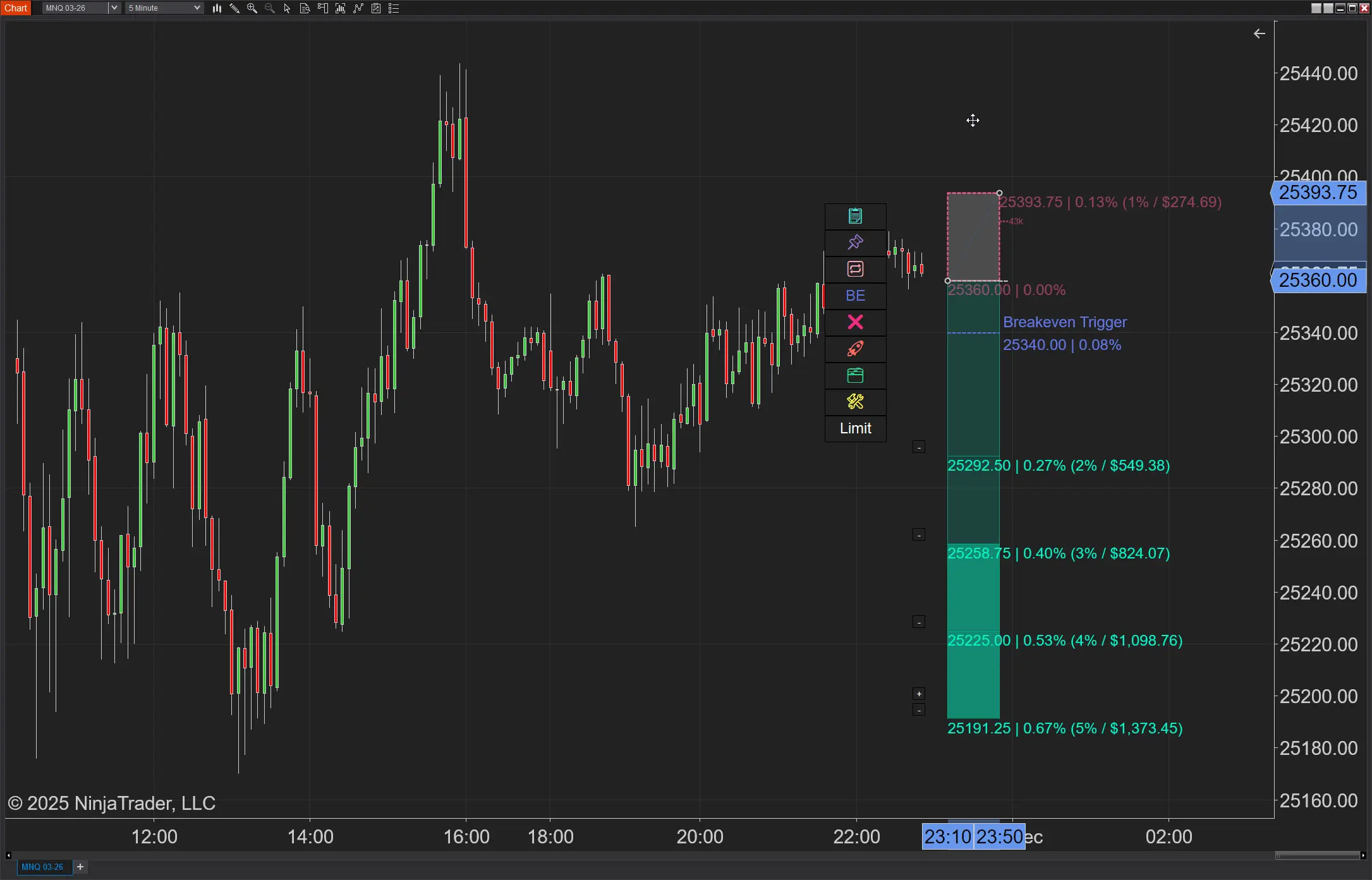
See how to set your risk and calculate contracts directly on the chart.
Watch Now
Subscribe on YouTube
Related Tool
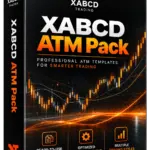
XABCD ATM Pack
23 free ATM strategy templates for NinjaTrader 8. Import them and start with your stops and targets already set up.
Get the Free ATM Pack
Why XABCD Trading
- Built for NinjaTrader 8 since 2009
- Trusted by 2,000+ traders
- On-chart tools, no ATM templates needed
- Free tools to get started
Get Project Updates
Twice-monthly maximum, we will give you updates on all the projects going here.
Quick Links