XABCD TRADING

How to get the Dollar Index (DX or DXY) on NinjaTrader 8?

Subscribe
to get alerts to our next blog post!
Can You Get The Dollar Index Inside NinjaTrader 8?
Yes You can get the dollar index (DX) into NinjaTrader. You can get almost everything possible into NinjaTrader as long as you have a data provider that will supply the data. This is one of the reason why the NinjaTrader platform is pretty popular.
How Much Is the US Dollar Index (DX) per Month?
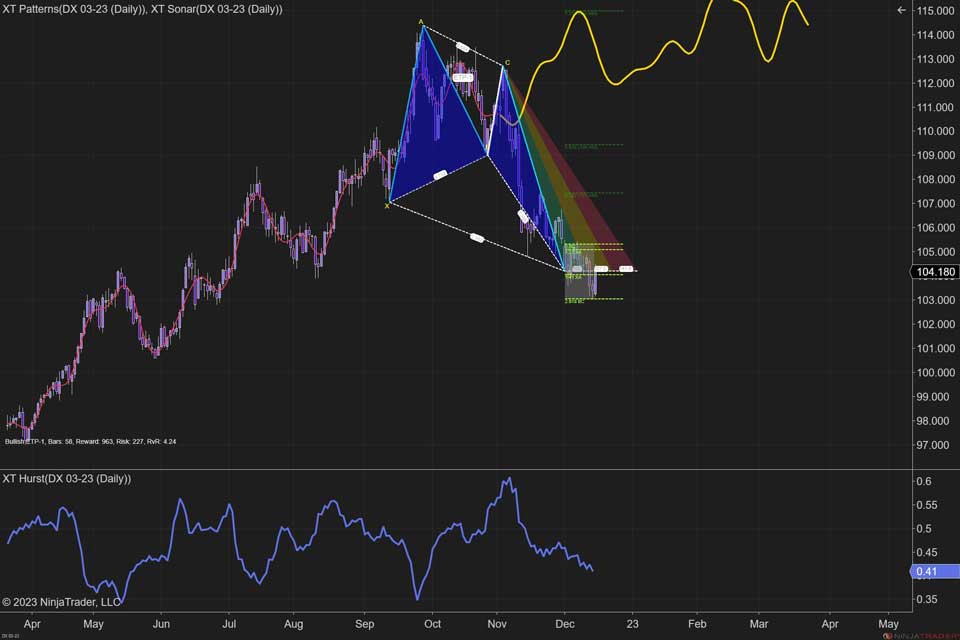
The free trial of NinjaTrader's futures data does not however include the DX so you would be forced to get your own paid data plan for the DX data. If you're looking for data, the DX is offered on the IntercontinentalExchange (ICE). It should be noted that this data isn't cheap - even if your classified as a non-professional. It also won't matter if you're using it on a demo or live account, and there isn't any such thing as delayed data you can get for free. IQFeed shows the price of the DX per month to be $121 for professionals and non-professionals. Yikes.
What Is the Cheapest Way to Get the DX?
The far cheaper way to trade this would be to see if your FX data offers the DX to trade which might have a different symbol like USDOLLAR. However the price and movement would be very similar as the actual contract and will probably have a small spread built into it. But again, probably a much cheaper option that would fit a lot of peoples needs.
Supercharge Your Dollar Index (DX) Trading with XABCD ATM Pack
Yes, our with the DX.
Yes Using our widly popular ATM Pack is compatible with the DX. The XABCD Trading ATM Pack with the Dollar Index can be a game changer for traders, whether you're just starting out or a seasoned pro. This combo brings together NinjaTrader's Automated Trading Management (ATM) system and the expertise of the XABCD Trading team, who are known for their solid XABCD pattern-based trading strategies.
Simplified Execution with Preconfigured Strategies
Yes, our with the DX.
Here's the deal: the XABCD Trading ATM Pack gives you a bunch of ready-to-go trading strategies tailored for the Dollar Index. These aren't your run-of-the-mill strategies – they're fine-tuned with advanced tools and indicators that fit the quirks of the currency market. This means you're not starting from scratch; you're using strategies that are practically made for trading the Dollar Index.
Putting these strategies into action is a breeze. Once you've got the XABCD Trading ATM Pack in your NinjaTrader platform, you can dig into the pre-set strategies that match what you want to achieve. Each strategy comes with its own set of rules – when to get in, where to lock in profits, where to bail if things go south, and more. This setup takes a lot of the guesswork out of the equation and lets you focus on executing your trades like a champ.
Putting these strategies into action is a breeze. Once you've got the XABCD Trading ATM Pack in your NinjaTrader platform, you can dig into the pre-set strategies that match what you want to achieve. Each strategy comes with its own set of rules – when to get in, where to lock in profits, where to bail if things go south, and more. This setup takes a lot of the guesswork out of the equation and lets you focus on executing your trades like a champ.
Master Risk Management Like a Pro
One of the really nifty things here is how these strategies help you manage risk. You can tweak things to match your own risk comfort zone and account size. That way, you're not playing a dangerous guessing game with your money – you're following a structured approach that's all about playing it smart.
And let's not forget the awesome automation part. These strategies keep your emotions in check and minimize the chances of making silly mistakes. That's pretty clutch when you're trading the Dollar Index, where things can change on a dime.
So, if you're looking to step up your Dollar Index trading game, teaming up NinjaTrader ATM strategies from the XABCD Trading ATM Pack is a no-brainer. It's like having a trading buddy that knows the ropes and has your back, helping you make the most of what the Dollar Index throws your way.
And let's not forget the awesome automation part. These strategies keep your emotions in check and minimize the chances of making silly mistakes. That's pretty clutch when you're trading the Dollar Index, where things can change on a dime.
So, if you're looking to step up your Dollar Index trading game, teaming up NinjaTrader ATM strategies from the XABCD Trading ATM Pack is a no-brainer. It's like having a trading buddy that knows the ropes and has your back, helping you make the most of what the Dollar Index throws your way.
Does the NinjaTrader Free 2 Week Data Feed Contain quotes / access to the DX?
No This is not provided to NinjaTrader from the exchanges so you would not be able to get it in the trial. You can however get it from a 3rd party provider. It's going to be expensive around $121 dollars a month.
What Factors Can Affect The Value of the Dollar Index?
- Market News
- Interest Rates
What NinjaTrader 8 Data Providers Support the DX Dollar Index?
NinjaTrader 8 has a list of futures brokers that you can refer too, but the brokers that support the dollar index are: Kinetick, BarChart, Continuum, CQG, eSignal, FXCM, Interactive Brokers, IQFeed, Tradovate.
Frequently Asked Questions
How do I add the Dollar Index chart to NinjaTrader 8?
To add the Dollar Index (DX) chart to NinjaTrader 8, you need a data provider that supports ICE exchange data, since the DX trades on the IntercontinentalExchange. Supported providers include Kinetick, IQFeed, Interactive Brokers, CQG, Continuum, eSignal, BarChart, FXCM, and Tradovate. Once connected to a compatible data provider, you can pull up the DX symbol like any other futures contract in NinjaTrader 8.
Is there a free way to get Dollar Index data in NinjaTrader 8?
No, the NinjaTrader 8 free two-week trial data feed does not include the Dollar Index (DX), and there is no delayed data option available for free. However, a cheaper alternative is to check if your FX data provider offers a similar instrument under a different symbol like USDOLLAR, which tracks very closely to the actual DX contract and may have only a small spread built in.
What is the symbol for the US Dollar Index in NinjaTrader?
The standard futures symbol for the US Dollar Index in NinjaTrader is DX, which represents the contract traded on the IntercontinentalExchange (ICE). Some FX data providers may offer the Dollar Index under an alternative symbol such as USDOLLAR, which tracks similar price movement to the actual DX contract.
Can I use ATM strategies with the NinjaTrader 8 Dollar Index?
Yes, NinjaTrader 8's ATM (Automated Trading Management) strategies are fully compatible with the Dollar Index. Products like the XABCD Trading ATM Pack offer preconfigured strategies specifically tailored for the DX, including predefined entry rules, profit targets, and stop-loss levels. These ATM strategies help automate execution, manage risk, and reduce emotional decision-making when trading the Dollar Index.
What moves the US Dollar Index price?
The value of the US Dollar Index is primarily affected by market news and interest rate changes. Events such as Federal Reserve policy decisions, economic data releases, and geopolitical developments can all cause significant movement in the DX, making it important for traders to stay informed on these factors.
Frequently Asked Questions
How do I add the Dollar Index chart to NinjaTrader 8?
To add the Dollar Index (DX) chart to NinjaTrader 8, you need a data provider that supports ICE exchange data, since the DX trades on the IntercontinentalExchange. Supported providers include Kinetick, IQFeed, Interactive Brokers, CQG, Continuum, eSignal, BarChart, FXCM, and Tradovate. Once connected to a compatible data provider, you can pull up the DX symbol like any other futures contract in NinjaTrader 8.
Is there a free way to get Dollar Index data in NinjaTrader 8?
No, the NinjaTrader 8 free two-week trial data feed does not include the Dollar Index (DX), and there is no delayed data option available for free. However, a cheaper alternative is to check if your FX data provider offers a similar instrument under a different symbol like USDOLLAR, which tracks very closely to the actual DX contract and may have only a small spread built in.
What is the symbol for the US Dollar Index in NinjaTrader?
The standard futures symbol for the US Dollar Index in NinjaTrader is DX, which represents the contract traded on the IntercontinentalExchange (ICE). Some FX data providers may offer the Dollar Index under an alternative symbol such as USDOLLAR, which tracks similar price movement to the actual DX contract.
Can I use ATM strategies with the NinjaTrader 8 Dollar Index?
Yes, NinjaTrader 8's ATM (Automated Trading Management) strategies are fully compatible with the Dollar Index. Products like the XABCD Trading ATM Pack offer preconfigured strategies specifically tailored for the DX, including predefined entry rules, profit targets, and stop-loss levels. These ATM strategies help automate execution, manage risk, and reduce emotional decision-making when trading the Dollar Index.
What moves the US Dollar Index price?
The value of the US Dollar Index is primarily affected by market news and interest rate changes. Events such as Federal Reserve policy decisions, economic data releases, and geopolitical developments can all cause significant movement in the DX, making it important for traders to stay informed on these factors.
New NinjaTrader Articles Delivered First
 (opens in a new tab)
Easy Order Tool
The Strategy

Scanning & Alerting

NinjaTrader Release
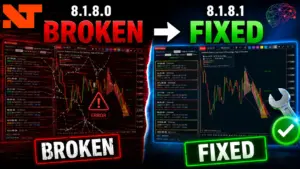
XABCD News (Free Version)
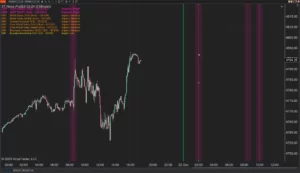
XABCD News (Community Edition) is the best free Indicator for NinjaTrader 8. Don't let news sneak up on you again. Puts economic news events on your charts so you can stay informed and move around positions/stops before the news is released. Works in any market.
XABCD Priceline (Free)
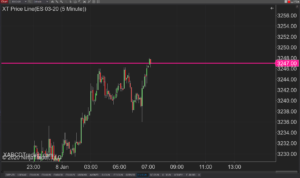
XABCD Price Line tool for NinjaTrader 8 will draw a line at current price and move every time the market changes price. This is useful because it will allow you to easily identify where price is at all times and the exact quoted price.
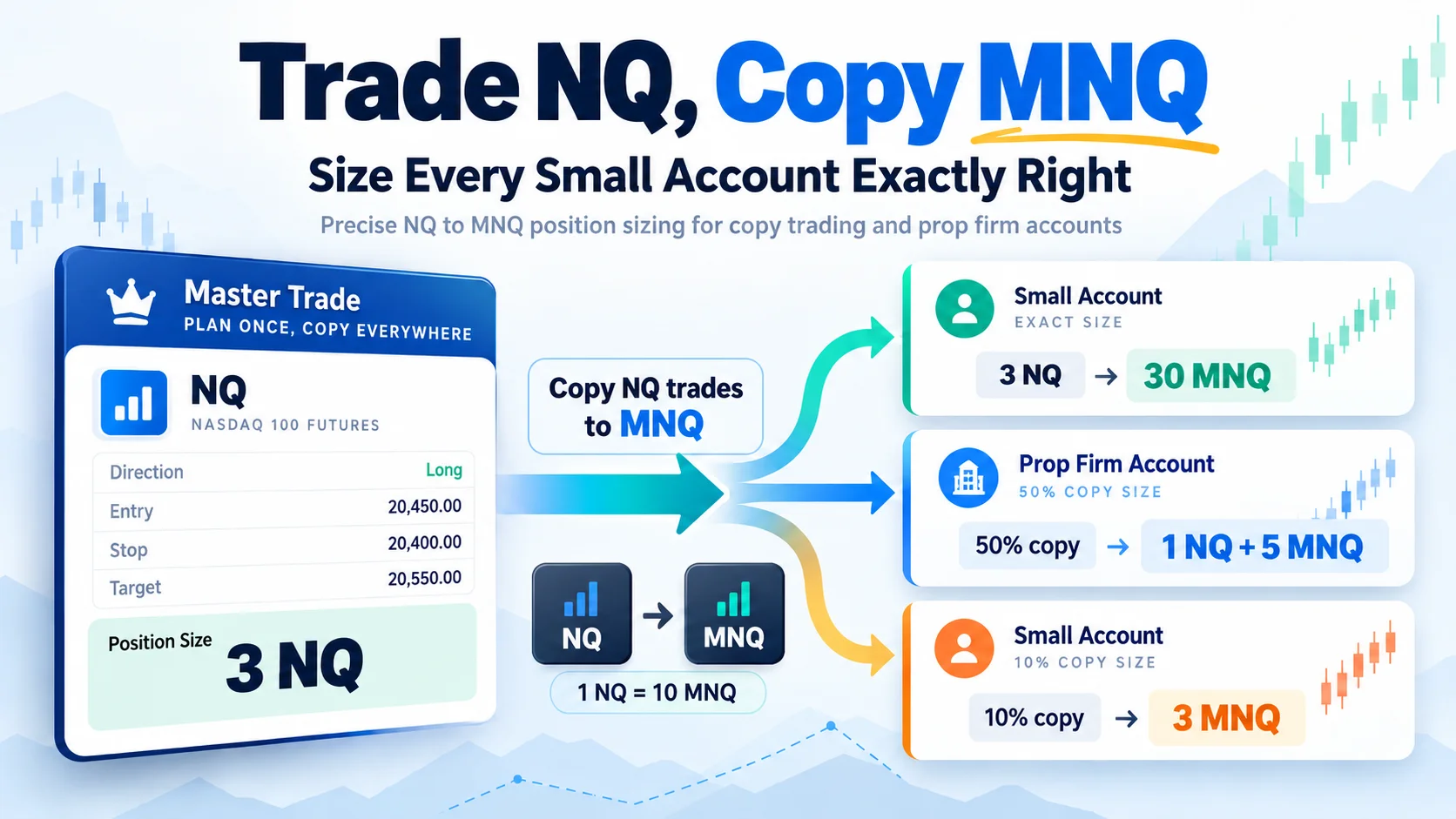
Trade NQ, Copy MNQ: Copy NQ Trades to MNQ in NinjaTrader 8
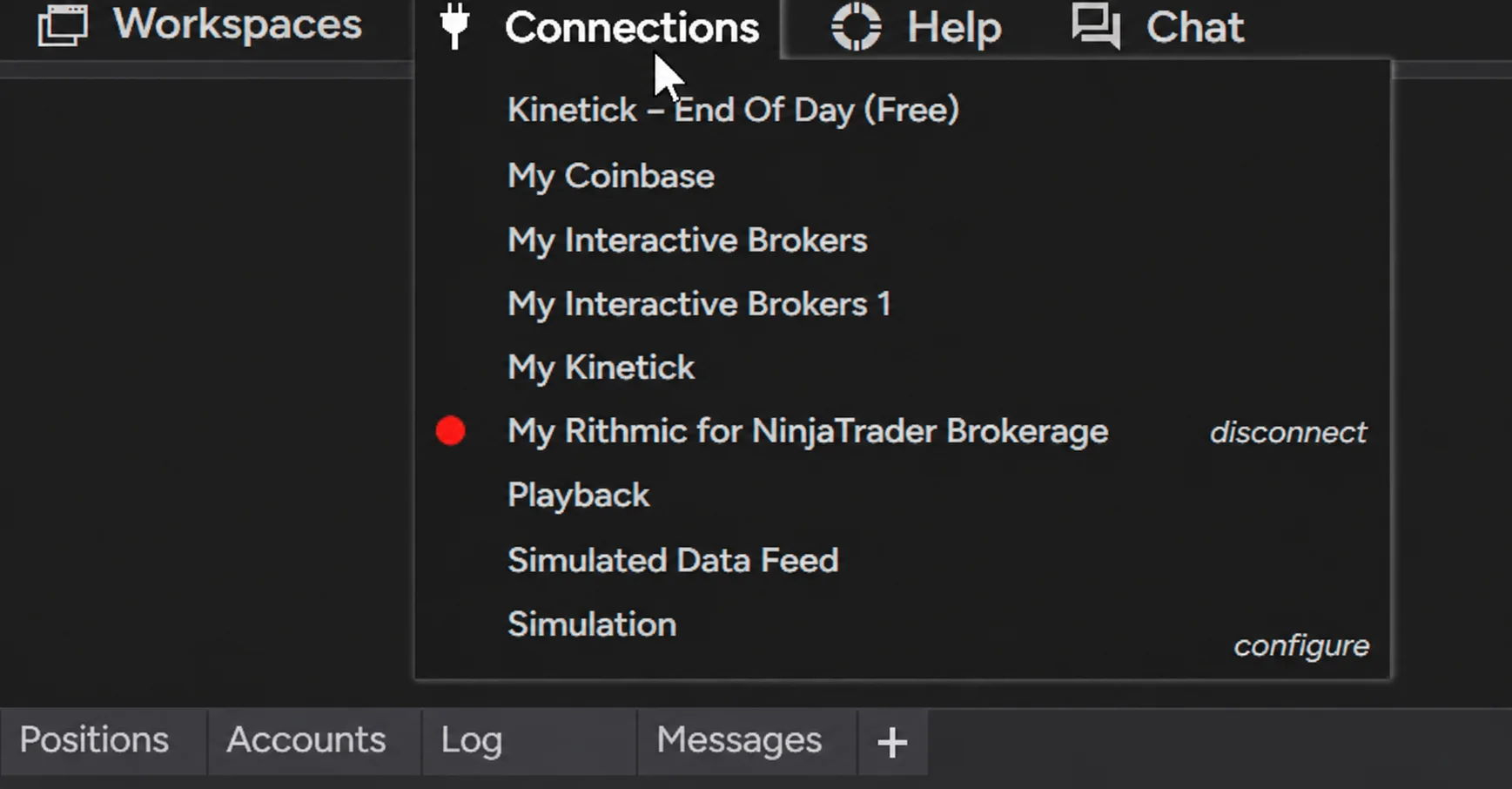
NinjaTrader Data Feed Not Updating? Quick Fixes
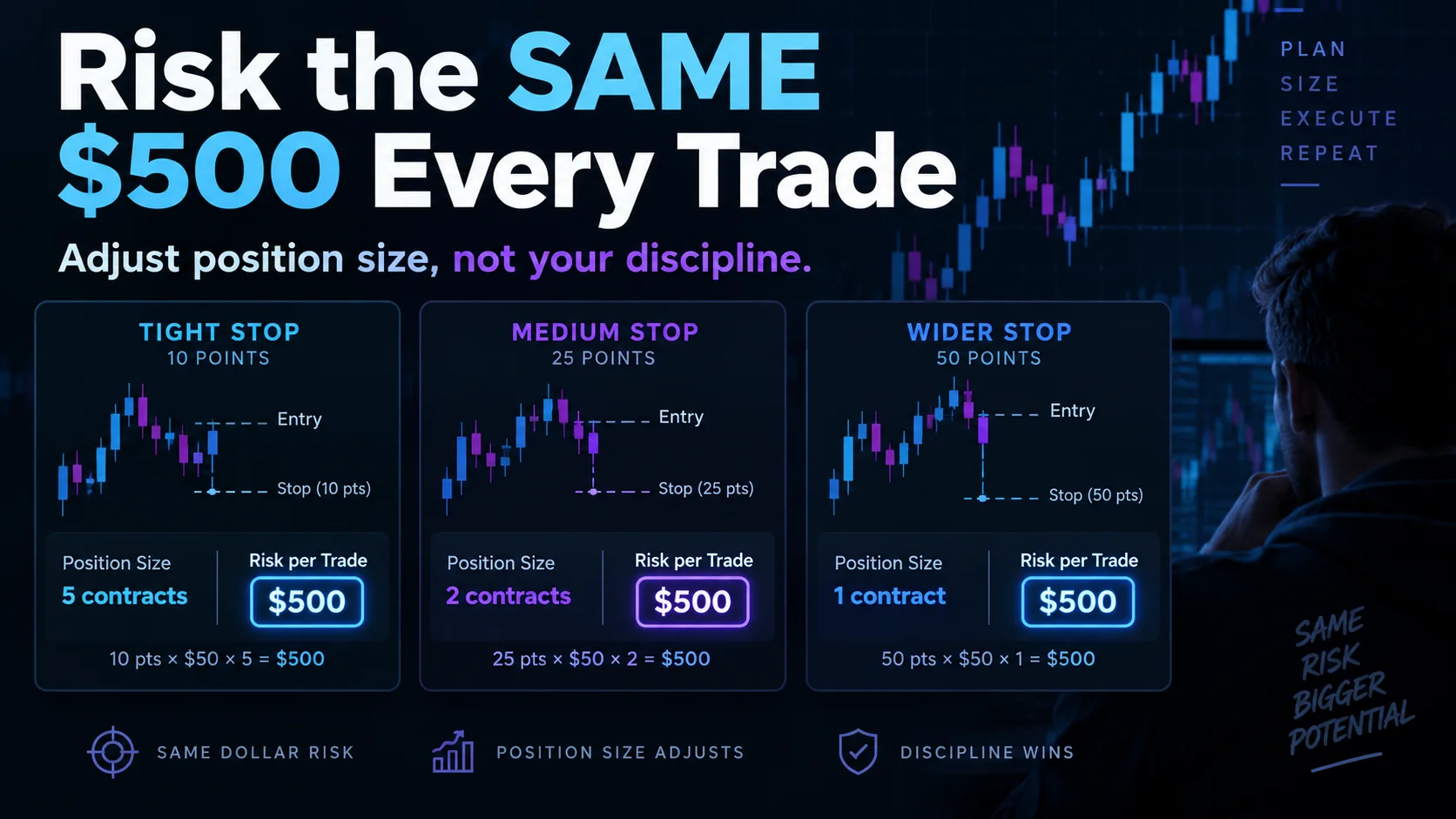
NinjaTrader Risk Per Trade: Risk $500 on Every Trade
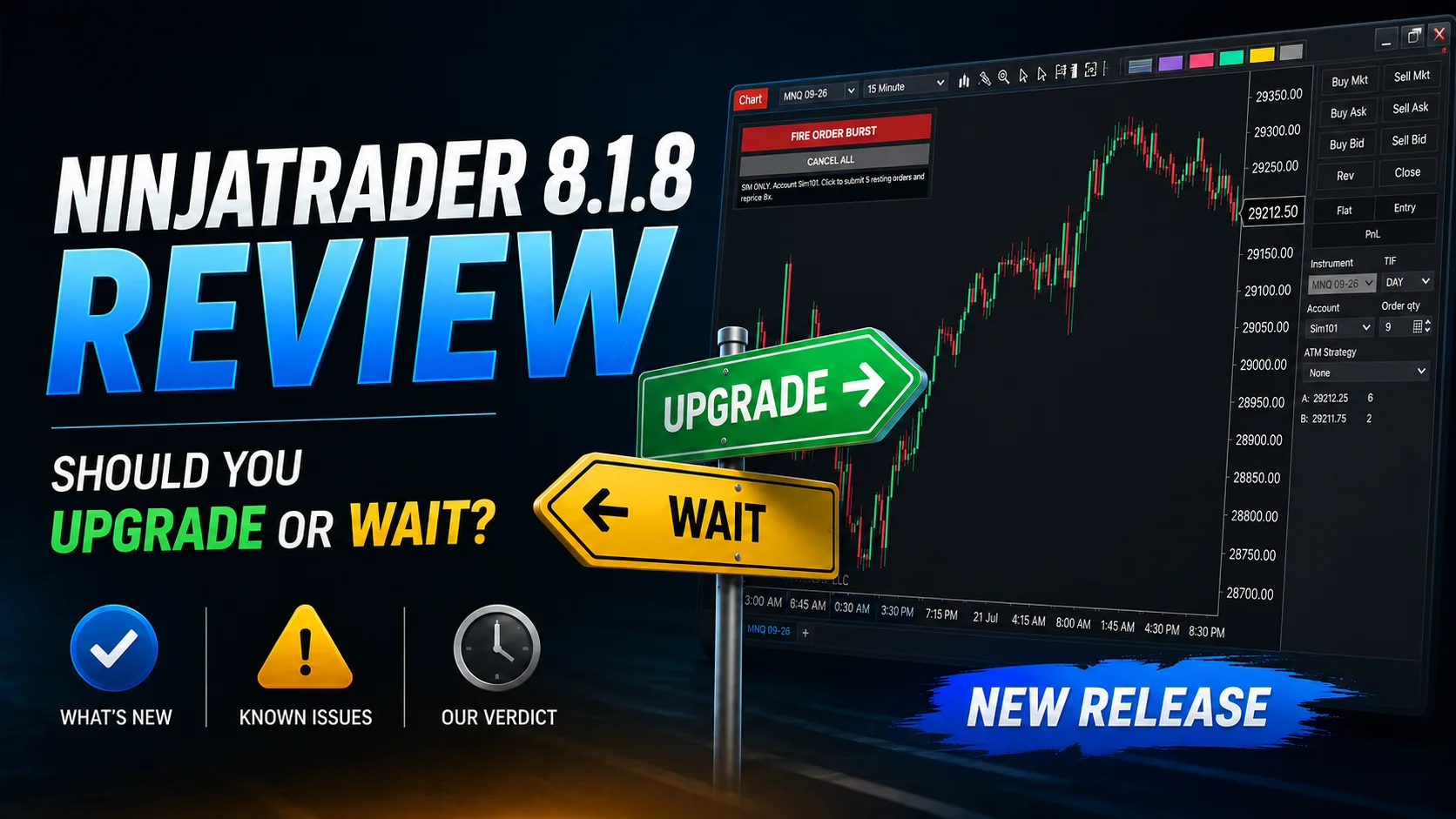
NinjaTrader 8.1.8 Review: Should You Upgrade or Wait?
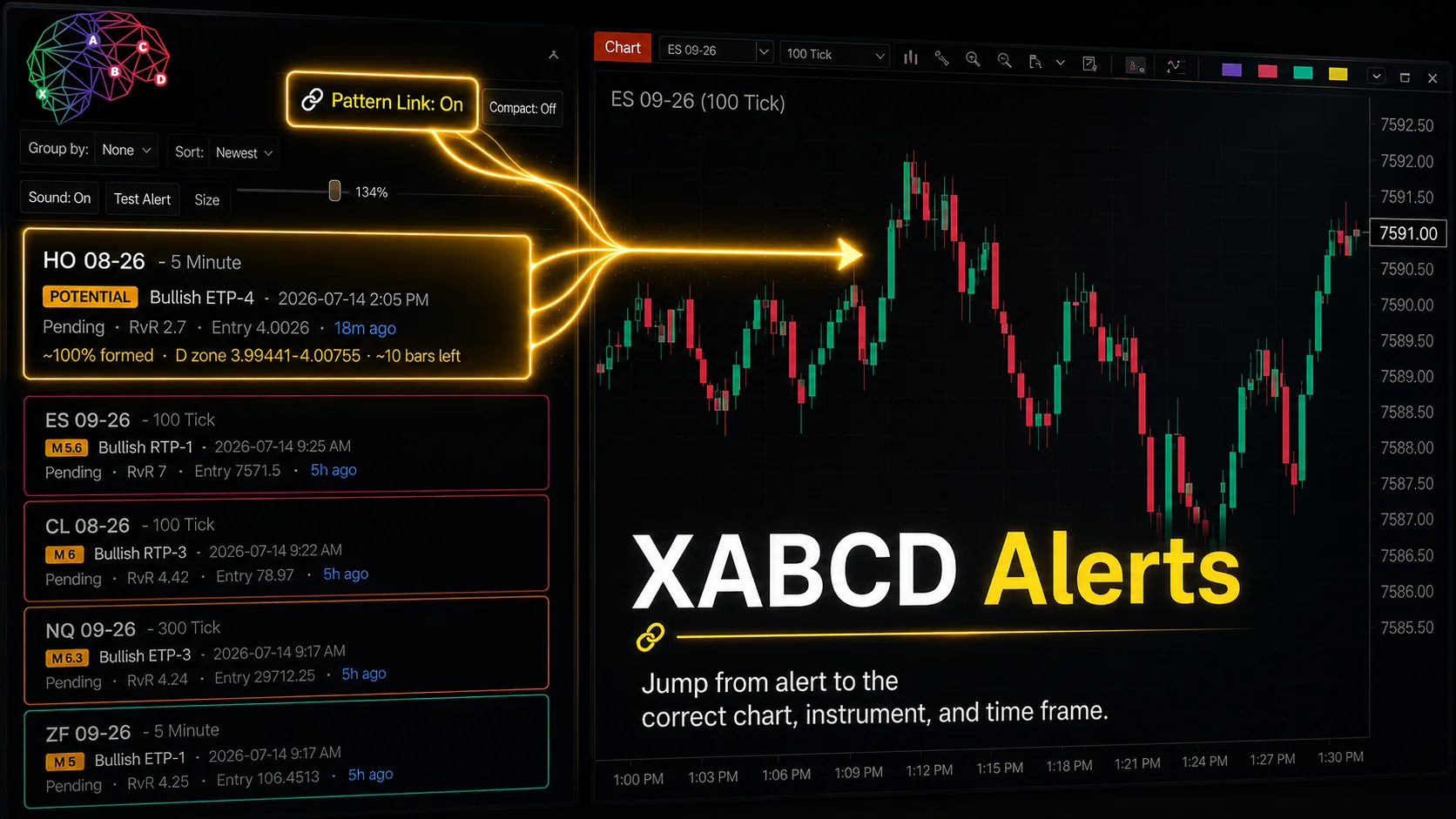
XABCD Pattern Alerts: The Complete Guide for Traders
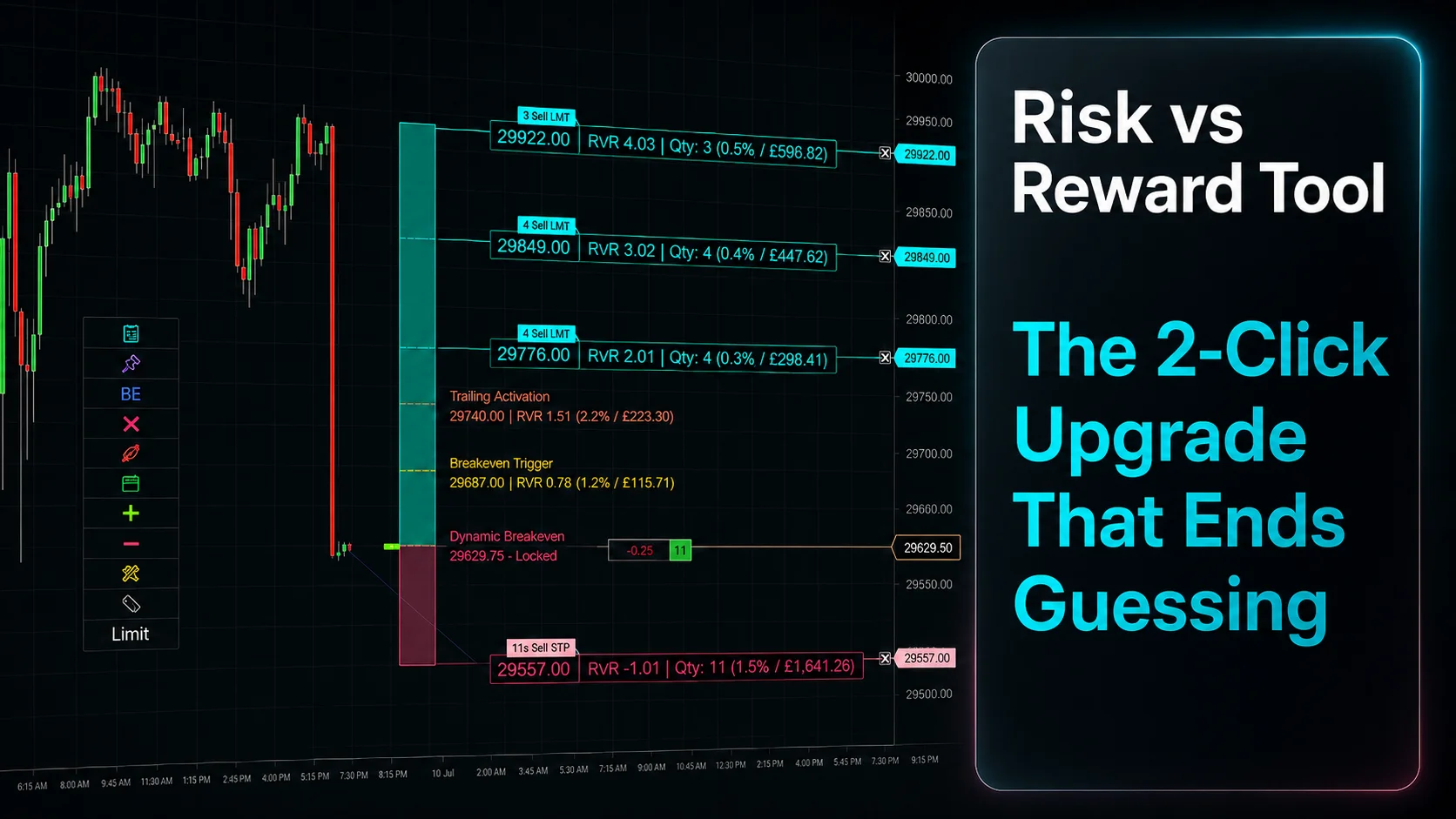
Risk vs Reward Tool: The 2-Click Upgrade That Ends Guessing
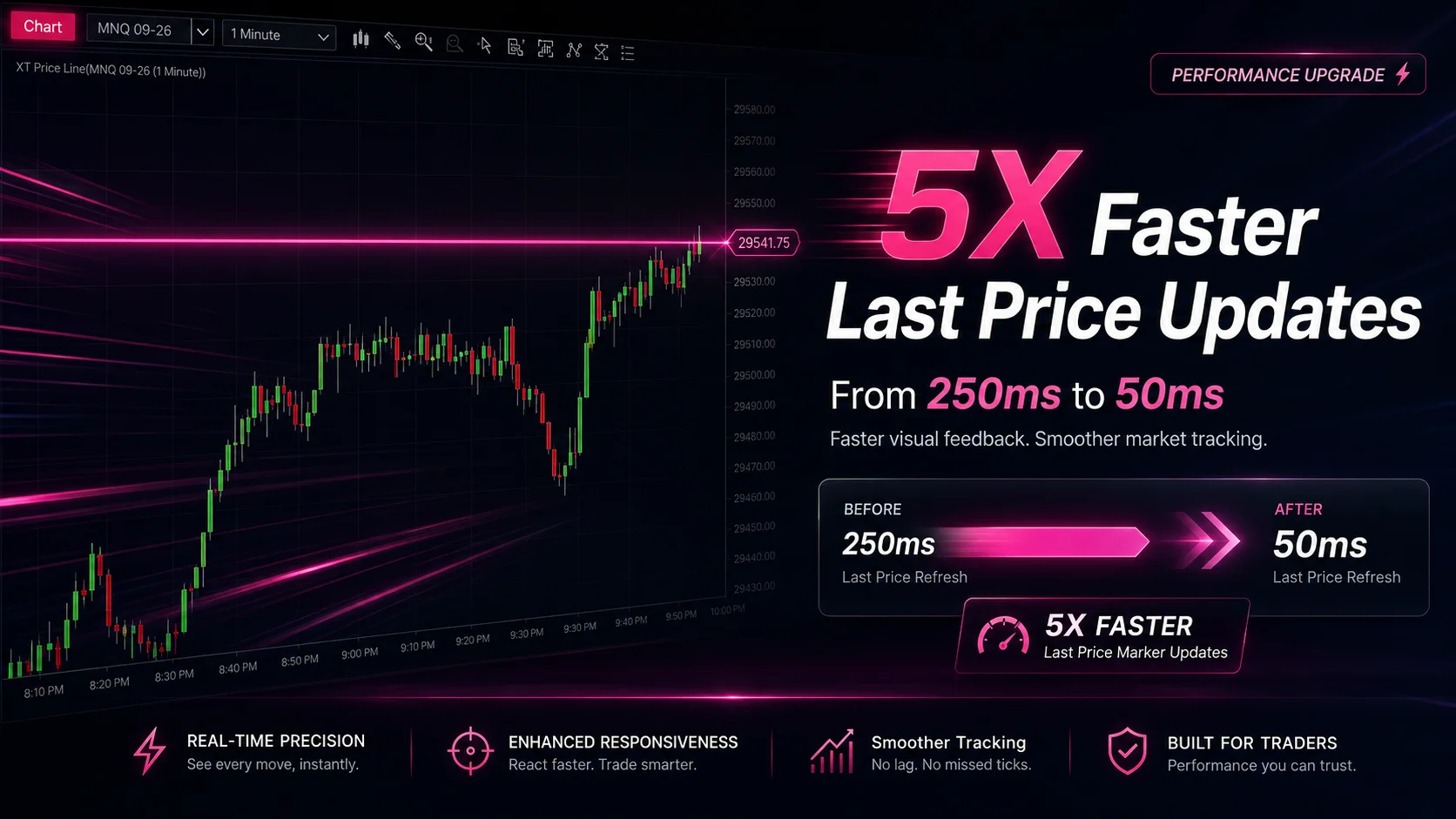
NinjaTrader Faster Last Price Updates on Charts Explained
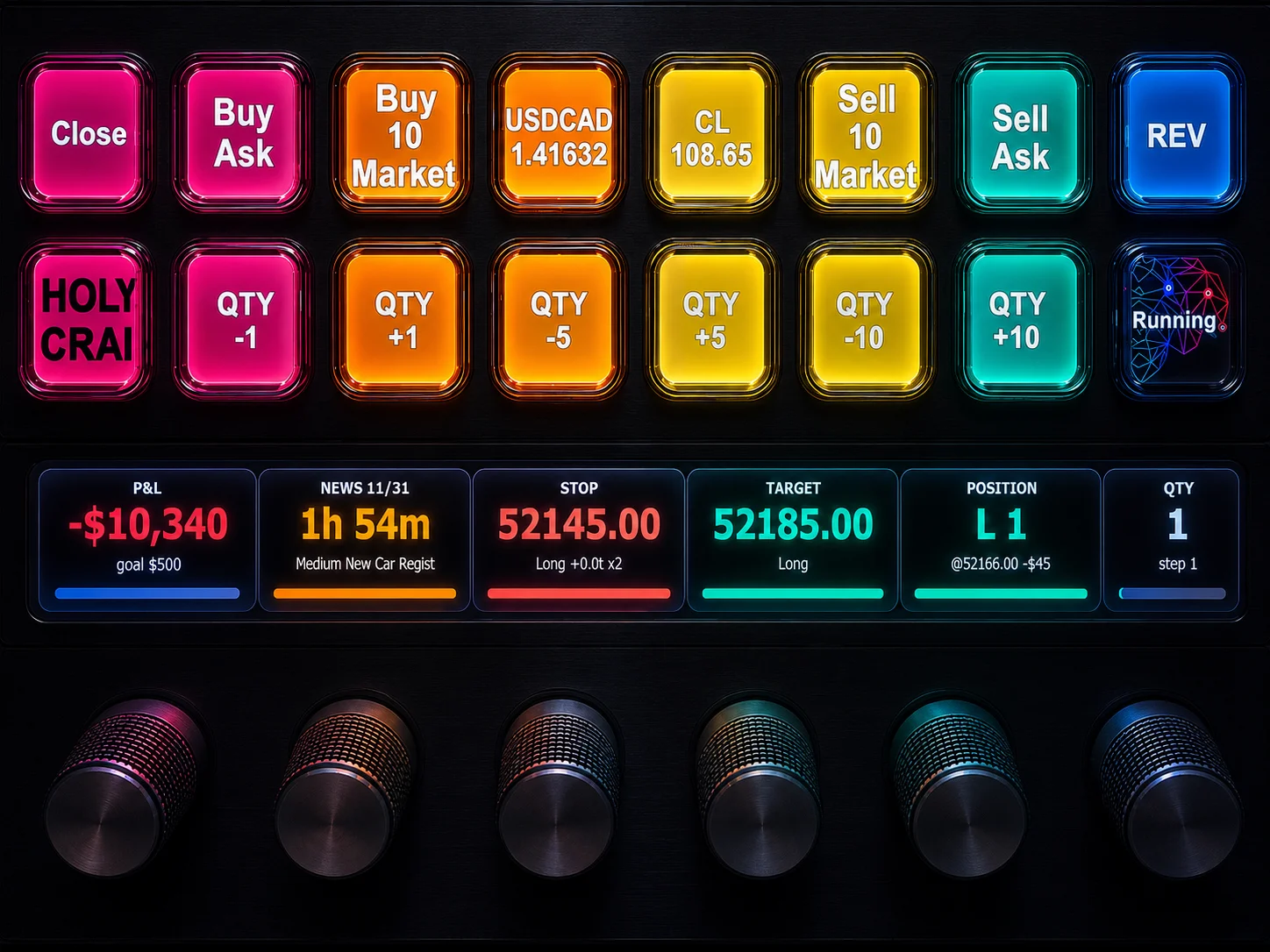
NinjaTrader 8 Hotkeys: Best Shortcuts for Faster Trading
NinjaTrader Position Sizing Tool: 64 Features Stock NT8 Does Not Include