XABCD TRADING

Audio Alerts Sound Files for the XABCD™ Indicators

Subscribe
to get alerts to our next blog post!
Sound files for NinjaTrader 8 and XABCD Pattern Alerts
We have a collection of audio alerts in .wav files that can be important into NinjaTrader. These are to be used with the templates we provide for our XABCD pattern scanning through the market analyzer's alert functionality.
There are over 24 audio alerts files done to provide the most professional clarity and high quality audio alerts. All of the alerts include a bearish or bullish file, example of an alert could be: "Bearish ETP 1" to be played when each specific pattern alert is found.
This is best used with the audio alert template that we provide that will work along side of our indicators. For the audio alert wav files and the audio alert templates, you will need to have purchased our software since it works together with our project. To see what has changed in the indicators these alerts work with, review the latest updates to our XABCD pattern software for NT8.
Where to download the audio packs?
You can login to our members area and under the "My Indicators" menu, then the "NT7 and NT8 Resources" sub category. Just download and extract the zip and configure their location through the market analyzers alerts. If you need assistance feel free to email our support department who would be more than happy to assist. If you are looking to purchase our software you can register to get it here.
XABCD News Pro Indicator

This indicator that shows news events for economic calendar data is also getting some sound alert files in wav format. These alert audio files will speak: "High Priority News Event" when one has been discovered.
Our XABCD News Pro Indicator tool allows you to select if you want audio alerts and if you wish to have them for high, medium, low or holiday news events.
Where to download the audio packs?
You can get this sound pack by emailing support. Please also include your license key to validate your purchase. If you do not have the XABCD News Pro tool, then by all means grab yourself a copy for a minimal fee.
Frequently Asked Questions
What are audio alerts and how do they work?
Audio alerts are sound-based notifications that inform users of specific events, changes, or conditions in real time. They work by triggering a predefined sound—such as a tone, chime, or voice announcement—when a particular criterion is met, helping users stay informed without needing to constantly monitor a screen.
How do I set up audio alerts on my phone or computer?
To set up audio alerts on most devices, navigate to the notification or sound settings and enable alerts for the specific apps or events you want to monitor. You can typically customize the alert tone, volume, and frequency to suit your preferences and ensure you never miss an important notification.
What is the difference between audio alerts and push notifications?
Audio alerts specifically use sound to notify users of an event, while push notifications are visual messages that appear on a device's screen and may or may not include a sound. Push notifications can be silent, whereas audio alerts are designed to grab attention through audible cues even when the user is not looking at their device.
Can audio alerts be used for trading and stock market monitoring?
Yes, many trading platforms and financial apps offer audio alerts that notify users when a stock hits a target price, a trade is executed, or market conditions change. These real-time sound notifications help traders react quickly to market movements without having to watch charts continuously.
How can I customize or turn off audio alerts?
Most applications and devices allow you to customize audio alerts through their settings menu, where you can change the alert sound, adjust the volume, or disable them entirely. You can also use Do Not Disturb or Focus modes on your phone or computer to silence audio alerts during specific hours or activities.
Frequently Asked Questions
What are audio alerts and how do they work?
Audio alerts are sound-based notifications that inform users of specific events, changes, or conditions in real time. They work by triggering a predefined sound—such as a tone, chime, or voice announcement—when a particular criterion is met, helping users stay informed without needing to constantly monitor a screen.
How do I set up audio alerts on my phone or computer?
To set up audio alerts on most devices, navigate to the notification or sound settings and enable alerts for the specific apps or events you want to monitor. You can typically customize the alert tone, volume, and frequency to suit your preferences and ensure you never miss an important notification.
What is the difference between audio alerts and push notifications?
Audio alerts specifically use sound to notify users of an event, while push notifications are visual messages that appear on a device's screen and may or may not include a sound. Push notifications can be silent, whereas audio alerts are designed to grab attention through audible cues even when the user is not looking at their device.
Can audio alerts be used for trading and stock market monitoring?
Yes, many trading platforms and financial apps offer audio alerts that notify users when a stock hits a target price, a trade is executed, or market conditions change. These real-time sound notifications help traders react quickly to market movements without having to watch charts continuously.
How can I customize or turn off audio alerts?
Most applications and devices allow you to customize audio alerts through their settings menu, where you can change the alert sound, adjust the volume, or disable them entirely. You can also use Do Not Disturb or Focus modes on your phone or computer to silence audio alerts during specific hours or activities.
New NinjaTrader Articles Delivered First
Recommended Video
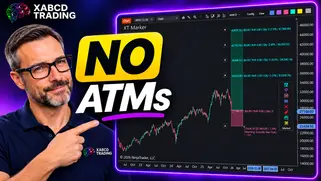
Ditch NinjaTrader ATMs: This Is More Powerful
See how to set your risk and calculate contracts directly on the chart.
Watch Now
Subscribe on YouTube
Related Tool
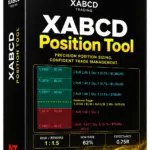
XABCD Position Tool
Automatic position sizing and on-chart trade management.
Explore the Tool
Why XABCD Trading
- Built for NinjaTrader 8 since 2009
- Trusted by 2,000+ traders
- On-chart tools, no ATM templates needed
- Free tools to get started
Get Project Updates
Twice-monthly maximum, we will give you updates on all the projects going here.
Quick Links
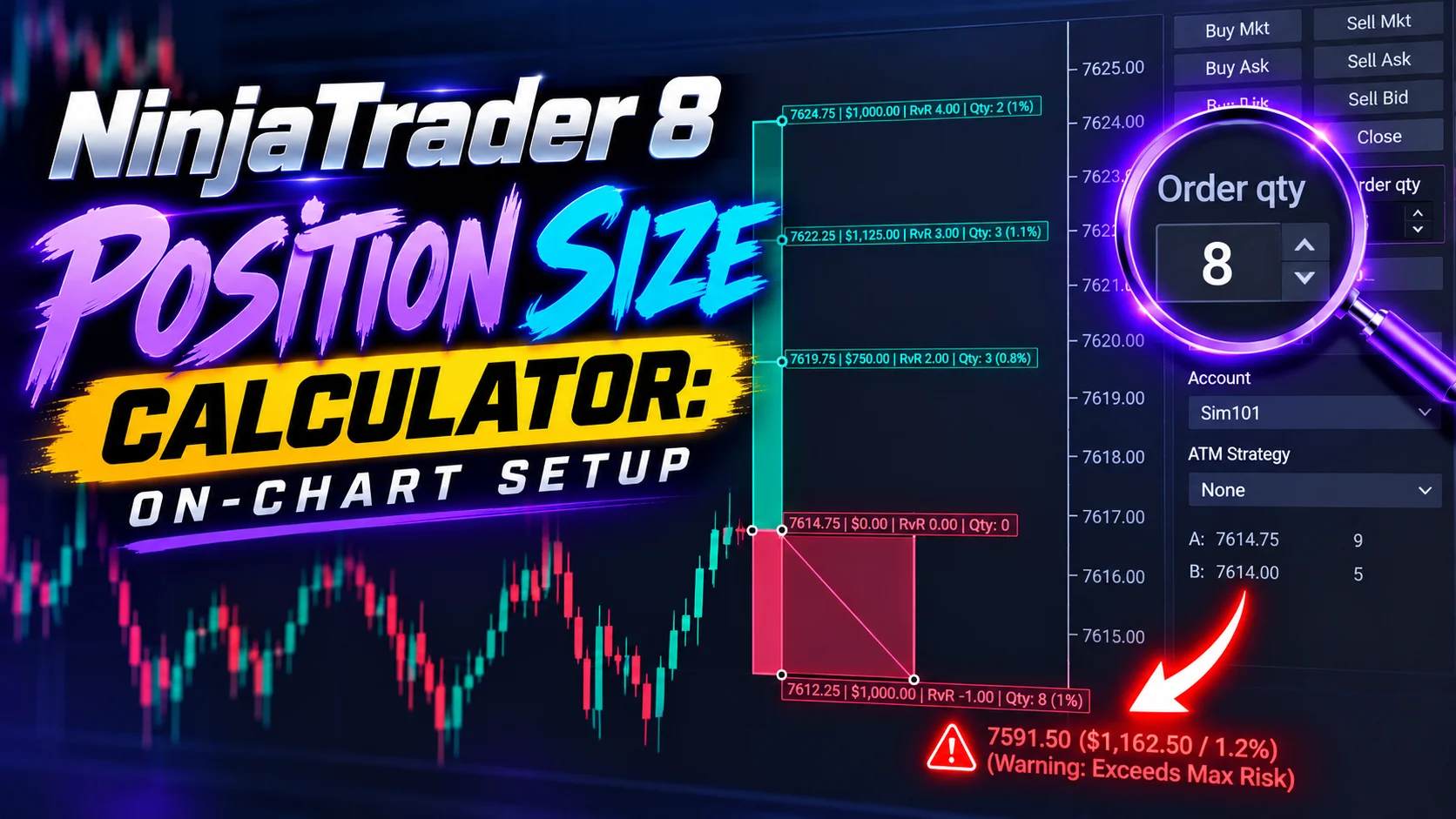
NinjaTrader 8 Position Size Calculator: On-Chart Setup
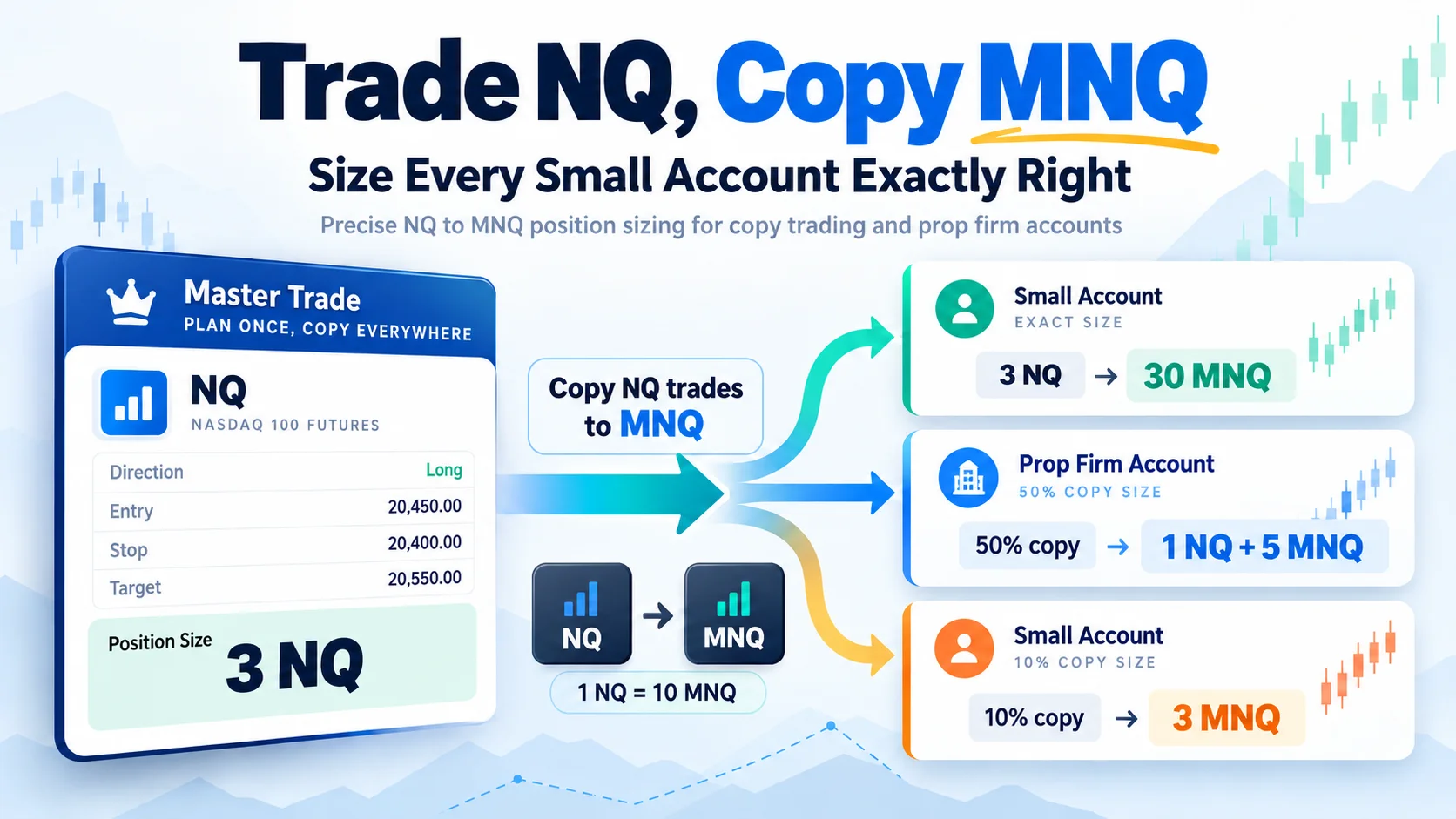
Trade NQ, Copy MNQ: Copy NQ Trades to MNQ in NinjaTrader 8
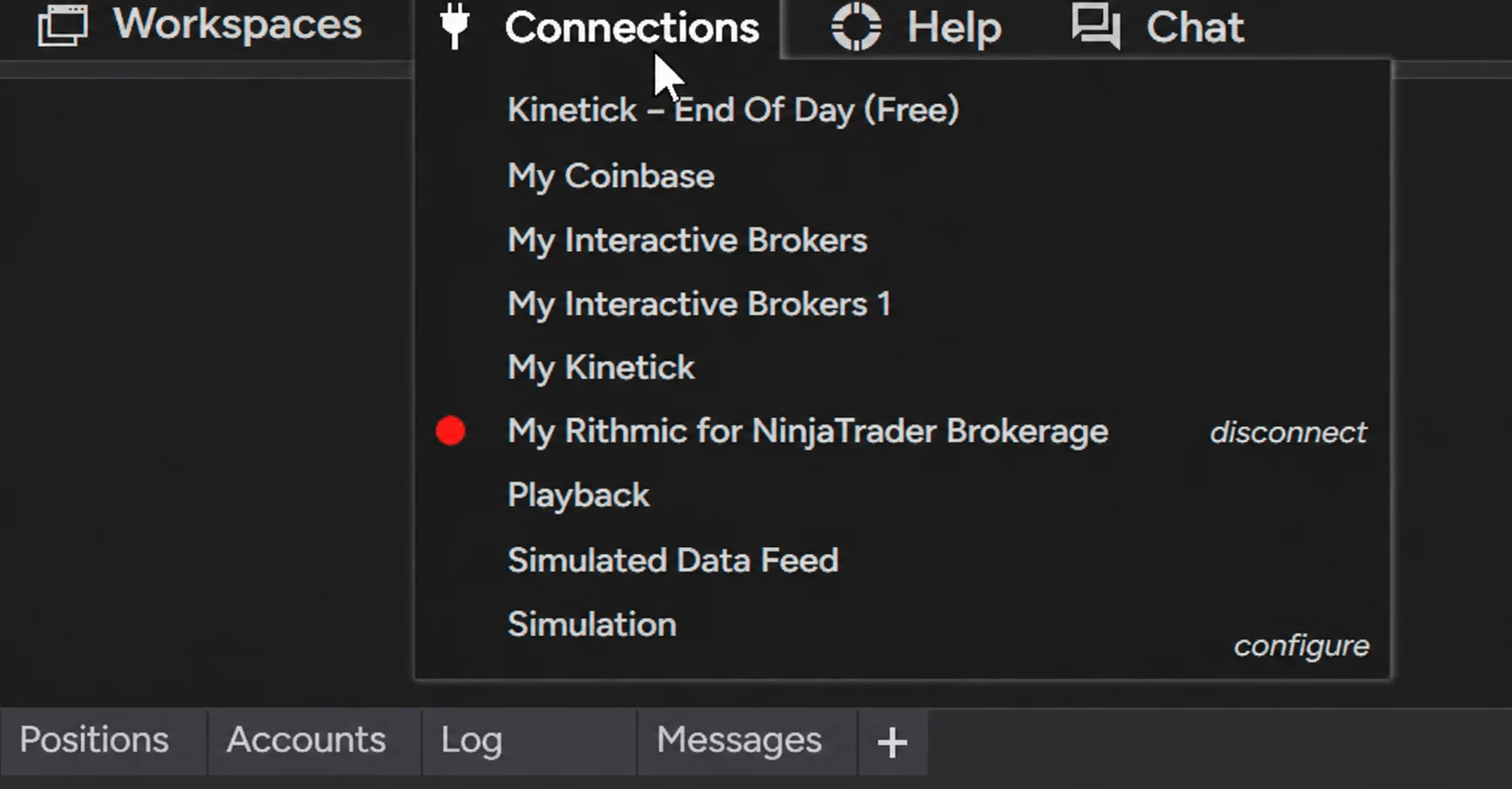
NinjaTrader Data Feed Not Updating? Quick Fixes
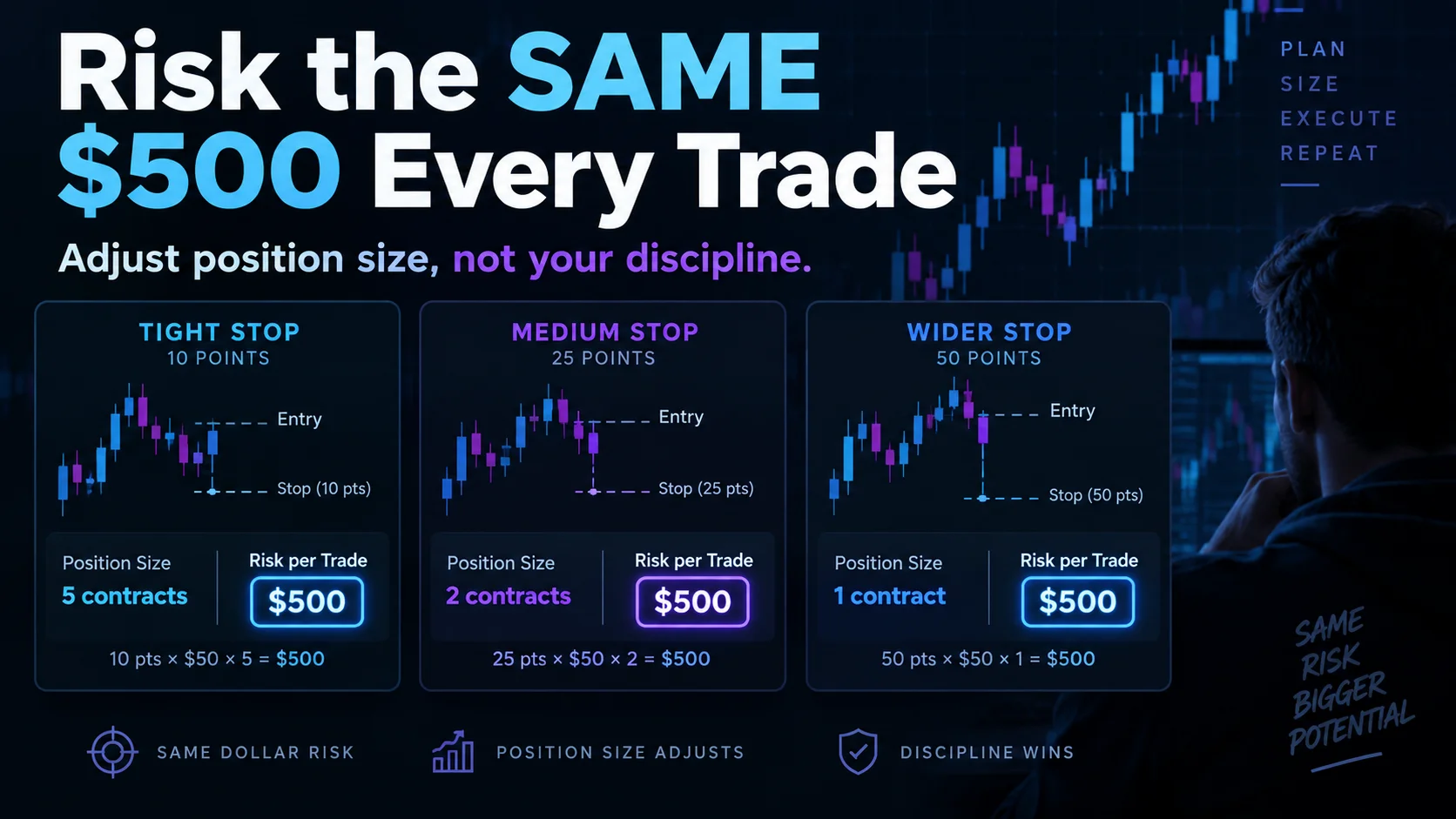
NinjaTrader Risk Per Trade: Risk $500 on Every Trade
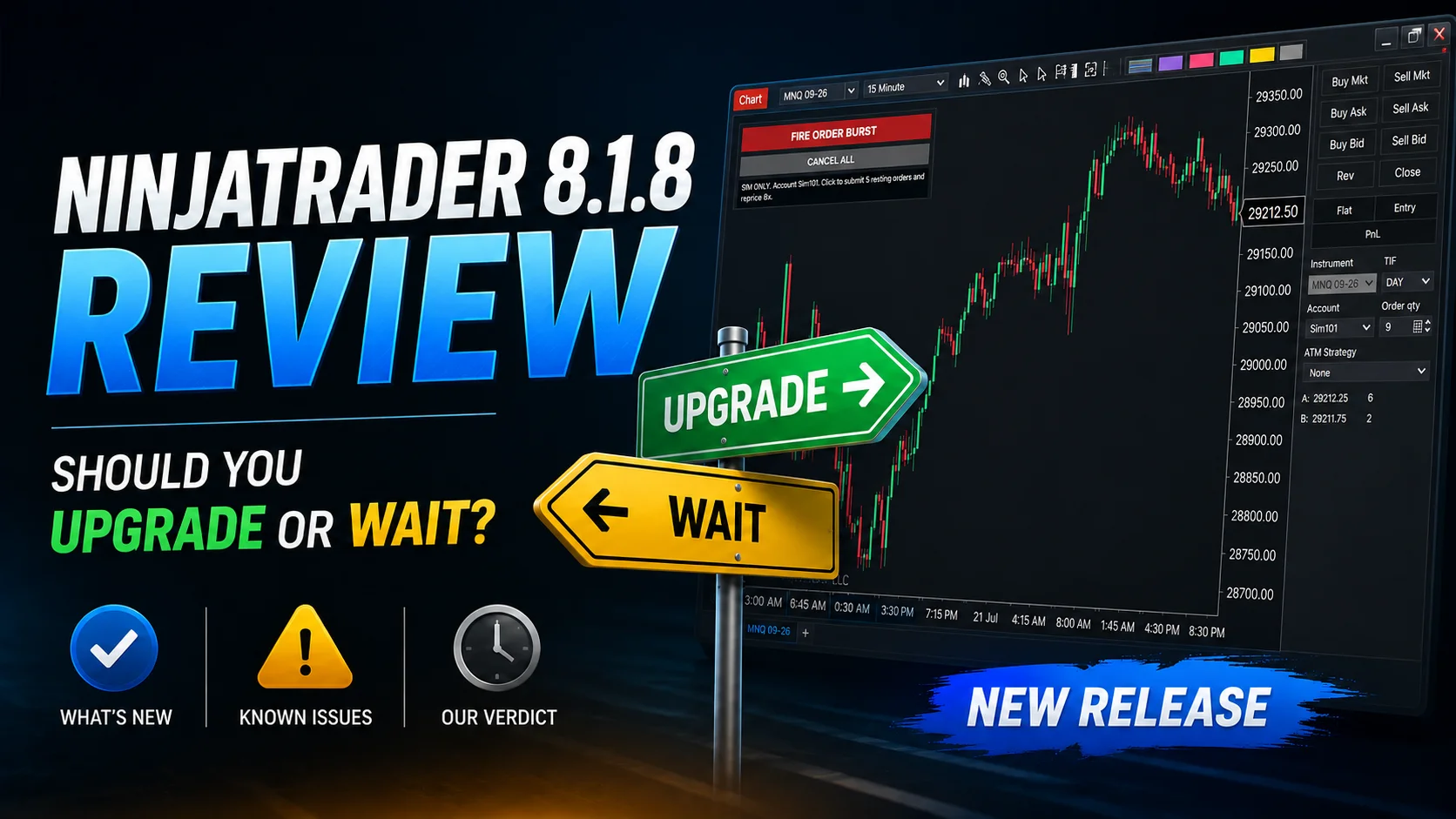
NinjaTrader 8.1.8 Review: Should You Upgrade or Wait?
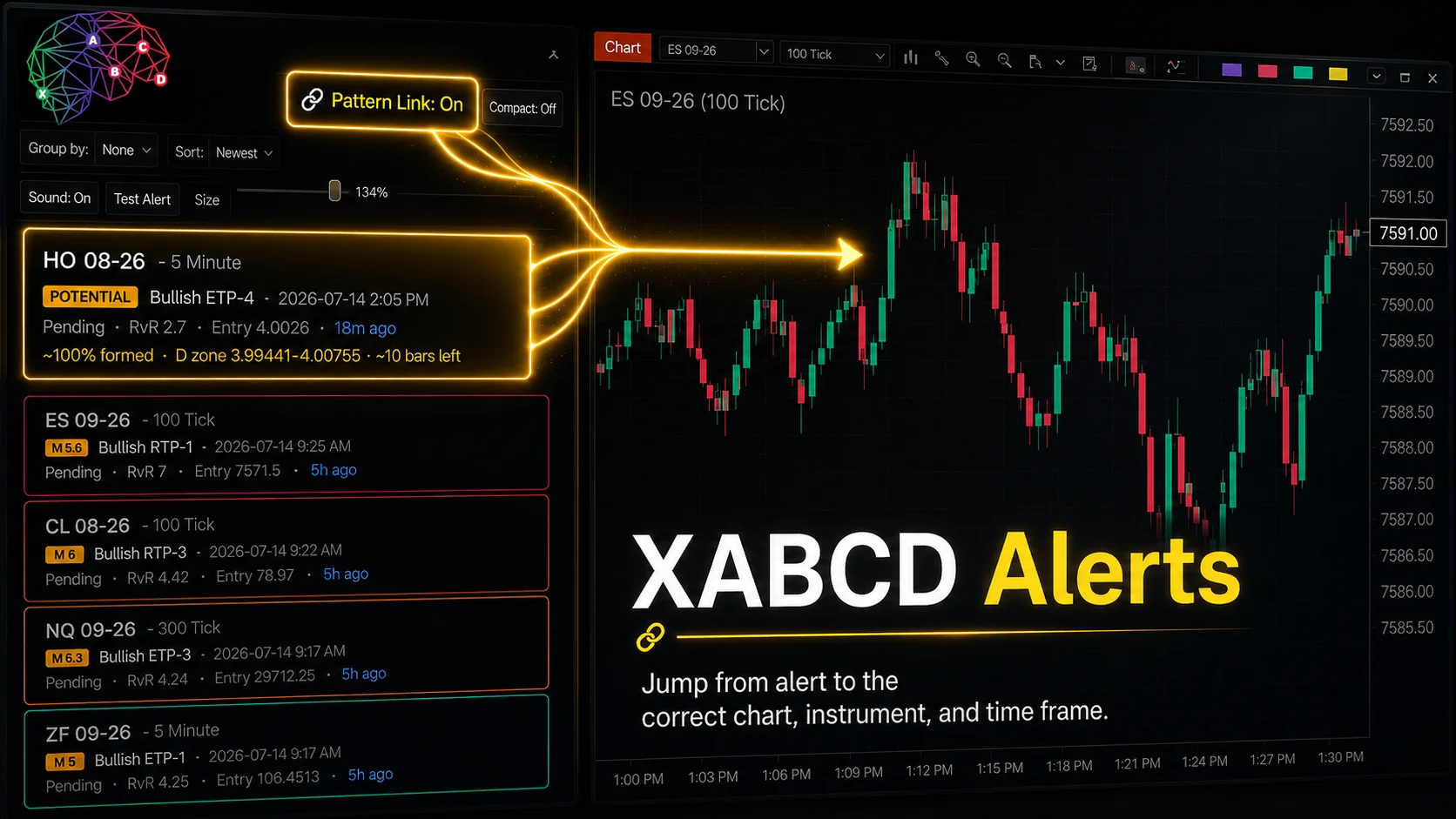
XABCD Pattern Alerts: The Complete Guide for Traders
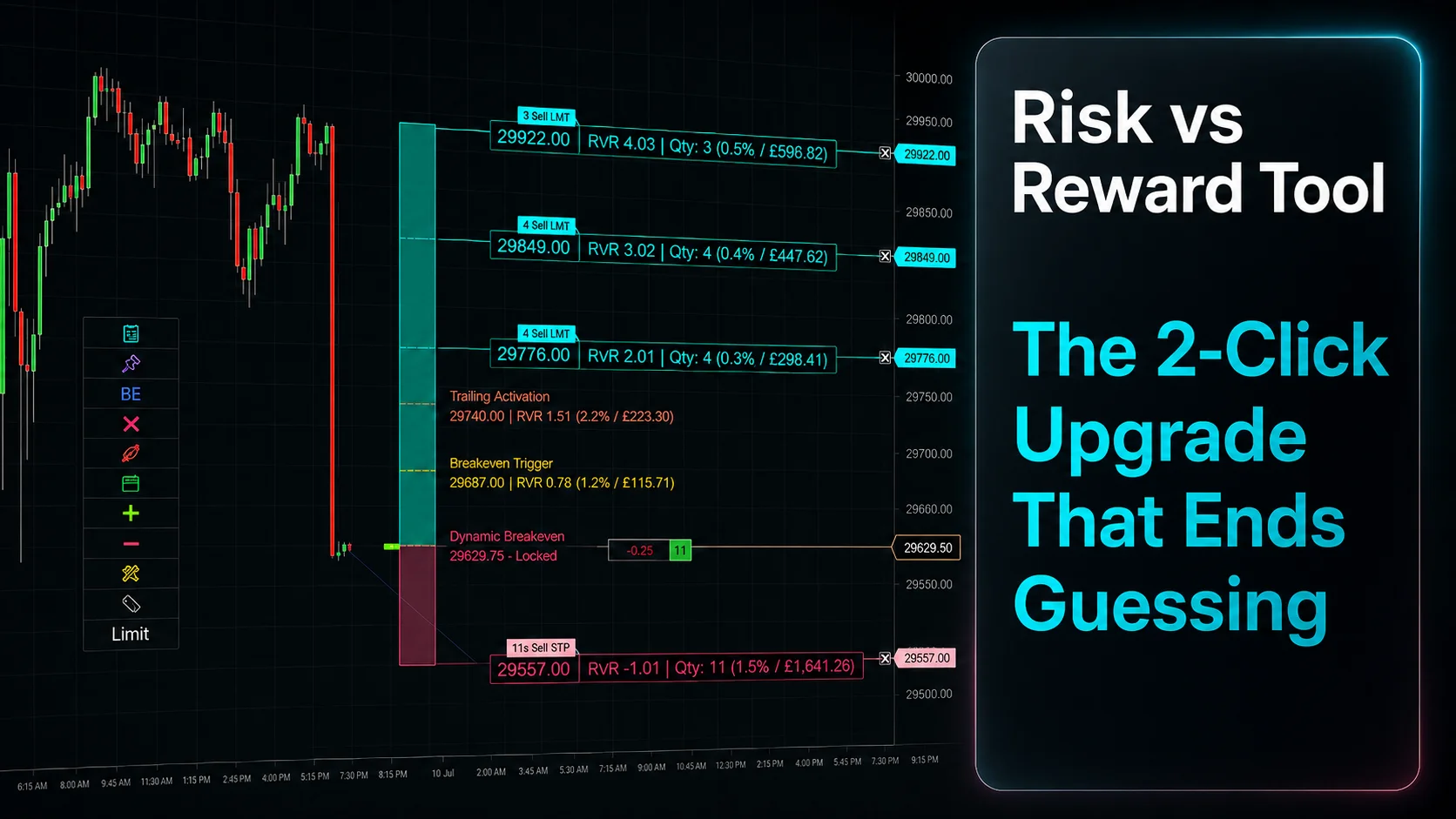
Risk vs Reward Tool: The 2-Click Upgrade That Ends Guessing
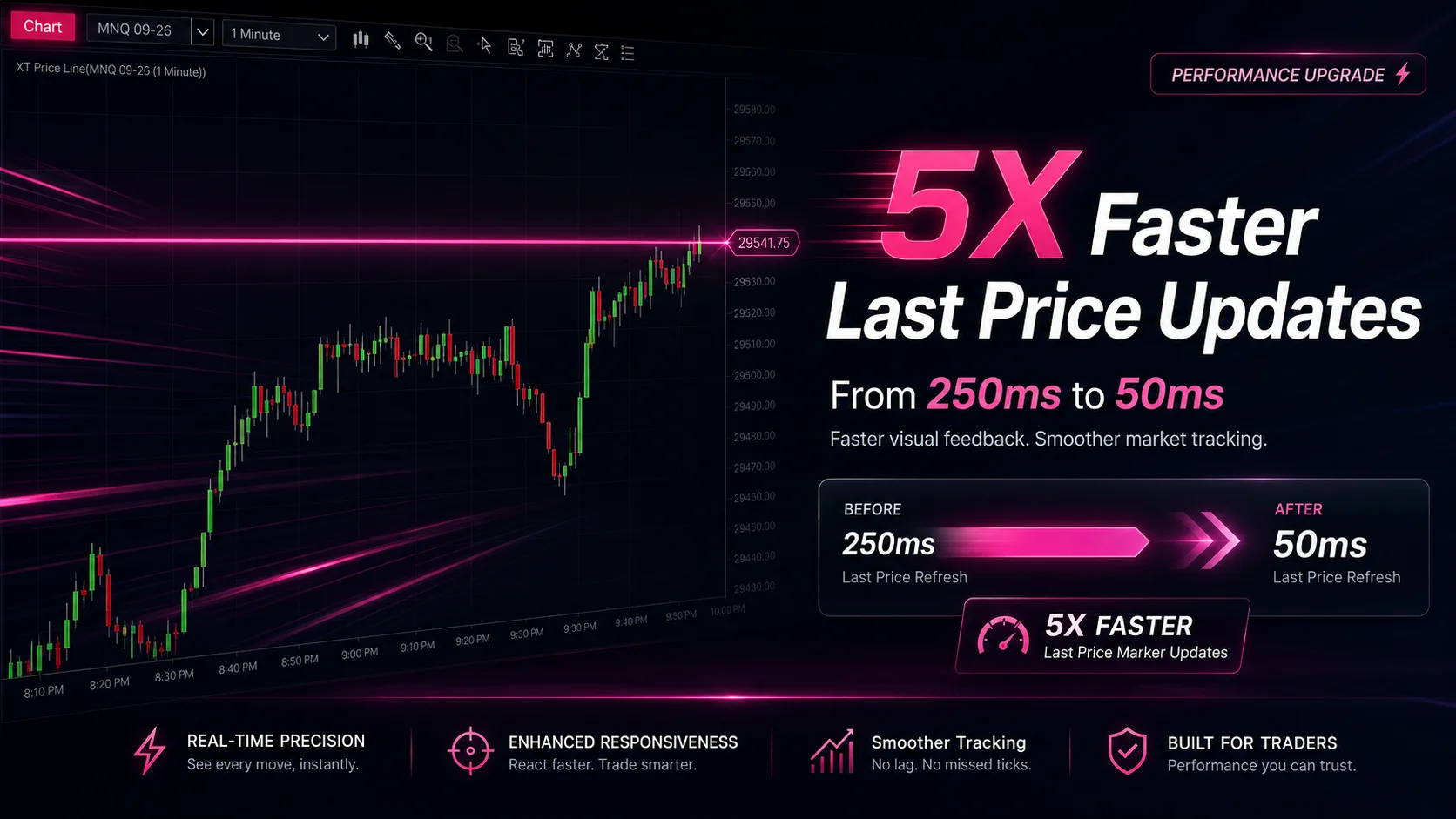
NinjaTrader Faster Last Price Updates on Charts Explained
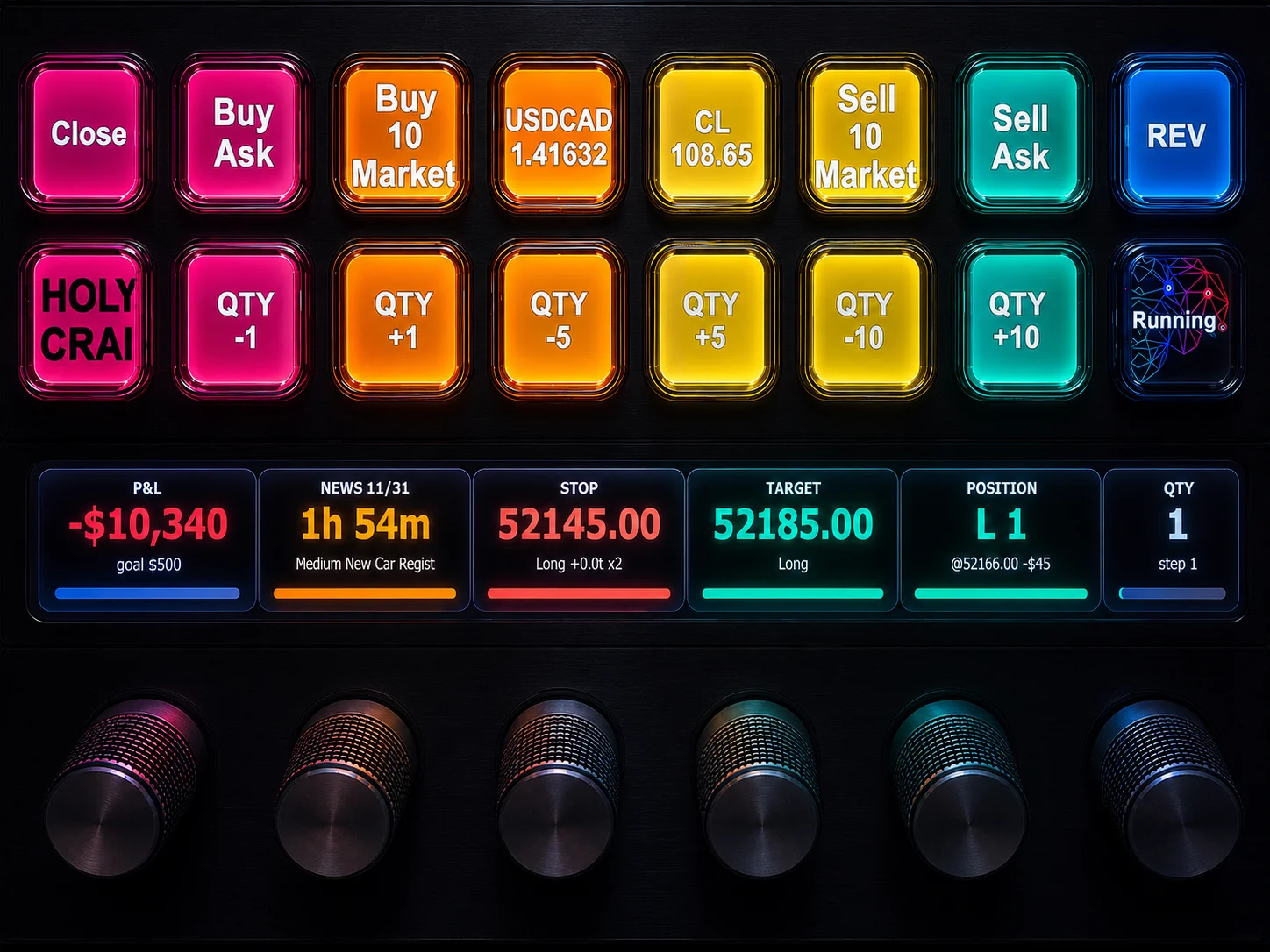
NinjaTrader 8 Hotkeys: Best Shortcuts for Faster Trading