XABCD TRADING

NinjaTrader Faster Last Price Updates on Charts Explained
Subscribe
to get alerts to our next blog post!
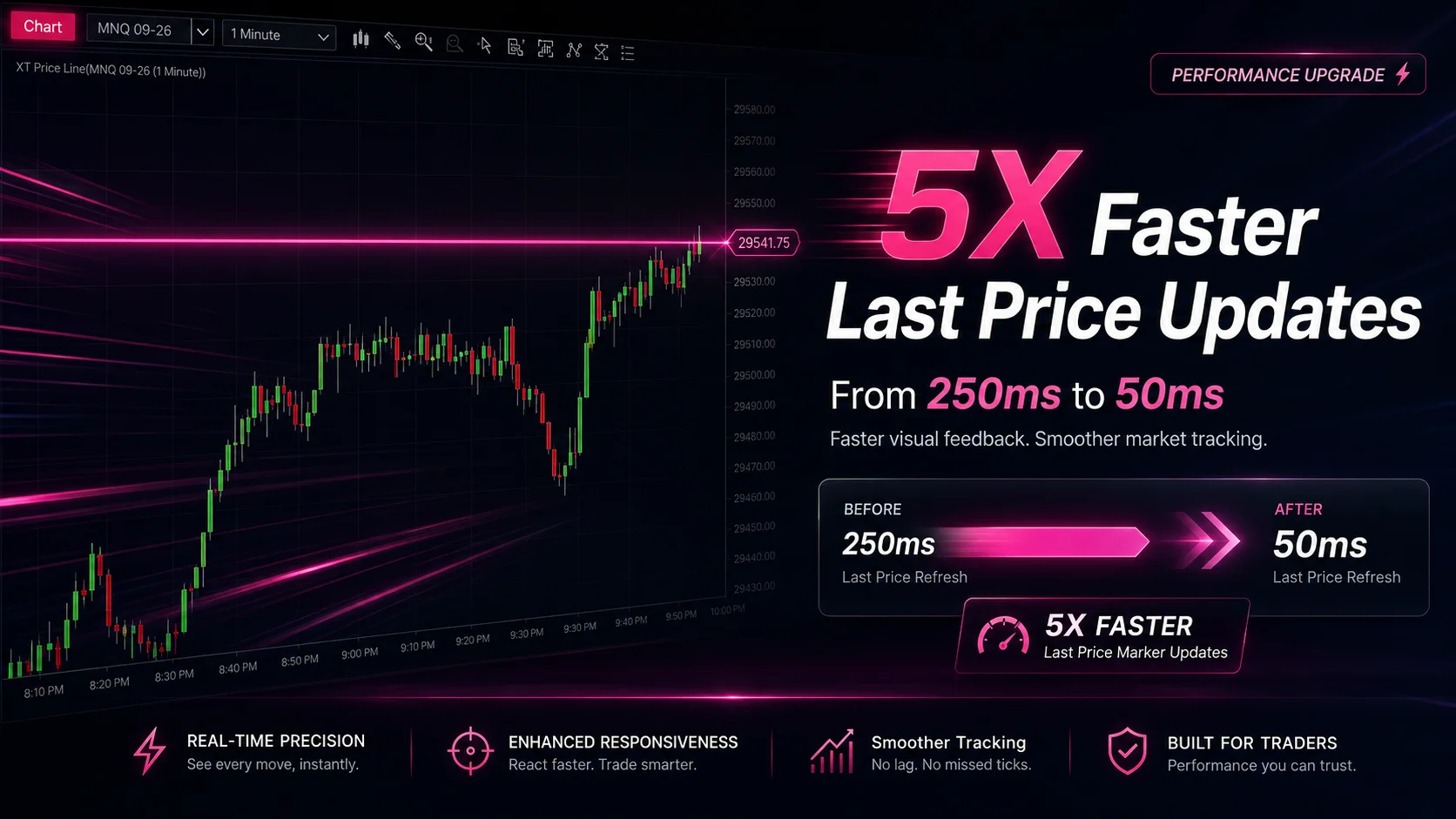
If you trade fast-moving markets, you already know that every millisecond counts. That's exactly why the latest improvement — NinjaTrader faster last price updates on charts — is such a big deal. Feature #31708 delivers a 5X boost to how quickly the last price marker refreshes on your charts. Instead of updating every 250 milliseconds, it now refreshes every 50 milliseconds. That might sound like a small number, but in practice, it transforms how responsive your charts feel during volatile sessions.
In this cornerstone guide, we'll break down exactly what this update means, why it matters for active traders, and how you can pair it with the right tools — especially the XABCD Position Sizing Tool — to gain a genuine edge. Whether you scalp futures, swing trade stocks, or day trade forex, faster visual feedback changes the game. Let's dive in.
What Changed with the Last Price Marker?
Before this update, the last traded price marker on NinjaTrader charts refreshed approximately every 250 milliseconds. For many traders, that was good enough. However, if you've ever watched a fast ES or NQ move and noticed a slight visual lag, that 250ms refresh was the culprit. Your data feed was already delivering the ticks, but the chart wasn't painting them as fast as they arrived.
Now, with Feature #31708, NinjaTrader refreshes the last price marker every 50 milliseconds. That's five times faster. The result? Your chart's price label tracks the market almost in real time. You see where price is, not where it was a quarter-second ago.
Here's what makes this even better: the improvement applies automatically. You don't need to toggle a setting, install an add-on, or change any configuration. As soon as you're running the updated version of NinjaTrader, your charts benefit immediately.
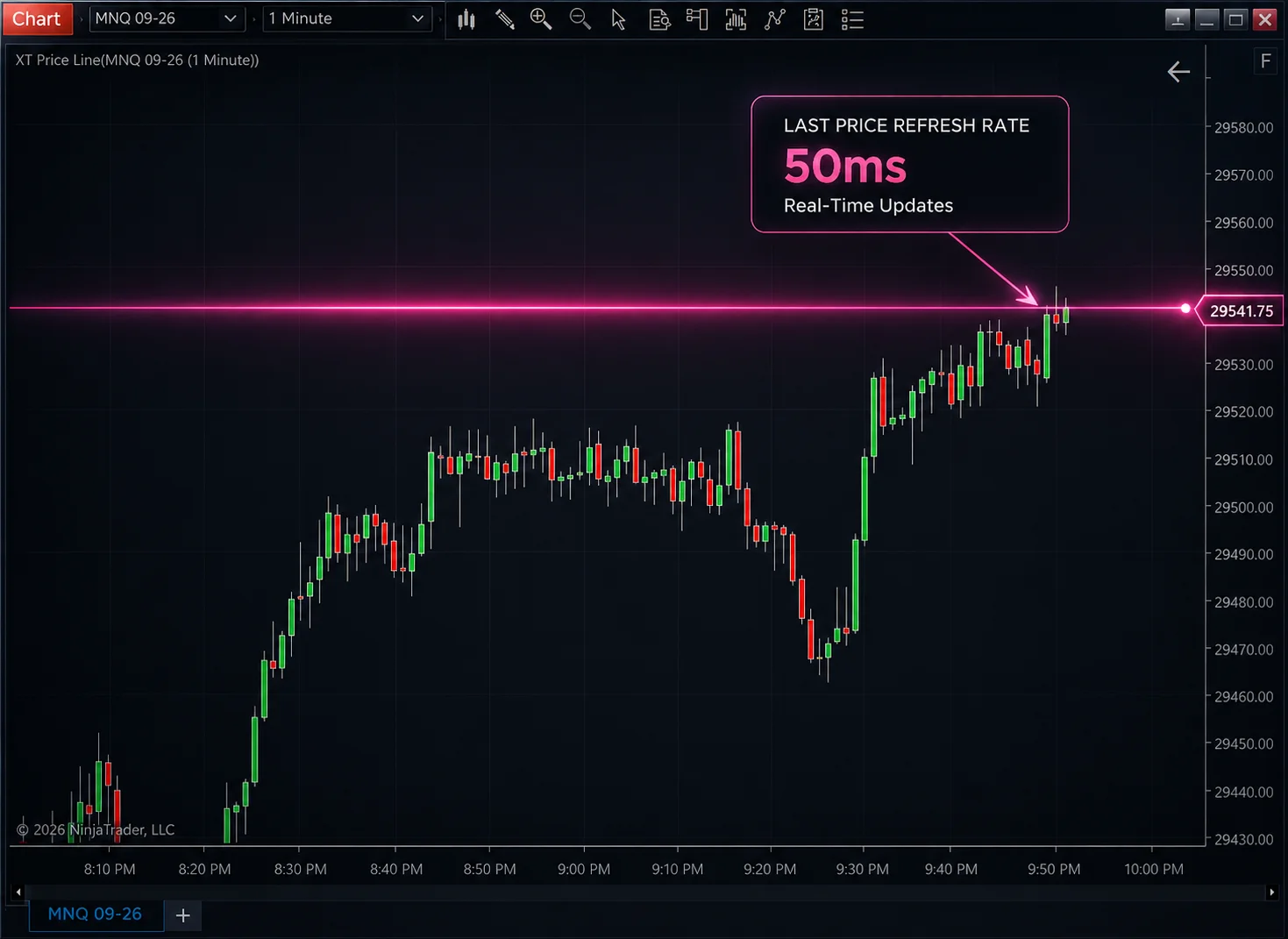
Screenshot of a NinjaTrader chart highlighting the last price marker updating in real time at the 50ms refresh rate
Why 50ms vs 250ms Actually Matters
You might wonder: does a 200-millisecond difference really change anything? The short answer is yes, especially in certain trading scenarios. Let's look at why.
Scalping and Fast Markets
Scalpers live and die by speed. When you're trying to capture two or three ticks on an ES contract, the difference between seeing the current price and seeing a stale price can determine whether you enter at the right moment. A 250ms delay means price could have moved one or two ticks before your chart catches up. At 50ms, that gap shrinks dramatically.
News Events and Volatility Spikes
During FOMC announcements, CPI releases, or earnings reports, price can move dozens of ticks in under a second. Previously, NinjaTrader chart responsiveness during these bursts felt sluggish because the visual update couldn't keep pace. Now, the last price marker keeps up much more faithfully. You can see the spike unfold in near real time, which helps you make faster decisions about entries, exits, or staying flat.
Psychological Confidence
This one gets overlooked, but it's real. When your chart feels snappy and responsive, you trade with more confidence. There's a subtle stress that builds when you sense your platform is lagging behind. Even if the lag is small, your brain picks up on it. Removing that friction makes the whole experience smoother and more trustworthy.
A 5X improvement in last price marker refresh — from 250ms to 50ms — sounds incremental on paper. In practice, it's the difference between watching the market and feeling the market.
Does This Affect Overall Chart Performance?
Great question, and the answer is no. NinjaTrader engineered this update to specifically target the last price marker's visual refresh without increasing the overall rendering load on your charts. Your indicators, drawings, and historical bars all behave exactly as before.
This is important because traders often worry that faster updates mean higher CPU usage or potential lag elsewhere. In this case, NinjaTrader optimized a very specific visual element. The rest of your NinjaTrader chart performance stays the same.
That said, if you've ever experienced broader performance concerns — like lagging indicators or sluggish chart scrolling — those are separate issues worth investigating. The XABCD Performance Monitor is a free tool that helps you diagnose exactly where bottlenecks occur in your NinjaTrader setup. It's worth checking out if you want to make sure your whole platform runs as smoothly as the new last price marker.
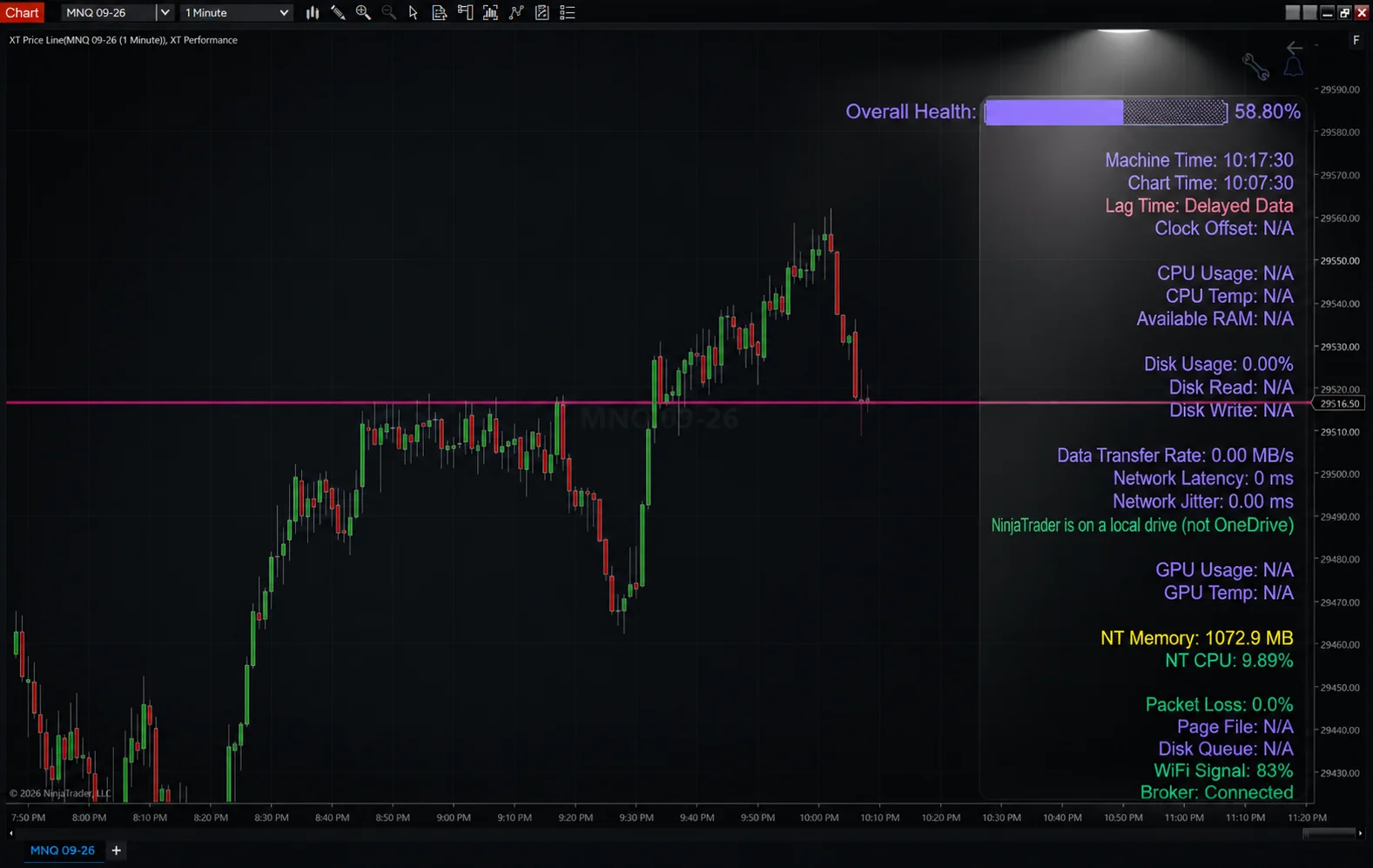
Screenshot of the XABCD Performance Monitor indicator running inside NinjaTrader, displaying real-time CPU and rendering metrics
NinjaTrader Faster Last Price Updates on Charts and the XABCD Position Tool
Now let's talk about why NinjaTrader faster last price updates on charts paired with the XABCD Position Tool creates such a powerful combination. This is where things get really exciting for traders who care about precision and risk management.
Real-Time Price Meets Real-Time Position Sizing
The XABCD Position Tool calculates your position size based on your account balance, risk percentage, and the distance between your entry and stop loss. It updates dynamically as you move your entry or stop on the chart. Consequently, when the last price marker refreshes faster, you get a more accurate picture of where price is relative to your planned trade.
Think about it this way. You're watching price approach a key level. You've set your stop and your entry on the chart using the position tool. As price ticks closer and closer, you need to know exactly where the last traded price sits. With the old 250ms refresh, there was a small visual gap. Now at 50ms, you see price arrive at your level almost instantly. Meanwhile, the position tool has already calculated the exact number of contracts or shares you should trade based on your risk rules.
Better Entries, Tighter Risk
Faster NinjaTrader real-time chart updates mean you can time your entries with greater precision. When you combine that with automatic position sizing, you remove two of the biggest sources of trading errors:
- Visual lag — You no longer second-guess whether the price you see is truly current.
- Manual calculation errors — The position tool handles the math so you don't fat-finger a lot size during a fast move.
Together, these two features let you focus on what actually matters: reading the market and executing your plan. Furthermore, because the position tool integrates directly onto your chart, you don't need to switch between windows or use a separate calculator. Everything lives in one place, updating in sync with the faster last price data.
Why ATMs Alone Can't Match This
NinjaTrader's built-in ATM (Advanced Trade Management) templates are useful, but they have limitations. For instance, ATMs use fixed stop and target values. They don't dynamically adjust your position size based on where you place your stop relative to your entry. The XABCD Position Tool does. As a result, you always risk the exact dollar amount or percentage you've defined — no matter how wide or tight your stop is.
When you add faster last price updates to this equation, the advantage multiplies. You see current price more accurately, and the tool adjusts your sizing in real time. It's a dynamic, responsive workflow that static ATM templates simply can't replicate. If you want to learn more about this comparison, check out this article on position sizing vs ATMs.
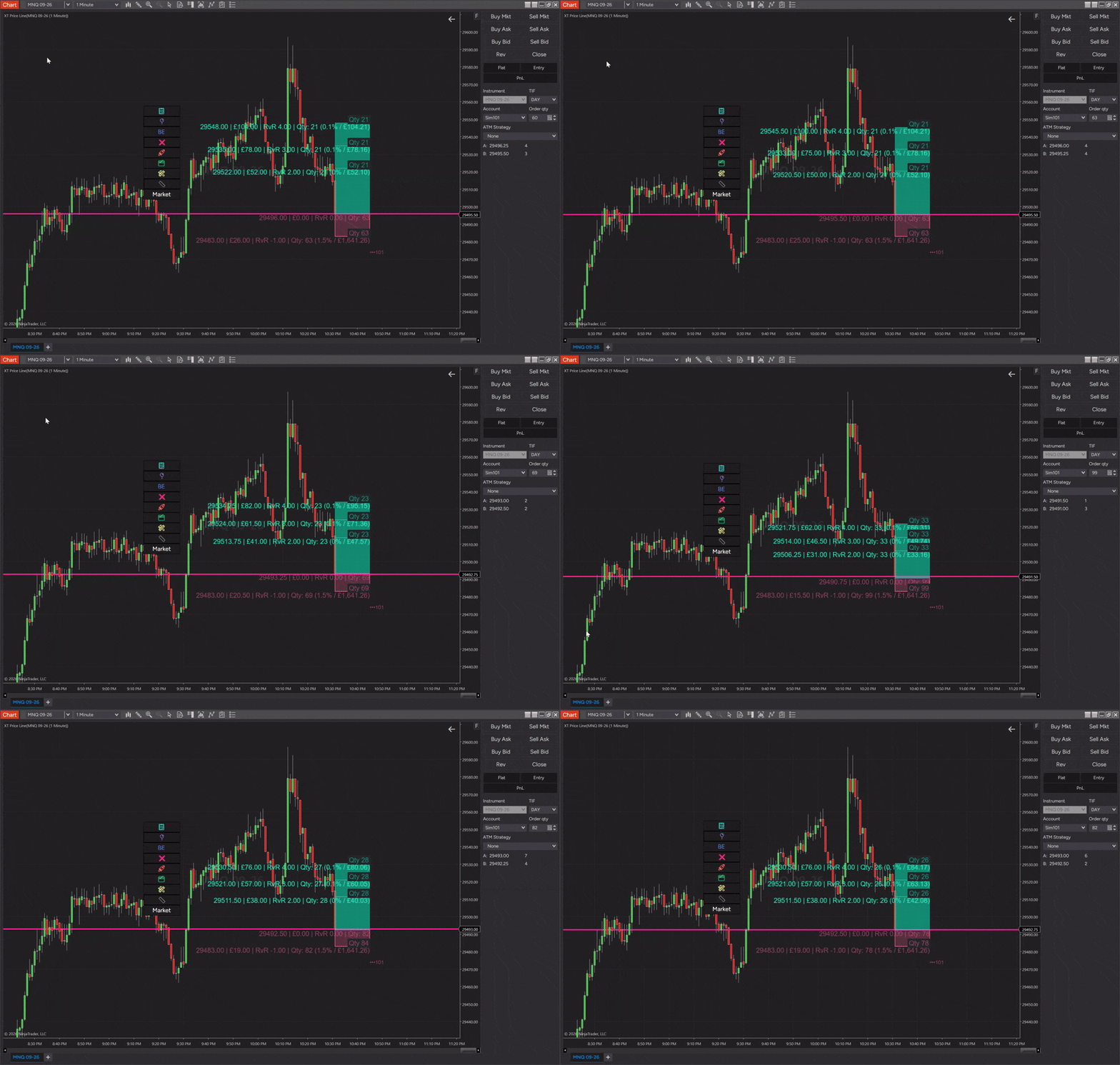
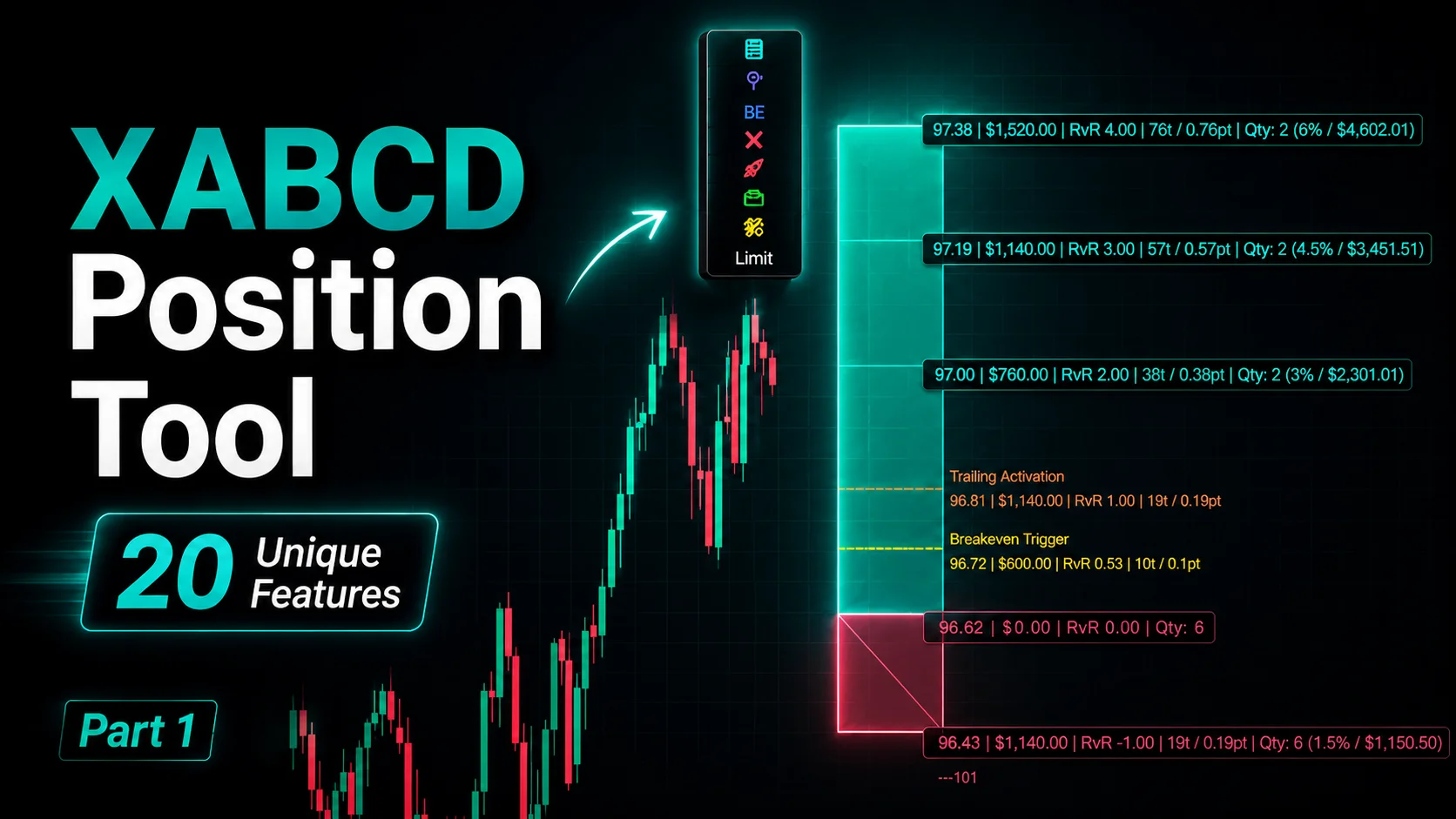
Screenshot of the XABCD Position Tool overlaid on a NinjaTrader chart, showing dynamic quanity position sizing in chart trader alongside the fast-updating last price marker
Practical Scenarios Where This Combo Shines
Let's walk through a few real-world situations where NinjaTrader faster last price updates on charts combined with the XABCD Position Tool truly shine.
Scenario 1: Scalping the ES During the Opening Bell
The first 15 minutes of the regular session are chaotic. Price whips back and forth as institutional orders flood the book. You've identified a support level from premarket analysis. You place your stop a few ticks below and use the position tool to calculate your size.
As the bell rings, price drops toward your level. Thanks to the 50ms refresh, you see every tick arrive in near real time. The position tool shows you can take 4 contracts at your defined risk. Price touches your level, you enter, and within seconds you're managing a live trade. Without the faster refresh, you might have hesitated — unsure if price had actually reached your level or if the chart was lagging.
Scenario 2: Swing Trading Forex Pairs
You're watching EUR/USD on a 15-minute chart. A bearish pattern has formed, and you want to enter on a pullback. Your stop is 25 pips above the recent high. The position tool calculates your lot size based on risking 1% of your account.
Even on a swing trade, the last price marker refresh rate matters. When price starts to pull back toward your entry zone, you want clear visual confirmation. The 50ms update ensures you don't miss the exact moment price enters your zone. Similarly, if price reverses before reaching your entry, you see that immediately and avoid chasing.
Scenario 3: Trading Around a News Release
CPI data drops at 8:30 AM ET. You've decided to wait for the initial spike to settle, then trade the retracement. The XABCD Position Tool sits on your chart, ready to calculate size as soon as you set your levels.
With position sizing NinjaTrader workflows automated, you don't waste precious seconds doing math in your head. And because the last price marker now updates 5X faster, you can watch the post-news price action unfold with clarity. You set your entry below the spike high, your stop above it, and the tool tells you exactly how many contracts to trade. It's smooth, fast, and precise.
How to Make Sure You're Getting the Faster Updates
As mentioned earlier, this update applies automatically. However, here are a few things to double-check:
- Update NinjaTrader — Make sure you're running the latest version. Go to Help > About NinjaTrader to check your build number.
- Check your data feed — The 50ms visual refresh only helps if your data feed is delivering ticks fast enough. Most modern feeds (like Kinetick or Rithmic) handle this easily.
- Monitor performance — If your computer is older or you're running many charts simultaneously, keep an eye on CPU usage. The update itself is lightweight, but overall system load still matters.
- Use the right tools — Pair the faster updates with tools like the XABCD Position Tool to maximize the benefit. Faster price data without proper risk management is like a fast car without brakes.
For a deeper dive into monitoring your platform's health, the free performance indicator from XABCD Trading is a must-have. It shows you exactly what's happening under the hood.
Tips for Maximizing NinjaTrader Chart Responsiveness
The faster last price marker is one piece of the puzzle. Here are additional tips to keep your charts feeling snappy:
- Limit the number of indicators per chart. Every indicator adds rendering load. Stick to the essentials.
- Close unused chart tabs. Open charts consume memory and CPU cycles even when you're not looking at them.
- Use tick-based charts wisely. Tick charts generate more bars in fast markets, which increases the rendering workload. Consider range or Renko charts for slower-paced analysis.
- Keep your historical data reasonable. Loading 90 days of 1-tick data will slow everything down. Load only what you need.
- Restart NinjaTrader daily. Memory leaks can build up over long sessions. A fresh start each morning keeps things clean.
These habits, combined with the native 50ms last price refresh, create an ultra-responsive trading environment. Moreover, when you layer on the XABCD Position Tool, you've got a setup that's both fast and smart about risk.
The Bigger Picture: Speed + Risk Management = Edge
Let's zoom out for a moment. Many traders obsess over speed — faster data feeds, lower latency connections, colocation servers. Those things matter for institutional and algorithmic traders. But for discretionary retail traders, the biggest speed gains come from the platform itself.
NinjaTrader faster last price updates on charts address exactly this. They make your visual experience faster without requiring you to spend thousands on infrastructure. It's a free, automatic improvement that levels up every chart on your platform.
Now combine that with smart risk management. The XABCD Position Tool ensures you never over-leverage, never miscalculate your lot size, and never risk more than you intend. That's not just a convenience — it's a survival tool. As a result, you protect your capital during the exact moments when markets move fastest and emotions run highest.
Speed without discipline leads to blown accounts. Discipline without speed leads to missed opportunities. Together, they form the foundation of consistent, professional-grade trading. For even more resources on improving your NinjaTrader setup, explore platform optimization tips from industry experts.
Frequently Asked Questions
What is Feature #31708 in NinjaTrader?
Feature #31708 is an update that increases the last price marker refresh rate on NinjaTrader charts from 250ms to 50ms. This makes charts feel 5X more responsive when tracking fast-moving markets. The improvement applies automatically with no settings to change.
Do I need to enable NinjaTrader faster last price updates on charts manually?
No, you don't. Once you update to the NinjaTrader version that includes Feature #31708, the faster 50ms refresh rate activates automatically. There are no toggles, checkboxes, or configuration steps required on your end.
Will the faster refresh rate slow down my charts or increase CPU usage?
NinjaTrader optimized this update to target only the last price marker's visual refresh. It does not increase the overall rendering load on your charts. Your indicators, historical bars, and drawings all perform exactly as before. Overall NinjaTrader chart performance remains unchanged.
How does the XABCD Position Tool work with faster last price updates?
The XABCD Position Tool calculates your position size dynamically based on your entry, stop loss, and risk parameters. When the last price marker updates faster, you get a more accurate visual of where price sits relative to your planned trade. This means better-timed entries and more precise risk management working together in real time.
Can I use the XABCD Position Tool instead of NinjaTrader ATM templates?
Yes. In fact, the XABCD Position Tool offers dynamic position sizing that ATM templates cannot. ATMs use fixed stop and target values, while the position tool adjusts your size based on actual stop distance. This gives you consistent risk per trade regardless of how wide or tight your stop is.
Wrapping Up
The introduction of NinjaTrader faster last price updates on charts through Feature #31708 is a meaningful quality-of-life improvement for every NinjaTrader user. Going from 250ms to 50ms refresh rates makes your charts feel alive and responsive — especially during volatile sessions when accuracy matters most.
But speed alone isn't enough. Pairing this faster visual feedback with the XABCD Position Tool creates a workflow that's both quick and disciplined. You see price in near real time, and you size your positions perfectly based on your risk rules. No mental math, no guessing, no over-leveraging.
If you haven't tried the position tool yet, grab it from XABCD Trading and experience the difference firsthand. Combined with the new 50ms refresh rate, it might just become the most valuable addition to your trading setup this year. Happy trading!
New NinjaTrader Articles Delivered First
 (opens in a new tab)
Easy Order Tool
The Strategy


Scanning & Alerting

NinjaTrader Release
XABCD News (Free Version)
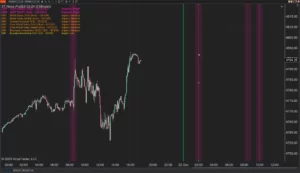
XABCD News (Community Edition) is the best free Indicator for NinjaTrader 8. Don't let news sneak up on you again. Puts economic news events on your charts so you can stay informed and move around positions/stops before the news is released. Works in any market.
XABCD Priceline (Free)
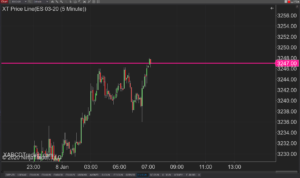
XABCD Price Line tool for NinjaTrader 8 will draw a line at current price and move every time the market changes price. This is useful because it will allow you to easily identify where price is at all times and the exact quoted price.
NinjaTrader Data Feed Not Updating? Quick Fixes
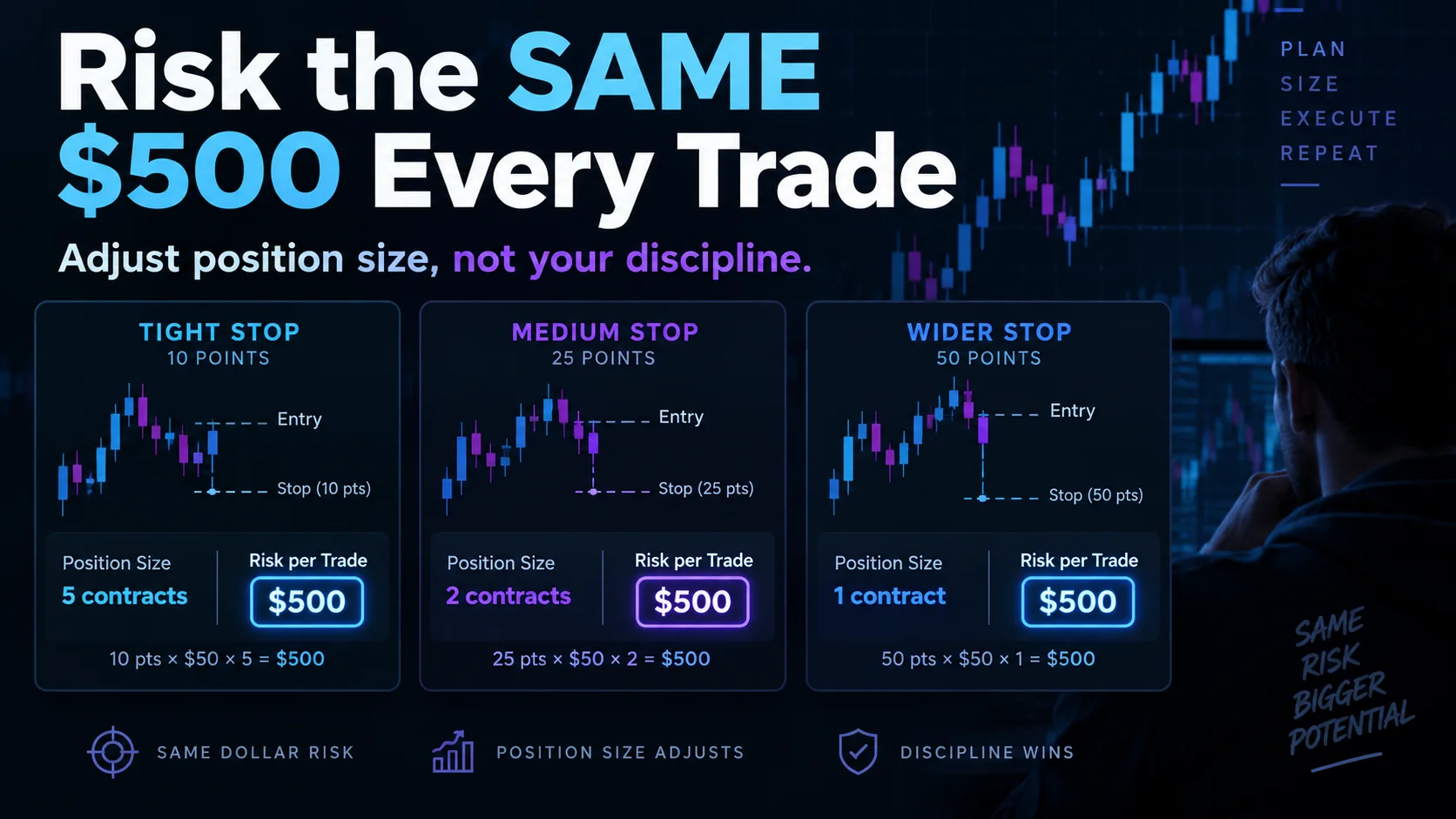
NinjaTrader Risk Per Trade: Risk $500 on Every Trade
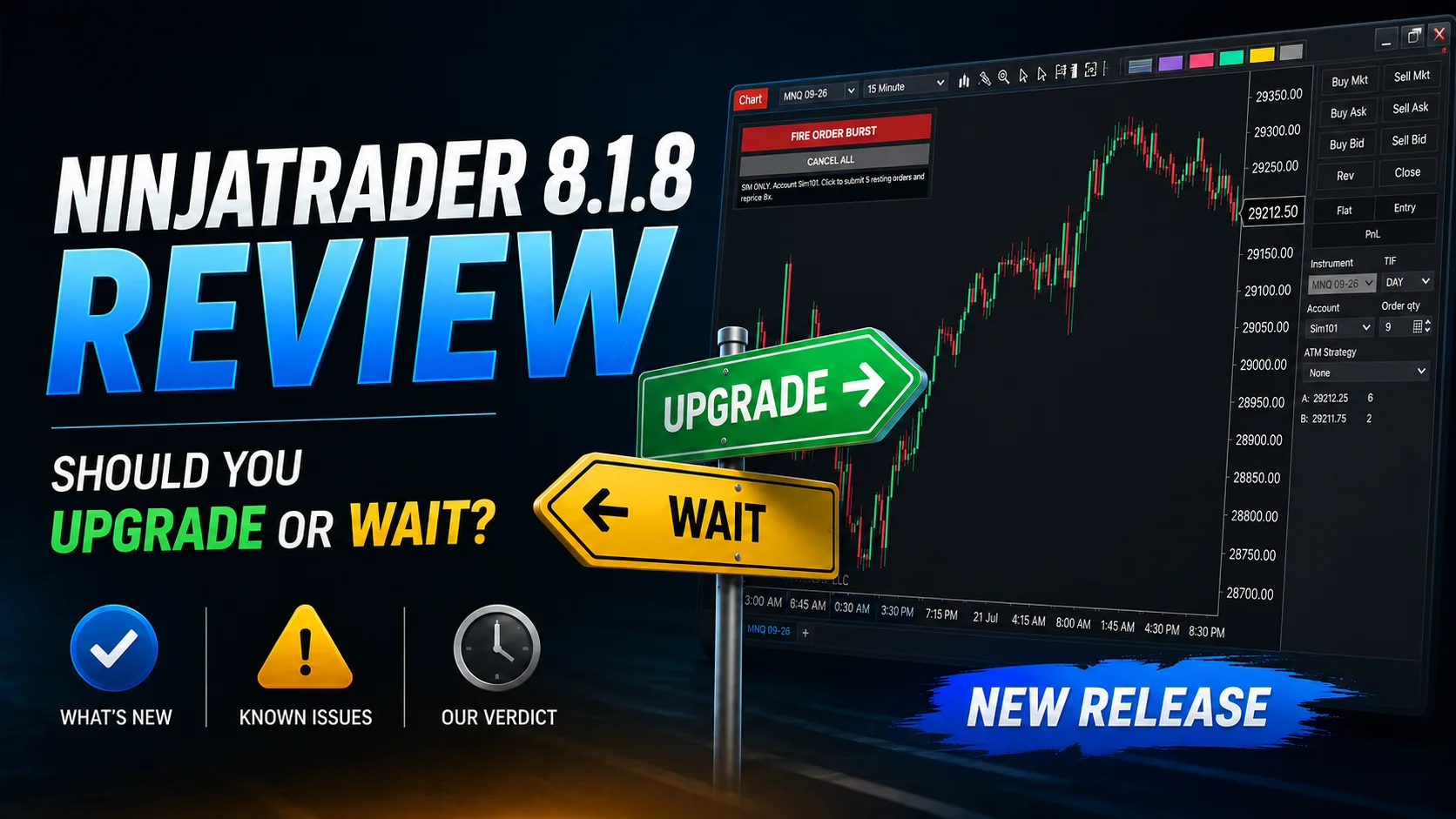
NinjaTrader 8.1.8 Review: Should You Upgrade or Wait?
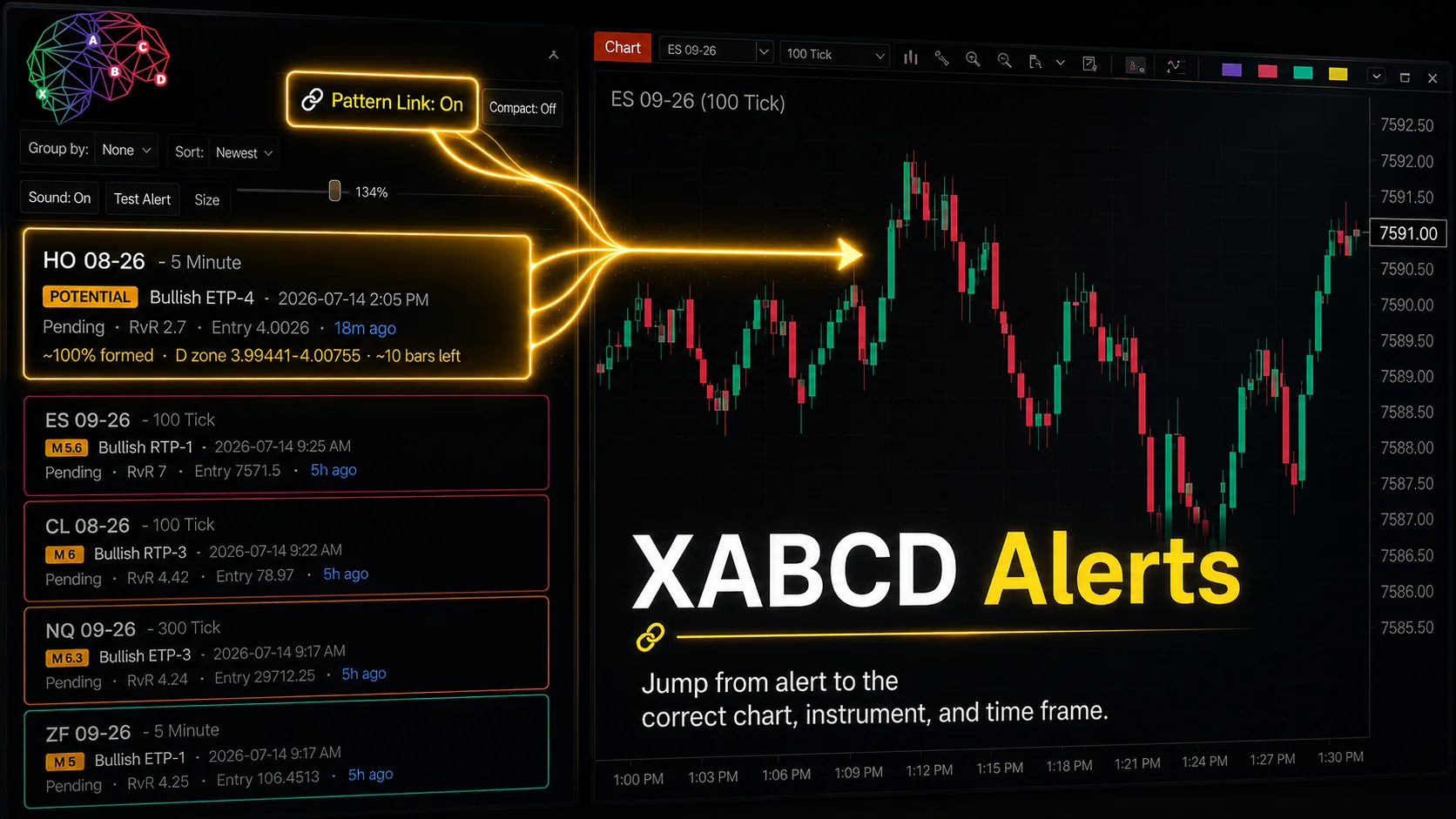
XABCD Pattern Alerts: The Complete Guide for Traders
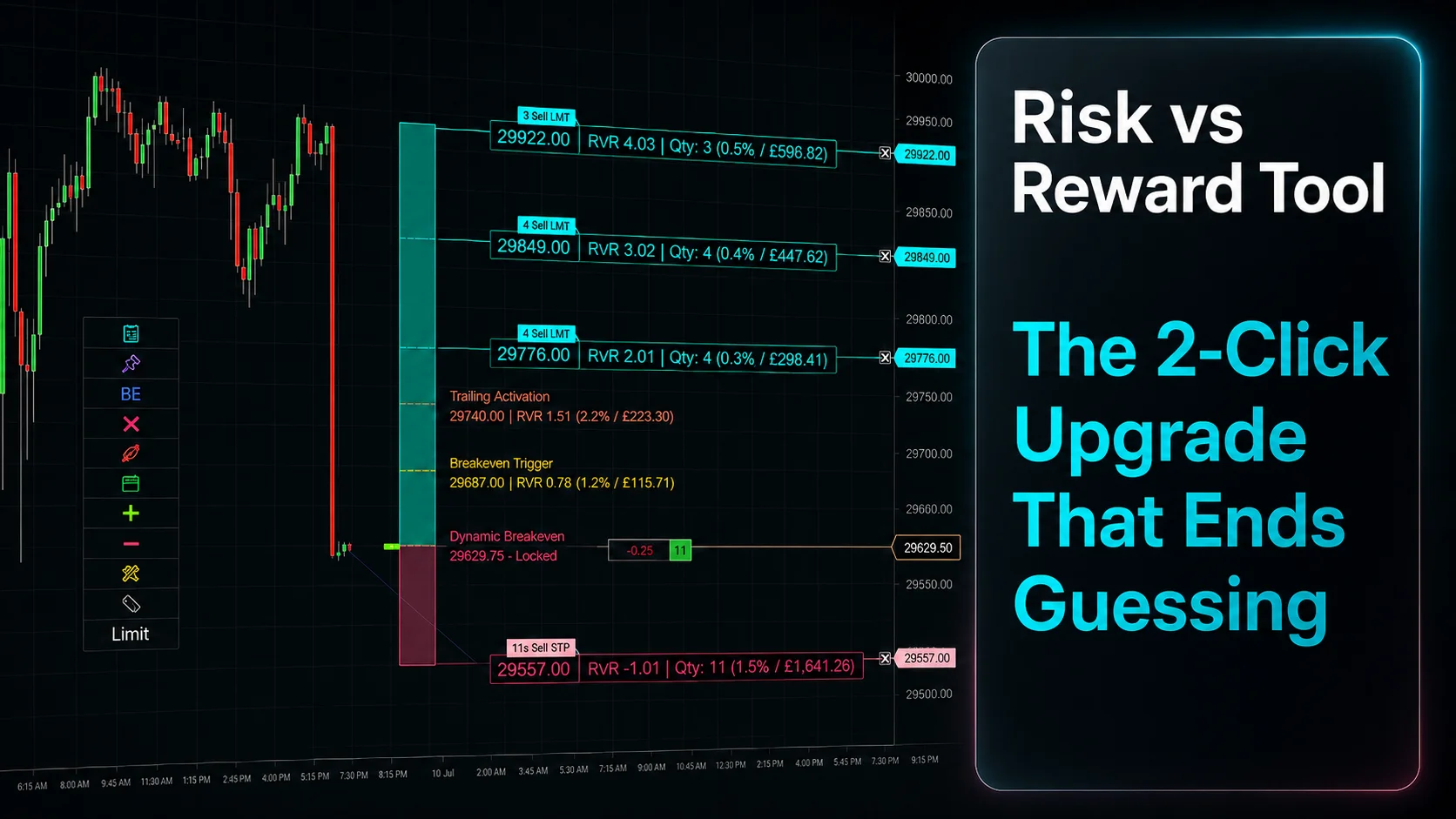
Risk vs Reward Tool: The 2-Click Upgrade That Ends Guessing
NinjaTrader Faster Last Price Updates on Charts Explained
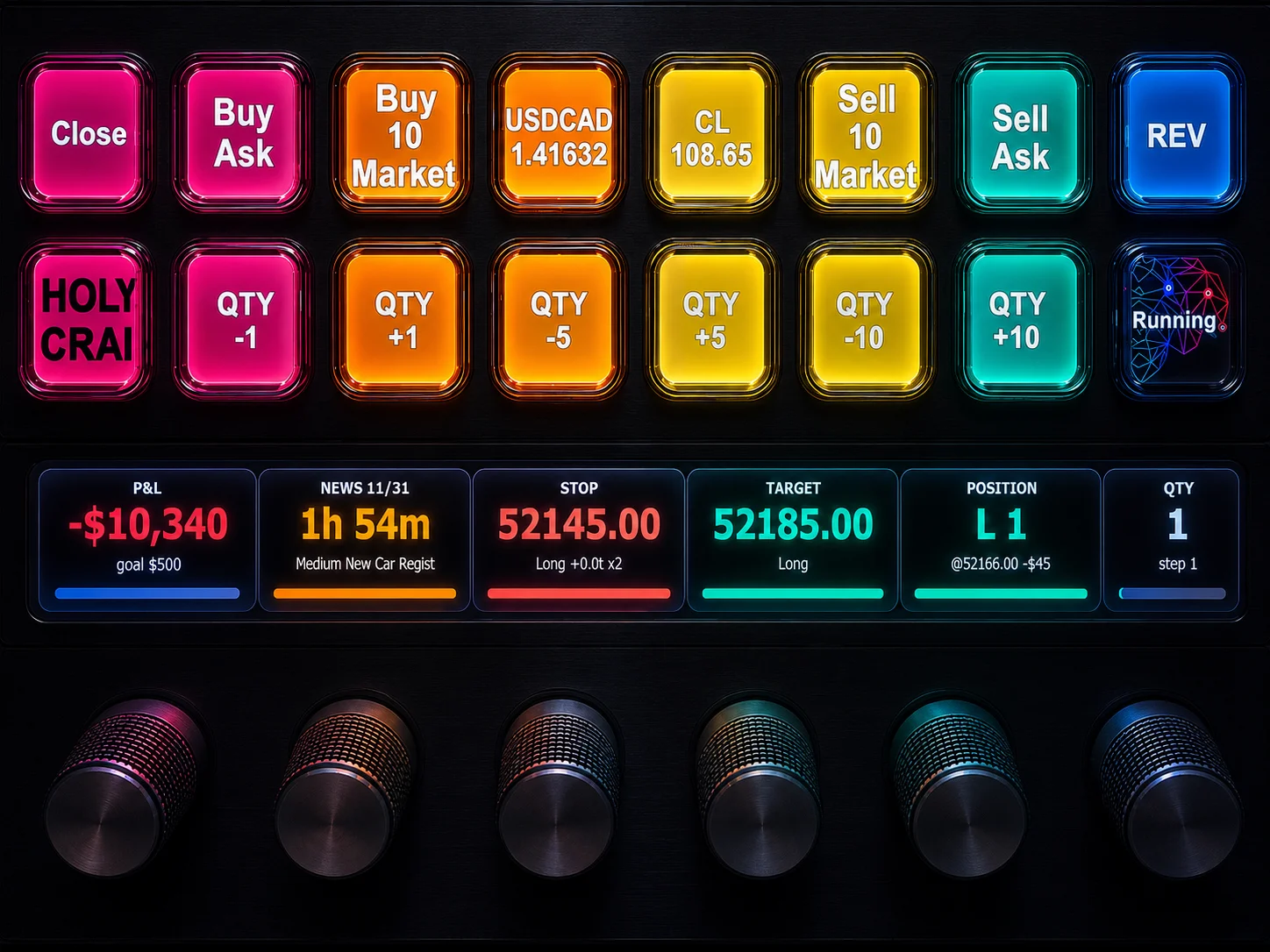
NinjaTrader 8 Hotkeys: Best Shortcuts for Faster Trading
NinjaTrader Position Sizing Tool: 64 Features Stock NT8 Does Not Include
NinjaTrader – Adding to Position: A Field Guide for Active Traders