XABCD TRADING

NinjaTrader 8.1.8 Review: Should You Upgrade or Wait?
Subscribe
to get alerts to our next blog post!
Follow the latest update on this issue and after reading, view the temp fix until they release a patch.
I Hope I'm Wrong About This...
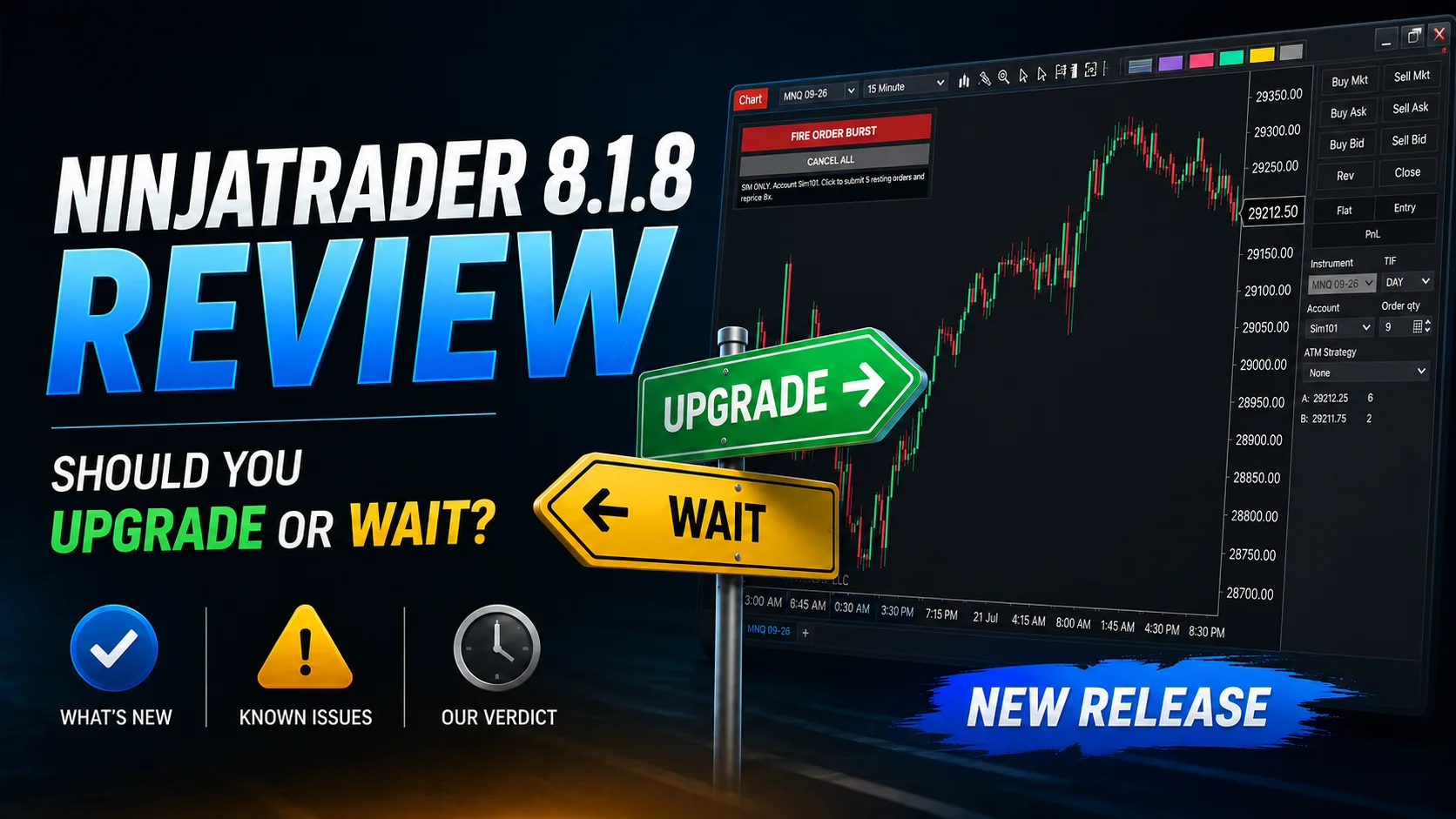
Should you upgrade to the NinjaTrader 8 new release 8.1.8.0? I'm not. We discussed this in our NinjaTrader 8 Release Video. We are huge fans of NinjaTrader as a platform around here, so for us to tell you not to upgrade and enjoy new features is a big deal to us. Our software only runs on NinjaTrader as the platfrom lets us do some amazing things.
As a vendor, we get access to new releases before the general availability and today I realized that this is only to test our tools. Any feedback and we're just like regular users and need to go through the regular channels.
So now were turning to our loyal community.
Can you help me answer this one question? Is this just happening to me, or is this happening to you too? Let me know in the comments on our NinjaTrader 8.1.8 release video as its a great discussion area and people tend to already have accounts there to post.
Let me be clear about one thing. However, I hope this is only happening to me. I fear that it's not an isolated case. Time will tell.
I Want To Hear From You.
Test protocol:
- Connect to Sim101, open a futures chart (e.g. MNQ), enable order sounds: (Tools > Options > Sounds - the default). Add this indicator.
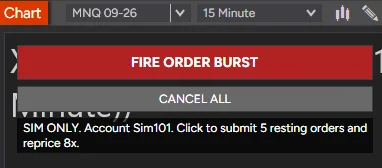
- Click FIRE ORDER BURST. Expect a crash or lockup on 8.1.8 within one or a few clicks. Raise "Order Count" / "Reprice Cycles" if needed.
- Identical steps on 8.1.7 - expect no failure.
- Press CANCEL ALL (or remove the indicator) to clean up resting orders.
NinjaTrader Ticket:
Status: Open
Ticket #: 06862795
Status: Open
Ticket #: 06862795
For Use In Sim Accounts Only
Files: XT Order Burst Tester
Description: Reproduce the NinjaTrader 8.1.8 crash / lockup using NinjaTrader's own order pipeline and own order sounds, with no third-party trading code.
Files: XT Order Burst Tester
Description: Reproduce the NinjaTrader 8.1.8 crash / lockup using NinjaTrader's own order pipeline and own order sounds, with no third-party trading code.
What Wrong With 8.1.8.0?
It crashes during sound-playback- which we've tried to narrow down and realized it had to do with multiple sound files firing off at the same time. Nothing is recorded in your logs or trace files. The only thing you'll ever get is a crash dump file.
So firing off multiple orders at once, triggering multiple playback would crash the system. A market analyzer loading up a bunch of alerts that played sound files, would crash the system. ***Yikes***
Exception: 0xC0000005 — access violation

Operation: attempted to read from address 0x0000000000000000

Faulting instruction: an optimized memcpy operation inside ucrtbase.dll

Immediate caller: wdmaud.drv, part of Windows’ legacy WinMM audio system
What is weird is there is no mention of anything in the NinjaTrader Release Notes that points to this area of the code being touched (or at least from what I can tell) is there something inside their internal release notes that isn't mentioned to us? Only NinjaTrader will know that ...
Is It Third Party Code?
Let's be honest, a lot of crashes can happen when third party code is not written correctly. Vendors can be responsible. In this case, we created a custom script that you can download which reproduces the NinjaTrader 8.1.8 crash / lockup using NinjaTrader's OWN order pipeline and OWN order sounds, with no third-party trading code.
We have submitted our crash dump file and there is no XABCD or NinjaTrader.Custom.dll function directly visible on the crashing native stack. In fact the indicator we have posted here recreates exactly that: it submits a batch of resting limit orders on a chosen account and then cancels and resubmits the whole batch several times in quick succession (like repricing a scaled ladder), so NinjaTrader plays its own submit/cancel/accept/working sounds in a burst.
My Temporary Solution
You want to know how you can get 8.1.8 from not crashing?
Rename:
\Program Files\NinjaTrader 8\SoundsTo:
\Program Files\NinjaTrader 8\SoundsBackupWhy Does This Work?
Why does this work? It stops the sound files from playing. And the crashes instantly stop happening. This has happened on both a desktop machine and a laptop machine - both have different audio drivers.
The crash occurred inside:
- ucrtbase.dll
- wdmaud.drv
- NAudio / WinMM sound playback
The failure pattern also looks like a software race: memcpy(destination, NULL, 456 bytes). The dump shows that Windows’ generic audio compatibility layer encountered a null audio buffer while NinjaTrader was playing OrderCanceled.wav. No vendor-specific audio driver appears on the faulting stack. This suggests that NinjaTrader or its NAudio playback layer released or reset the sound buffer during concurrent playback, rather than the physical audio driver independently failing.
Updates?
I will post updates here. Again, this article is not here to point fingers, its here to solve an issue which crashing and platform stability (I hope) is one both we as a community and NinjaTrader would like to solve. Hopefully some more details will come out of other peoples experiances with 8.1.8. Post yours on our youtube video about the new release here.
July 22 2026 - 9:05am EST - After releasing our NinjaTrader 8 New Release Video for 8.1.8 our community has confirmed - crashes. It appears this is not related just to us...
July 22 2026 - 1:03pm EST - So it appears this has now got the right attention with the right people (and management) within NinjaTrader. Waiting for the fix 🙂 Until then, use our temp fix.
July 23 2026 - 8:01pm EST - No new release from NinjaTrader today with a fix on this issue... will check back tomorrow..
New NinjaTrader Articles Delivered First
 (opens in a new tab)
Easy Order Tool
The Strategy


Scanning & Alerting

NinjaTrader Release
XABCD News (Free Version)
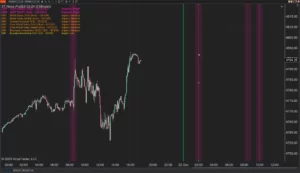
XABCD News (Community Edition) is the best free Indicator for NinjaTrader 8. Don't let news sneak up on you again. Puts economic news events on your charts so you can stay informed and move around positions/stops before the news is released. Works in any market.
XABCD Priceline (Free)
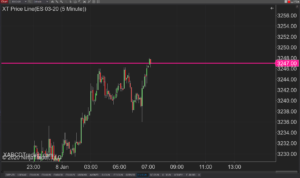
XABCD Price Line tool for NinjaTrader 8 will draw a line at current price and move every time the market changes price. This is useful because it will allow you to easily identify where price is at all times and the exact quoted price.
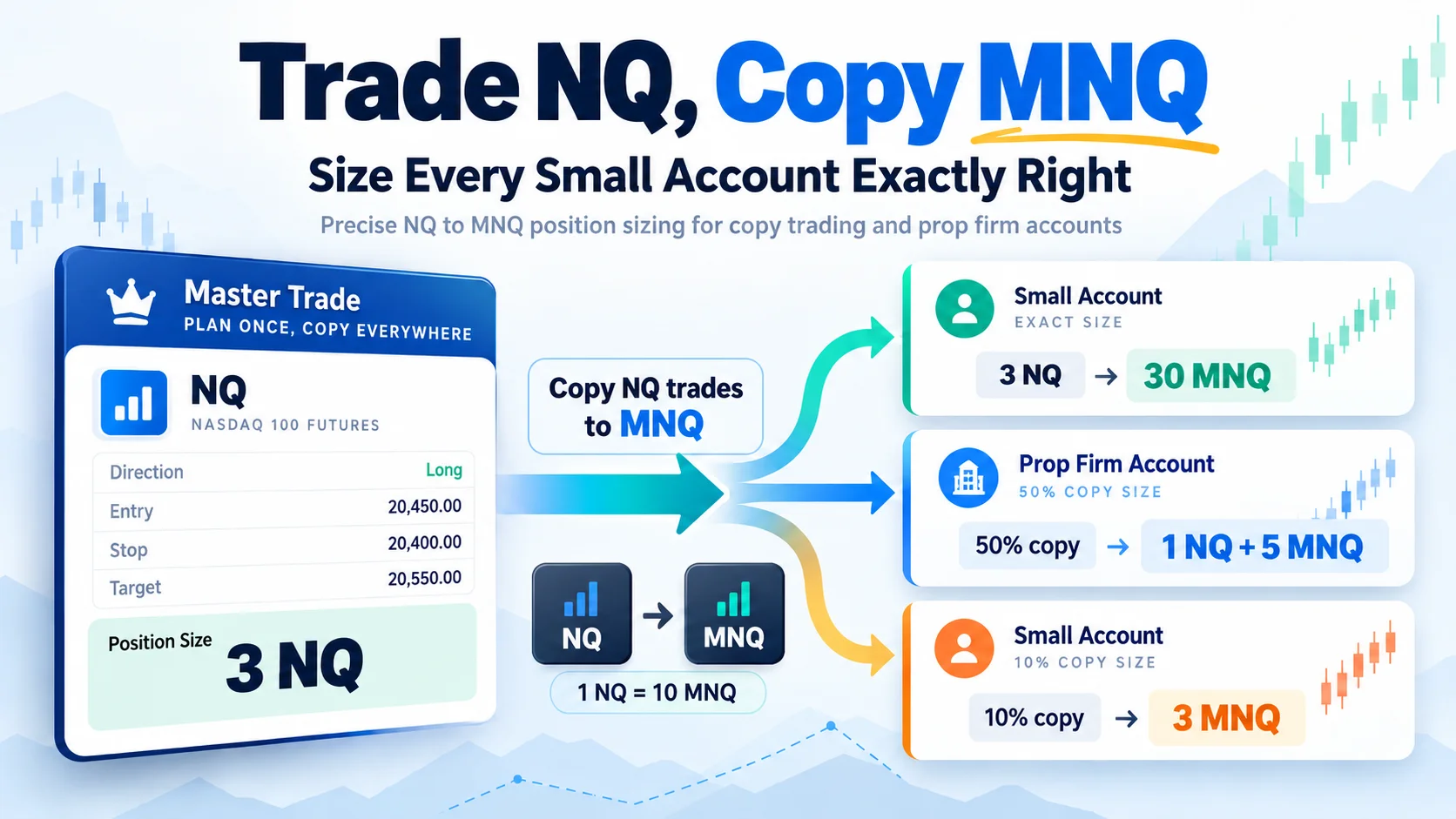
Trade NQ, Copy MNQ: Copy NQ Trades to MNQ in NinjaTrader 8
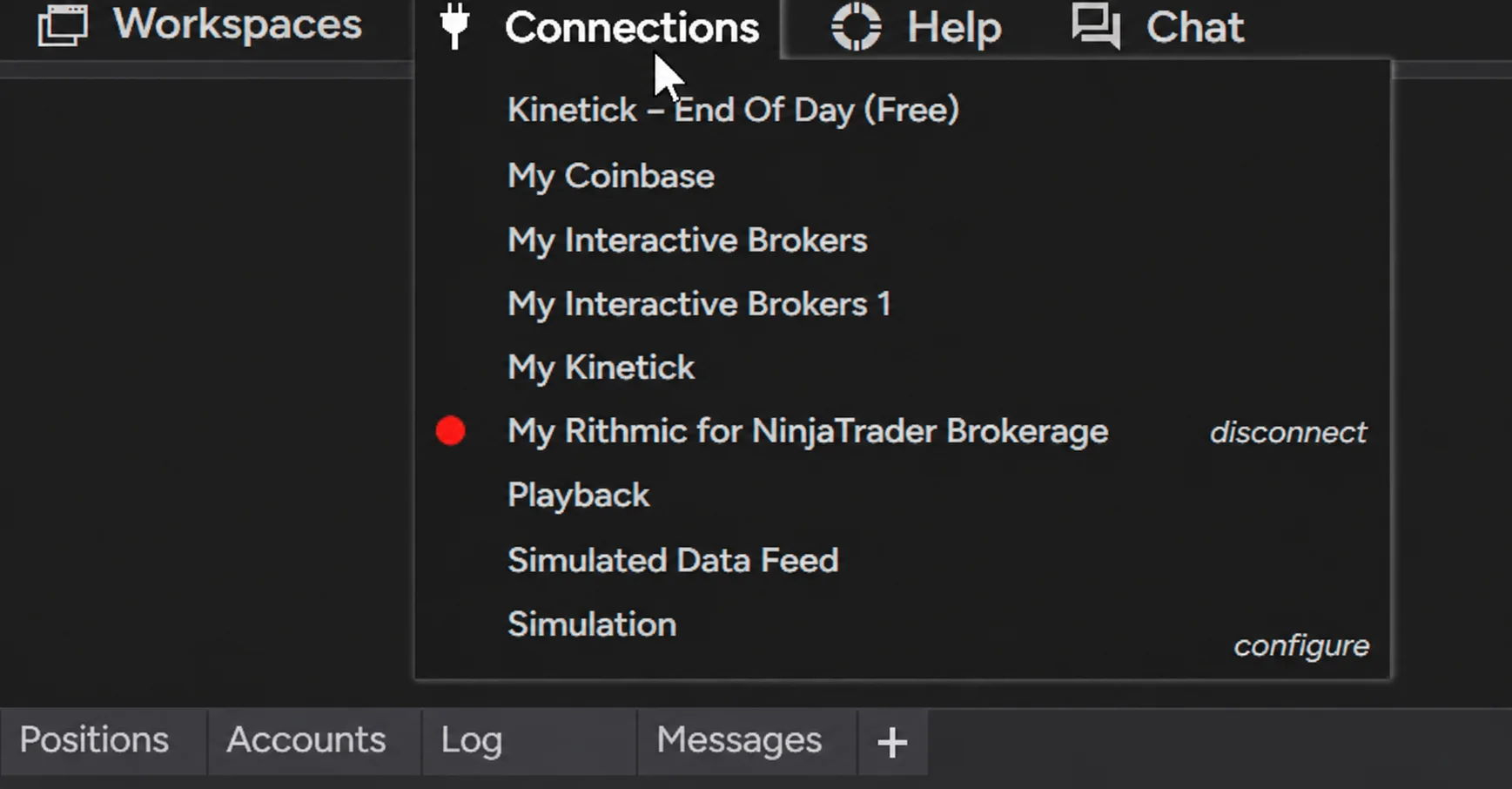
NinjaTrader Data Feed Not Updating? Quick Fixes

NinjaTrader Risk Per Trade: Risk $500 on Every Trade
NinjaTrader 8.1.8 Review: Should You Upgrade or Wait?
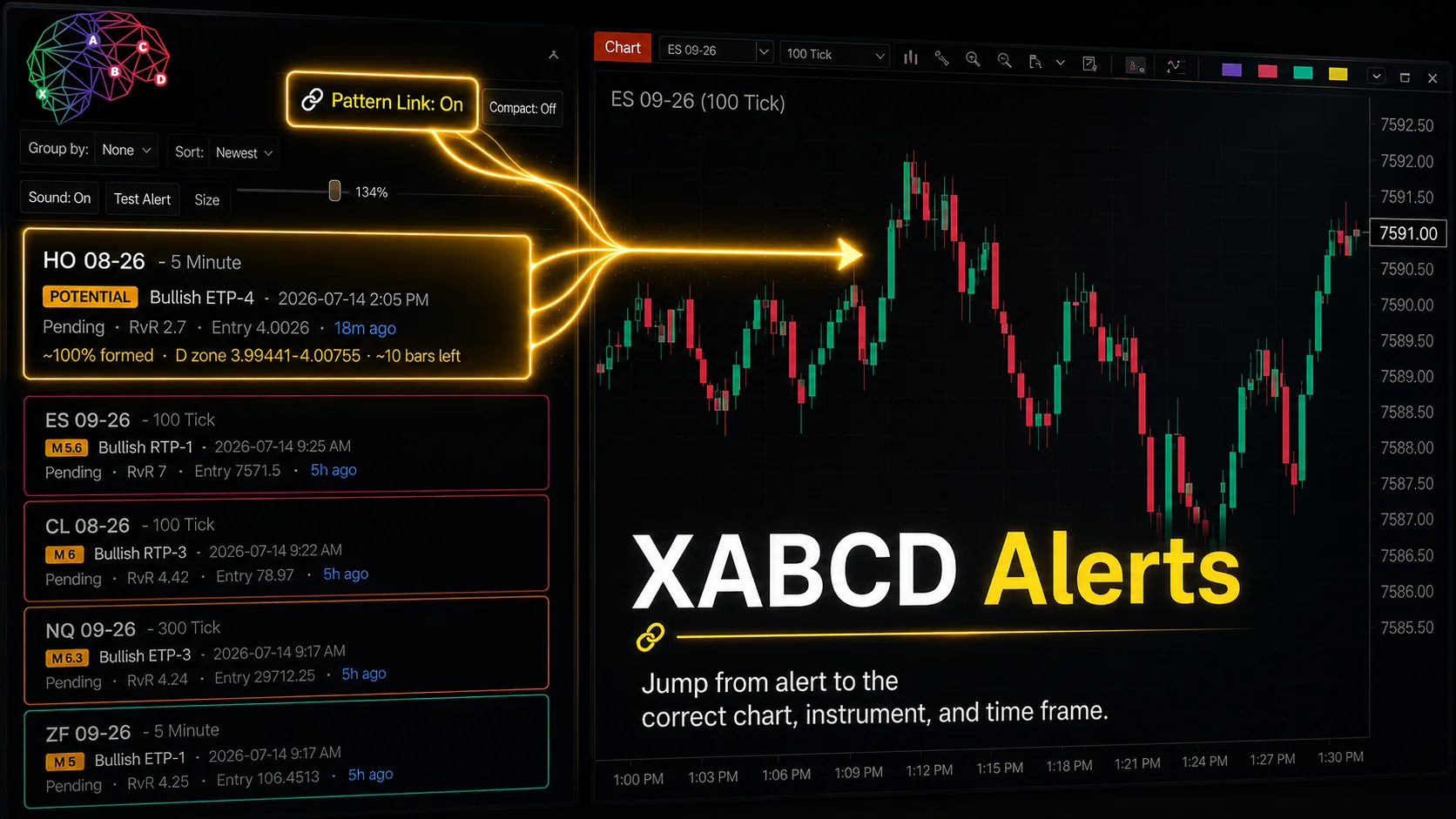
XABCD Pattern Alerts: The Complete Guide for Traders
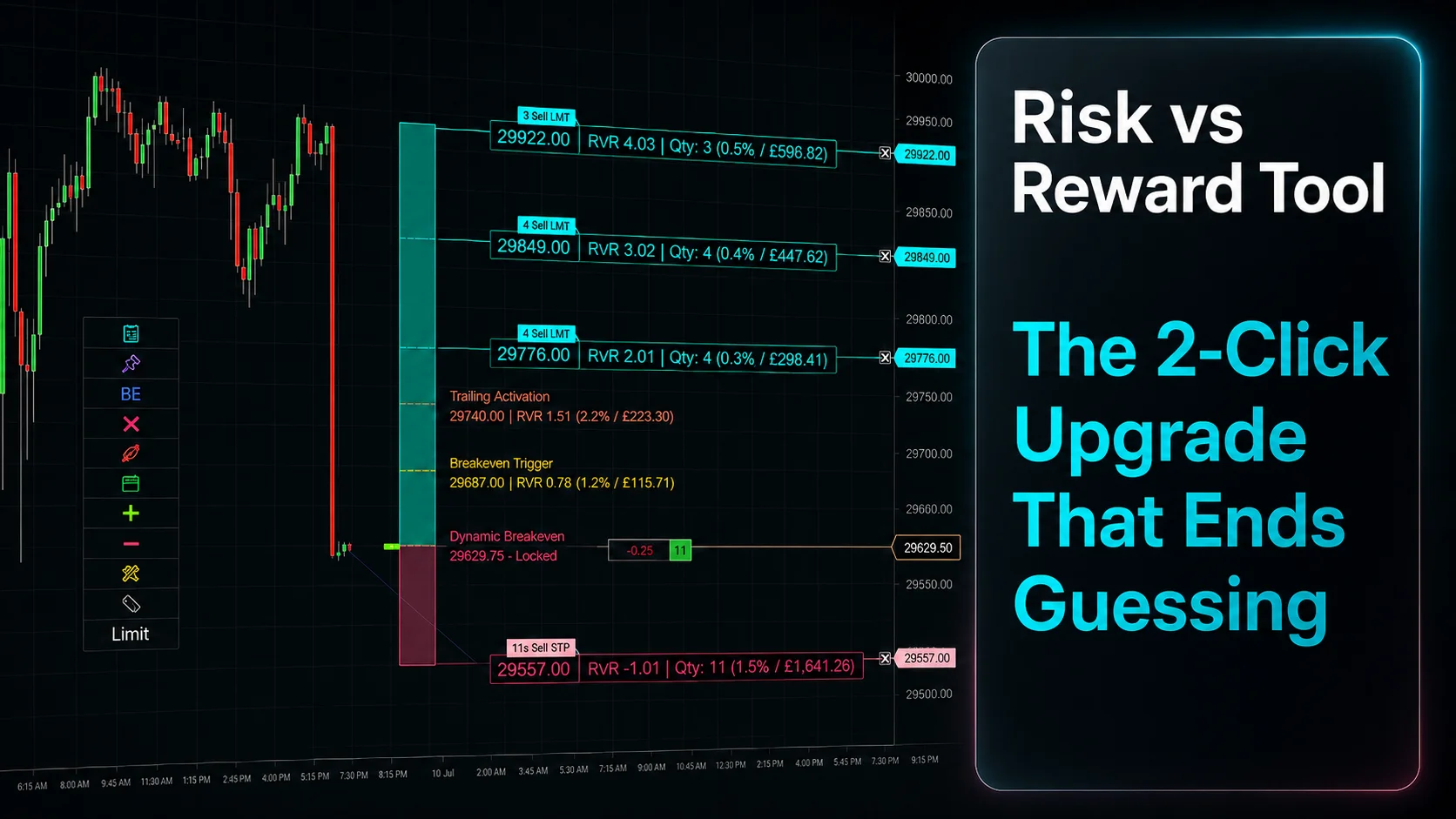
Risk vs Reward Tool: The 2-Click Upgrade That Ends Guessing
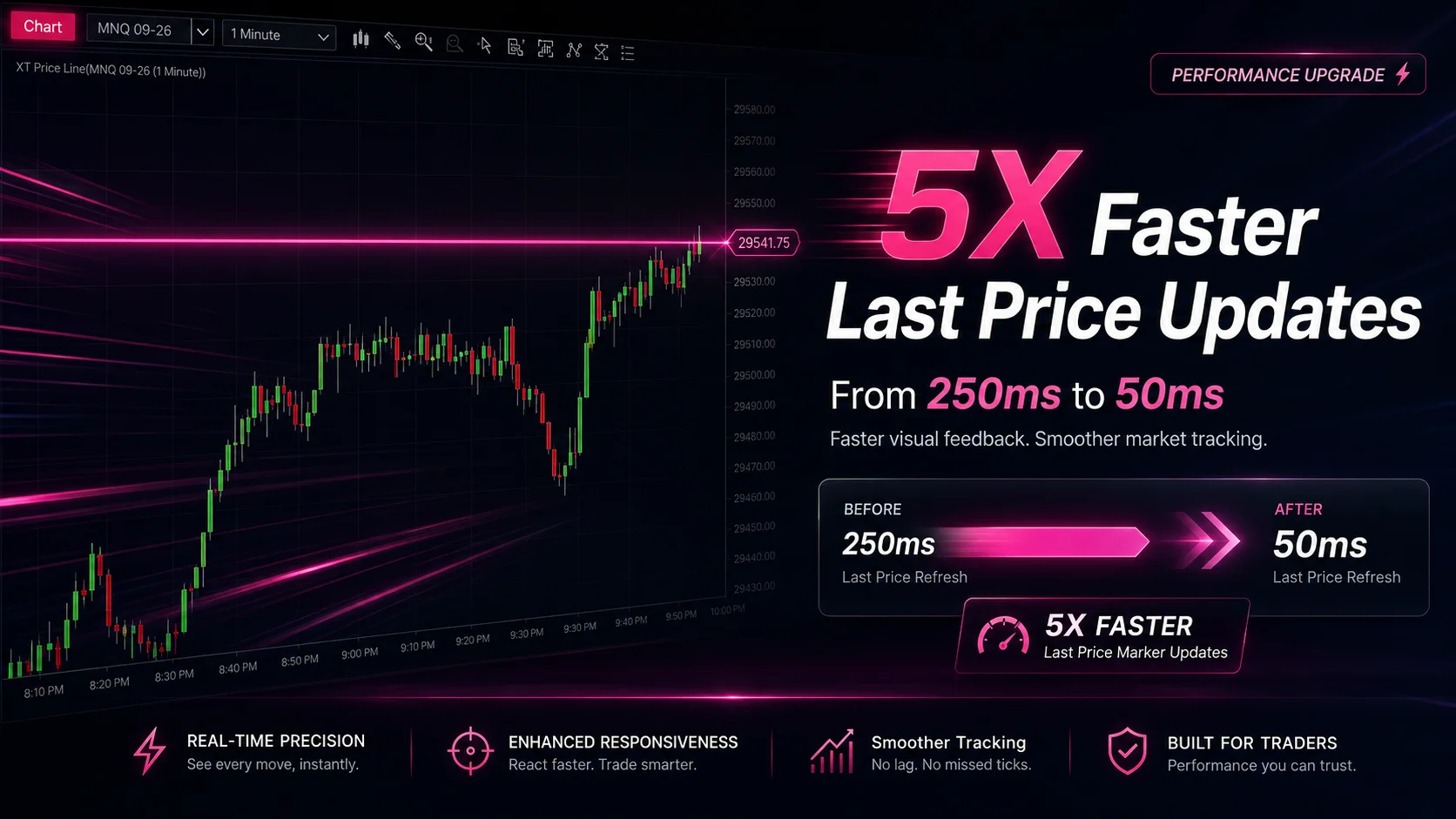
NinjaTrader Faster Last Price Updates on Charts Explained
NinjaTrader 8 Hotkeys: Best Shortcuts for Faster Trading
NinjaTrader Position Sizing Tool: 64 Features Stock NT8 Does Not Include