XABCD TRADING

NinjaTrader – Adding to Position: A Field Guide for Active Traders
Subscribe
to get alerts to our next blog post!
Why your best position-management trick is the one your platform won't let you use — and how the XT Position Tool fixes it.
In NinjaTrader, adding to position is the single most underused execution skill in retail trading. You watched a textbook XABCD pattern fire on NQ. You took the trade. It moved ten points your way, you slid your stop to breakeven — because that's what the YouTube guy said — and then you waited.
Price dipped two ticks, took out your stop, and ran sixty points without you.
You weren't wrong. You weren't unlucky. You were just locked into one position size when the trade had already earned the right to become three.
That's the gap nobody talks about. It's the cleanest line you can draw between an account that compounds and an account that bleeds out. Most retail treats a trade as a light switch: in, or out. Professionals use a dimmer.
The Light-Switch Problem
A trade in your platform is usually one decision: enter, exit. Maybe two if you count moving the stop.
The math people use to size — fixed-fractional risk, 1% per trade — is built around that one decision. So when the market gives you a second setup inside the same trade, most traders do nothing. They've already "used" their slot.
Look at what stops most traders from scaling in:
- Mental cost: Adding feels like over-leveraging.
- Workflow cost: Recalculating size in the middle of a live trade is slow.
- UI cost: Drawing new orders on a chart that already has stops, targets, and ratio pills makes the screen unreadable.
- Psychology cost: Reducing on a small pullback feels like flinching.
So they sit. Watch a great trade become a mediocre one. Take the same fixed exit they planned at the start.
The fix isn't a new strategy. It's an execution upgrade that makes scaling into winners and trimming losers as fast as moving a slider. That's where NinjaTrader, adding to position stops being theoretical and starts being a button.
What the XT Position Tool Actually Does
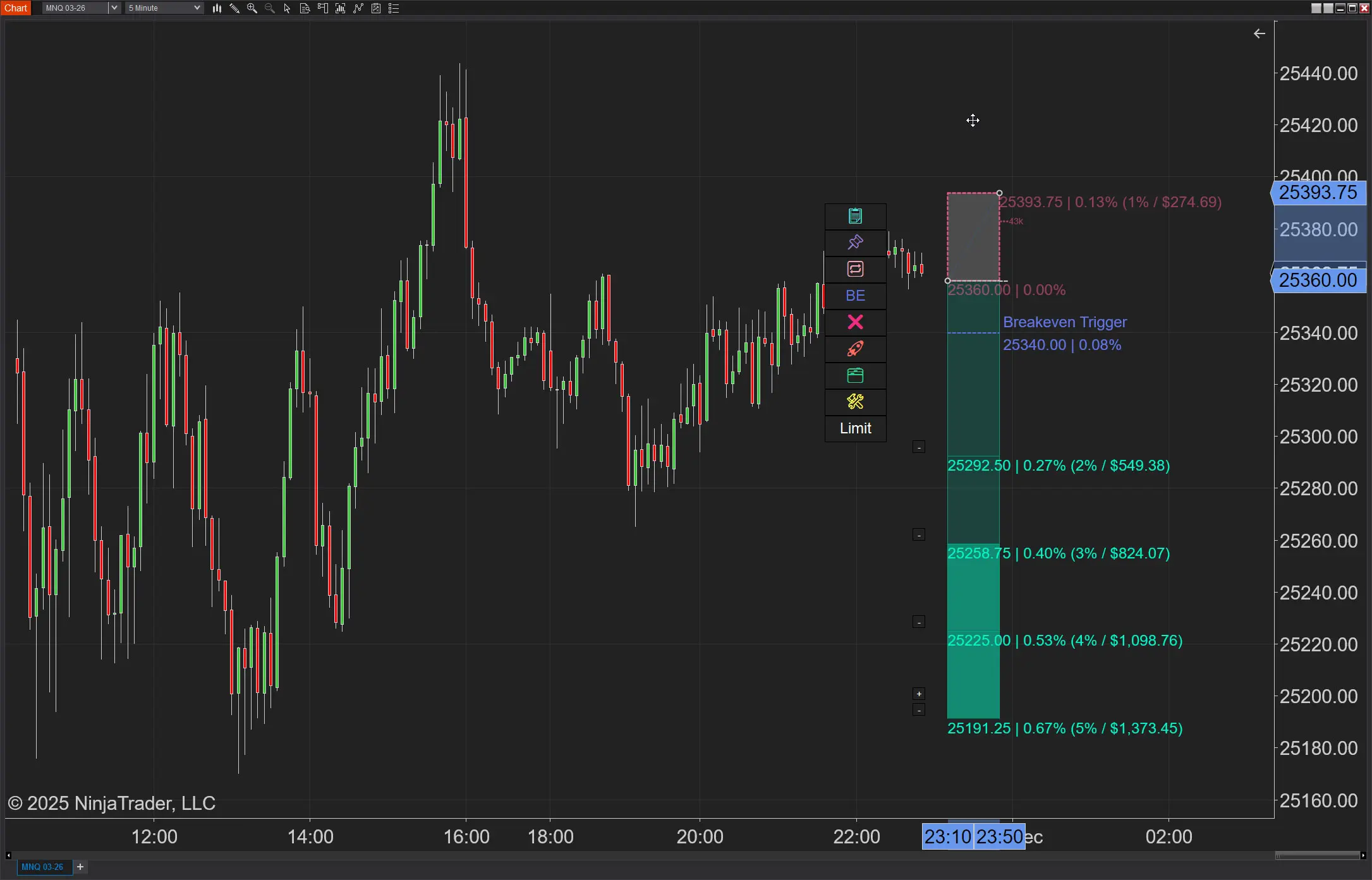
The Position Tool was built around one idea: one trade should be able to be many orders, sized correctly, in the time it takes you to spot the next candle.
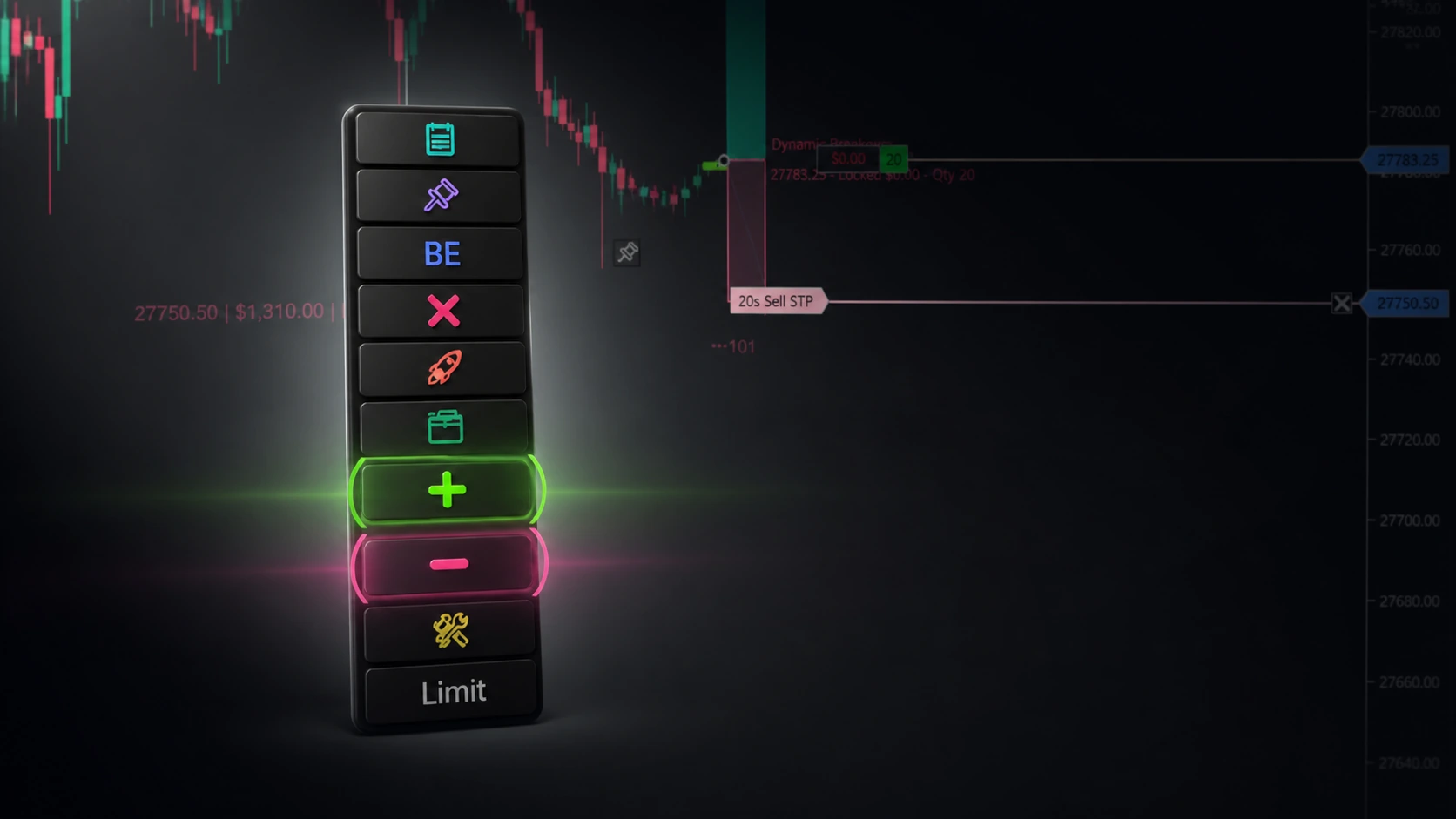
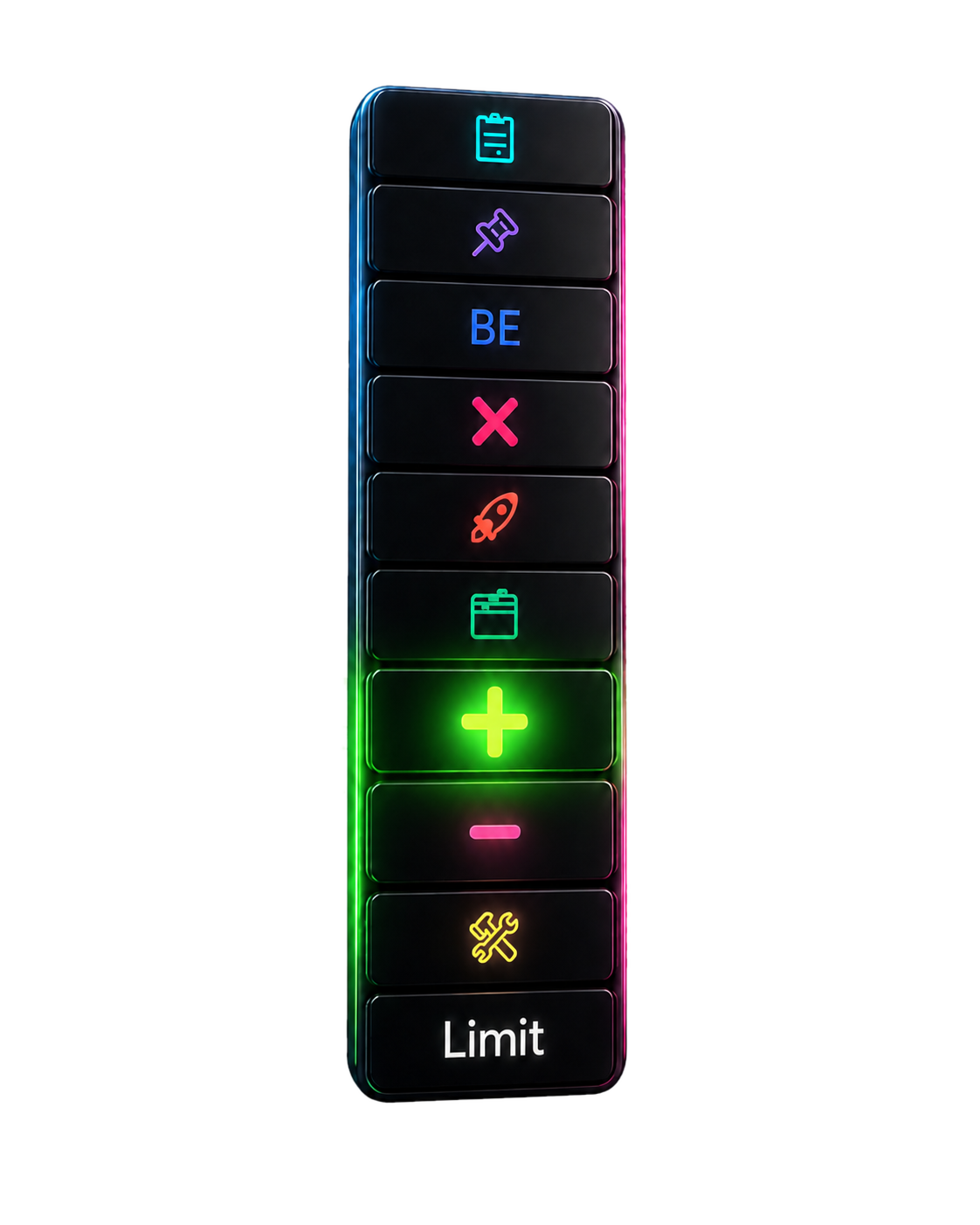
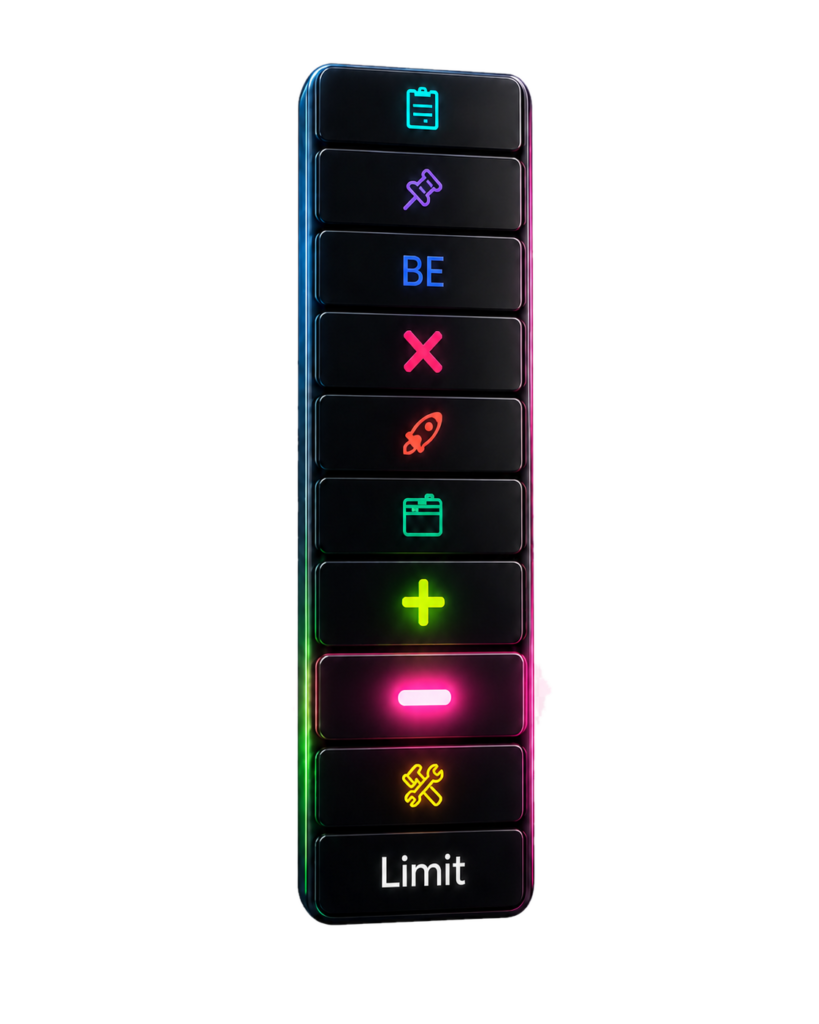
Three buttons do most of the work.
Pressing The Edge — The Add Button
Once your initial entry fills and the trade is in your favor, click Add. A ghost qty pill drops onto the chart at your cursor.
Drag it where the next entry should sit — the retest of broken structure, the C-pivot of a fresh nested pattern, a VWAP touch. Your choice.
The tool sizes the add-on off the same risk slot as the original. Your total risk on the position is unchanged when the new add-on stop is hit — just shifted to a tighter average. This is the difference between adding to a winner (good) and averaging down a loser (account-killing). Investopedia's definition of averaging up is the cleanest explainer if you want the formal version.
You set the order type — Limit, MIT, Stop-Limit, Stop-Market — and the tool's side-aware validation refuses to place orders that don't make sense for your direction. No more buy-stop-below-the-market mistakes at 3:47 PM Eastern when your hand is shaking.
For more on how each order type behaves on the official NinjaTrader documentation site, the order-type chapter covers the basics.
Reducing into strength — partial-target fills
Most traders pick one target. The tool lets you ladder T1 / T2 / T3 / Tn with independent qty allocation per target.
When T1 fills:
- The chart shows the contracts that came off — only that portion.
- The dollar P/L pill updates to reflect just the fill, not the whole position.
- T2 and the runner stay live, sized correctly, untouched.
The remaining runner gets to be a runner without you having to do mental arithmetic about how much of the original size is still on.
Reducing under pressure — Move to Breakeven and Close All
The trade isn't going your way fast enough? Move to Breakeven with one hotkey shifts the stop to your entry (or entry plus an offset of your choosing) so the worst case becomes a scratch.
The trade just broke structure? Close All flattens with confirmation — bound to a key, panic-button style.
Each of these is one click or one keystroke. None of them require you to recalculate size, redraw orders, or open the chart trader. (For the difference between trailing-stop and breakeven workflows, see our deep-dive on trailing stop vs move-to-breakeven.)
A Concrete Example: NQ Long, 4:32 ET
Here's how the trade plays out:
- Price moves to 21,468. A new 5-min bullish RTP1 fires under the prior swing. Most traders watch.
- You hit Add at 21,463 with a 1-contract Limit, sized off the new sub-pattern's stop — not your original. Same risk-percentage slot as the parent, not stacked on top of it.
- Price hits 21,480. T1 fills automatically — two of your four original contracts come off, +$1,000 booked. Your dollar pill on the chart updates to show only the runner's value going forward.
- Price stalls at 21,495 and starts retracing. You hit Move to Breakeven — stop slides to 21,455 on the remaining runners. The add-on you placed at 21,463 has its own stop one tick below the new structure low.
- Price reverses, takes the runner stop at 21,455 for break-even on those, and the add-on fills its target at 21,478 for +$300.
Net day: +$1,300 on the parent + add-on. Same idea, same direction, same XABCD pattern. You took it five times because the trade gave you permission to.
Most traders took it once and broke even.
The Real Edge
Scaling into winners isn't more risk. Done correctly — sized off the new sub-setup's stop, not the original's — it's the same risk distribution, just concentrated where the trade is already proving you right.
Reducing isn't flinching. It's recognizing that the second half of a trade has a different distribution than the first.
What kept most traders from doing this for years wasn't ignorance — it was friction. The math was hard, the order entry was slow, the chart got cluttered.
The XT Position Tool removes the friction. The thinking is on you. The clicking is on us.
For the broader risk framework that underpins this approach, see our writeup on risk-based position sizing fundamentals and the XABCD pattern meter score that tells you which setups are worth pressing.
FAQ
What does "adding to position" mean in NinjaTrader?
Adding to position means placing an additional order in the same direction as an existing trade — typically after the original entry has moved into profit and a fresh setup confirms the trend. Inside NinjaTrader, the XT Position Tool turns this into a one-click action with a ghost qty pill and risk-based sizing.
Is adding to a winner the same as averaging down?
No. Averaging down adds size to a losing trade in hopes of a recovery — that's a habit that ends accounts. Adding up adds size only after the trade has proven itself, with a tighter stop on the new portion. The math works the opposite way.
Doesn't adding to a position increase my risk?
Only if you stack the new entry's risk on top of the original. The XT Position Tool sizes each add-on against its own sub-setup's stop, not the parent stop, so total open-position risk stays inside the same slot you started with.
Can I add to a position with a hotkey in NinjaTrader?
Yes. The XT Position Tool's Add button is bindable to any keyboard shortcut. Most users pair it with Ctrl + Alt + A for "attach to market" and a separate key for placing the next limit add-on at the cursor.
What if a news headline hits while I'm scaling in?
Pair this workflow with the XT News indicator — when a breaking-news flag fires, you'll know whether your add-on is filling into real flow or a tape bomb before the rest of the market catches up.
Does this work for stocks and crypto, or only futures?
Anywhere the NinjaTrader chart trader can route an order, the Position Tool can size and add. Futures, equities, and supported crypto venues all behave the same way as long as the broker supports the order type you pick.
Try It on Your Next Trade
If you're still trading every setup as a single decision, you're flipping a light switch. Try the dimmer.
Download the XT Position Tool and draw it onto any chart. Hit Add on your next winner, watch the ghost line drop, and the first time you average up into a runner you'll wonder how you ever traded without it.
Want the deeper playbook? Read our companion guides:
- The XABCD Pattern Meter Explained →
- XT Position Tool Full Feature Tour →
- Trailing Stop vs Move to Breakeven →
New NinjaTrader Articles Delivered First

Easy Order Tool
The Strategy

Scanning & Alerting

NinjaTrader Release
XABCD News (Free Version)
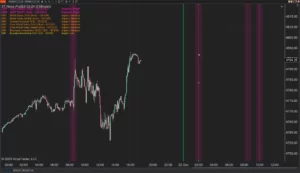
XABCD News (Community Edition) is the best free Indicator for NinjaTrader 8. Don't let news sneak up on you again. Puts economic news events on your charts so you can stay informed and move around positions/stops before the news is released. Works in any market.
XABCD Priceline (Free)
XABCD Price Line tool for NinjaTrader 8 will draw a line at current price and move every time the market changes price. This is useful because it will allow you to easily identify where price is at all times and the exact quoted price.
NinjaTrader 8.1.8 Review: Should You Upgrade or Wait?
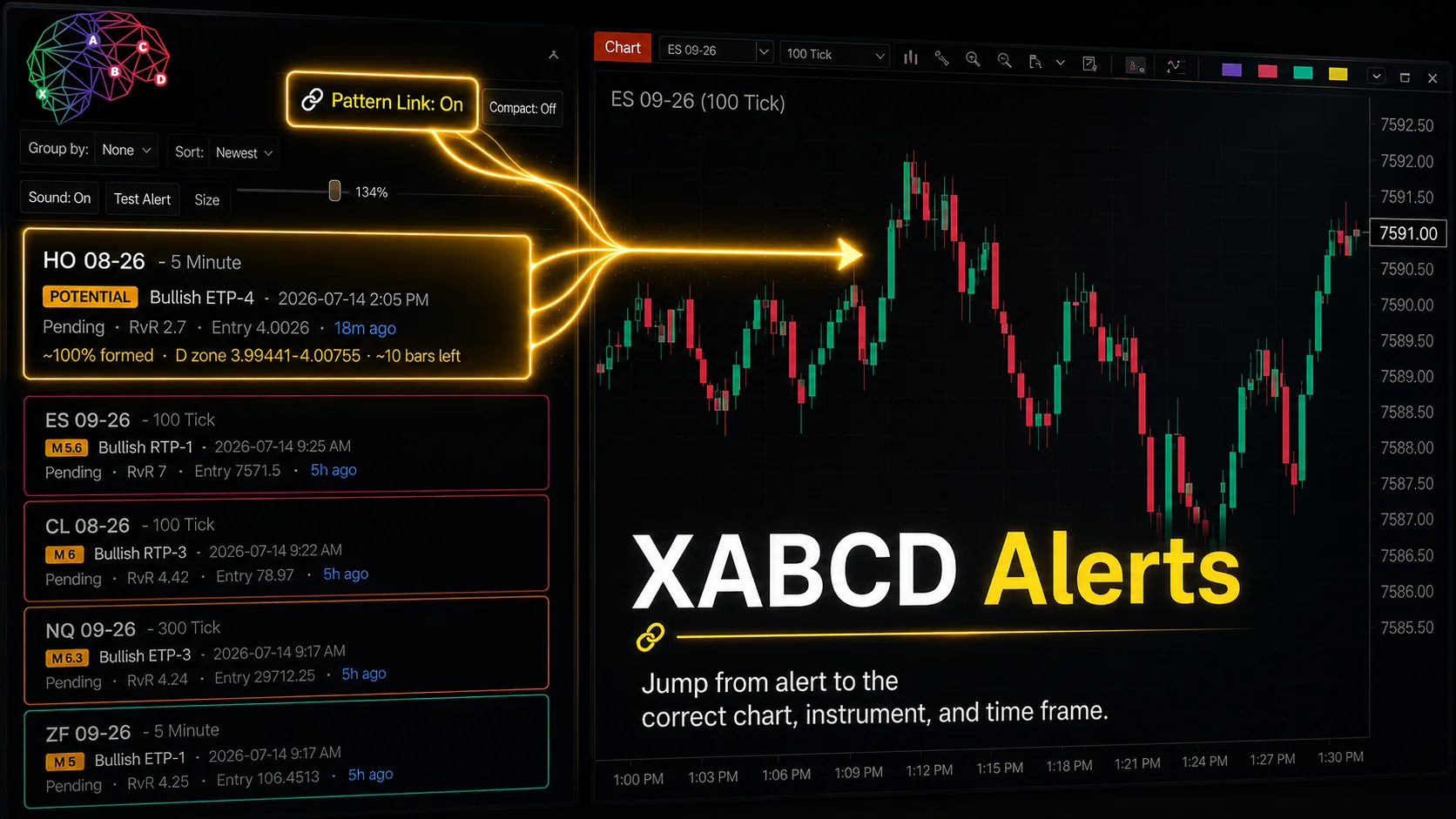
XABCD Pattern Alerts: The Complete Guide for Traders
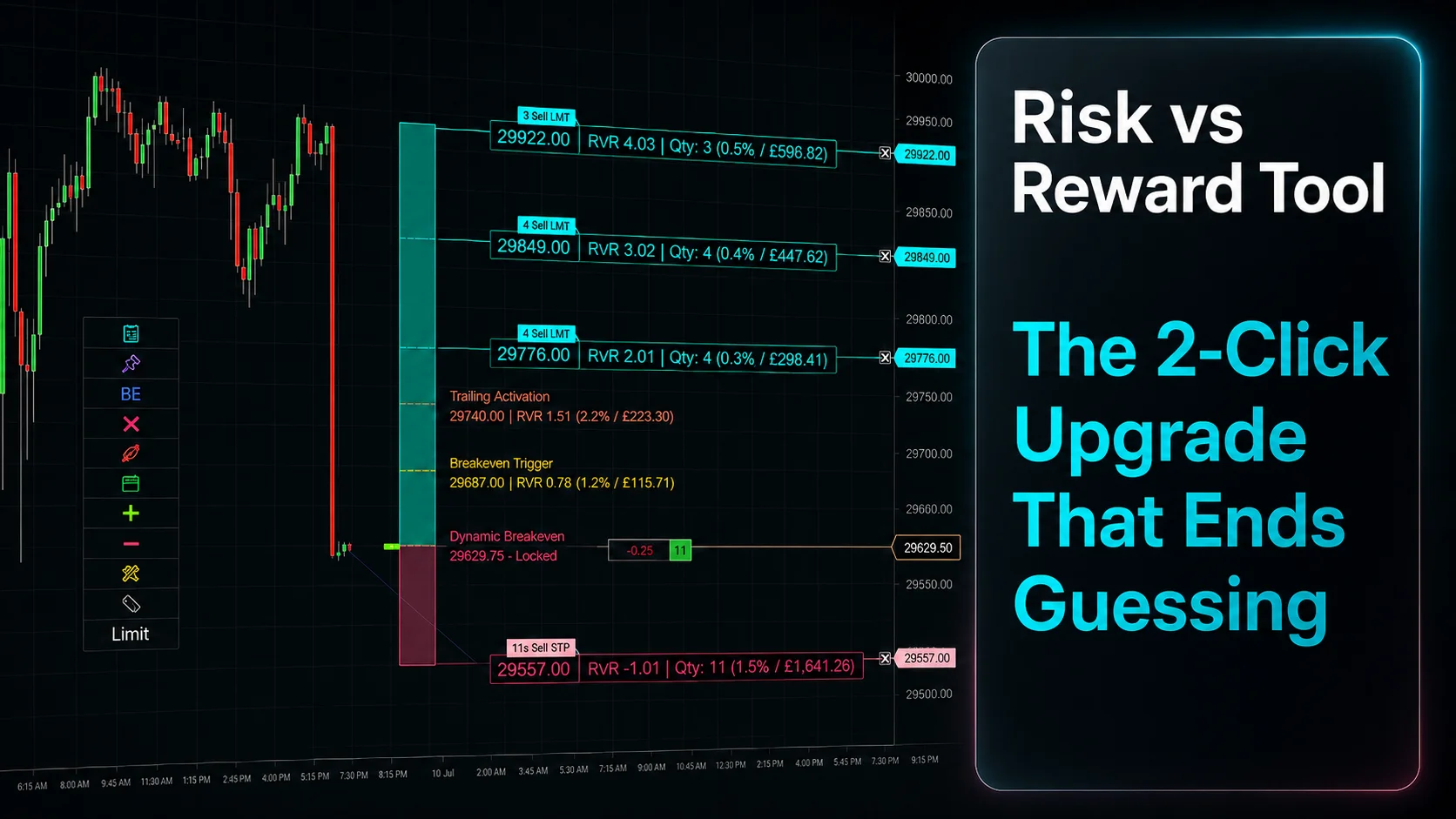
Risk vs Reward Tool: The 2-Click Upgrade That Ends Guessing
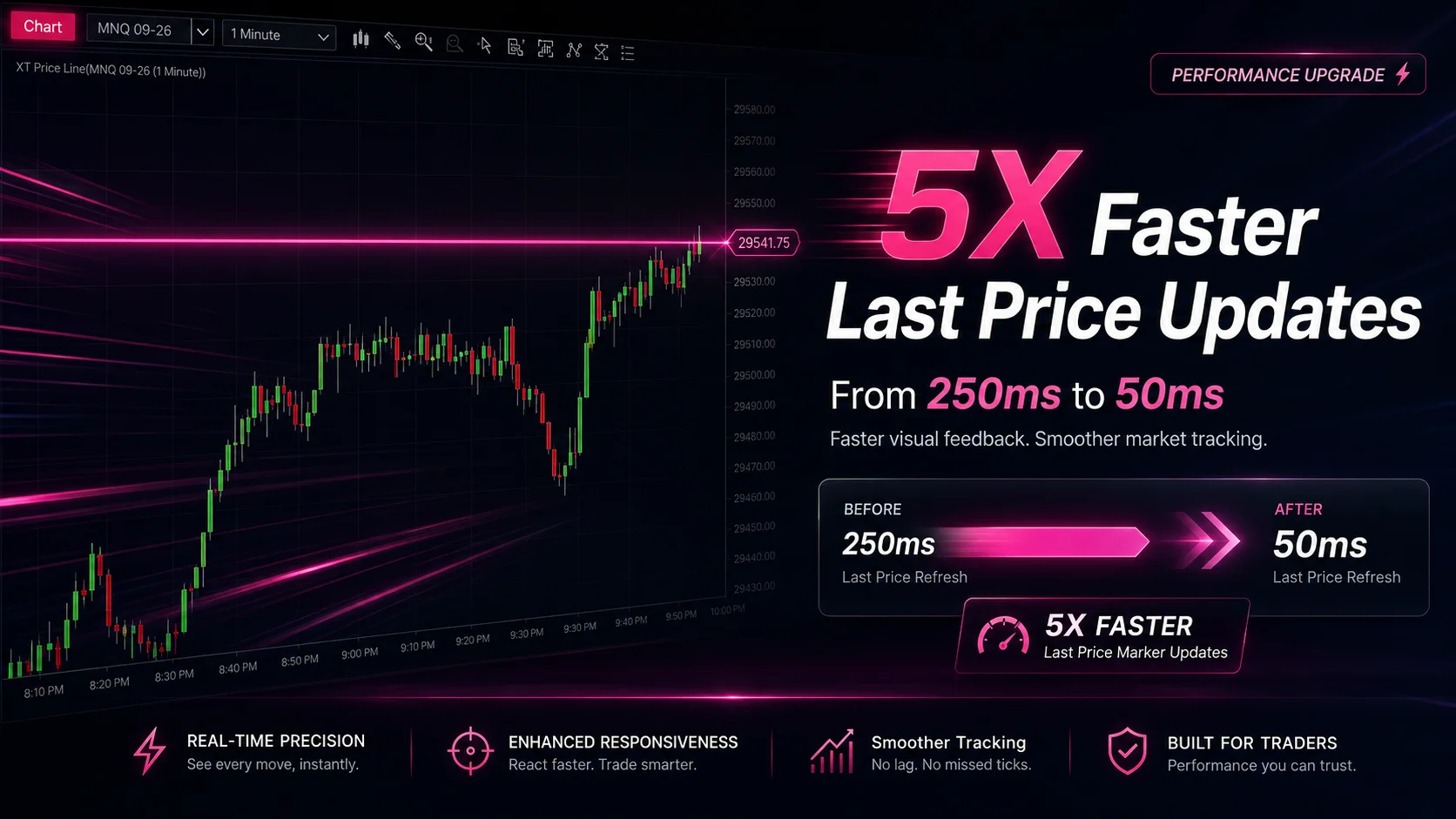
NinjaTrader Faster Last Price Updates on Charts Explained
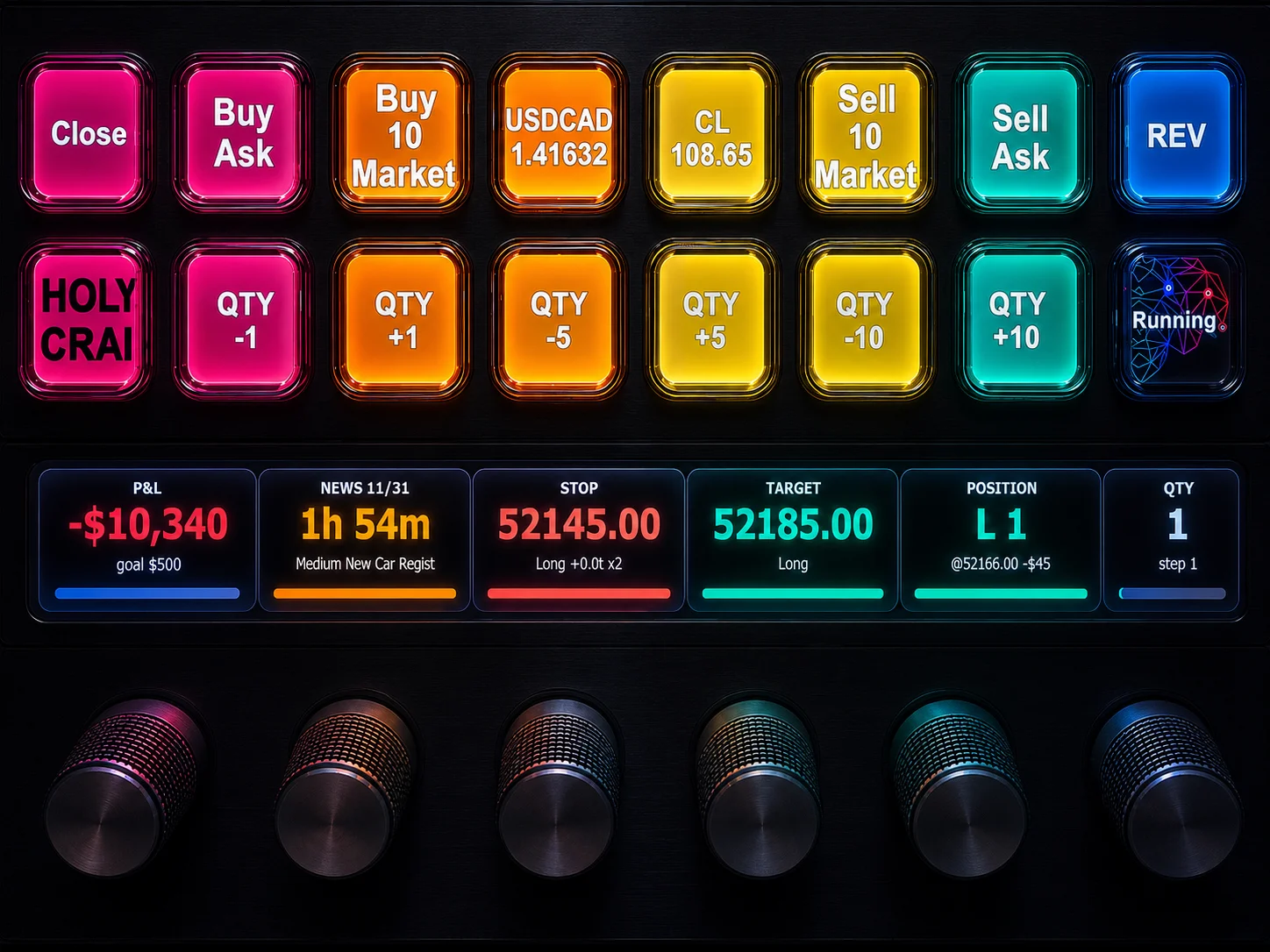
NinjaTrader 8 Hotkeys: Best Shortcuts for Faster Trading
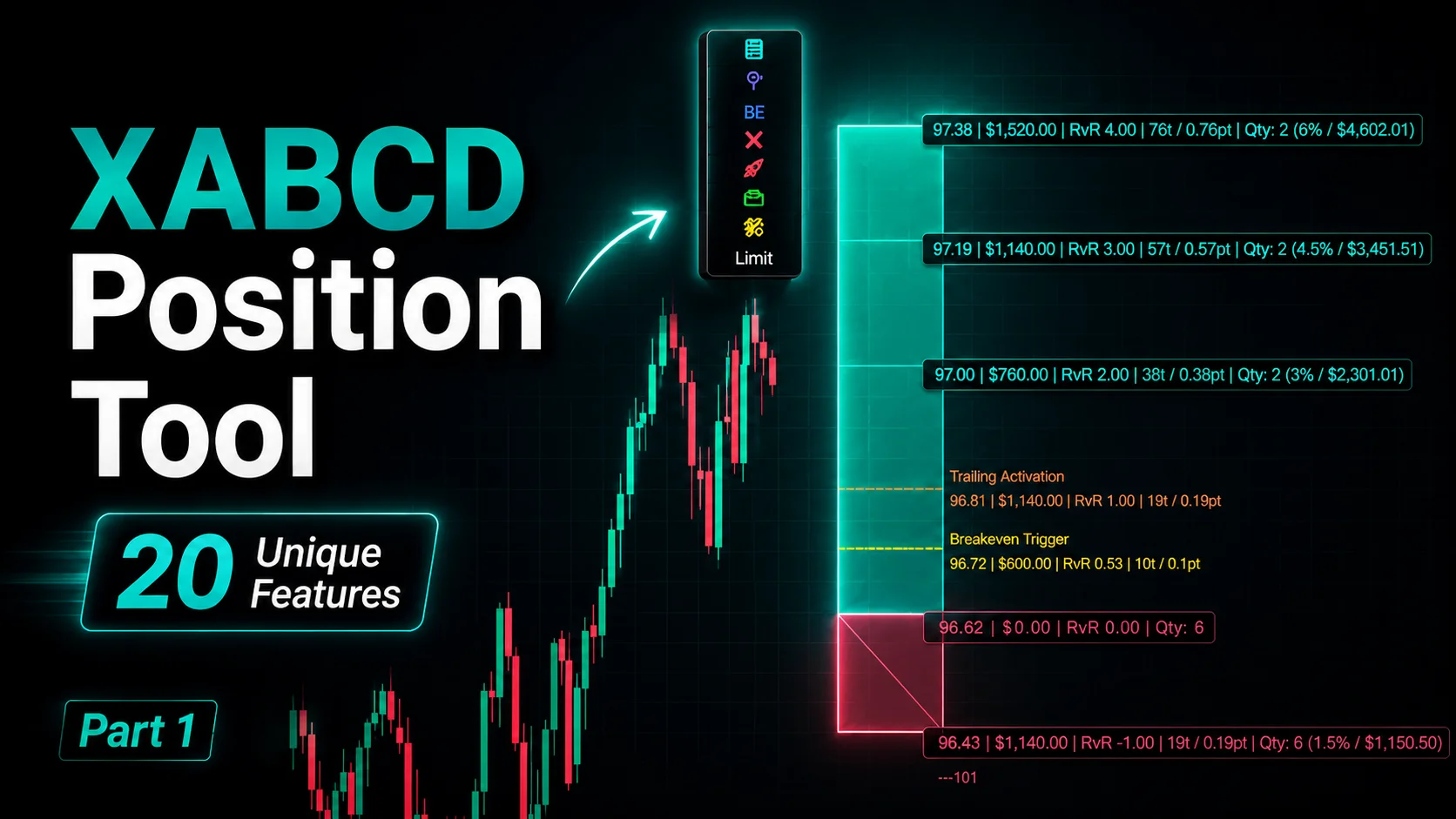
NinjaTrader Position Sizing Tool: 64 Features Stock NT8 Does Not Include
NinjaTrader – Adding to Position: A Field Guide for Active Traders
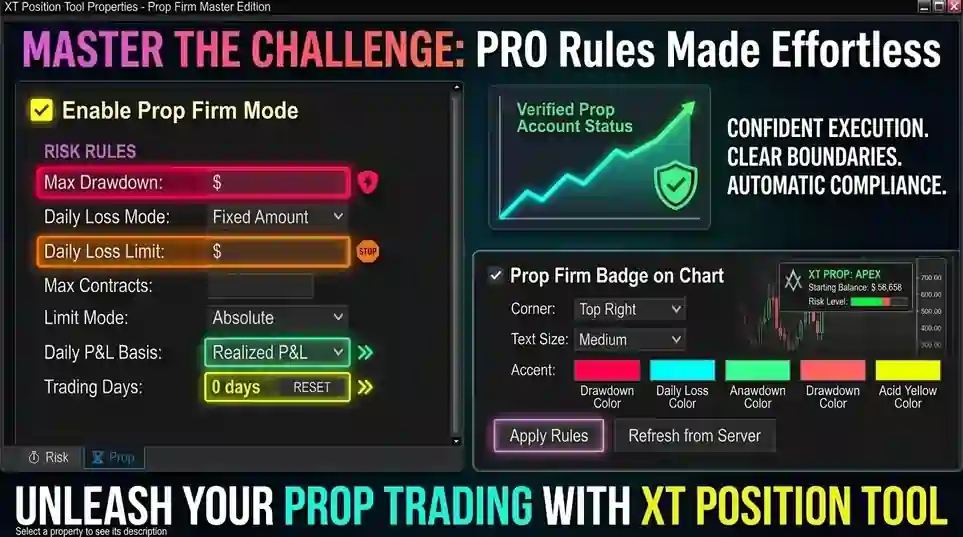
NinjaTrader Prop: The Ultimate Guide to Prop Firm Trading
Does the XABCD Position Tool Lag?