XABCD TRADING

Meet the XABCD Pattern Meter (Real-Time Clarity)
Subscribe
to get alerts to our next blog post!
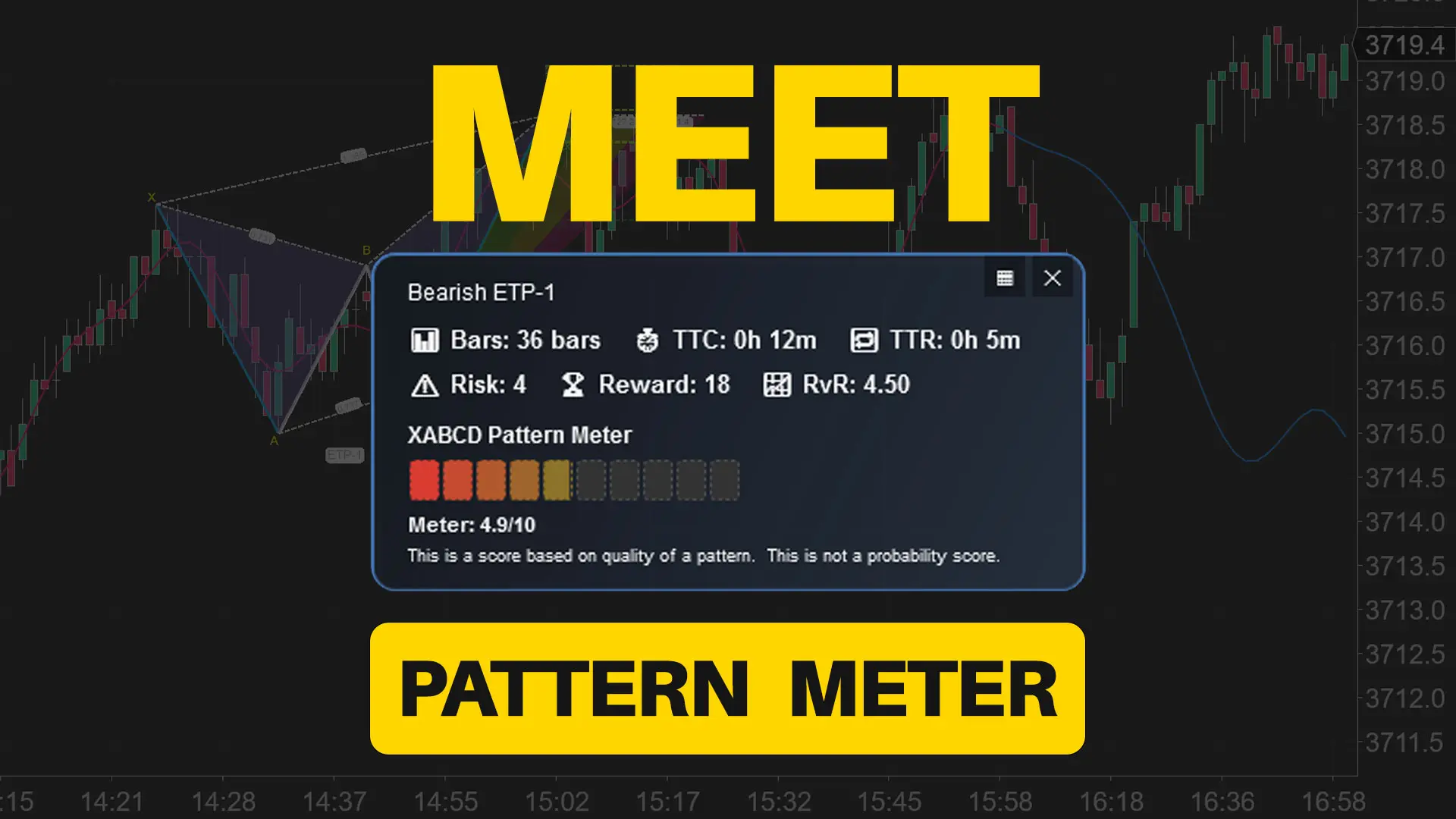
The XABCD Pattern Meter packs the objective checks you would normally do by hand into one weighted score for quick and easy decisions.
Ever stared at a “maybe” setup until the market moved without you? The XABCD Pattern Meter is now part of the XABCD Pattern Suite that plugs right into NinjaTrader, scores a ton of quality checks in real time, and turns “hmm” into “heck yes” (or a fast pass) before price leaves the station.
Scan Faster Do you value your time? This will save you a ton of time with your own analysis - especially if you're someone that trades faster time frames.
Decide smarter Use the clarity readout with your position sizing strategy and choose entries. No more second-guessing notes or cramming the chart with extra filters..
Journal better Screenshot the meter at entry. During review, you’ll know exactly which leg raised a caution—and whether it mattered.
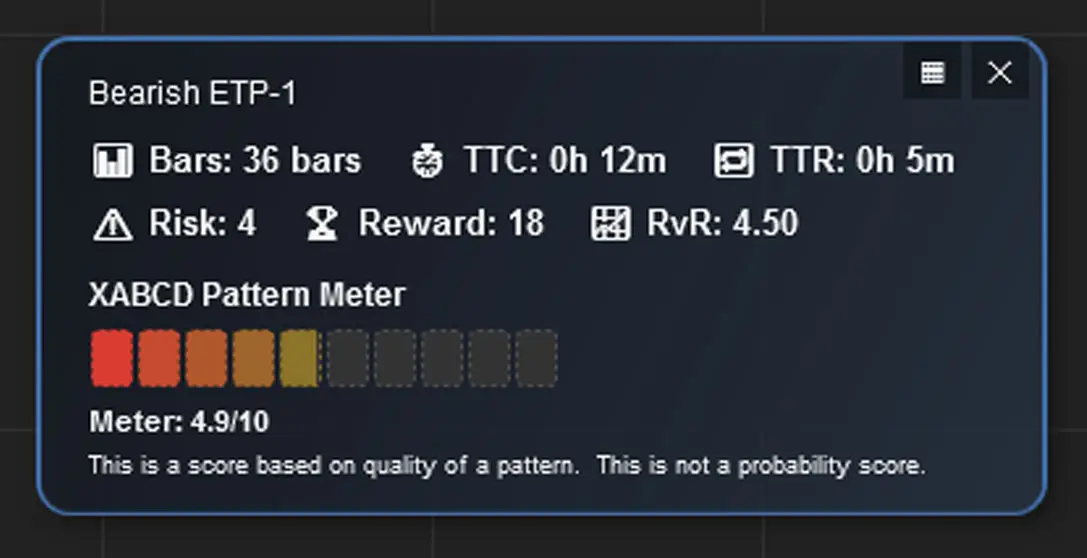
Why A Pattern Meter? Because Clarity Wins!
What Do We Measure?
Most “pattern indicators” flood you with lines and ratios. Helpful, but not decisive. The XABCD Pattern Meter adds the missing piece: a 10-segment clarity gauge that shows—at a glance—how clean each leg is from X → A → B → C → D on your NinjaTrader chart.
Big idea: Clean legs = cleaner probabilities. If a leg meanders, overlaps, or looks like noise, the meter tells you—without you hunting through lower time frames.
Not only that, we have a laundry list of other items that we check on each pattern to make sure it looks like those clean, obvious patterns you want to be finding.
Features of the New XABCD Pattern Meter
What's Displayed
The following data is currently displayed:
- Pattern Name - Quick Identification
- Bar Count
- TTC = Time To Complete
- TTR = Time To Reverse
- Risk (Units)
- Reward (Units)
- RvR Ratio
- XABCD Pattern Meter
- Meter Score
Display Modes of the XABCD Pattern Meter for NinjaTrader 8 Risk Management
What's Displayed, and How?
Default - Block
This is the default view where you can see a panel with all the information on it.
This is the default view where you can see a panel with all the information on it.
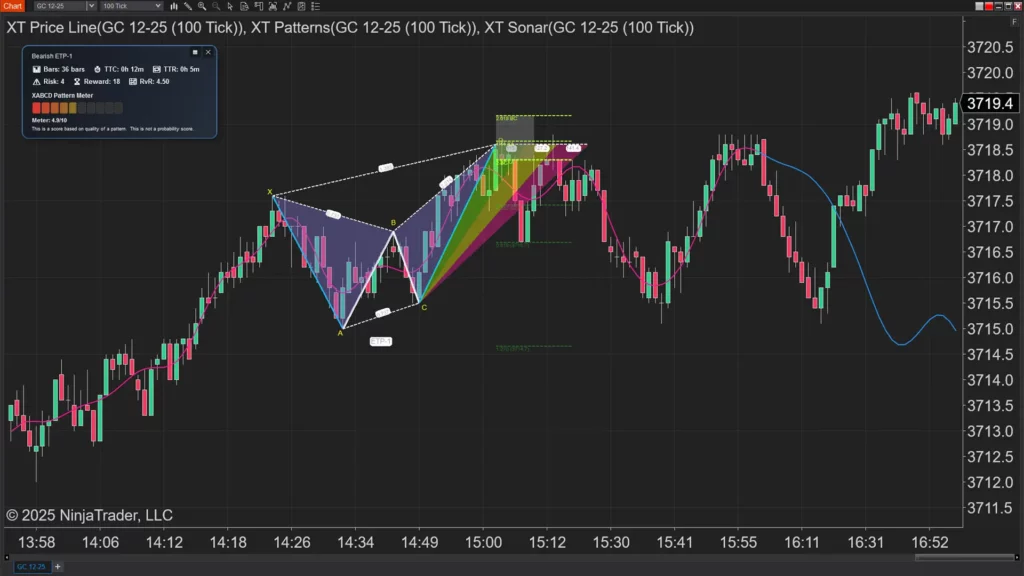
Default - Line
This is the panel in a line mode. This line can be repositioned by just clicking and dragging.
This is the panel in a line mode. This line can be repositioned by just clicking and dragging.
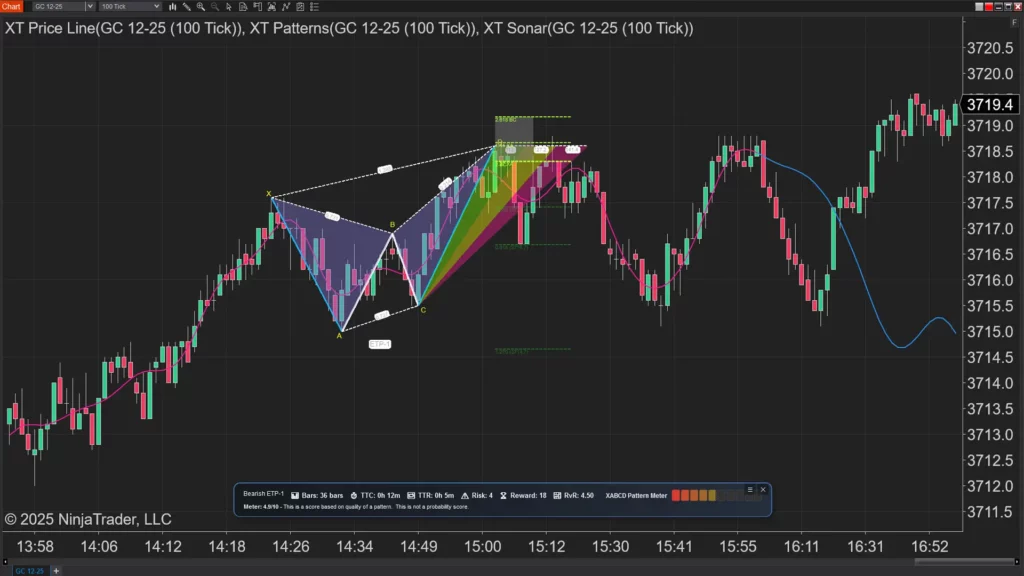
Default - Hidden
In this mode teh entire box is hidden to just a square that has the number of the meter.
In this mode teh entire box is hidden to just a square that has the number of the meter.
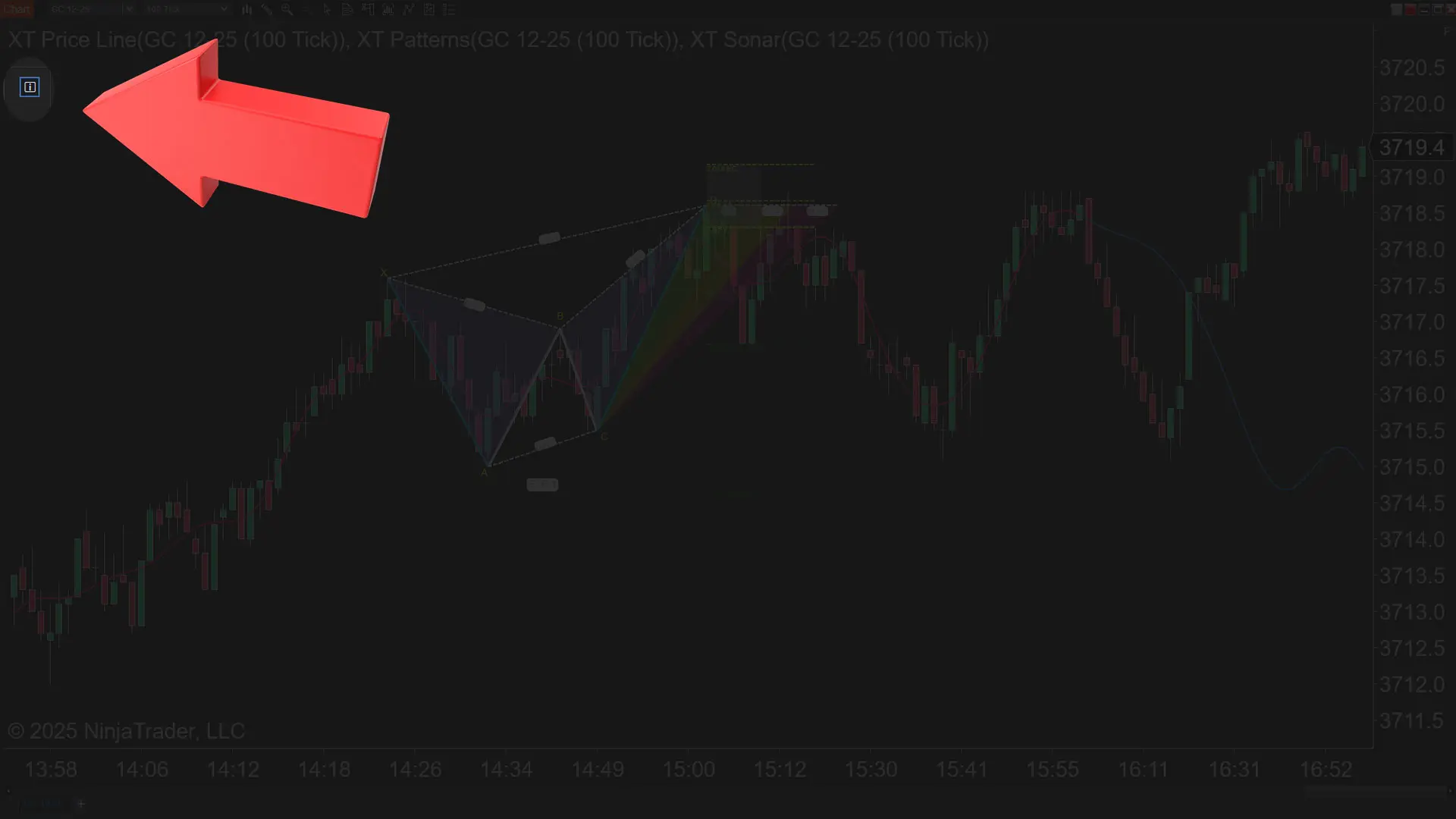
Default - Off
If you need it completly removed from your chart for a period, not a problem - just uncheck that you want to use it in the properties and you won't even see it.
If you need it completly removed from your chart for a period, not a problem - just uncheck that you want to use it in the properties and you won't even see it.
Bring the XABCD Pattern Meter Into Your Market Analyzer
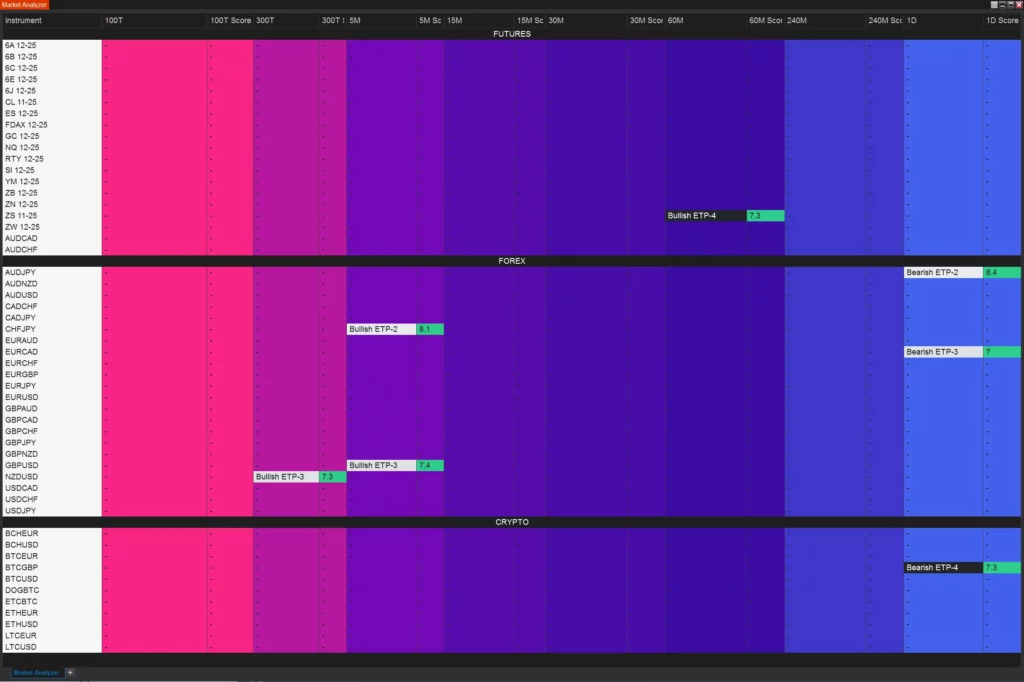
Yes, the XABCD Pattern Meter score can be placed inside of your market analyzer. Below you will see the green cells which are a score 7/10 or higher. Configure it to show up with your own colors and criteria to integrate it into your own template. You can also use one of our preexisting templates.
The XABCD Pattern Score and Bloodhound/Custom Code
Yes these values can be read into bloodhound (or similar programs) as well as your own custom coding.
That same score is also exposed as a standard NinjaTrader data series named PatternMeterScore, grouped under “Exposed Values” together with the other programmatic outputs the indicator publishes. Because Bloodhound and custom NinjaScript strategies can subscribe to any public series an indicator exposes, you can either drop the XABCD Trading indicator into a Bloodhound solver node and select the “Pattern Meter Score” output, or read the PatternMeterScore series from your own scripts to trigger signals, filters, or automation based on the numeric meter value rather than the on-chart graphic alone.
Frequently Asked Questions
What does the XABCD pattern meter actually measure?
The XABCD pattern meter uses a 10-segment clarity gauge to score how clean each leg is from X → A → B → C → D on your chart. It checks whether legs meander, overlap, or resemble noise, along with a laundry list of additional quality checks on each pattern. The result is a single weighted score that tells you at a glance whether a setup is worth trading.
Can I use the XABCD pattern meter score in automated trading or custom NinjaScript strategies?
Yes. The meter exposes a standard NinjaTrader data series called PatternMeterScore under "Exposed Values," which any custom NinjaScript strategy or third-party tool like Bloodhound can subscribe to. You can drop the indicator into a Bloodhound solver node and select the Pattern Meter Score output, or read the series directly in your own code to trigger signals, filters, or automation.
How does the XABCD pattern meter work inside the NinjaTrader Market Analyzer?
The meter score can be added as a column in your NinjaTrader Market Analyzer so you can scan multiple instruments at once. You can configure custom colors and criteria—for example, highlighting cells green when the score is 7 out of 10 or higher—and integrate it into your own templates or use one of the preexisting templates provided.
What display modes are available for the pattern meter on a chart?
There are four display modes: Block (the default panel showing all information), Line (a repositionable single-line readout), Hidden (a minimal square showing only the meter number), and Off (completely removed from the chart via the indicator properties). This lets you choose how much screen space the meter occupies depending on your workflow.
What information is shown alongside the meter score?
In addition to the meter score itself, the display includes the pattern name, bar count, Time To Complete (TTC), Time To Reverse (TTR), risk and reward in units, and the reward-versus-risk (RvR) ratio. Together these data points give you a comprehensive snapshot of the pattern's quality and trade potential without cluttering your chart with extra indicators.
Frequently Asked Questions
What does the XABCD pattern meter actually measure?
The XABCD pattern meter uses a 10-segment clarity gauge to score how clean each leg is from X → A → B → C → D on your chart. It checks whether legs meander, overlap, or resemble noise, along with a laundry list of additional quality checks on each pattern. The result is a single weighted score that tells you at a glance whether a setup is worth trading.
Can I use the XABCD pattern meter score in automated trading or custom NinjaScript strategies?
Yes. The meter exposes a standard NinjaTrader data series called PatternMeterScore under "Exposed Values," which any custom NinjaScript strategy or third-party tool like Bloodhound can subscribe to. You can drop the indicator into a Bloodhound solver node and select the Pattern Meter Score output, or read the series directly in your own code to trigger signals, filters, or automation.
How does the XABCD pattern meter work inside the NinjaTrader Market Analyzer?
The meter score can be added as a column in your NinjaTrader Market Analyzer so you can scan multiple instruments at once. You can configure custom colors and criteria—for example, highlighting cells green when the score is 7 out of 10 or higher—and integrate it into your own templates or use one of the preexisting templates provided.
What display modes are available for the pattern meter on a chart?
There are four display modes: Block (the default panel showing all information), Line (a repositionable single-line readout), Hidden (a minimal square showing only the meter number), and Off (completely removed from the chart via the indicator properties). This lets you choose how much screen space the meter occupies depending on your workflow.
What information is shown alongside the meter score?
In addition to the meter score itself, the display includes the pattern name, bar count, Time To Complete (TTC), Time To Reverse (TTR), risk and reward in units, and the reward-versus-risk (RvR) ratio. Together these data points give you a comprehensive snapshot of the pattern's quality and trade potential without cluttering your chart with extra indicators.
New NinjaTrader Articles Delivered First
 (opens in a new tab)
Easy Order Tool
The Strategy
Scanning & Alerting
NinjaTrader Release
XABCD News (Free Version)
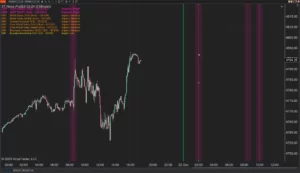
XABCD News (Community Edition) is the best free Indicator for NinjaTrader 8. Don't let news sneak up on you again. Puts economic news events on your charts so you can stay informed and move around positions/stops before the news is released. Works in any market.
XABCD Priceline (Free)
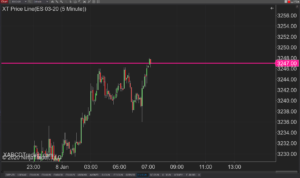
XABCD Price Line tool for NinjaTrader 8 will draw a line at current price and move every time the market changes price. This is useful because it will allow you to easily identify where price is at all times and the exact quoted price.
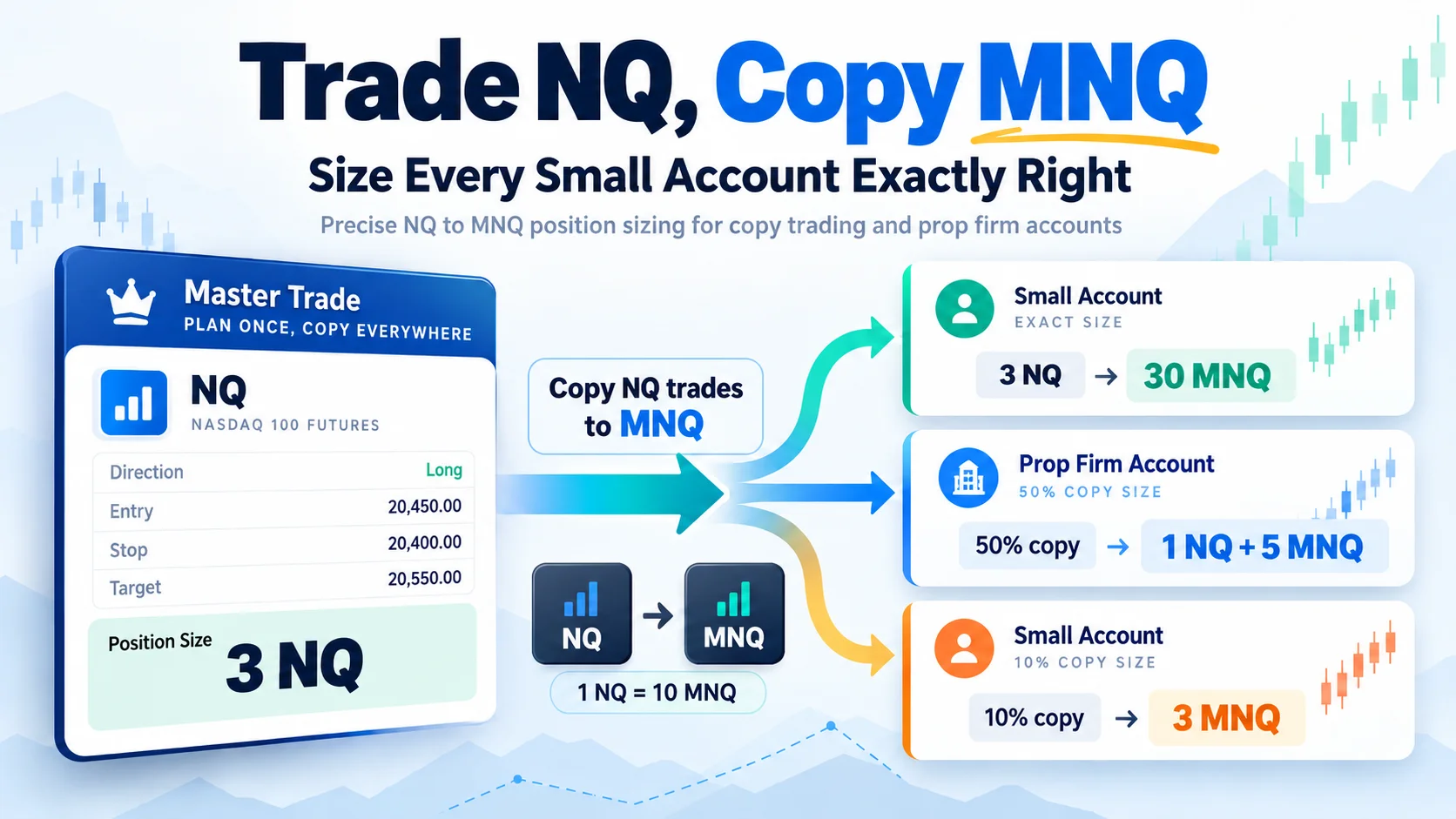
Trade NQ, Copy MNQ: Copy NQ Trades to MNQ in NinjaTrader 8
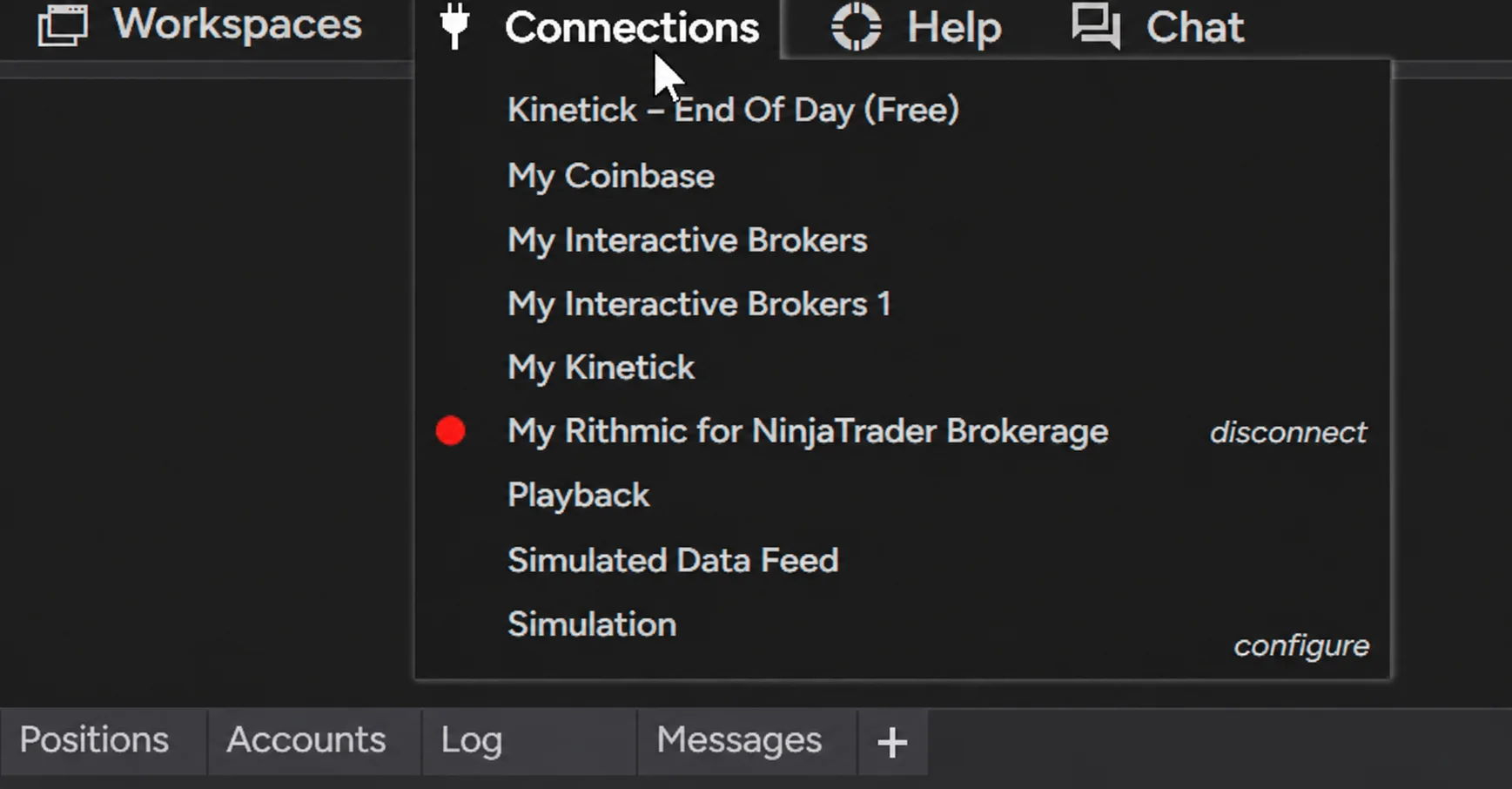
NinjaTrader Data Feed Not Updating? Quick Fixes
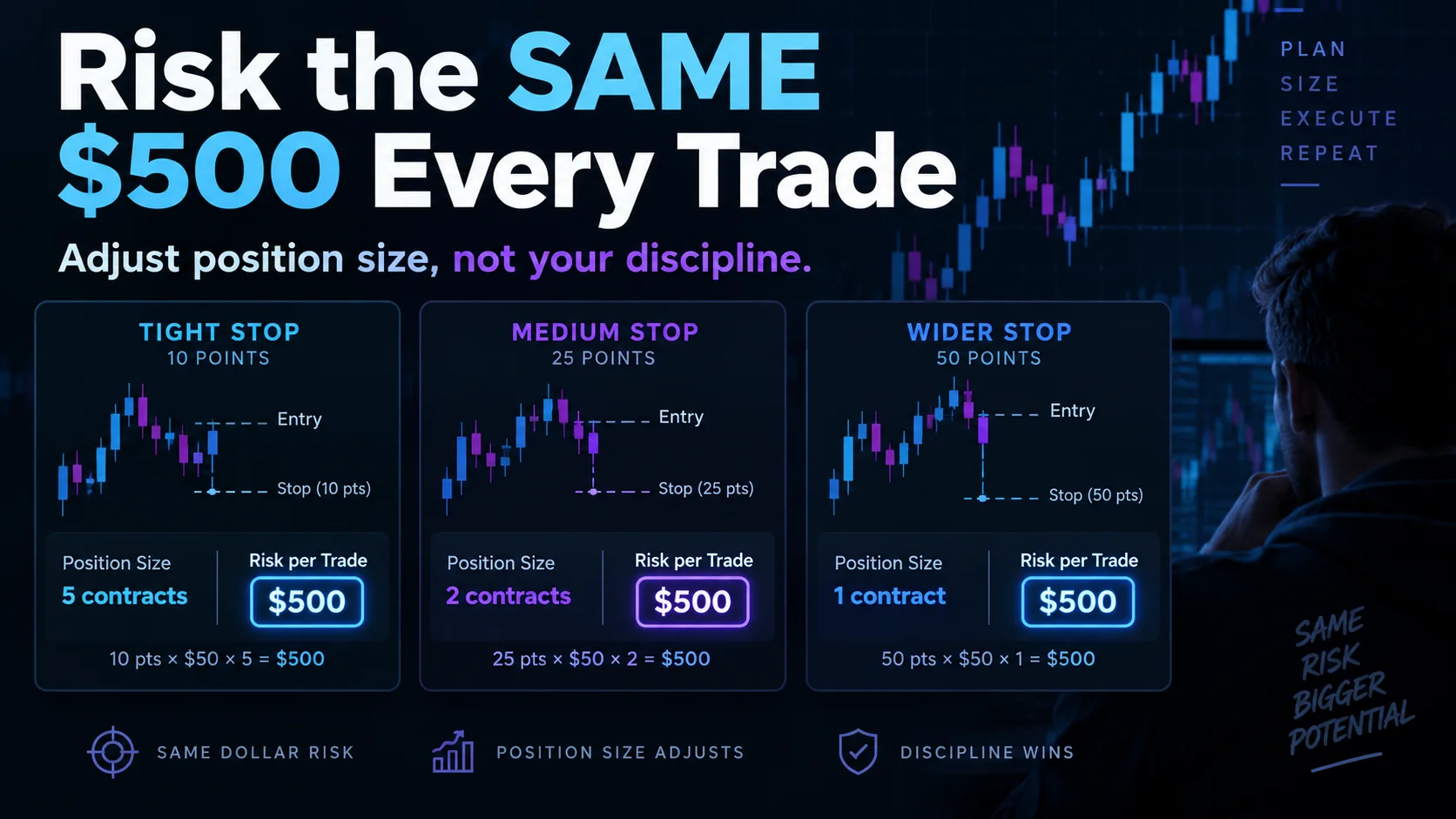
NinjaTrader Risk Per Trade: Risk $500 on Every Trade
NinjaTrader 8.1.8 Review: Should You Upgrade or Wait?
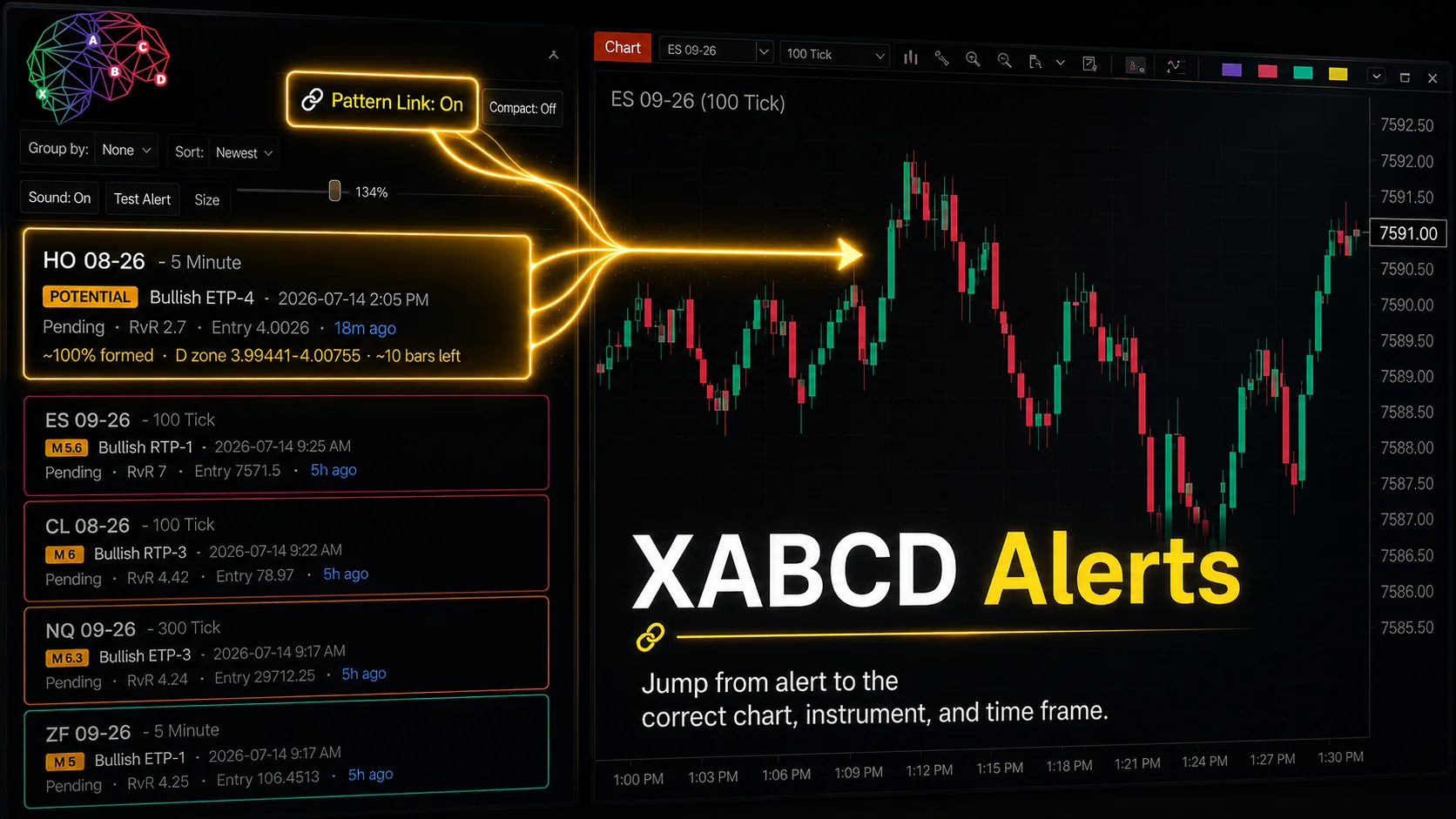
XABCD Pattern Alerts: The Complete Guide for Traders
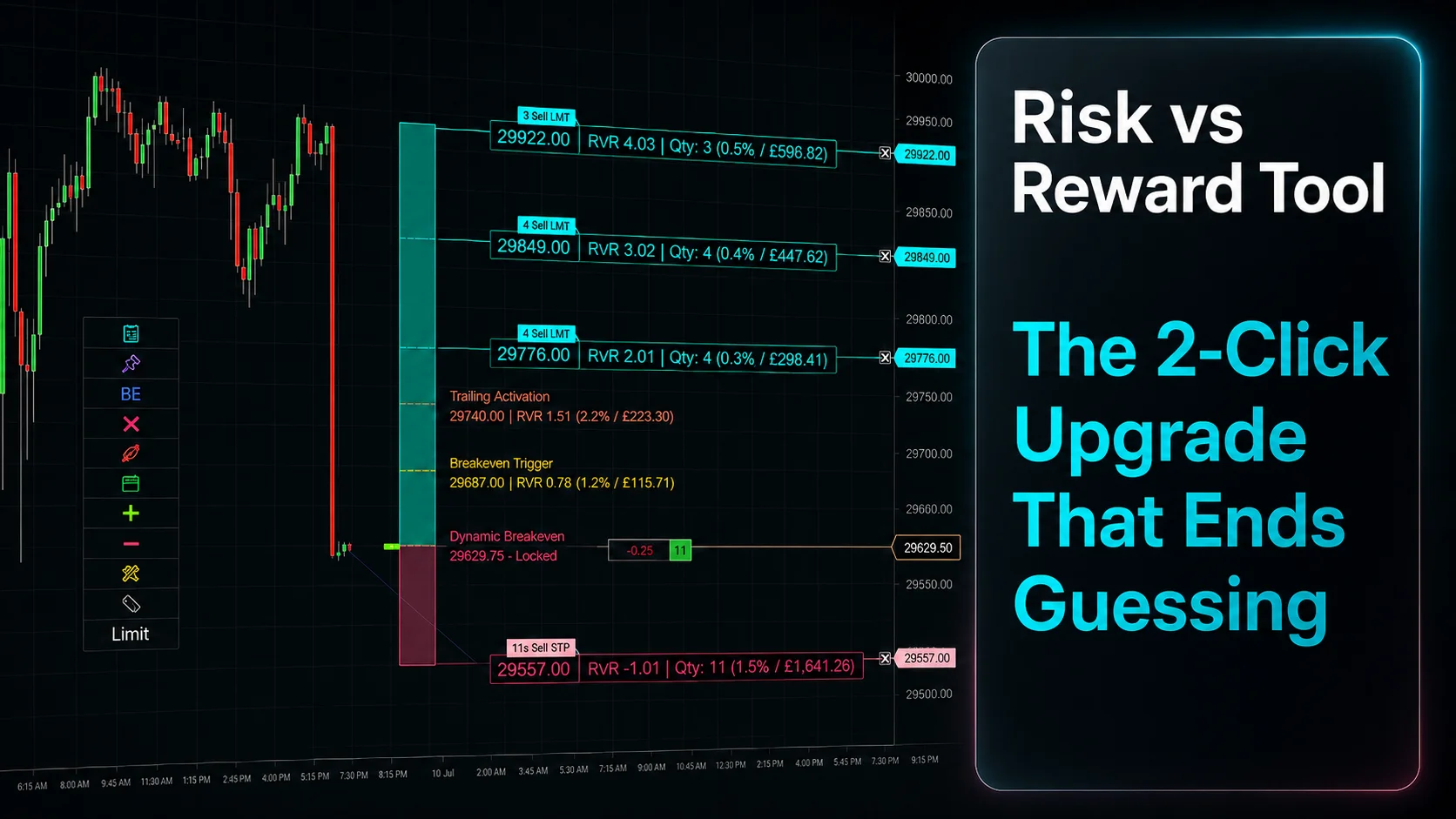
Risk vs Reward Tool: The 2-Click Upgrade That Ends Guessing
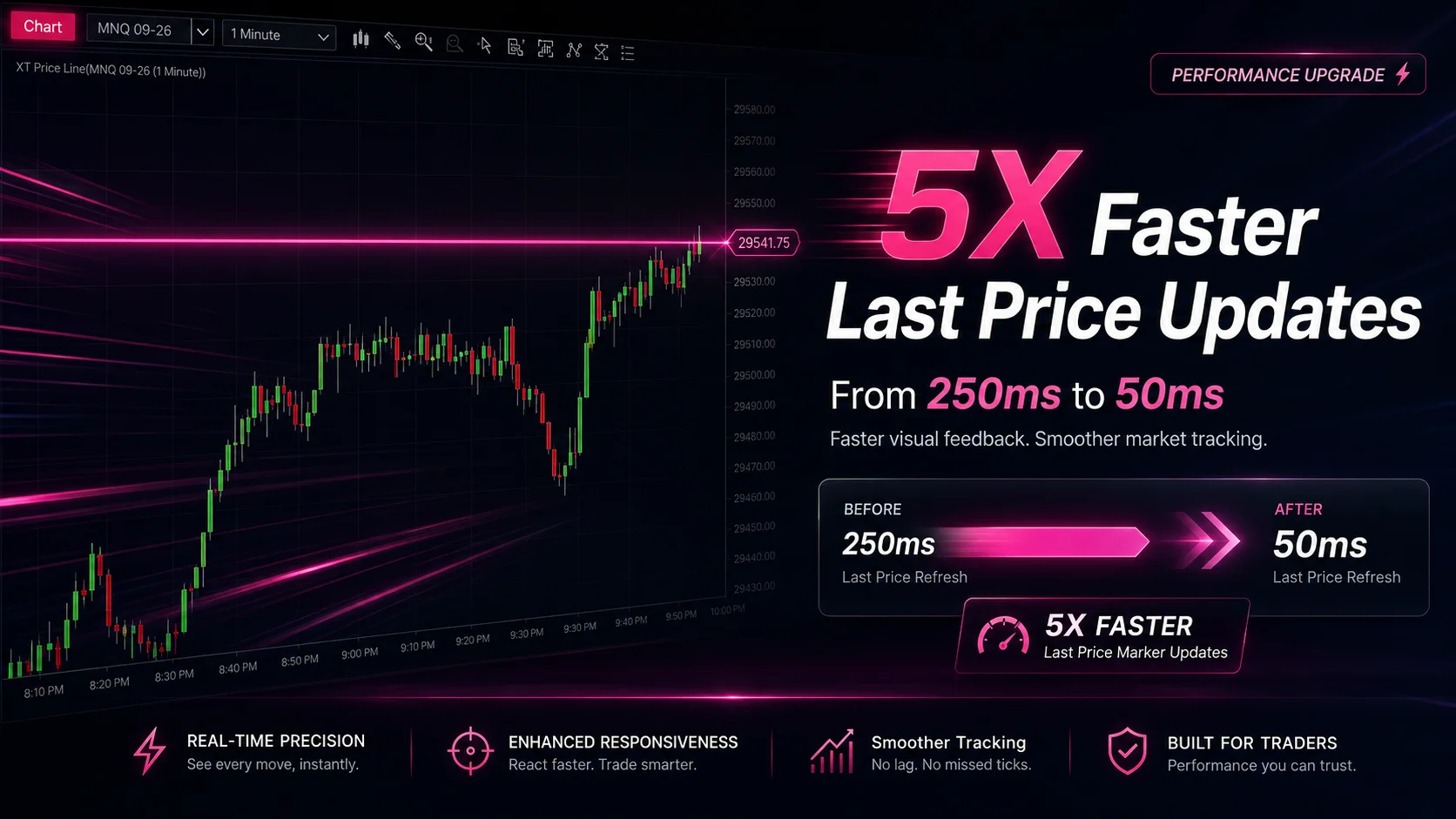
NinjaTrader Faster Last Price Updates on Charts Explained
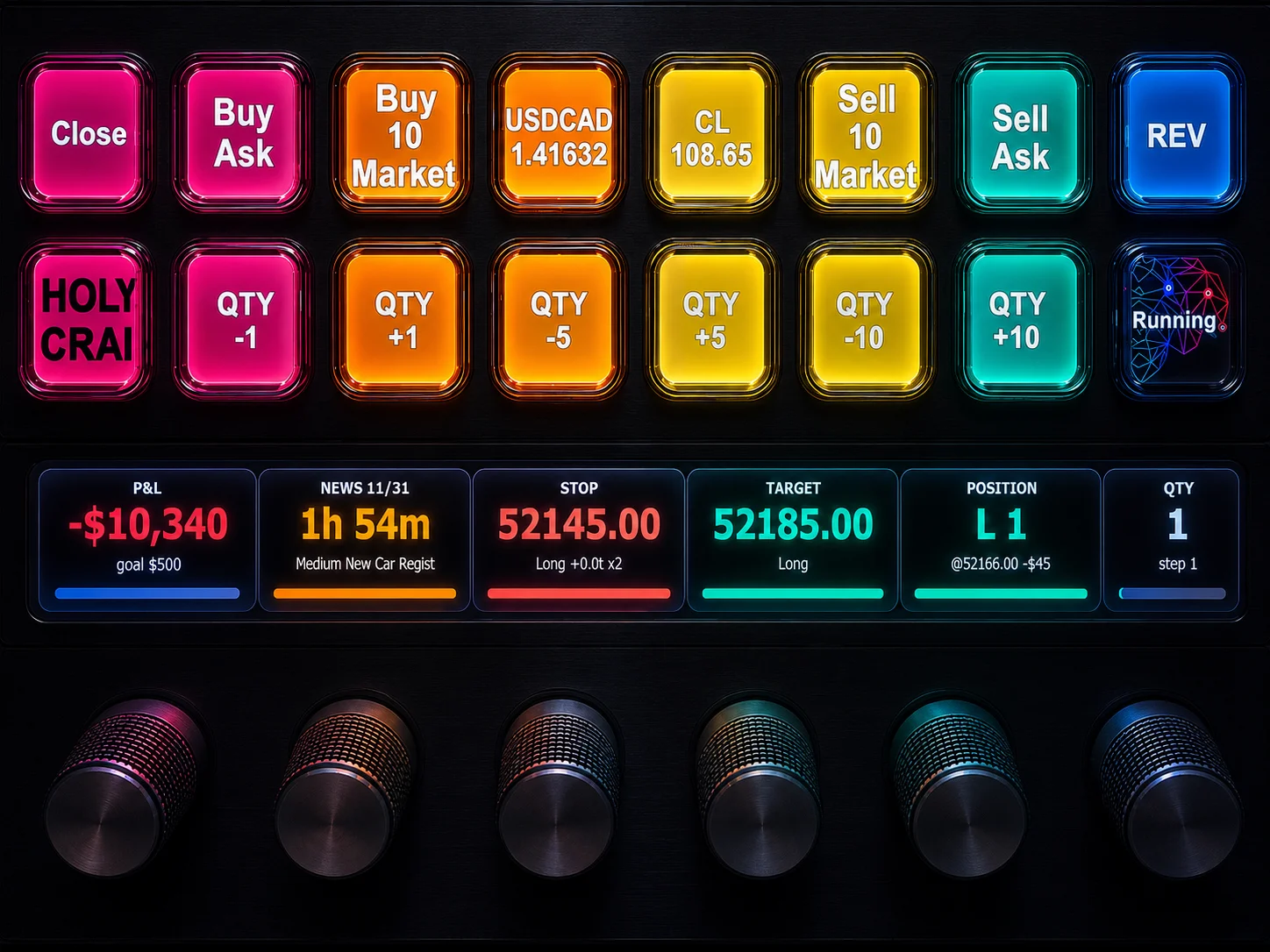
NinjaTrader 8 Hotkeys: Best Shortcuts for Faster Trading
NinjaTrader Position Sizing Tool: 64 Features Stock NT8 Does Not Include