XABCD TRADING

New XABCD Pattern Software for NT8 Released

Subscribe
to get alerts to our next blog post!
Updates! XABCD Pattern Software - Here's What's New!
Visit the product page for our NinjaTrader 8 XABCD Pattern Suite.
Updates were pretty significant in this release! We broke away from the normal way of finding patterns and gave our users the choice.
- A "Real Time" Pattern Engine
- A "Confirmation" pattern Engine
Can notify you of a pattern alert on the same tick that the ratios become valid.
A pattern alert that waits for the d point to be confirmed before sending you off an alert.
Real Time Engine vs Confirmation Engine

Real Time Engine
The real time engine will alert you to a pattern being found the second it happens where both Fibonacci Time and Fibonacci Price ratios line up. The pattern scanning and indicator works tick by tick and each symbol being scanned gets measured in real time.
Confirmation Engine
The confirmation engine will wait to make sure the D point is valid by waiting for price and time to align and be confirmed by a slow down in price action and a deviation of the completion of that pattern. This also means that you won't get alerted the second the pattern happens but during news events patterns are less likely to trigger.
New Market Analyzer Templates with XABCD Patterns for Scanning
We provide market analyzer templates to anyone that purchases our software. These templates allow you to have a pre-configured template that will run with both engines. The real time engine market analyzer and the conformation engine are included.
Dynamic Color Changing Anchor Lines
The anchor lines are the part of the pattern which are the outside edge. They are colored differently than the rest of the pattern and if the time ratios are not valid than the anchor lines will be white. When the Fibonacci Time ratios are valid then the anchor lines will be a separate color.
Blue is what we want to see; White doesn't have the time ratios lining up. Visually seeing the patterns can make it a lot more consistent with your approach.

Want to Download the XABCD Pattern Software?
You can get our indicators from our membership page which you can purchase the indicators to lease or a life time license. If you are already one of our members, please login and start your membership and get access to our XABCD software.
Frequently Asked Questions
What are updates and why are they important?
Updates are modifications or improvements released for software, operating systems, apps, or other digital products. They are important because they fix security vulnerabilities, resolve bugs, improve performance, and often introduce new features that enhance the user experience.
How often should I check for updates on my devices?
It is recommended to check for updates at least once a week, though enabling automatic updates is the most convenient and secure approach. Critical security updates should be installed as soon as they become available to protect your device from newly discovered threats.
What happens if I don't install updates?
Failing to install updates can leave your device vulnerable to security exploits, malware, and cyberattacks. Over time, outdated software may also become incompatible with newer applications and services, leading to reduced functionality and performance issues.
What is the difference between a software update and an upgrade?
A software update is typically a minor release that patches bugs, fixes security issues, or makes small improvements within the same version. An upgrade, on the other hand, is a major release that introduces significant new features, design changes, or architectural improvements, and may require a separate installation or purchase.
Why do updates sometimes cause problems or slow down my device?
Updates can occasionally cause issues because new code may conflict with existing software, drivers, or hardware configurations. Some updates also introduce additional features that require more processing power or memory, which can temporarily slow down older devices until further optimization patches are released.
Frequently Asked Questions
What are updates and why are they important?
Updates are modifications or improvements released for software, operating systems, apps, or other digital products. They are important because they fix security vulnerabilities, resolve bugs, improve performance, and often introduce new features that enhance the user experience.
How often should I check for updates on my devices?
It is recommended to check for updates at least once a week, though enabling automatic updates is the most convenient and secure approach. Critical security updates should be installed as soon as they become available to protect your device from newly discovered threats.
What happens if I don't install updates?
Failing to install updates can leave your device vulnerable to security exploits, malware, and cyberattacks. Over time, outdated software may also become incompatible with newer applications and services, leading to reduced functionality and performance issues.
What is the difference between a software update and an upgrade?
A software update is typically a minor release that patches bugs, fixes security issues, or makes small improvements within the same version. An upgrade, on the other hand, is a major release that introduces significant new features, design changes, or architectural improvements, and may require a separate installation or purchase.
Why do updates sometimes cause problems or slow down my device?
Updates can occasionally cause issues because new code may conflict with existing software, drivers, or hardware configurations. Some updates also introduce additional features that require more processing power or memory, which can temporarily slow down older devices until further optimization patches are released.
New NinjaTrader Articles Delivered First
 (opens in a new tab)
Easy Order Tool
The Strategy


Scanning & Alerting
NinjaTrader Release
XABCD News (Free Version)
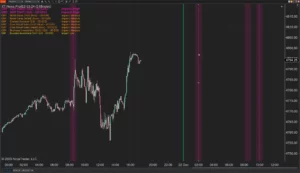
XABCD News (Community Edition) is the best free Indicator for NinjaTrader 8. Don't let news sneak up on you again. Puts economic news events on your charts so you can stay informed and move around positions/stops before the news is released. Works in any market.
XABCD Priceline (Free)
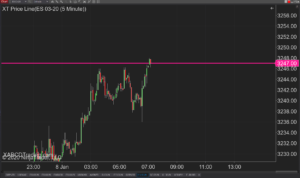
XABCD Price Line tool for NinjaTrader 8 will draw a line at current price and move every time the market changes price. This is useful because it will allow you to easily identify where price is at all times and the exact quoted price.
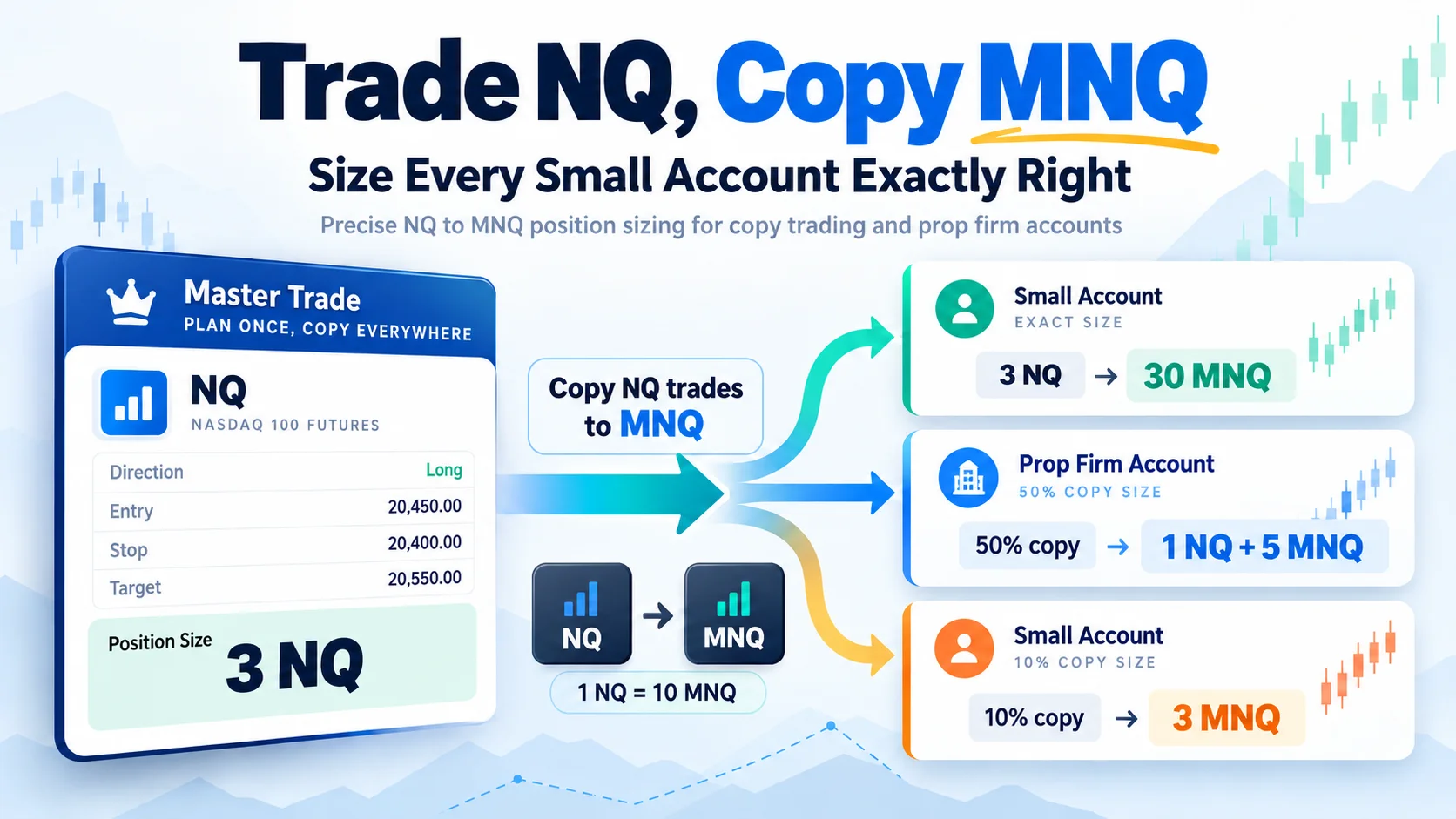
Trade NQ, Copy MNQ: Copy NQ Trades to MNQ in NinjaTrader 8
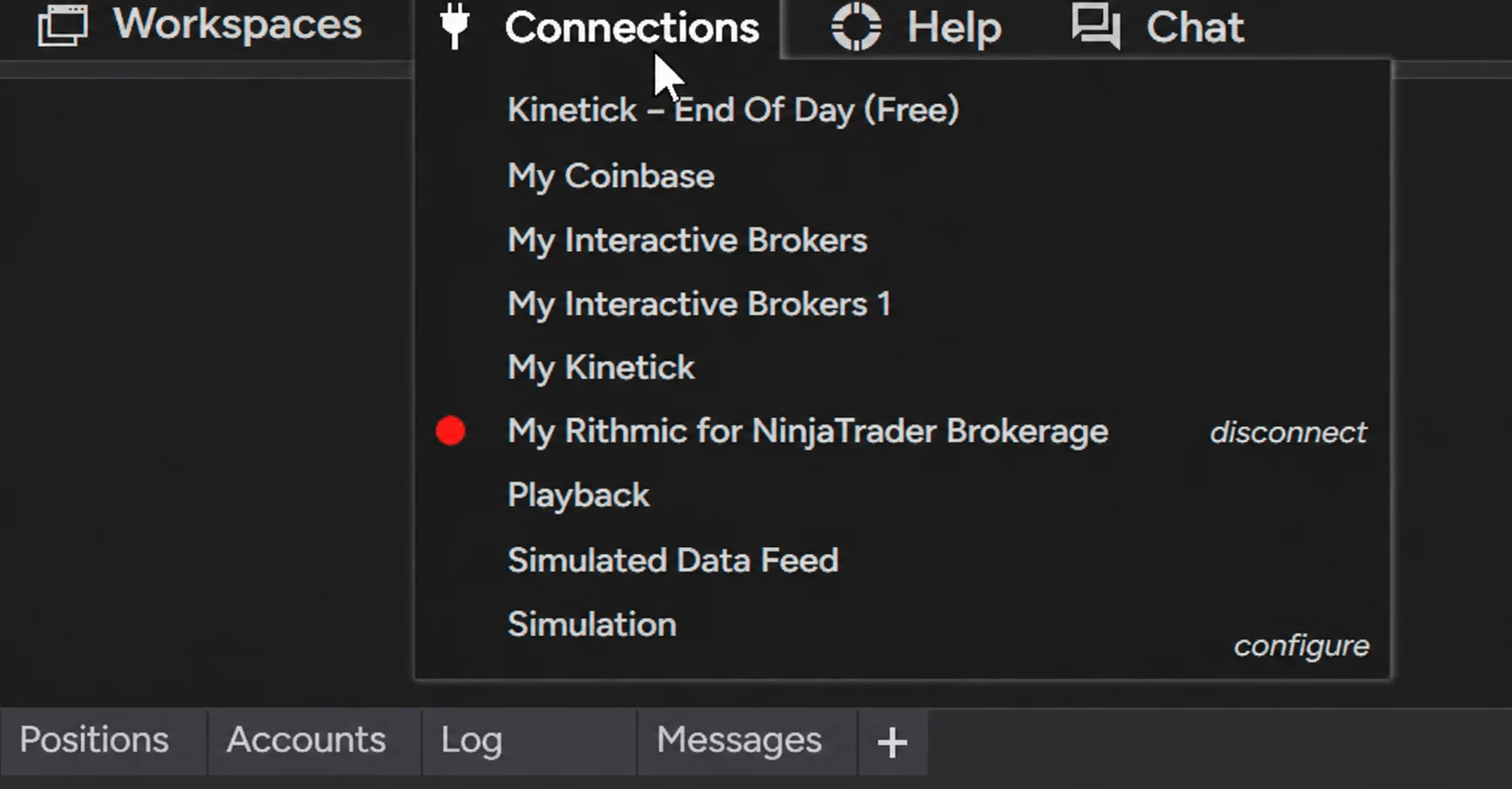
NinjaTrader Data Feed Not Updating? Quick Fixes
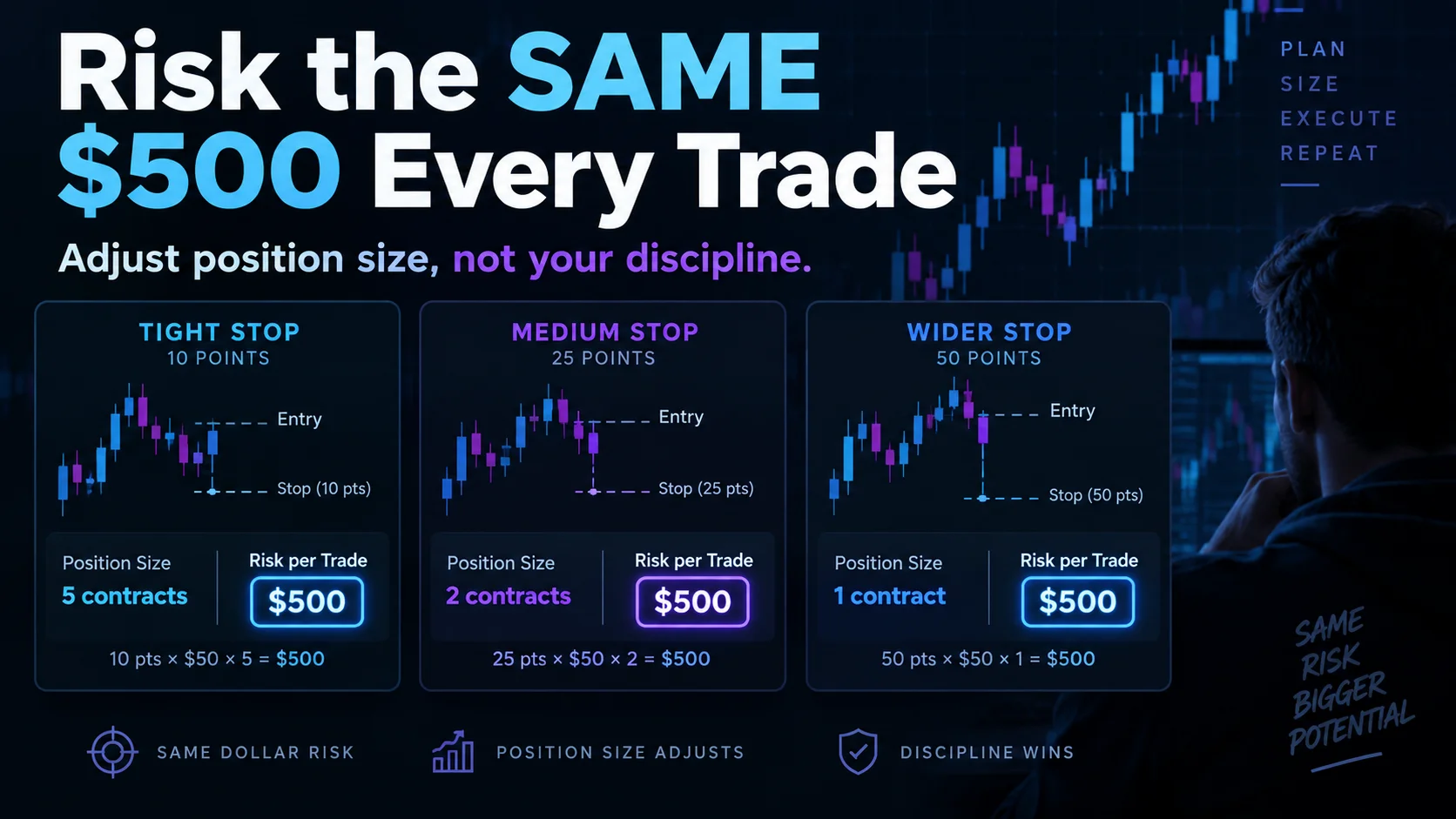
NinjaTrader Risk Per Trade: Risk $500 on Every Trade
NinjaTrader 8.1.8 Review: Should You Upgrade or Wait?
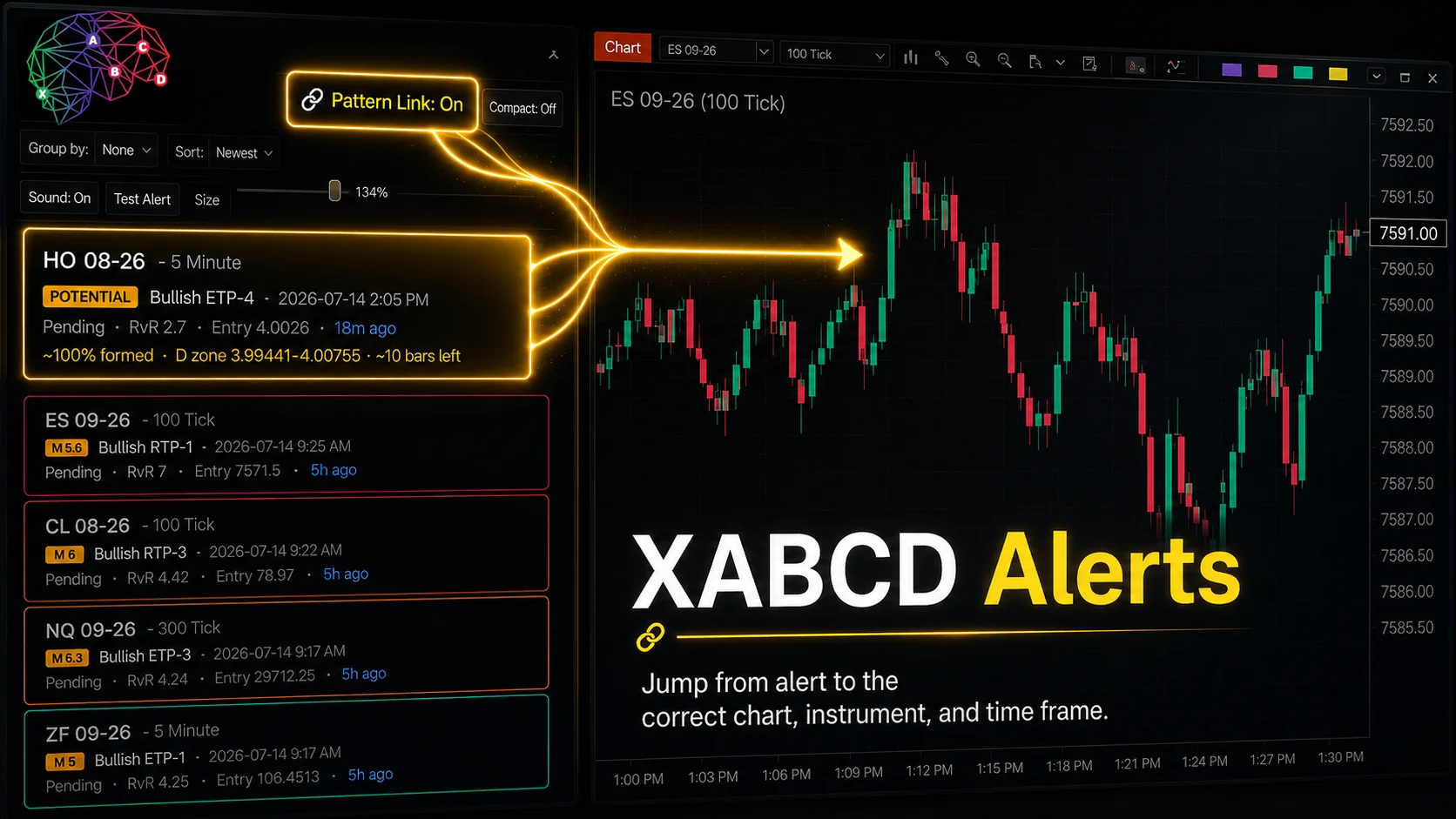
XABCD Pattern Alerts: The Complete Guide for Traders
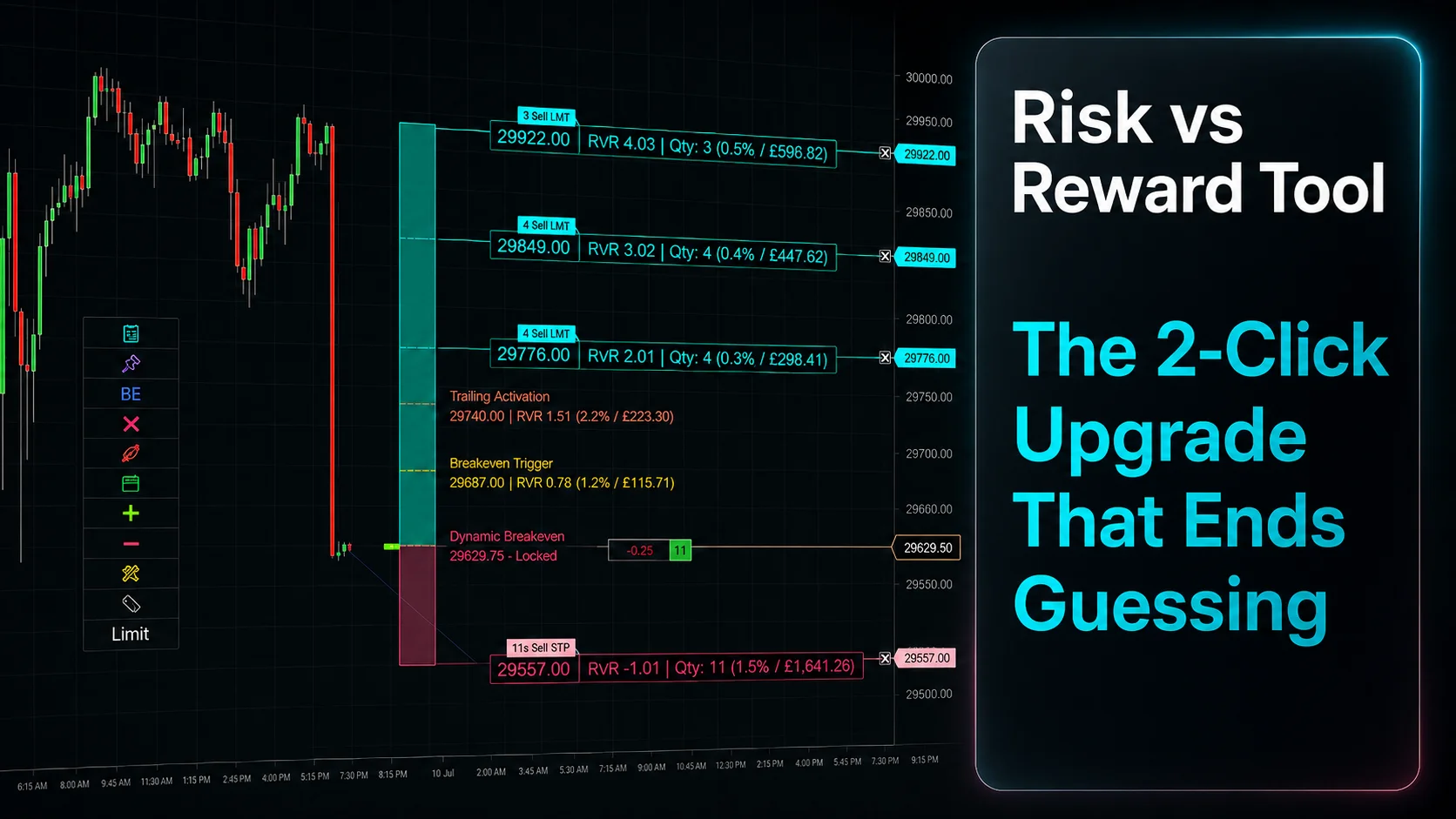
Risk vs Reward Tool: The 2-Click Upgrade That Ends Guessing
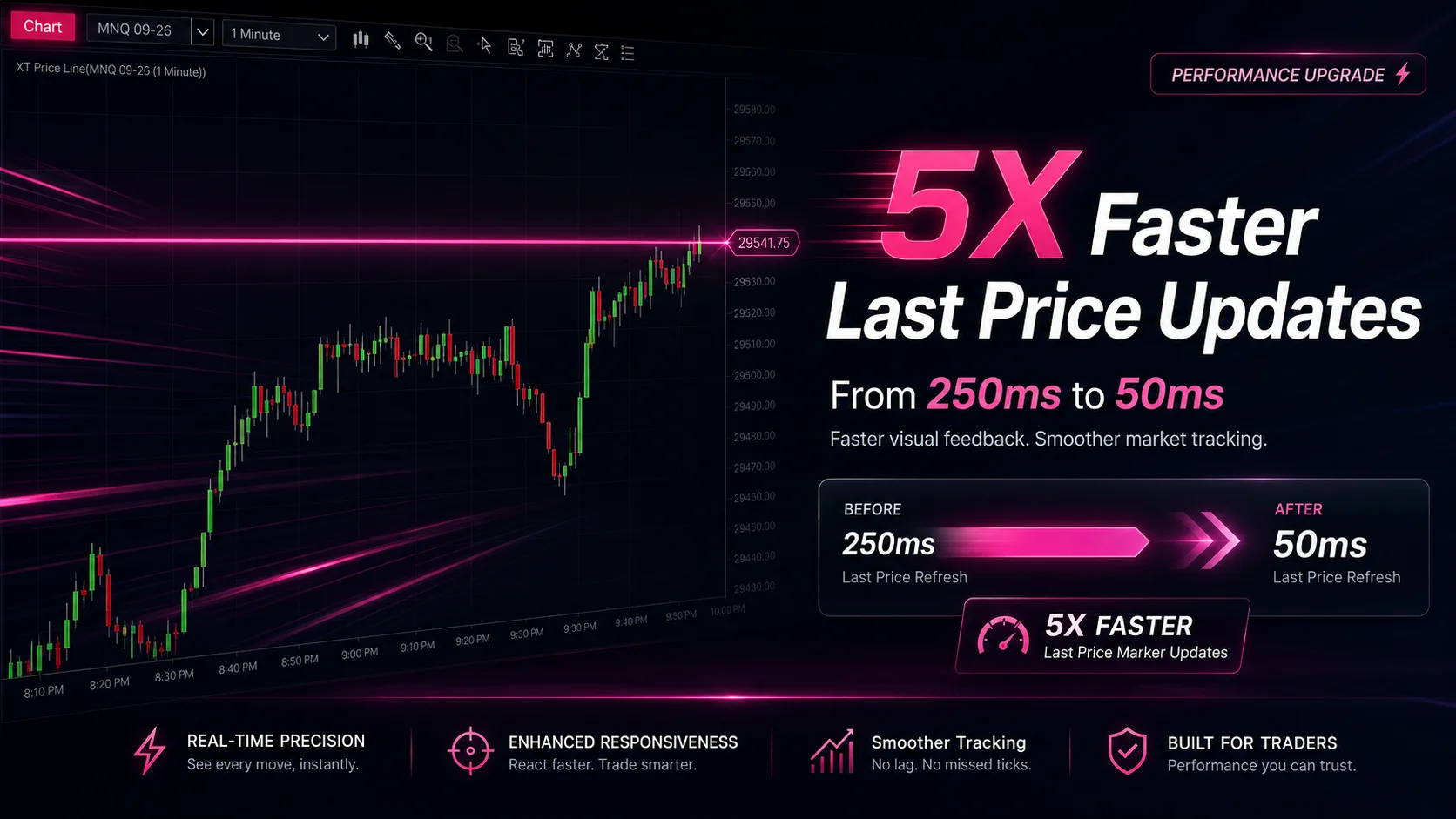
NinjaTrader Faster Last Price Updates on Charts Explained
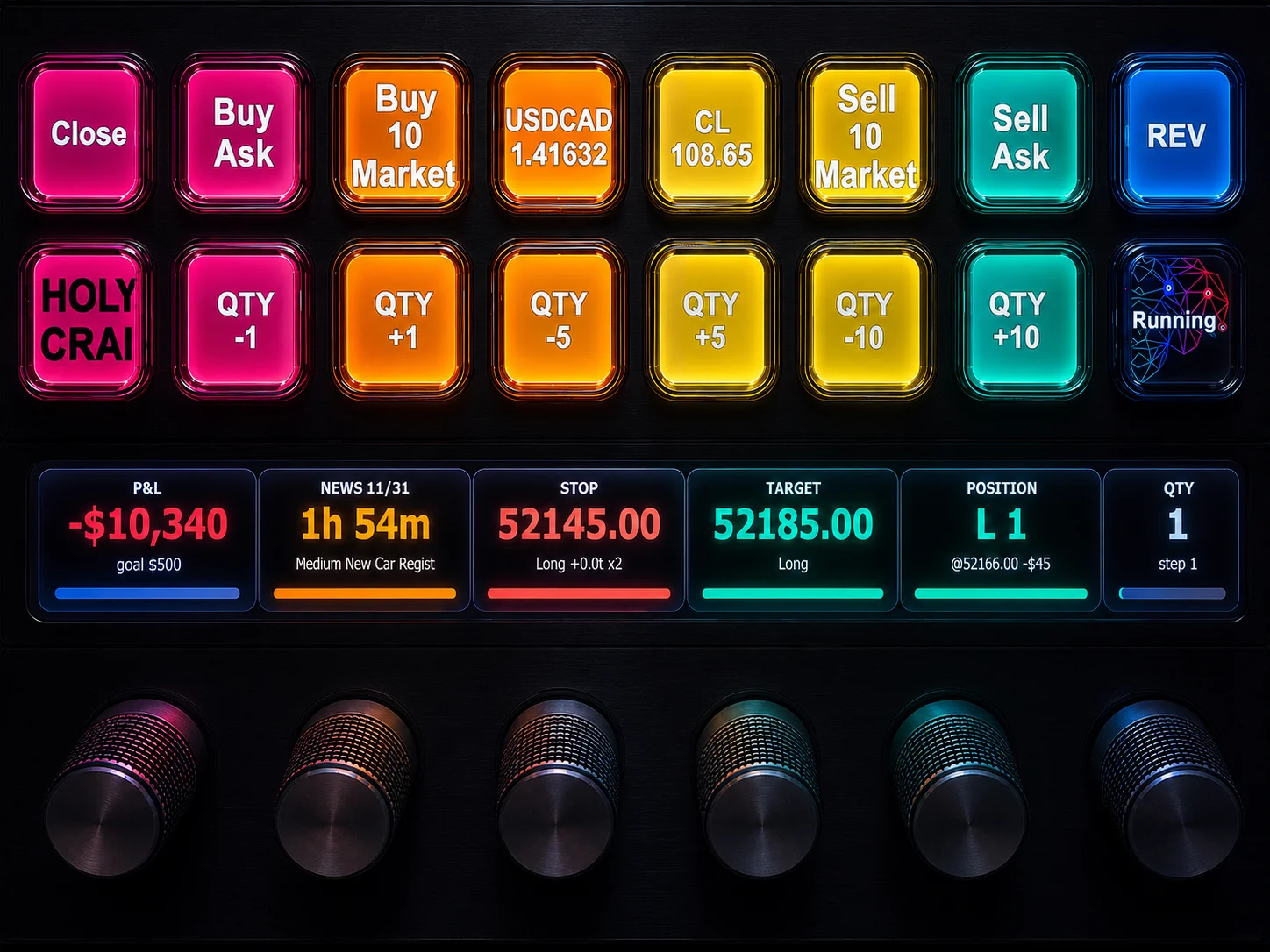
NinjaTrader 8 Hotkeys: Best Shortcuts for Faster Trading
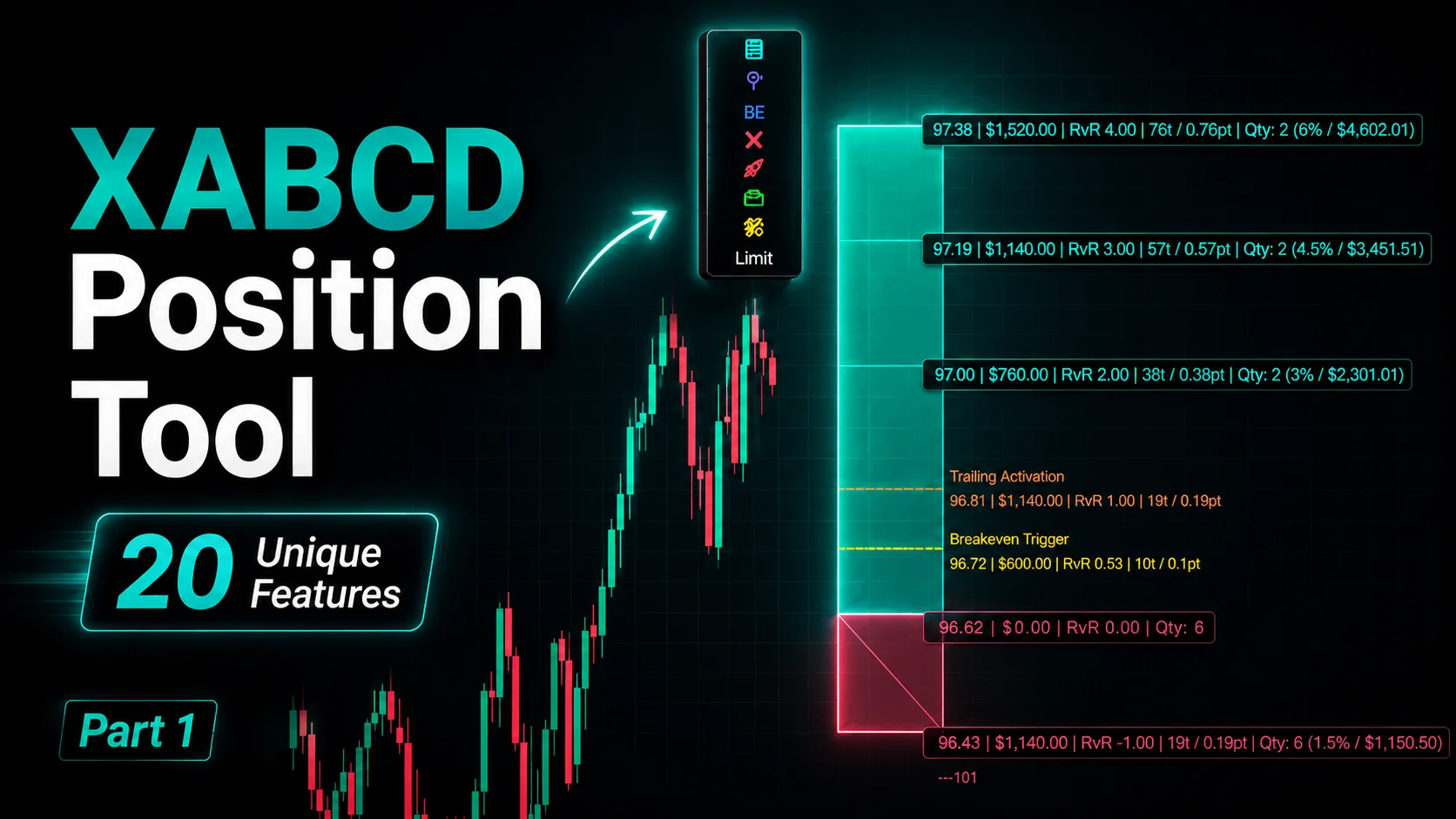
NinjaTrader Position Sizing Tool: 64 Features Stock NT8 Does Not Include