XABCD TRADING

XT PriceLine: Dynamic Colors That Let You See Every Tick
Subscribe
to get alerts to our next blog post!
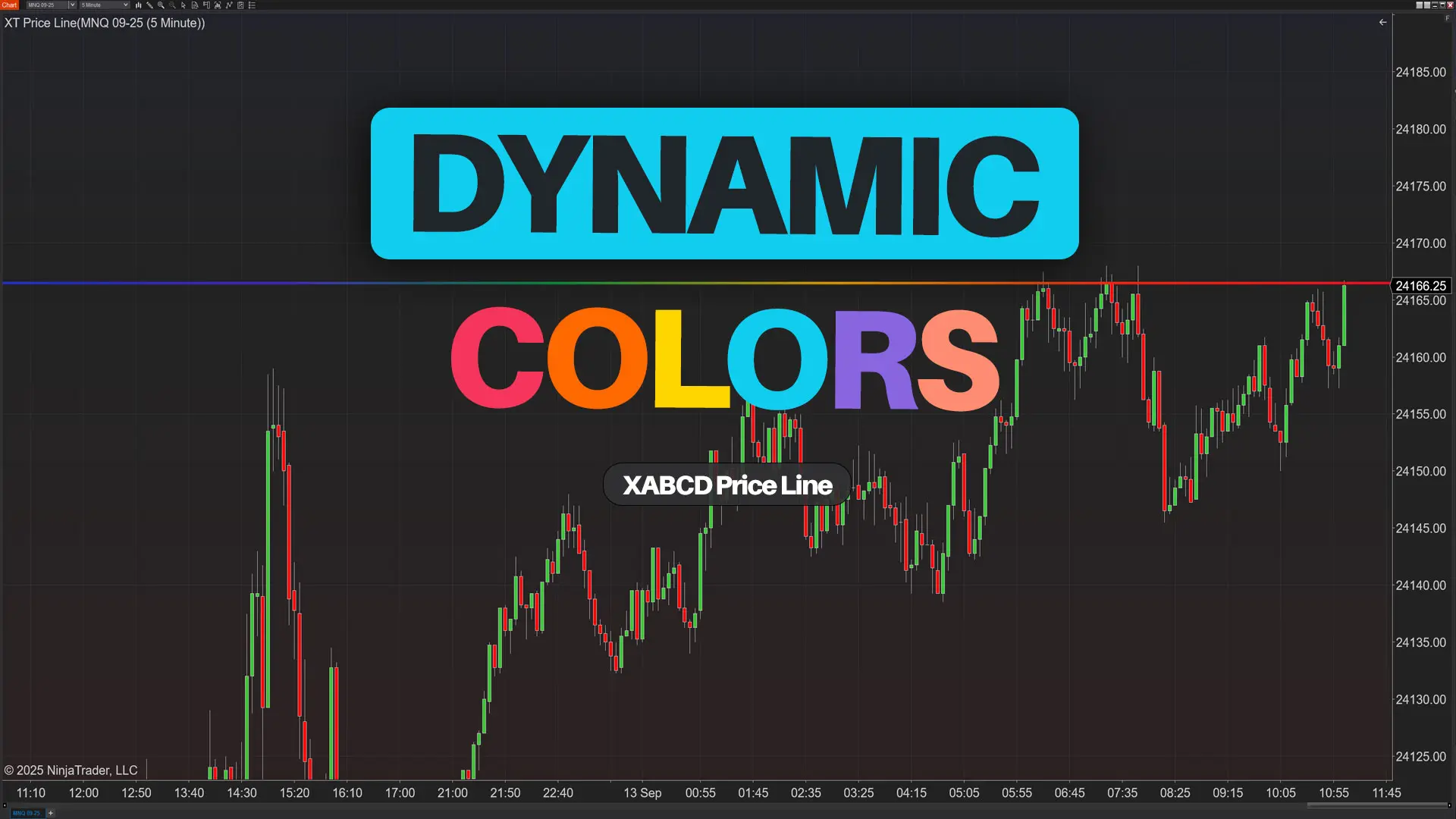
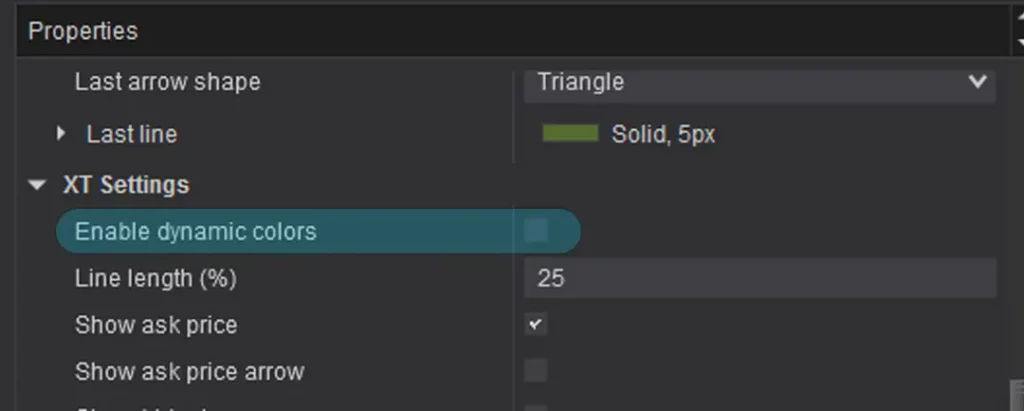
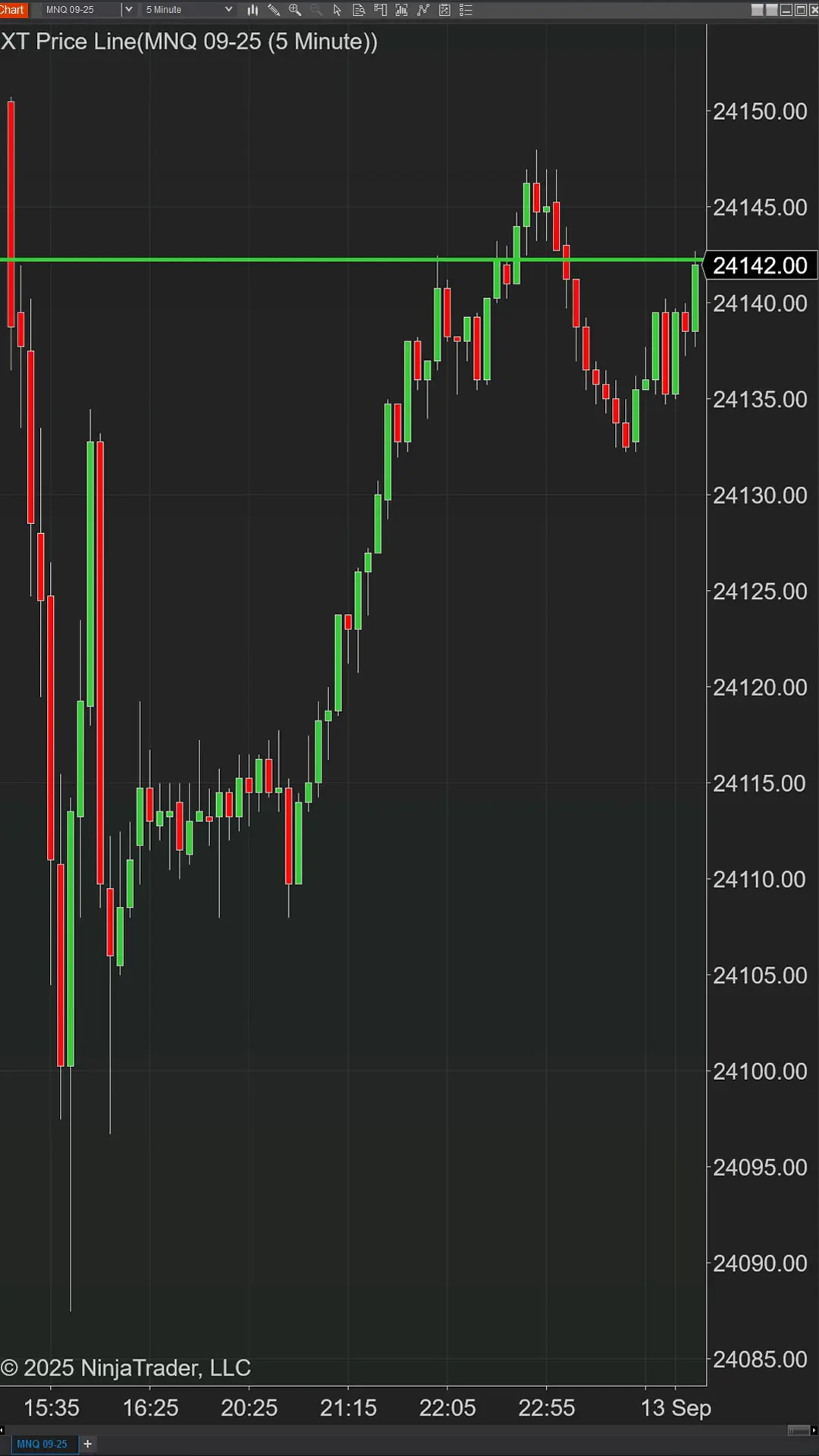
When you open your NinjaTrader platform and price wiggles, you shouldn’t have to stare at numbers to know what just happened. Flip on Enable dynamic colors in Grab it here: XABCD Price Line and your Ask, Bid, and Last lines will pulse in real time—green on an uptick, red on a downtick—then slide back to your theme color a moment later. Turn on the Multicolor theme and the glow/gradient follows that temporary flash, so the highlight feels like the move.
Quick Start (60 Seconds)
Grab it here: XABCD Price Line
Platform: NinjaTrader 8
Cost: Free - Checkout will say $0, No credit card needed.
- Run our quick installer, enter license key. Start NinjaTrader.
- Add XT PriceLine to your chart
- Open Indicators -> XT PriceLine
- Toggle Enable Dynamic Colors = On
- Apply to Ask, Bid, and Last
What Dynamic Colors Does (in plain English)
Flashes green/red on each tick so you immediately see who pushed the tape.
Resets to your base theme after a short delay—clean, not shouty.
Multicolor theme syncs the glow so the highlight matches direction.
TL;DR: It turns price motion into a visual pulse you can read out of the corner of your eye.
How it Works (Under the Hood)
On every incoming tick, XT PriceLine compares the new value to the prior one and momentarily updates the stroke color: lime green if it rose, red if it fell.
After a brief timeout, it reverts to your theme. With Multicolor active, the gradient/glow follows that temporary color so your highlight and movement stay in lockstep. (Yes, this is handled internally—does the heavy lifting so your chart stays snappy.)
Why Traders Love Dynamic Colors
- See upticks vs. downticks at a glance. The line flashes green on a lift, red on a hit—no squinting at numbers. You’ll feel who just pressed the tape.
- Spot spread shenanigans fast. Bid/Ask flicker out of sync? You’re watching the spread widen or snap shut in real time. Great for catching liquidity games.
- Sanity-check breakouts and fakeouts. A run of greens through a level screams commitment. Green then instant red? Probably a poke-and-rollover. Trust the pulse.
- Teach tape without the tape. New traders “get it” instantly: green = buyers lifted, red = sellers hit. Way easier than decoding a DOM.
- Glanceable feedback for discretionary flow. Keep your eyes on structure while the line says if momentum’s still there. Less DOM camping, more decision making.
- Catch micro-bursts of momentum. Rapid same-color flashes = go-time. Tighten entries, trail quicker, or step aside if it fizzles.
- Plays nice with color-blind themes. The flash is brief, bright, and obvious—so your base palette can stay high-contrast without losing meaning.
- Scan multi-charts like a pro. With 6–12 instruments up, the one that’s waking up literally blinks at you. Zero hunting, instant focus.
- Silent alerts when you need quiet. No dings, no pop-ups—just a quick visual nudge. Perfect for streams, offices, or trading at 5 a.m.
- Better screenshots and recaps. Replays show how the move unfolded, not just the final candle. Flash timing adds context to every review.
- Great companion to algos. Your bot flags a setup; the color pulse confirms the pressure. Human + machine, tighter together.
- Know when a move stalls. Hovering near a level and the color stops changing? That’s balance/absorption. Tighten risk or wait for the next push.
Pro Tips for Different Trading Workflows
Scalpers & order-flow traders: Use a shorter flash to catch micro-bursts without masking the base theme.
Breakout hunters: Watch for sustained green flashes into a level; a quick red flash immediately after can hint at a failure.
Reversal area testing: If colors flicker without follow-through, you may be seeing absorption or hesitation.
Educators & streamers: The visual pulse is fantastic on recordings; viewers grasp context without reading prices.
Color-blind-friendly setups: Pair dynamic colors with higher-contrast base themes; the temporary flash carries most of the meaning.
FAQ
Bottom Line
Dynamic colors turn price motion into a clear, glanceable signal. Turn it on once, and you’ll start feeling the market’s rhythm—not just reading it.
If you’re already running XT PriceLine, open the settings and enable Dynamic colors now. Your eyes (and your trade timing) will thank you.
New NinjaTrader Articles Delivered First

Easy Order Tool
The Strategy

Scanning & Alerting
NinjaTrader Release
XABCD News (Free Version)
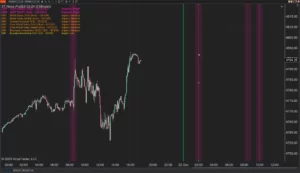
XABCD News (Community Edition) is the best free Indicator for NinjaTrader 8. Don't let news sneak up on you again. Puts economic news events on your charts so you can stay informed and move around positions/stops before the news is released. Works in any market.
XABCD Priceline (Free)
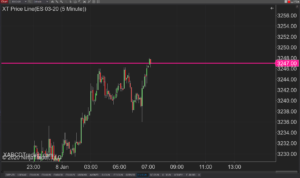
XABCD Price Line tool for NinjaTrader 8 will draw a line at current price and move every time the market changes price. This is useful because it will allow you to easily identify where price is at all times and the exact quoted price.
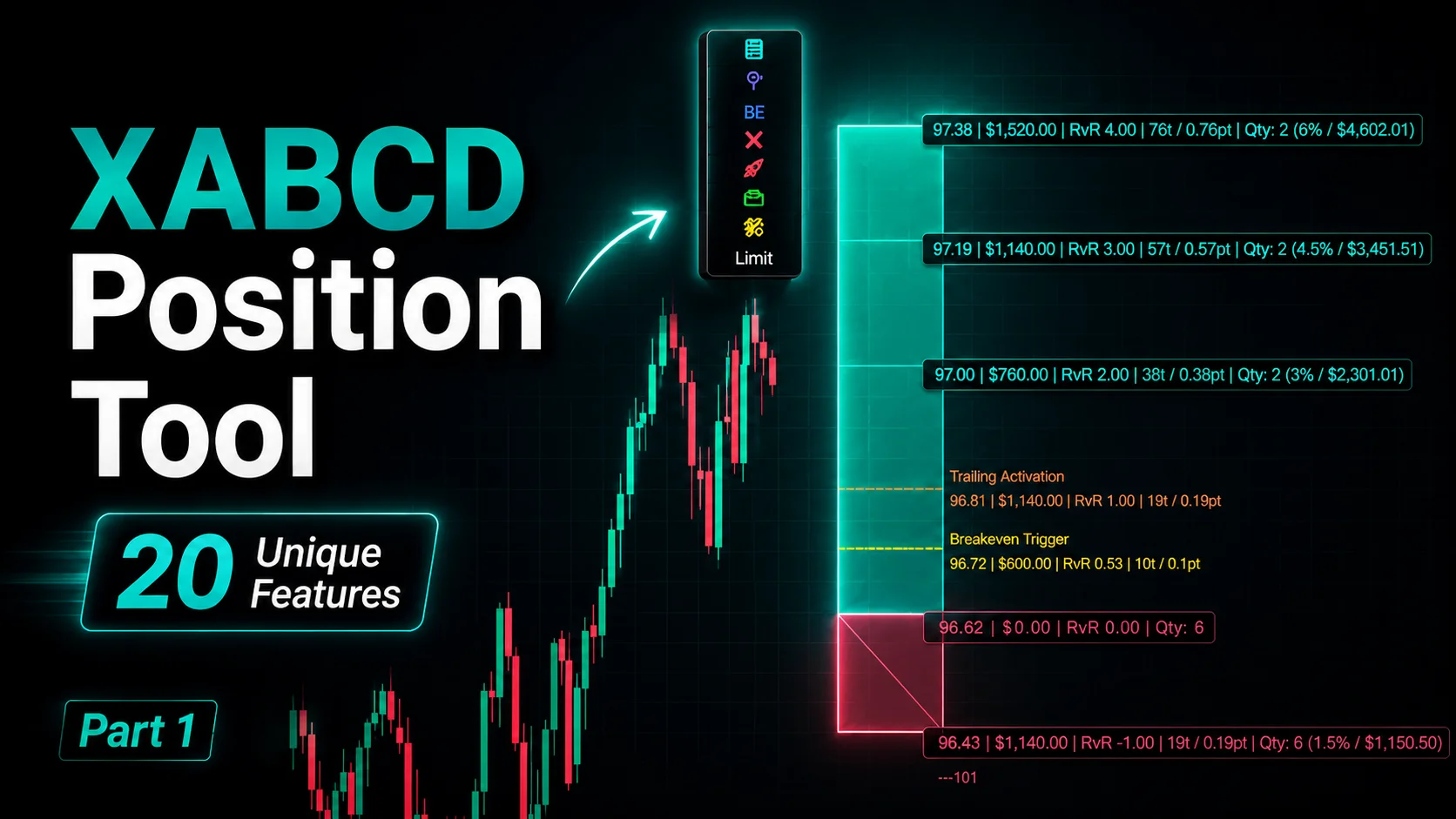
NinjaTrader Position Sizing Tool: 64 Features Stock NT8 Does Not Include
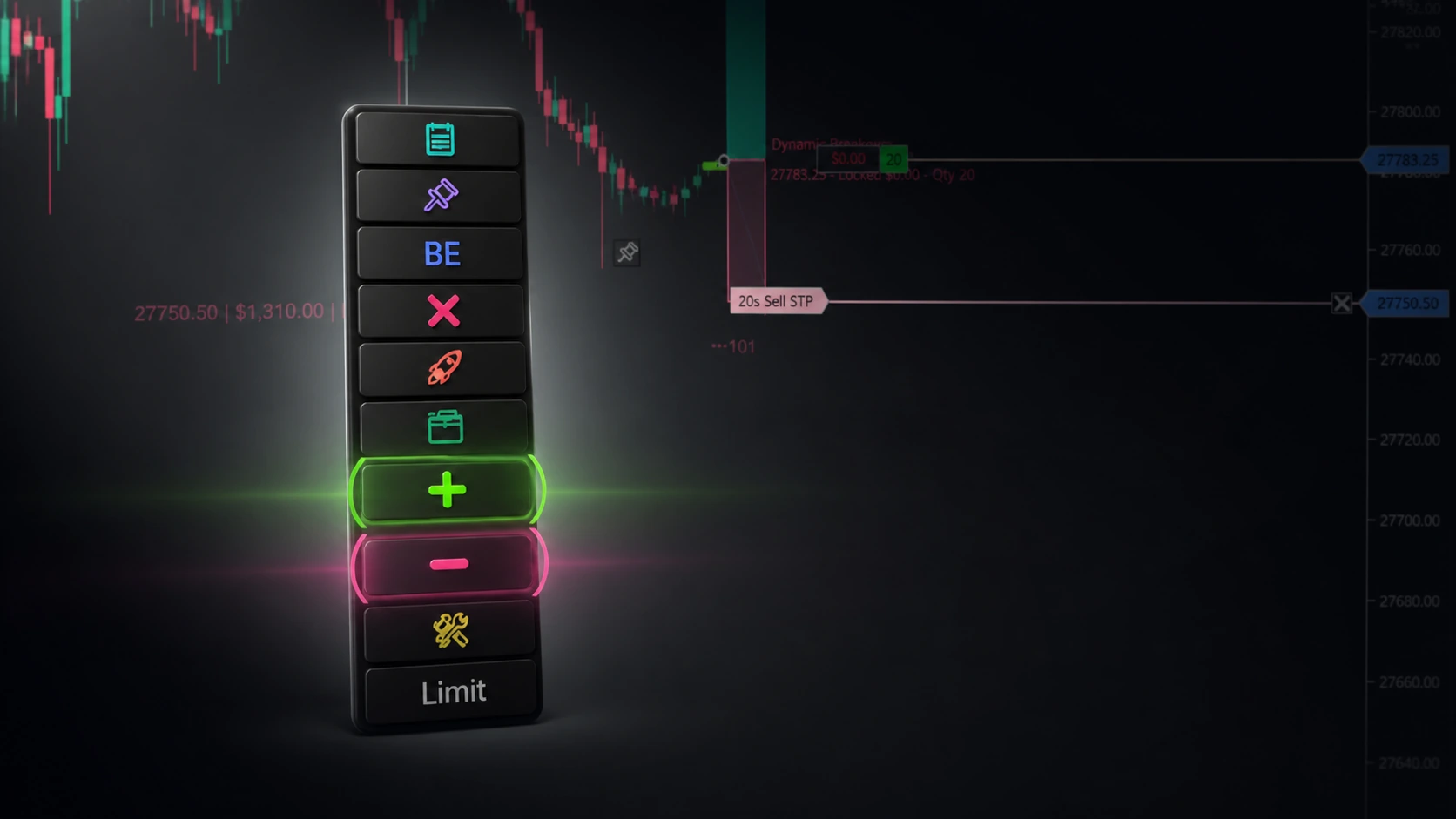
NinjaTrader – Adding to Position: A Field Guide for Active Traders
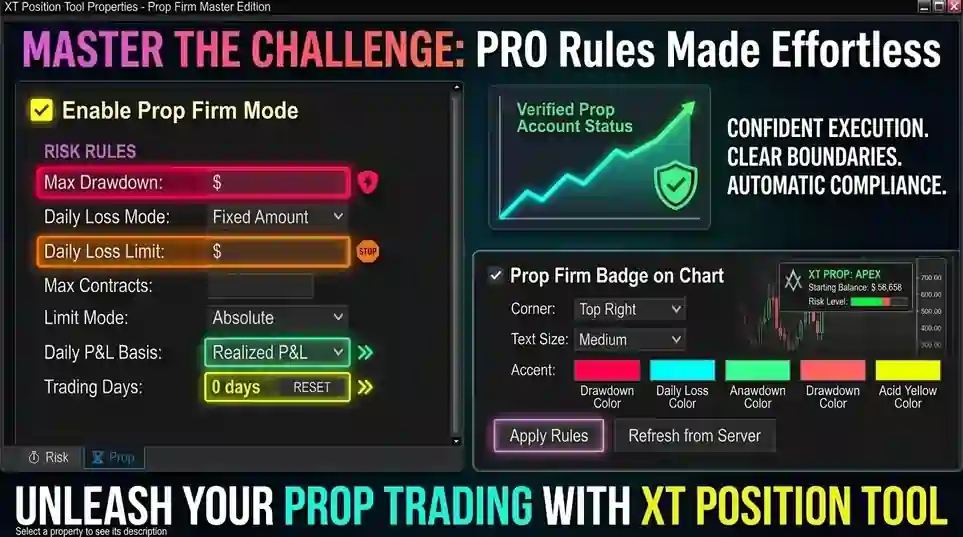
NinjaTrader Prop: The Ultimate Guide to Prop Firm Trading
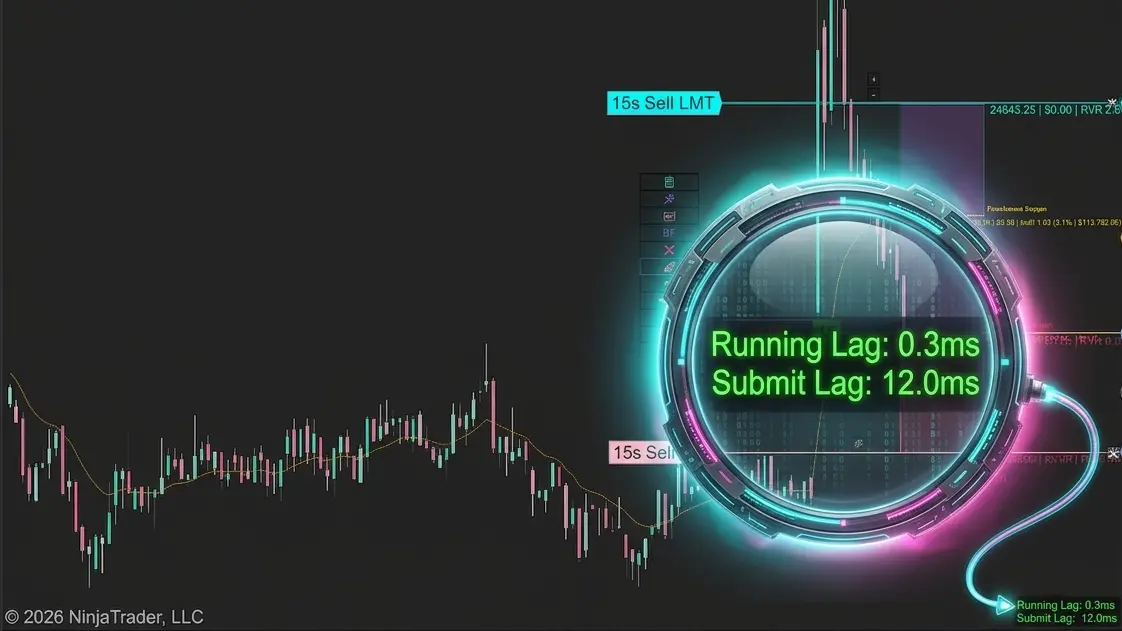
Does the XABCD Position Tool Lag?
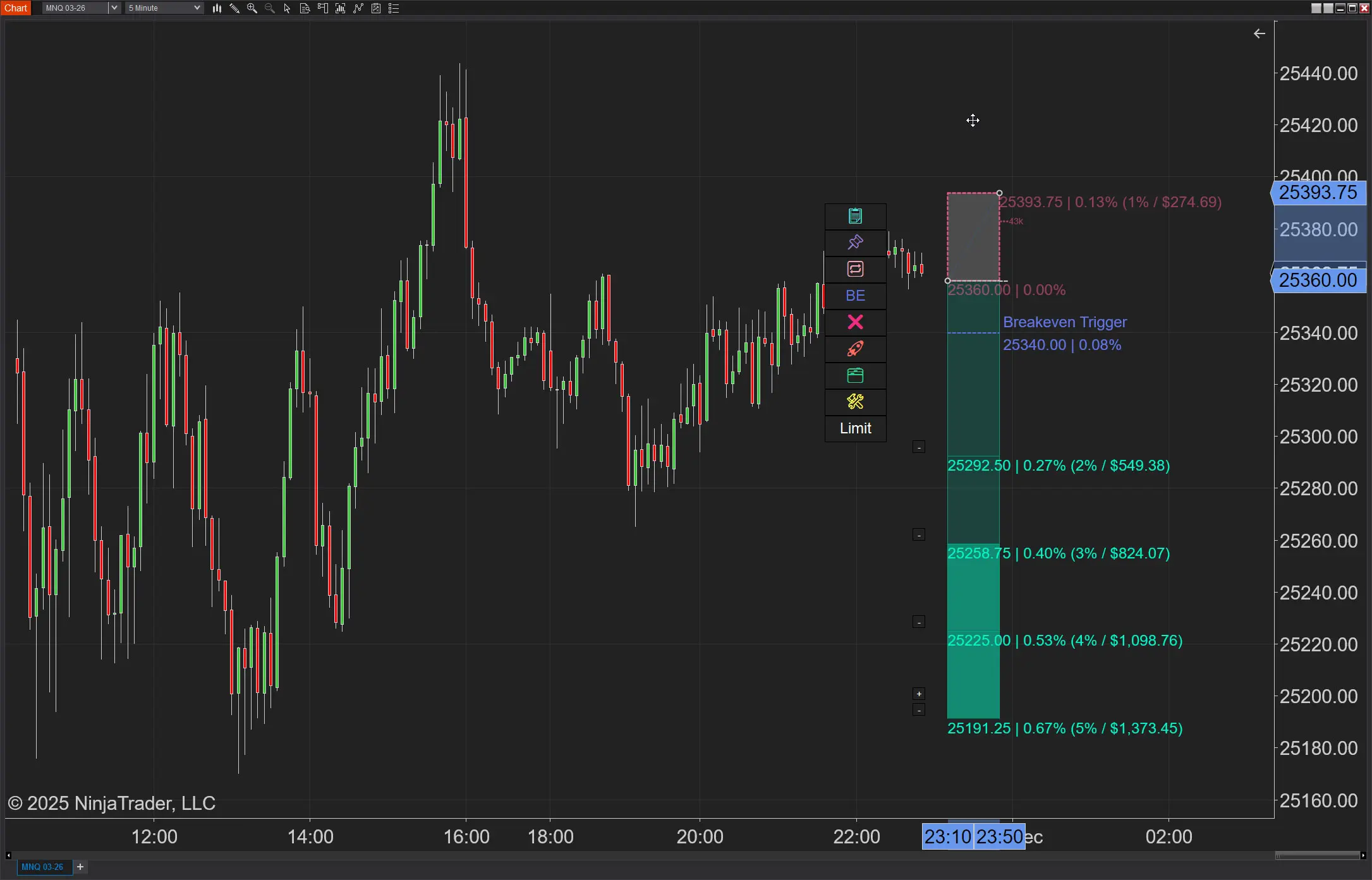
NinjaTrader Position Sizing: What the XABCD Position Tool Can Do That ATM’s Can’t
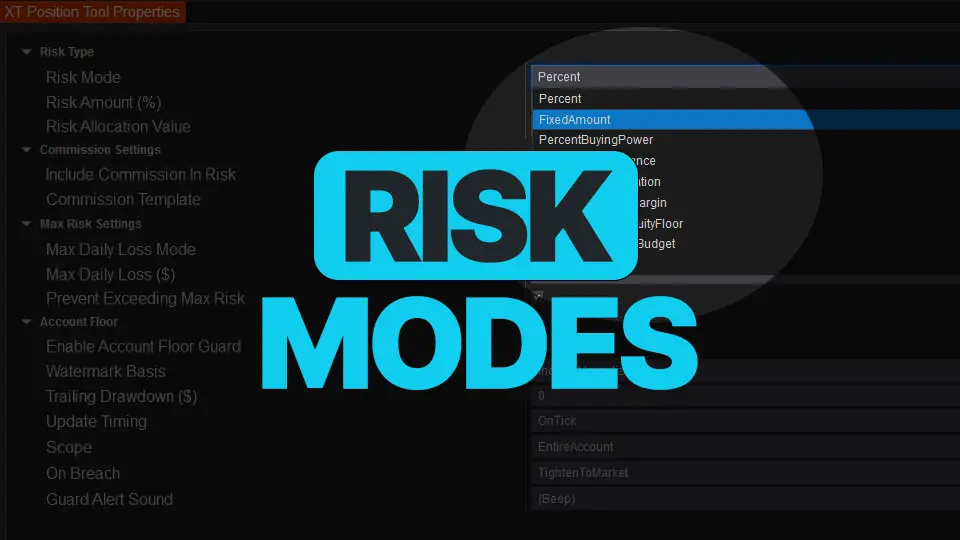
NinjaTrader Risk Management That Actually Moves the Needle
NinjaTrader 8.1.6 — The “No Fluff” Tour (Speed, Clarity, Fewer Clicks)
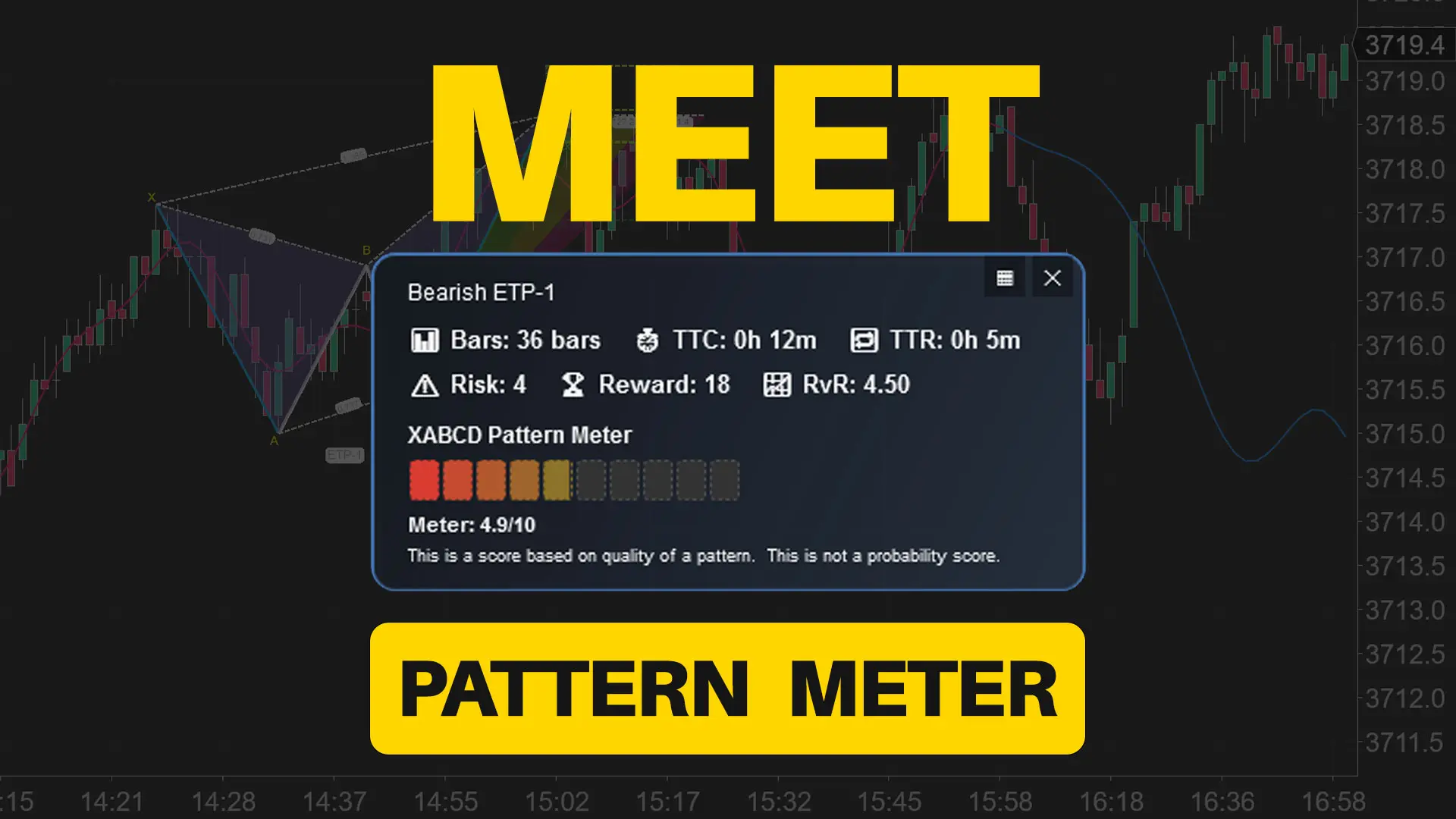
Meet the XABCD Pattern Meter (Real-Time Clarity)
XT PriceLine: Dynamic Colors That Let You See Every Tick