XABCD TRADING

NinjaTrader 8 Hotkeys: Best Shortcuts for Faster Trading
Subscribe
to get alerts to our next blog post!
XABCD HotKeys lets you control NinjaTrader 8 with custom hotkeys and Elgato Stream Deck buttons. Quickly change order size, switch ATM templates, manage chart actions, and trigger NinjaTrader commands without memorizing keyboard shortcuts.
If you trade futures actively, you know the cost of slow tools. The moment you most need to act, to trail a stop, flatten a position, or flip your order size, is the moment your keyboard and mouse get in the way. The best NinjaTrader 8 hotkeys remove that friction, so this guide covers the fastest shortcuts for trading NinjaTrader 8 and how to put each one on a button or dial you can hit without looking.
Want the fastest hotkeys for NinjaTrader 8 on your desk today? Get the XABCD HotKeys program.
Control NinjaTrader 8 with Stream Deck Buttons
XABCD HotKeys turns the Elgato Stream Deck into a dedicated control surface for NinjaTrader 8. Instead of memorizing keyboard shortcuts, you press a labeled key, or turn a dial, and the action fires instantly. It is the difference between hunting for a command and simply reaching for it.
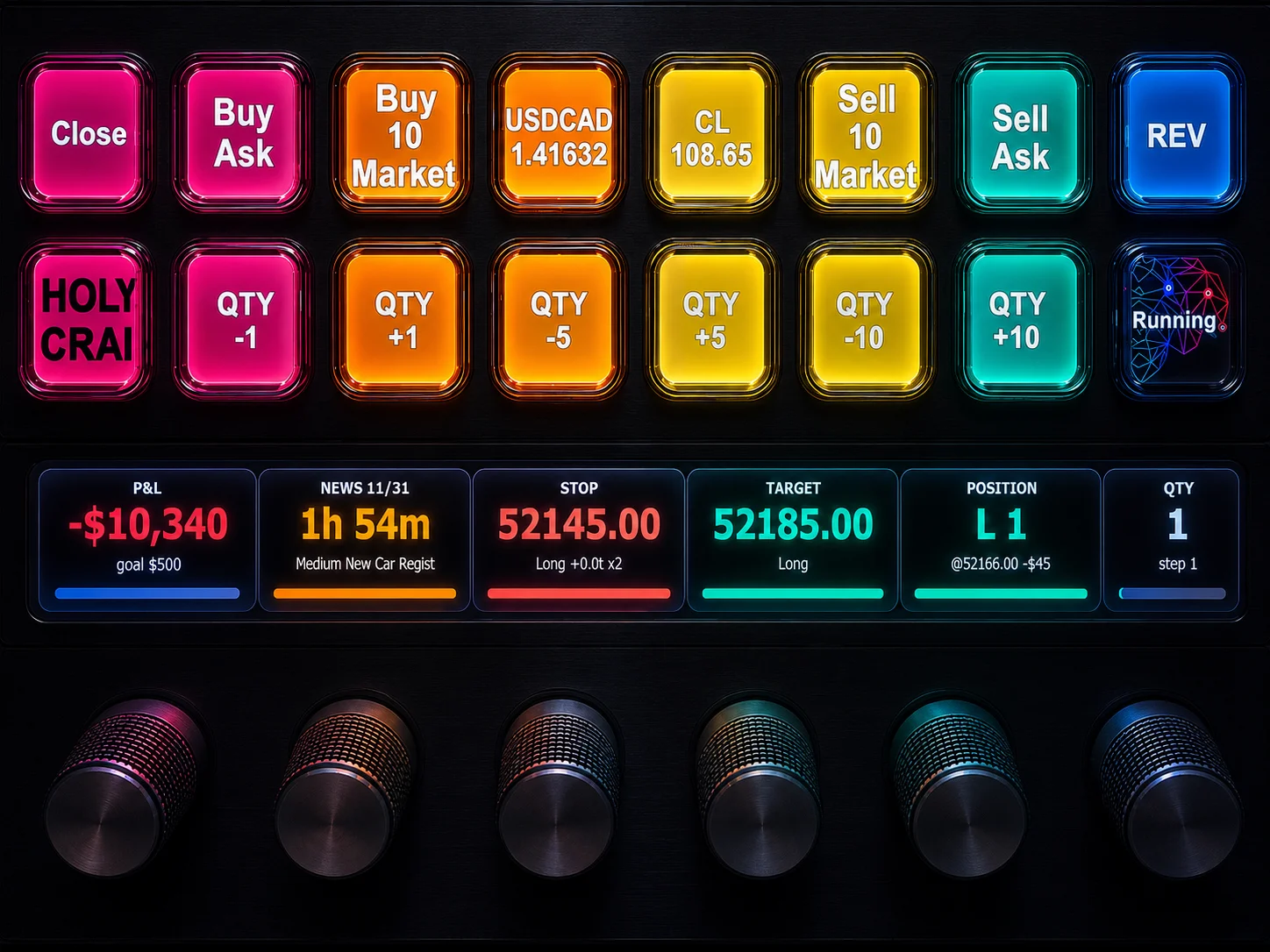
Stream Deck buttons work in two ways. First, action buttons do something the instant you press them. For example, they place an order, flatten a position, or move a stop. Second, display buttons show live data on the key face and refresh on their own. That includes your P&L, your position, your bracket status, a quote, or a news countdown.
So you press to act. Then you glance to stay informed.
How the connection works
Your Elgato Stream Deck talks to NinjaTrader 8 over a fast, local link on your own machine. Press a key, and XABCD HotKeys speaks straight to the order and account engine. There is no cloud round trip. As a result, the button feels connected to your trade. The platform reacts the instant your finger moves.
You do not have to pick one input. XABCD HotKeys supports custom hotkeys on your keyboard and on the Elgato Stream Deck at the same time. Plus, the Stream Deck + adds rotary dials for hands-on trade management. We cover those dials below.
Many traders split the work. They map fire-and-forget commands to keys. Then they put the things they adjust and watch on Stream Deck buttons and dials.
This setup also pairs well with the rest of the suite. For example, it works alongside the XABCD Position Tool and XABCD News Pro. So your whole NinjaTrader 8 workspace acts as one.
Custom Hotkeys NinjaTrader Does Not Include by Default
NinjaTrader 8 ships with a small set of native shortcuts. However, active traders hit their limits fast. The built-in options cover only part of what you do. They are hard to discover. Worse, they give you no feedback when you fire them.
Have you ever wished for a single key that moves your stop to breakeven? Then you have felt the gap.
XABCD HotKeys fills it. It adds NinjaTrader custom hotkeys for the actions the platform leaves out. In other words, it is NinjaTrader hotkey software for one-press control over the NinjaTrader commands that matter live. Here are examples you can put on a single button or key:
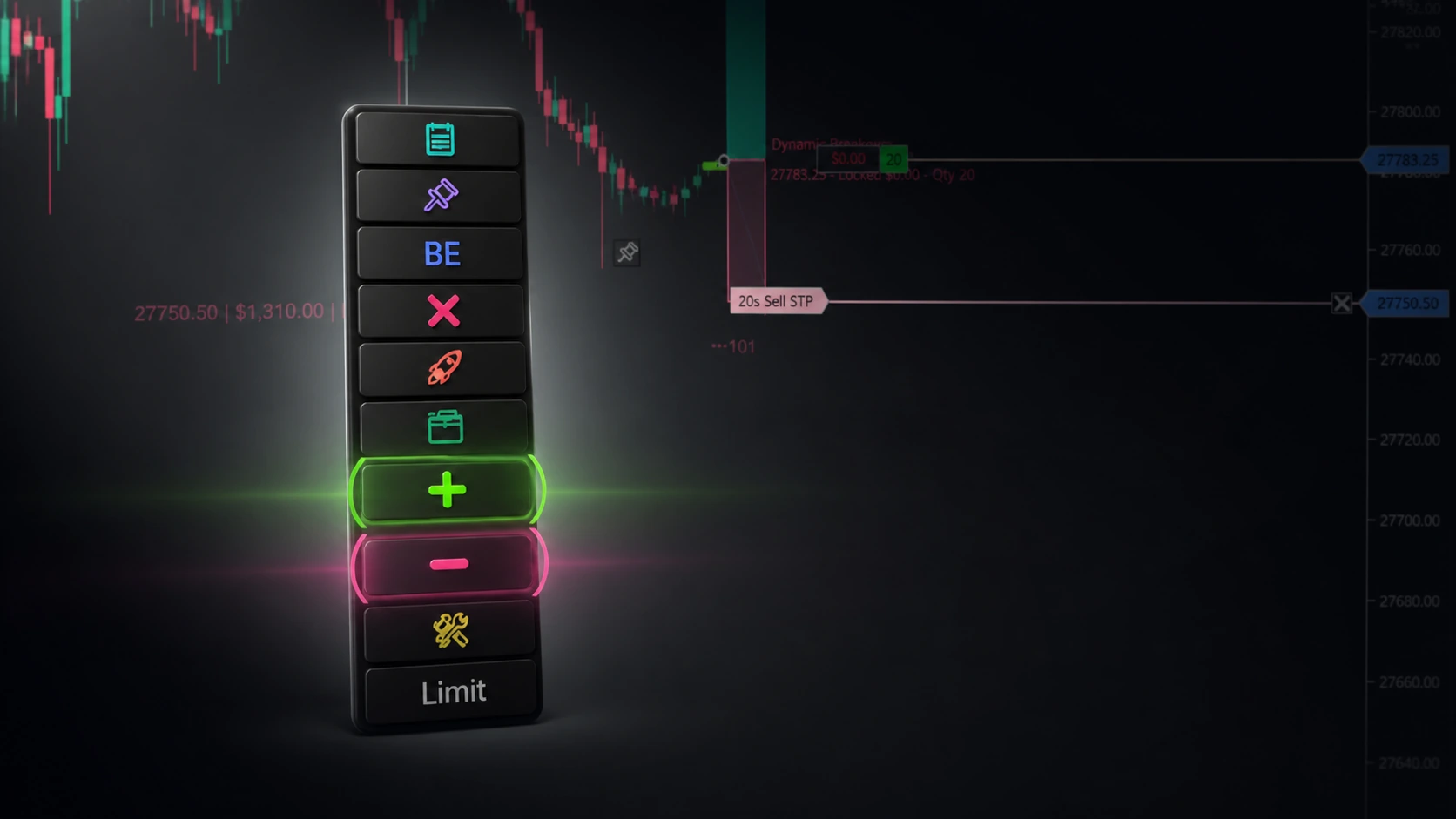
- One-press breakeven. Slide your stop to entry in an instant. That turns a winner into a risk-free trade, with no dragging.
- Automatic breakeven trigger. Set it once. Then your stop moves on its own after price runs a set number of ticks.
- Flatten and cancel. Close the position and clear working orders in one command.
- Move or nudge stops and targets. Jump a stop to a price, or shift it by ticks, with NinjaTrader order entry hotkeys made for the job.
- Switch ATM templates. Apply a saved ATM strategy so your next entry uses the right management. More on these NinjaTrader ATM hotkeys below.
- Set order size in one motion. A dedicated NinjaTrader order size hotkey changes your quantity without typing.
- Chart commands. Apply a chart template, add or toggle an indicator, clear all drawings, or undo your last action.
Traders ask for these hotkeys for NinjaTrader 8 again and again. Each one lives on a clearly labeled key. So the command stays visible, and it stays one press away.
Stop memorizing shortcuts. Start pressing them. Buy XABCD HotKeys for NinjaTrader 8
Use Stream Deck for Faster Futures Trading
Speed is edge. In fast markets, one tick of delay can turn a scratch into a loss. So a Stream Deck for NinjaTrader removes the slow parts of trade management. Then it replaces them with a single physical motion.
The biggest leap comes with the Stream Deck +. That model adds four rotary dials and a touch strip. XABCD HotKeys uses those dials to make trade management tactile. Each dial does three things. It turns with detents you can feel. It presses in like a button. And the screen above it shows a live, color-coded readout.
The Stop Dial
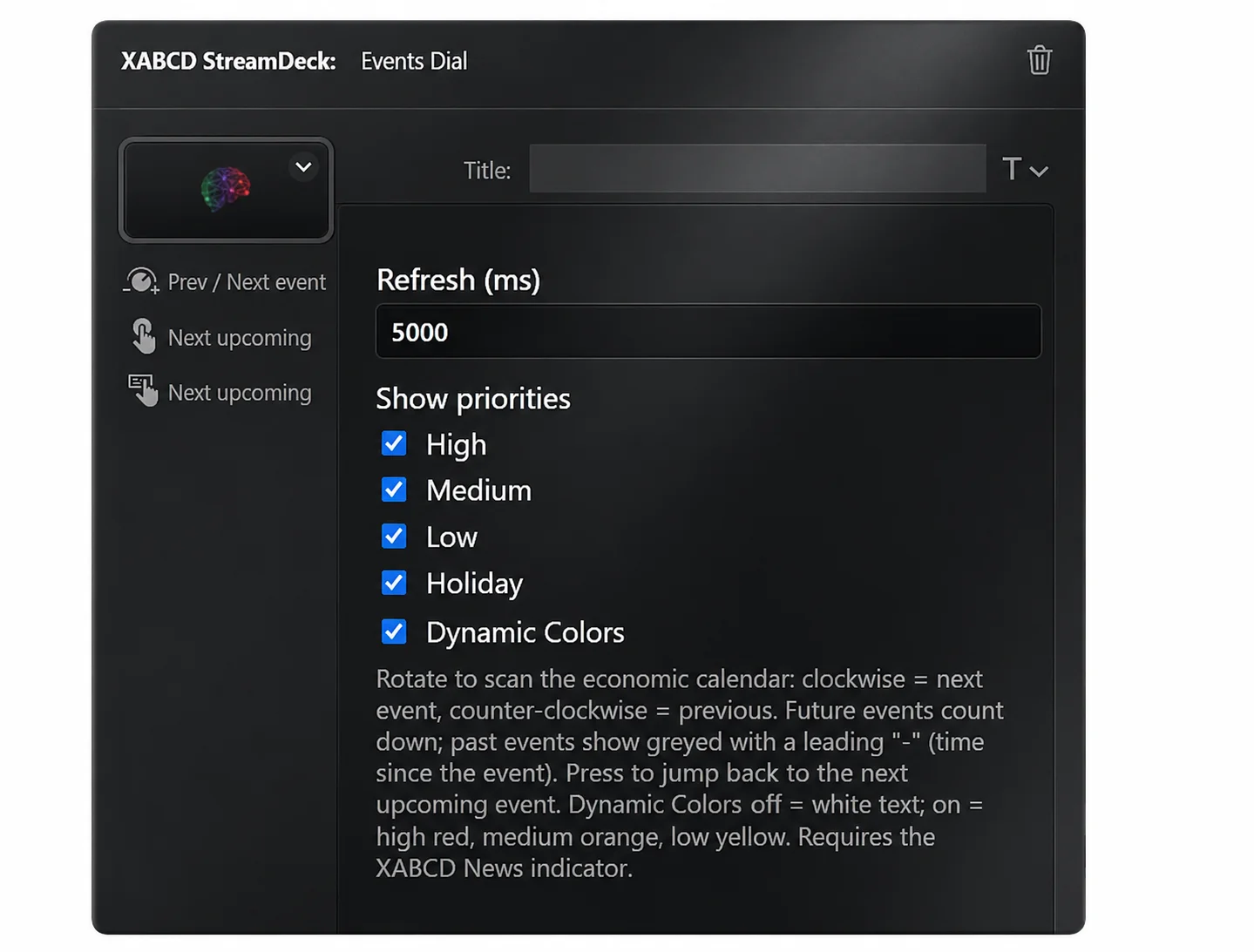
Turn it to tighten or widen your stop one tick at a time. The live stop price and the symbol sit right on the face. Now press it, and your stop snaps to breakeven. For traders who never let a winner turn red, that press alone is worth it.
The Target Dial
This dial mirrors the Stop dial. Turn it to push your target out for a runner. Or pull it in to bank into resistance. With a dial on each end of your bracket, you manage the whole trade with two fingers. Best of all, your eyes stay on price.
The Quantity Dial
Spin your contract size up or down on the fly. So it is a NinjaTrader order size hotkey you can feel. There is no number field to click. And there is no zero to fat-finger.
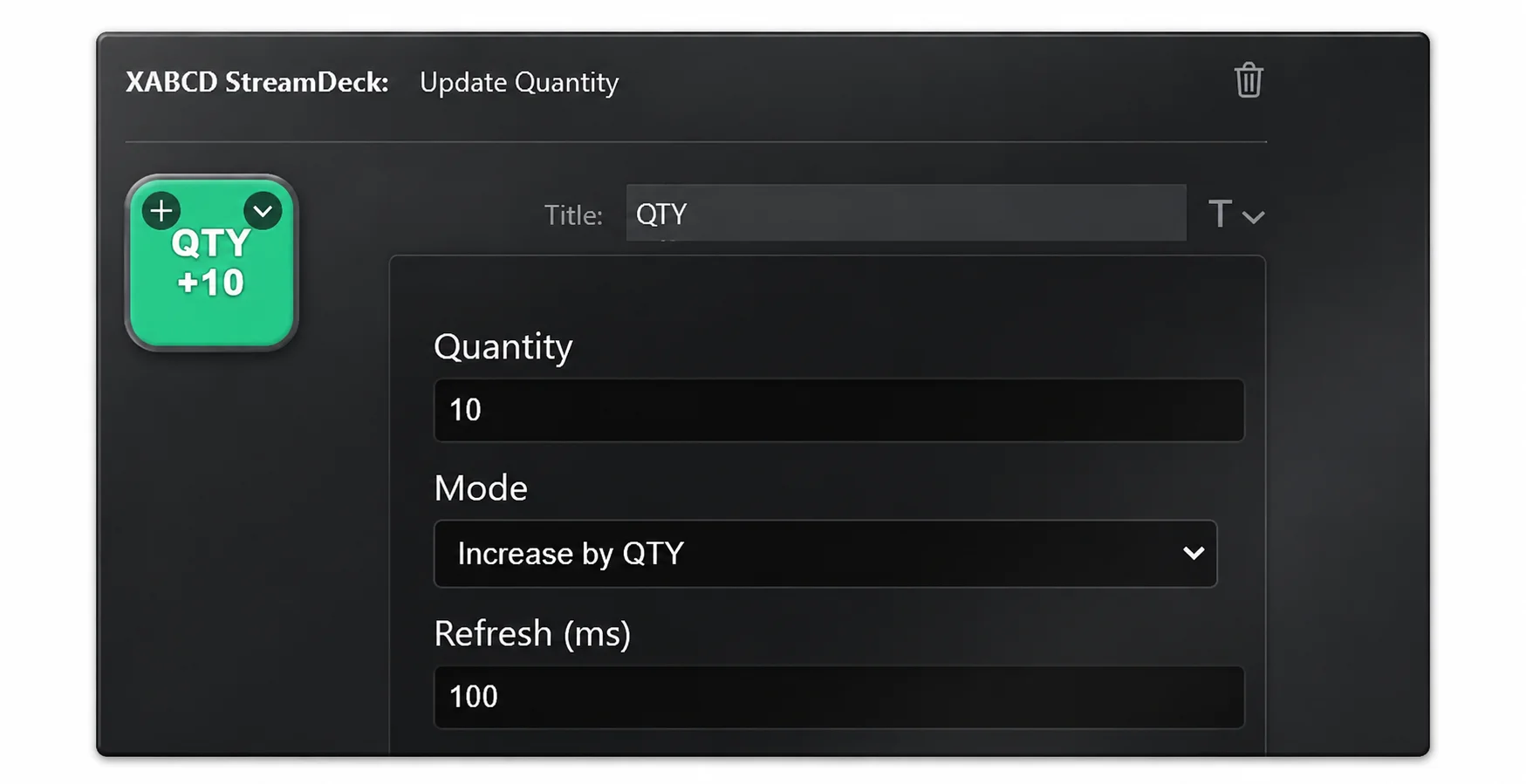
If your stream deck doesn't have a dial, not a problem. Just use the key and press it to increase X at a time or to set the qty size exactly like in the photo above.
The Position Dial
Turn it to peel contracts off for partial profits. Then press to flatten the whole position at once. In other words, you get a clear "get me out now" press. That is a real safety feature.
Notice the pattern across all four dials. Turning makes small, reversible changes. Pressing commits to something decisive. So your hand learns the difference fast, the way it knows a key from a switch.
A Live Dashboard That Never Steals Screen Space
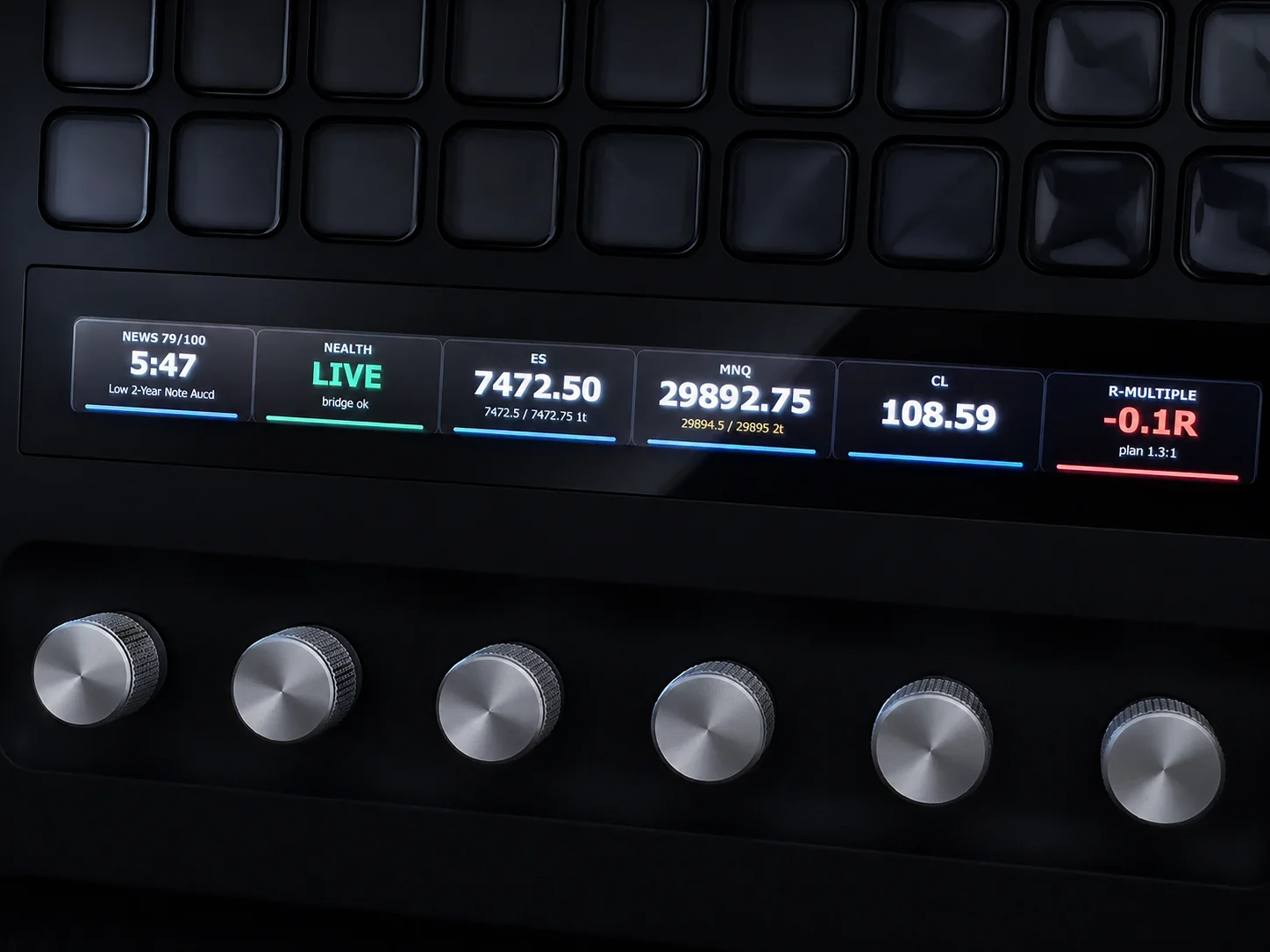
The other dials never send an order. Instead, they act as live gauges. So a glance down answers questions that usually need a window:
- P&L in dollars or percent, color-coded green and red.
- Position direction and size at a glance.
- Quote for any market. Plus, you can load a watchlist like ES, NQ, and CL on one dial and rotate to cycle it.
- News countdown to the next event. So a high-impact print never blindsides you.
- Distance to your stop and target in ticks. It also shows open R-multiple and risk/reward.
- Health, a simple light that confirms you are connected.
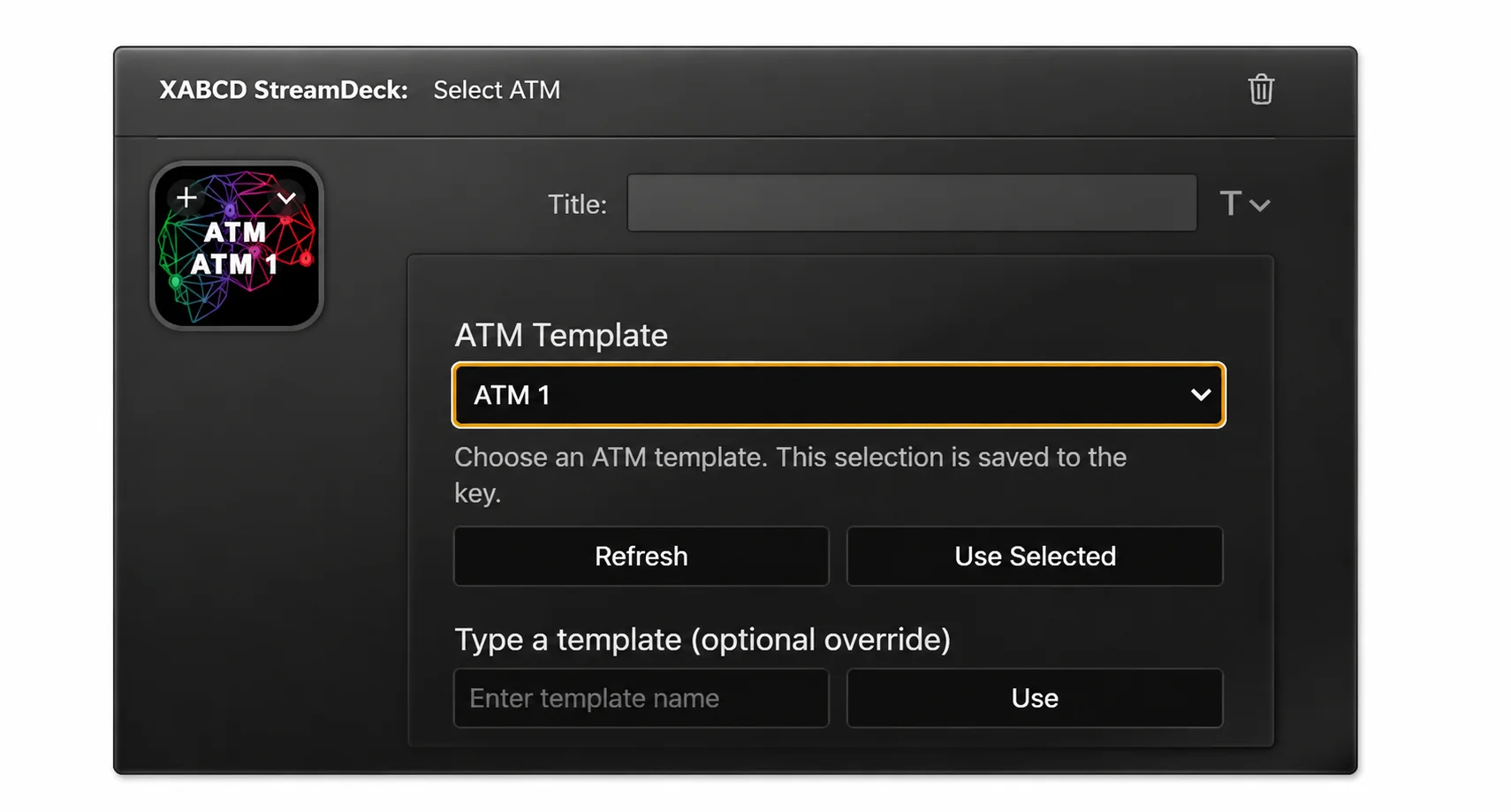
With the ATM Hotkey button, you can hit "Refresh" and it will pull in a list of all your ATM's from within NinjaTrader and populate the selection window for you.
These gauges refresh on their own. As a result, your Elgato Stream Deck for NinjaTrader becomes a cockpit beside your charts. And it uses no chart space at all. Do you also run the XABCD News Pro indicator? Then the news countdown lines up with what is on your chart.
It Follows The Trade You Are In
Here is a detail traders love. A dial or button can lock onto your current position. For example, open a trade in YM, and the Stop dial titles itself for YM. It then manages that exact bracket. Switch to ES, and it follows. So you never reconfigure between trades.
Switch ATM Templates, Order Size, and Chart Tools
Three shortcuts matter most in a NinjaTrader 8 workflow. They are switching ATM templates, changing order size, and running chart commands. These tasks repeat all day. So this is where XABCD HotKeys shines.
ATM Templates in One Press
Your ATM strategy sets how a trade is managed. That means the stop, the target, and the auto-breakeven rules. Most traders keep several saved. However, switching between them in the platform takes clicks you do not have in a live market.
XABCD HotKeys solves this. NinjaTrader ATM hotkeys put each saved template on its own button. Press "Scalp," and your next entry arms tight management. Press "Swing," and it switches to wide stops and targets. In short, you can change your entire style with one tap.
Order Size Without Typing
Sizing should never be a typing task mid-setup. So a NinjaTrader order size hotkey sets your Chart Trader quantity at once. It can set an exact number, or it can step the size up and down. You might put a few preset sizes on buttons. Or you might use the Quantity dial to spin to any size. Either way, your order size stays correct and one motion away.
XABCD HotKeys is not only about order entry. It also gives you one-press control over the chart NinjaTrader commands you run all day:
- Apply a chart template to switch your layout between scalp and swing views.
- Add or toggle an indicator without opening the indicators window.
- Clear all drawings for an instant clean slate.
- Undo your last drawing, indicator, strategy, or template change.
Now combine these chart actions with order entry and ATM switching. As a result, one Stream Deck profile can drive almost everything you do in NinjaTrader 8. That is the promise of real NinjaTrader hotkey software. It also complements drawing tools like the XABCD Drawing Marker for fast markup.
NinjaTrader Hotkey Software for Active Traders
So who is this for? In short, any trader who uses NinjaTrader 8 actively. The benefits land a little differently by style. Still, they add up for everyone.
For Scalpers
Speed is your edge. These NinjaTrader 8 hotkeys are built for it. You get tick-by-tick stop control and one-press breakeven. You also get instant size changes and scale-or-flatten on one dial. So you manage a fast trade without leaving the tape.
For Prop-Firm And Funded Traders
You trade under daily-loss limits. So your Stream Deck becomes a discipline tool. Keep your P&L, your open R-multiple, and your distance to stop on live displays. Then a glance keeps you inside the rules. Plus, breakeven and flatten become single confident presses. As a result, you use them instead of freezing.
For Every Active Futures Trader
The everyday wins add up, too. You make fewer wrong-button mistakes. You feel less mental fatigue. A clean dashboard frees your screens. And every command sits one motion away. So good NinjaTrader 8 hotkeys do not just make you faster. They make you calmer.
What You Need To Get Started
- NinjaTrader 8, where you already trade.
- An Elgato Stream Deck. Any model works for the buttons. For the rotary dials, pick the Stream Deck +.
- The XABCD HotKeys product and its plugin.
Setup is simple. First, drag an action onto a button. Next, set your account and instrument. Then go. Within minutes, you can control NinjaTrader 8 with custom hotkeys and Stream Deck buttons. Need help? See our setup documentation.
Frequently Asked Questions
Do I need an Elgato Stream Deck to use XABCD HotKeys?
Yes. The Stream Deck buttons add labeled, visual control, and the Stream Deck + adds dials for tactile stop, target, size, and exit control.
Which Stream Deck should I buy for NinjaTrader 8?
Any Stream Deck works for the buttons. For dial-based trade management, choose the Stream Deck +. It has four rotary dials. So it is the best option for Stream Deck trading hotkeys.
Is it safe, and where do my orders go?
It is safe. The connection runs locally on your own machine. Your presses and turns talk to NinjaTrader 8 directly. As a result, everything stays fast and private.
What can I map to a Stream Deck button?
Quite a lot. You can map order entry, flatten, cancel orders, and breakeven. You can also move and adjust stops and targets. Plus, you can switch ATM templates, change order size, apply chart templates, add or toggle indicators, clear drawings, and undo. Finally, you get live displays for P&L, position, bracket status, quotes, and a news countdown.
Does this replace NinjaTrader's built-in hotkeys?
It goes well beyond them. NinjaTrader 8 includes only a limited set of native shortcuts. So XABCD HotKeys adds the custom hotkeys the platform leaves out. And it puts them all on visible, one-press controls.
Trade faster. Trade by feel.
Price is running. You need to trail a stop, lock breakeven, switch your ATM template, or get flat right now. You have two choices. You can hunt with a mouse. Or you can press a labeled button and watch NinjaTrader 8 react at once. We built XABCD HotKeys so you can choose the faster path.
New NinjaTrader Articles Delivered First
 (opens in a new tab)
Easy Order Tool
The Strategy

Scanning & Alerting
NinjaTrader Release
XABCD News (Free Version)
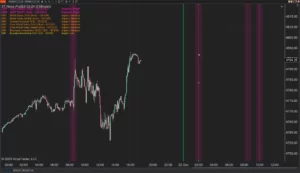
XABCD News (Community Edition) is the best free Indicator for NinjaTrader 8. Don't let news sneak up on you again. Puts economic news events on your charts so you can stay informed and move around positions/stops before the news is released. Works in any market.
XABCD Priceline (Free)
XABCD Price Line tool for NinjaTrader 8 will draw a line at current price and move every time the market changes price. This is useful because it will allow you to easily identify where price is at all times and the exact quoted price.
NinjaTrader Data Feed Not Updating? Quick Fixes
NinjaTrader Risk Per Trade: Risk $500 on Every Trade
NinjaTrader 8.1.8 Review: Should You Upgrade or Wait?
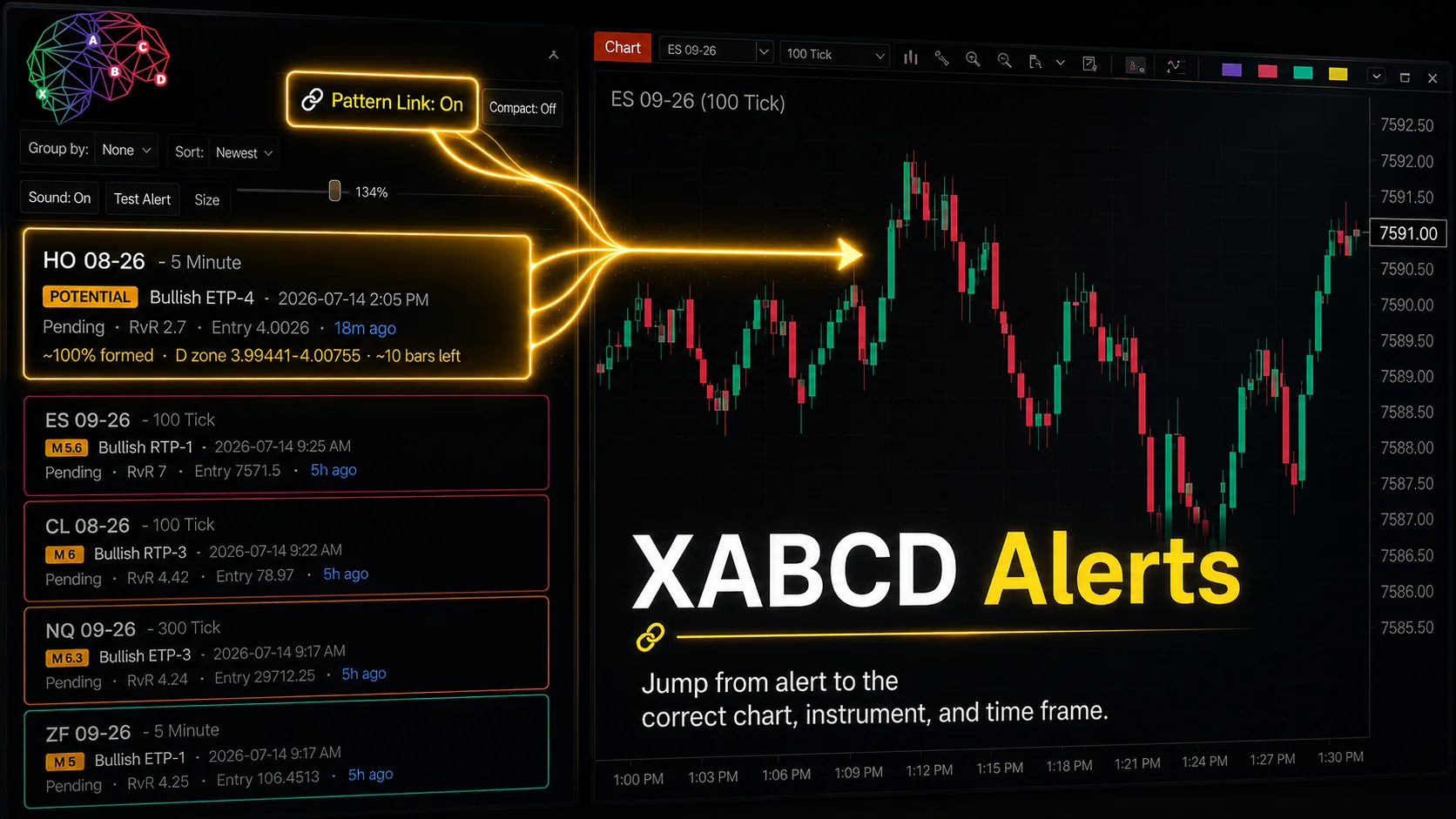
XABCD Pattern Alerts: The Complete Guide for Traders
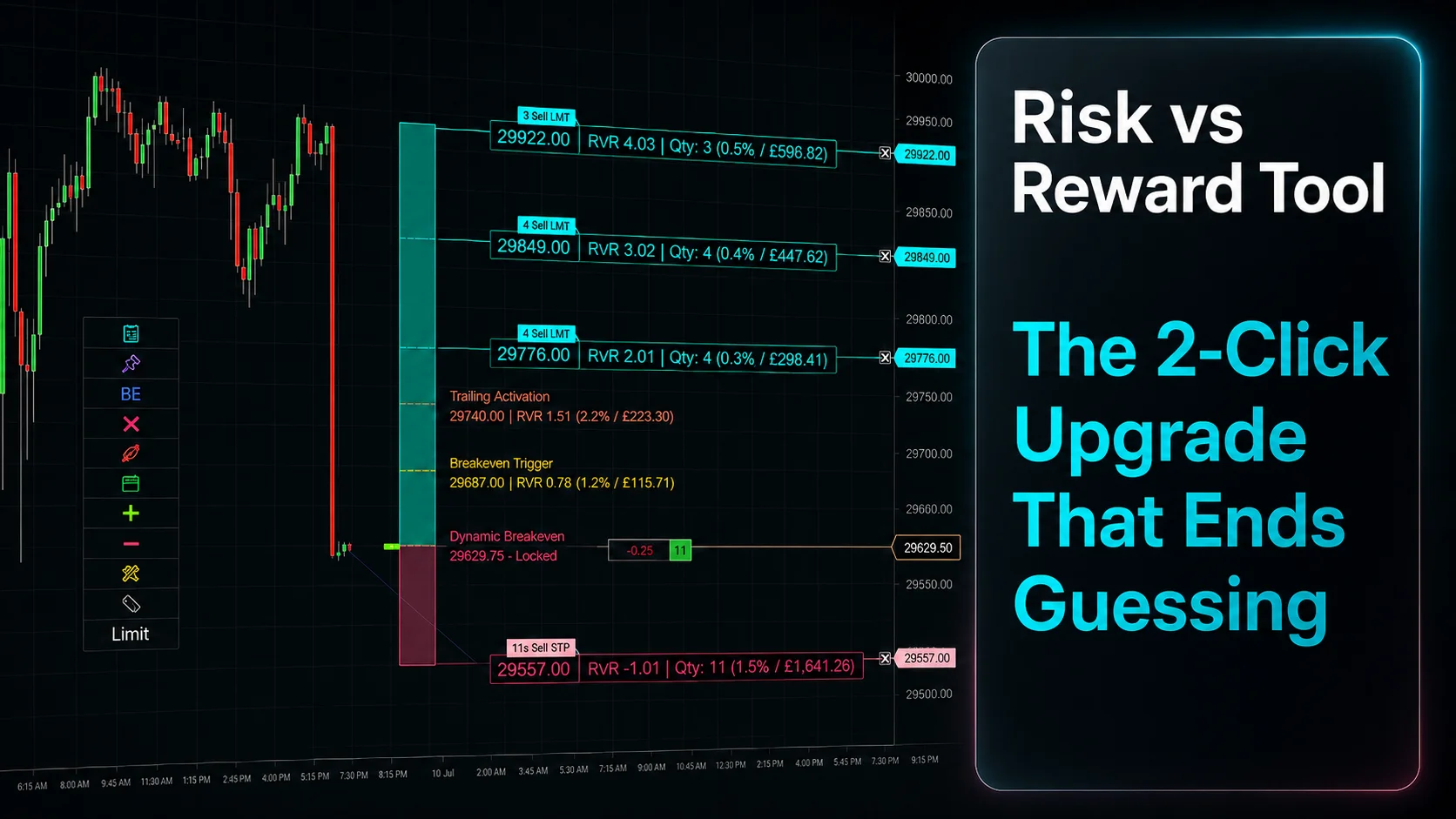
Risk vs Reward Tool: The 2-Click Upgrade That Ends Guessing
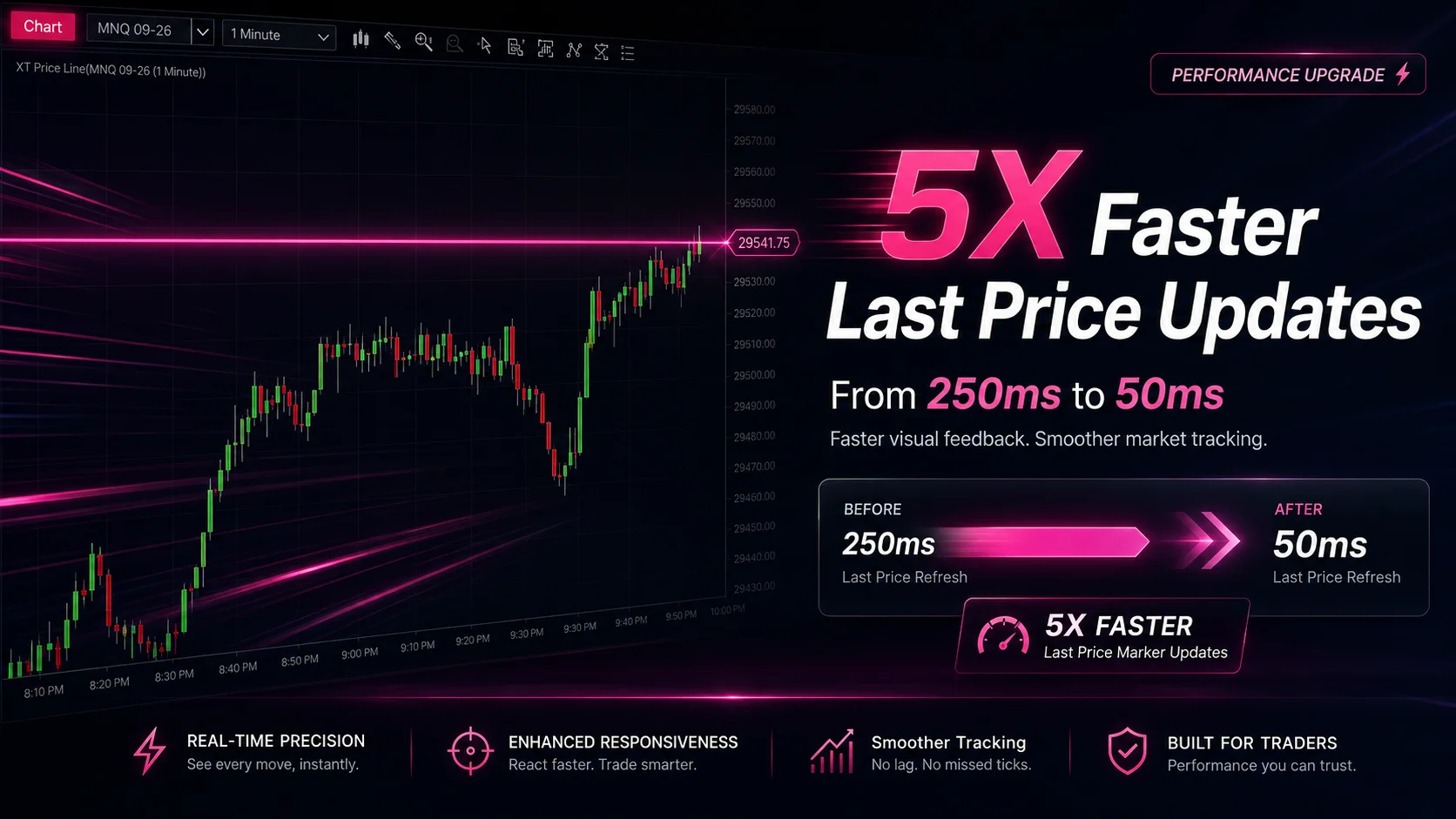
NinjaTrader Faster Last Price Updates on Charts Explained
NinjaTrader 8 Hotkeys: Best Shortcuts for Faster Trading
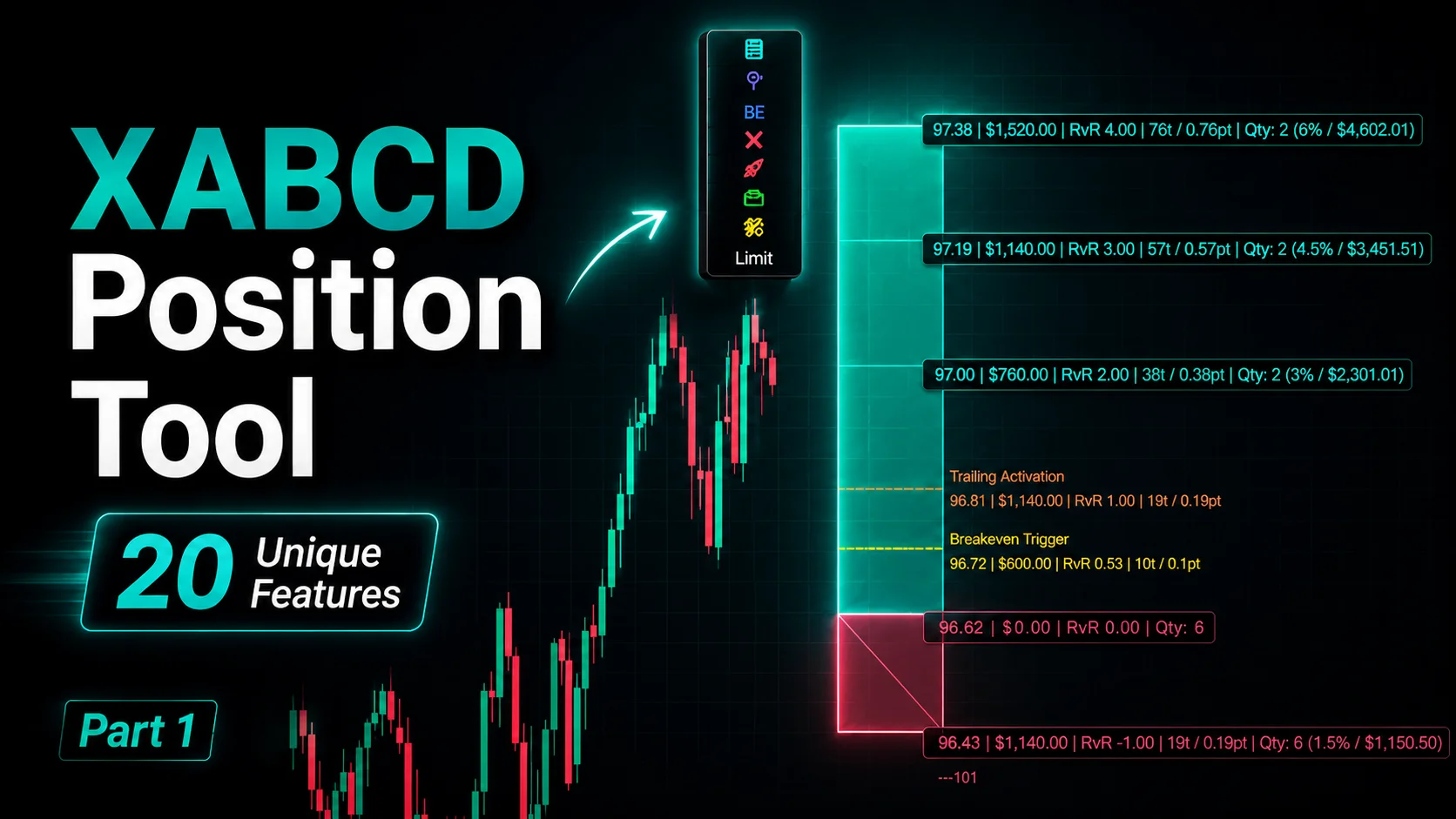
NinjaTrader Position Sizing Tool: 64 Features Stock NT8 Does Not Include
NinjaTrader – Adding to Position: A Field Guide for Active Traders