Skip to content
XABCD TRADING
Indicators
Education
Live Chat
Login
Get Started
XABCD TRADING
Indicators
Education
Live Chat
Login
Get Started
XABCD Trading Blog
NinjaTrader Tips, Patterns &
Trading Guides
Practical setups, fixes and step-by-step trading guides for NinjaTrader 8, from the team behind XABCD since 2009.
Search
Submit
Clear
Tricks & Tips
Questions & Answers
Development Updates
Technical Trading
Beginner Trading
Risk Management
NinjaTrader Tutorials
Featured
Development Updates
NinjaTrader Login Automatically – Skip and Bypass Fix
Jun 21, 2023 · 6 min read
Using our XABCD Hot Key program, you’ll be able to skip the login box! That’s right, now you can automatically bypass it. This could change in the future, but for now, this is how it can be done…
Read the guide
Free Newsletter
Get new NinjaTrader fixes first
New guides and setups, at most 2 emails a month.
Follow the Blog
Latest Articles
Fresh NinjaTrader Guides & Fixes
Development Updates
NinjaTrader 8.1 Release Came Out…
Update: 8.1 is Released!A number of critical showstopper issues were fixed in 8.1.1.1 and a lot of 3rd party indicators are now working. It seems they are also saving the username in the login – but still no option to save the password or bypass that login screen all together. You might want to consider subscribing to our newsletter in
Mar 6, 2023 · 7 min read
Development Updates
Selected Events for XABCD News Pro
“Select Events” Feature Now Available in XABCD News ProOur latest update for the XABCD News Pro news events indicator is now out and includes "Select Events". This will give you the ability to have only the news on your chart that you want to see.Before in the past you could choose to show events based off low, medium or high
Dec 24, 2019 · 4 min read
Development Updates
Top 10 Features of our NinjaTrader 8 Indicators
NinjaTrader 8 Indicators Top 10 Features Under the Hood? Feature #1: Real Time Pattern Identification We re-coded ZigZag to make this possible! The Problem:The zigzag indicator (compared to other platforms) is looking for a confirmed high / low and not the most recent high/low. This has people using NinjaTrader commenting that the zigzag indicator is lagging. This indicator built into
Jun 7, 2017 · 3 min read
Development Updates
XABCD News Pro – Release Notes and Change Log
XABCD News Pro – Release NotesReleased March 20th, 2017Style Changes for Text ObjectsThe text that is shown in the corner of each screen when you click on the news event will now show you the pending news event names on a font, color and style of your choice. This is very helpful if you’re using white backgrounds or want to
Mar 20, 2017 · 3 min read
Development Updates
NinjaTrader 8 Upgrade Guide – Step by Step
Step by Step Guide NinjaTrader 8 Upgrade GuideOur NinjaTrader 8 upgrade guide will make it very easy for you to complete this process and you’ll be happy to know upgrading to NinjaTrader 8 is very easy. Also, a few points that are worth mentioning before we get started: What you need before beginning the NinjaTrader 8 Upgrade:You won’t be needing
Jun 20, 2016 · 4 min read
New Here?
Start with these guides
01
The Complete Guide to XABCD Patterns
Step-by-step guide to spotting and trading XABCD patterns.
02
How to Get NinjaTrader Live Data
How to get real-time futures data flowing into NinjaTrader 8.
03
Day Trading Computer Setup
What to look for in a desktop or laptop built for day trading.
04
NinjaTrader 8 Performance Tips
Settings and habits that keep NinjaTrader 8 running fast.
Development Updates
NinjaTrader Login Automatically – Skip and Bypass Fix
Using our XABCD Hot Key program, you’ll be able to skip the login box! That’s right, now you can automatically bypass it. This could change in the future, but for now, this is how it can be done…
Jun 21, 2023 · 6 min read
Development Updates
NinjaTrader 8.1 Release Came Out…
Update: 8.1 is Released!A number of critical showstopper issues were fixed in 8.1.1.1 and a lot of 3rd party indicators are now working. It seems they are also saving the username in the login – but still no option to save the password or bypass that login screen all together. You might want to consider subscribing to our newsletter in
Mar 6, 2023 · 7 min read
Development Updates
Selected Events for XABCD News Pro
“Select Events” Feature Now Available in XABCD News ProOur latest update for the XABCD News Pro news events indicator is now out and includes "Select Events". This will give you the ability to have only the news on your chart that you want to see.Before in the past you could choose to show events based off low, medium or high
Dec 24, 2019 · 4 min read
Development Updates
Top 10 Features of our NinjaTrader 8 Indicators
NinjaTrader 8 Indicators Top 10 Features Under the Hood? Feature #1: Real Time Pattern Identification We re-coded ZigZag to make this possible! The Problem:The zigzag indicator (compared to other platforms) is looking for a confirmed high / low and not the most recent high/low. This has people using NinjaTrader commenting that the zigzag indicator is lagging. This indicator built into
Jun 7, 2017 · 3 min read
Development Updates
XABCD News Pro – Release Notes and Change Log
XABCD News Pro – Release NotesReleased March 20th, 2017Style Changes for Text ObjectsThe text that is shown in the corner of each screen when you click on the news event will now show you the pending news event names on a font, color and style of your choice. This is very helpful if you’re using white backgrounds or want to
Mar 20, 2017 · 3 min read
Development Updates
NinjaTrader 8 Upgrade Guide – Step by Step
Step by Step Guide NinjaTrader 8 Upgrade GuideOur NinjaTrader 8 upgrade guide will make it very easy for you to complete this process and you’ll be happy to know upgrading to NinjaTrader 8 is very easy. Also, a few points that are worth mentioning before we get started: What you need before beginning the NinjaTrader 8 Upgrade:You won’t be needing
Jun 20, 2016 · 4 min read
Prev
1
2
XABCD Position Tool
Plan, size and place whole trades on the NinjaTrader chart
Set your risk once and the Position Tool works out the size of every trade, so you stop doing the math by hand.
See the Position Tool
Indicators
XABCD Pattern Suite
XABCD News Pro
XABCD Position Tool
XABCD Marker
XABCD Hurst
XABCD Sonar
XABCD Hotkeys
XABCD OrderFleet
Free Resources
XABCD News Free
XABCD Performance
XABCD ATM Pack Free
XABCD Price Line
XABCD Periodic Table
Highlights
Educational Content
On-Demand Training
Live Streaming
XABCD Chat
XABCD Scanner
Free Resources
XABCD News Free
XABCD Performance
XABCD ATM Pack Free
XABCD Price Line
XABCD Periodic Table
Recent Articles
Nov. 16, 2026
NinjaTrader Fancy Zones: Snap Charts Fast (8.1.9)
Nov. 10, 2026
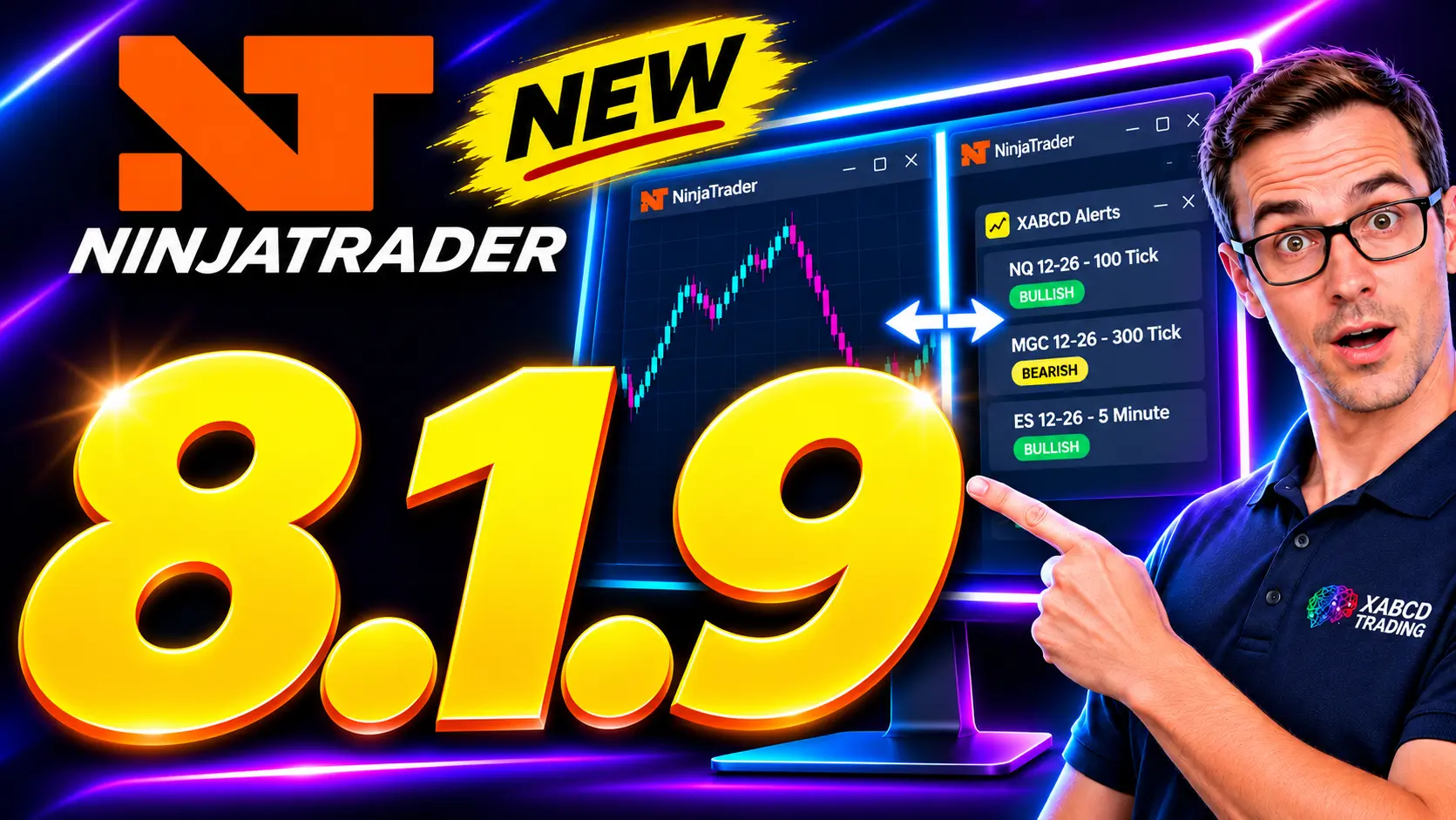
NinjaTrader 8.1.9: What’s New (And What to Fix)
Oct. 31, 2026
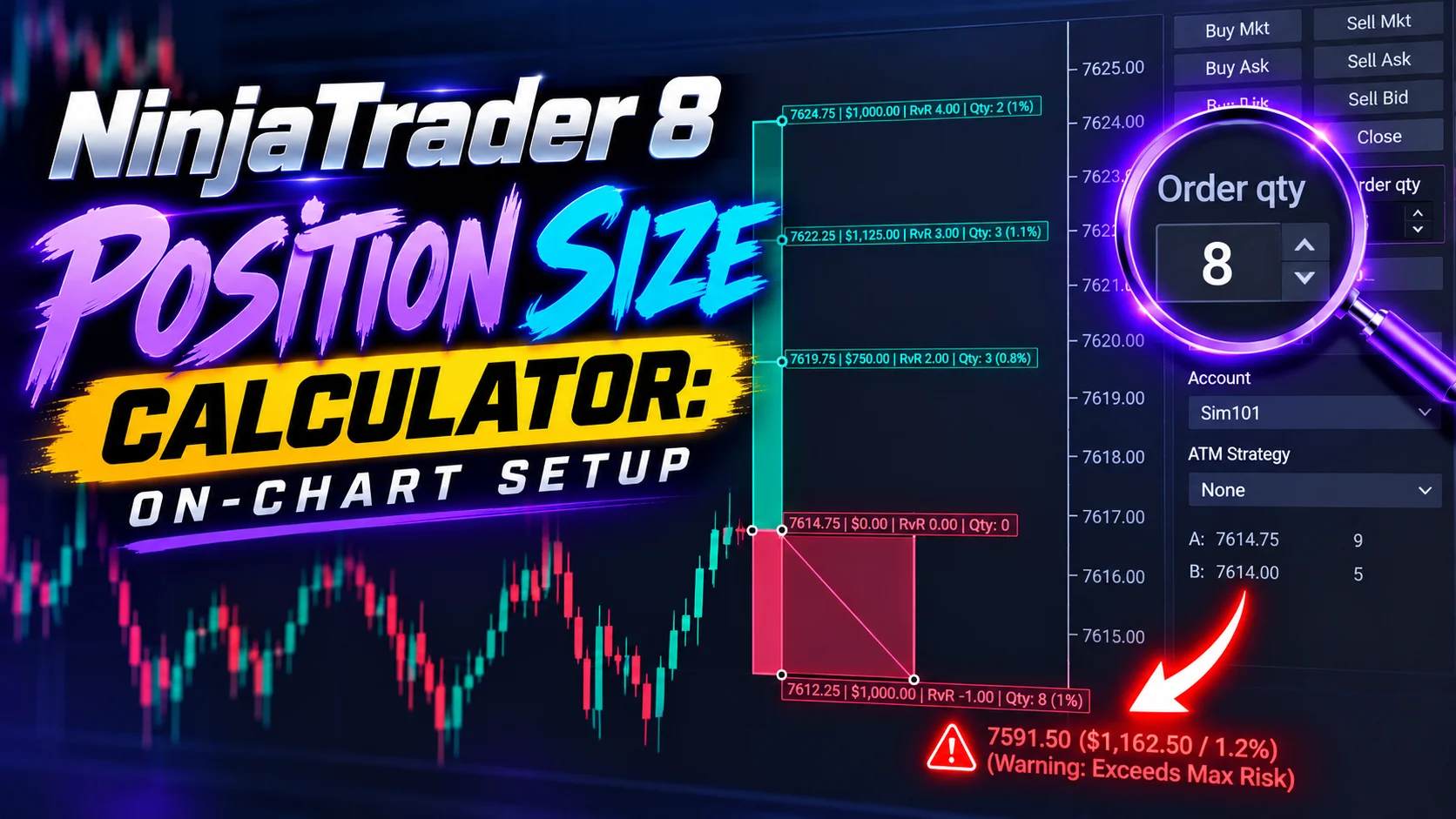
NinjaTrader 8 Position Size Calculator: On-Chart Setup
Contact Us
XABCD Live Chat
888-949-3461
Email Us
accounts@xabcdtrading.com
Other Methods
Frequently Asked Questions
Highlights
XABCD Pattern Suite
XABCD Position Tool
XABCD HotKeys
XABCD News Pro
XABCD Marker
XABCD OrderFleet
XABCD Level Map
XABCD Automation
XABCD Checklist
Login
Get Started
Indicators
XABCD Pattern Suite
XABCD News Pro
XABCD Position Tool
XABCD Marker
XABCD Hurst
XABCD Sonar
XABCD HotKeys
XABCD OrderFleet
Educational Content
XABCD On-Demand Videos
Live Streaming
XABCD Chat Group
XABCD Scanner
Free Resources
XABCD News Free
XABCD Performance
XABCD ATM Pack Free
XABCD Price Line
XABCD Periodic Table
Highlights
XABCD Trading Blog — NinjaTrader Tips, Patterns & Trading Guides
Indicators
XABCD Pattern Suite
XABCD News Pro
XABCD Position Tool
XABCD Marker
XABCD Hurst
XABCD Sonar
XABCD Hotkeys
XABCD OrderFleet
Free Resources
XABCD News Free
XABCD Performance
XABCD ATM Pack Free
XABCD Price Line
XABCD Periodic Table
Highlights
Educational Content
On-Demand Training
Live Streaming
XABCD Chat
XABCD Scanner
Free Resources
XABCD News Free
XABCD Performance
XABCD ATM Pack Free
XABCD Price Line
XABCD Periodic Table
Recent Articles
Nov. 16, 2026
NinjaTrader Fancy Zones: Snap Charts Fast (8.1.9)
Nov. 10, 2026
NinjaTrader 8.1.9: What’s New (And What to Fix)
Oct. 31, 2026
NinjaTrader 8 Position Size Calculator: On-Chart Setup
Contact Us
XABCD Live Chat
888-949-3461
Email Us
accounts@xabcdtrading.com
Other Methods
Frequently Asked Questions
Highlights
XABCD Pattern Suite
XABCD Position Tool
XABCD HotKeys
XABCD News Pro
XABCD Marker
XABCD OrderFleet
XABCD Level Map
XABCD Automation
XABCD Checklist
Login
Get Started
Indicators
XABCD Pattern Suite
XABCD News Pro
XABCD Position Tool
XABCD Marker
XABCD Hurst
XABCD Sonar
XABCD HotKeys
XABCD OrderFleet
Educational Content
XABCD On-Demand Videos
Live Streaming
XABCD Chat Group
XABCD Scanner
Free Resources
XABCD News Free
XABCD Performance
XABCD ATM Pack Free
XABCD Price Line
XABCD Periodic Table
Highlights
XABCD Trading Blog — NinjaTrader Tips, Patterns & Trading Guides