XABCD TRADING

Get A NinjaTrader App on Your Mobile Phone?

Subscribe
to get alerts to our next blog post!
Unlock NinjaTrader Mobile App: Seamless Trading on Your Phone
Where Is The NinjaTrader 8 Mobile App?
Recommended Apps To Use To Connect To NinjaTrader Desktop
Step by Step Breakdown
Mobile Apps for NinjaTrader 8 Users
NinjaTrader Mobile App
Remote Desktop Connection
NinjaTrader Should Keep It As A Broker App Only
Requires Too Much Money
Requires Even More Staff
Big Limitations
Interactive Brokers Created An App. Then Came Disappointment.
Tips and Questions Running NinjaTrader 8 On Mobile?
Workspaces Sized For Mobile
Name Your Workspaces With Mobile in the Title
Do You Need A VPS (Virtual Private Server) to run NinjaTrader 8 on your Mobile?
Where Is The NinjaTrader 8 Mobile App?
Yes
There is a mobile version of NinjaTrader. However, this app is for their brokers service and is not a NinjaTrader Desktop version.
However, the app is not what some people might be expecting. So if you wanted to modify orders and create new ones. This is a step in the right direction and their brokerage certainly needed this to keep up with the competition in the space.
The NinjaTrader mobile app is available for both iPhones and Android. The initial release (as with many apps) needed to have some tweaks and had a lot of feature requests but believe its the step in the right direction.
Recommended Apps To Use To Connect To NinjaTrader Desktop
This can all be done for zero cost. There is one from the apple app store called Microsoft Remote Desktop and if your an android user I'd recommend the Chrome Remote Desktop which will do exactly what you need with minimal configuration.
Step by Step Breakdown
This is going to be extremally helpful and the best way you can get NinjaTrader 8 on your mobile.
- Download the Remote Desktop App listed above for android or iOS
- Connect back to your home PC and verify it displays correctly
- On Your desktop, setup all your workspaces one at a time and resize the chart windows etc. so it displays correctly on your mobile
- Continue to do this until all of your workspaces are setup for your mobile.
The NinjaTrader Mobile App will be good if you have an existing NinjaTrader live brokerage account so you can modify orders. It's not going to be a copy of NinjaTrader Desktop on your mobile phone. What it is however, is a way to get access to orders to make quick and simple changes.

The remote desktop app by Chrome works surprisingly well as an alternative. In fact, so well that you don't have to worry about changing on your mobile syncing up with the changes on your desktop. You also get access to the same configuration of charts with everything just as you left it. Chrome remote desktop will give you remote access from anywhere and has cross-platform compatibility if your a macOS user. It's also super easy to setup and runs over a secure connection which is important since your dealing with financial information.

NinjaTrader Should Keep It As A Broker App Only
Requires Too Much Money
Savvyapps reports that apps built on iOS and Android will cost companies "the big boys" $500,000 to $1,000,000 to build. That is for each operating system. However, this also doesn't include maintenance costs. We estimate this could cost NinjaTrader $750,000 to build a NinjaTrader 8 mobile app for iOS or android. For instance, this could double to 1500 customers if they wanted to cover both android and iOS. That's something they would have to do so that 50% of their customer base that use the other iOS won't get mad.
Requires Even More Staff
Once you have the money (if you did) you'll need to increase staff to support the ongoing mobile apps. This is similar to supporting the desktop version of the application and how bugs have to be fixed and new releases and features have to be built in even after the initial release of the mobile app. However, existing staff might not have the skills transferable to these other platforms and a new mobile app team might need to be developed. Adding more staff will just bump up the overhead.
Big Limitations
A lot of traders use software like our XABCD Pattern Suite for NinjaTrader 8 in order to trade using their platform. Therefore, if a NinjaTrader mobile app was to exsit, most of those traders would expect their code to be supported. In other words, this opens up a whole new bucket of worms and the NinjaTrader 8 app would then be extremely limited in what it could do.
Interactive Brokers Created An App. Then Came Disappointment.
First Release of TWS for Mobile
Did you ever use Interactive Brokers for Mobile? Their first release back in 2013 was horrible, and that's putting it nicely. In fact their ratings were so bad in both the app and play store that to this day, they still have not really recovered. It's not as bad as it once was, but its taken years to get to where it is at now. Almost 10 years.
Users Expected The Same Desktop Experience
Even so, lots of people still give it a bad review because they are looking to do the exact same functionality on their mobile as they have done on their desktop. Thousands of bad ratings is the exact same problem NinjaTrader will face if they ever attempt building an app since traders will want to do the exact same things on a mobile as their desktop. Due to screen size, and user experience I fear users wil lbe left disappointed.
Tips and Questions Running NinjaTrader 8 On Mobile?
Workspaces Sized For Mobile
The benefit of using workspaces in NinjaTrader 8 is that all your window sizes stay the same size when restoring them during use. This means you can have workspaces just for mobile users. When you open that workspace your windows are the same size and placement on your desktop screens. If your new to workspaces then watch this video which is all about workspaces.
Name Your Workspaces With Mobile in the Title
If you name all your mobile workspaces with the same naming scheme then it would make it easy to navigate. Example, maybe you have a workspace just for placing orders and another for viewing charts. Using a naming scheme for all your mobile workspaces and categorize them would be a big benefit.
Do You Need A VPS (Virtual Private Server) to run NinjaTrader 8 on your Mobile?
No. To connect back to your machine, it does require you to keep your desktop on, however for most people this isn't an issue. Just let your desktop run and connect back to it. It's very easy. You can also get voltage meters that will calculate your monthly cost in electricity to run your home desktop and when I did this my total cost was $5.24 per month which is far less than renting a VPS.
Oct / 2026
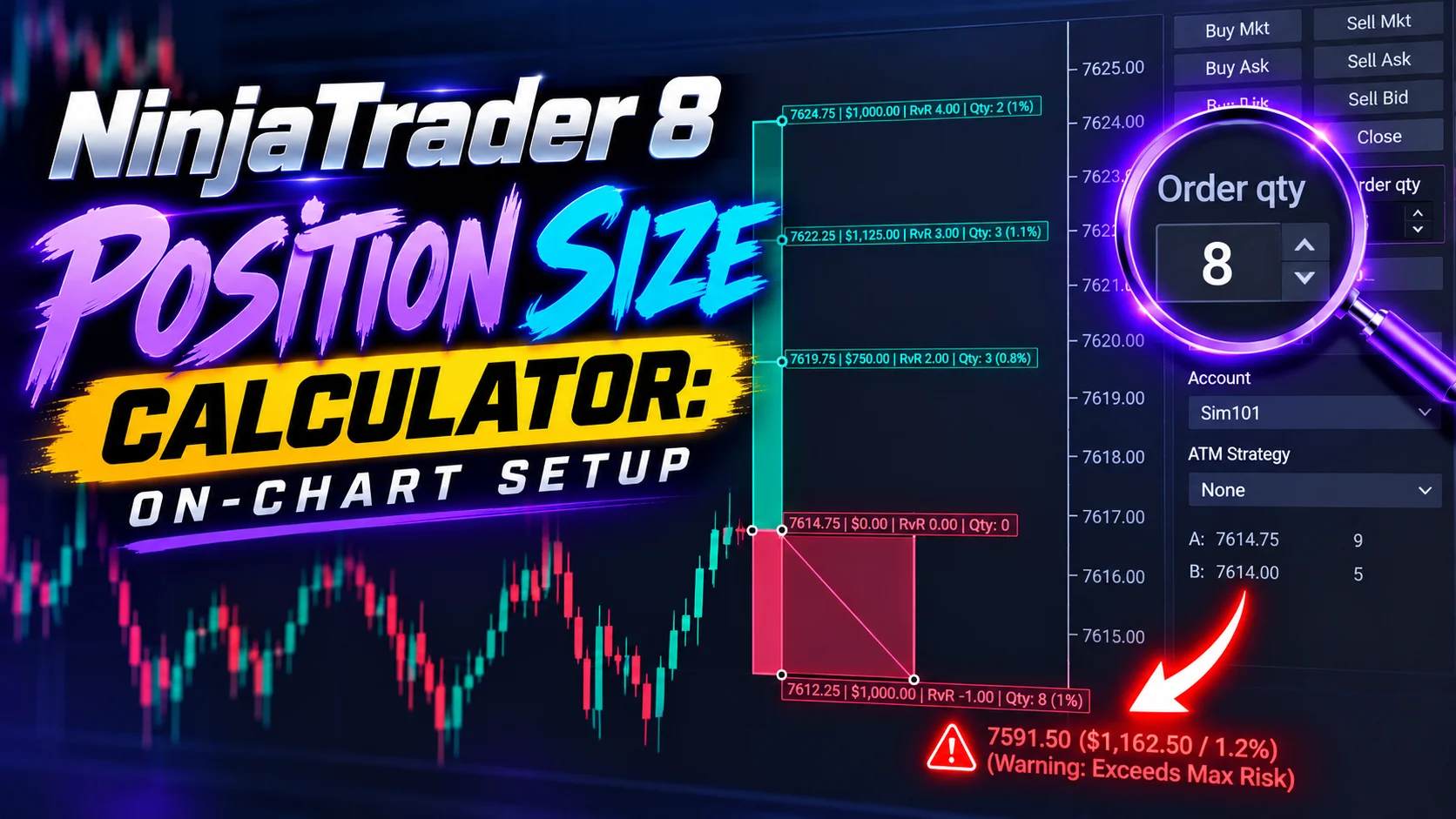
NinjaTrader 8 Position Size Calculator: On-Chart Setup
Oct / 2026
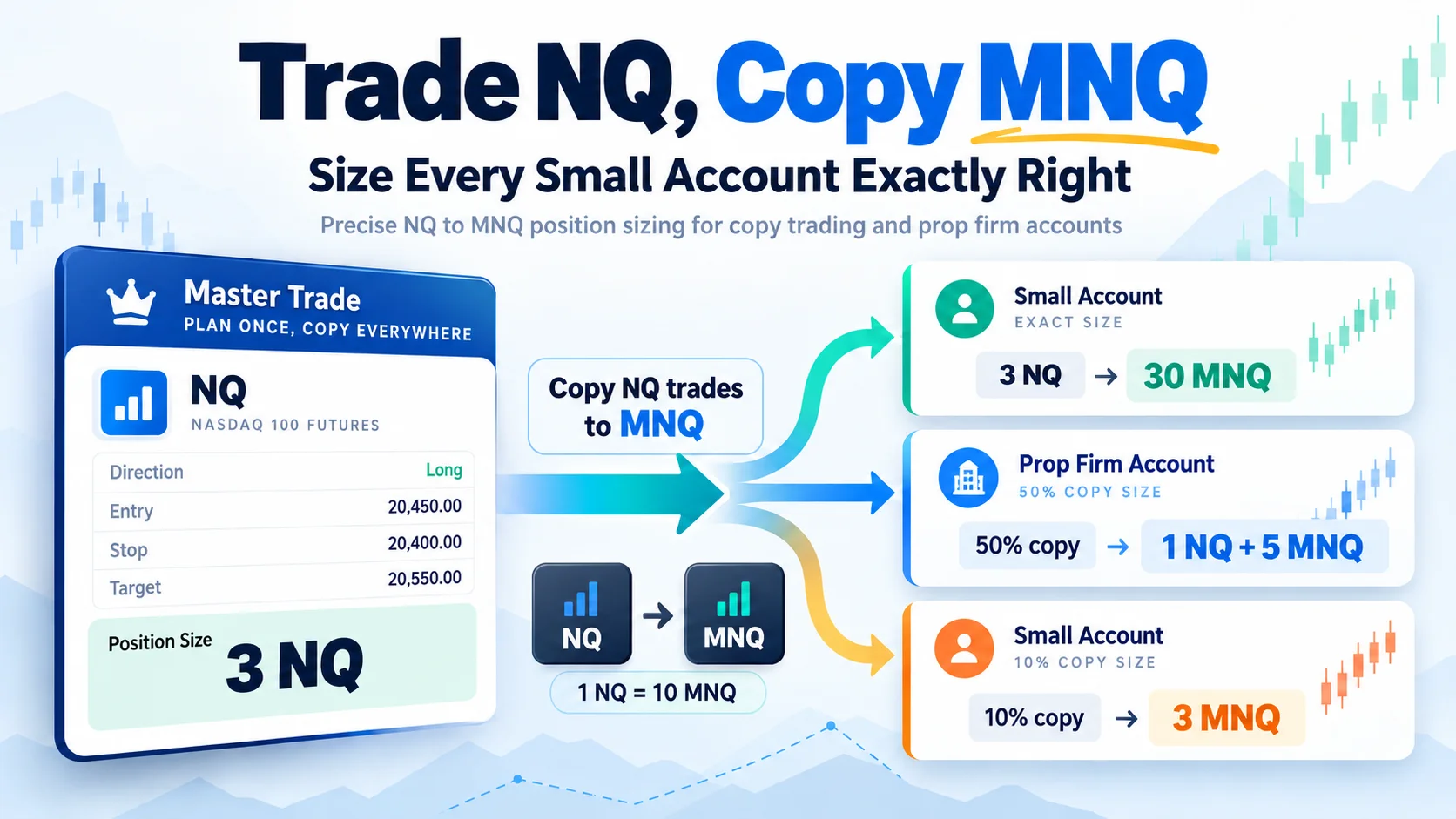
Trade NQ, Copy MNQ: Copy NQ Trades to MNQ in NinjaTrader 8
Sep / 2026
NinjaTrader Data Feed Not Updating? Quick Fixes
Sep / 2026
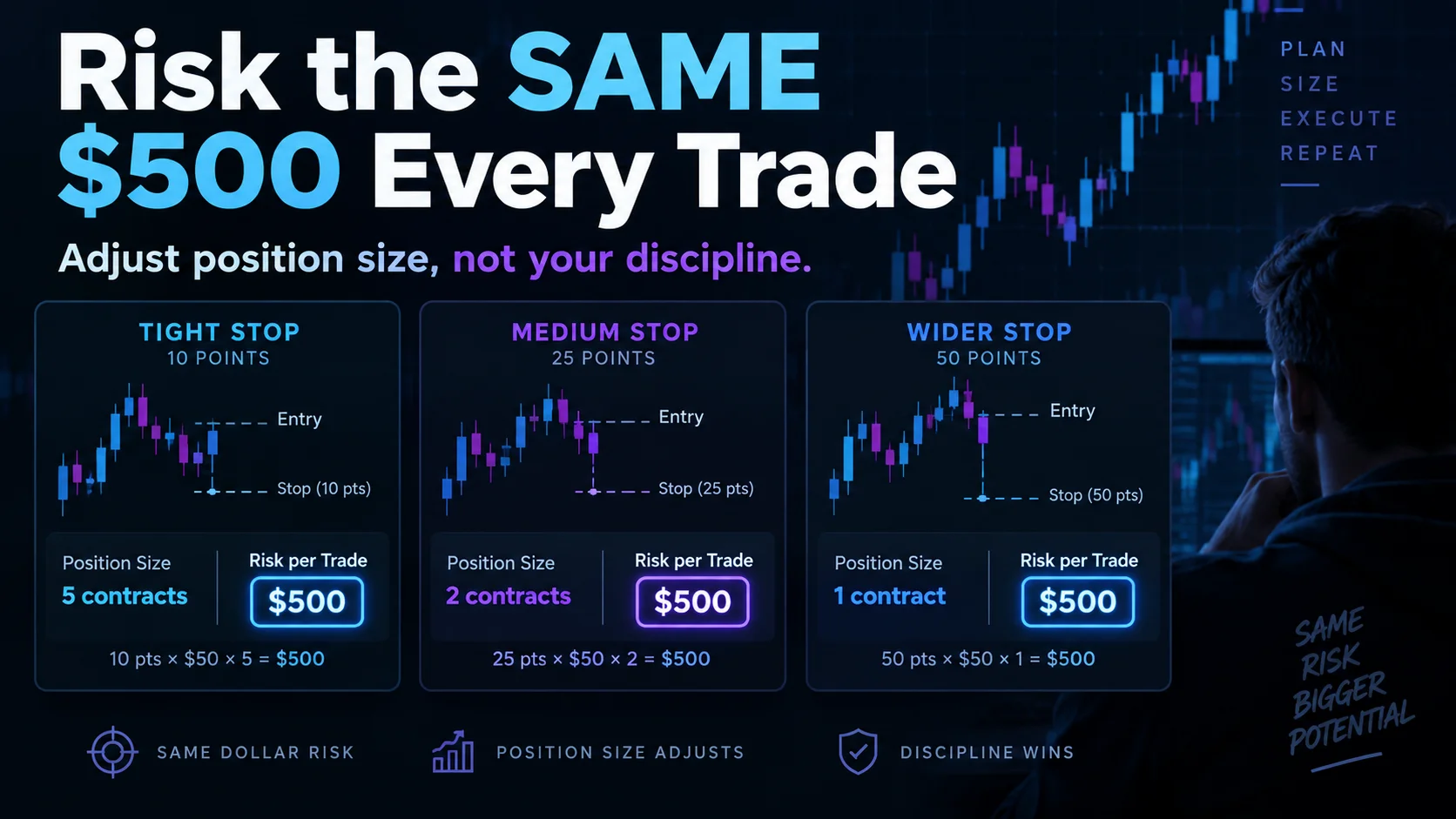
NinjaTrader Risk Per Trade: Risk $500 on Every Trade
Jul / 2026
NinjaTrader 8.1.8 Review: Should You Upgrade or Wait?
Jul / 2026
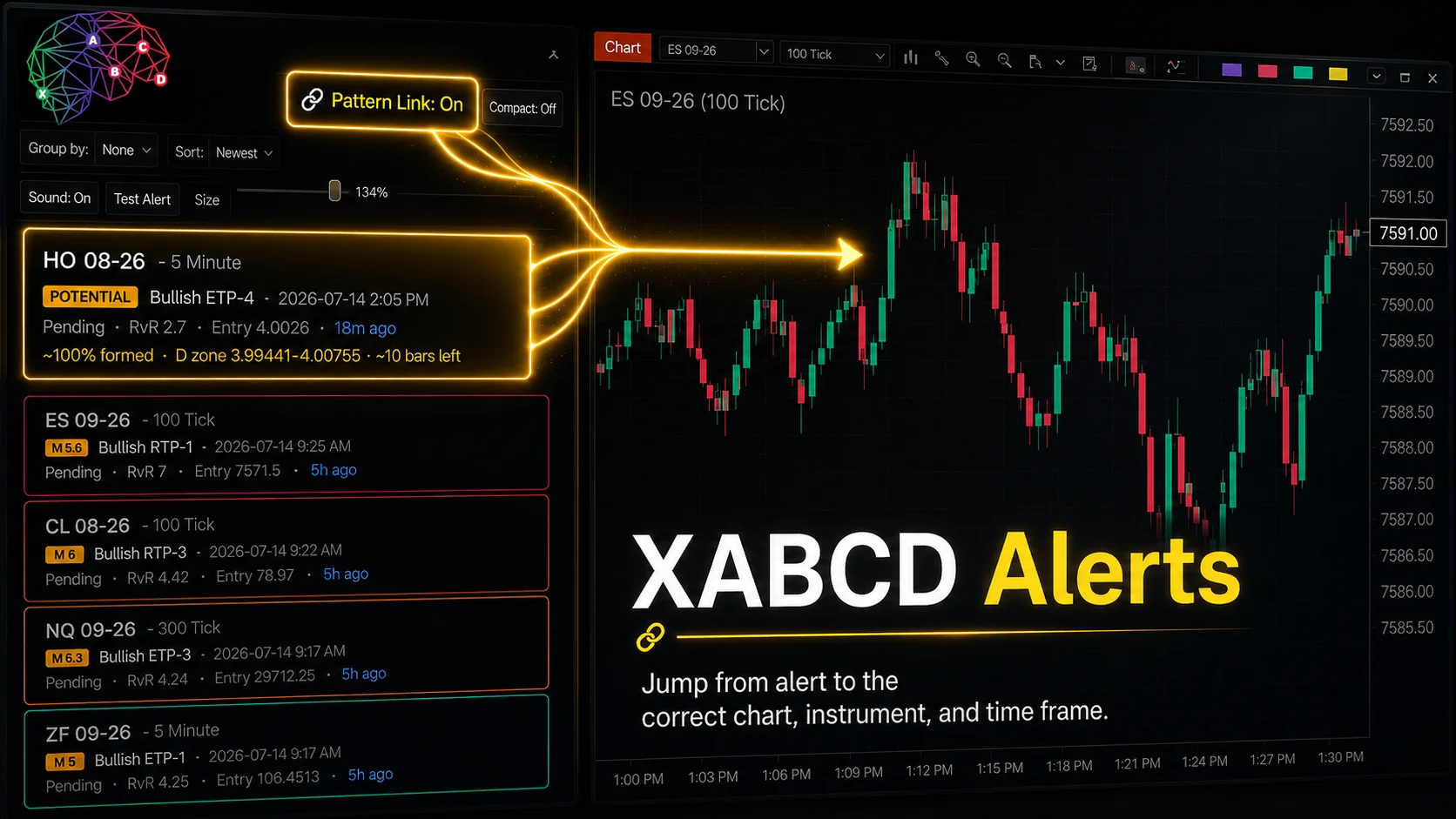
XABCD Pattern Alerts: The Complete Guide for Traders
Frequently Asked Questions
Is there a NinjaTrader 8 mobile app available for iPhone or Android?
NinjaTrader does not currently offer a dedicated NinjaTrader 8 mobile app for iPhone or Android devices. The NinjaTrader 8 platform is designed as a desktop application for Windows. However, traders can access their accounts on mobile devices through compatible brokerage connections or by using remote desktop applications to connect to their PC.
How can I trade on NinjaTrader from my phone?
Since NinjaTrader 8 does not have a native mobile app, traders can use remote desktop solutions such as Microsoft Remote Desktop or TeamViewer to access their NinjaTrader 8 platform from a phone or tablet. Another option is to use a VPS (Virtual Private Server) running NinjaTrader and connect to it remotely from any mobile device.
Will NinjaTrader release a mobile app in the future?
NinjaTrader has acknowledged community interest in a mobile trading solution, but there has been no official confirmed release date for a dedicated NinjaTrader 8 mobile app. Traders are encouraged to monitor NinjaTrader's official website and announcements for any updates regarding mobile platform development.
What are the best alternatives to a NinjaTrader 8 mobile app for trading on the go?
Traders who need mobile access can use remote desktop apps like Chrome Remote Desktop, TeamViewer, or Splashtop to control their NinjaTrader 8 desktop platform from a mobile device. Alternatively, some brokers that integrate with NinjaTrader, such as NinjaTrader Brokerage, may offer their own mobile-friendly platforms for basic order management and account monitoring.
Can I monitor my NinjaTrader positions and orders from a mobile device?
While there is no official NinjaTrader 8 mobile app for position monitoring, traders can check positions and manage orders by remotely accessing their desktop platform via a VPS or remote desktop application. Some connected brokers also provide their own mobile tools that allow traders to view open positions and account balances linked to their NinjaTrader accounts.
Frequently Asked Questions
Is there a NinjaTrader 8 mobile app available for iPhone or Android?
NinjaTrader does not currently offer a dedicated NinjaTrader 8 mobile app for iPhone or Android devices. The NinjaTrader 8 platform is designed as a desktop application for Windows. However, traders can access their accounts on mobile devices through compatible brokerage connections or by using remote desktop applications to connect to their PC.
How can I trade on NinjaTrader from my phone?
Since NinjaTrader 8 does not have a native mobile app, traders can use remote desktop solutions such as Microsoft Remote Desktop or TeamViewer to access their NinjaTrader 8 platform from a phone or tablet. Another option is to use a VPS (Virtual Private Server) running NinjaTrader and connect to it remotely from any mobile device.
Will NinjaTrader release a mobile app in the future?
NinjaTrader has acknowledged community interest in a mobile trading solution, but there has been no official confirmed release date for a dedicated NinjaTrader 8 mobile app. Traders are encouraged to monitor NinjaTrader's official website and announcements for any updates regarding mobile platform development.
What are the best alternatives to a NinjaTrader 8 mobile app for trading on the go?
Traders who need mobile access can use remote desktop apps like Chrome Remote Desktop, TeamViewer, or Splashtop to control their NinjaTrader 8 desktop platform from a mobile device. Alternatively, some brokers that integrate with NinjaTrader, such as NinjaTrader Brokerage, may offer their own mobile-friendly platforms for basic order management and account monitoring.
Can I monitor my NinjaTrader positions and orders from a mobile device?
While there is no official NinjaTrader 8 mobile app for position monitoring, traders can check positions and manage orders by remotely accessing their desktop platform via a VPS or remote desktop application. Some connected brokers also provide their own mobile tools that allow traders to view open positions and account balances linked to their NinjaTrader accounts.
New NinjaTrader Articles Delivered First
Recommended Video
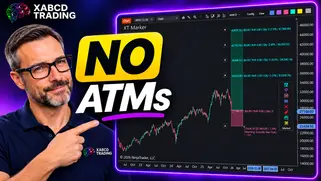
Ditch NinjaTrader ATMs: This Is More Powerful
See how to set your risk and calculate contracts directly on the chart.
Watch Now
Subscribe on YouTube
Related Tool
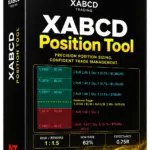
XABCD Position Tool
Automatic position sizing and on-chart trade management.
Explore the Tool
Why XABCD Trading
- Built for NinjaTrader 8 since 2009
- Trusted by 2,000+ traders
- On-chart tools, no ATM templates needed
- Free tools to get started
Get Project Updates
Twice-monthly maximum, we will give you updates on all the projects going here.
Quick Links
NinjaTrader 8 Position Size Calculator: On-Chart Setup
Trade NQ, Copy MNQ: Copy NQ Trades to MNQ in NinjaTrader 8
NinjaTrader Data Feed Not Updating? Quick Fixes
NinjaTrader Risk Per Trade: Risk $500 on Every Trade
NinjaTrader 8.1.8 Review: Should You Upgrade or Wait?
XABCD Pattern Alerts: The Complete Guide for Traders
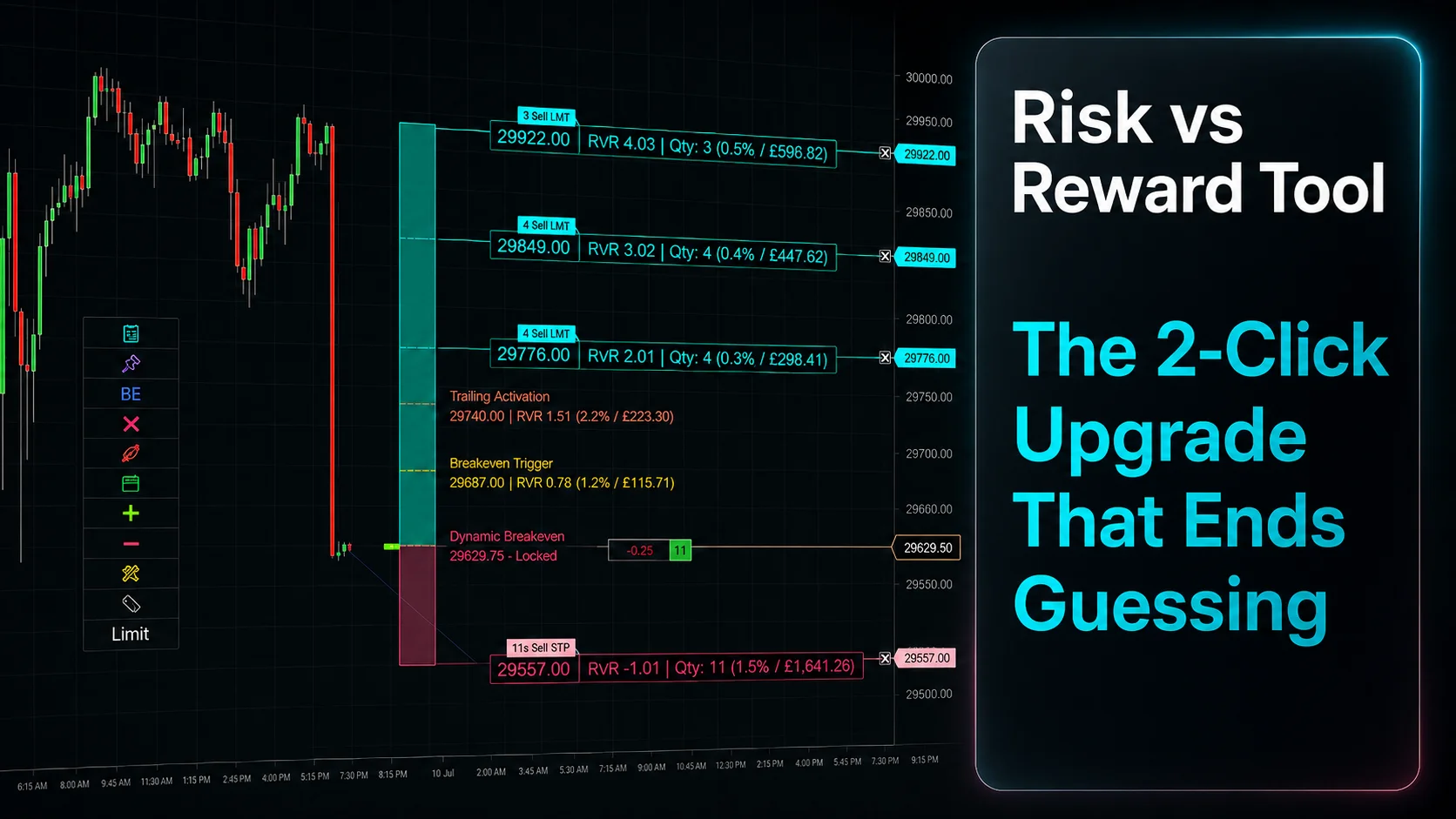
Risk vs Reward Tool: The 2-Click Upgrade That Ends Guessing
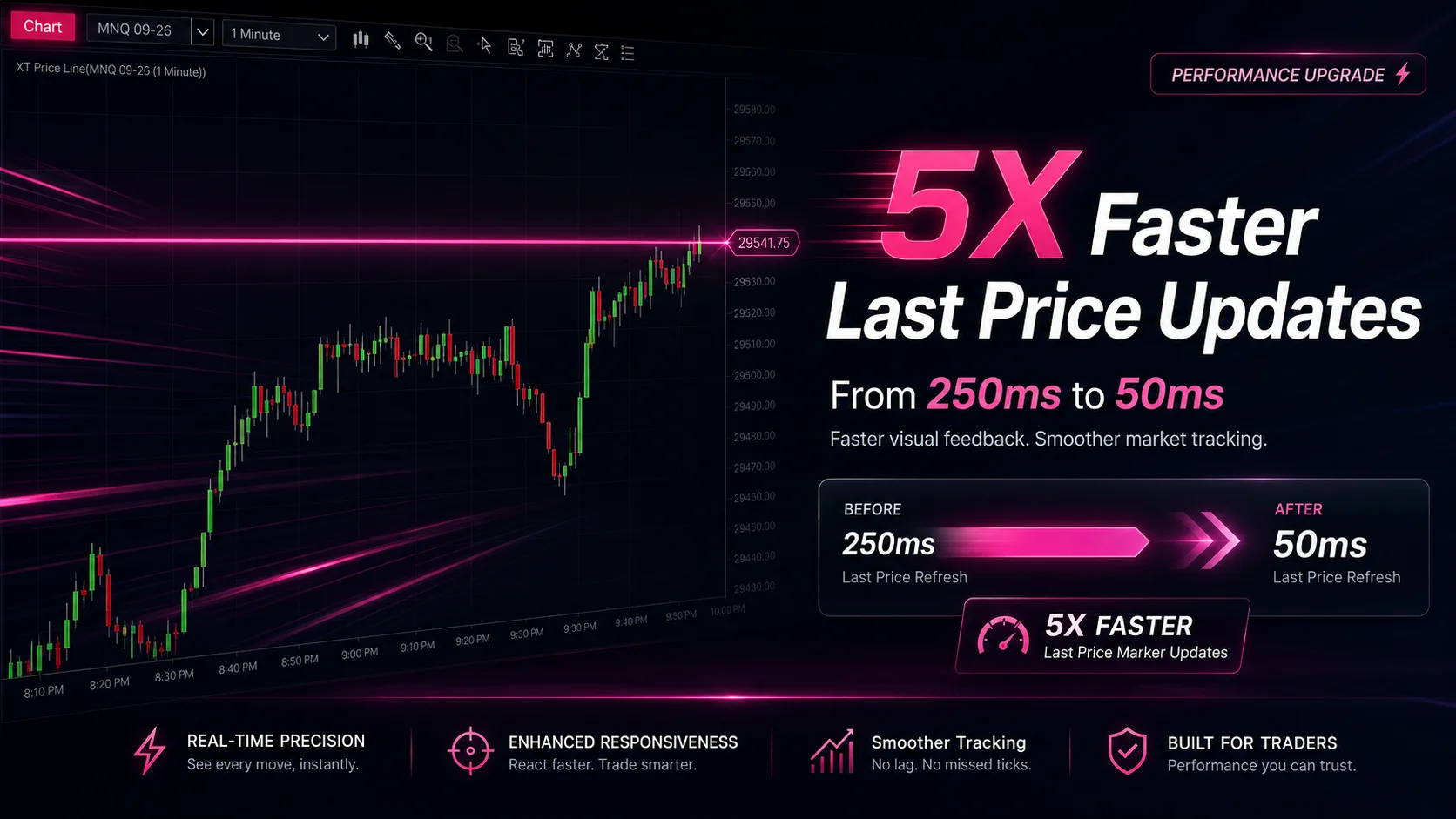
NinjaTrader Faster Last Price Updates on Charts Explained
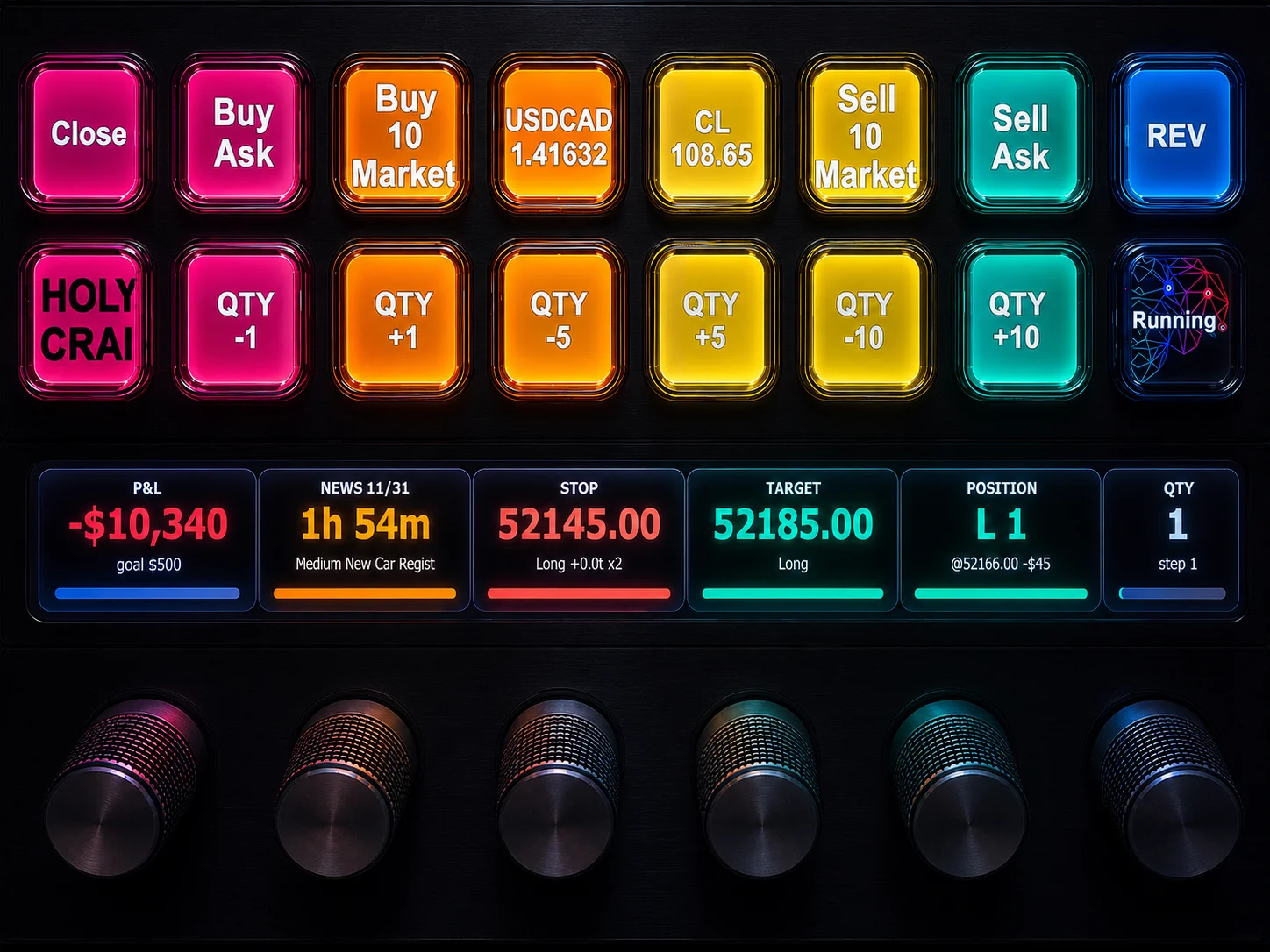
NinjaTrader 8 Hotkeys: Best Shortcuts for Faster Trading