XABCD TRADING

Tips for the Best Trading From A Laptop

Subscribe
to get alerts to our next blog post!
Maximizing Your Workspace
Being able to maximize your workspace will be one of the best trading from a laptop tips I could possibly give you. Most visitors here are probably using the NinjaTrader or MetaTrader platforms and each platform handles workspaces in their own ways.
Workspaces in NinjaTrader
NinjaTrader allows you to run multiple workspaces at the same time. Think of this as having multiple monitors but you can only view one monitor at a time.
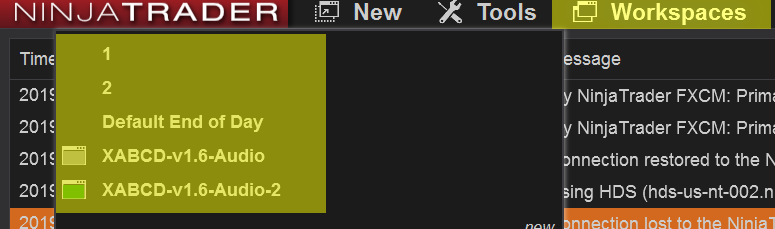
You could have a separate workspace for each "monitor" that you might normally have at home. You could even divide up your instruments where you have a workspace dedicated to your laptop for futures trading or a separate one for Forex. There are endless possibilities but the thing to remember is that the more workspaces you use, the more screen real estate you would have without the need for more monitors.
Tip: #1 Use workspaces to maximize your screen real estate.
We have more tutorials on our youtube page, all of the NinjaTrader 8 tutorials are in blue.
Use HotKeys to Navigate Workspaces
By default, Shift + F3 will take you to the next active workspace. This is handy because it will save you from having to do multiple steps. No longer will you need to go to the control center. Then put your hand on the mouse (or track pad). Finally, selecting the workspace menu and find the next workspace. This can all be accomplished by using hot keys.
There are also hotkeys to take you back to the previous workspace. So for example you can setup Shift + F3 (next workspace) and Shift + F4 (previous workspace). It would be pretty easy to toggle between the two. This is certainly handing when trading from a laptop.
Keep in mind that every workspace you have running will still run in the background.
Tip: #2 Use hotkeys to navigate around your workspaces to make your charting more manageable.
Virtual Desktops in Windows When Trading from A Laptop
If you're not using virtual desktops with your laptop and using a windows computer you are missing out on a huge feature.
Virtual desktops are a little like workspaces for NinjaTrader. A virtual desktop is a 2nd or 3rd etc desktop for windows that runs at the same time as your current one.
To add a virtual desktop press the Windows Key + CTRL + D and this will add in a new desktop. Then you can use your Windows key + CTRL + LEFT (or right) arrow which will allow you to navigate between the virtual desktop windows.
You will have no need to carry around multiple monitors with you - not that you ever did.
Tip: #3 Use "virtual desktops" in windows to provide more screen real estate.
Make Use of Free Tools That Help Laptop Traders
We provide a tool for free that laptop users will love because you don't need to have additional windows open on your screen.
A lot of traders will have a news calendar up and that can take up a lot of space on a laptop. Instead, our free tool we hand out will map news events right into your chart so you won't even have to have a news calendar taking up all your room.
All you will see is a vertical line mapped into your chart where there is a news event. Select that line and the name of the event pops up. This is very helpful because the line will be drawn in exactly where it should be for your local time zone.
You can get the XABCD News Indicator for free.
Tip #4 Make use of free tools like the XABCD News indicator that can minimize what you need on your screen.
Frequently Asked Questions
Is trading from a laptop reliable enough for day trading?
Yes, the best laptop for day trading will have a fast processor, sufficient RAM (at least 8–16 GB), and a stable internet connection. Many professional traders use laptops for their portability while pairing them with an external monitor for extra screen space when needed.
What laptop specs do I need for stock trading?
The best laptop for trading should have at least an Intel Core i5 or AMD Ryzen 5 processor, 16 GB of RAM, and an SSD for fast load times. A quality display with good resolution is also important so you can read charts and data clearly across multiple windows.
Can I use a regular laptop for forex trading?
A regular laptop can handle forex trading platforms without any issues, since most trading software is not as resource-intensive as gaming or video editing. Among day trading laptop requirements, the most critical factor is a reliable, low-latency internet connection rather than high-end hardware specifications.
Is trading from a laptop better than using a desktop?
Trading from a laptop offers the advantage of portability, allowing you to monitor and execute trades from virtually anywhere. However, desktops typically provide easier multi-monitor setups and better cooling for heavy multitasking, so the best choice depends on whether flexibility or a dedicated workstation matters more to you. So can you trade on a laptop effectively? Absolutely, as long as you set up your workspaces and hotkeys to make the most of your single screen.
Do I need multiple monitors if I trade from a laptop?
Multiple monitors are not strictly necessary, but they can improve your efficiency by letting you view charts, news feeds, and order books simultaneously. Many traders who start trading from a laptop simply connect one or two external monitors when working from home and rely on the laptop screen alone when traveling.
Frequently Asked Questions
Is trading from a laptop reliable enough for day trading?
Yes, the best laptop for day trading will have a fast processor, sufficient RAM (at least 8–16 GB), and a stable internet connection. Many professional traders use laptops for their portability while pairing them with an external monitor for extra screen space when needed.
What laptop specs do I need for stock trading?
The best laptop for trading should have at least an Intel Core i5 or AMD Ryzen 5 processor, 16 GB of RAM, and an SSD for fast load times. A quality display with good resolution is also important so you can read charts and data clearly across multiple windows.
Can I use a regular laptop for forex trading?
A regular laptop can handle forex trading platforms without any issues, since most trading software is not as resource-intensive as gaming or video editing. Among day trading laptop requirements, the most critical factor is a reliable, low-latency internet connection rather than high-end hardware specifications.
Is trading from a laptop better than using a desktop?
Trading from a laptop offers the advantage of portability, allowing you to monitor and execute trades from virtually anywhere. However, desktops typically provide easier multi-monitor setups and better cooling for heavy multitasking, so the best choice depends on whether flexibility or a dedicated workstation matters more to you. So can you trade on a laptop effectively? Absolutely, as long as you set up your workspaces and hotkeys to make the most of your single screen.
Do I need multiple monitors if I trade from a laptop?
Multiple monitors are not strictly necessary, but they can improve your efficiency by letting you view charts, news feeds, and order books simultaneously. Many traders who start trading from a laptop simply connect one or two external monitors when working from home and rely on the laptop screen alone when traveling.
New NinjaTrader Articles Delivered First
Recommended Video
Ditch NinjaTrader ATMs: This Is More Powerful
See how to set your risk and calculate contracts directly on the chart.
Watch Now
Subscribe on YouTube
Related Tool
XABCD Position Tool
Automatic position sizing and on-chart trade management.
Explore the Tool
Why XABCD Trading
- Built for NinjaTrader 8 since 2009
- Trusted by 2,000+ traders
- On-chart tools, no ATM templates needed
- Free tools to get started
Get Project Updates
Twice-monthly maximum, we will give you updates on all the projects going here.
Quick Links
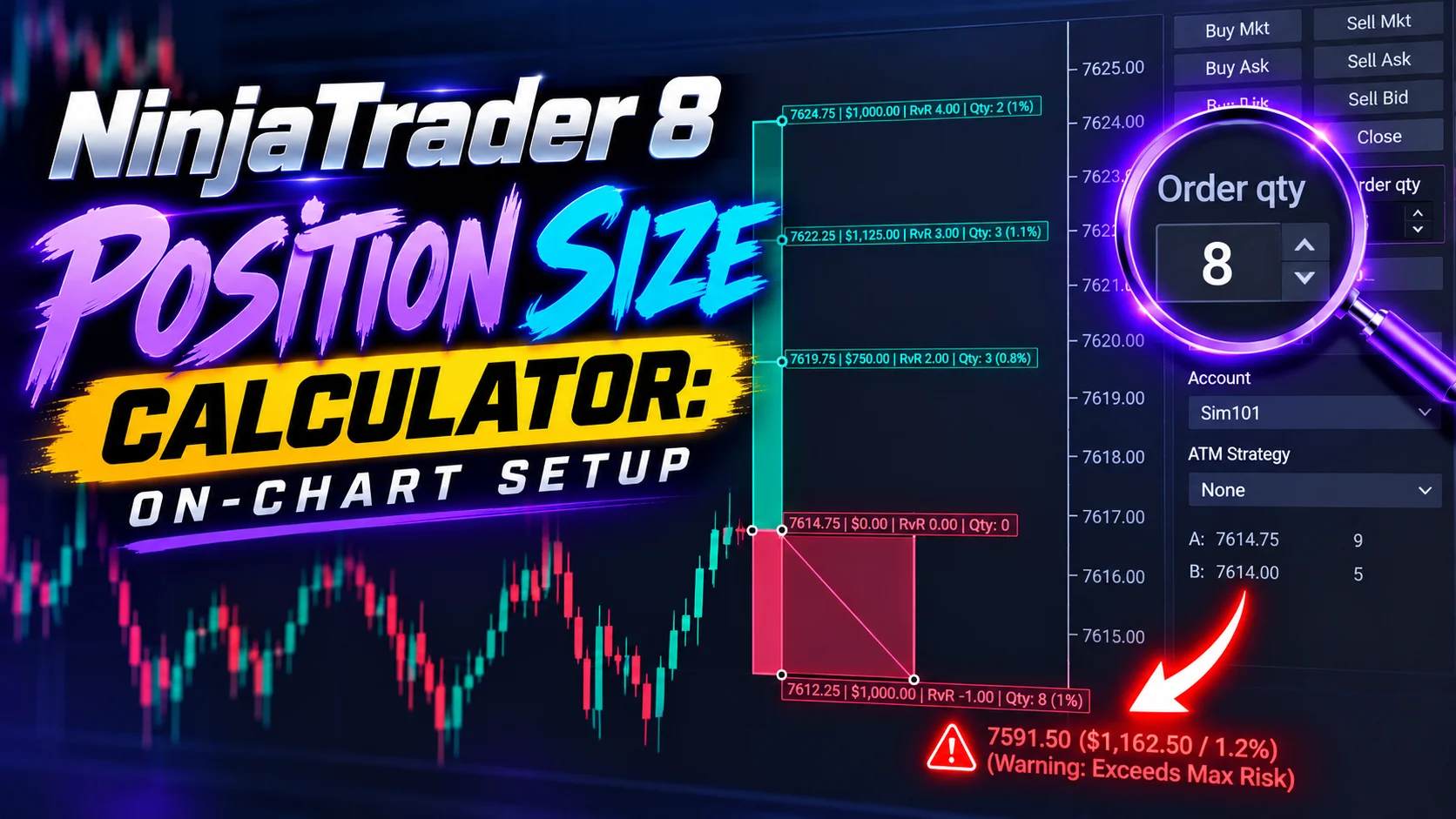
NinjaTrader 8 Position Size Calculator: On-Chart Setup
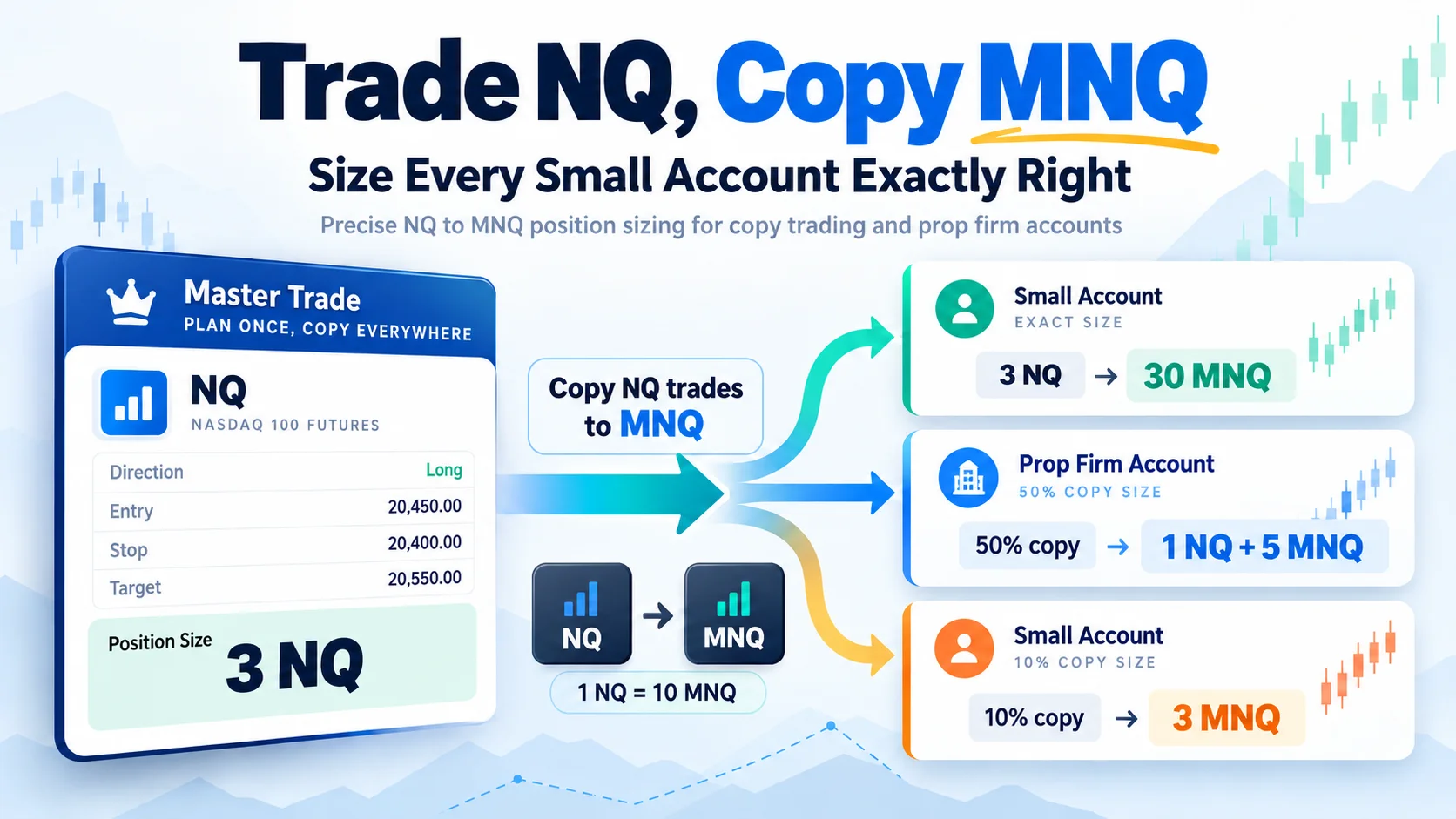
Trade NQ, Copy MNQ: Copy NQ Trades to MNQ in NinjaTrader 8
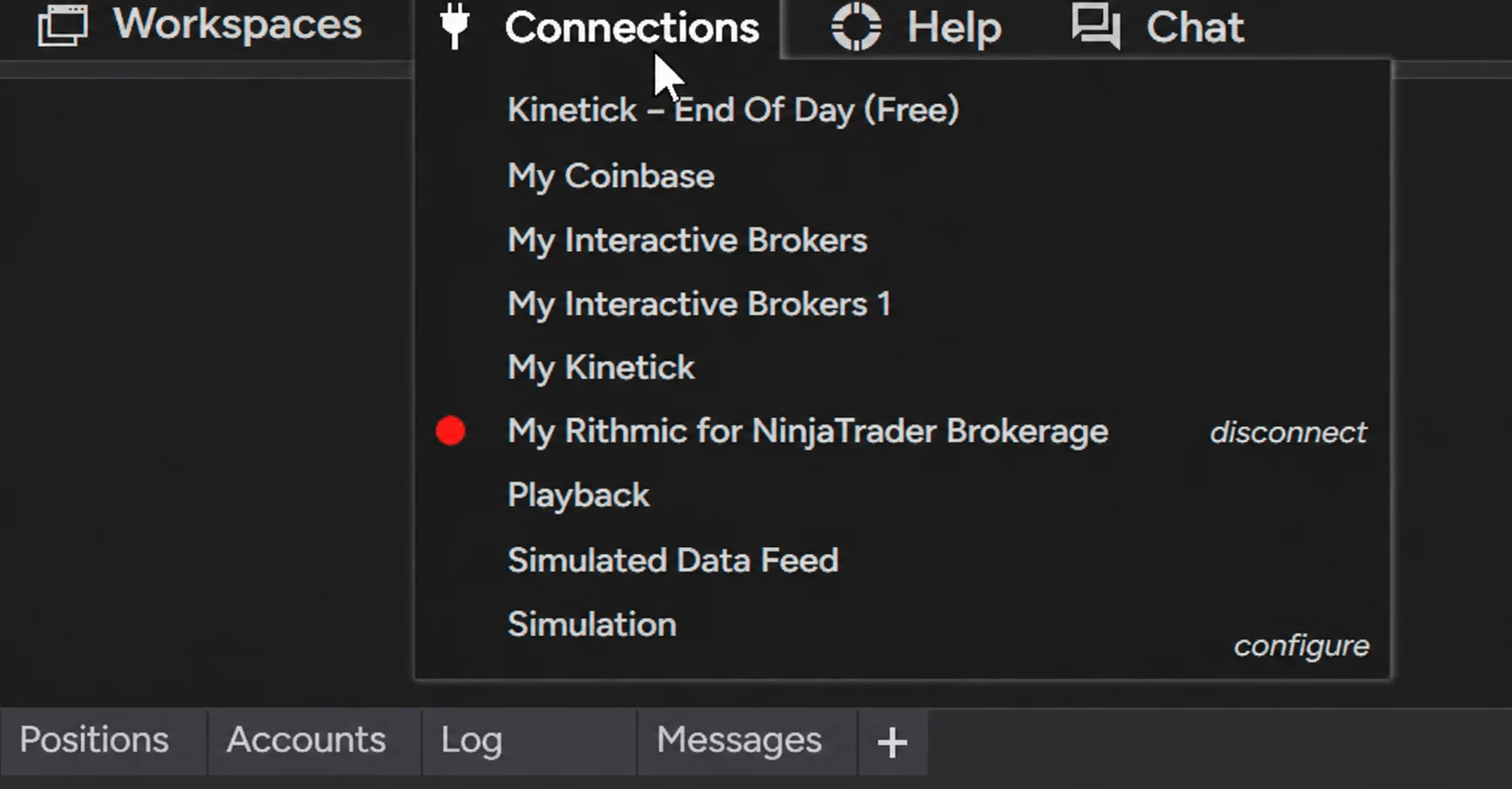
NinjaTrader Data Feed Not Updating? Quick Fixes
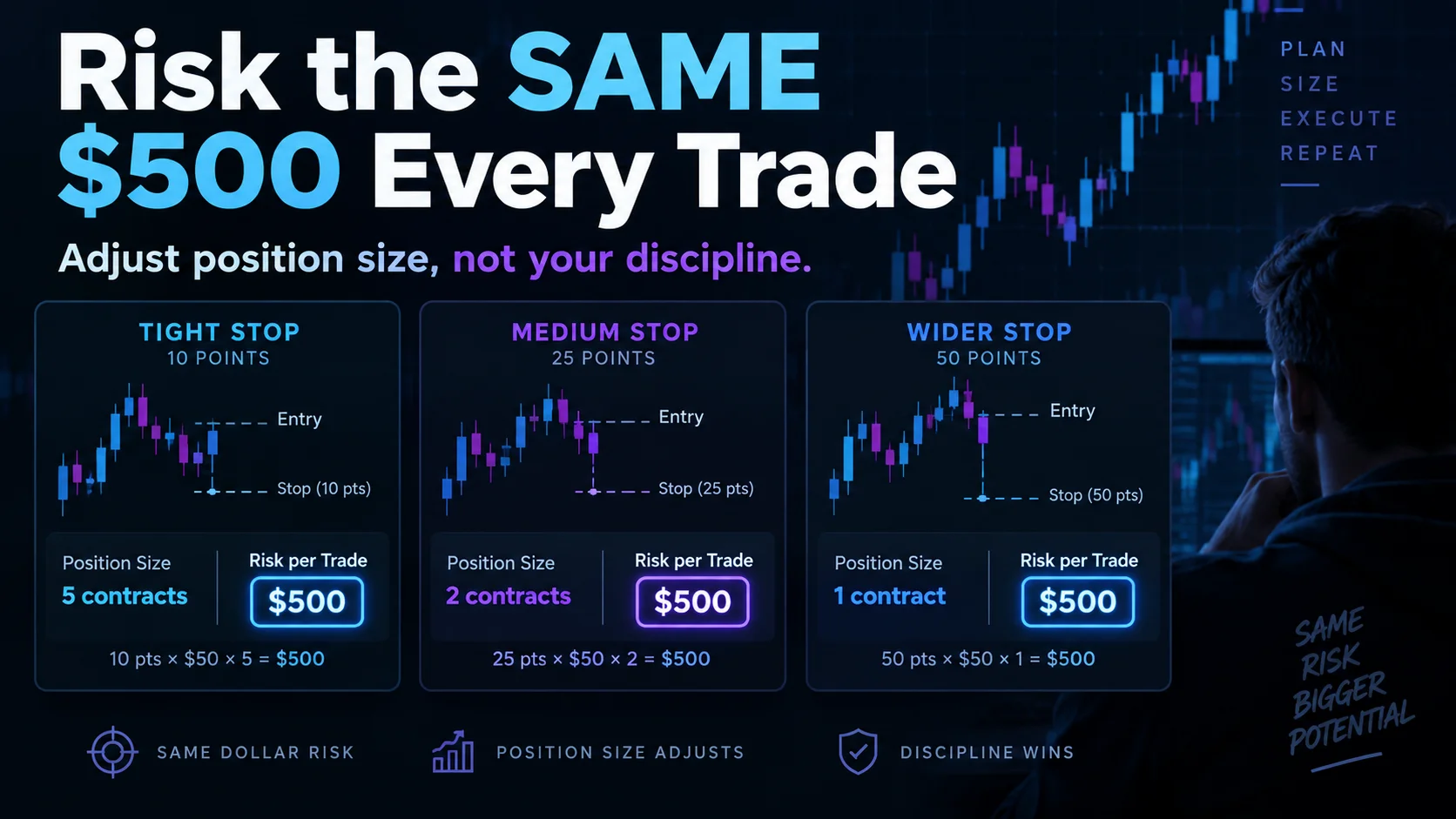
NinjaTrader Risk Per Trade: Risk $500 on Every Trade
NinjaTrader 8.1.8 Review: Should You Upgrade or Wait?
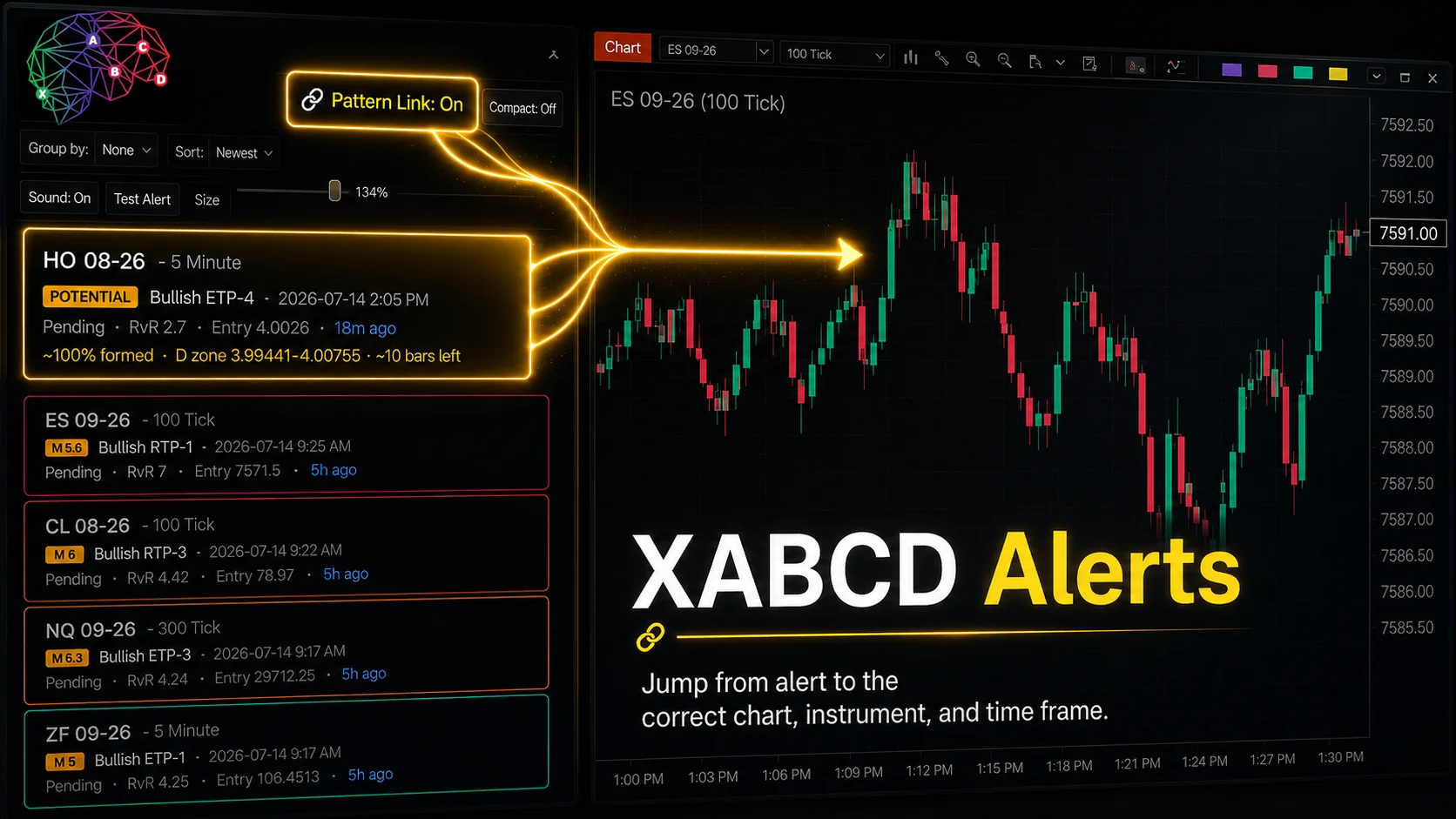
XABCD Pattern Alerts: The Complete Guide for Traders
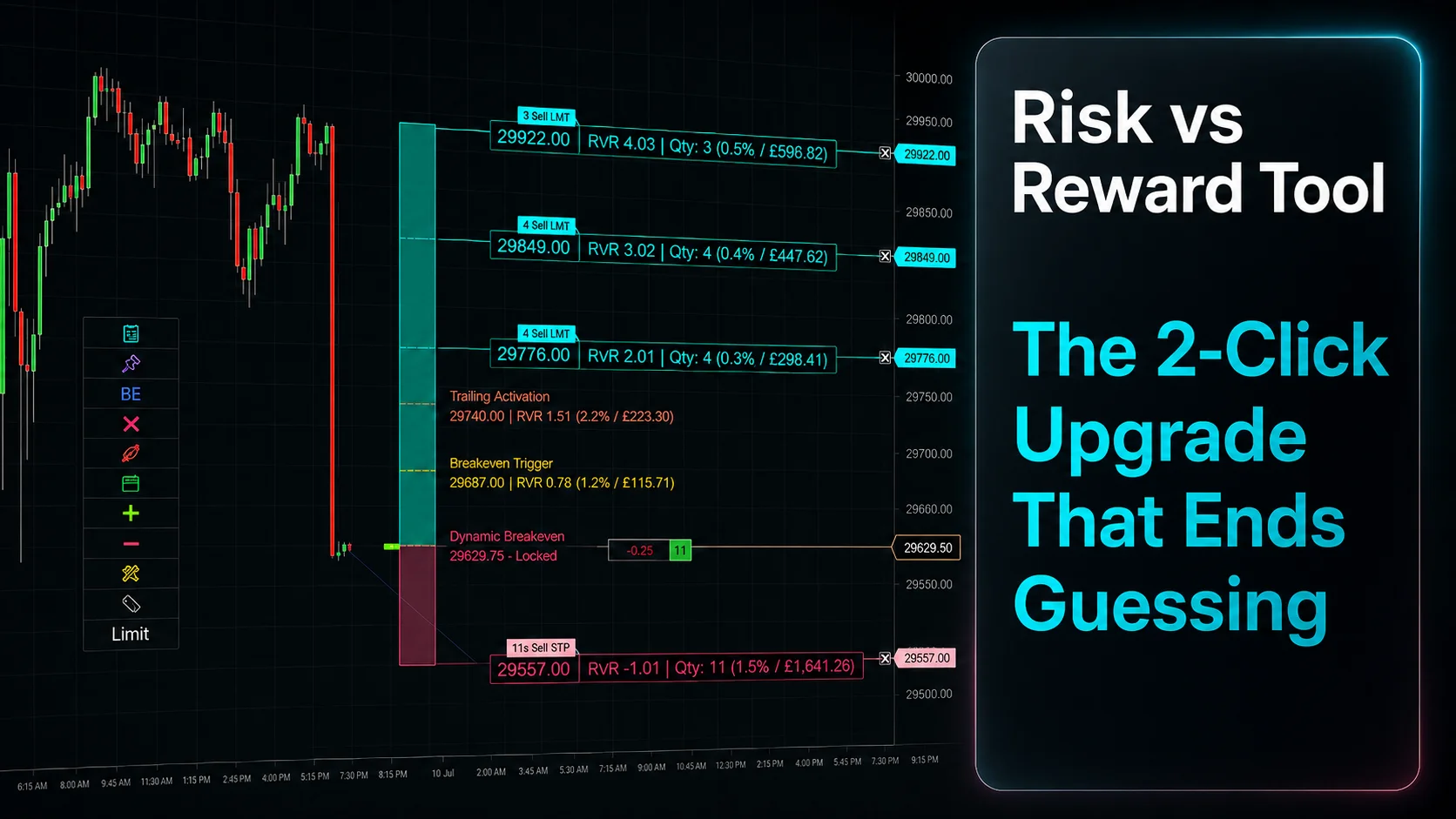
Risk vs Reward Tool: The 2-Click Upgrade That Ends Guessing
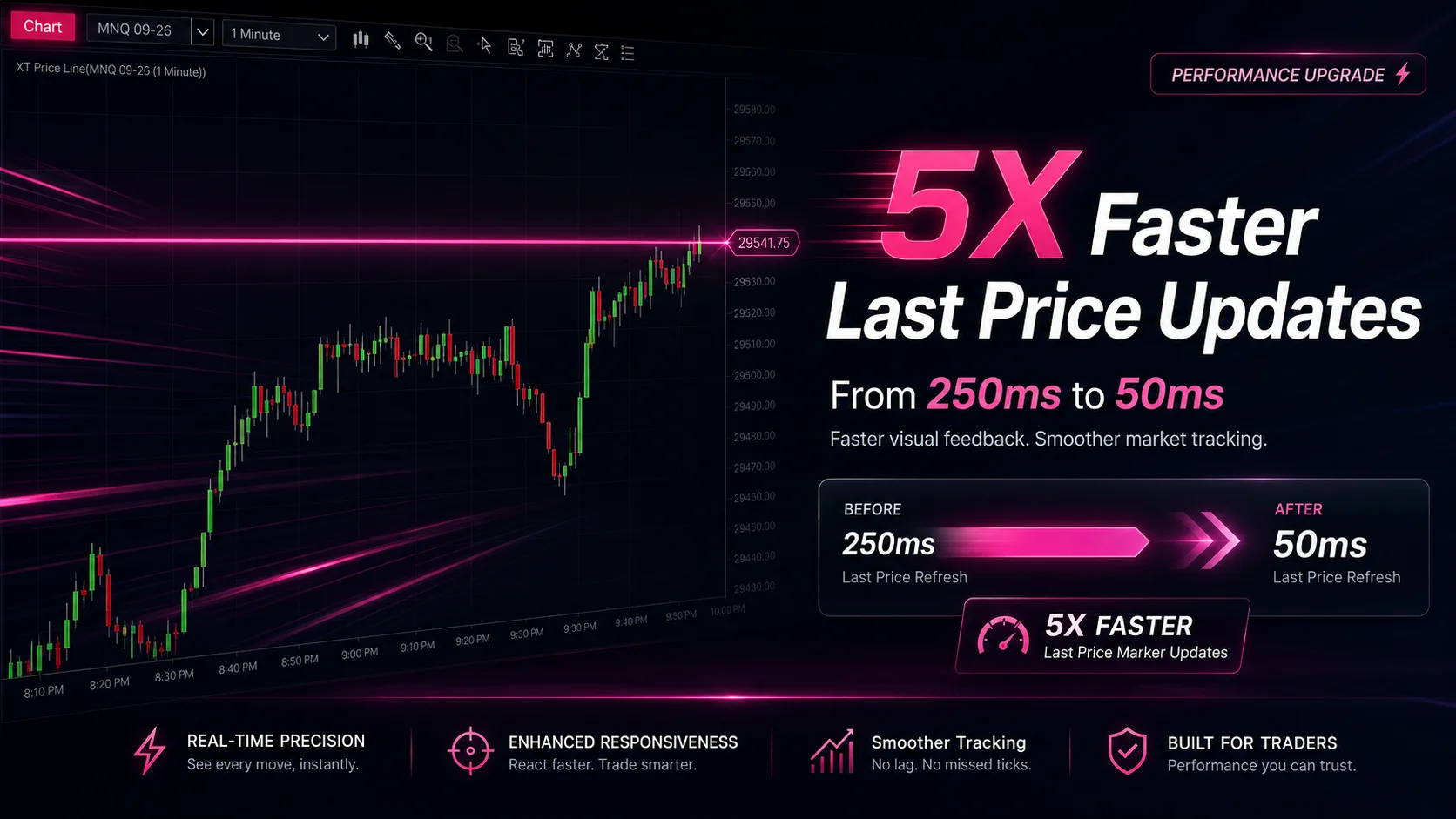
NinjaTrader Faster Last Price Updates on Charts Explained
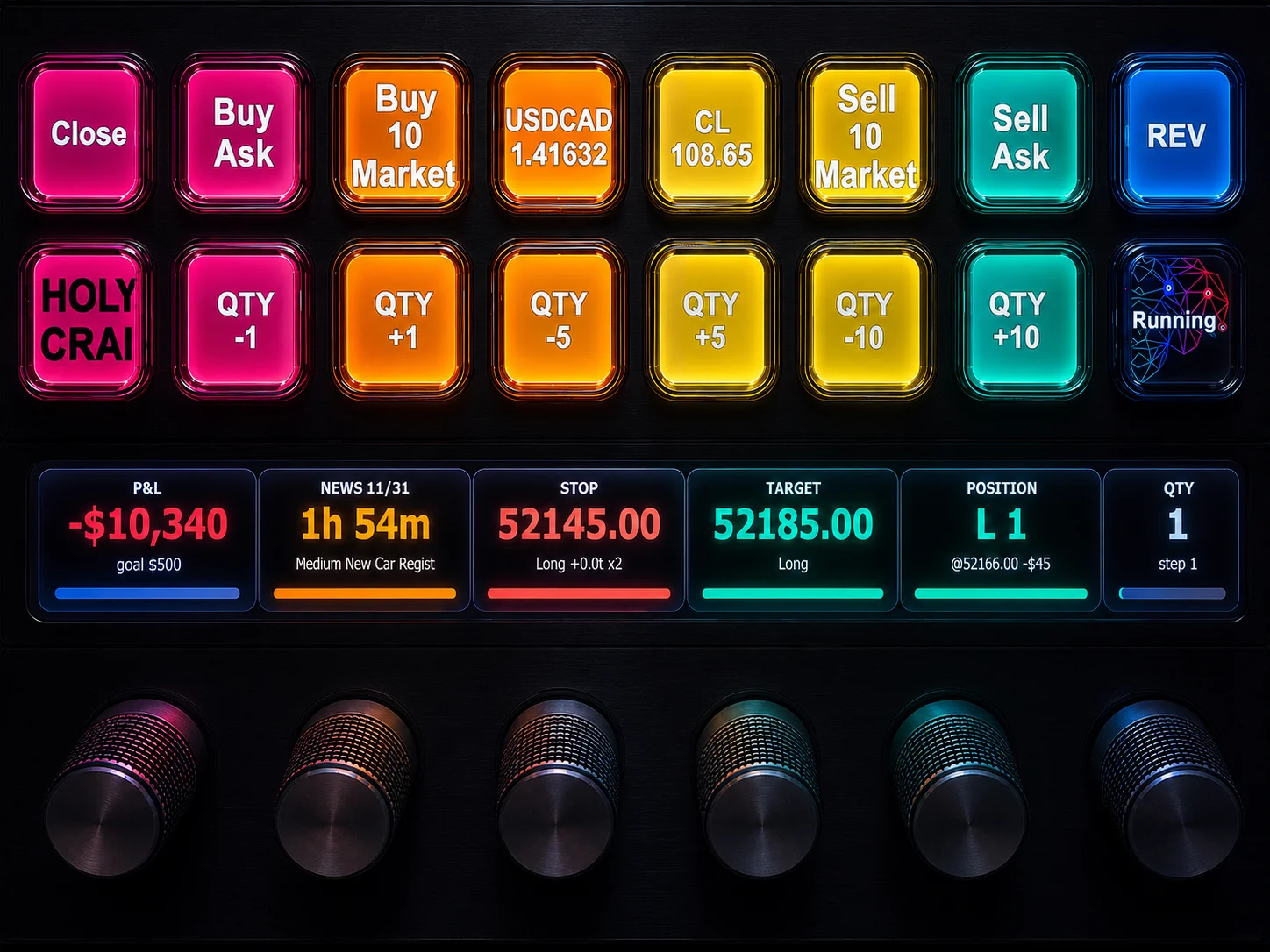
NinjaTrader 8 Hotkeys: Best Shortcuts for Faster Trading