XABCD TRADING
Selected Events for XABCD News Pro

Subscribe
to get alerts to our next blog post!
"Select Events" Feature Now Available in XABCD News Pro
Our latest update for the XABCD News Pro news events indicator is now out and includes "Select Events". This will give you the ability to have only the news on your chart that you want to see.
Before in the past you could choose to show events based off low, medium or high priority alerts. You can still do it this way, but the problem with this is what if you wanted all the high priority alerts and 1 selected medium priority alert?
Previously you would have to show all medium and high priority which would clutter your screen with a lot of unwanted medium priority alerts.This way, things will be a lot cleaner
How to Pick "Selected Events"?
This can be done by going into your NT8 Control center -> New (menu)>--> XABCD Suite --> XABCD News Pro
Along the right side of the window you will see a white box beside each event. This will allow you to check each box for the event you want displayed on your chart.
3 events selected (two low priority and one high) on the left side of the image. And the indicator will mark in the events on the chart (and only those events you have selected). When you select the line which represents the trading news events, you'll see what news event in the corner of the screen.

Other PRO Features in the NinjaTrader 8 Pro Release
With the PRO version of our software you can even get audio events with the news releases. You can even pick your own custom audio file. We include files that will say "[low,medium,high] priority news event"

Calendar entries are also color coded based on priority.

Settings can be controlled globally or via chart to chart and more control over styling, positions and targets.

Here is the link to the XABCD News Pro indicator if you are interested in purchasing it and we published a new video on these features on our youtube channel.
Frequently Asked Questions
What does selected events mean?
Selected events refers to a curated group of occasions, activities, or happenings that have been specifically chosen from a larger pool based on certain criteria such as relevance, popularity, or quality. These events are typically highlighted to help audiences quickly find the most noteworthy or recommended options available.
How are selected events typically chosen or curated?
Selected events are usually curated by organizers, editors, or algorithms based on factors like audience interest, timing, location, and overall significance. The selection process helps filter out less relevant options and presents only the most valuable or popular events to the intended audience.
Where can I find a list of selected events near me?
You can find selected events near you through local event platforms, community calendars, venue websites, and social media pages dedicated to your area. Many ticketing and event discovery apps also offer curated lists of selected events based on your location and interests.
What is the difference between selected events and all events?
Selected events represent a curated subset that has been hand-picked or filtered based on specific criteria, while all events include every available listing without any filtering. Browsing selected events saves time by focusing on the most relevant, popular, or recommended options rather than requiring you to sort through an entire catalog.
Can I get notifications for selected events I'm interested in?
Most event platforms and ticketing websites allow you to set up alerts or notifications for selected events that match your preferences. By creating an account and selecting your interests or favorite categories, you can receive email or push notifications whenever new curated events become available.
Frequently Asked Questions
What does selected events mean?
Selected events refers to a curated group of occasions, activities, or happenings that have been specifically chosen from a larger pool based on certain criteria such as relevance, popularity, or quality. These events are typically highlighted to help audiences quickly find the most noteworthy or recommended options available.
How are selected events typically chosen or curated?
Selected events are usually curated by organizers, editors, or algorithms based on factors like audience interest, timing, location, and overall significance. The selection process helps filter out less relevant options and presents only the most valuable or popular events to the intended audience.
Where can I find a list of selected events near me?
You can find selected events near you through local event platforms, community calendars, venue websites, and social media pages dedicated to your area. Many ticketing and event discovery apps also offer curated lists of selected events based on your location and interests.
What is the difference between selected events and all events?
Selected events represent a curated subset that has been hand-picked or filtered based on specific criteria, while all events include every available listing without any filtering. Browsing selected events saves time by focusing on the most relevant, popular, or recommended options rather than requiring you to sort through an entire catalog.
Can I get notifications for selected events I'm interested in?
Most event platforms and ticketing websites allow you to set up alerts or notifications for selected events that match your preferences. By creating an account and selecting your interests or favorite categories, you can receive email or push notifications whenever new curated events become available.
New NinjaTrader Articles Delivered First
Recommended Video
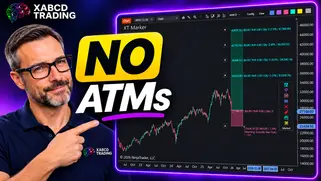
Ditch NinjaTrader ATMs: This Is More Powerful
See how to set your risk and calculate contracts directly on the chart.
Watch Now
Subscribe on YouTube
Related Tool
XABCD Position Tool
Automatic position sizing and on-chart trade management.
Explore the Tool
Why XABCD Trading
- Built for NinjaTrader 8 since 2009
- Trusted by 2,000+ traders
- On-chart tools, no ATM templates needed
- Free tools to get started
Get Project Updates
Twice-monthly maximum, we will give you updates on all the projects going here.
Quick Links
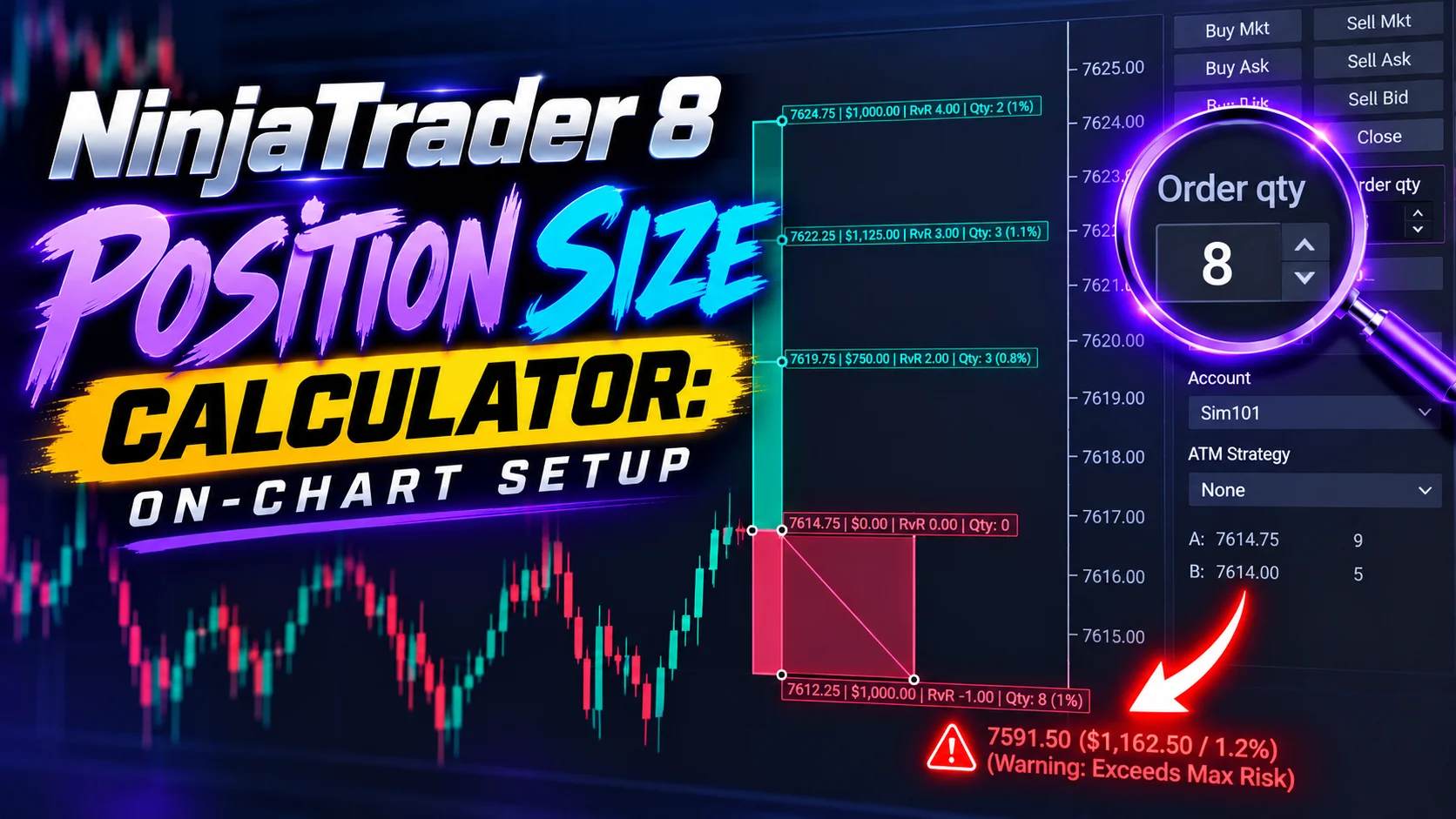
NinjaTrader 8 Position Size Calculator: On-Chart Setup
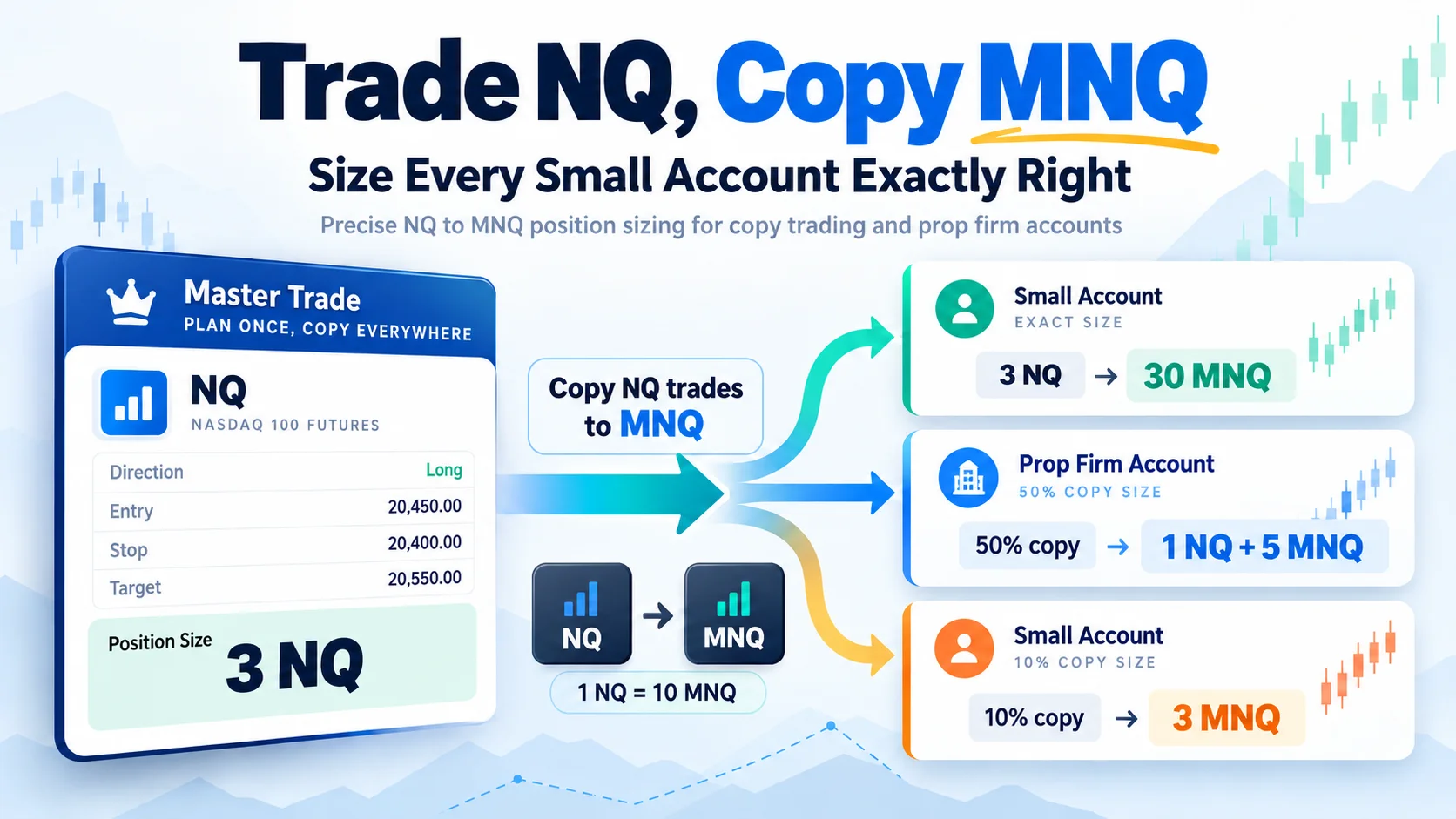
Trade NQ, Copy MNQ: Copy NQ Trades to MNQ in NinjaTrader 8
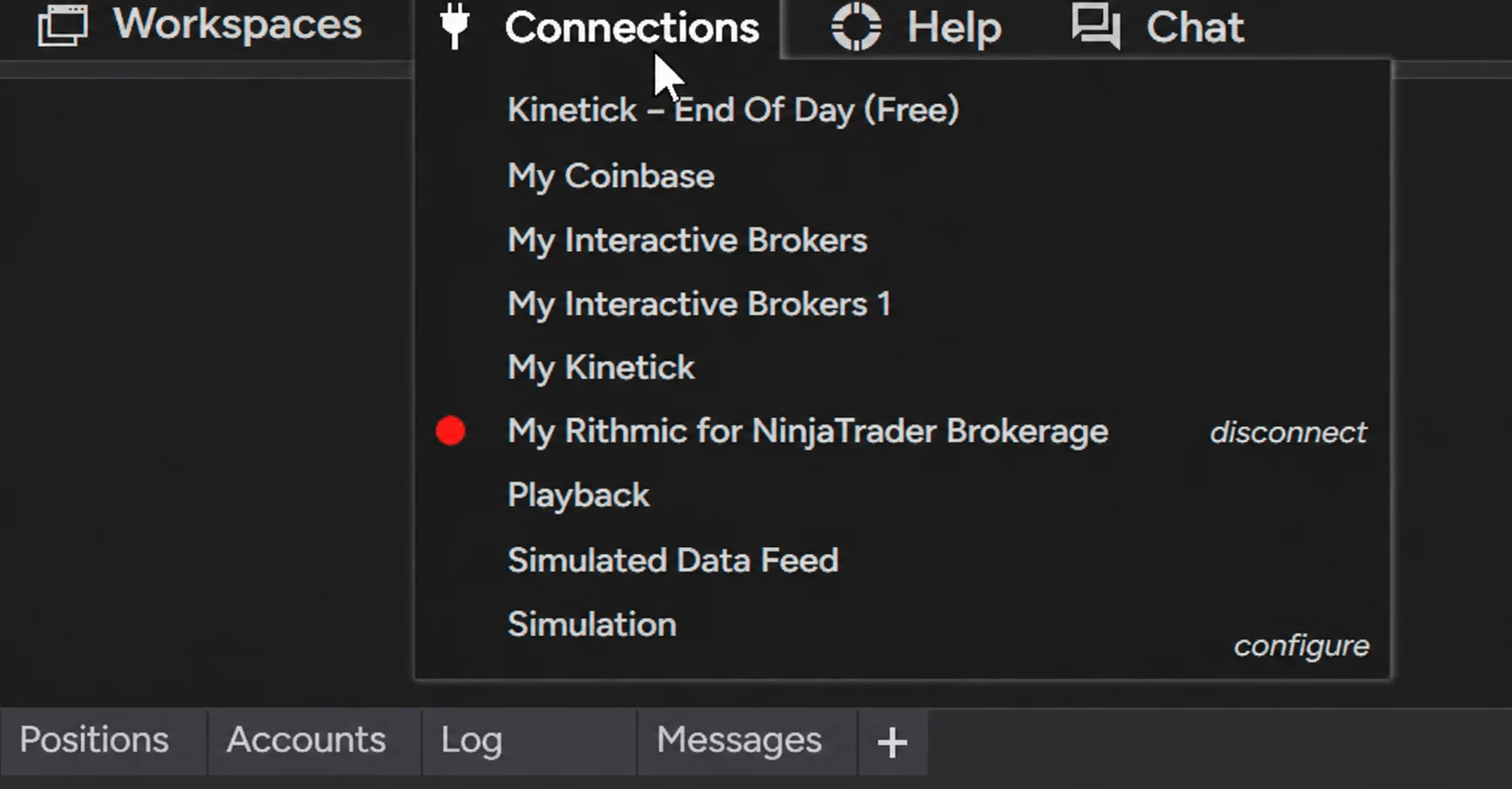
NinjaTrader Data Feed Not Updating? Quick Fixes
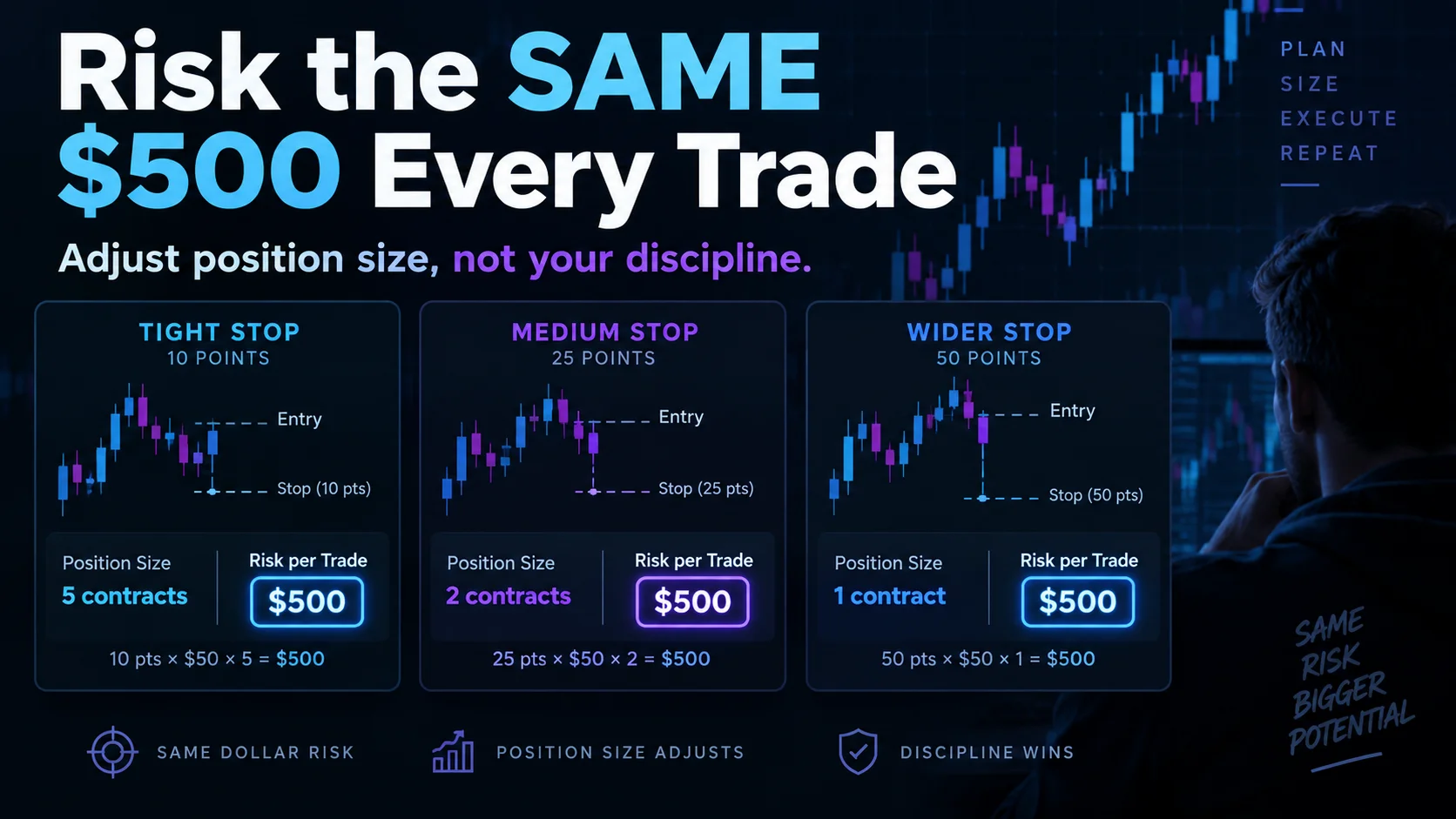
NinjaTrader Risk Per Trade: Risk $500 on Every Trade
NinjaTrader 8.1.8 Review: Should You Upgrade or Wait?
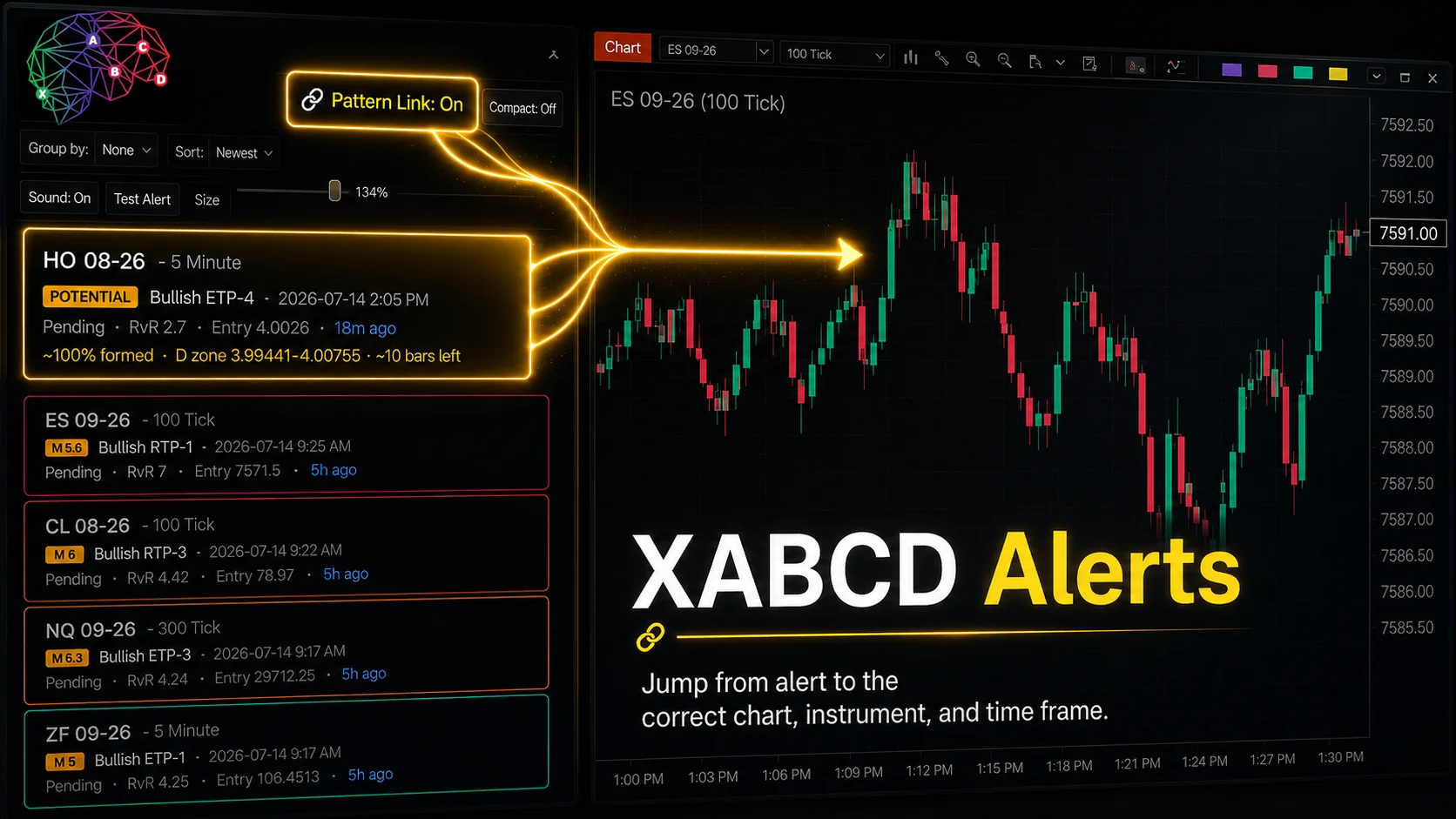
XABCD Pattern Alerts: The Complete Guide for Traders
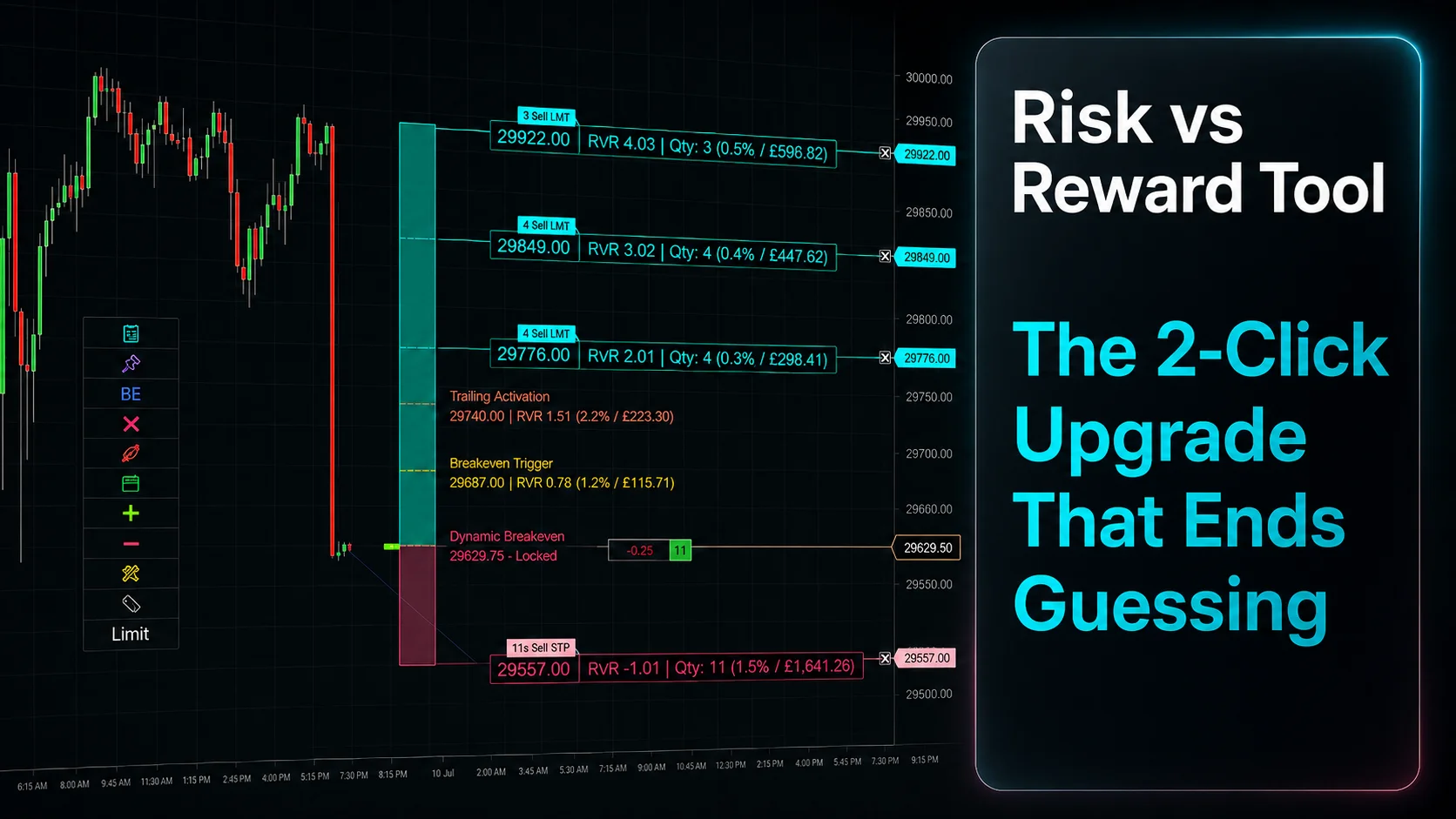
Risk vs Reward Tool: The 2-Click Upgrade That Ends Guessing
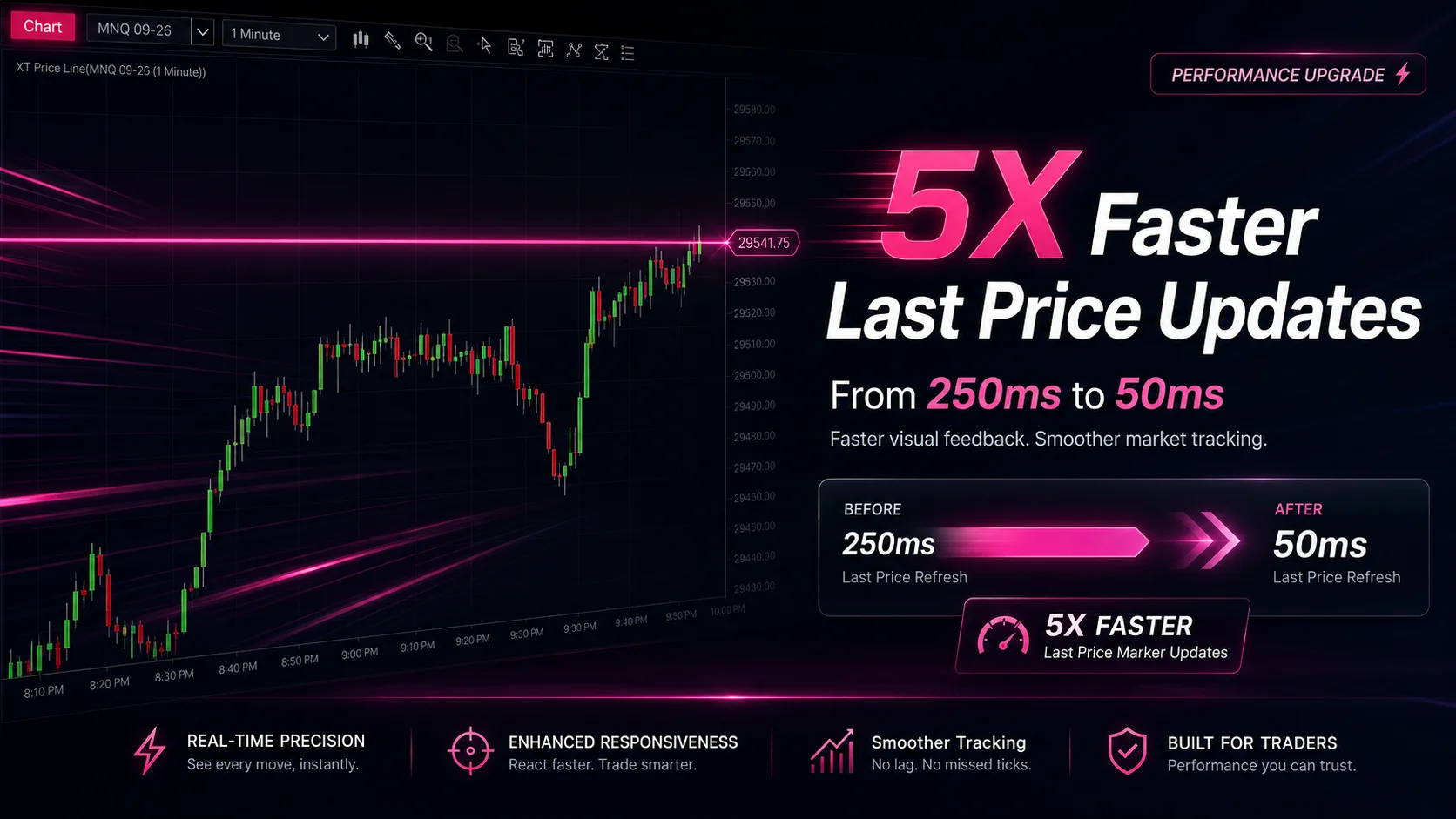
NinjaTrader Faster Last Price Updates on Charts Explained
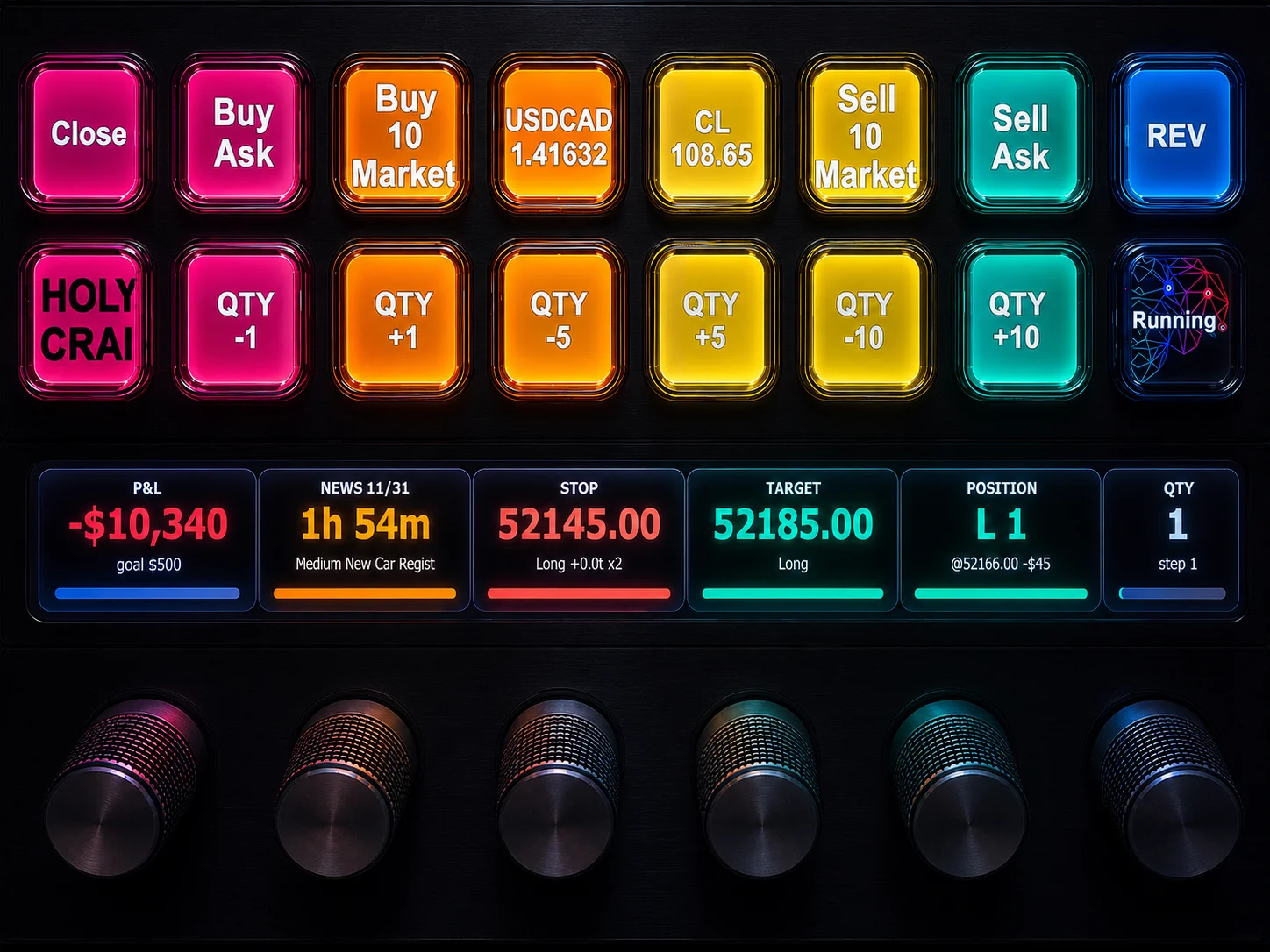
NinjaTrader 8 Hotkeys: Best Shortcuts for Faster Trading