XABCD TRADING

Big Changes in NinjaTrader 8.1.3 New Release
Subscribe
to get alerts to our next blog post!
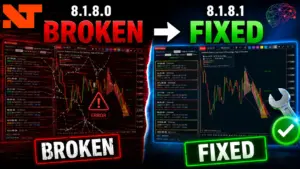
NinjaTrader 8.1.3.0 is out the door - and some important changes that affects stability.
In this video here, we summarize all of the bugs that were fixed or features that we feel is most important and worthy of your time.
Do you like these? Give us a big thumbs up on the video page and help support future releases.
Example of Some of the Bugs Fixed
Each time we put out one of these release videos, we summarize everything so you don't have too. Here is an example below:
Trailing Stops in WebTrader Didn't Match to Desktop
This seems to have only effected the adjustment moves that were made in a trailing stop. The bug #11979 corrected this so that they match up which is always good for consistency reasons.
"Target Filled" Sound File was Missing
This sound file is now being shipped (Bug #11989). Obviously this would be really important when it comes to alerting yourself, so good that this is fixed...
How to Get Alerted to New Release Videos?
Simple, just subscribe to our youtube channel and hit the bell so you will be alerted to each video that comes out. This will be the best way to get notified (and the quickest) for when a new release drops. From time to time, we notify our users via our newsletter with some other xabcd trading updates, but this is not as quick as the youtube video notifications.
How Soon After A Release Do We Publish Them?
As an official NinjaTrader Vendor, we get early access to new releases. So before they are made public, we're able to go through them and submit our feedback to see if anything could be changed or to report regressions. This is when we build our videos and get them ready, so as soon as they drop a new release, we can publish our video.
Typically NinjaTrader will publish a new release and wait around 3 days before making it a general announcement through the platfrom. This is probably just in case they need to publish any quick hotfixes. So if you want to get alerted to new releases before the official annoucement, you'll want to subscribe to our channel.
How Can You View Past Release Videos?
We have been doing these since the release of 8.0.7.1... that is a long time! Below you will find links to each video of every release:
8.0.7.1
8.0.8.0
8.0.9.0
8.0.10.0
8.0.11.0
8.0.12.0
8.0.15.0
8.0.16.0
8.0.17.0
8.0.18.0
8.0.19.0
8.0.20.0
8.0.21.0
8.0.22.0
8.0.23.0
8.0.24.0
8.0.25.0
8.0.26.0
8.0.27.0
8.1.1.1
8.1.2.0
8.1.3.0
8.0.8.0
8.0.9.0
8.0.10.0
8.0.11.0
8.0.12.0
8.0.15.0
8.0.16.0
8.0.17.0
8.0.18.0
8.0.19.0
8.0.20.0
8.0.21.0
8.0.22.0
8.0.23.0
8.0.24.0
8.0.25.0
8.0.26.0
8.0.27.0
8.1.1.1
8.1.2.0
8.1.3.0
Is NinjaTrader free to use?
NinjaTrader offers a free version that includes advanced charting, market analysis tools, and simulated trading capabilities. However, to trade live markets, you'll need to either lease or purchase a license, with plans starting at $49 per month or a one-time lifetime purchase of $1,099. Free users can still access real-time market data and practice strategies using the platform's built-in simulation mode.
Is NinjaTrader good for beginners?
NinjaTrader can be suitable for beginners, especially because it offers a free simulation mode that allows new traders to practice without risking real money. The platform provides extensive educational resources, webinars, and a supportive community forum. However, its advanced features and interface may feel overwhelming at first compared to simpler platforms, so beginners should expect a moderate learning curve.
What markets can you trade on NinjaTrader?
NinjaTrader primarily supports trading in futures and forex markets, with access to popular instruments like E-mini S&P 500, crude oil, gold, and major currency pairs. The platform also supports equities and options trading through connected brokerage accounts. NinjaTrader's own brokerage service specializes in futures trading and offers competitive commissions starting as low as $0.09 per micro contract.
How does NinjaTrader compare to TradingView?
NinjaTrader is best suited for active futures traders who need advanced order execution, automated strategy development, and direct brokerage integration, while TradingView excels as a cloud-based charting and social networking platform for traders across all markets. NinjaTrader is a desktop-based application offering deeper customization through C# programming, whereas TradingView is browser-based and uses Pine Script for custom indicators. Many traders use TradingView for analysis and charting while executing trades through NinjaTrader's brokerage.
Can you automate trading strategies with NinjaTrader?
Yes, NinjaTrader offers robust automated trading capabilities through its NinjaScript programming language, which is based on C#. Traders can build, backtest, and deploy fully automated strategies that execute trades without manual intervention. The platform also includes a Strategy Builder tool that allows users to create basic automated strategies without any coding knowledge, making algorithmic trading accessible to non-programmers.
New NinjaTrader Articles Delivered First

Easy Order Tool
The Strategy

Scanning & Alerting

NinjaTrader Release
XABCD News (Free Version)
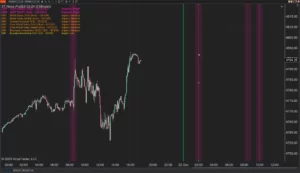
XABCD News (Community Edition) is the best free Indicator for NinjaTrader 8. Don't let news sneak up on you again. Puts economic news events on your charts so you can stay informed and move around positions/stops before the news is released. Works in any market.
XABCD Priceline (Free)
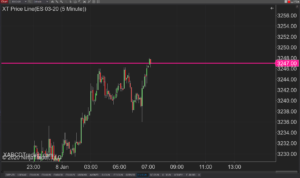
XABCD Price Line tool for NinjaTrader 8 will draw a line at current price and move every time the market changes price. This is useful because it will allow you to easily identify where price is at all times and the exact quoted price.
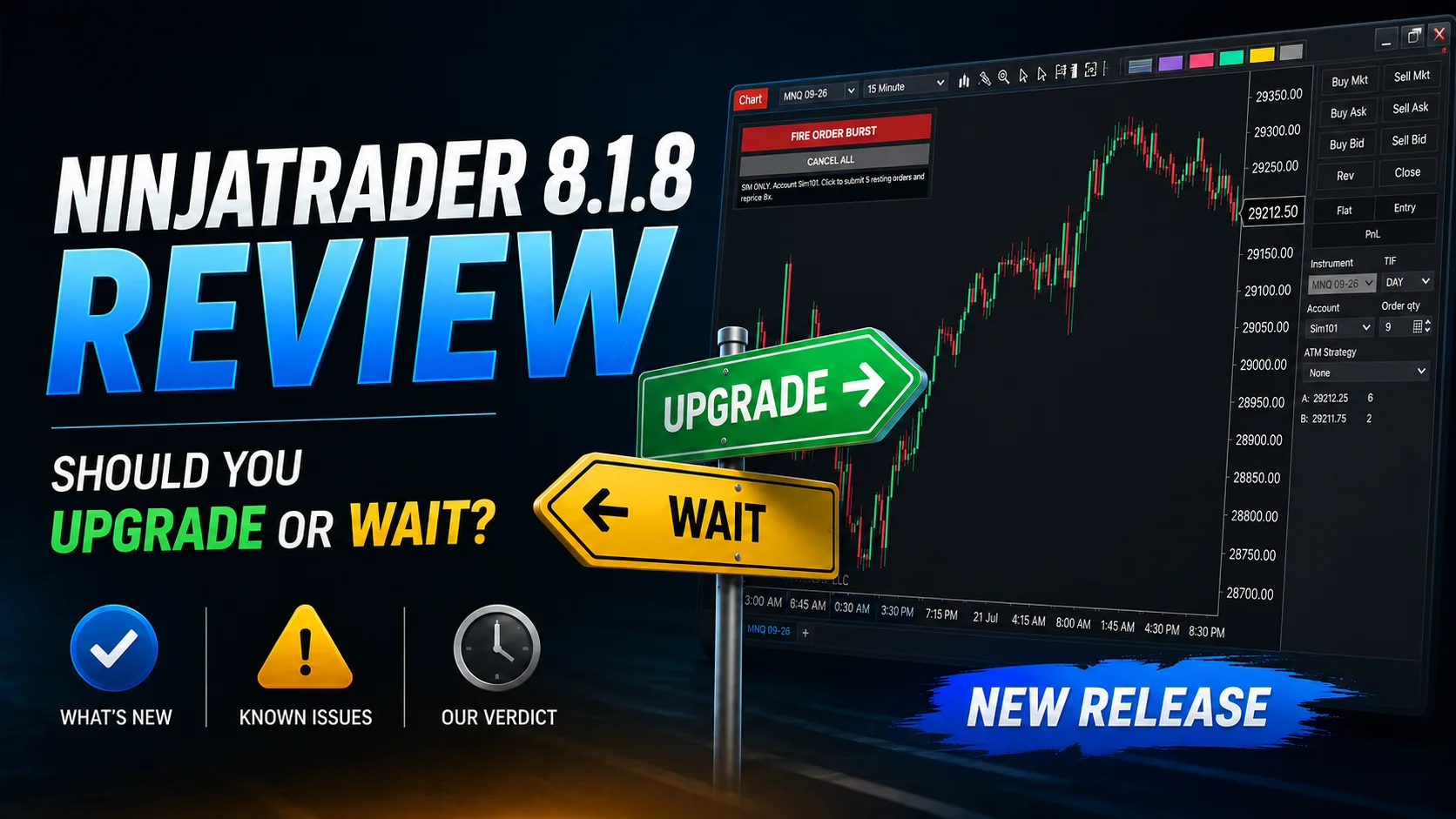
NinjaTrader 8.1.8 Review: Should You Upgrade or Wait?
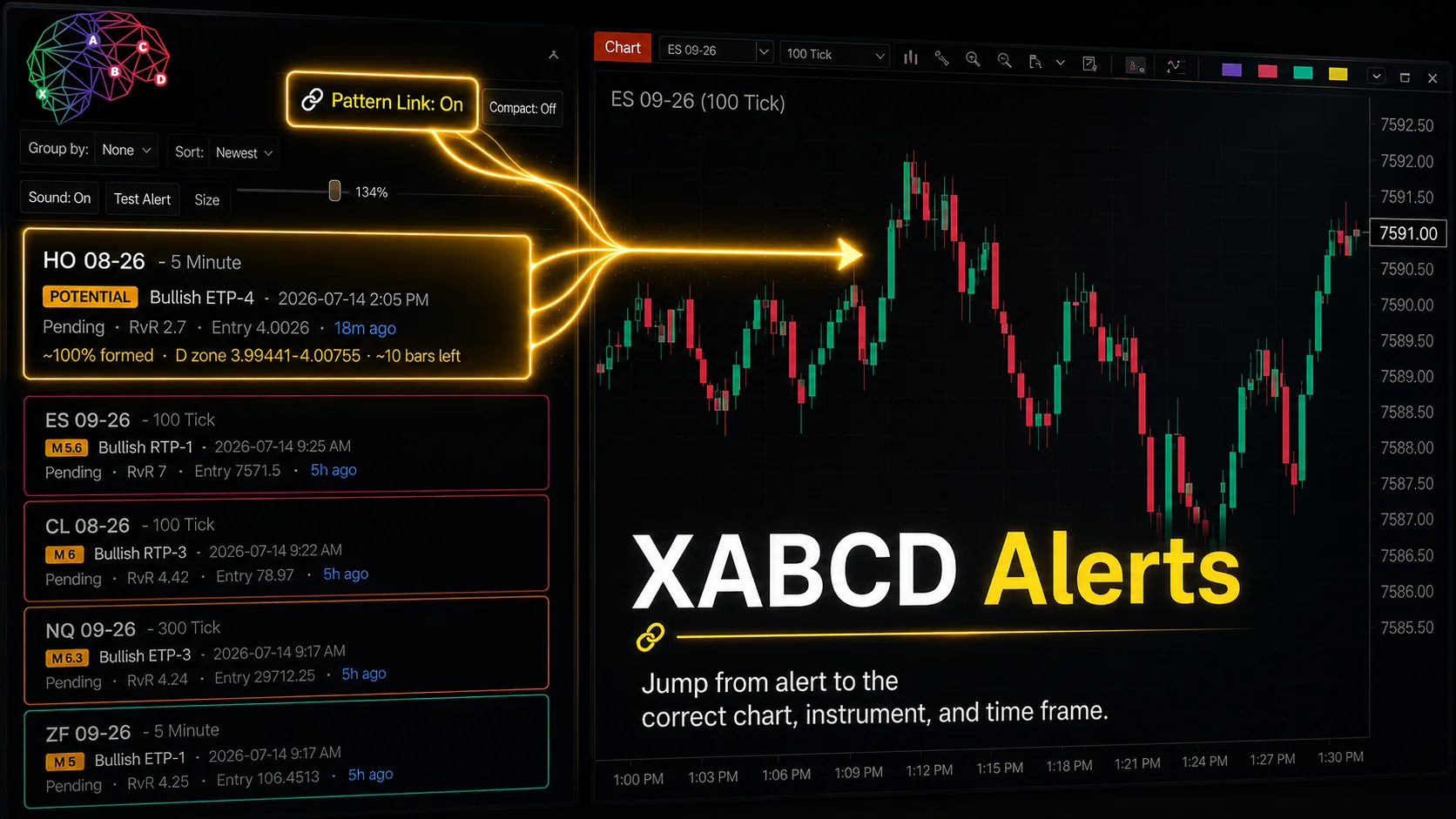
XABCD Pattern Alerts: The Complete Guide for Traders
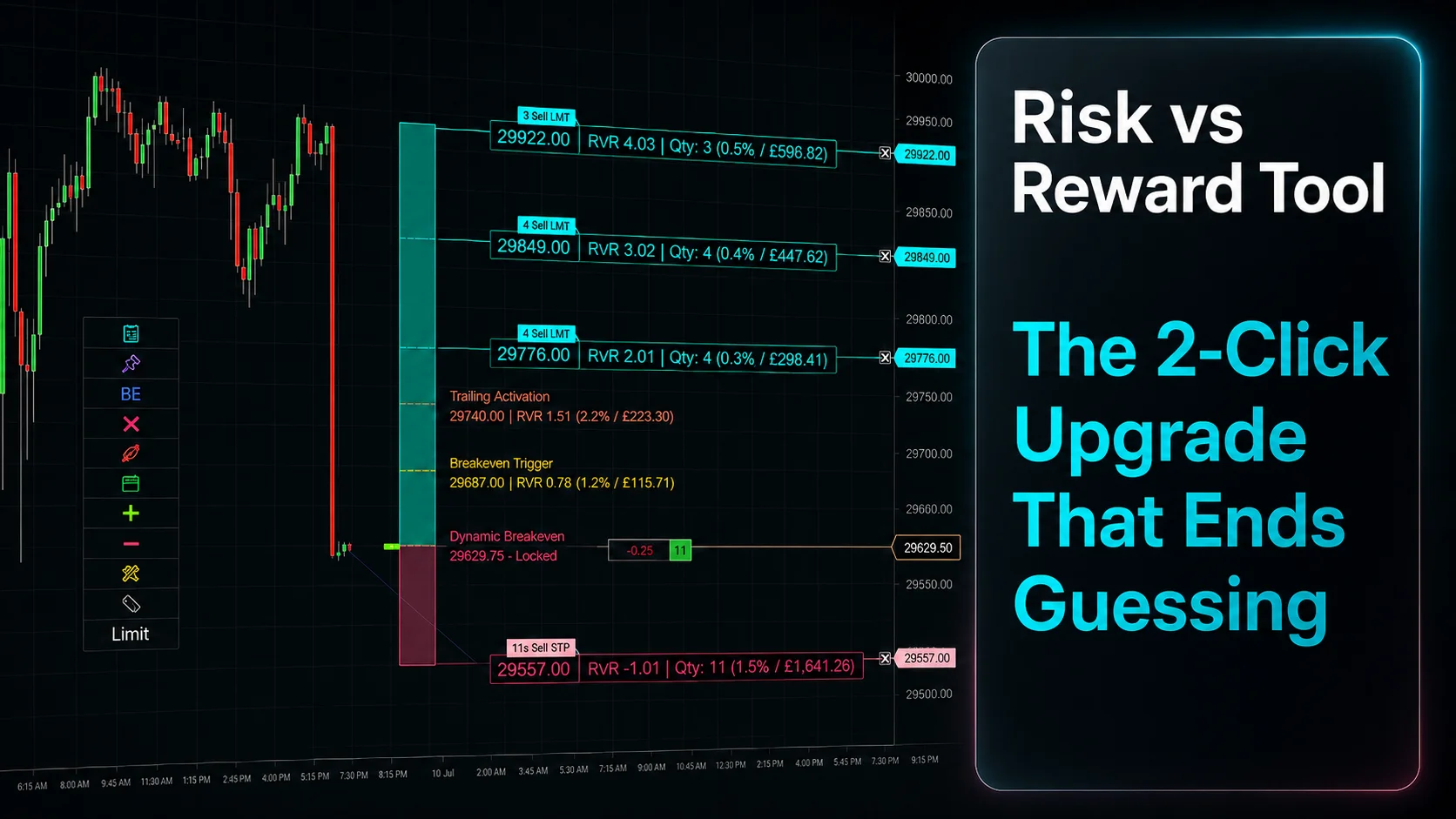
Risk vs Reward Tool: The 2-Click Upgrade That Ends Guessing
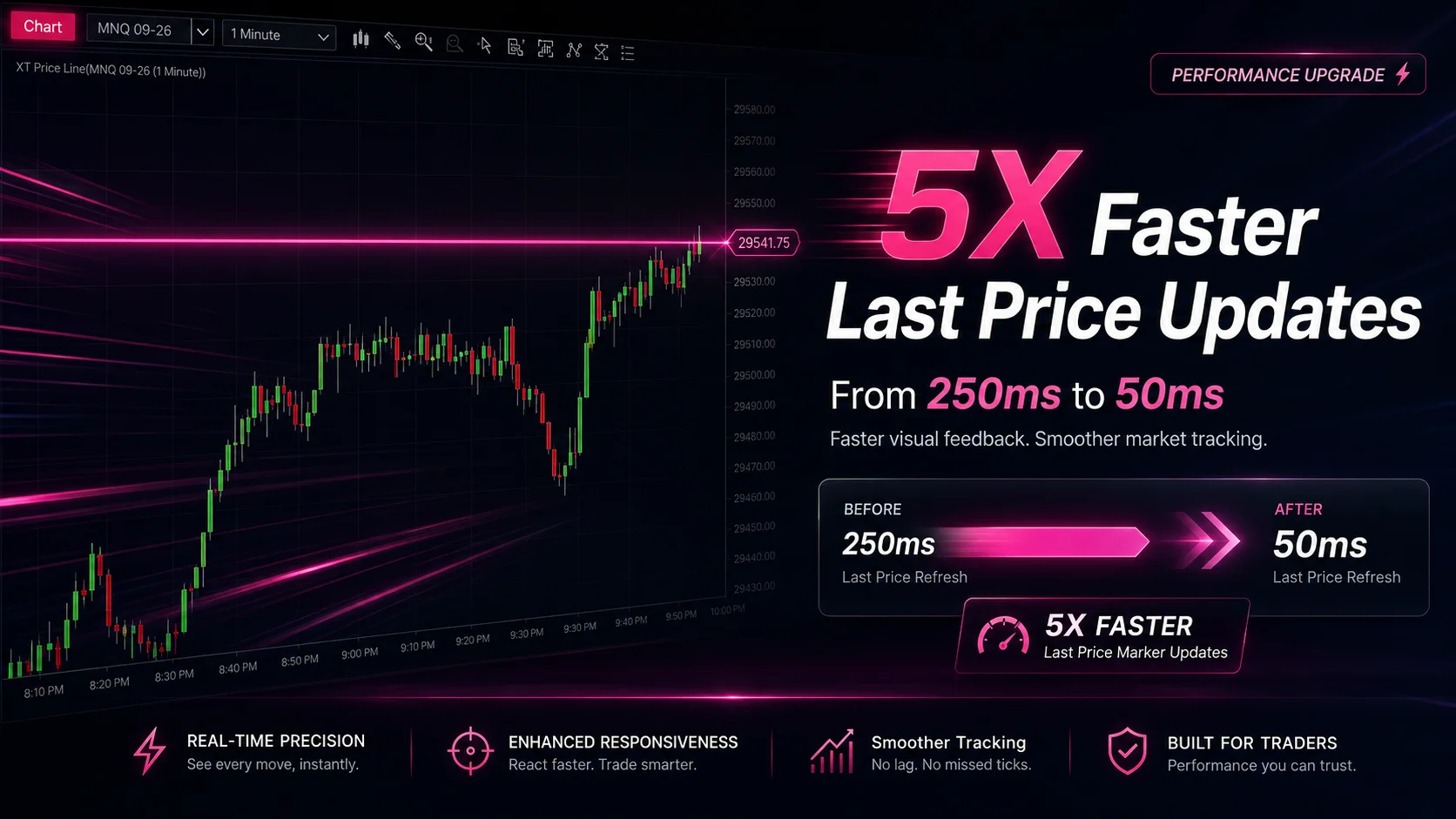
NinjaTrader Faster Last Price Updates on Charts Explained
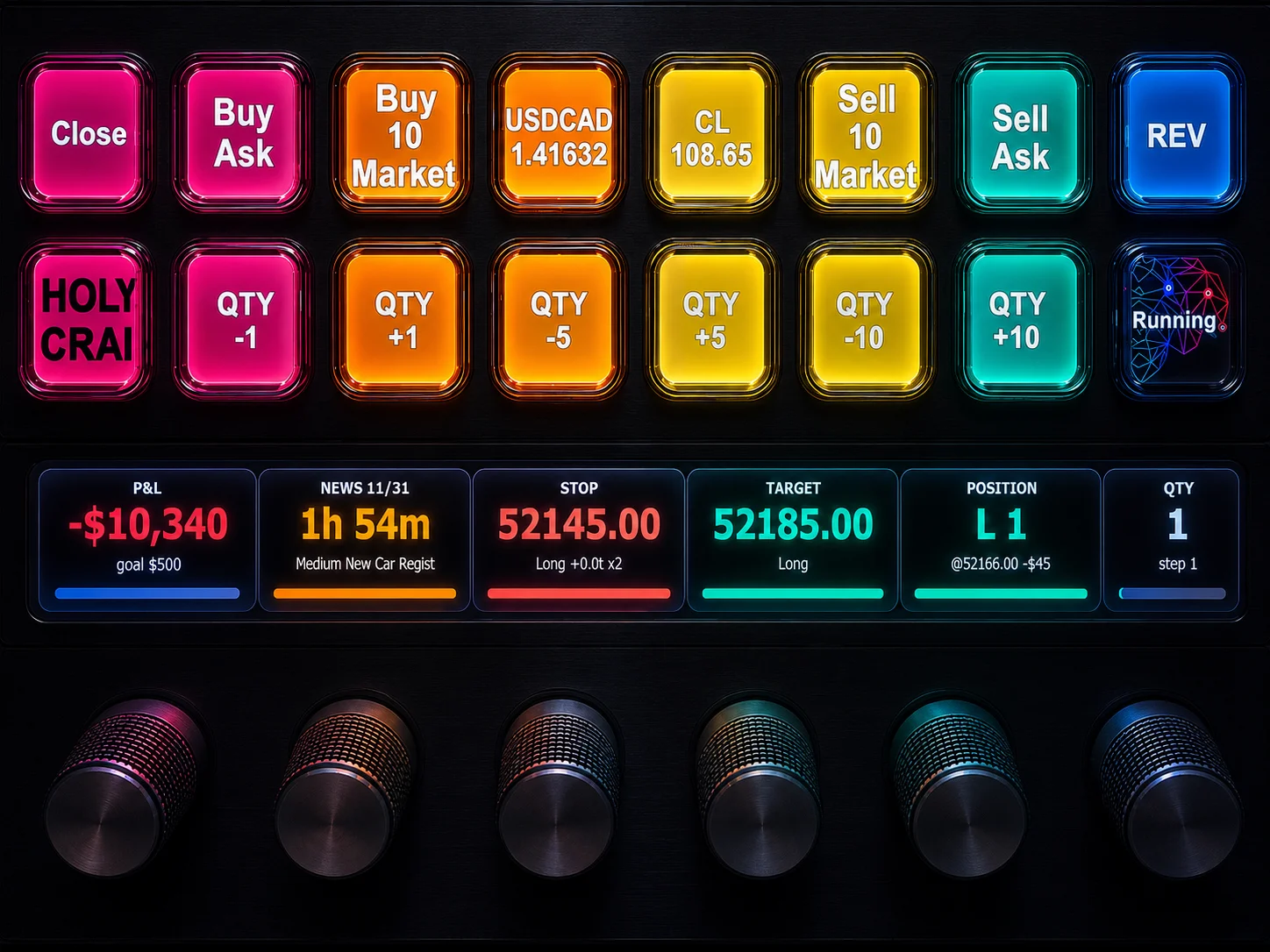
NinjaTrader 8 Hotkeys: Best Shortcuts for Faster Trading
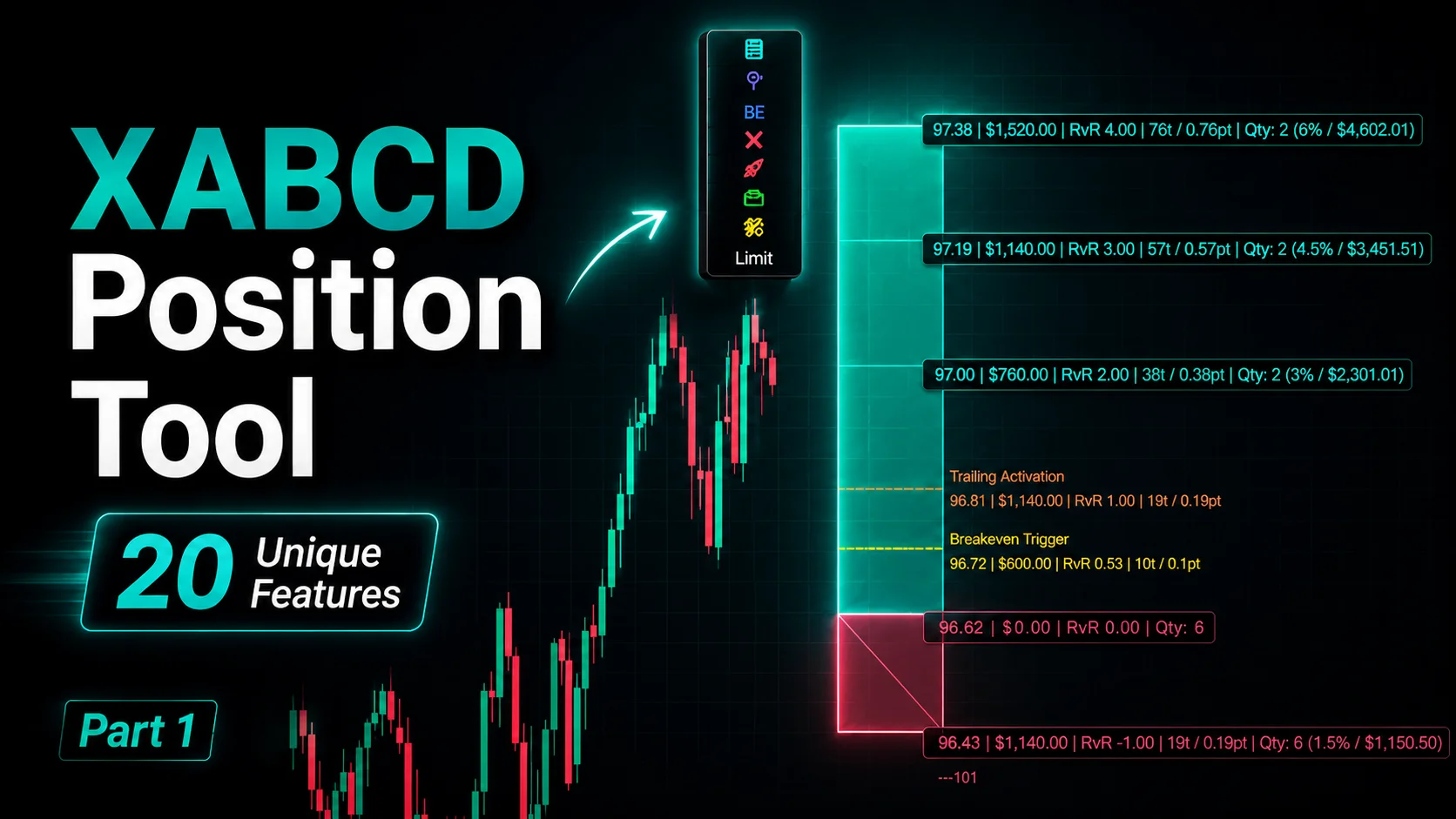
NinjaTrader Position Sizing Tool: 64 Features Stock NT8 Does Not Include
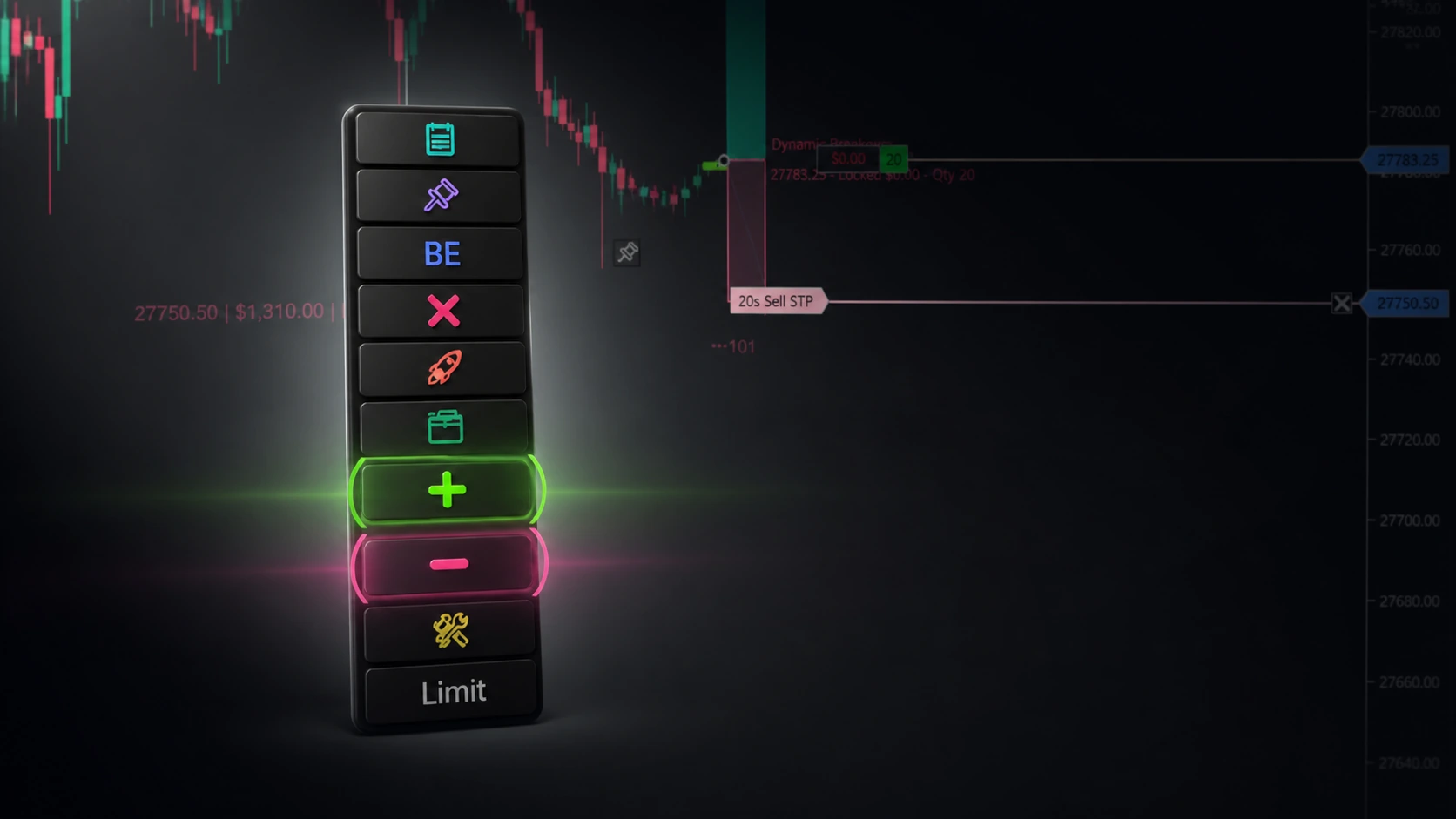
NinjaTrader – Adding to Position: A Field Guide for Active Traders
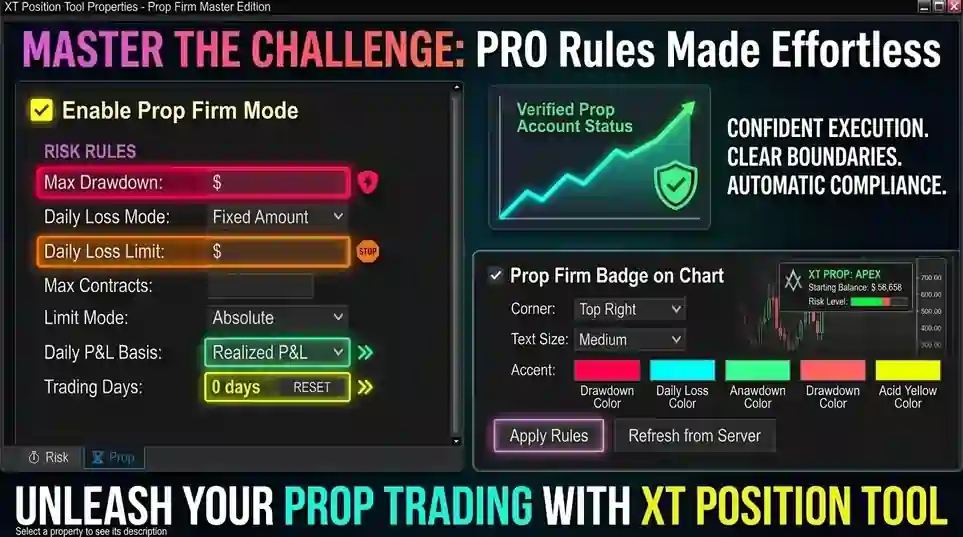
NinjaTrader Prop: The Ultimate Guide to Prop Firm Trading
Does the XABCD Position Tool Lag?