XABCD TRADING

NinjaTrader 8 Realistic System Requirements
Subscribe
to get alerts to our next blog post!
XABCD Trading's Recommended System Requirements for NinjaTrader 8
This is not the official recommended NinjaTrader 8 system requirements. This is our recommendation from a traders perspective and working with multiple traders setups etc. The official minimum and recommended settings from NinjaTrader can found further down in this article.
Laptop and desktop system requirements should not be treated the same for traders because the way people use them is often very different. A laptop trader may have a smaller screen, lower resolution, and less room for charts, order panels, and news windows all at once.
Therefore, a desktop setup often has more power and may use one large monitor or even two or three screens, which changes how much can be shown clearly. For trading, screen space matters because if charts look crowded or buttons are hard to see, it can slow you down and lead to mistakes. That is why system requirements should match the setup, not just the software.
Our Minimum NinjaTrader 8 System Requirements for Desktops
- 2 (GHz) or faster quad core 64-bit processor
- 32 GB RAM
- SSD Hard Drive
- DirectX 10 compatible graphics card with at least 8GB of video ram
- Microsoft .NET Framework 4.8
- Screen resolution of 1920 x 1080
Our Minimum NinjaTrader 8 System Requirements for Laptops
- 2 (GHz) or faster quad core 64-bit processor
- 16 GB RAM
- SSD Hard Drive
- DirectX 10 compatible graphics card with at least 8GB of video ram
- Microsoft .NET Framework 4.8
- Screen resolution of 1024 x 768
Why? We have seen lots of setups of people running our XABCD Pattern Suite and have seen the system resources with a fresh install, and also users that have a full setup and using it a year later. If you want to be happy, you need that minimum 16 GB of RAM as NinjaTrader will make use of it. My last computer upgrade I put in 64GB but I would say I'm a very intensive user than most. So 16GB is a minimum in my eyes for trader i've seen.
NinjaTrader 8 Recommended System Requirements
These are the official recommended settings from NinjaTrader
- 2 (GHz) or faster quad core 64-bit processor
- 8 GB RAM (We, XABCD Trading, recommend 16 GB)
- SSD Hard Drive
- DirectX 10 compatible graphics card
- Microsoft .NET Framework 4.8
- Screen resolution of 1024 x 768
NinjaTrader 8 Minimum System Requirements
This is the minimum system requirements if you're looking at running the program. This doesn't mean your system will run well, it just means the application will open and function. You'll probably want to use the recommended settings by us at the top of the page.
- 1 gigahertz (GHz) or faster 64-bit processor
- 2GB RAM
- Microsoft .NET Framework 4.8
- Screen resolution of 1024 x 768
- DirectX 10 compatible graphics card with at least 8GB of video ram
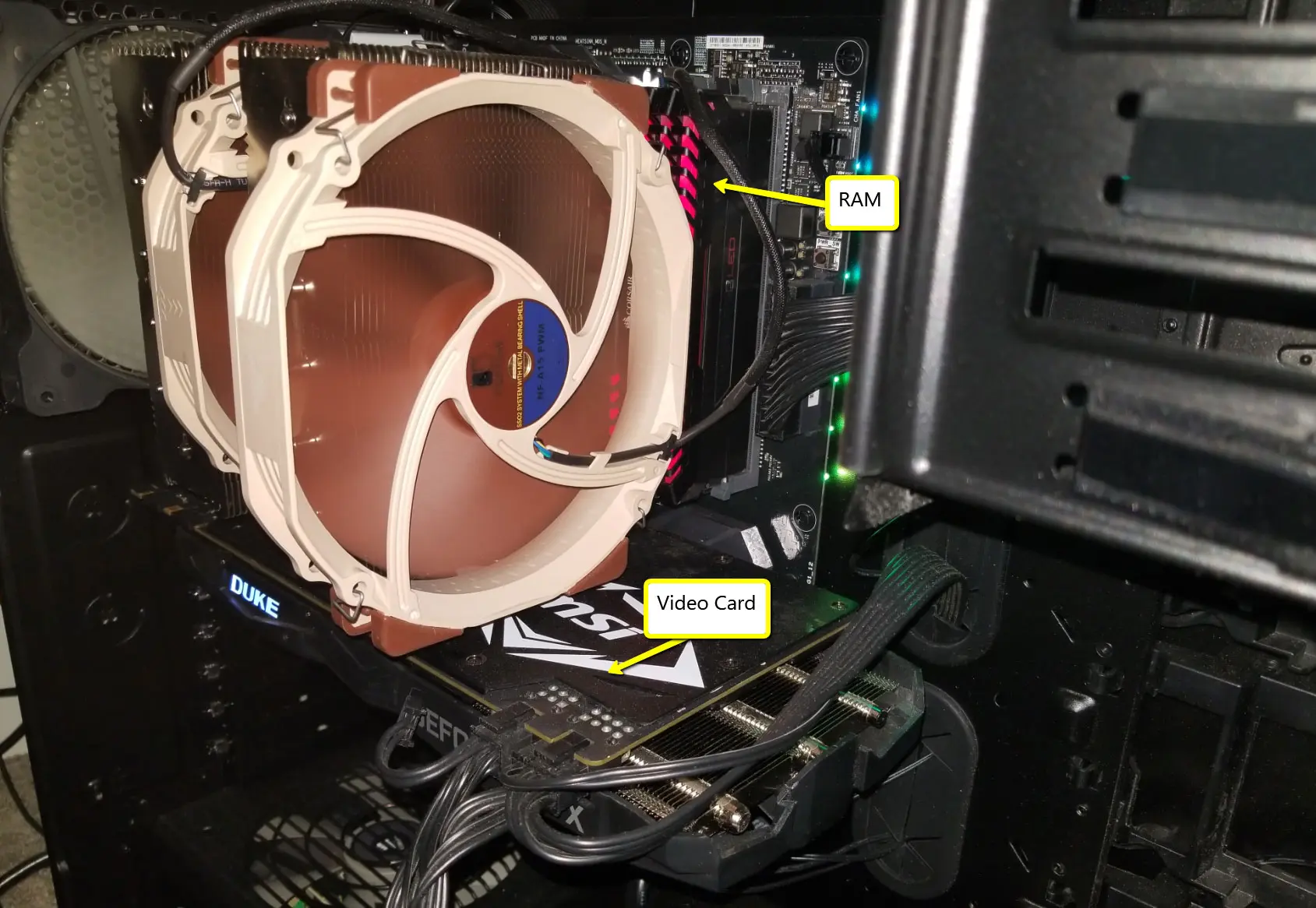
Why a Minimum 8 GB GeForce Card Makes Sense for NinjaTrader
NinjaTrader does not officially require an 8 GB GeForce card. Its published guidance says a DirectX 10 compatible graphics card is recommended, alongside 8 GB of system RAM and an SSD. So the case for 8 GB of VRAM should be framed as a smart recommendation for heavier trading setups, not as an official NinjaTrader rule.
That said, many NinjaTrader users do not run a basic one-chart layout. They often have several charts open at once, plus indicators, drawing tools, DOM windows, market analyzers, browsers, and more than one monitor. In that kind of setup, the graphics card has to do more work to keep everything rendering smoothly and feeling responsive. This is where a stronger GeForce card starts to make practical sense.
An 8 GB card gives you more graphics memory headroom for higher resolutions and more screen space. That matters more when you are using multiple 1440p or 4K displays, or when your NinjaTrader workspace is crowded with windows and chart data. The goal is not gaming-level power. The goal is to avoid sluggish screen updates, stutter, or a setup that feels strained when markets are moving fast.
Benchmark data also helps support the idea that stepping up to a desktop GeForce card with 8 GB can be worthwhile. For example, PassMark lists the GeForce RTX 3050 8GB at about 12,503 G3D Mark, while the GeForce RTX 3050 6GB is around 10,773 in the same comparison. That does not prove NinjaTrader needs that exact card, but it does show that common 8 GB desktop options can offer a meaningful performance bump over lower-memory variants
This is why the best argument is really about consistency and breathing room. If someone only uses a simple NinjaTrader layout on one modest monitor, an 8 GB GeForce card may be more than they need. But for traders building a more serious workstation, it is a reasonable baseline because it leaves room for more charts, more monitors, and a smoother overall desktop experience without pushing the graphics card too close to its limits.
So the strongest, most accurate way to say it is this: NinjaTrader itself only calls for a DirectX 10 compatible GPU, but a minimum 8 GB GeForce card is a sensible recommendation for traders who want a cleaner, more responsive multi-window setup. It is less about meeting a hard requirement and more about choosing hardware that better fits the way many real NinjaTrader users actually trade. Benchmark references for that case are here and here.
Recommended Hardware
We have done a post on this topic already which is our recommended hardware for desktop or laptop users. We cover different budgets and devices that we recommend. We also have done a review on ultrawide monitors and would highly recommend them if you're going to be trading for a while. Make sure if you're trading from a laptop to follow our top trading tips for laptop users.
New NinjaTrader Articles Delivered First
 (opens in a new tab)
Easy Order Tool
The Strategy


Scanning & Alerting

NinjaTrader Release
XABCD News (Free Version)
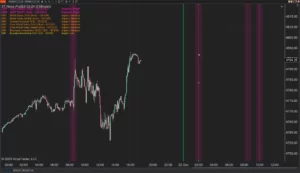
XABCD News (Community Edition) is the best free Indicator for NinjaTrader 8. Don't let news sneak up on you again. Puts economic news events on your charts so you can stay informed and move around positions/stops before the news is released. Works in any market.
XABCD Priceline (Free)
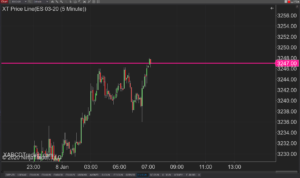
XABCD Price Line tool for NinjaTrader 8 will draw a line at current price and move every time the market changes price. This is useful because it will allow you to easily identify where price is at all times and the exact quoted price.
NinjaTrader Data Feed Not Updating? Quick Fixes
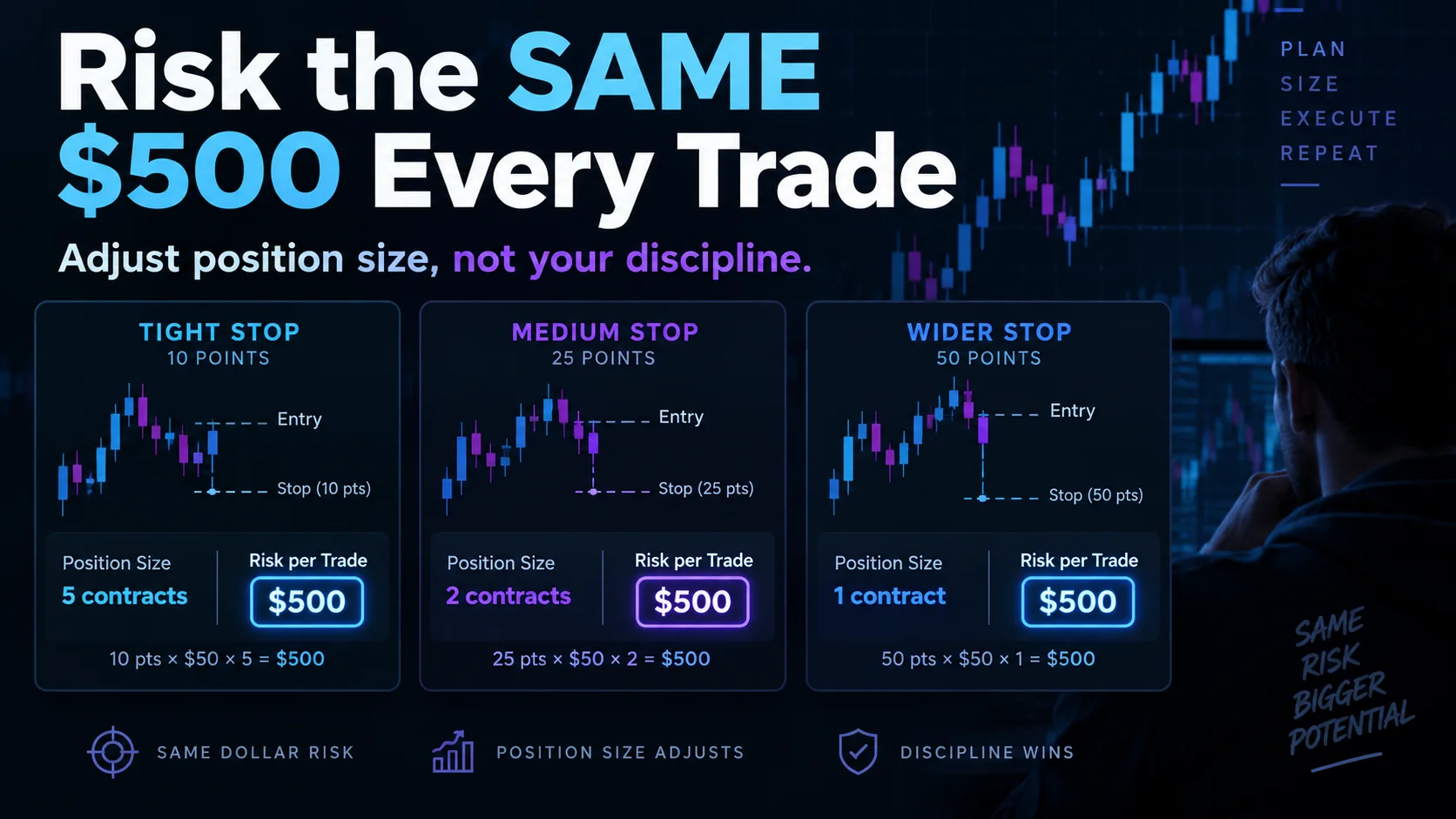
NinjaTrader Risk Per Trade: Risk $500 on Every Trade
NinjaTrader 8.1.8 Review: Should You Upgrade or Wait?
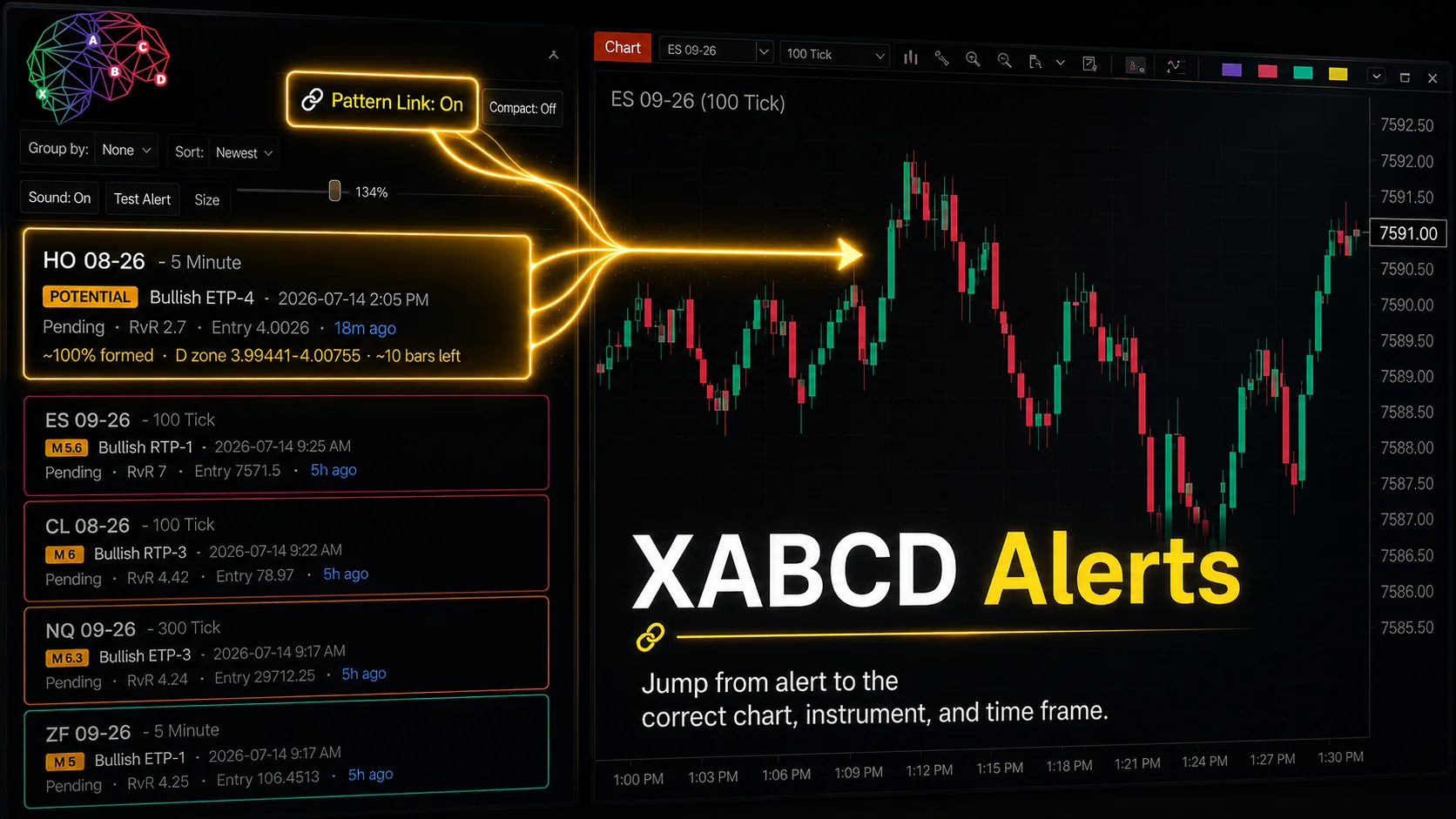
XABCD Pattern Alerts: The Complete Guide for Traders
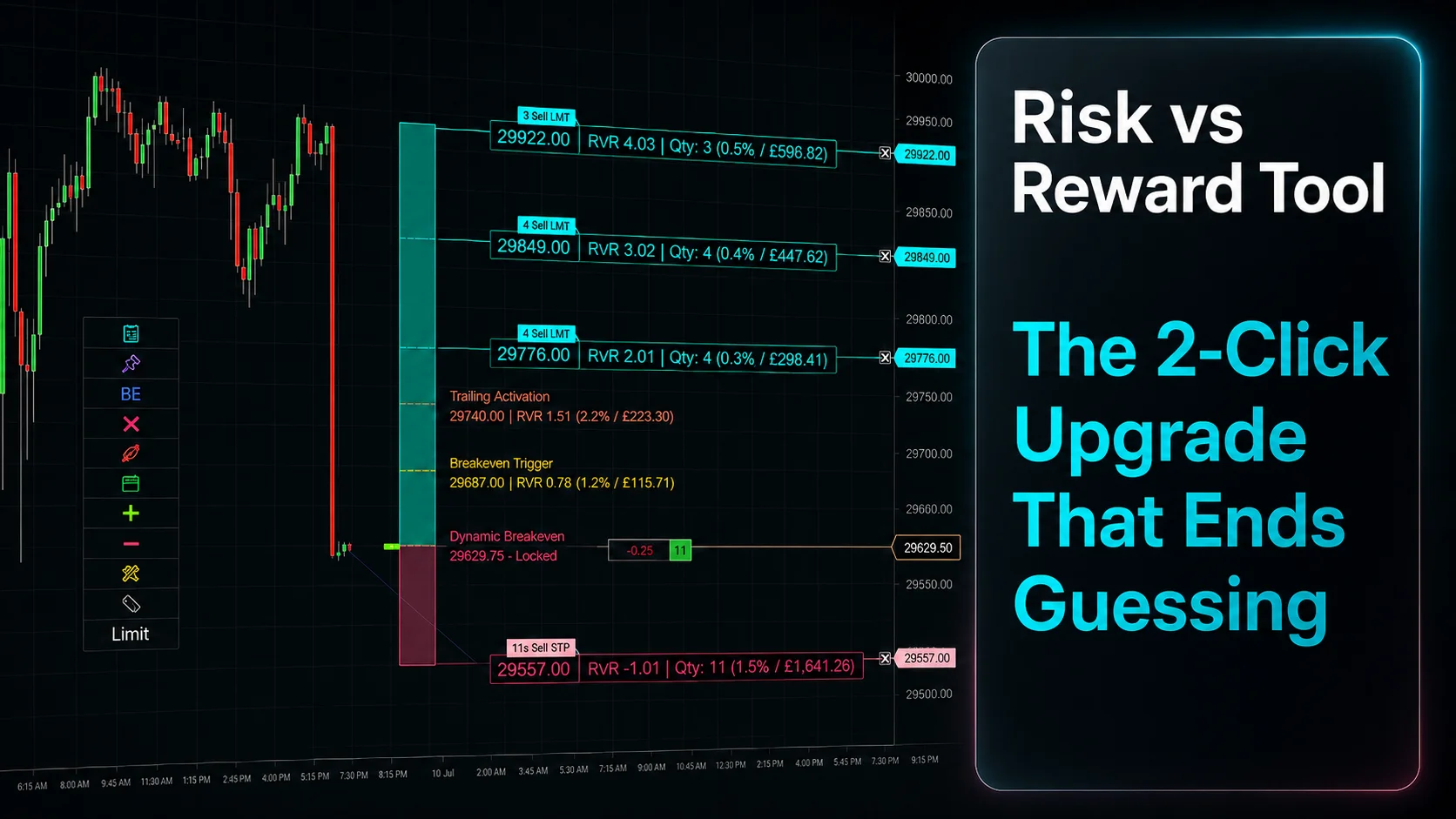
Risk vs Reward Tool: The 2-Click Upgrade That Ends Guessing
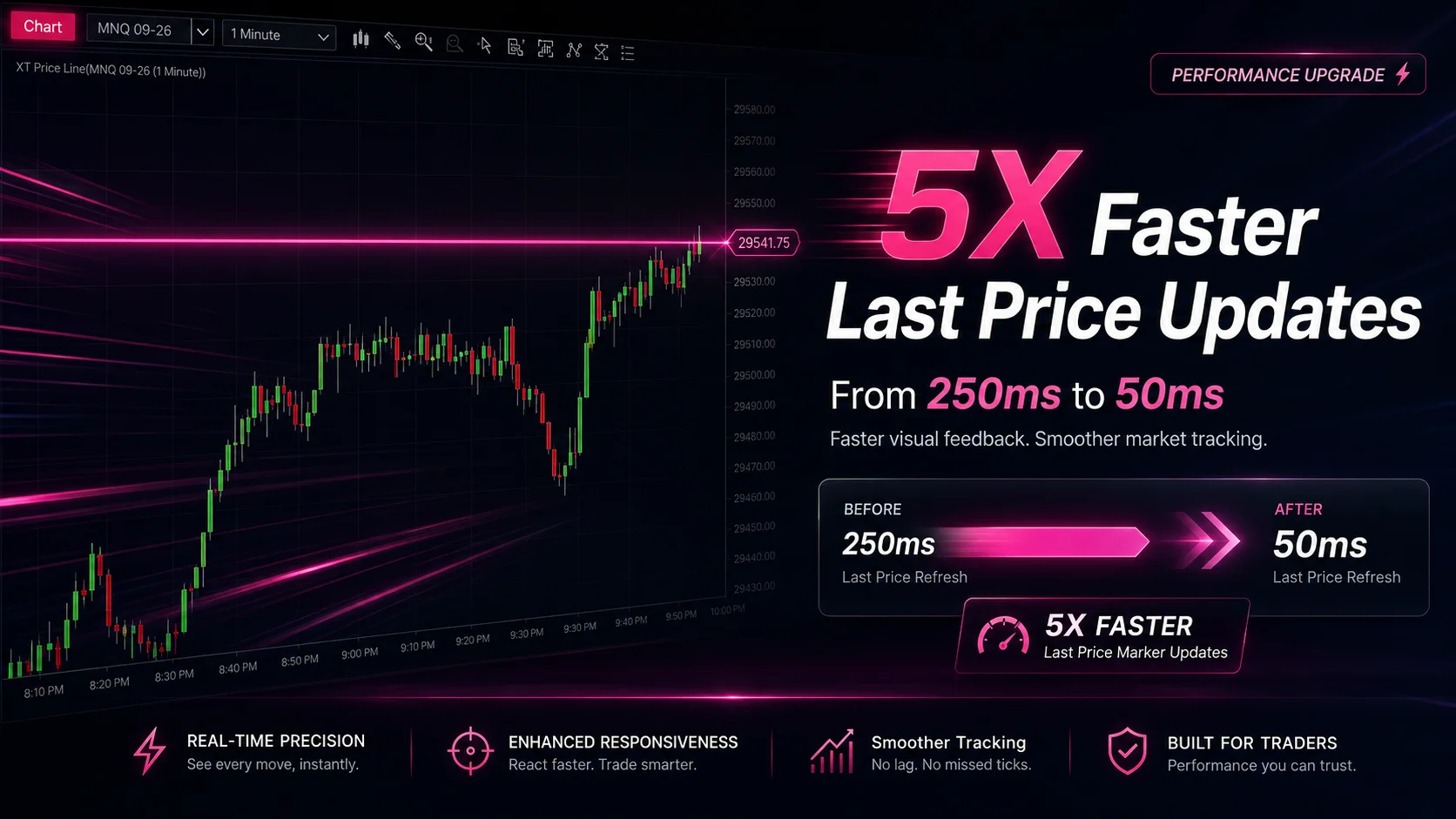
NinjaTrader Faster Last Price Updates on Charts Explained
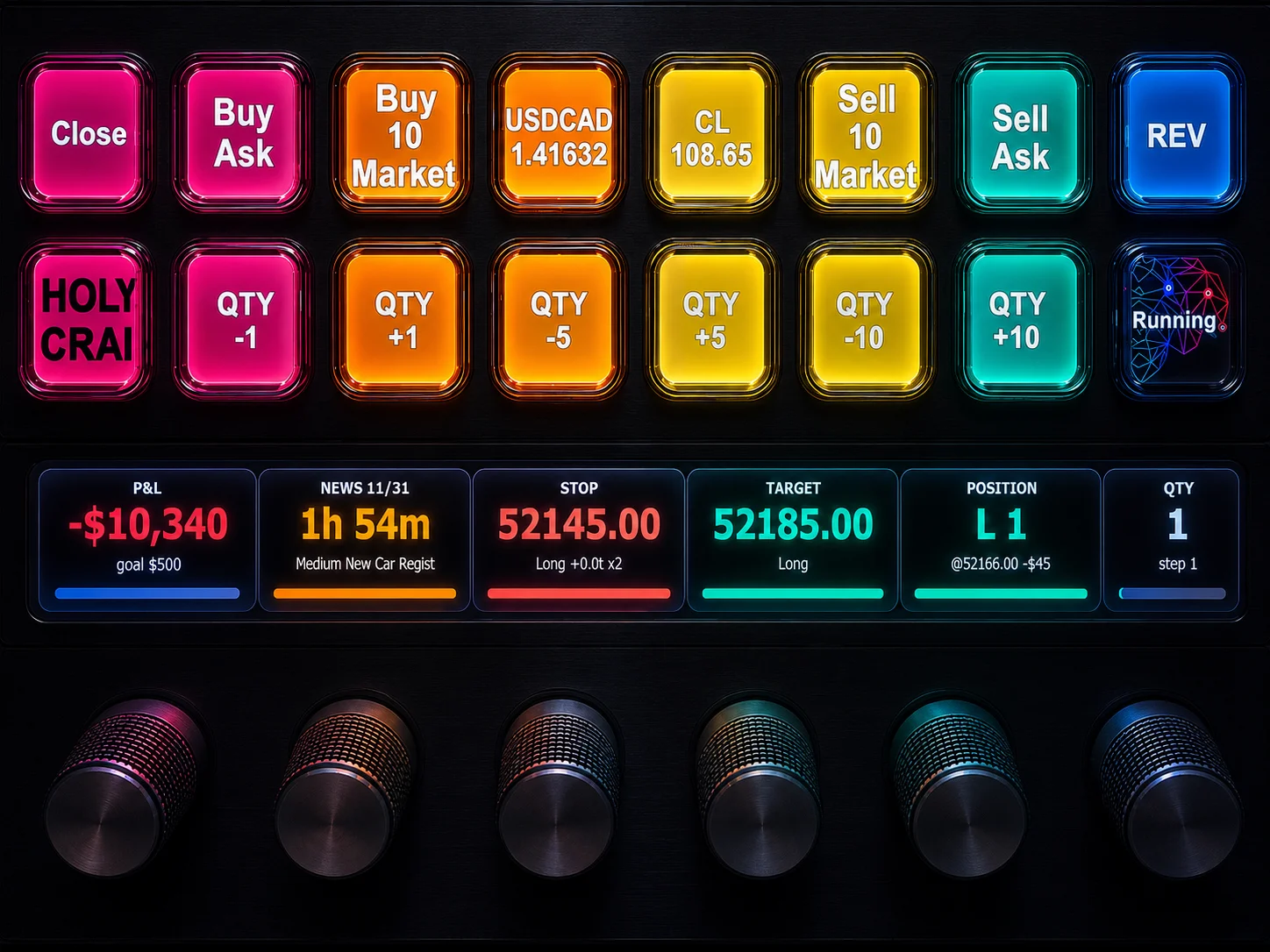
NinjaTrader 8 Hotkeys: Best Shortcuts for Faster Trading
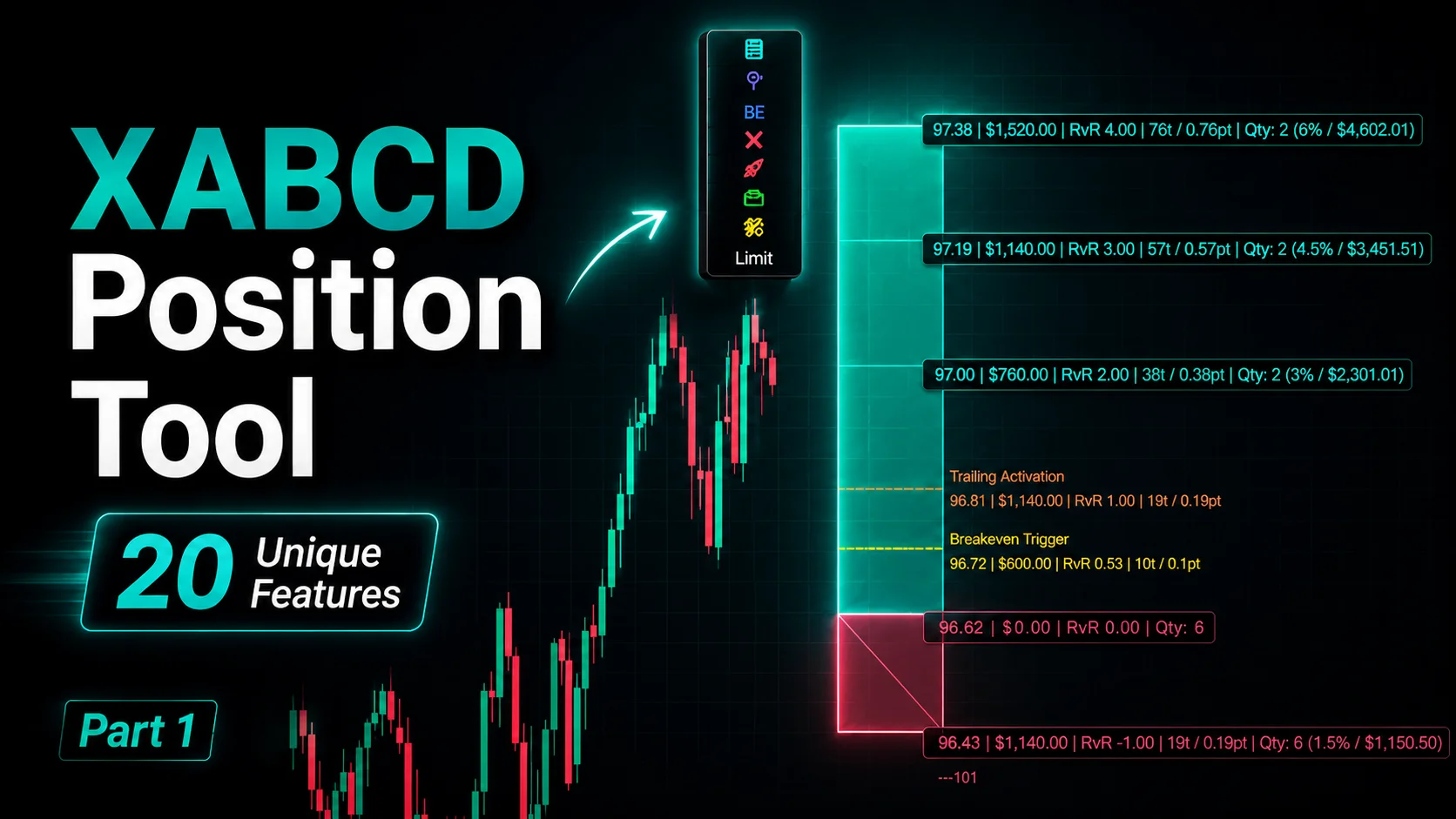
NinjaTrader Position Sizing Tool: 64 Features Stock NT8 Does Not Include
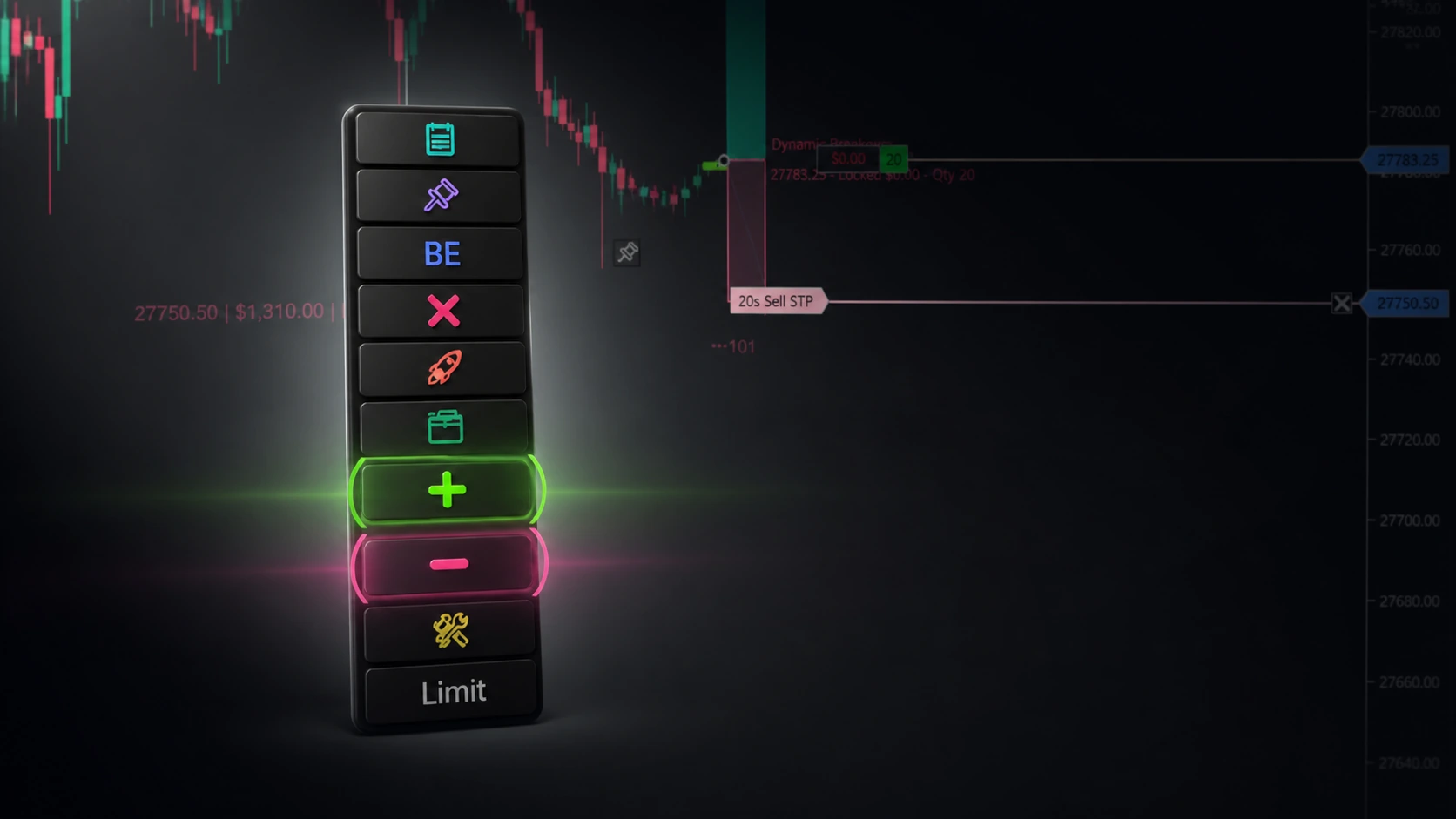
NinjaTrader – Adding to Position: A Field Guide for Active Traders