XABCD TRADING

NinjaTrader 8 Upgrade Guide – Step by Step
Subscribe
to get alerts to our next blog post!
Step by Step Guide
NinjaTrader 8 Upgrade Guide
Our NinjaTrader 8 upgrade guide will make it very easy for you to complete this process and you'll be happy to know upgrading to NinjaTrader 8 is very easy. Also, a few points that are worth mentioning before we get started:
What you need before beginning the NinjaTrader 8 Upgrade:
You won't be needing your wallet, keep that in your pants. Grab your NinjaTrader 7 Key, Keep that handy as well. You can download the NinjaTrader 8 file.
First we will install NinjaTrader 8, then we will upgrade NinjaTrader 8. This is going to be a two step process. So once you install the base program you will then run the program which will detect your old NinjaTrader 7 version and then do the NinjaTrader 8 upgrade.

The NinjaTrader 8 Install:
Upgrading your NinjaTrader 7 to NinjaTrader 8 is going to be done by installing NT8 on the same machine as NT7. If NT7 is not on the same machine that you're installing NT8 the migration will not happen. Make sure you're upgrading to NT8 on the same machine you already have NT7 installed.
Step 1First of all, download the latest NinjaTrader 8 release from the link above under the section "What you need before beginning."
The file will be downloaded to your browsers download directory.

Step 2Run the NinjaTrader.Install.msi file that you just downloaded from Step 1 to do the NinjaTrader 8 upgrade.
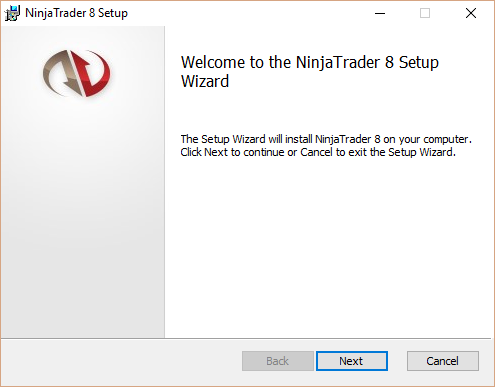
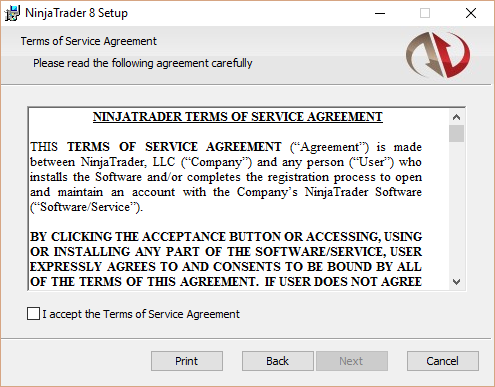
Step 3Accept the "Terms of Service Agreement" by checking the check box and as a result you will continue onto step 2.
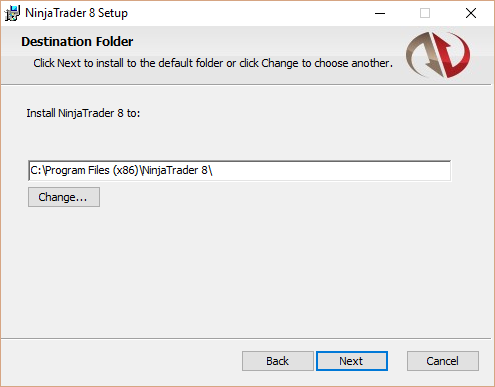
Step 4As a result you will be able to choose the directory to install this program. By default you will see this directory:
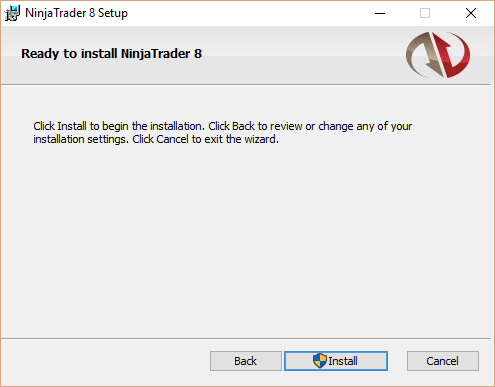
Step 5Confirm and hit install. Most noteworthy, this will request your user admin privileges.
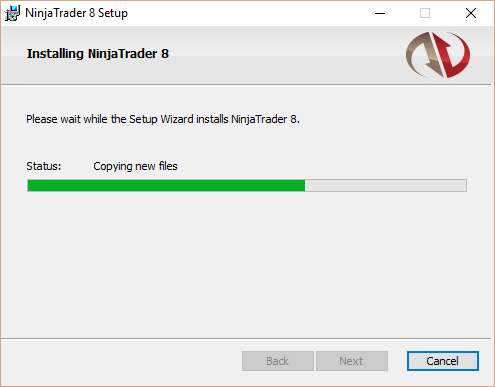
Step 6Your NinjaTrader 8 program will be installed during this step. While it happens, just wait as it won't be long.
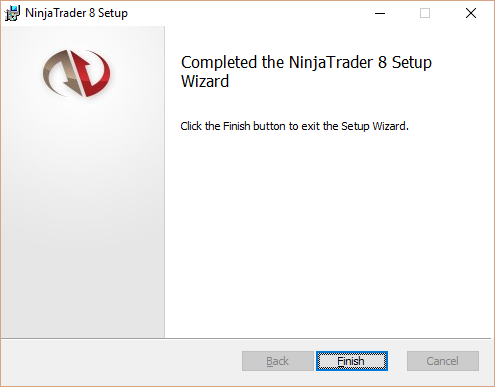
DoneThe install program will close and you will then need to start NinjaTrader 8 in order to start the upgrade process.
Performing the NinjaTrader 8 Upgrade
At this point all you have done is installed NT8. NinjaTrader 8 has to be installed in order to perform the upgrade which will happen on the next step.
Step 8When you run NT8 for the first time, it will ask you "Do you want to migrate your existing NinjaTrader 7" in which you should respond Yes.
If this message does not appear then NT7 is probably not installed on this local machine. I will need to be installed on this machine to do the update.
If this message does not appear then NT7 is probably not installed on this local machine. I will need to be installed on this machine to do the update.
Attention!
If you ever need to re trigger this question on starting the migration (maybe you said no, and now you want to do it) ... you will need to: Edit: My Documents/NinjaTrader8/config.xml Remove the line that reads:not migrated or it might say A DATE
Once done, save the file and restart your NT8. Whenever you modify a config.xml file it is recommended that you create a backup copy first.
If you ever need to re trigger this question on starting the migration (maybe you said no, and now you want to do it) ... you will need to: Edit: My Documents/NinjaTrader8/config.xml Remove the line that reads:
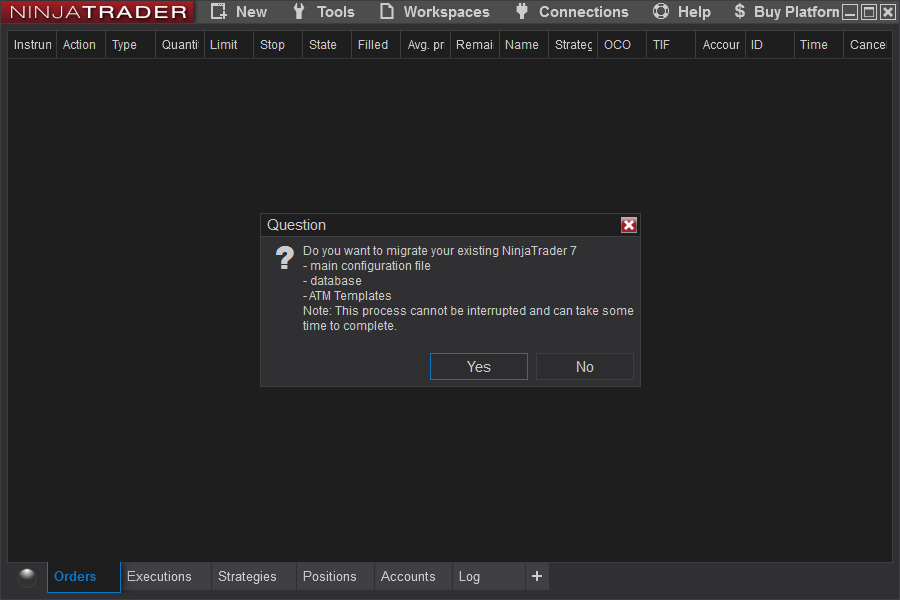
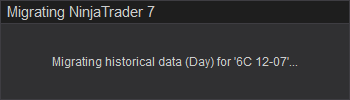
Step 9We have found this migration period can take as short as 1 minute and as long as 55 minutes. If your's has taken longer please let us know as we would love to hear from you in the comments below.
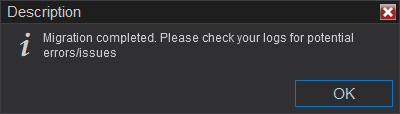
Step 10Press OK to complete the migration. Your upgrade has been successful. If there is a problem and you want to see your logs it will be under your directory (by default): My Documents/NinjaTrader 8/logs/
Debriefing of NinjaTrader 7 to 8 Upgrade
In conclusion, our NinjaTrader 8 upgrade process is finished. That wasn't very painful was it?
A few notes. This upgrade process will upgrade your main configuration file, your database and your ATM Templates. Custom indicators, market analyzer templates etc are not carried over and upgraded. Most of these require code changes so will need to contact your 3rd party vendors for that.
A few notes. This upgrade process will upgrade your main configuration file, your database and your ATM Templates. Custom indicators, market analyzer templates etc are not carried over and upgraded. Most of these require code changes so will need to contact your 3rd party vendors for that.
Installing Your First NinjaTrader 8 Indicator
Check out our NinjaTrader 8 Pattern Indicators or grab our free NinjaTrader 8 News indicator tool!
Frequently Asked Questions
Is the NinjaTrader 8 upgrade free for existing users?
NinjaTrader has historically offered free upgrades of the platform to existing license holders, though specific terms can vary depending on your current license type and the version you are upgrading from. It is best to check NinjaTrader's official website or contact their support team to confirm current upgrade eligibility and any associated costs.
How do I upgrade from NinjaTrader 7 to NinjaTrader 8?
To upgrade from NinjaTrader 7 to NinjaTrader 8, you typically need to download the latest NinjaTrader 8 installer from the official website and run it on your computer. Your existing NinjaTrader 7 installation can remain on your system, as NinjaTrader 8 installs separately. You may need to reconfigure your data connections, indicators, and strategies, as custom scripts from version 7 are not directly compatible with version 8.
Will my custom indicators and strategies still work after the NinjaTrader 8 upgrade?
Custom NinjaScript indicators and strategies built for NinjaTrader 7 are not directly compatible with NinjaTrader 8 due to significant changes in the programming framework. You will need to convert or rebuild your custom tools using the updated NinjaScript architecture in version 8. NinjaTrader provides a migration guide and developer resources to help with this transition.
What are the benefits of upgrading to NinjaTrader 8?
NinjaTrader 8 offers improved performance, a modernized user interface, and enhanced charting capabilities compared to earlier versions. It also features a more powerful NinjaScript development environment, better multi-timeframe and multi-instrument support, and improved order management. The platform is built on a more efficient architecture that allows for faster data processing and a smoother trading experience.
Can I run NinjaTrader 7 and NinjaTrader 8 at the same time?
Yes, NinjaTrader 7 and NinjaTrader 8 can be installed and run simultaneously on the same computer, as they are separate applications with independent installations. This allows traders to transition gradually and test their setups in NinjaTrader 8 while still having access to their existing NinjaTrader 7 workspace. However, running both at the same time may require additional system resources.
Frequently Asked Questions
Is the NinjaTrader 8 upgrade free for existing users?
NinjaTrader has historically offered free upgrades of the platform to existing license holders, though specific terms can vary depending on your current license type and the version you are upgrading from. It is best to check NinjaTrader's official website or contact their support team to confirm current upgrade eligibility and any associated costs.
How do I upgrade from NinjaTrader 7 to NinjaTrader 8?
To upgrade from NinjaTrader 7 to NinjaTrader 8, you typically need to download the latest NinjaTrader 8 installer from the official website and run it on your computer. Your existing NinjaTrader 7 installation can remain on your system, as NinjaTrader 8 installs separately. You may need to reconfigure your data connections, indicators, and strategies, as custom scripts from version 7 are not directly compatible with version 8.
Will my custom indicators and strategies still work after the NinjaTrader 8 upgrade?
Custom NinjaScript indicators and strategies built for NinjaTrader 7 are not directly compatible with NinjaTrader 8 due to significant changes in the programming framework. You will need to convert or rebuild your custom tools using the updated NinjaScript architecture in version 8. NinjaTrader provides a migration guide and developer resources to help with this transition.
What are the benefits of upgrading to NinjaTrader 8?
NinjaTrader 8 offers improved performance, a modernized user interface, and enhanced charting capabilities compared to earlier versions. It also features a more powerful NinjaScript development environment, better multi-timeframe and multi-instrument support, and improved order management. The platform is built on a more efficient architecture that allows for faster data processing and a smoother trading experience.
Can I run NinjaTrader 7 and NinjaTrader 8 at the same time?
Yes, NinjaTrader 7 and NinjaTrader 8 can be installed and run simultaneously on the same computer, as they are separate applications with independent installations. This allows traders to transition gradually and test their setups in NinjaTrader 8 while still having access to their existing NinjaTrader 7 workspace. However, running both at the same time may require additional system resources.
New NinjaTrader Articles Delivered First
Recommended Video
Ditch NinjaTrader ATMs: This Is More Powerful
See how to set your risk and calculate contracts directly on the chart.
Watch Now
Subscribe on YouTube
Related Tool
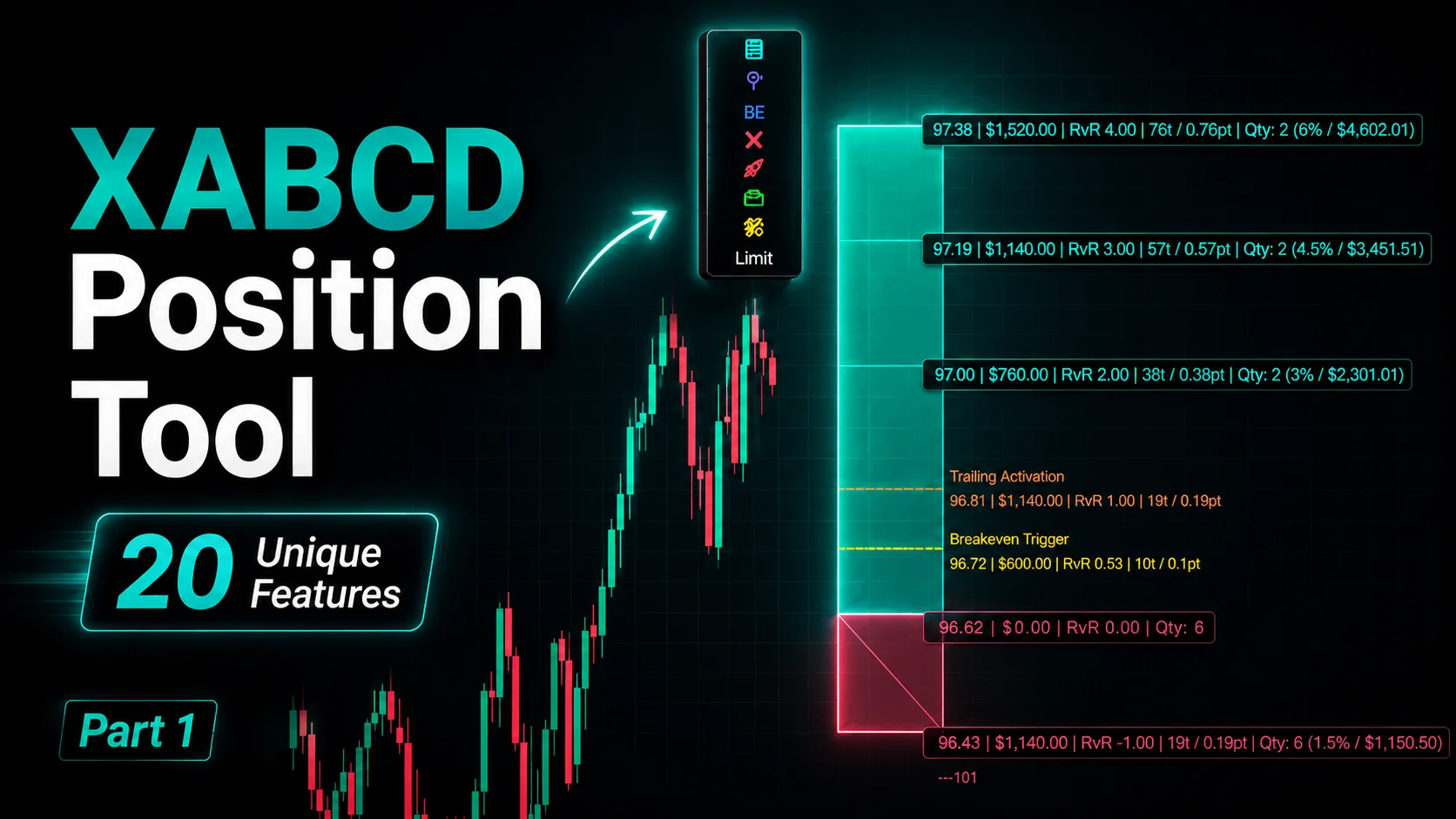
XABCD Position Tool
Automatic position sizing and on-chart trade management.
Explore the Tool
Why XABCD Trading
- Built for NinjaTrader 8 since 2009
- Trusted by 2,000+ traders
- On-chart tools, no ATM templates needed
- Free tools to get started
Get Project Updates
Twice-monthly maximum, we will give you updates on all the projects going here.
Quick Links
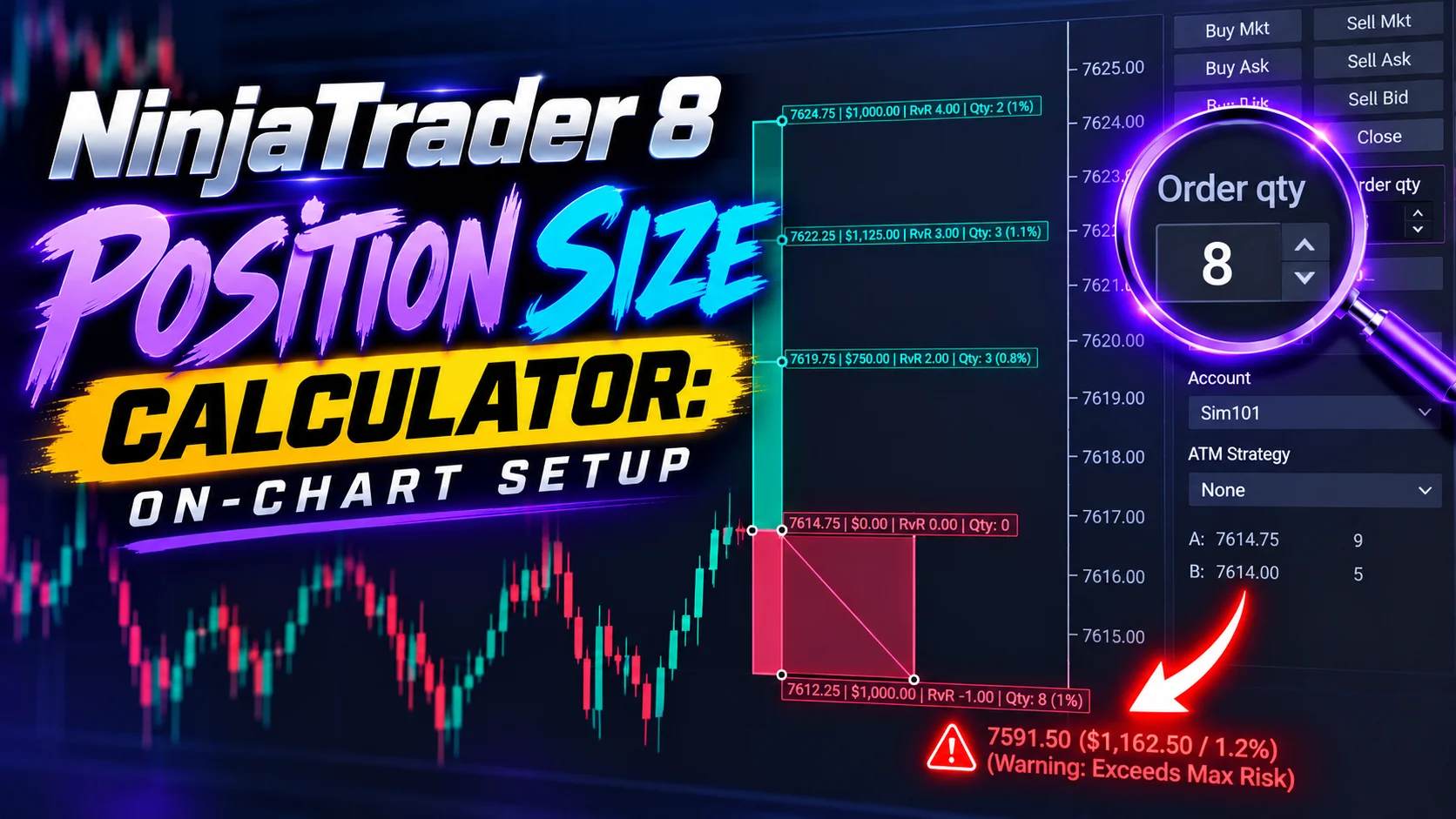
NinjaTrader 8 Position Size Calculator: On-Chart Setup
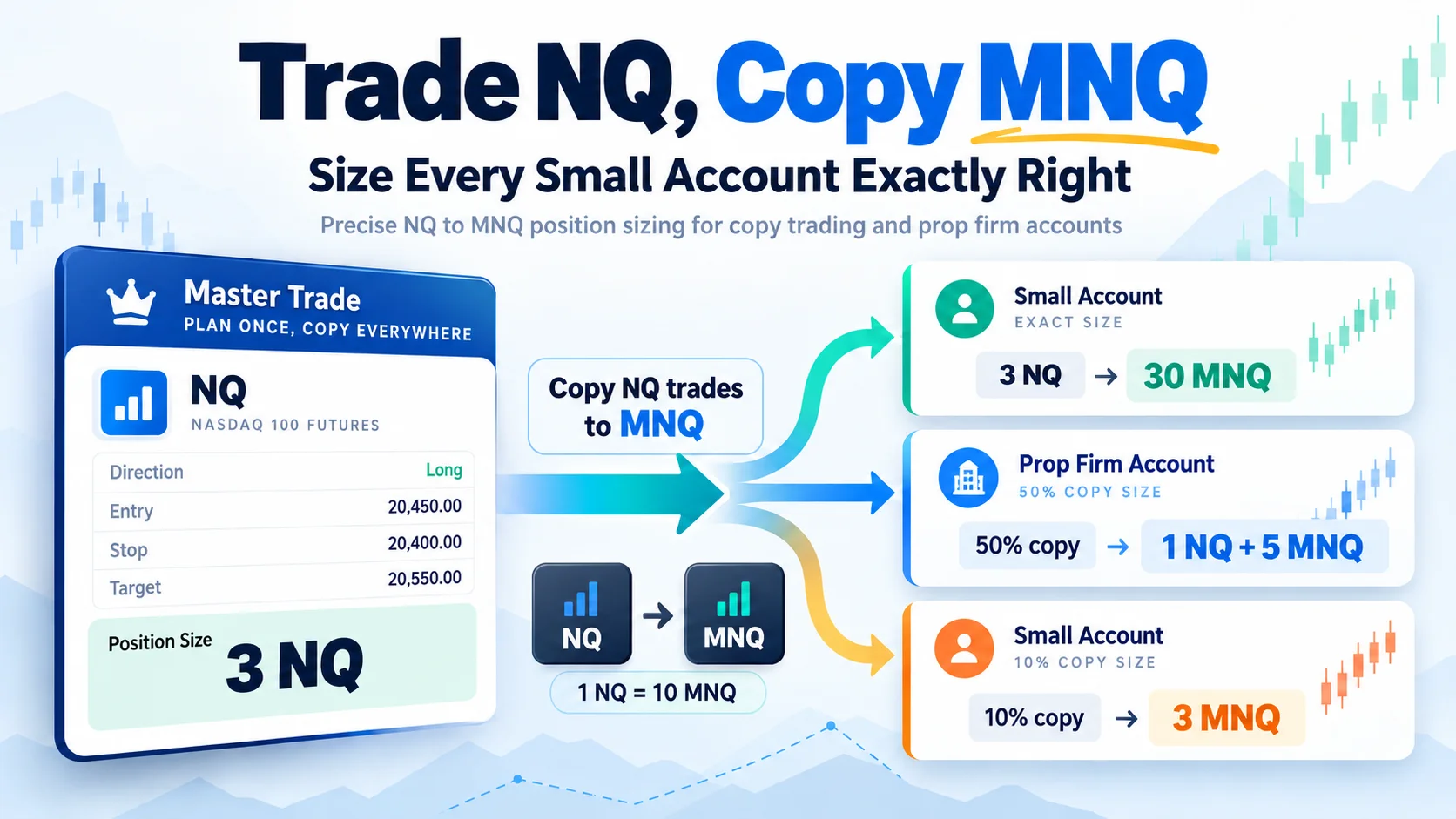
Trade NQ, Copy MNQ: Copy NQ Trades to MNQ in NinjaTrader 8
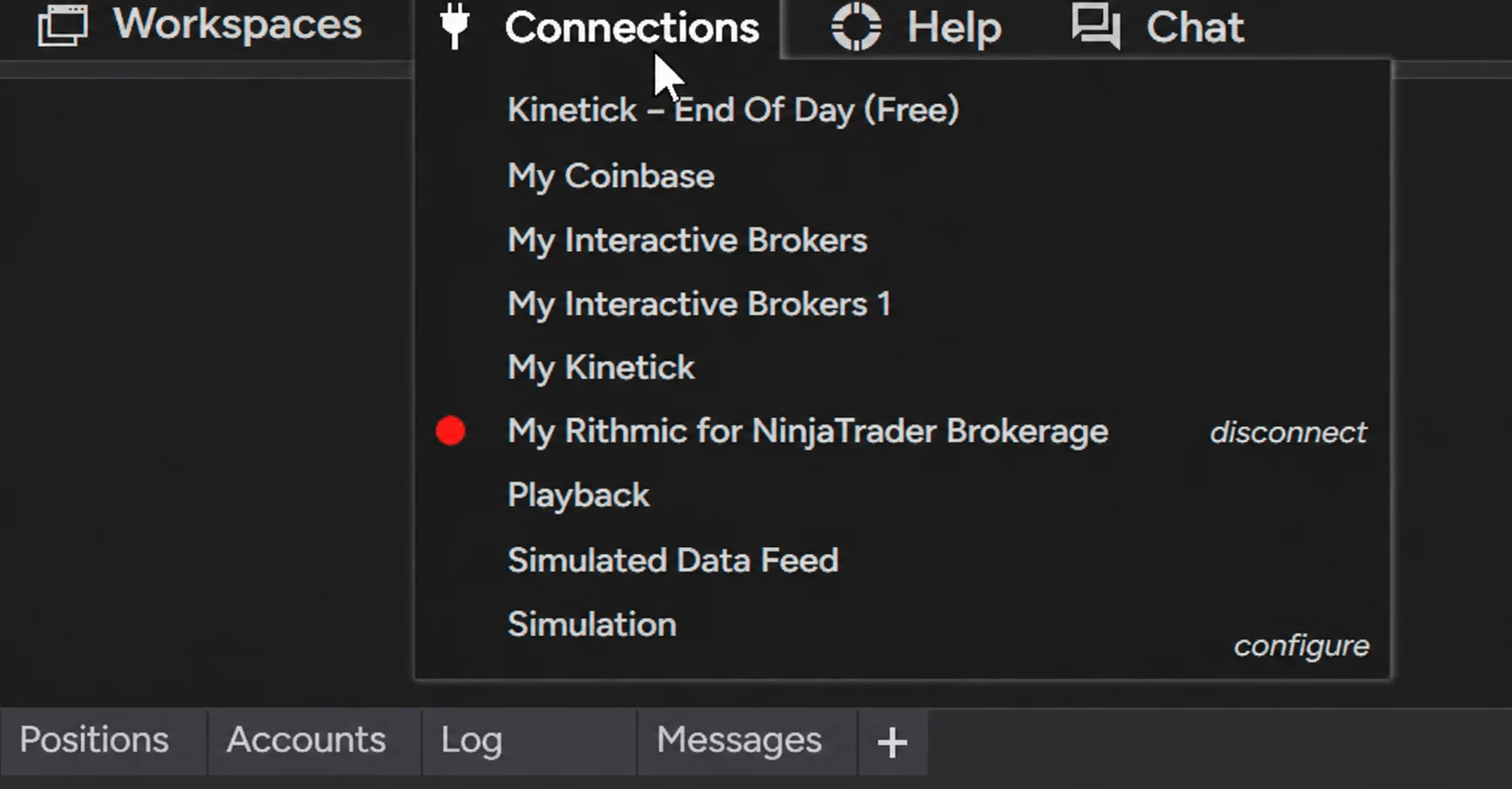
NinjaTrader Data Feed Not Updating? Quick Fixes
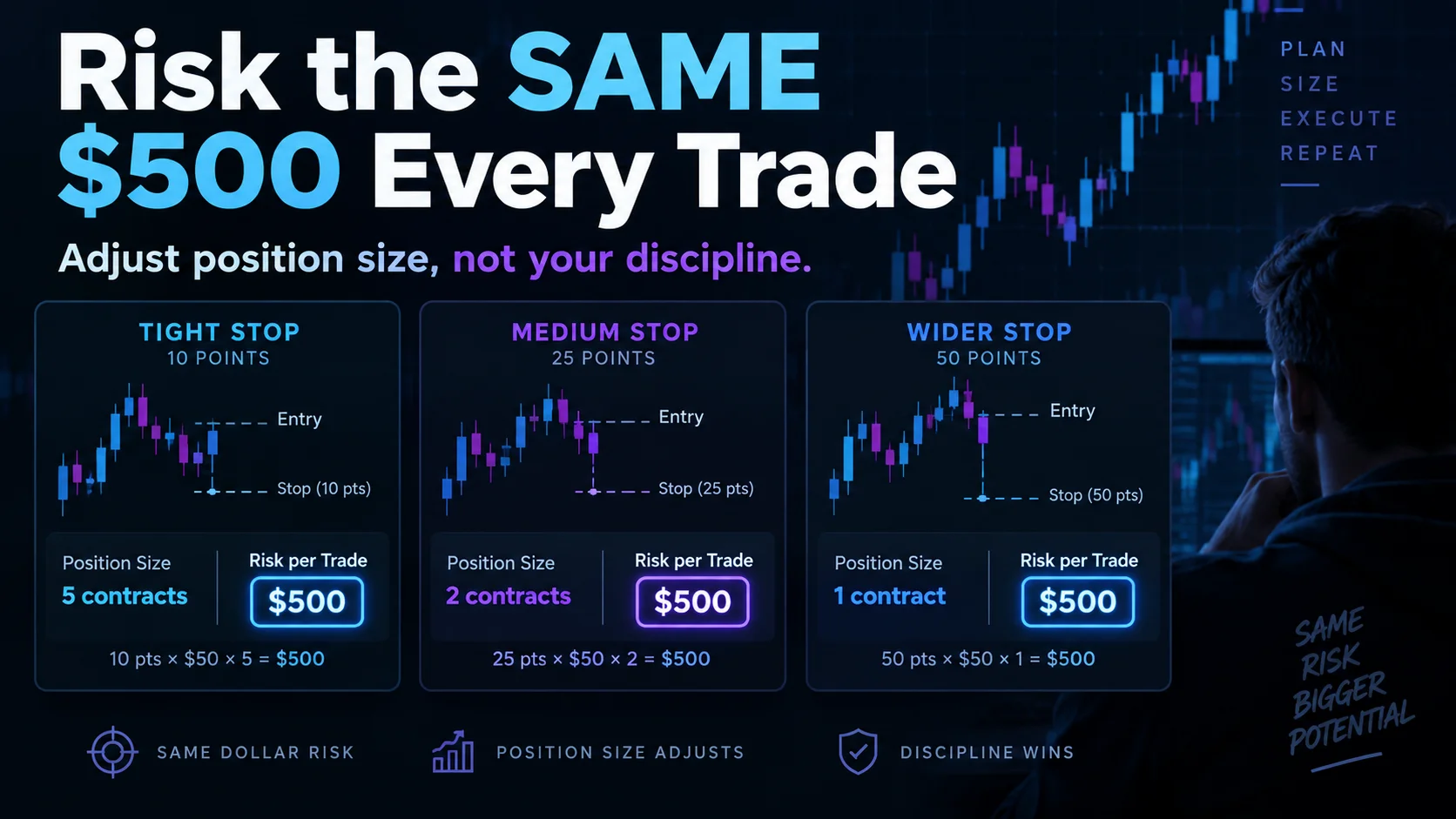
NinjaTrader Risk Per Trade: Risk $500 on Every Trade
NinjaTrader 8.1.8 Review: Should You Upgrade or Wait?
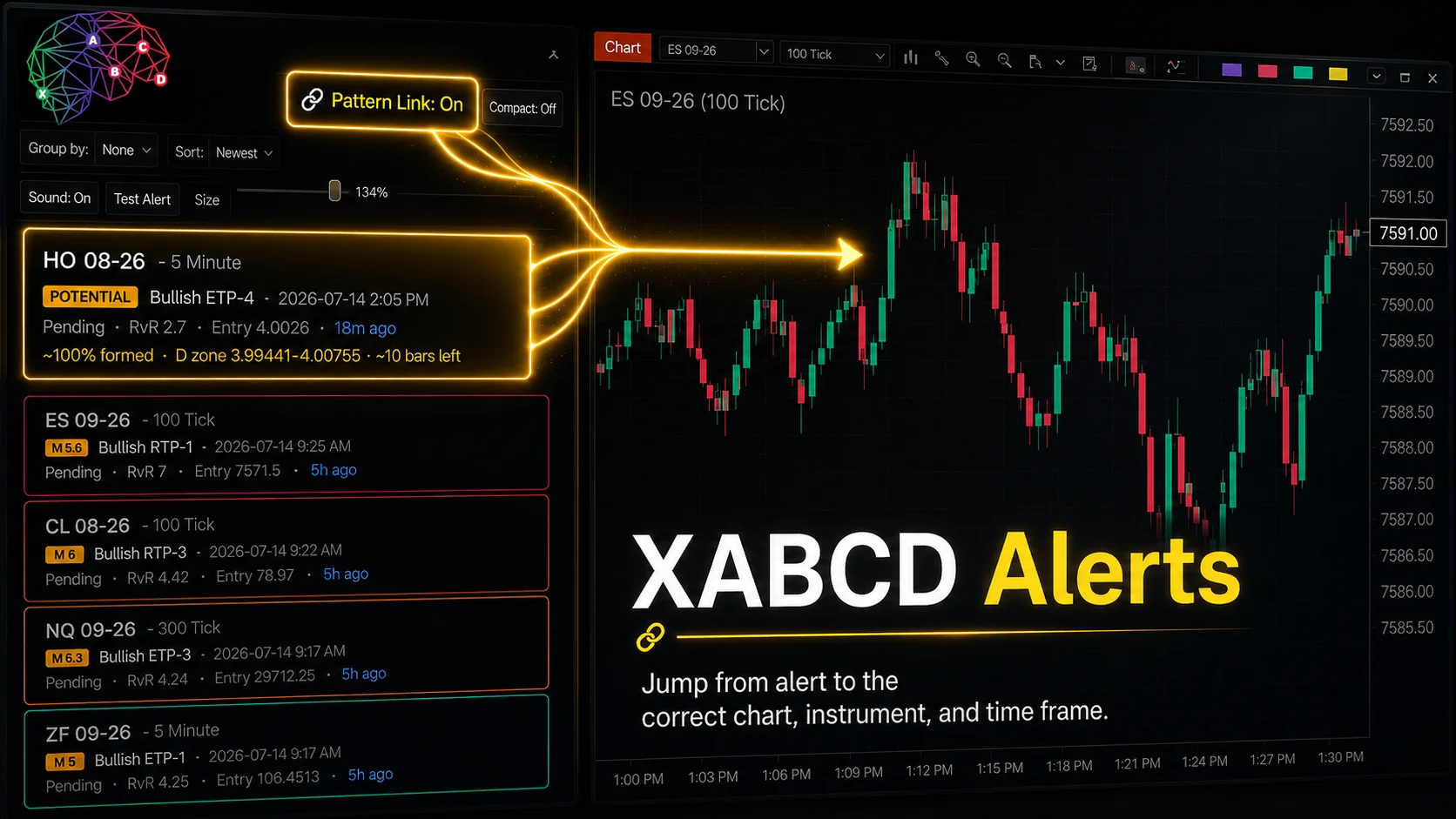
XABCD Pattern Alerts: The Complete Guide for Traders
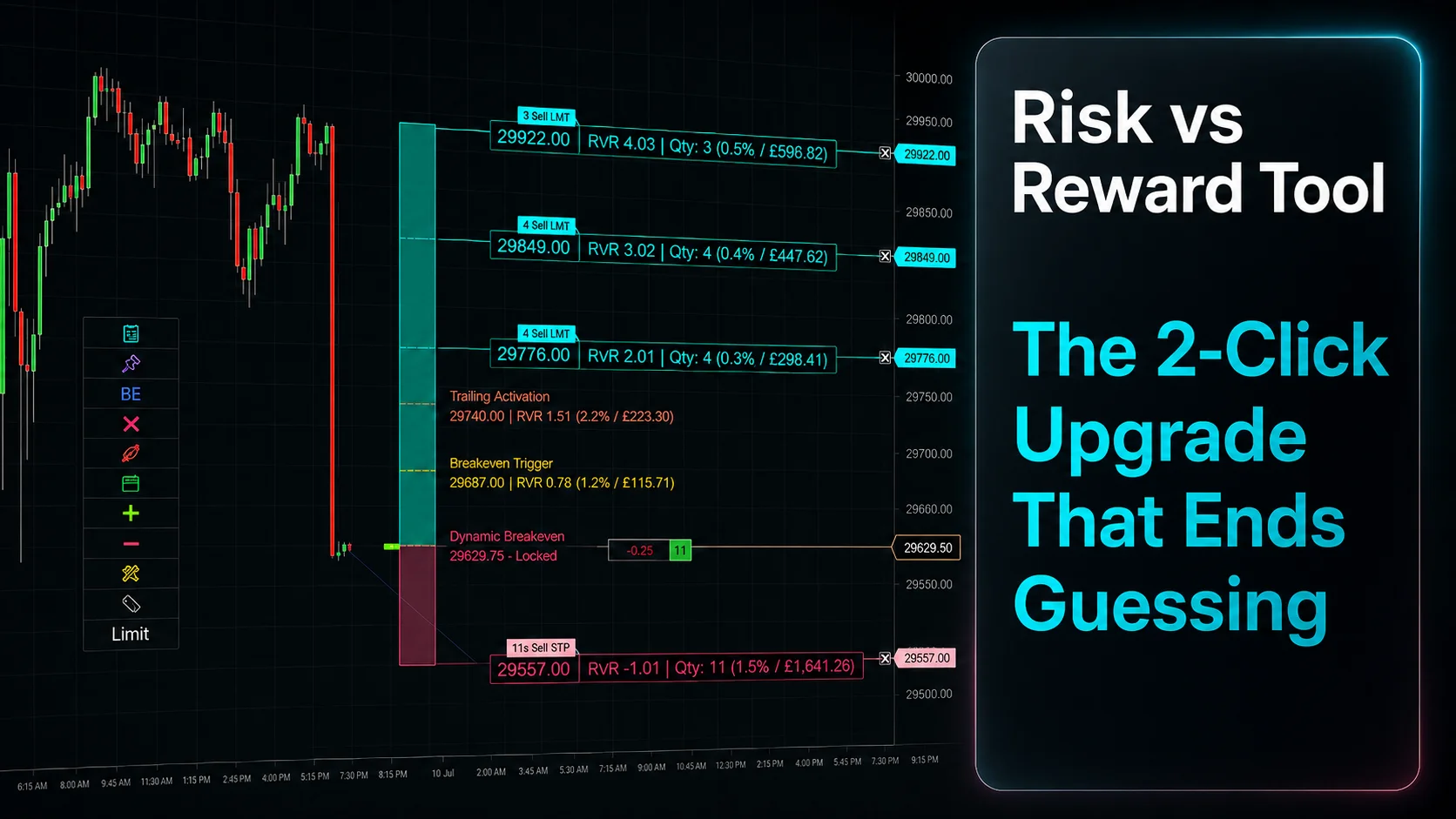
Risk vs Reward Tool: The 2-Click Upgrade That Ends Guessing
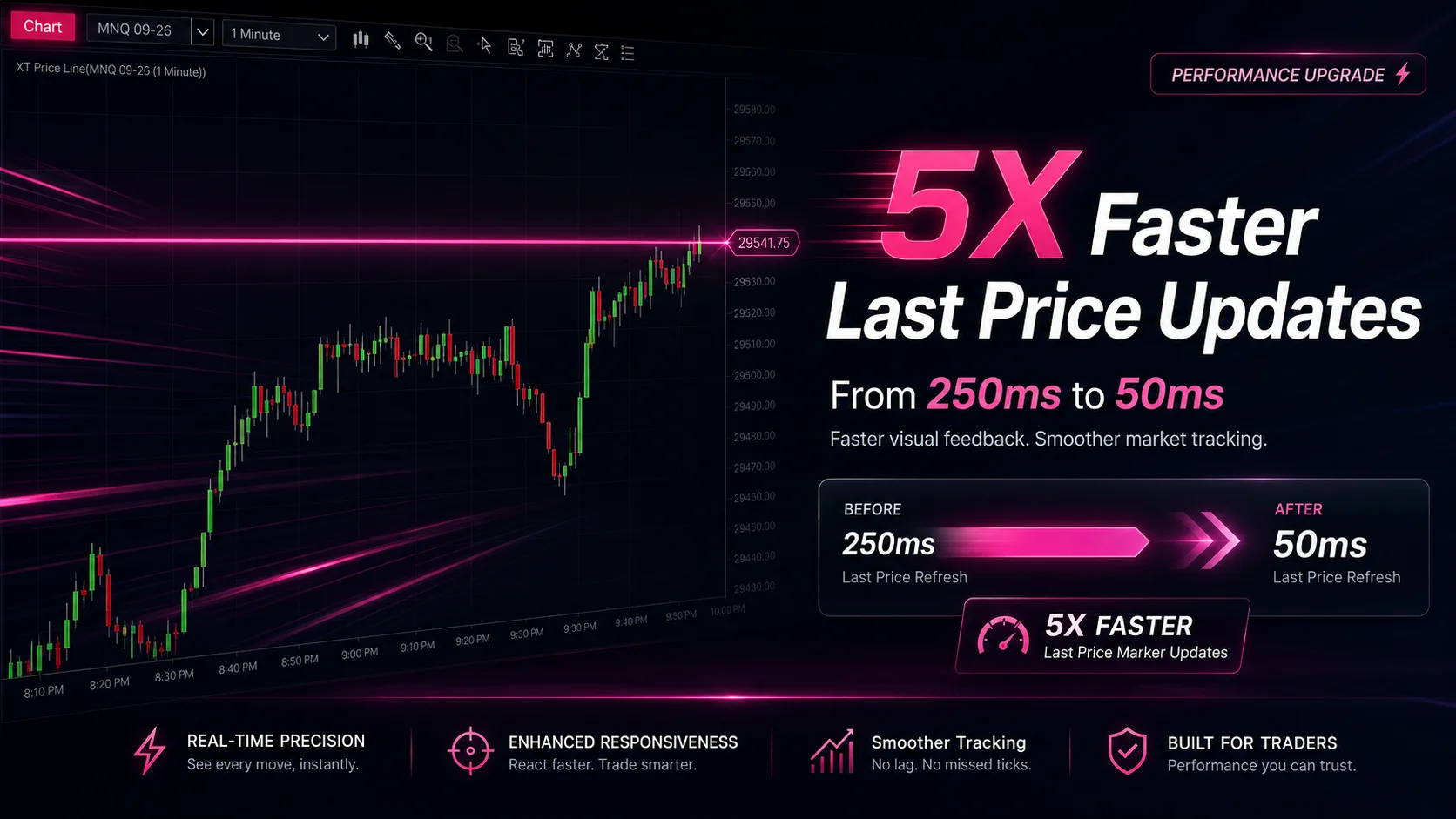
NinjaTrader Faster Last Price Updates on Charts Explained
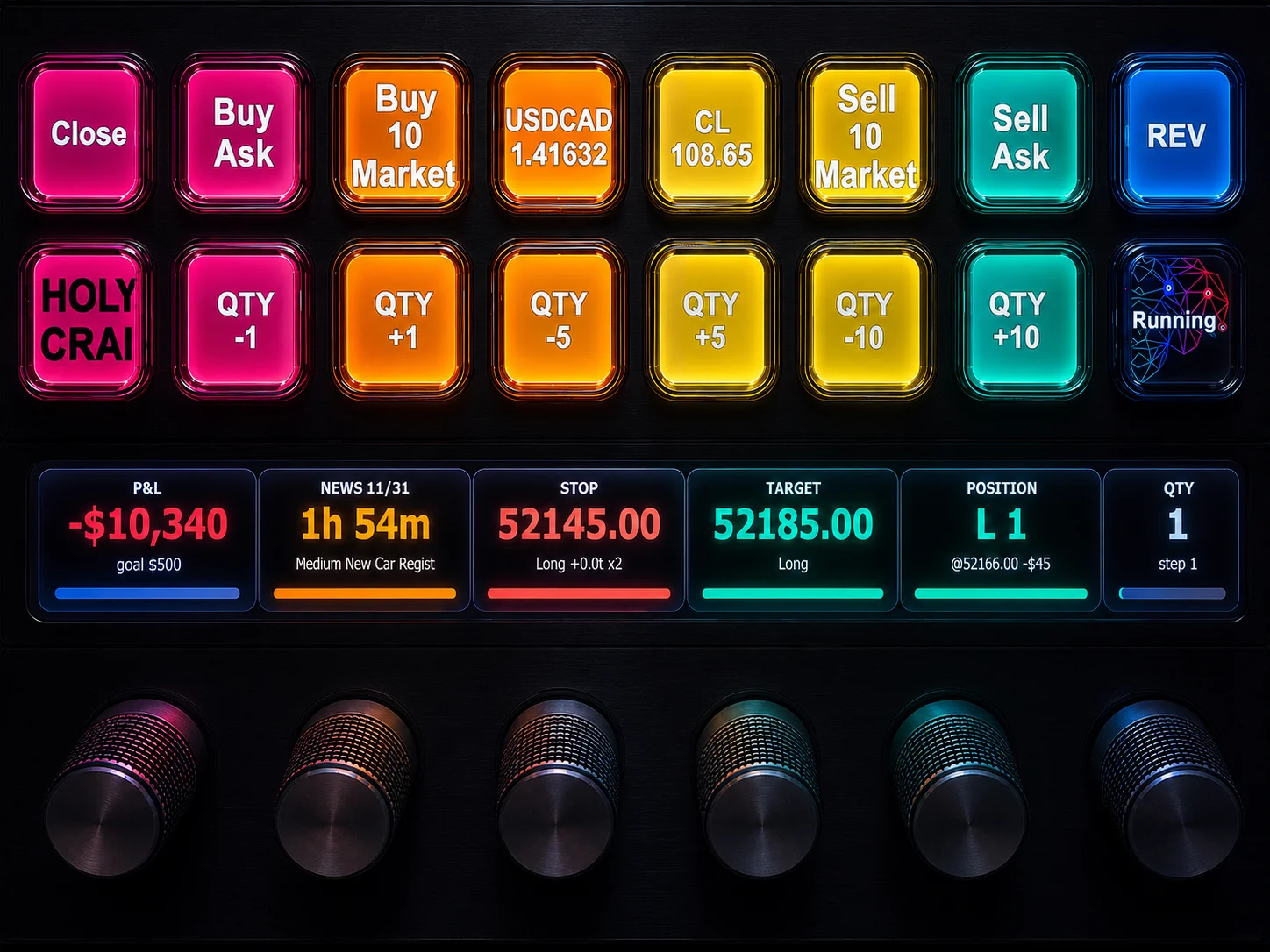
NinjaTrader 8 Hotkeys: Best Shortcuts for Faster Trading