XABCD TRADING

NinjaTrader Login Automatically – Skip and Bypass Fix
Subscribe
to get alerts to our next blog post!
NinjaTrader 8 Login Box - Skip and Bypass Fix
NinjaTrader Login Bypass Method and Auto Login
Know The Risks
Instructions To Skip the NinjaTrader 8 Login Box
Watch The Video on Skipping The Login Box
What is the XABCD HotKeys Program?
What XABCD HotKeys Can Do?
What is the XABCD HotKeys Program?
Will the login box change in the future?
NinjaTrader Login Bypass Method and Auto Login
Since NinjaTrader released 8.1, it introduced a new login box. For the vast majority, this wasn't a big issue. For a smaller group, there was a need to bypass the new NinjaTrader login box. Several reasons for this but it seems most of it was due to automation of restarting the platform, or bringing it back online should the platform close down.
We've built a script that lets you bypass this login box and automatically login. Let's dive into each reason you might want to do this and how it might impact your trading.
Efficiency: NinjaTrader has built-in a lot of automatic functions such as connecting to your data provider. Another automated start-up function is opening up your previous workspace and restoring that layout. This might include a market analyzer which could take some time to load. Maybe you start up your NT8 in the morning, go make a coffee, and expect to have it up and running when you return. Whatever the reason, efficiency is a good umbrella term to explain what you might be doing here and why you want it removed.
Streamlined Workflow: You might be restarting NinjaTrader 8 mid-day automatically. Or perhaps if it's ever detected by a monitoring script, you would have the NinjaTrader 8 program to relaunch.
Institutional Use: In institutional settings might have users that share a single workstation and these types of firms or financial institutions would need to configure the software to automatically login using predefined credentials. I would think the majority of users that use their software are not institutional but instead retail. However, these larger clients might to be able to skip these login boxes.
Testing and Development: A lot of build processes can be written to test the trading software but also launch it after new builds have been compiled. It would be a lot quicker for testing and developing if users were able to skip the login box so that the platform launches and connects once the build process is finished.
Know The Risks
In general its never really a good idea to bypass a login. Especially if you share the physical machine or the physical machine doesn't have enough protection on its own.
Unauthorized Access: Login boxes appear there so that it prevents unauthorized access to the trading account. However, you could have it configured in NinjaTrader 8 where there is no live data access and would still want to bypass the login box. You might be trading on a demo account where security is not a major concern. You could also want it to login, but not have the connection with a saved username/password which could be used for testing. It's best to weigh your options.
Instructions To Skip the NinjaTrader 8 Login Box
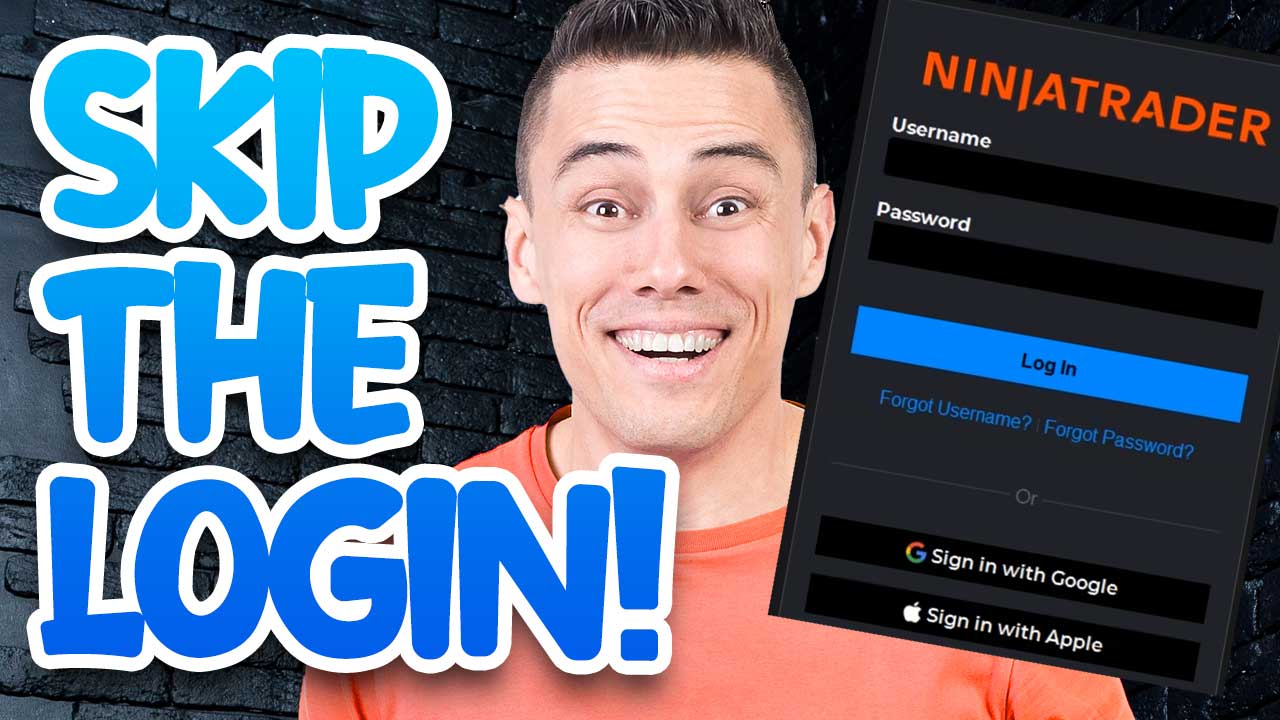
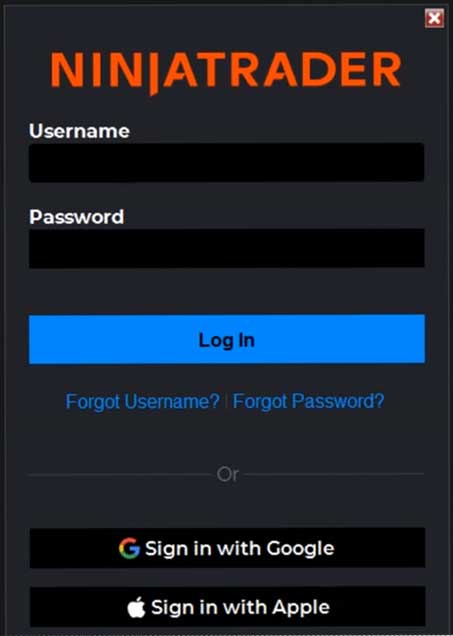
We have created a script that you would run which would accomplish this task. This script is part of our XABCD HotKeys program and would allow you to run the script (instead of the NinjaTrader 8 program). The NinjaTrader login script would then launch the NinjaTrader program itself, and then watch for the login box. When the login box appears the script would enter in your username and password and hit the login button. The NinjaTrader 8 program would then continue to load.
What is the XABCD HotKeys Program?
You can get the specifics about the XABCD HotKeys program but it's a collection of scripts that would let you do certain things.
What XABCD HotKeys Can Do?
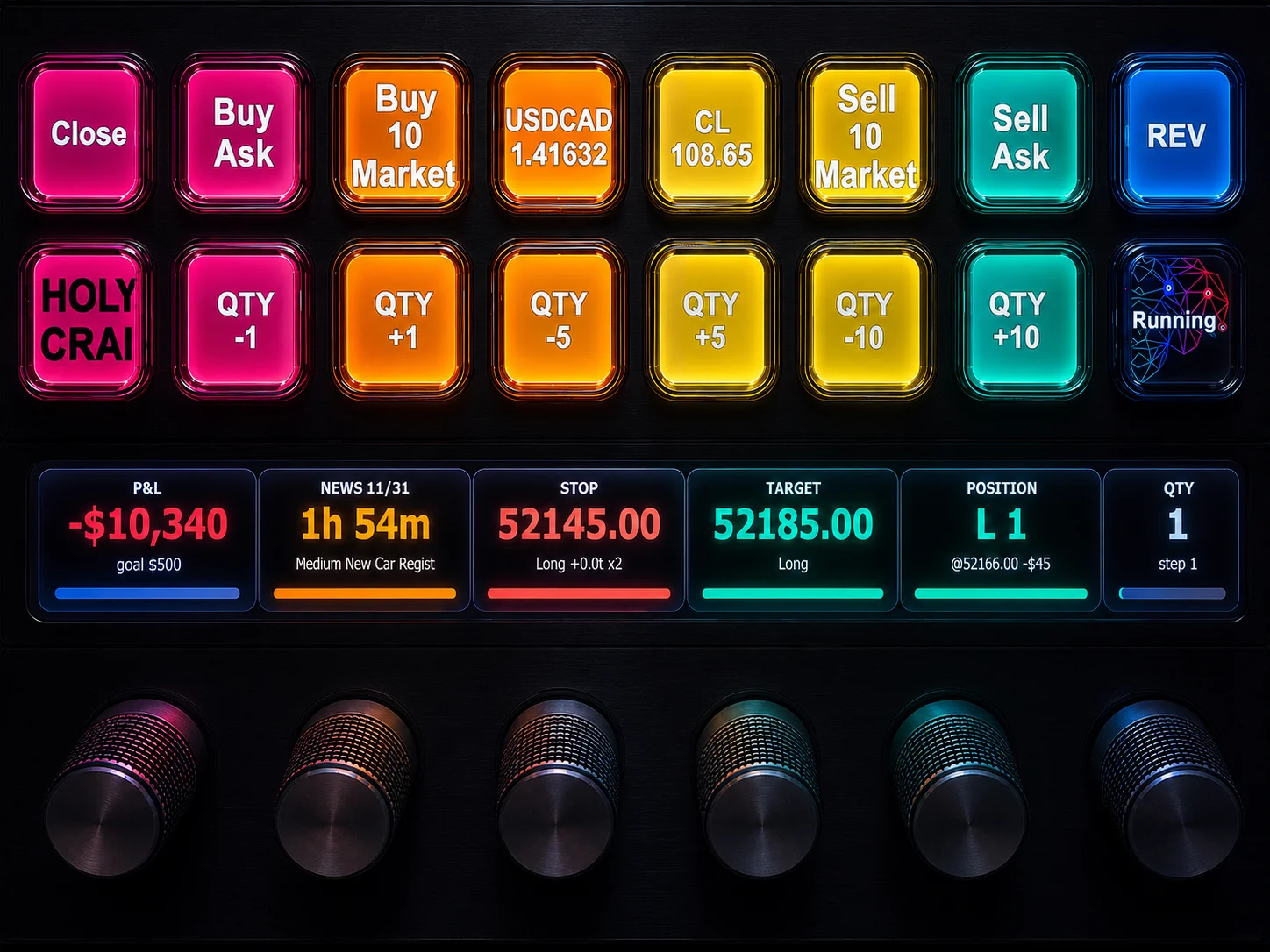
Place an order with a hotkey that does multiple things. Eg. Sets the quantity, then picks the atm template, followed by hitting the buy or sell buttons.
Load a specific indicator onto the chart with the press of one hotkey.
Login to NinjaTrader 8 automatically like we're discussing in this post.
Get the program today.
What Happens If I Use Google or Apple Login?
You will need to use a username and password to bypass the box. If you use google or apple login, you will need to hit the forgot password button. Login using your email and password provided when you requested the password reset and you can then login. Might be a good idea to change your password to something you can remember as the one initially sent to you will be quite long.
Will The Login Box Change In The Future?
With NinjaTrader's latest statement, this is almost a certain "Yes".
I say it is "almost" since the product has not been released but they have made a statement you can read which will give you that very strong indication.
This feature is an ongoing item our product, development, and marketing teams are aware of and considering futures improvements and changes to. We have numerous forum posts, emails, and other channels people have communicated their desire to change this functionality.
This is a large scale change that affects multiple aspects of our business, but we are actively exploring all options. However this may take some time due to the scope of the change.
I want to assure all who have posted here, reading this thread, or providing feedback in other channels that we are intimately aware of the scale of customers asking for this change. We have stopped tracking feature request votes as the product team has deemed this as a pertinent item to review, and we will provide updates when possible on future changes if they are made.
Thanks again to all who have posted here and in other threads.
Source: NinjaTrader Support Forum
Frequently Asked Questions
How do I access the NinjaTrader login page?
To access the NinjaTrader login page, visit the official NinjaTrader website and click the login or sign-in option in the top navigation bar. From there, enter your registered email address and password to access your account dashboard, trading platform, or license management tools.
What should I do if I forgot my NinjaTrader login password?
If you forgot your NinjaTrader login password, click the "Forgot Password" link on the sign-in page. NinjaTrader will send a password reset email to the address associated with your account. Follow the instructions in that email to create a new password and regain access.
Can I use the same NinjaTrader login on multiple devices?
NinjaTrader accounts are typically tied to a single license key, which may limit simultaneous use on multiple devices depending on your license type. You can log in from different devices, but running the platform on more than one machine at the same time may require an additional license or a multi-device plan.
Why is my NinjaTrader account locked or unable to sign in?
Your NinjaTrader account may be locked due to multiple failed login attempts, an expired license, or a connectivity issue. Try resetting your password, clearing your browser cache, or checking your internet connection. If the problem persists, contact NinjaTrader's support team for assistance with unlocking your account.
Is the NinjaTrader login different for demo and live trading accounts?
Yes, NinjaTrader uses separate credentials for demo (simulation) and live trading accounts. Your platform login may remain the same, but you will need to configure different brokerage connection credentials depending on whether you are trading in a simulated environment or with a funded live account.
Frequently Asked Questions
How do I access the NinjaTrader login page?
To access the NinjaTrader login page, visit the official NinjaTrader website and click the login or sign-in option in the top navigation bar. From there, enter your registered email address and password to access your account dashboard, trading platform, or license management tools.
What should I do if I forgot my NinjaTrader login password?
If you forgot your NinjaTrader login password, click the "Forgot Password" link on the sign-in page. NinjaTrader will send a password reset email to the address associated with your account. Follow the instructions in that email to create a new password and regain access.
Can I use the same NinjaTrader login on multiple devices?
NinjaTrader accounts are typically tied to a single license key, which may limit simultaneous use on multiple devices depending on your license type. You can log in from different devices, but running the platform on more than one machine at the same time may require an additional license or a multi-device plan.
Why is my NinjaTrader account locked or unable to sign in?
Your NinjaTrader account may be locked due to multiple failed login attempts, an expired license, or a connectivity issue. Try resetting your password, clearing your browser cache, or checking your internet connection. If the problem persists, contact NinjaTrader's support team for assistance with unlocking your account.
Is the NinjaTrader login different for demo and live trading accounts?
Yes, NinjaTrader uses separate credentials for demo (simulation) and live trading accounts. Your platform login may remain the same, but you will need to configure different brokerage connection credentials depending on whether you are trading in a simulated environment or with a funded live account.
New NinjaTrader Articles Delivered First
Recommended Video
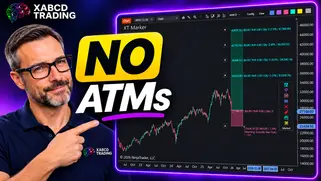
Ditch NinjaTrader ATMs: This Is More Powerful
See how to set your risk and calculate contracts directly on the chart.
Watch Now
Subscribe on YouTube
Related Tool
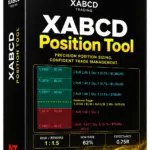
XABCD Position Tool
Automatic position sizing and on-chart trade management.
Explore the Tool
Why XABCD Trading
- Built for NinjaTrader 8 since 2009
- Trusted by 2,000+ traders
- On-chart tools, no ATM templates needed
- Free tools to get started
Get Project Updates
Twice-monthly maximum, we will give you updates on all the projects going here.
Quick Links
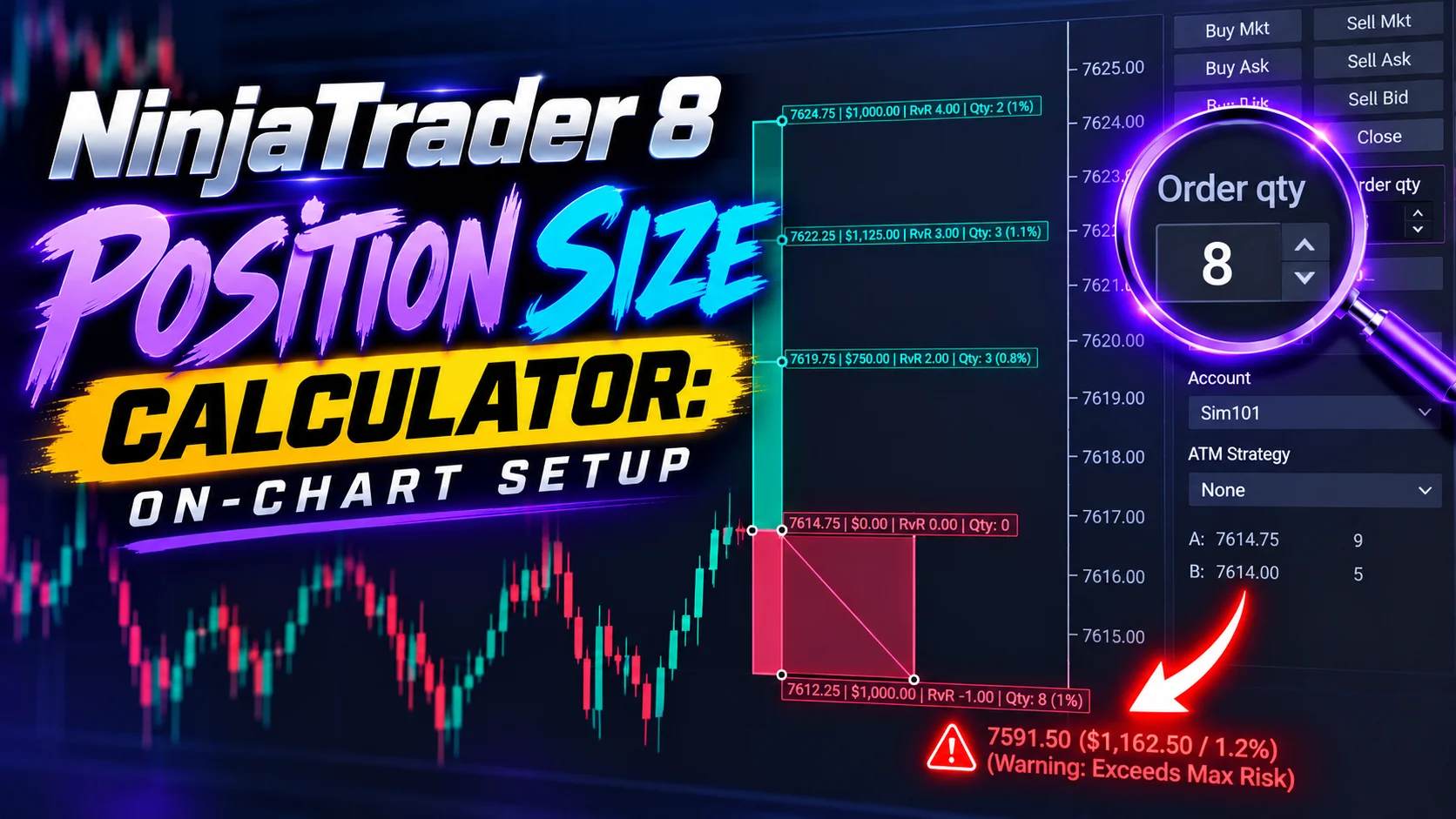
NinjaTrader 8 Position Size Calculator: On-Chart Setup
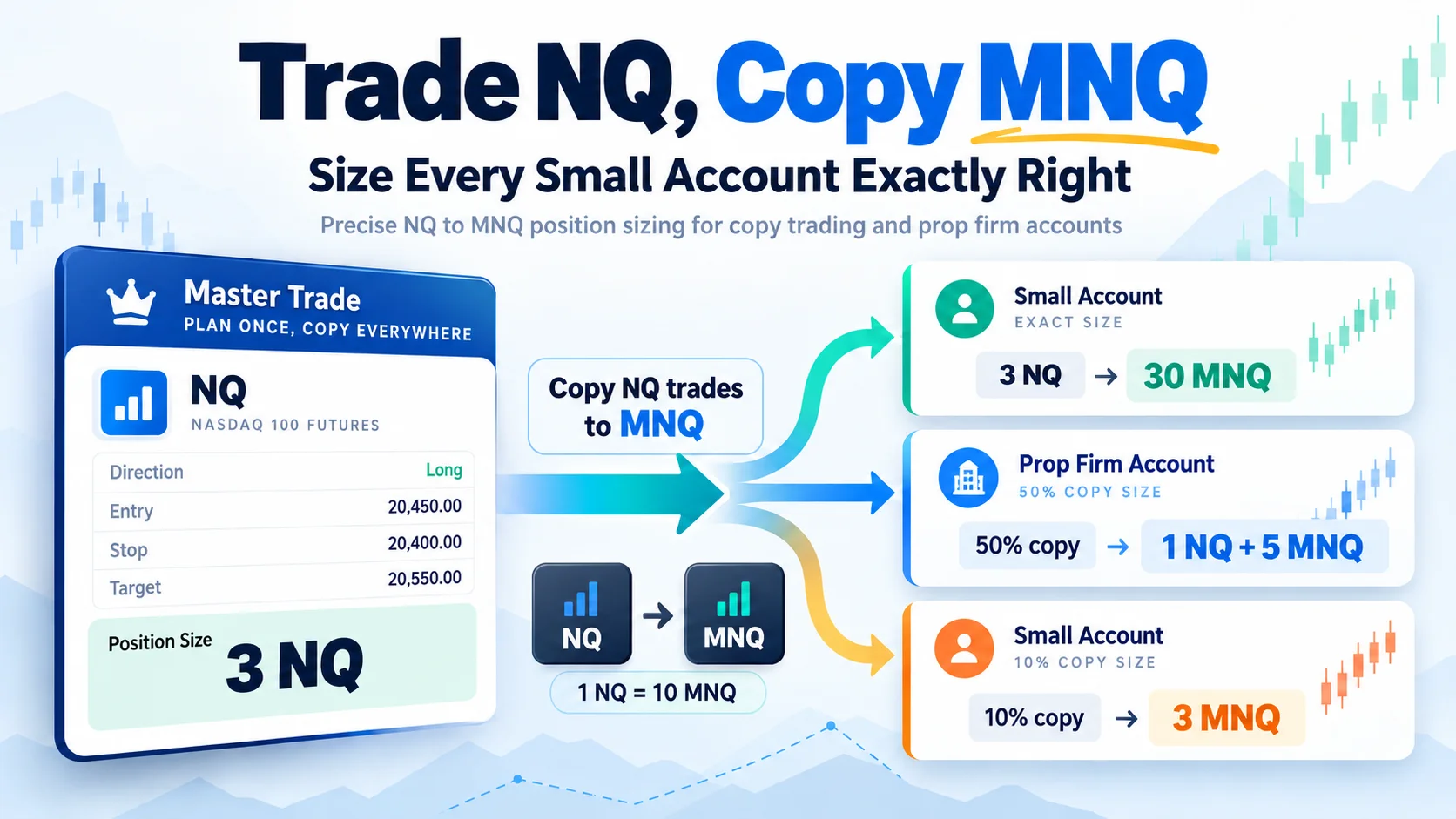
Trade NQ, Copy MNQ: Copy NQ Trades to MNQ in NinjaTrader 8
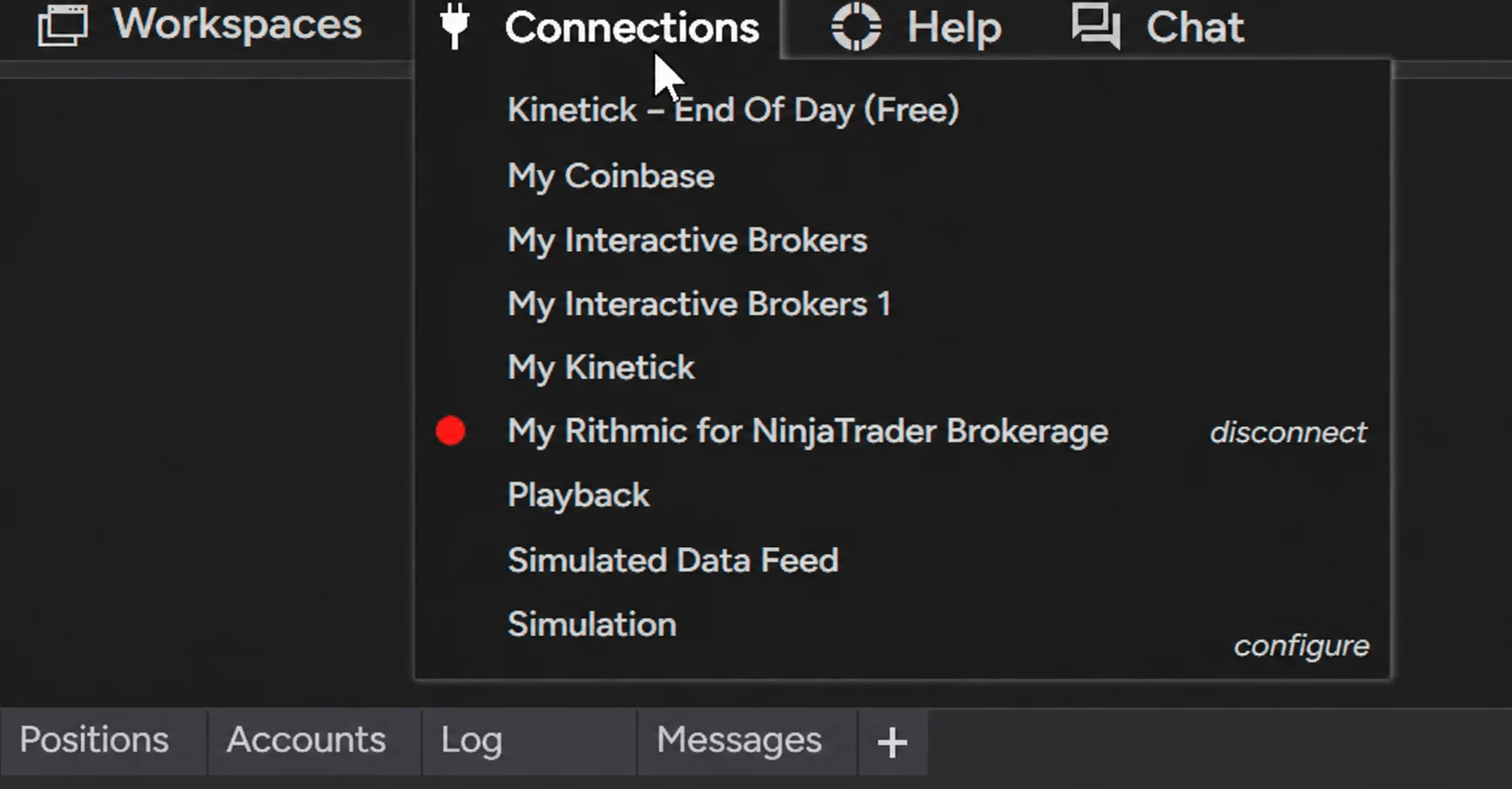
NinjaTrader Data Feed Not Updating? Quick Fixes
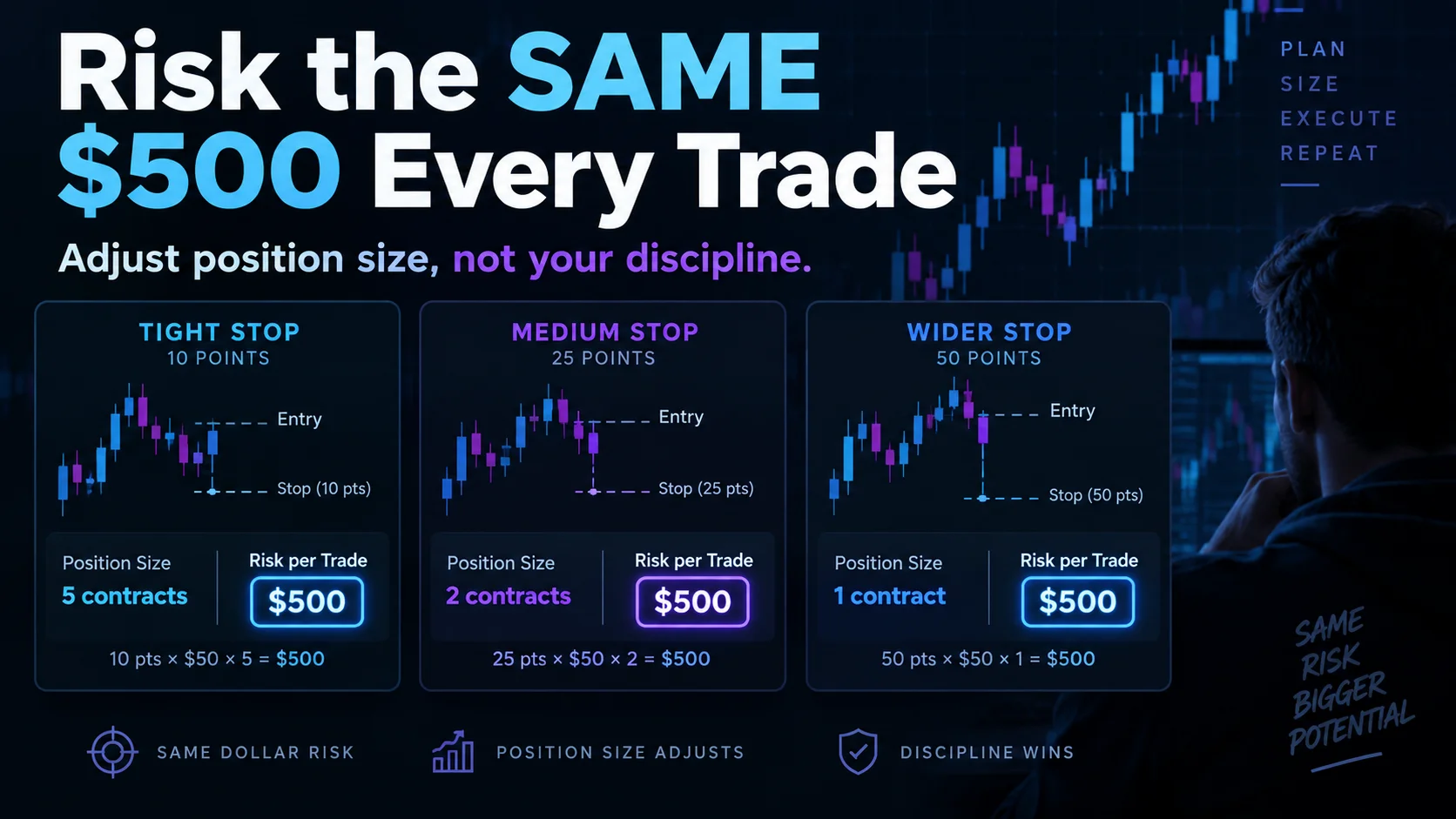
NinjaTrader Risk Per Trade: Risk $500 on Every Trade
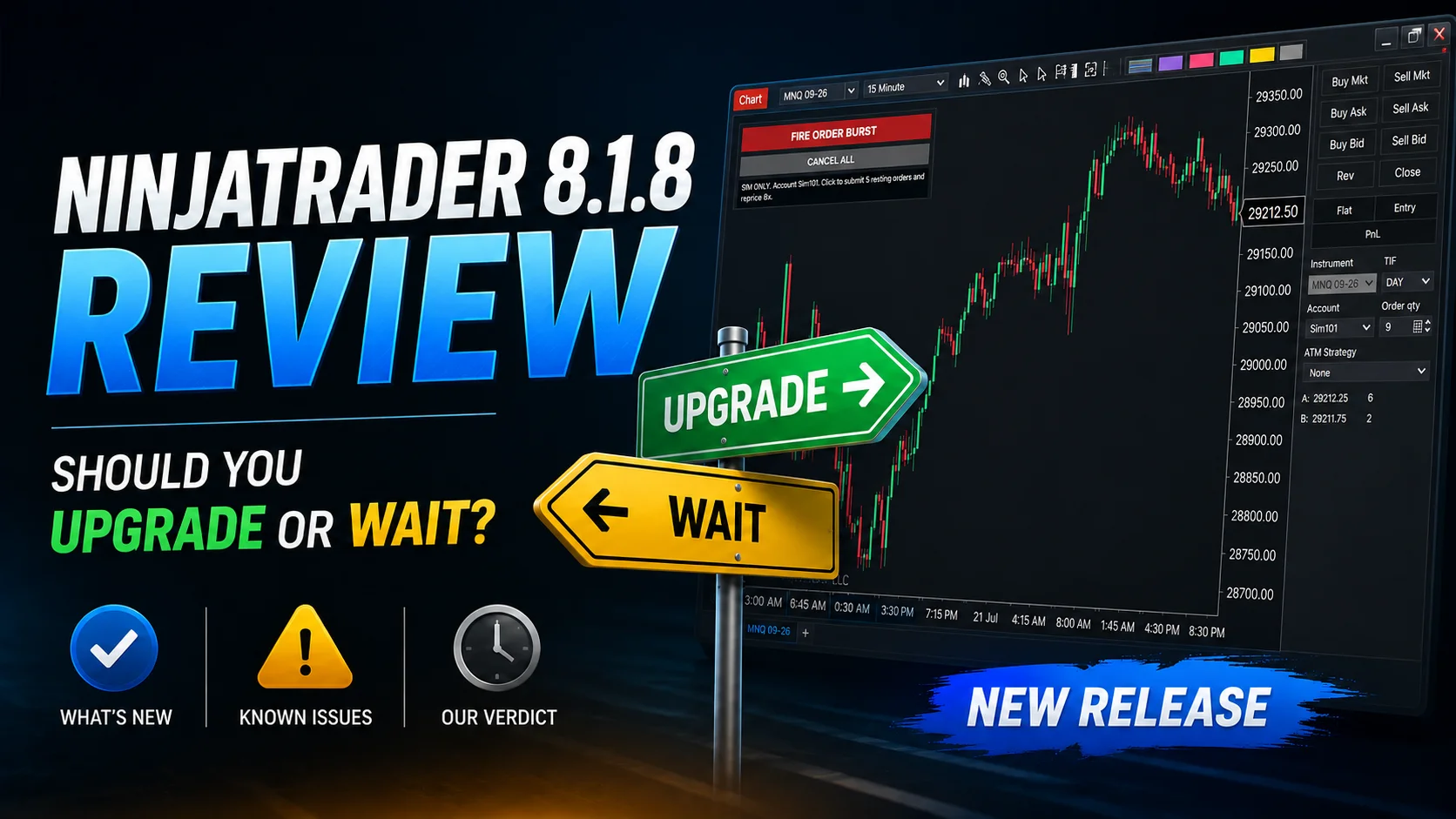
NinjaTrader 8.1.8 Review: Should You Upgrade or Wait?
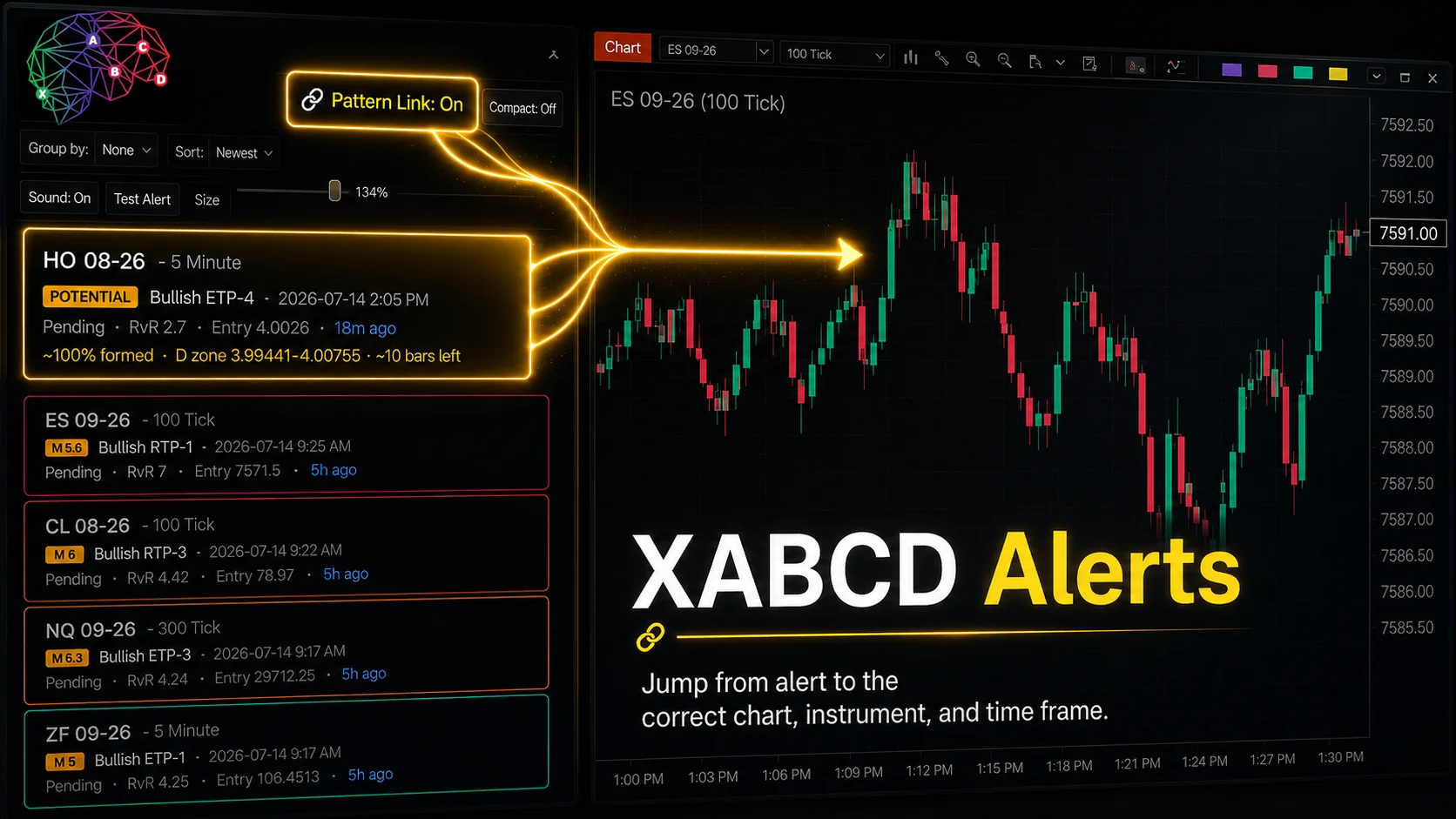
XABCD Pattern Alerts: The Complete Guide for Traders
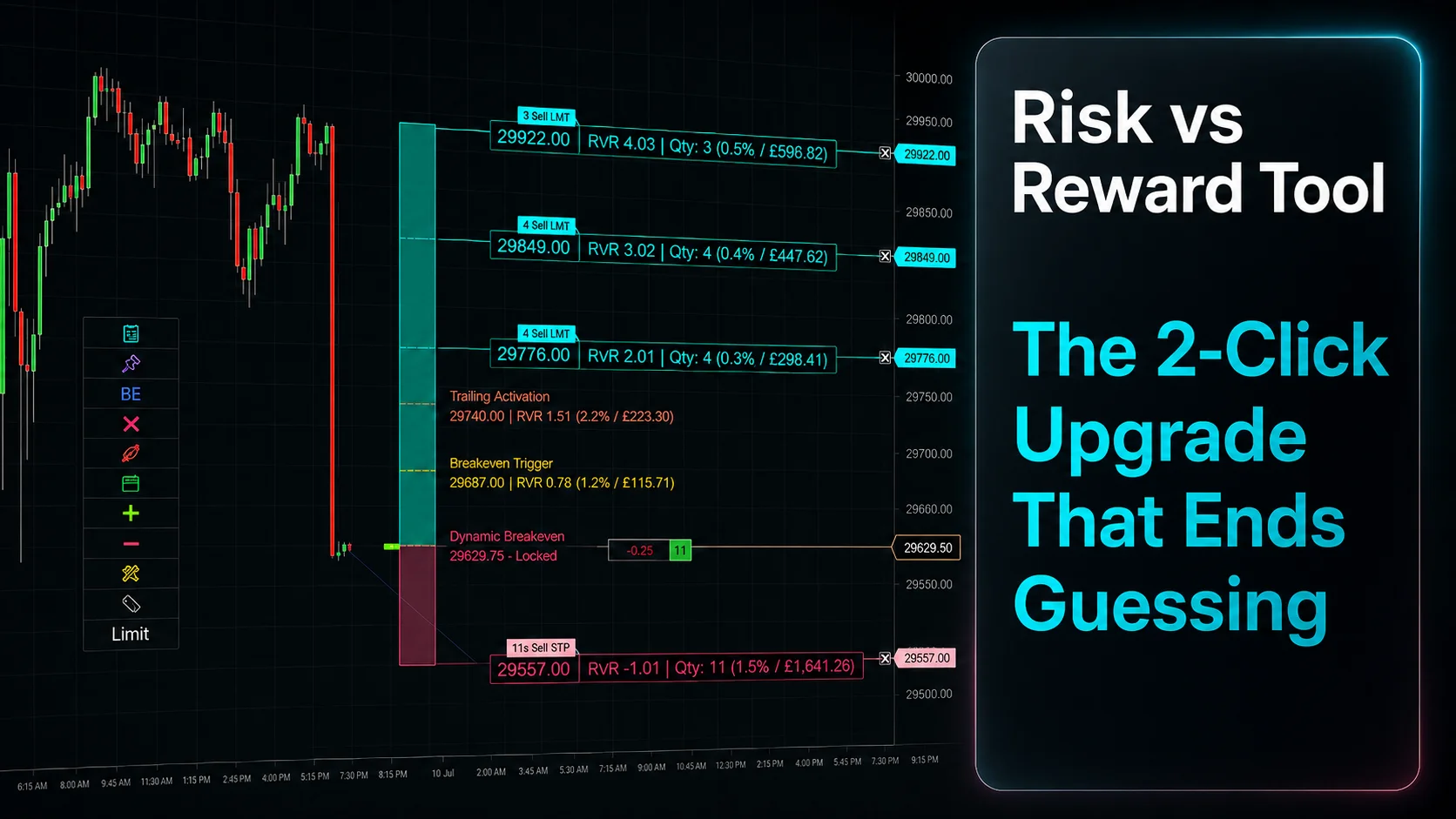
Risk vs Reward Tool: The 2-Click Upgrade That Ends Guessing
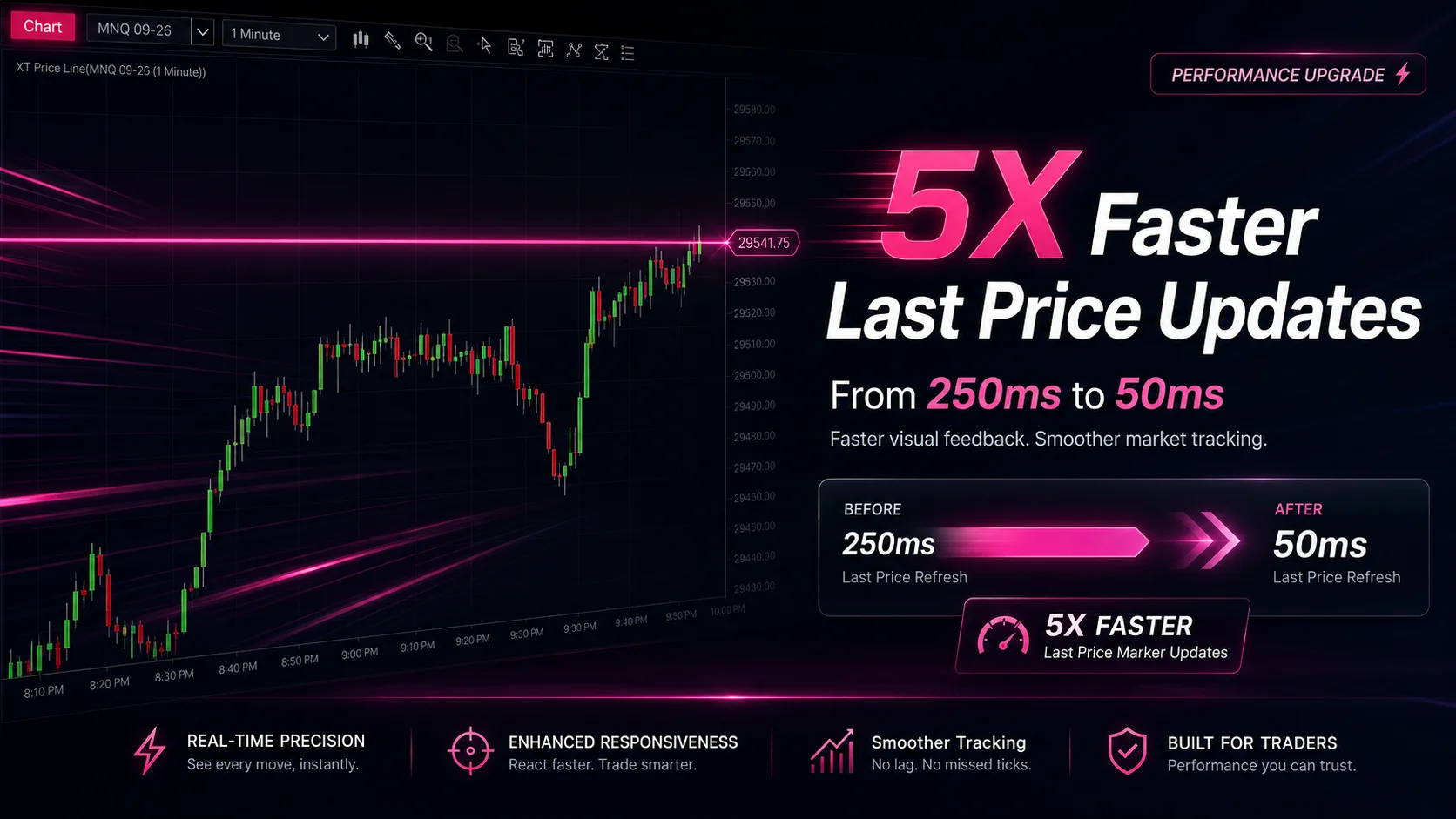
NinjaTrader Faster Last Price Updates on Charts Explained
NinjaTrader 8 Hotkeys: Best Shortcuts for Faster Trading