XABCD TRADING

Boost Your Trading Efficiency: New Automated Order Quantity Feature for Seamless Position Management
Subscribe
to get alerts to our next blog post!
If you’re anything like me, you know that successful trading relies just as much on strategy as it does on quick, precise moves. And let’s face it—manually calculating order sizes while monitoring the markets can be a real headache. That’s why using a NinjaTrader risk management tool is essential for staying consistent and confident in your trading approach.
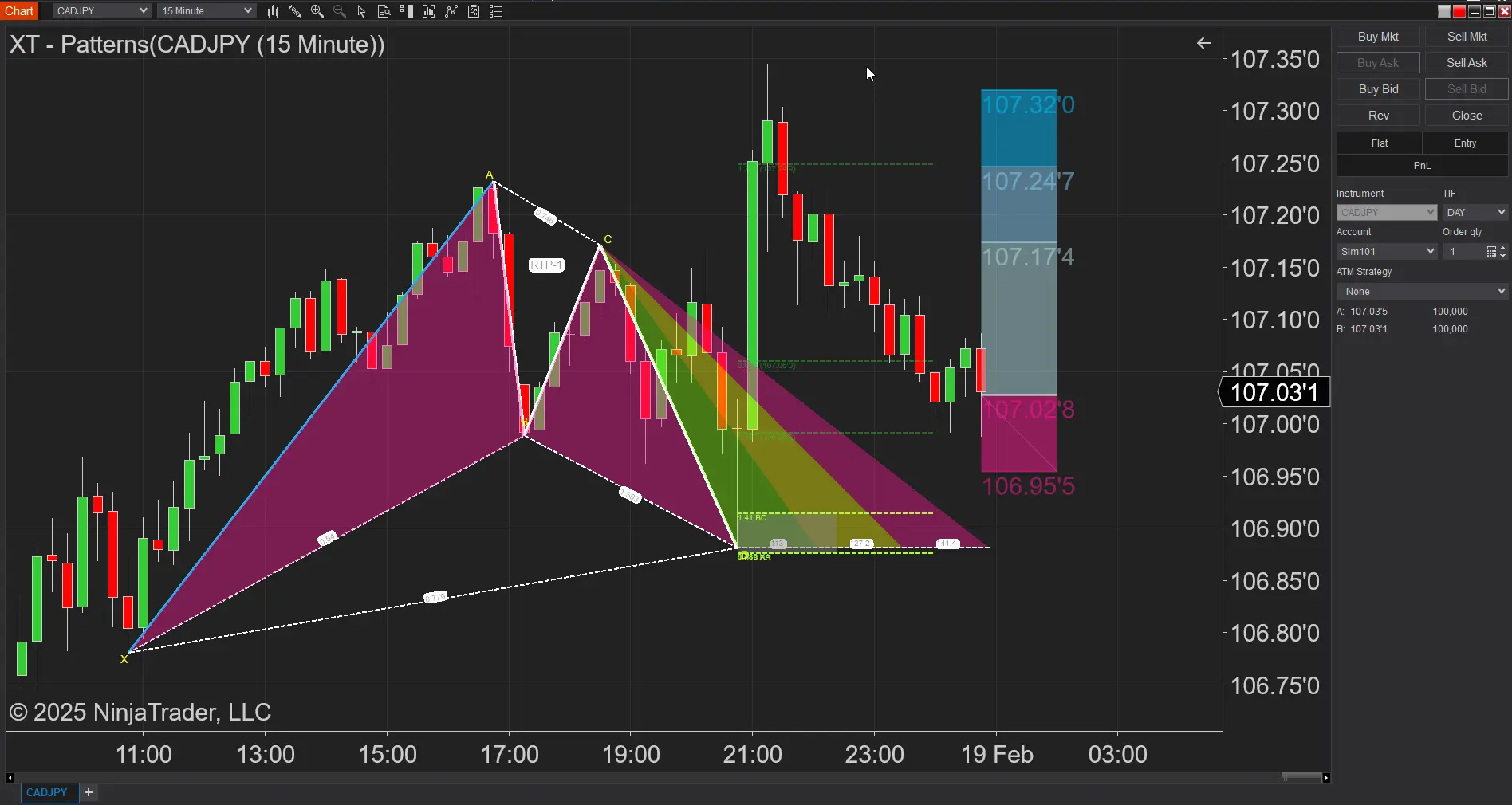
That’s where the new feature in the XABCD Trading Position Tool for NinjaTrader comes in. This little gem automatically updates your order quantity box based on the percentage of risk you’re willing to take, along with your entry and stop loss levels. It’s like having a co-pilot who’s always on point, so you can focus on the trade without worrying about math mistakes.
Why This Tool is a Game-Changer
Keeping It Simple and Error-Free
Ever found yourself double-checking your calculations because you’re not 100% sure if you got it right? Let's be honest, most of you probably don't even do the calculation out of lazyness and might just estimate what 1% or 3% of your account might be worth. Yeah, we’ve all been there. Manual math during those high-pressure moments can lead to mistakes—ones that can seriously mess up your risk management plan. With the XABCD Position tool, you input your risk percentage, entry price, and stop loss, and boom—it instantly spits out the perfect order quantity. This means you’re acting more consistent, without any guesswork involved.
Consistency is Key
If you want more consistent results, you better start acting more consistently. But when you’re busy juggling multiple trades, it’s easy to lose track of your risk management strategy. The XABCD tool keeps things consistent by automating your order size calculations. No more worrying about how many shares or contracts you should be buying—the tool has got it covered every single time. This consistency is huge for building your confidence and ensuring that every trade is on point.
Adapting in Real Time
Markets move fast. One minute, you’re in a steady market, and the next, everything’s shifting. It’s essential to be able to adjust on the fly. With this tool, any changes you make to your entry or stop loss levels are instantly reflected in your order quantity. That way, your trades are always in line with the latest market conditions, which is a massive plus when things get volatile.
Who’s Gonna Love This Tool?
The Solo Trader
If you’re trading on your own, you already know how critical it is to manage risk effectively. The position tool takes the hassle out of figuring out the perfect order size, letting you focus on reading the charts and making smart moves. Especially if you’re just starting out, having an automated system in place helps build those good trading habits right from the start.
Prop Traders: Your New Best Friend
For those trading with prop accounts, the stakes are even higher. Prop firms usually have strict risk management rules, and a single miscalculation can lead to big problems. The XABCD Position indicator ensures that every trade you make aligns with those rules by automatically updating your order sizes based on your risk settings. This not only protects your account but also gives your firm peace of mind that you’re managing risk like a pro.
Algo and High-Frequency Traders
Even if you’re deep into algorithmic or high-frequency trading, an extra layer of risk management is always welcome. The XABCD Position Tool works seamlessly with NinjaTrader’s advanced features, ensuring that even automated strategies stay within your defined risk parameters. This is particularly useful when the market is bouncing all over the place and you need your system to react quickly.
Putting it to "On" Mode
Indicator Properties Behind the XABCD Position Tool
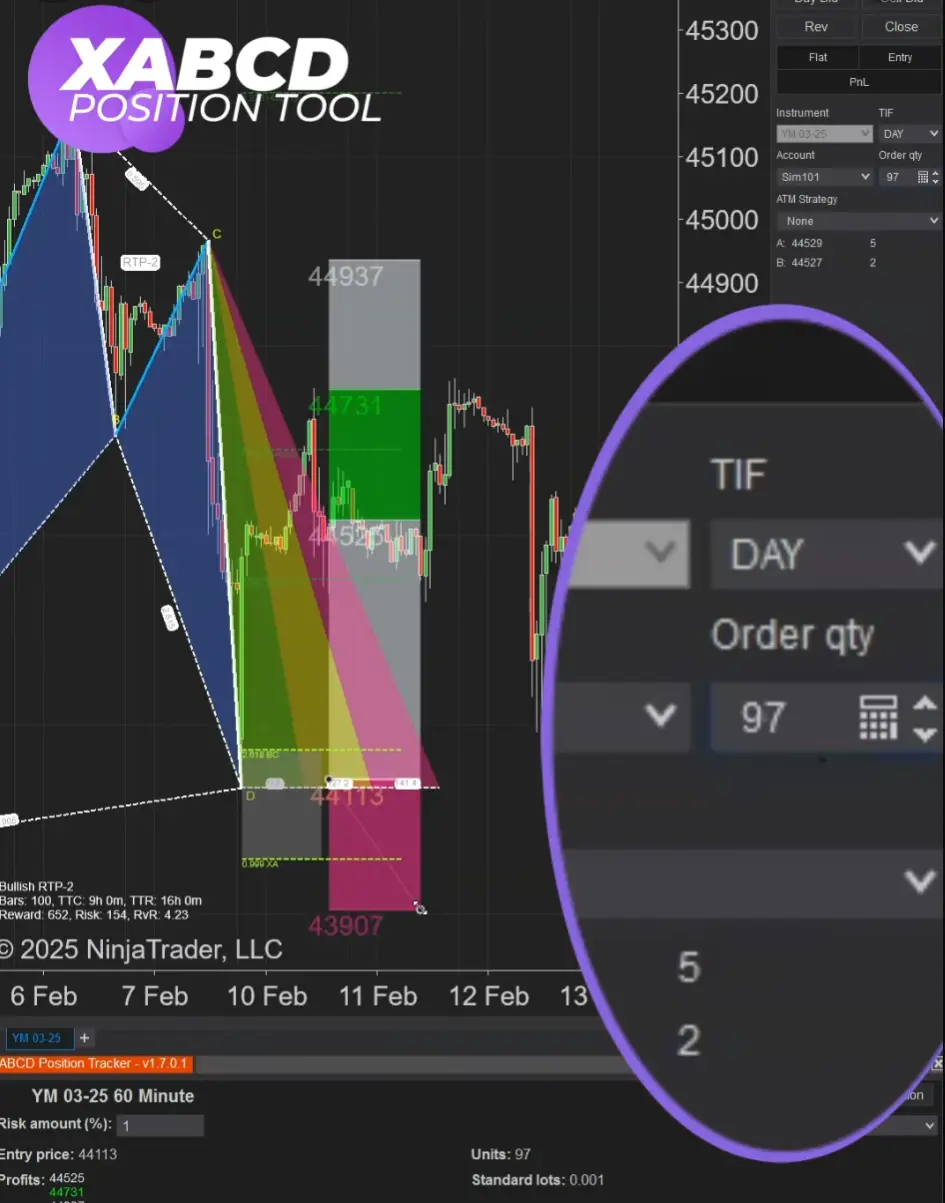
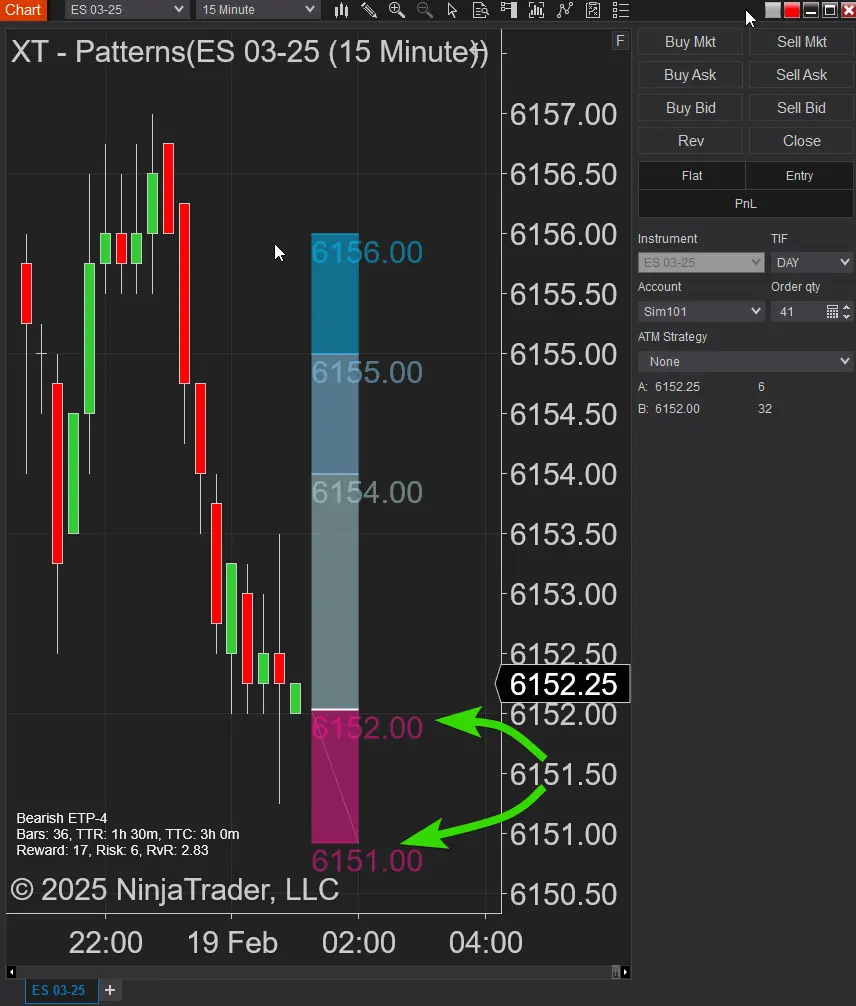
Inside the indicator properties you'll find the option to update the order qty box. Update ChartTrader Order Qty which you will want to have it checked on (if you want it to automatically update).

Draw Entry and Stop
Next you will use the XABCD Position Drawing Tool to map in your entry and stops.
Watch It In Action
As you move around the stop and entry points, you will see the Order QTY box adjust like magic!
Breaking Down the Magic Behind the Tool
How It Works in a Nutshell
#1Risk Percentage: You decide how much of your account you’re willing to risk on a trade. This is your safety net, ensuring that no single trade can wipe out your capital.
#2 Entry and Stop Loss: Input your entry price and where you’d like to set your stop loss. The difference between these numbers tells you how much you’re risking per share or contract.
#3Automatic Calculation: The tool takes your risk percentage and the difference between your entry and stop loss to calculate exactly how many shares or contracts you should trade. No manual work, no room for error.
How It Works in a Nutshell
Let’s face it, trading is stressful enough without having to worry about the math behind your moves. By automating these calculations, the position tool lets you zero in on your strategy and the market. This means fewer mistakes, more consistent trading, and ultimately, a smoother trading experience overall.
Wrapping It All Up
The world of trading is demanding, and every edge counts. The XABCD Trading Position Tool for NinjaTrader isn’t just another fancy feature—it’s a real, practical solution that takes the guesswork out of order sizing. By automatically updating your order quantity based on your risk percentage, entry, and stop loss levels, it ensures that every trade is executed with precision and consistency.
Whether you’re a solo trader, a prop trader, or someone who relies on automated systems, this tool is designed to make your life easier and your trades safer. It’s all about reducing mistakes, saving time, and letting you focus on what really matters: making smart, calculated moves in the market.
So if you’re ready to take your trading to the next level, give the XABCD Trading Position Tool a try. Embrace the convenience of automated risk management and see how it can transform your trading experience. Here’s to smarter trading, better risk control, and ultimately, more success in the markets. Happy trading!
FAQ
What is the NinjaTrader risk management tool and how does it work?
We call it our XABCD Position Tool. The XABCD Position Tool auto-calculates position size based on your risk, draws entry, stop, and targets, and lets you submit OCO orders directly from the chart. Move the tool to instantly update risk/reward and order levels for fast, consistent trade execution.
How do I set up risk management settings in NinjaTrader?
With the XABCD Position Tool, you set up risk management directly in the tool's properties window. Open the Risk tab to choose your risk mode — percent of account value, fixed dollar amount, percent of buying power, and more. Set your risk percentage, enable options like Include Commission In Risk and Slippage Buffer to factor in real-world costs, and configure max daily loss limits and per-instrument contract limits. Once configured, the tool automatically calculates your position size every time you draw a trade on the chart, blocking orders that exceed your risk budget.
Does NinjaTrader have an automatic stop-loss feature?
The XABCD Position Tool gives you automatic stop-loss management built right into the chart. Every trade you draw includes a stop-loss level that submits as part of an OCO bracket order, so your stop is always in place. Beyond that, the tool offers automatic breakeven (triggered by percent of risk, R-multiple, or dollar amount), multi-step trailing stops (static ticks, ATR-based, or candle-close based), and an Account Floor Guard that monitors your equity against a trailing high-water mark and can automatically flatten positions if breached. It removes emotional decision-making by handling stop management for you.
What is the best NinjaTrader risk management tool for day trading futures?
The XABCD Position Tool is purpose-built for day trading futures on NinjaTrader. It auto-calculates your position size based on your account equity and risk percentage, submits OCO bracket orders with entry, stop, and up to six profit targets in one click, and includes daily loss limits and per-instrument contract caps to keep you within safe boundaries. Features like one-click entries, attach-to-market for live price tracking, dollar cost averaging for scaled entries, and prop firm mode with micro contract auto-detection make it the most complete risk management solution for futures day traders.
Is NinjaTrader's risk management good enough for professional traders?
The XABCD Position Tool is built for professional-level risk management on NinjaTrader. It offers ten risk calculation modes, multi-step trailing stops, automatic breakeven with commission coverage, an Account Floor Guard with trailing drawdown protection, a real-time warning system that monitors for missing stops and leverage breaches, and a dedicated Prop Firm Mode with per-account rules, drawdown tracking, and contract scaling. Combined with fully customizable hotkeys, saveable templates, trade commentary overlays, and news event protection, it gives professional and prop firm traders the granular control and automation they need for consistent, disciplined execution.
New NinjaTrader Articles Delivered First

Easy Order Tool
The Strategy

Scanning & Alerting

NinjaTrader Release
XABCD News (Free Version)
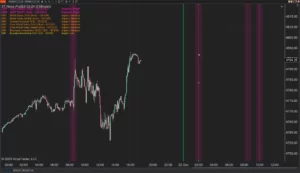
XABCD News (Community Edition) is the best free Indicator for NinjaTrader 8. Don't let news sneak up on you again. Puts economic news events on your charts so you can stay informed and move around positions/stops before the news is released. Works in any market.
XABCD Priceline (Free)
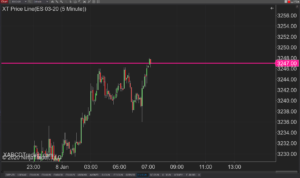
XABCD Price Line tool for NinjaTrader 8 will draw a line at current price and move every time the market changes price. This is useful because it will allow you to easily identify where price is at all times and the exact quoted price.

NinjaTrader Risk Per Trade: Risk $500 on Every Trade
NinjaTrader 8.1.8 Review: Should You Upgrade or Wait?
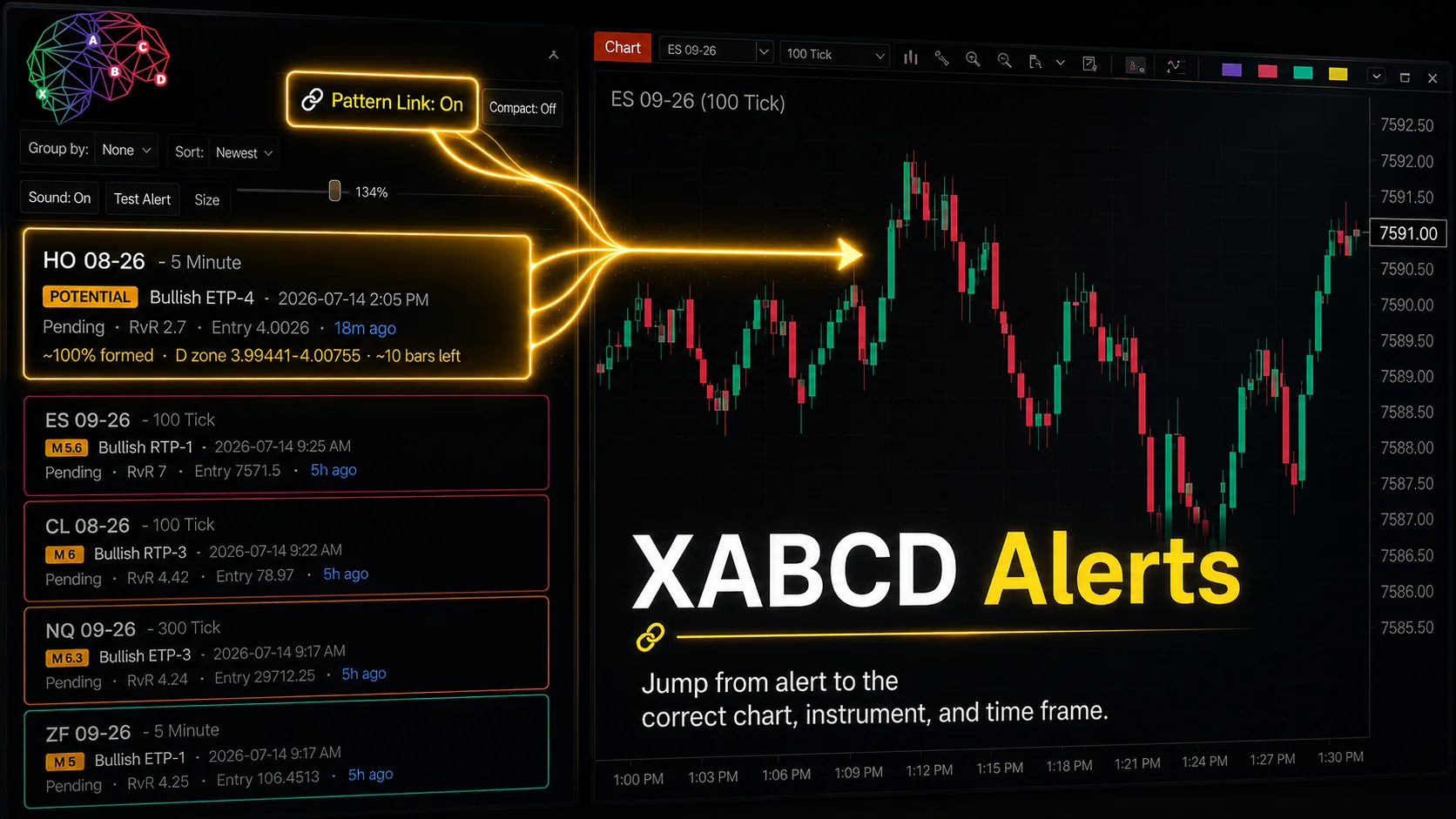
XABCD Pattern Alerts: The Complete Guide for Traders
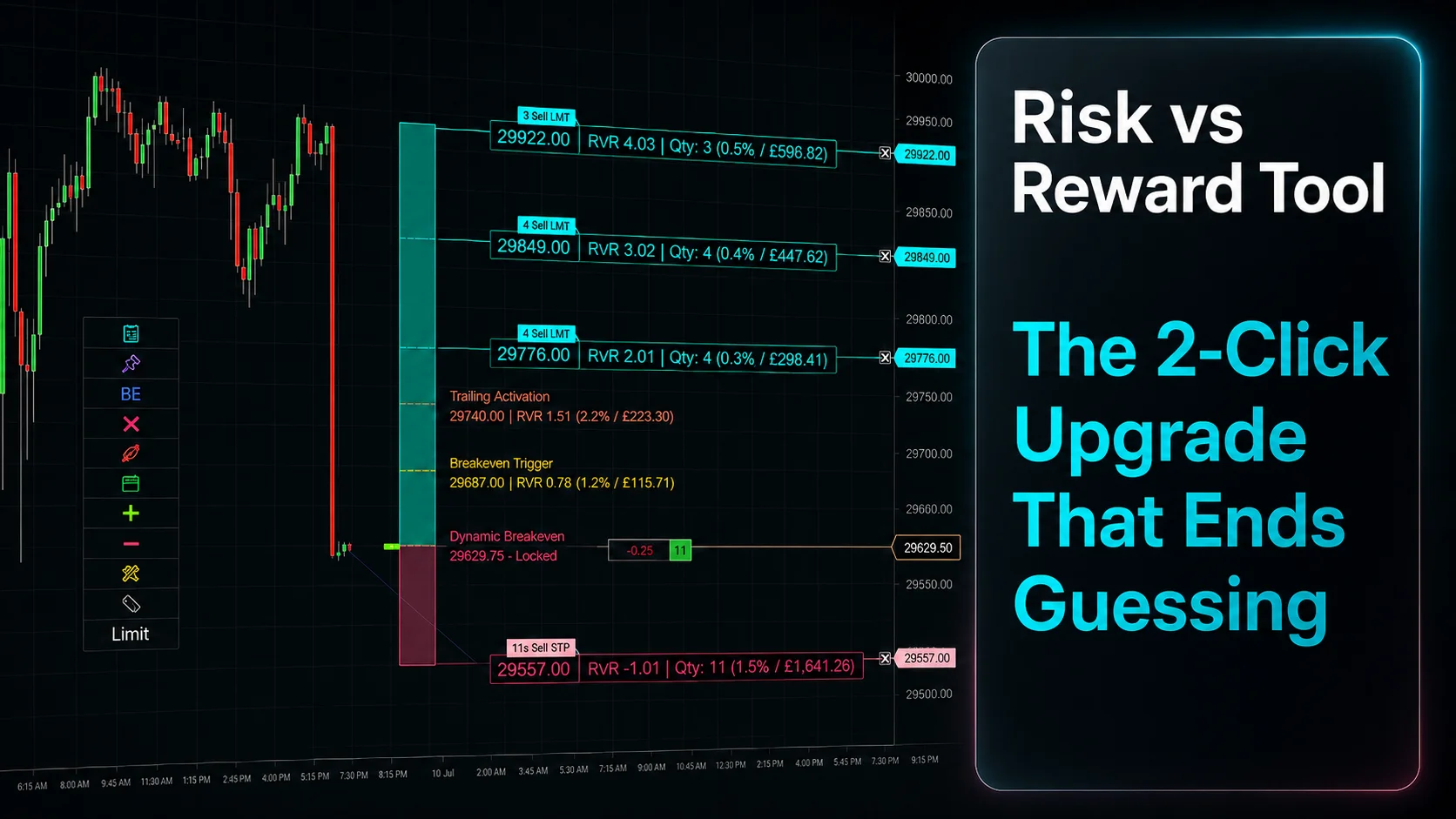
Risk vs Reward Tool: The 2-Click Upgrade That Ends Guessing
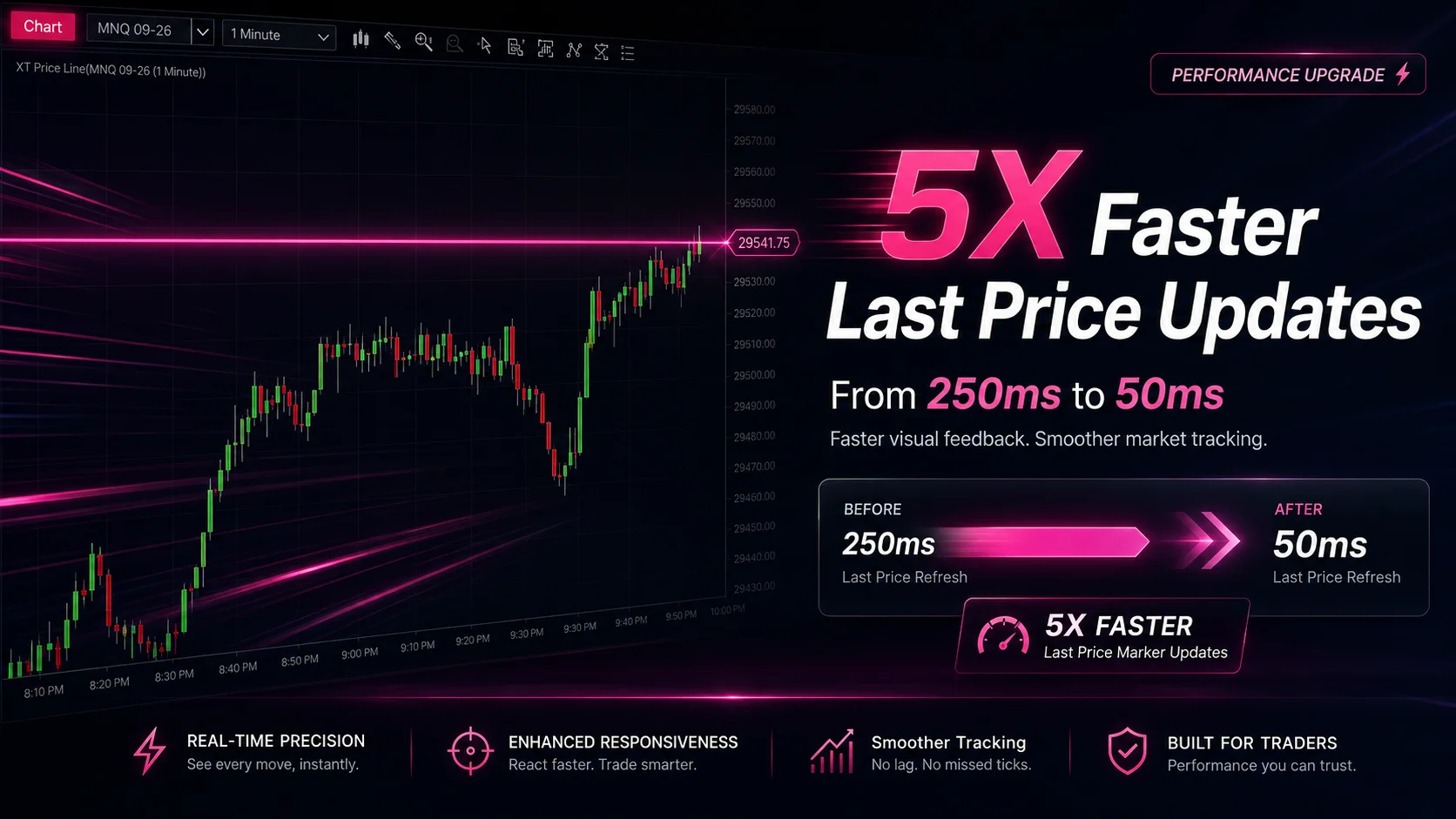
NinjaTrader Faster Last Price Updates on Charts Explained
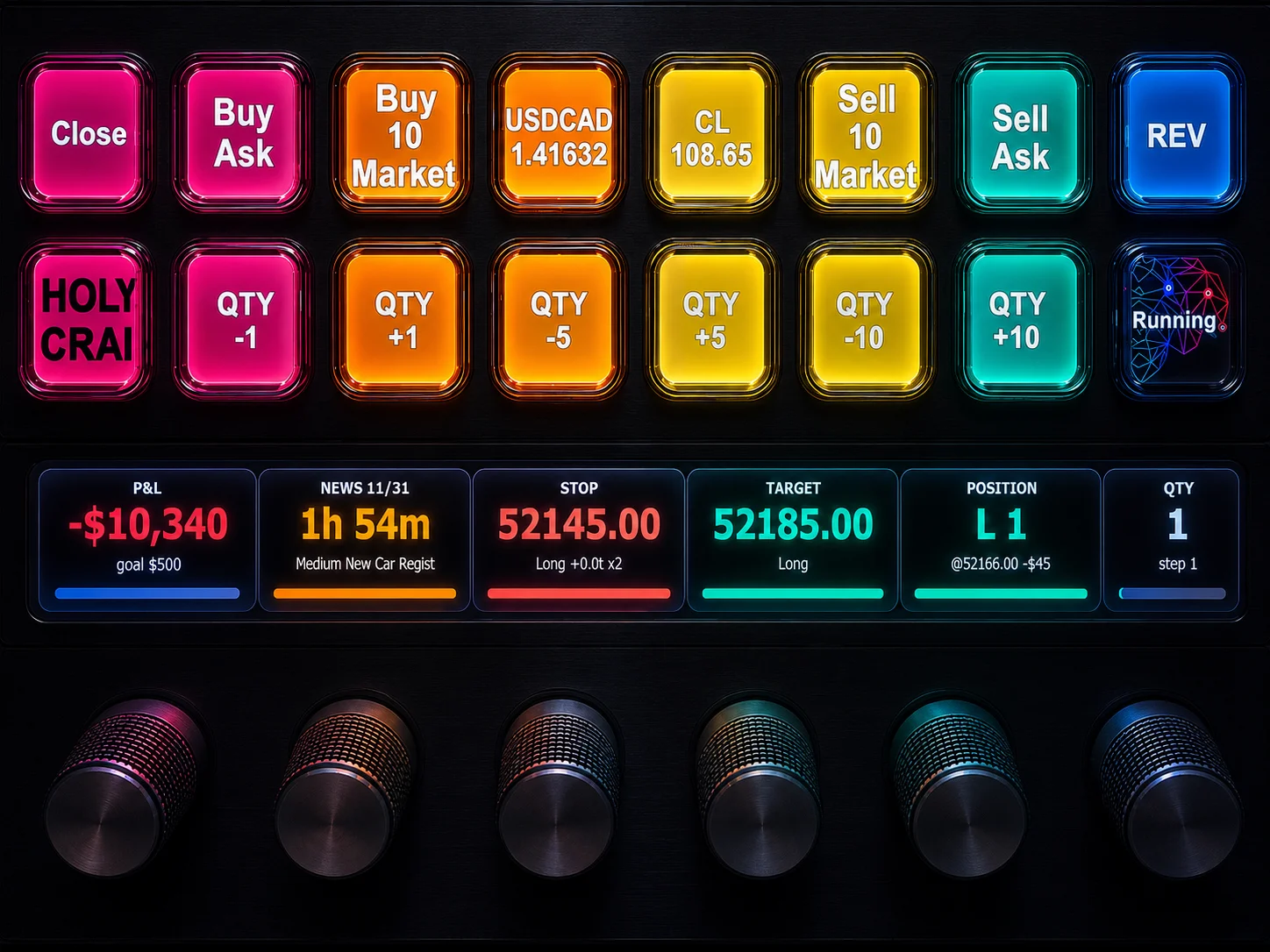
NinjaTrader 8 Hotkeys: Best Shortcuts for Faster Trading
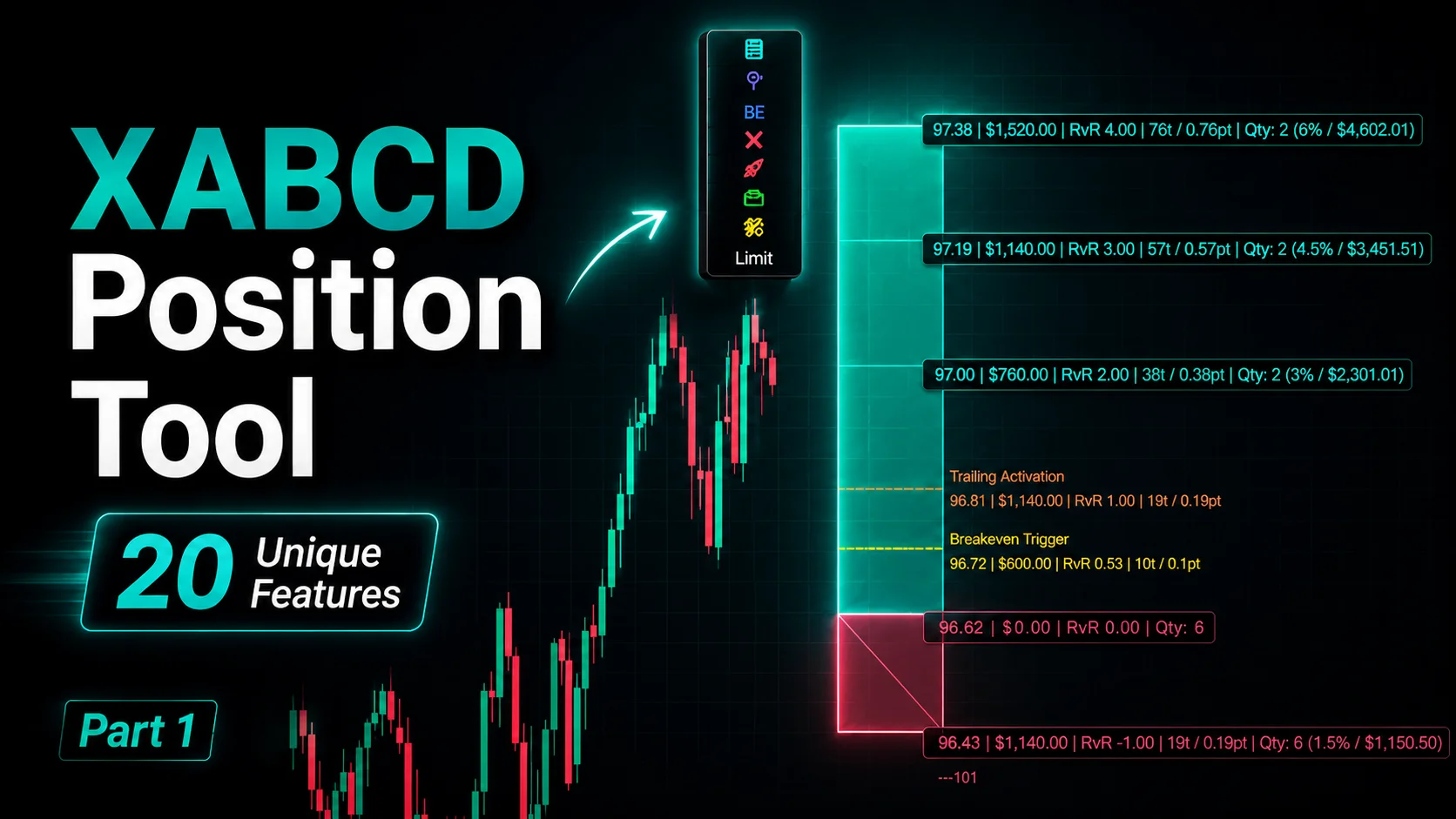
NinjaTrader Position Sizing Tool: 64 Features Stock NT8 Does Not Include
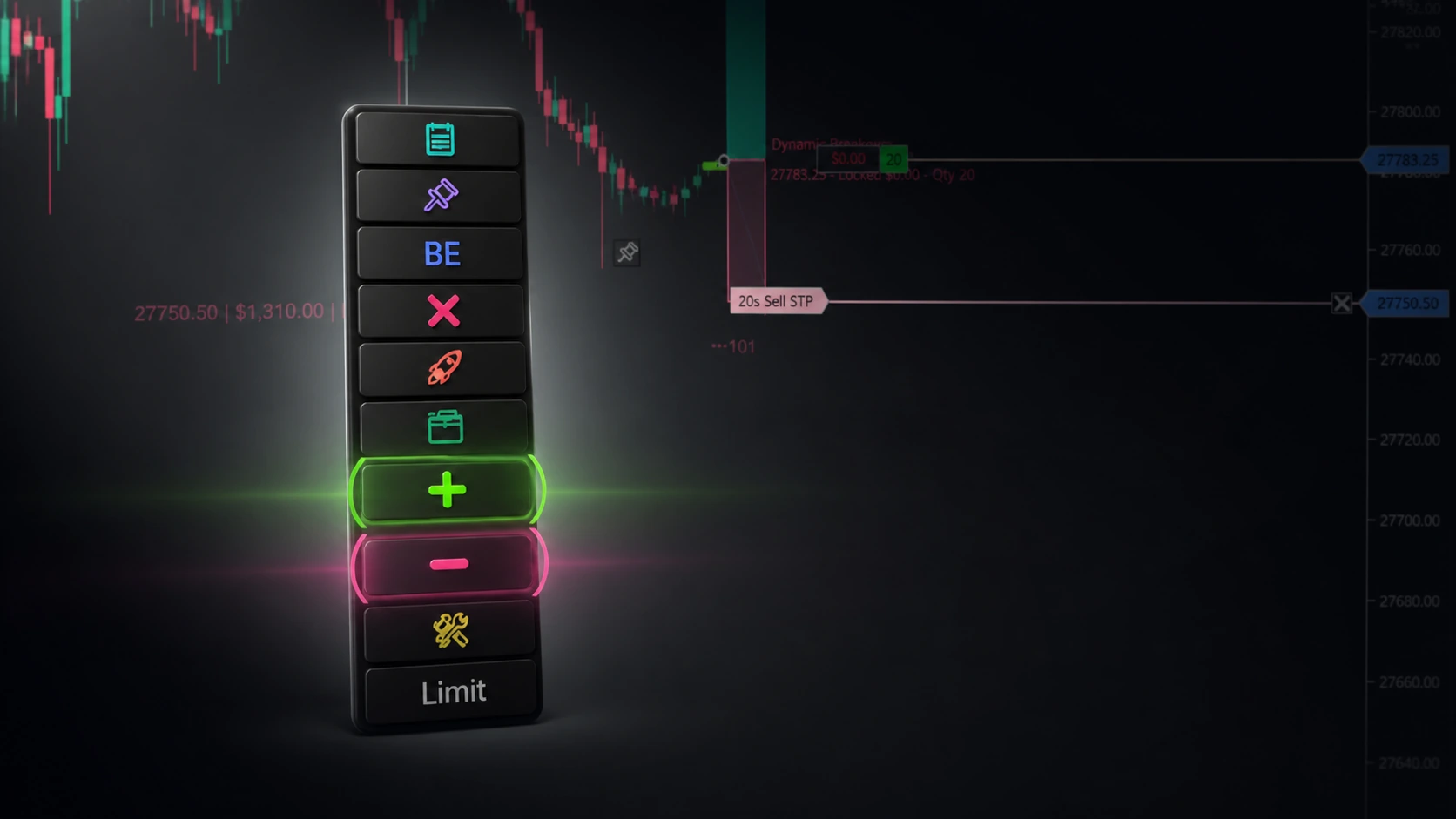
NinjaTrader – Adding to Position: A Field Guide for Active Traders
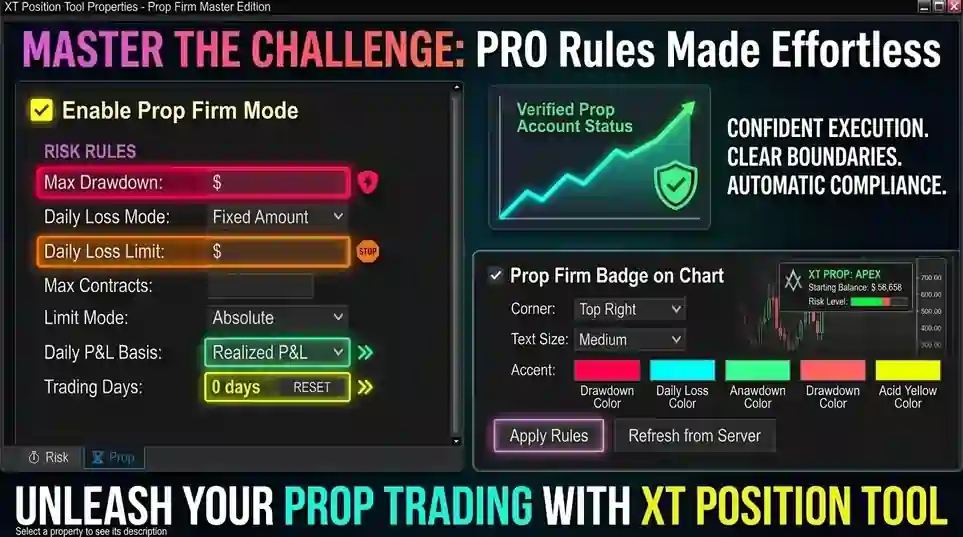
NinjaTrader Prop: The Ultimate Guide to Prop Firm Trading