XABCD TRADING

Order Rejected at RMS Meaning in NinjaTrader
Subscribe
to get alerts to our next blog post!
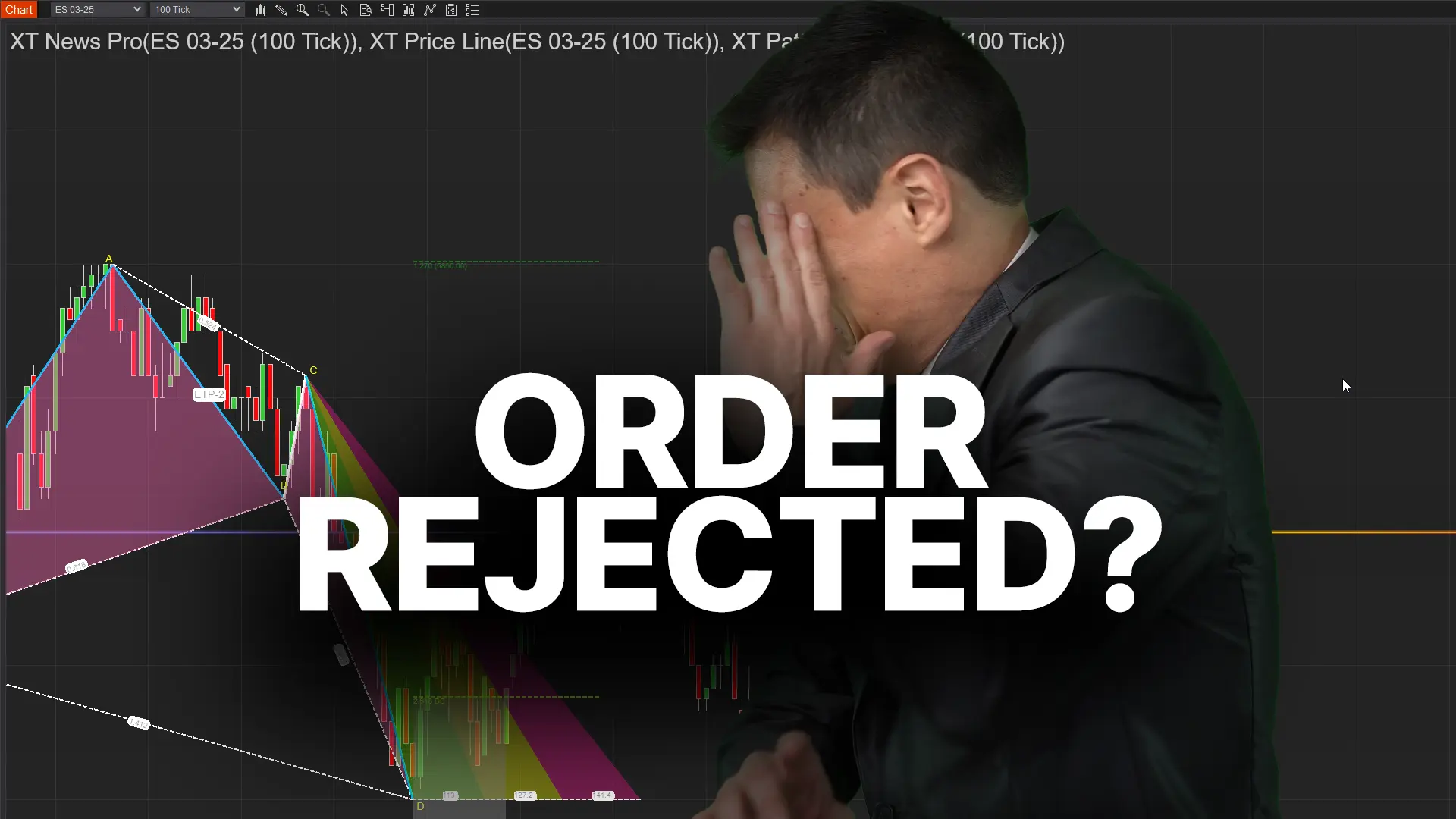
Imagine this: you’re ready to execute a trade on NinjaTrader, you click the Buy/Sell button, and then—bam!—an error message appears stating “Order Rejected at RMS.” If you’ve ever faced an order denial like this, you know how infuriating it can be. In the image above, a trader is seen holding his head in front of a laptop with a falling chart—a vivid depiction of the confusion and stress that an unexpected order cancellation can trigger. So, what exactly does “rejected at RMS” mean? Rest assured, it’s not a system glitch or the end of the world. Essentially, it’s NinjaTrader (or more specifically, your broker’s system) acting as a safeguard. In this post, we’ll explain what the Risk Management System (RMS) is, why it might block your orders, and how to troubleshoot these issues. By the end, you’ll not only understand this error message, but also gain practical tips to avoid it in the future. Let’s dive in!
What is RMS (Risk Management System) in NinjaTrader?
Let’s start with the basics: RMS stands for Risk Management System. It’s essentially a safety net built into the trading process that keeps an eye on your orders and positions. Think of RMS as a watchdog that checks your trade against certain risk rules before letting it go through. These rules are set either by your broker or by the platform’s simulation settings, and they’re there to protect you (and the broker) from excessive risk. In NinjaTrader, the platform itself doesn’t pre-check every detail of your order – instead, your broker’s RMS does this once the order is submitted.
If something about your order doesn’t pass the risk checks, the RMS will step in and reject the order.
So what kind of things does the RMS actually check? Typically, it looks at factors like how much margin (money/collateral) the trade requires, how large your order or position would be, and whether any predefined risk limits would be breached. For example, NinjaTrader’s simulation accounts have risk definitions that include the margin needed per contract and limits on the number of contracts you can trade. Live brokers have similar rules. In simple terms, RMS is making sure “Does this trader have enough funds for this? Is the trade size within allowed limits? Are they within their risk parameters?” If the answer to any of those is no, RMS might block the order. It’s a bit like a seatbelt – it might feel restrictive in the moment, but it’s there for safety. Funded traders face even stricter limits, so review how NinjaTrader Evaluation Accounts enforce daily loss and contract caps before your orders start getting rejected.
Why Would an Order Be Rejected at RMS?
Okay, so RMS is the guard at the gate. But why might it stop your order? When you see “Order Rejected at RMS,” it means your order tripped one of those risk rules. Here are some common reasons this can happen:
If something about your order doesn’t pass the risk checks, the RMS will step in and reject the order.
#1 Insufficient Margin or Buying Power: This is one of the most frequent culprits. Margin is the amount of money you need in your account to open and hold a position. If you don’t have enough available funds to cover the margin for a new trade, the RMS will reject the order. It’s basically saying, “You’re trying to buy more than you can afford.” For instance, if you attempt to trade 5 futures contracts but your account only has margin for 2, the order will be blocked. NinjaTrader will usually pop up a message explaining you don’t have enough excess margin or buying power in this case. The idea is to prevent you from accidentally over-leveraging your account.
#2 Exceeding Max Order Size or Position Limit: Another common reason is hitting a size limit. Many brokers (and the NinjaTrader sim accounts) set a maximum order size or maximum position size for each instrument. For example, your account might be limited to placing orders of 10 contracts at a time, or holding no more than 20 contracts total in a certain futures market. If you try to place an order that would put you over those limits (say, by entering a trade for 15 contracts when the max is 10, or adding to a position that would exceed the max position size), the RMS will reject it. It’s like trying to board a bus that’s already full – the system won’t let any more on. This protects you from taking a position that’s too large for your account or the risk profile set for you.
#3 Risk Limit Reached (Loss or Profit Caps): Some trading accounts, especially those with prop firms or certain brokers, have built-in daily loss limits or profit targets. For example, you might have a rule that if you lose $1,000 in a day, you can’t place any new trades for the rest of the day (to prevent further losses). If you’ve hit that limit, any new order you attempt will be rejected by the RMS. Similarly, if you hit a daily profit target and have a rule to lock in that profit (no more trading after a certain gain), additional orders could be blocked. These limits are usually agreed upon beforehand (often in funded trader programs or by personal setup) and the RMS enforces them strictly to help manage your risk. It’s basically the system saying, “Take a break, you’ve hit your limit for now.”
#4 Instrument or Market Restrictions: Sometimes the issue isn’t your account or money at all, but the instrument you’re trying to trade. “Product code not permitted” is a message some users have seen alongside RMS rejections. This means the contract or stock you’re trying to trade isn’t allowed on your account. For instance, maybe your futures broker doesn’t have permissions for a specific exchange (like ICE/NYBOT products), so if you try to trade cocoa or a certain foreign market, the RMS will reject the order because that product isn’t enabled for you. Another scenario is trading outside of allowed hours – some brokers restrict certain trades to specific times, and if you place an order during a restricted time, it could be denied. In short, if the what or when of your trade isn’t allowed, RMS will block it.
#5 Other Risk Checks: There can be other, less common reasons too. If you’re trading with advanced order types or automated strategies, sometimes an order gets rejected because it doesn’t make sense or violates a rule (like a stop order too close to market, or two opposite orders that could unintentionally double your position). While these might not explicitly say “RMS” in the error, they are still the system protecting from risky or invalid actions. For example, placing a buy stop order below the current market price will be rejected as invalid – that’s more of a logical rule than an RMS funds check, but it’s worth mentioning as a related “order rejected” cause. The key point is that something about the order didn’t meet the criteria, so it was not accepted.
How to Troubleshoot and Fix an RMS Rejection
Getting an order rejected can be jarring, but the good news is you can usually fix the issue pretty quickly once you identify the cause. Here’s a step-by-step guide to troubleshoot and resolve an “Order Rejected at RMS” message:
#1 Read the Error Details: First, look closely at any additional message that comes with the rejection. NinjaTrader’s order log or the pop-up might give a hint. It could say something like “Insufficient buying power” or “Order exceeds maximum size” or “Product not allowed.” These clues are gold – they tell you why the RMS rejected your order. If you didn’t catch the details in the moment, you can check the Logs or Orders tab in NinjaTrader’s Control Center for the error message. Understanding the cause is half the battle.
#2 Check Your Account Status: Once you have a clue, verify your account’s situation. If it’s possibly margin-related, check your account’s available margin. In NinjaTrader, you can see your account’s funds and excess margin in the Accounts tab (for live accounts) or the simulation account settings. If you’re near zero available margin, that’s a clear sign the trade was too large. Likewise, if it might be a position limit issue, see how many contracts you’re already holding or what your last trades were – you might already be at the max allowed. In a simulation account, also check if a Risk Template with specific limits is applied (right-click your sim account > Edit Account > see the Risk setting). You may have inadvertently set a very low limit there.
#3 Check Your Account Status:Adjust and Retry (if appropriate): Based on what you find, make a correction and try again. If margin was the issue, you have a few options:
- Reduce your order size. Try a smaller position that fits your available margin. For example, if 5 contracts were too many, test with 1 or 2 and see if it goes through.
- Add funds to your account. (For live trading) If you consistently find your buying power is too low, you might need to deposit more capital to comfortably make the trades you want. Obviously this isn’t an instant fix, but it’s something to consider for the future.
- Close other positions to free up margin. If you have other trades open, closing some could release margin, allowing new trades.
- If you’re on a sim account, you can also edit the account and increase the starting cash or adjust the risk template to be more lenient (since it’s virtual money, you have that flexibility).
If a size or position limit was the issue, then simply scale down the trade. Trade within the allowed size. For example, if you discovered your account has a 10-contract limit, stick to 10 or fewer. If it was a risk limit (daily loss/profit) trigger, then the “fix” is a bit different – it’s usually stop trading and come back later. Those limits are there for a reason. You might need to wait until the next trading session if it’s a daily lockout, or adjust the risk settings if you have control over them (for instance, you can raise your own daily loss limit in NinjaTrader’s Account Risk settings if it’s your personal account and you decide to do so, but for a prop firm or broker limit, you’ll have to abide by it). If the instrument was not allowed, you’ll have to switch to a permitted instrument or talk to your broker. Sometimes, it could be a simple oversight (maybe your account wasn’t enabled for that exchange – brokers can often turn it on if you ask). In other cases, you might not be able to trade that product at all with your current account, so it’s best to pick a different market. - Contact Your Broker or Support if Unsure: If you’ve tried the above and are still scratching your head, don’t hesitate to reach out for help. A quick call or email to your broker’s support can clarify why the order was rejected at RMS. They can tell you, for example, “Oh, your intraday margin for that product is $X, and you didn’t have enough,” or “Your account has a 2-contract limit on that instrument,” etc. They have access to the risk flags on your account and can pinpoint the issue. Similarly, NinjaTrader’s own support or forums can be helpful if it’s a platform setting. Sometimes just describing the scenario to support will get you an answer like “Yes, that error means you hit a risk threshold.” Don’t feel bad – these things happen to many traders, especially when you’re new or when market conditions change (sudden volatility can raise margin requirements intraday, for example). Support is there to help you get back on track.
Why Does RMS Exist, and How Does It Help Traders?
At first glance, RMS rejections feel like a nuisance. Nobody likes to be told “no” when trying to execute a trade. However, it’s important to understand that RMS exists for good reasons and can actually be a trader’s best friend in the long run. Here’s why:
- Preventing Costly Mistakes: We’re all human, and mistakes happen – like typing an extra zero on an order, or miscalculating how much you can afford. The Risk Management System acts as a final sanity check. If you accidentally try to take a 100-contract position instead of 10, an RMS rejection will save you from what could have been a disastrous error. It’s better to have the order blocked than to suddenly find yourself in a trade way beyond your intentions or account capacity.
- Protecting Your Capital: The core purpose of any risk system is to protect traders (and brokers) from excessive losses. By enforcing margin requirements and position limits, RMS makes sure you don’t get into a trade that could wipe out your account. Yes, it’s frustrating to be stopped from trading, but imagine the alternative: being allowed to enter a trade that you can’t financially handle. That scenario could end much worse. In a way, RMS is like a guardian that sometimes has to deliver tough love – saying “no more trades for now” when you’re on a losing streak, which can save you from yourself when emotions are running high.
- Maintaining Broker and Market Integrity: From the broker’s perspective, RMS is crucial to ensure clients don’t default on obligations. If traders take on positions they can’t pay for, it could create issues not just for the trader but also for the broker and even the stability of the market. Risk systems were historically put in place after brokers learned (the hard way) that unchecked leverage can lead to big problems. By rejecting orders that violate risk rules, the system helps maintain overall market integrity and prevents chain-reaction failures. For the everyday trader, that means a safer trading environment where extreme outlier events are mitigated.
- Encouraging Good Risk Management Habits: Believe it or not, RMS can nudge you toward better trading habits. If you frequently bump into RMS rejections, it’s a sign to re-evaluate your risk management. Maybe you’re oversizing your trades or not keeping track of your margin usage. The presence of RMS forces you to plan your trades within certain boundaries. Traders who respect those boundaries often end up being more disciplined. Over time, you start checking your available margin or knowing your size limits before placing a trade, which is a great habit to have. In other words, RMS sets the outer rails so you can stay on a prudent path.
Practical Tips to Avoid RMS-Related Order Rejections in the Future
Now that you know what RMS is and how to deal with rejections, let’s talk about prevention. After all, it’s smoother sailing when your orders go through the first time without issues. Here are some practical tips to minimize the chance of encountering an RMS rejection:
By following these tips, you’ll greatly reduce those annoying “Order Rejected at RMS” pop-ups. Trading will feel smoother and you can focus on strategy rather than firefighting account issues. Remember, every trader bumps into these limits at some point – it’s part of the learning curve. What matters is that you adapt and incorporate the safeguards into your planning.
- Know Your Account Limits: This sounds obvious, but it’s often overlooked. Make sure you’re aware of your account’s key parameters: your available margin, and any explicit position size limits. If you’re trading live with a broker, ask them or check your account paperwork for things like maximum contracts per trade or daily loss limits. If you’re using a NinjaTrader simulation account, check the Risk Template settings or simply note the default values (Sim101 often has very high limits by default, but if you or someone tweaked them, take note). Knowing these numbers will help you size your trades appropriately.
- Plan Trades and Position Size Ahead: Before hitting that buy or sell, do a quick calculation: how much margin will this trade use? NinjaTrader provides margin info for futures (for example, the intraday margin requirement for each contract). You can usually find margin requirements on the broker’s website or within the NinjaTrader platform for popular instruments. If one E-mini S&P contract requires $500 intraday margin, and you have $1,000 free, you know you shouldn’t go above 2 contracts. Planning your trade size with these figures in mind will keep you safely under the RMS tripwires.
- Keep an Eye on the Excess Margin Column: In NinjaTrader’s platform, there’s an “Excess Margin” or similar column in the Accounts tab (for live accounts) that shows how much cushion you have. Monitor this as you trade. If you see it dwindling or turning negative, that’s a red flag that you’re at your margin limit. It’s time to lighten up positions or stop adding new ones. For simulation, you might not have the same column, but you can mentally track your profit/loss and risk to gauge where you stand.
- Avoid Overlapping Big Ordersstrong>: Sometimes an RMS rejection can happen if you inadvertently stack orders. For example, if you rapidly send multiple orders or have pending orders (like brackets or OCO orders) that in the worst-case could overlap, the system might add them up. If you’re using ATM strategies with profit and stop targets, remember that both a stop and a target order are active. On some risk systems, they might count both orders’ potential impact (even though normally only one will execute). The tip here is to be cautious when placing multiple orders at once. Cancel unnecessary pending orders if you’re placing new ones, and be mindful of how these might sum up in the eyes of the RMS.
- Utilize NinjaTrader’s Risk Features: NinjaTrader has some built-in tools for risk management that you can use to your advantage. For example, you can set up Account-level daily loss limits or profit triggers (as mentioned earlier) for your own discipline. While these won’t stop an order from being placed (unless you configure the “lockout” feature), they will automatically close positions if your loss limit is hit, which indirectly helps keep you within safe bounds. Additionally, if you’re practicing, you can tweak the simulation Risk Templates to simulate stricter conditions – so you learn to trade within those limits. Using these tools can train you to avoid pushing past limits that would cause rejections.
- Double-Check Instrument Permissions and Trading Hours: If you’re venturing into new markets or trading at odd hours, take a moment to confirm that your account has permission for that instrument and that the market is open. If you normally trade CME futures and suddenly try a Eurex or ICE product, verify with your broker that you’re enabled for it. Similarly, know the trading hours – for instance, some brokers have a short maintenance window in futures (around 5pm EST for daily settlement) when new orders might be rejected. By being aware of these operational details, you can avoid placing orders when they won’t be accepted.
- Stay Calm and Learn from Each Rejection: This is more of a mindset tip. If you do get an RMS rejection, don’t panic or immediately try to brute-force another order. Take it as a learning opportunity. Ask “why did that happen?” and use the steps in the troubleshooting section above. Each time you figure out the reason, you become a more knowledgeable trader and less likely to repeat the same mistake. Over time, you’ll probably see the frequency of such rejections drop to near zero because you’ll be operating well within known limits.
By following these tips, you’ll greatly reduce those annoying “Order Rejected at RMS” pop-ups. Trading will feel smoother and you can focus on strategy rather than firefighting account issues. Remember, every trader bumps into these limits at some point – it’s part of the learning curve. What matters is that you adapt and incorporate the safeguards into your planning.
Wrapping Up
Seeing an “Order Rejected at RMS” message is no fun, but it’s essentially a protective feature of the trading ecosystem. Now you know that RMS is NinjaTrader’s (and your broker’s) Risk Management System looking out for your account’s well-being. We discussed how insufficient margin, oversize orders, risk limit hits, or instrument restrictions are common triggers for RMS rejections. You also learned how to troubleshoot the issue – by reading error details, checking your account, adjusting your trade, or contacting support – and got insights into why this system exists (to save you from bigger problems!). By applying the practical tips to plan your trades within your means and keeping an eye on your account limits, you can avoid most RMS-related hiccups.Trading is challenging enough; you don’t want technical or account issues adding to the stress. With this knowledge, you can trade more confidently, knowing how to stay on the right side of NinjaTrader’s risk rules. So the next time you’re about to place a trade, you’ll be ready – and if you ever do see that RMS message again, you’ll know exactly what to do. Happy trading, and stay safe with those risk limits!
Frequently Asked Questions
What does it mean when your order rejected at RMS?
An "order rejected at RMS" means your trade did not pass the broker's Risk Management System checks before execution. The RMS evaluates factors like available margin, position size limits, and daily loss caps, and it blocks any order that violates these predefined risk rules. It is a protective mechanism, not a system glitch, designed to prevent you from taking on excessive risk.
Can an order be rejected because of insufficient funds?
Yes, insufficient margin or buying power is one of the most common reasons an order gets rejected. If your account doesn't have enough available funds to cover the margin required for a new trade, the Risk Management System will block the order. To resolve this, you can either reduce your order size or add more funds to your account.
Why does my order keep getting rejected even though I have money in my account?
Even with funds available, your order can be rejected if you exceed a maximum order size or position limit, hit a daily loss cap, or try to trade an instrument that isn't permitted on your account. Some accounts, especially funded trader accounts, enforce strict risk parameters beyond just margin requirements. Check the error details in your platform's order log to identify the specific rule that was triggered.
How do I fix an order rejected error in NinjaTrader?
Start by reading the error details in NinjaTrader's order log or pop-up message, which typically explains the specific reason for the rejection. Then verify your account status by checking available margin, current position sizes, and any applied risk templates. Based on what you find, adjust your order size, close existing positions to free up margin, or correct any instrument or account permission issues before retrying.
Can trading outside market hours cause an order to be rejected?
Yes, some brokers restrict trading to specific hours, and placing an order during a restricted time period can result in a rejection. The Risk Management System checks not only your account funds and position sizes but also whether the instrument and timing of your trade are permitted. If you suspect this is the issue, verify your broker's allowed trading hours for that particular instrument.
Frequently Asked Questions
What does it mean when your order rejected at RMS?
An "order rejected at RMS" means your trade did not pass the broker's Risk Management System checks before execution. The RMS evaluates factors like available margin, position size limits, and daily loss caps, and it blocks any order that violates these predefined risk rules. It is a protective mechanism, not a system glitch, designed to prevent you from taking on excessive risk.
Can an order be rejected because of insufficient funds?
Yes, insufficient margin or buying power is one of the most common reasons an order gets rejected. If your account doesn't have enough available funds to cover the margin required for a new trade, the Risk Management System will block the order. To resolve this, you can either reduce your order size or add more funds to your account.
Why does my order keep getting rejected even though I have money in my account?
Even with funds available, your order can be rejected if you exceed a maximum order size or position limit, hit a daily loss cap, or try to trade an instrument that isn't permitted on your account. Some accounts, especially funded trader accounts, enforce strict risk parameters beyond just margin requirements. Check the error details in your platform's order log to identify the specific rule that was triggered.
How do I fix an order rejected error in NinjaTrader?
Start by reading the error details in NinjaTrader's order log or pop-up message, which typically explains the specific reason for the rejection. Then verify your account status by checking available margin, current position sizes, and any applied risk templates. Based on what you find, adjust your order size, close existing positions to free up margin, or correct any instrument or account permission issues before retrying.
Can trading outside market hours cause an order to be rejected?
Yes, some brokers restrict trading to specific hours, and placing an order during a restricted time period can result in a rejection. The Risk Management System checks not only your account funds and position sizes but also whether the instrument and timing of your trade are permitted. If you suspect this is the issue, verify your broker's allowed trading hours for that particular instrument.
New NinjaTrader Articles Delivered First
Recommended Video
Ditch NinjaTrader ATMs: This Is More Powerful
See how to set your risk and calculate contracts directly on the chart.
Watch Now
Subscribe on YouTube
Related Tool
XABCD Position Tool
Automatic position sizing and on-chart trade management.
Explore the Tool
Why XABCD Trading
- Built for NinjaTrader 8 since 2009
- Trusted by 2,000+ traders
- On-chart tools, no ATM templates needed
- Free tools to get started
Get Project Updates
Twice-monthly maximum, we will give you updates on all the projects going here.
Quick Links
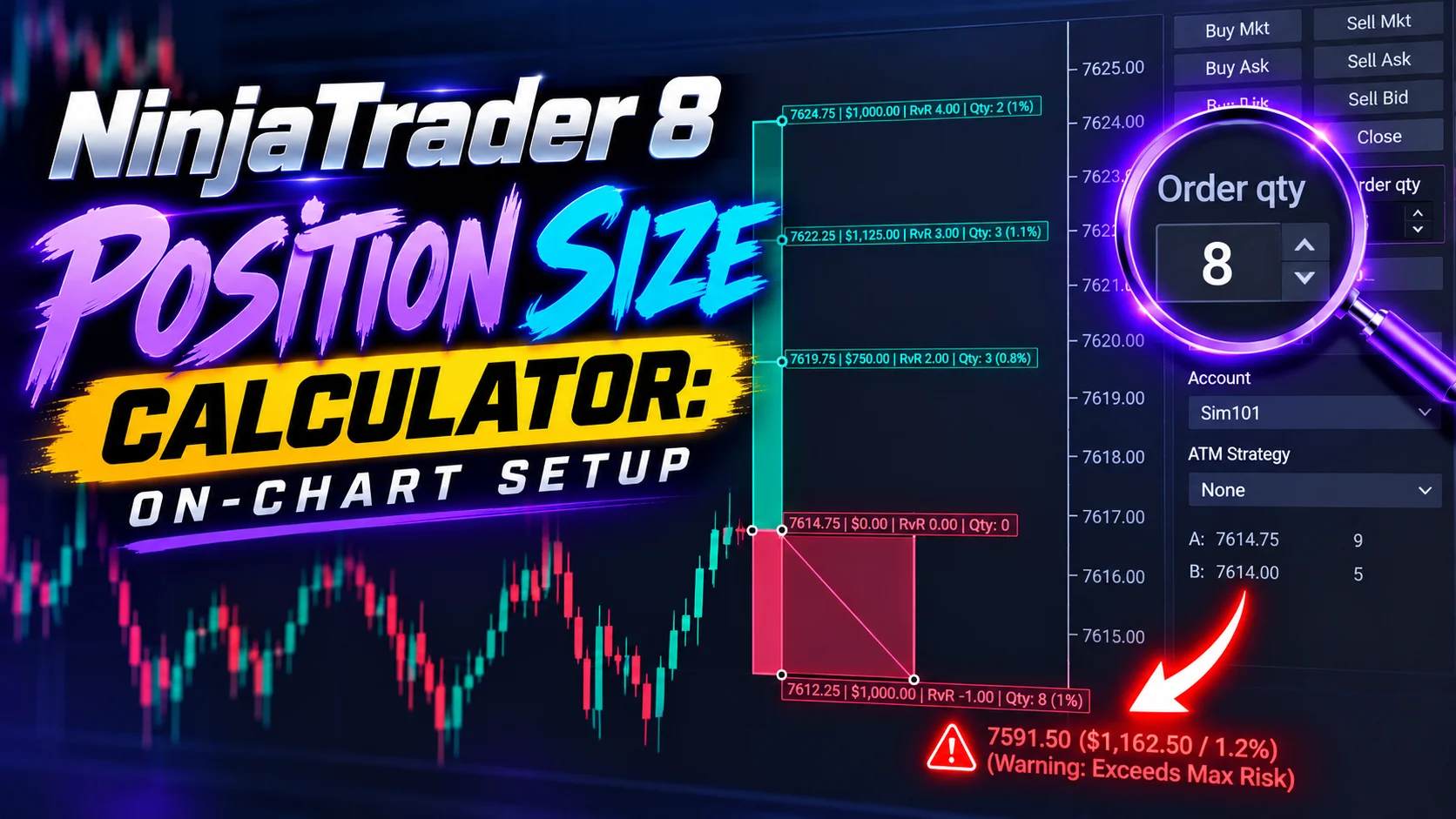
NinjaTrader 8 Position Size Calculator: On-Chart Setup
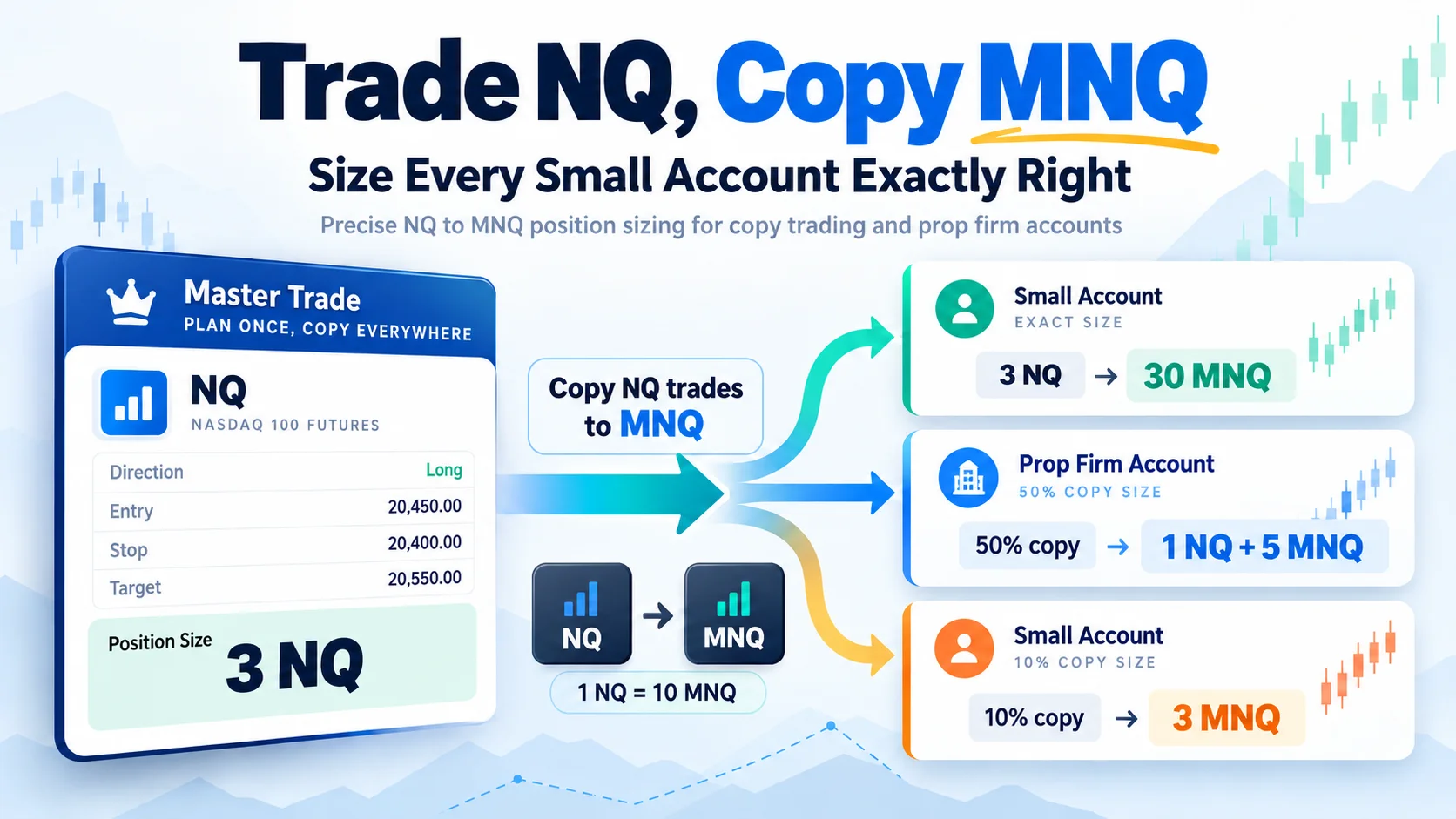
Trade NQ, Copy MNQ: Copy NQ Trades to MNQ in NinjaTrader 8
NinjaTrader Data Feed Not Updating? Quick Fixes
NinjaTrader Risk Per Trade: Risk $500 on Every Trade
NinjaTrader 8.1.8 Review: Should You Upgrade or Wait?
XABCD Pattern Alerts: The Complete Guide for Traders
Risk vs Reward Tool: The 2-Click Upgrade That Ends Guessing
NinjaTrader Faster Last Price Updates on Charts Explained
NinjaTrader 8 Hotkeys: Best Shortcuts for Faster Trading