XABCD TRADING

How to Control Session Break Lines on NinjaTrader 8 Charts?
Subscribe
to get alerts to our next blog post!
Session Break Lines and End of Day Lines
Adding or enabling session break lines can be useful to see where one session opens and the next one begins. By default these lines should be on however many people have turned them off or changed the styling so they are hard for them to see.
Turning on the Session Lines in NinjaTrader 8
- Right Click on any opened chart where you see candlestick data
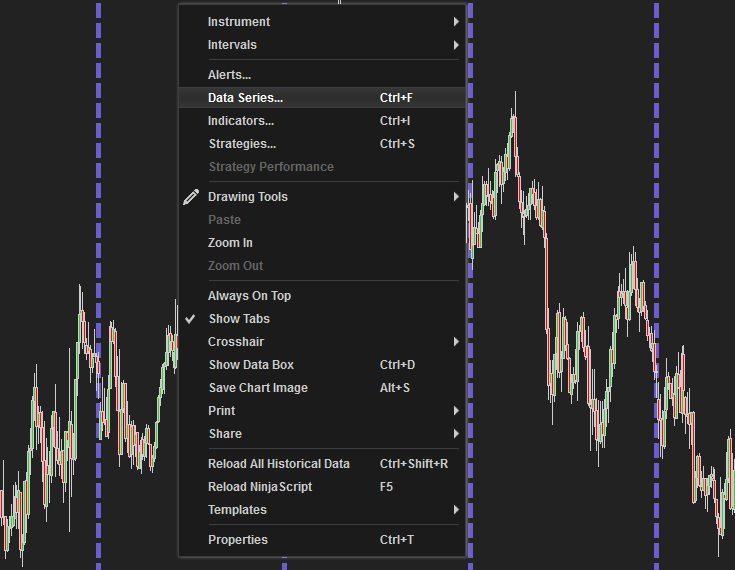
- Click Data Series and a new window will open
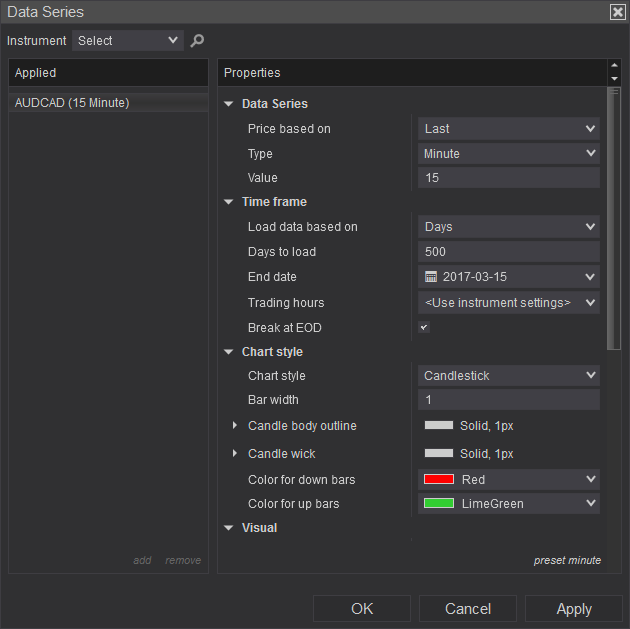
- In the properties window, find where it says: Trading hours break line and take note of the style. This is how it will look on your chart.
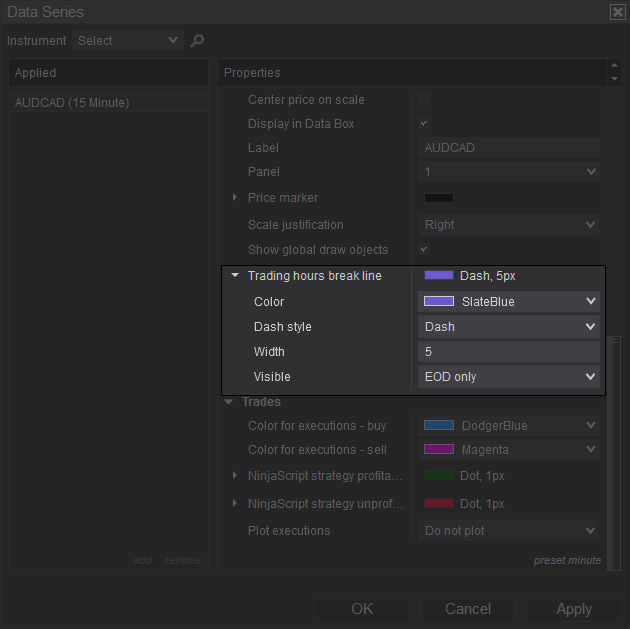
You are going to have a choice between EOD (End of Day), All Sessions or Off.
All Sessions: Each session will have a vertical line mapping out where the trading session started.
EOD (End of Day): will have the lines marked at just the end of the day) which is the start of a new session. So you could call this EOD or Start of Day SOD.
Off: No lines will be displayed.
All Sessions: Each session will have a vertical line mapping out where the trading session started.
EOD (End of Day): will have the lines marked at just the end of the day) which is the start of a new session. So you could call this EOD or Start of Day SOD.
Off: No lines will be displayed.
- Press OK and you can close out back to the chart to see your session break lines appear
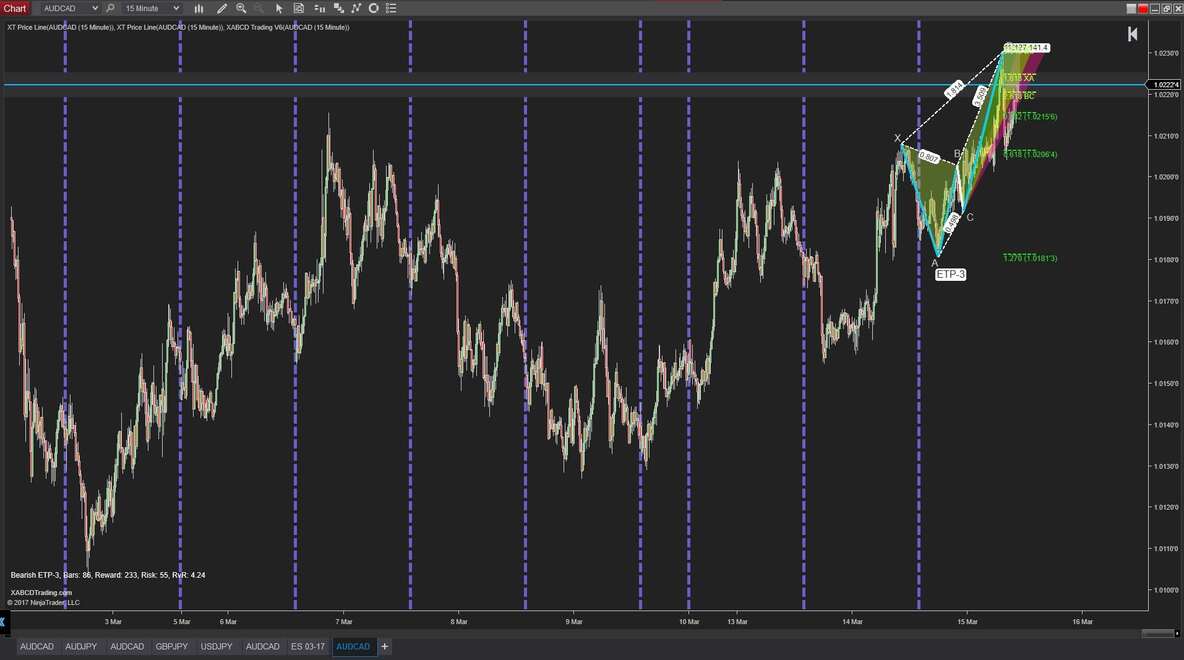
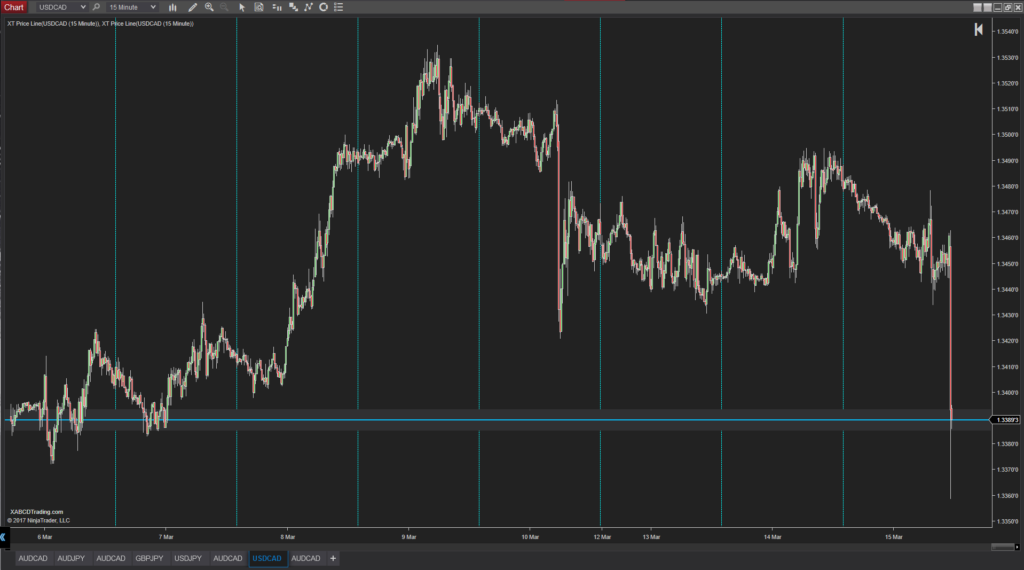
Below, all of the session lines (in the blue cyan color) are being shown for the start and end of each session.
Setting Trading Hours:
You have the ability to st the trading hours for each instrument. Go into your Data Series property settings and under Time frame you will see: Use instrument settings which is a global setting and needs to be changed somewhere else ... or it is a specific drop down which you can change or set the market too.
Just below that you have a check box that reads Break at EOD. If this is on, you will get a more consistent and repeatable chart. If you don't have this selected then the way price is analyzed at the end of a trading day continues which to you could be wrong because there is no break. Having this checked on is probably a better idea.
New NinjaTrader Articles Delivered First

Easy Order Tool
The Strategy


Scanning & Alerting

NinjaTrader Release
XABCD News (Free Version)
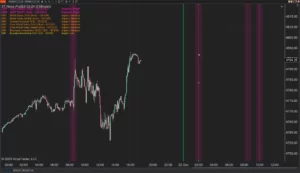
XABCD News (Community Edition) is the best free Indicator for NinjaTrader 8. Don't let news sneak up on you again. Puts economic news events on your charts so you can stay informed and move around positions/stops before the news is released. Works in any market.
XABCD Priceline (Free)
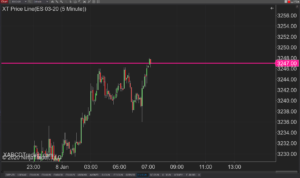
XABCD Price Line tool for NinjaTrader 8 will draw a line at current price and move every time the market changes price. This is useful because it will allow you to easily identify where price is at all times and the exact quoted price.
NinjaTrader 8.1.8 Review: Should You Upgrade or Wait?
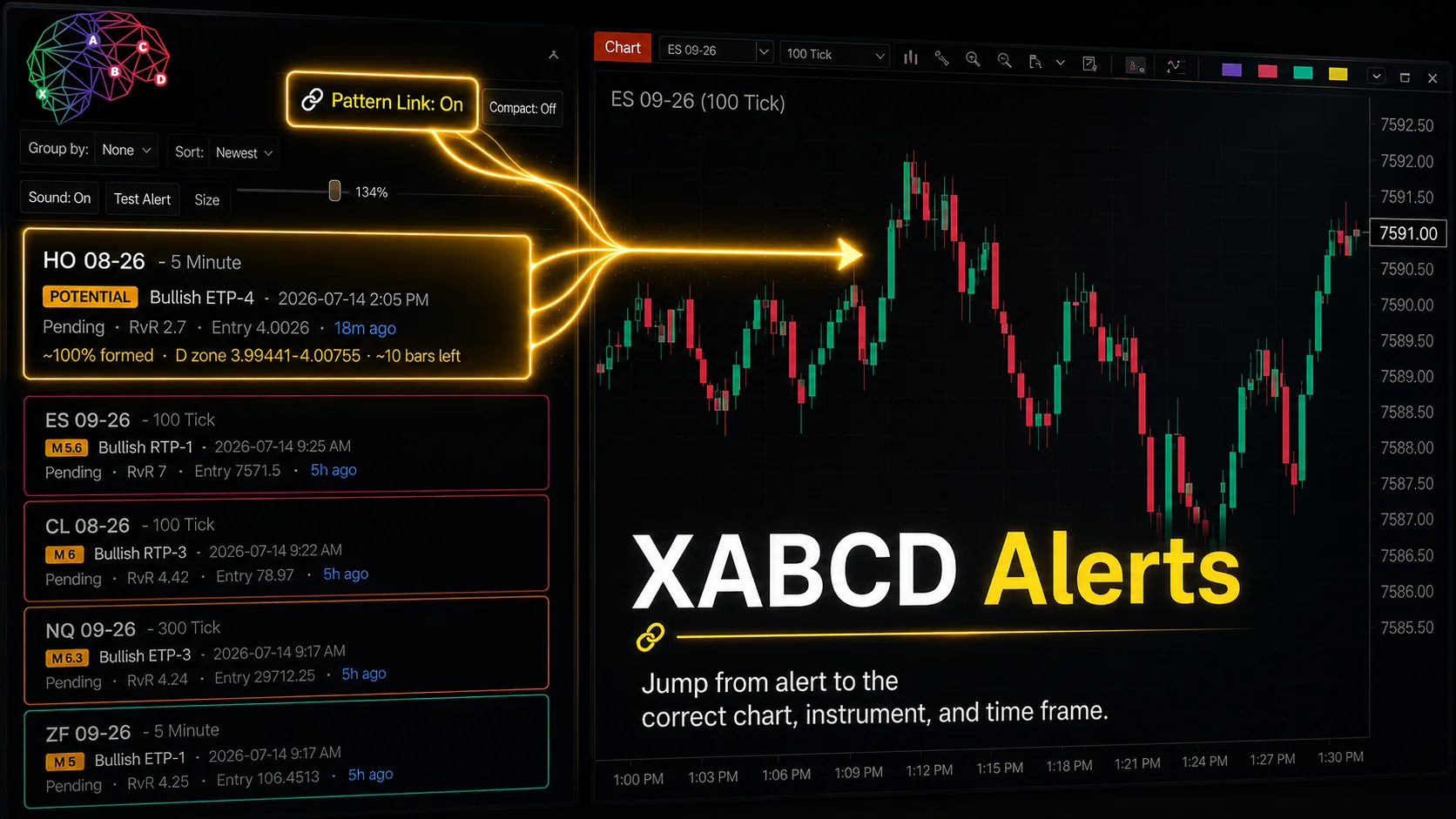
XABCD Pattern Alerts: The Complete Guide for Traders
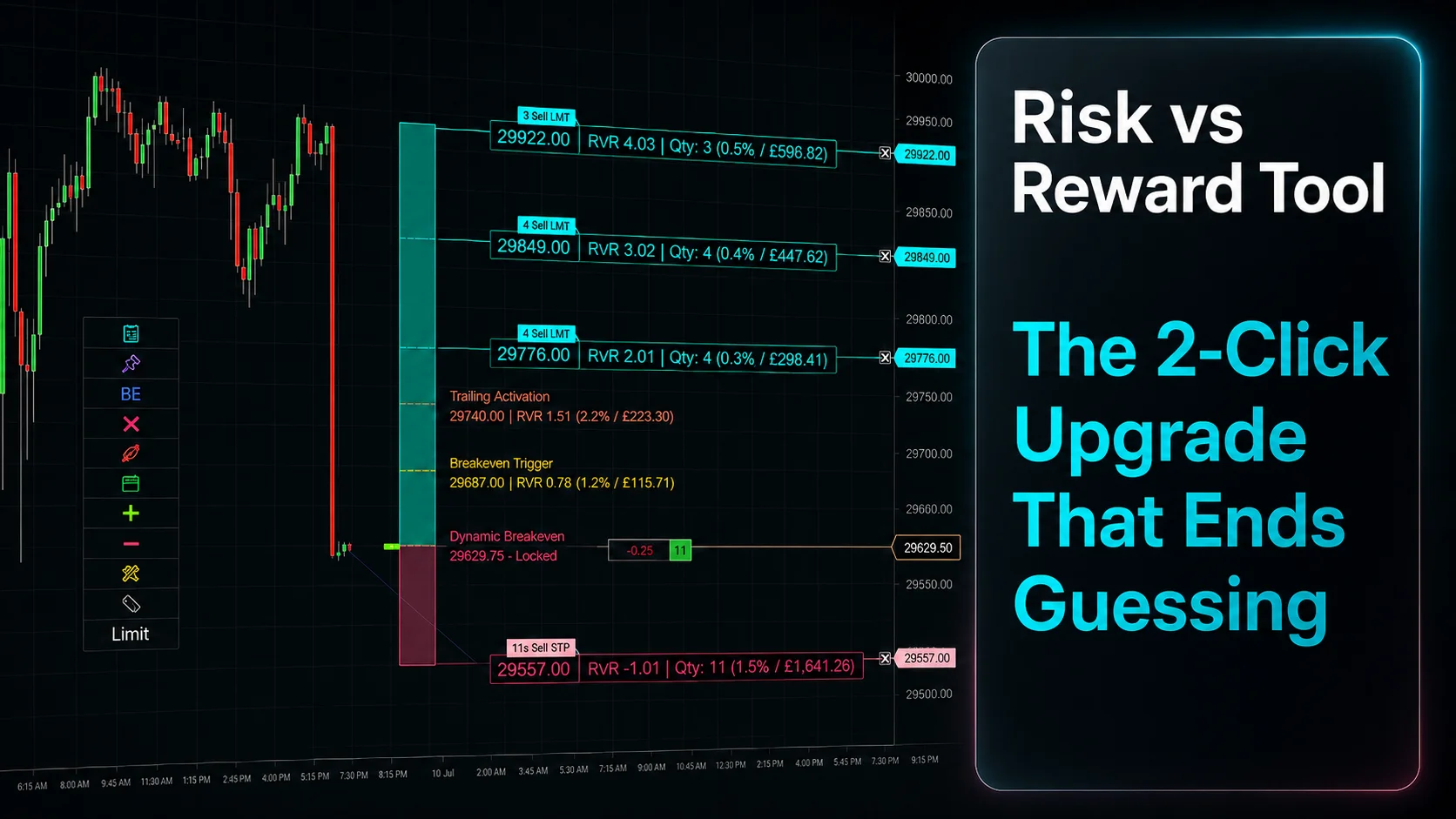
Risk vs Reward Tool: The 2-Click Upgrade That Ends Guessing
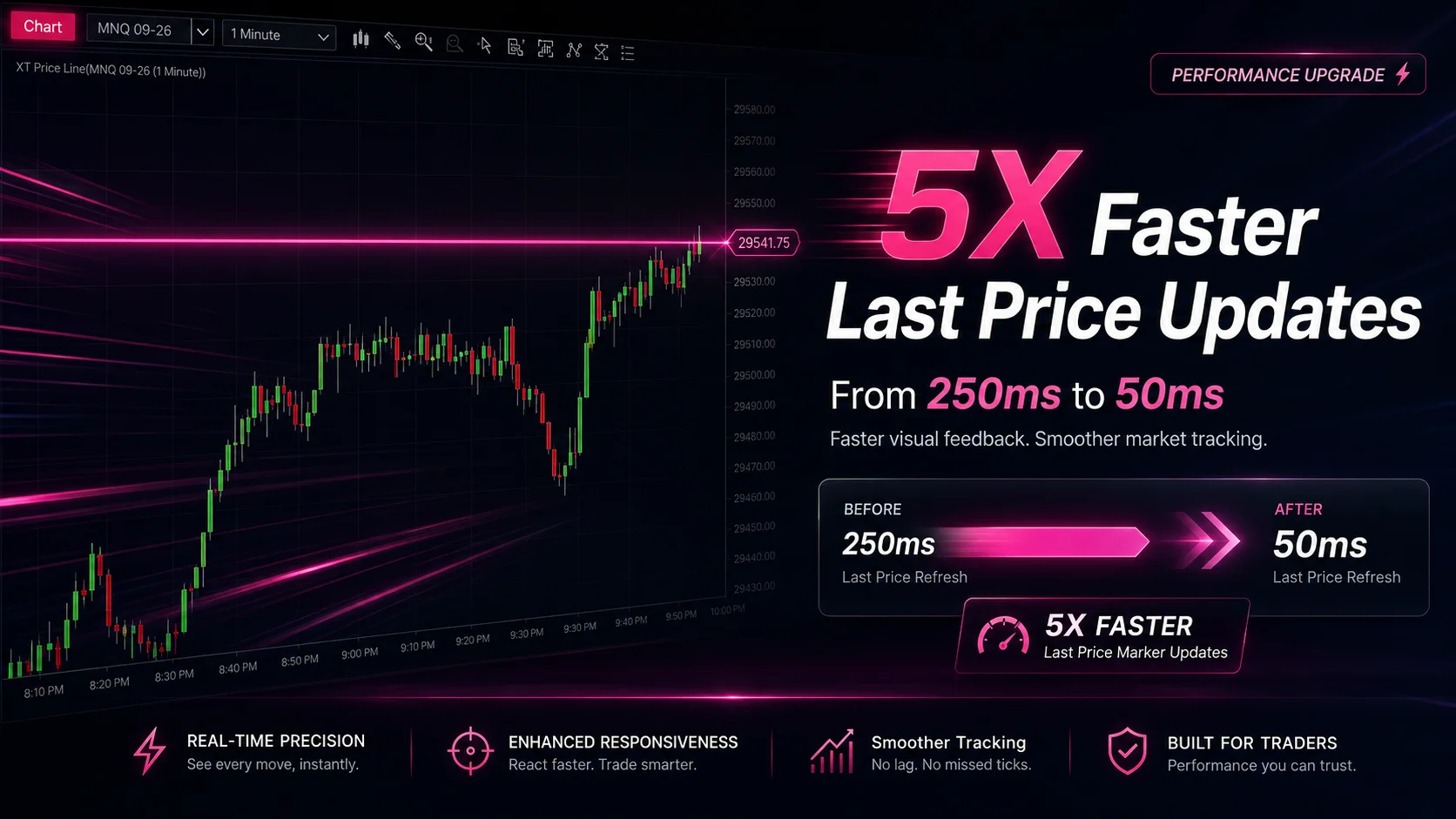
NinjaTrader Faster Last Price Updates on Charts Explained
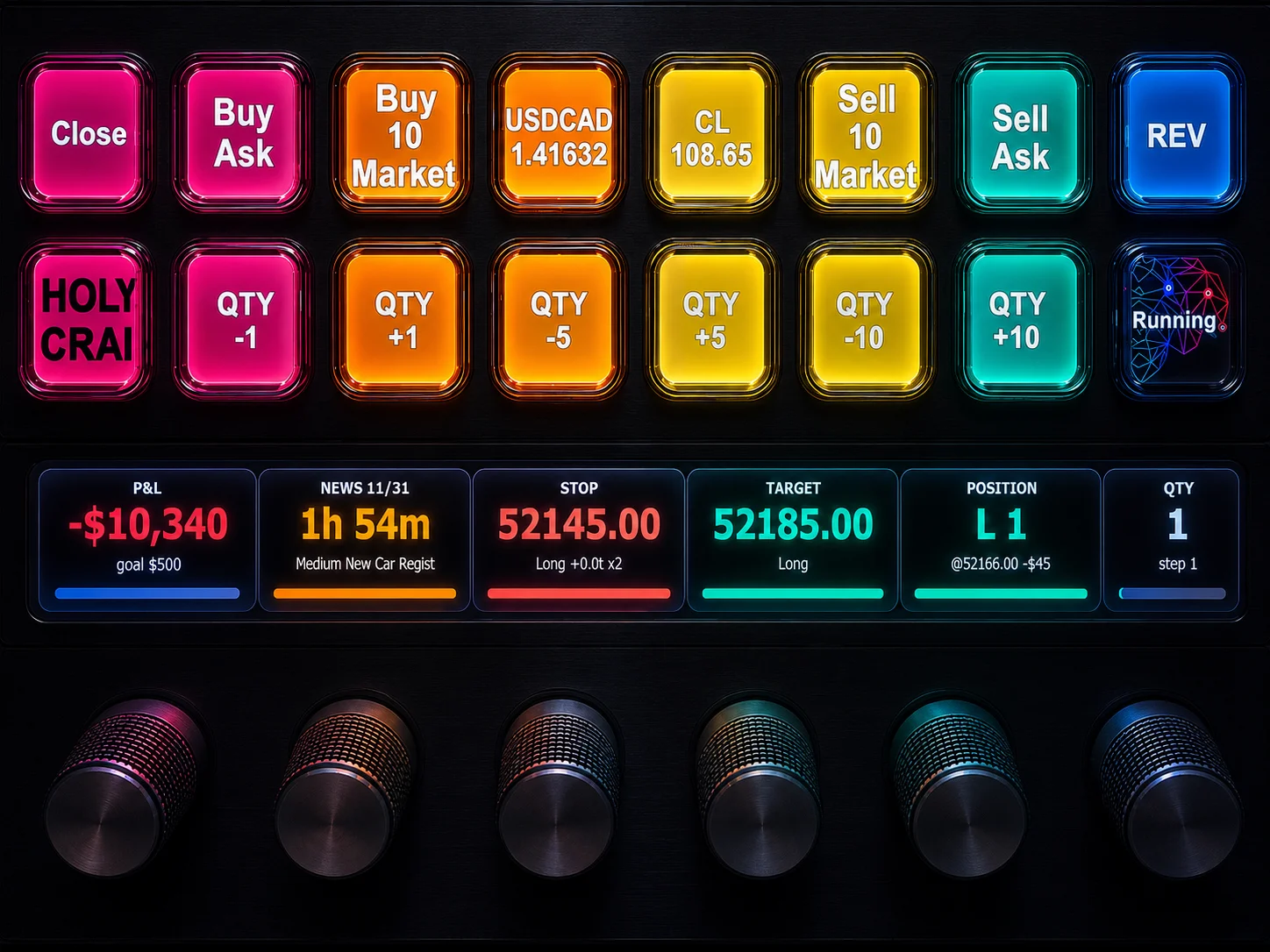
NinjaTrader 8 Hotkeys: Best Shortcuts for Faster Trading
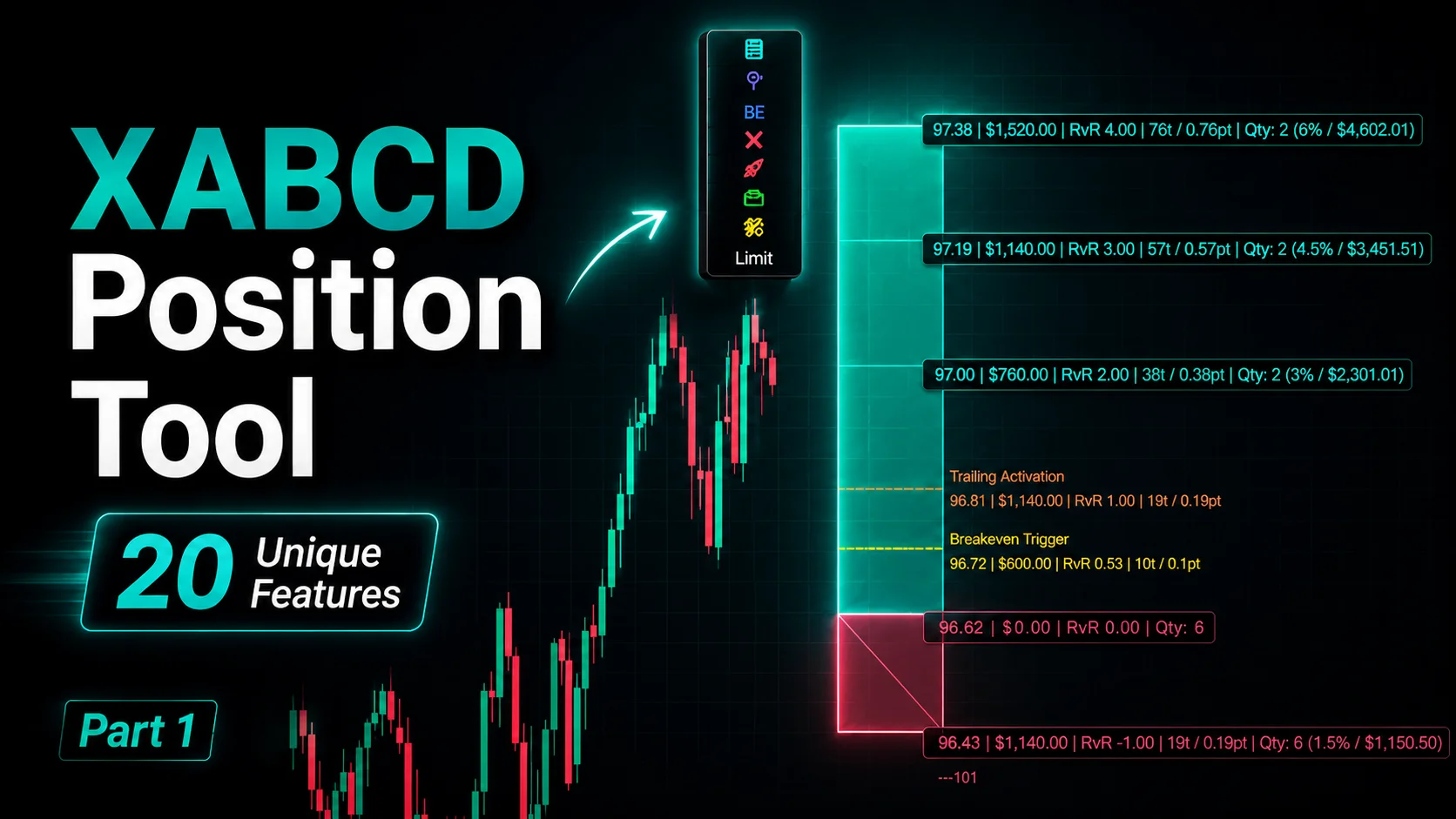
NinjaTrader Position Sizing Tool: 64 Features Stock NT8 Does Not Include
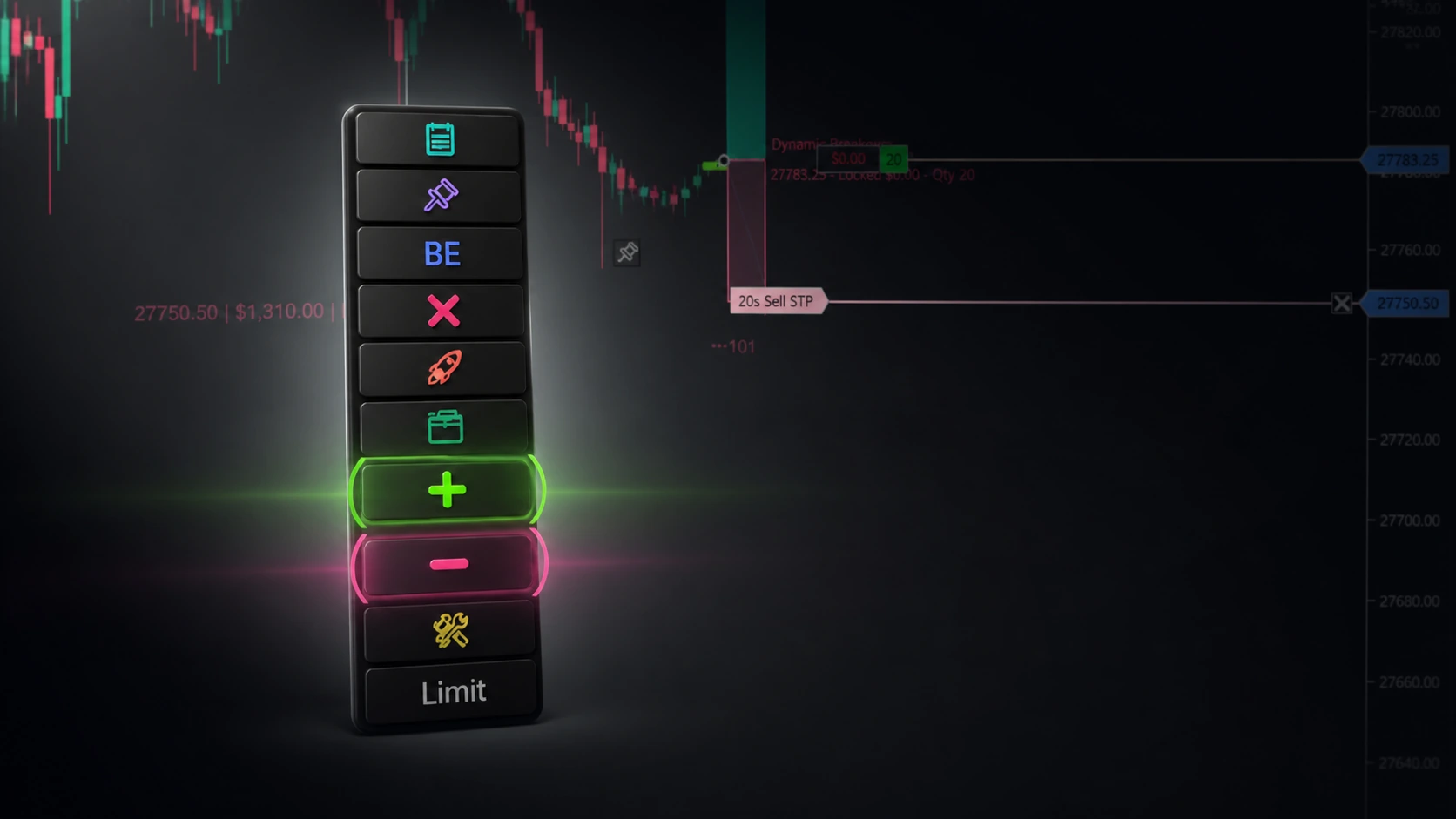
NinjaTrader – Adding to Position: A Field Guide for Active Traders
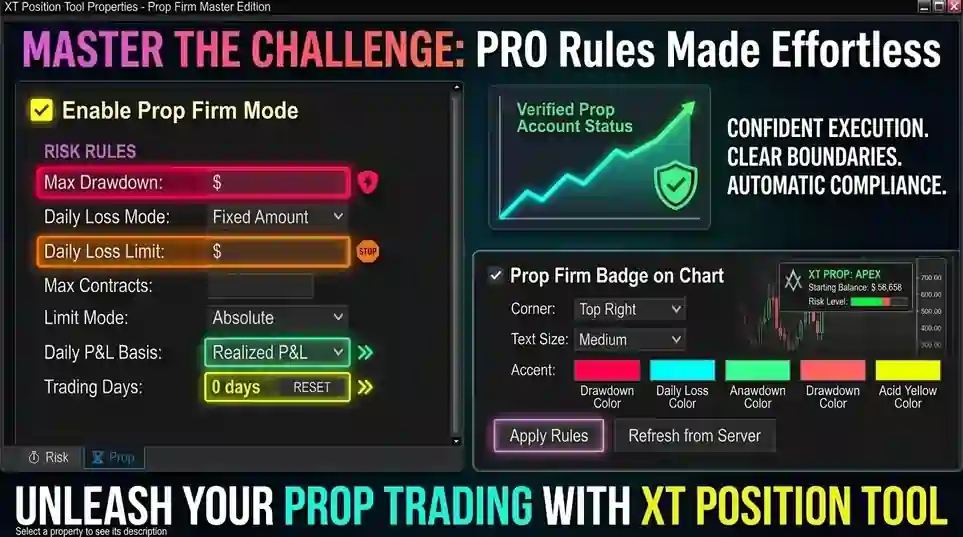
NinjaTrader Prop: The Ultimate Guide to Prop Firm Trading
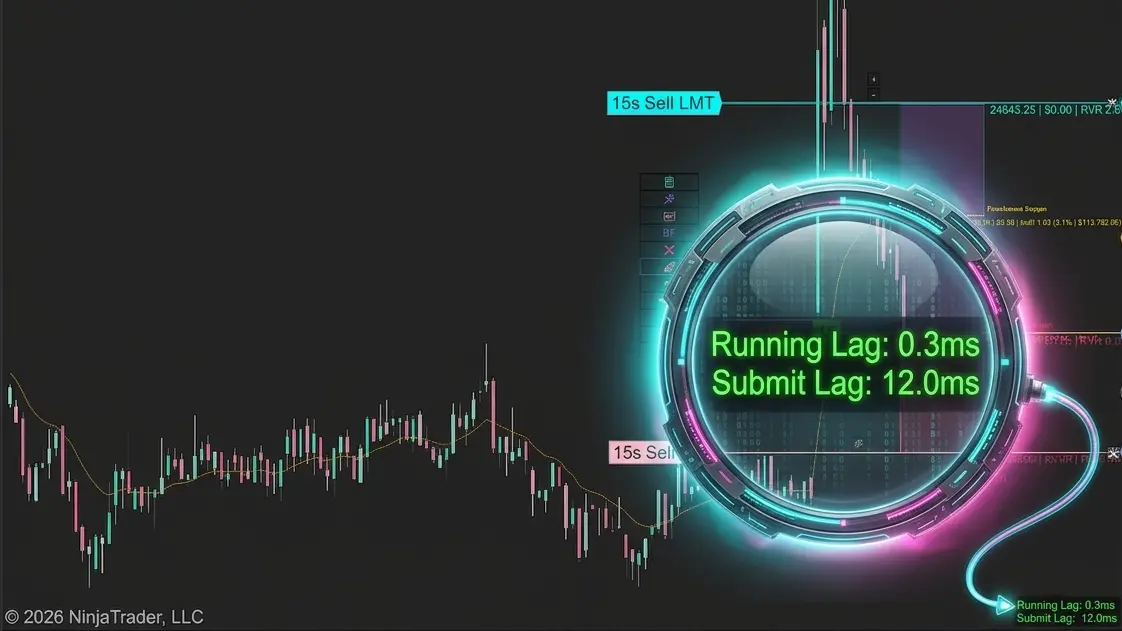
Does the XABCD Position Tool Lag?