XABCD TRADING

NinjaTrader 8.1.5: 15 Features and 33 Bugs Fixed
Subscribe
to get alerts to our next blog post!
NinjaTrader 8.1.5: What’s New, What’s Fixed, and Why Kraken Matters
Hey traders, we’ve got a fresh NinjaTrader 8.1.5 release on our hands—and it’s more than just a handful of checkboxes. We crunched the numbers: 15 brand-new features, 33 squashed bugs, and 14 little tweaks that make your daily grind smoother. But here’s the kicker: this update lands right after Kraken scooped up NinjaTrader for $1.5 billion. So, what does that mean for you? Grab your coffee, because we’re breaking it all down in a chill, spoiler-free way.
Release by the Numbers
- 15 shiny features to play with
- 33 pesky bugs sent to the graveyard
- 14 UI & workflow tweaks you’ll barely notice—until they save your bacon
That mix tells a story: NinjaTrader isn’t just throwing in random add-ons. They’re balancing brand-new tools with rock-solid stability and polishing up the bits you’ve been griping about.
Three Big Themes
Making Life Easier
- Ever fumbled drawing a trendline? Now with snapping markers and “Bar & Tick” mode, your lines land exactly where you want—every single time.
- Horizontal price markers on your lines? No more guessing “what was that level again?”
Leveling Up Your Toolbox
- Fair Value Gap Indicator: Spot those fast-move gaps across three bars—green for up, red for down—and keep them visible until they fill or you decide enough is enough.
- Built-in Ichimoku Cloud: No plugins needed. Tenkan, Kijun, Senkou, Chikou—all there, right out of the box.
- Indicator Search & Descriptions: Type “volume” or “momentum” and instantly see what’s what. No more hunting through endless lists.
Connecting the Dots
- Schwab Goes Live: You asked, they delivered. Schwab’s out of beta and into production—hot lists included.
- Flexible Layouts: Invert any panel’s scale (hello, mirror patterns) and stash your bar timer/counter in eight spots so it never gets in your way.
- Trade Performance Time Filters: Wanna see how you did between 9:30 and 11:00 AM only? Now you can.
Behind the scenes, those 33 bug fixes touched everything from chart resizing to order-flow quirks. And those 14 tweaks button relabels and UI polish—give you a smoother ride without shouting “look at me!”
Kraken Bought NinjaTrader—Why It’s a Big Deal
March 2025 saw Kraken drop $1.5 billion to buy NinjaTrader—one of the largest crypto-traditional finance tie-ups ever . Here’s why that matters:
- Multi-Asset Future: Equities, futures, forex—and soon, crypto—will live side by side in your workspace.
- R&D Rocket Fuel: Kraken’s deep pockets mean faster rollouts and bigger features. Think AI-driven alerts and on-chain flow overlays popping into NinjaTrader down the line.
- Global Footprint: Kraken brings global licensing muscle and liquidity. More markets, more brokers, one platform.
So while 8.1.5 doesn’t yet have a Bitcoin-on-the-chart indicator (we’re guessing that’s in the works), the Kraken stamp means big things are coming and I wouldn't be surprised if we start seeing more requent releases - especially around the area of NinjaTrader allowing people to trade Crypto right from within the platform.
Putting 8.1.5 to Work
Let’s get practical—here’s how you can start using today’s goodies:
Draw Like a Pro
- Flip on “Bar & Tick” snap mode.
- Register that tiny marker when placing trendlines or Fib levels.
- Suddenly, your annotations are pixel-perfect.
Tame Your Charts with Ichimoku
- Drop in the built-in Ichimoku Cloud.
- Tweak settings for your favorite timeframe: 9/26 for swing, 20/60 for day trades.
- Look for price-cloud breaks plus volume spikes to confirm momentum moves.
Search & Learn
- Hit Ctrl+F in the Indicators window, type “VWAP,” and bam—you’ve got the tool and a quick description of how it works.
- Perfect for when you hear about a cool indicator but can’t remember its exact name.
Trade Schwab Hot Lists
- Enable Multi-Provider → configure Schwab → pull up hot lists.
- Scan today’s most active NASDAQ and NYSE names, then drill into gaps or patterns on the fly.
Customize Your Workspace
- Invert a panel to compare patterns head-to-head.
- Move your bar timer to the top-right so nothing blocks your view.
- Set up your Trade Performance from/to window—zero in on those golden hours.
Keep Your Bots Running
- Turn on “Ignore Errors” in strategy settings. Even if a little script hiccup happens, your algo stays live—just peek at the Logs tab now and then.
Speed Up Order Entry
- Map Ctrl+1, Ctrl+2, etc., for fixed contract sizes.
- Use the Num– key to shave off contracts without a second thought.
What’s Next on the Roadmap?
With Kraken fueling the engine, here’s what we’d bet on for NinjaTrader 8.2 and beyond:
- Crypto Overlays: On-chain volume, wallet flow, maybe even NFT sentiment indicators.
- AI-Clarity Alerts: Gap-fill probabilities, dynamic stop suggestions, and a “health check” dashboard for your strategies.
- Unified Brokerage Hub: One tab to rule them all—Schwab, Coinbase, Kraken, and beyond.
- Feature-Parity Mobile App: Full charting, gap highlights, and hot-key order entry on your phone.
- Community Plugins: An app store for custom indicators and scripts from third-party devs.
So while 8.1.5 doesn’t yet have a Bitcoin-on-the-chart indicator (we’re guessing that’s in the works), the Kraken stamp means big things are coming and I wouldn't be surprised if we start seeing more requent releases - especially around the area of NinjaTrader allowing people to trade Crypto right from within the platform.
Wrapping It Up
NinjaTrader 8.1.5 isn’t just a patch—it’s a statement. 15 new toys, 33 stability wins, 14 tiny quality-of-life boosts, and the promise of a Kraken-powered future. Whether you’re ripping through price gaps, nailing your trendlines, or prepping for a multi-asset world, this release gives you more control and fewer headaches.
So go ahead—hit that update button, explore the new features, and let us know how you’re using them. We’ll keep the coffee hot and the blog rolling with tips, tricks, and maybe a Kraken surprise or two. Happy trading! Still on NinjaTrader 7 and want these features, follow our step by step NinjaTrader 8 upgrade guide with pictures before installing 8.1.5.
Frequently Asked Questions
Is NinjaTrader free to use?
NinjaTrader offers a free version that includes advanced charting, market analysis, and simulated trading capabilities. To trade live, you'll need a funded brokerage account, and premium features or add-ons may require a paid license or subscription.
Who bought NinjaTrader and what does it mean for traders?
Kraken, a major cryptocurrency exchange, acquired NinjaTrader in March 2025 for $1.5 billion in one of the largest crypto-traditional finance tie-ups ever. This means traders can expect a multi-asset future where equities, futures, forex, and crypto live side by side, along with faster feature rollouts powered by Kraken's deep pockets and global licensing reach.
What markets can you trade on NinjaTrader?
NinjaTrader currently supports trading in futures, equities, and forex, with Schwab now live as a production-level brokerage connection. With the Kraken acquisition, crypto trading directly within the NinjaTrader platform is widely anticipated to be added in future updates.
What indicators come built into NinjaTrader?
NinjaTrader includes a wide range of built-in indicators, and the latest 8.1.5 release added a native Ichimoku Cloud indicator (with Tenkan, Kijun, Senkou, and Chikou lines) and a Fair Value Gap indicator that highlights three-bar price gaps in green or red. A new search feature also lets you type a keyword like "volume" or "VWAP" to instantly find and learn about any available indicator.
Does NinjaTrader work with Schwab?
Yes, as of the NinjaTrader 8.1.5 release, Schwab integration has moved out of beta and into full production status. Traders can now configure Schwab as a provider, access hot lists for the most active NASDAQ and NYSE names, and trade directly through the platform.
Frequently Asked Questions
Is NinjaTrader free to use?
NinjaTrader offers a free version that includes advanced charting, market analysis, and simulated trading capabilities. To trade live, you'll need a funded brokerage account, and premium features or add-ons may require a paid license or subscription.
Who bought NinjaTrader and what does it mean for traders?
Kraken, a major cryptocurrency exchange, acquired NinjaTrader in March 2025 for $1.5 billion in one of the largest crypto-traditional finance tie-ups ever. This means traders can expect a multi-asset future where equities, futures, forex, and crypto live side by side, along with faster feature rollouts powered by Kraken's deep pockets and global licensing reach.
What markets can you trade on NinjaTrader?
NinjaTrader currently supports trading in futures, equities, and forex, with Schwab now live as a production-level brokerage connection. With the Kraken acquisition, crypto trading directly within the NinjaTrader platform is widely anticipated to be added in future updates.
What indicators come built into NinjaTrader?
NinjaTrader includes a wide range of built-in indicators, and the latest 8.1.5 release added a native Ichimoku Cloud indicator (with Tenkan, Kijun, Senkou, and Chikou lines) and a Fair Value Gap indicator that highlights three-bar price gaps in green or red. A new search feature also lets you type a keyword like "volume" or "VWAP" to instantly find and learn about any available indicator.
Does NinjaTrader work with Schwab?
Yes, as of the NinjaTrader 8.1.5 release, Schwab integration has moved out of beta and into full production status. Traders can now configure Schwab as a provider, access hot lists for the most active NASDAQ and NYSE names, and trade directly through the platform.
New NinjaTrader Articles Delivered First
Recommended Video
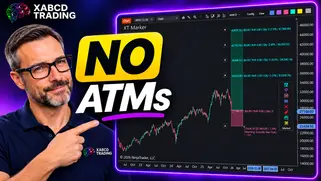
Ditch NinjaTrader ATMs: This Is More Powerful
See how to set your risk and calculate contracts directly on the chart.
Watch Now
Subscribe on YouTube
Related Tool
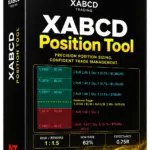
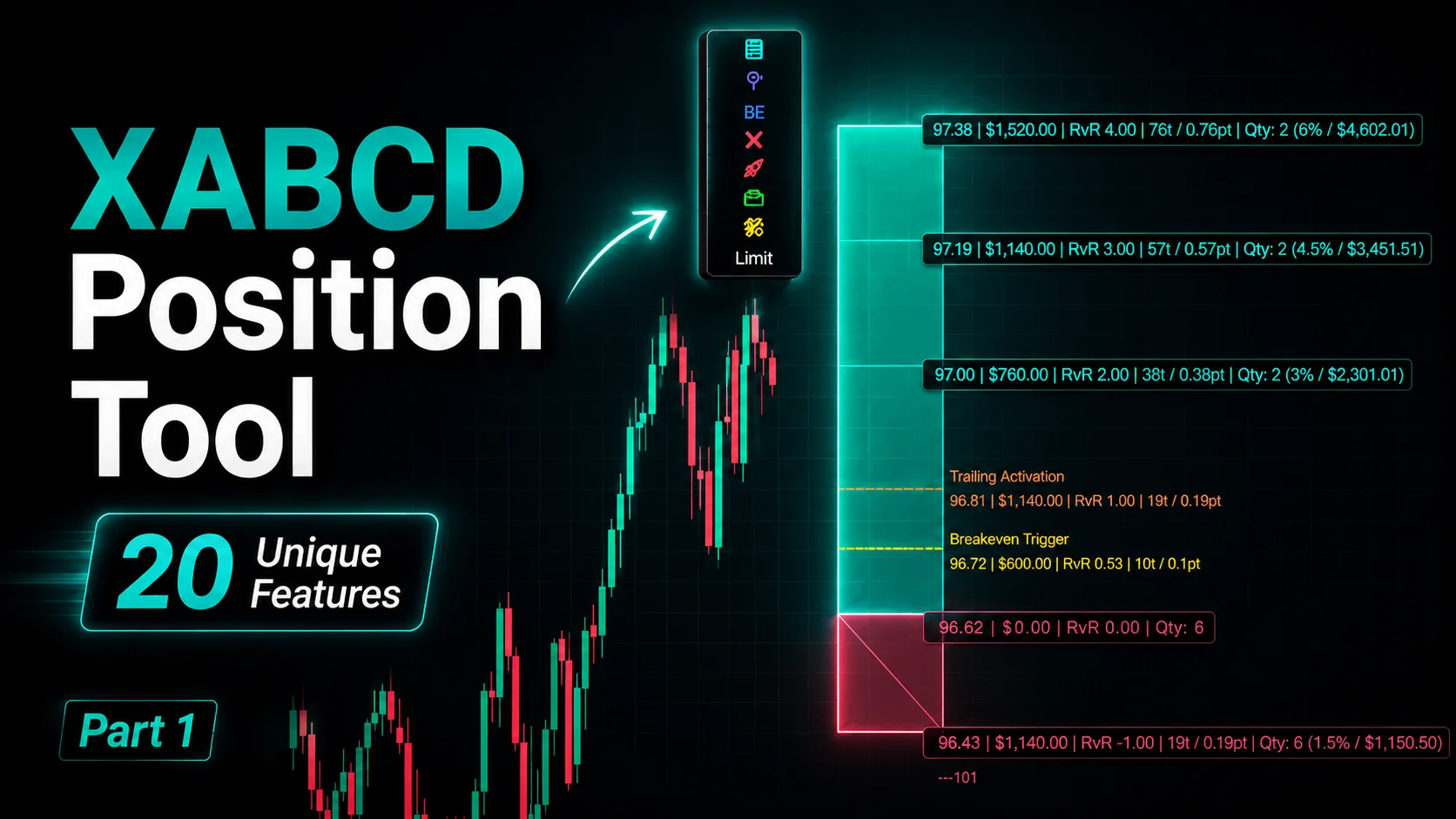
XABCD Position Tool
Automatic position sizing and on-chart trade management.
Explore the Tool
Why XABCD Trading
- Built for NinjaTrader 8 since 2009
- Trusted by 2,000+ traders
- On-chart tools, no ATM templates needed
- Free tools to get started
Get Project Updates
Twice-monthly maximum, we will give you updates on all the projects going here.
Quick Links
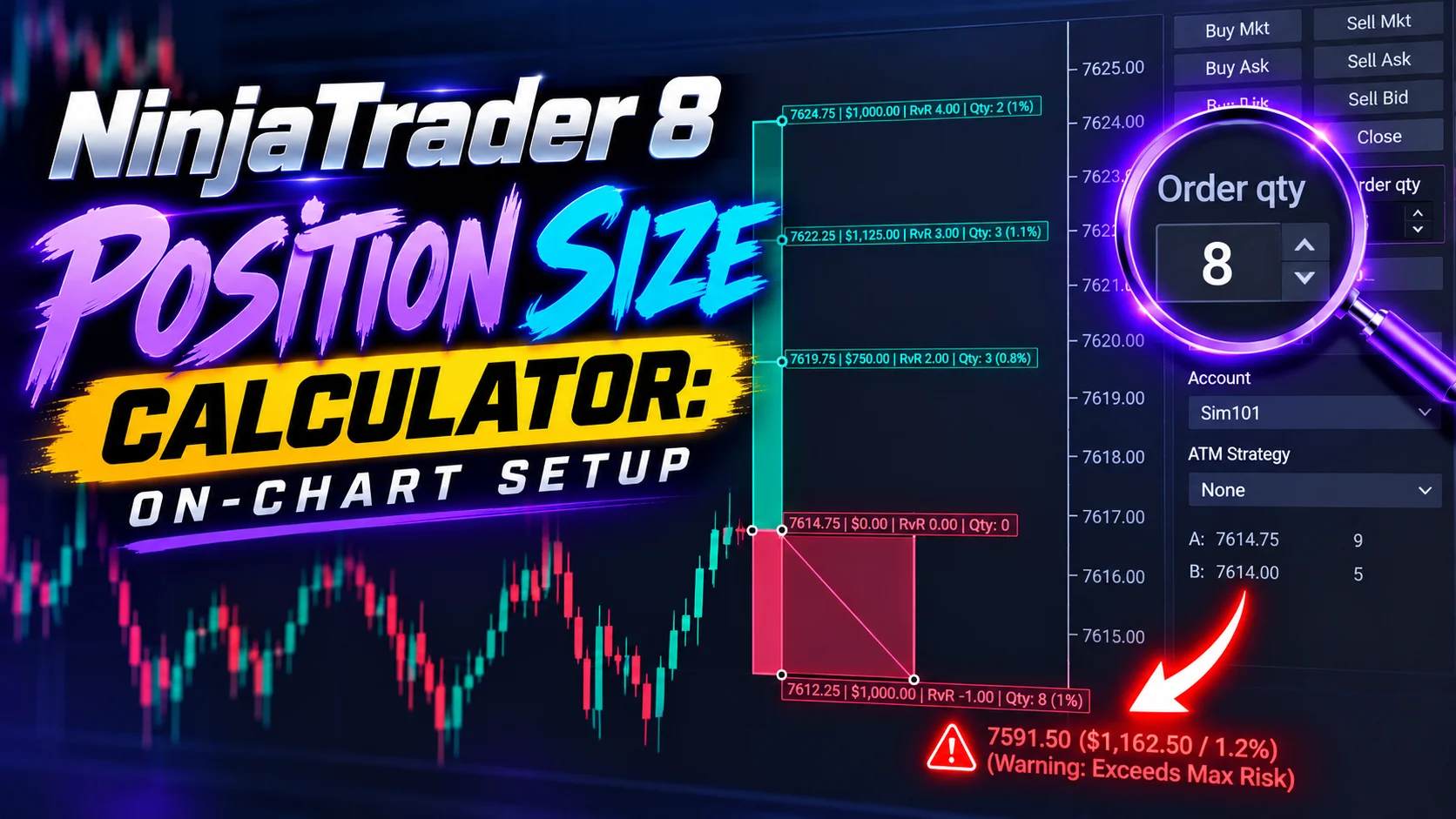
NinjaTrader 8 Position Size Calculator: On-Chart Setup
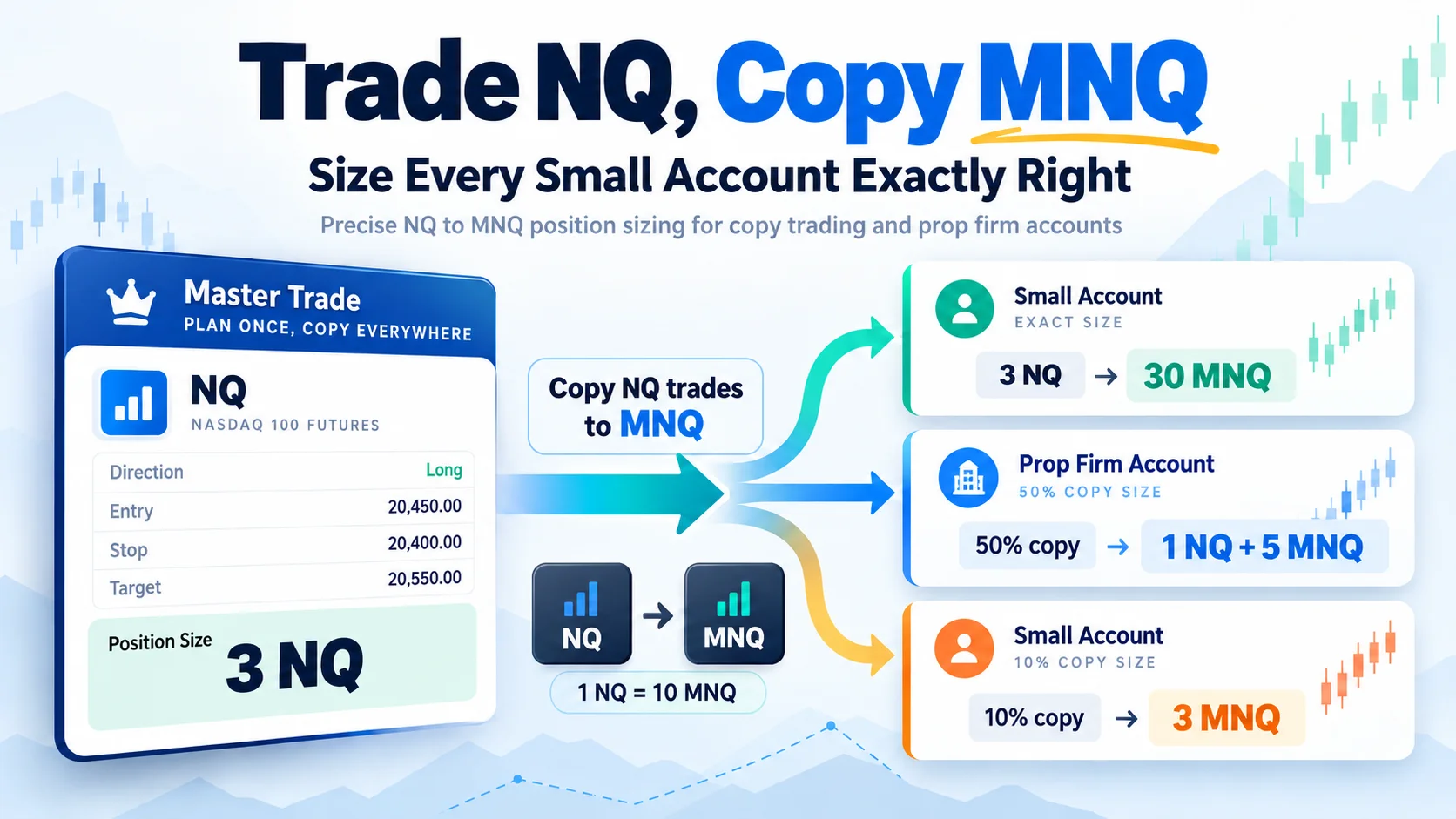
Trade NQ, Copy MNQ: Copy NQ Trades to MNQ in NinjaTrader 8
NinjaTrader Data Feed Not Updating? Quick Fixes
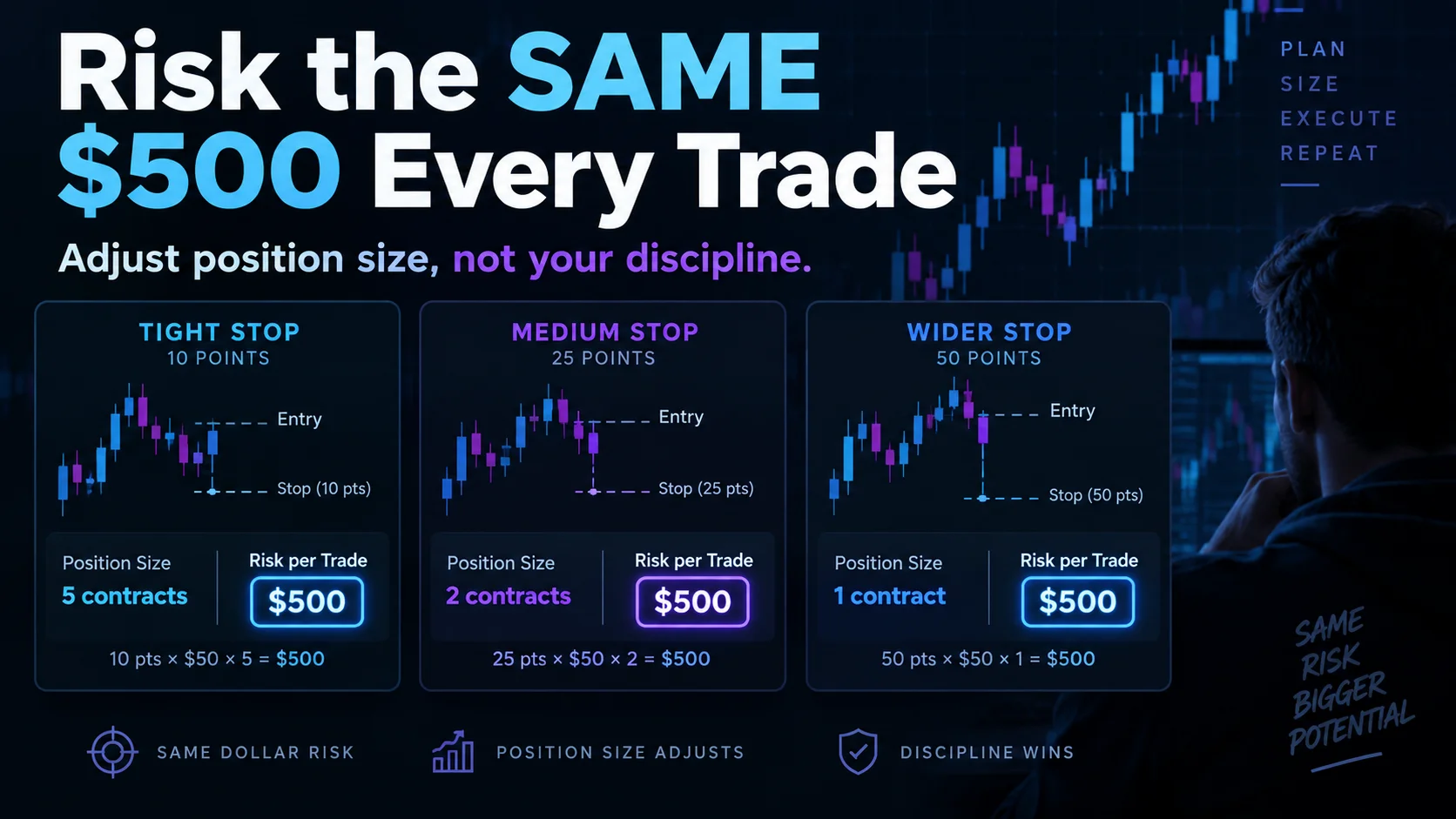
NinjaTrader Risk Per Trade: Risk $500 on Every Trade
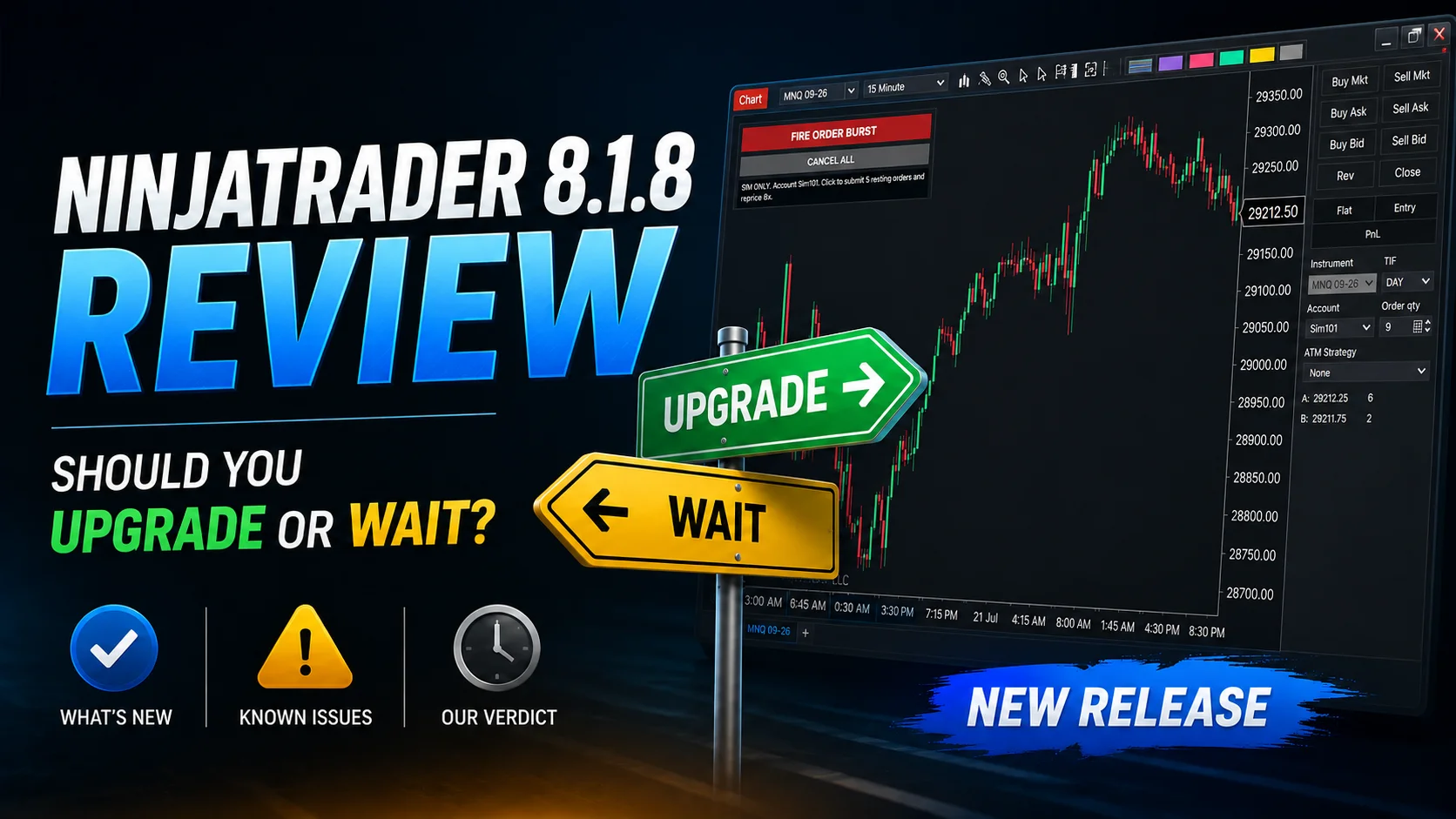
NinjaTrader 8.1.8 Review: Should You Upgrade or Wait?
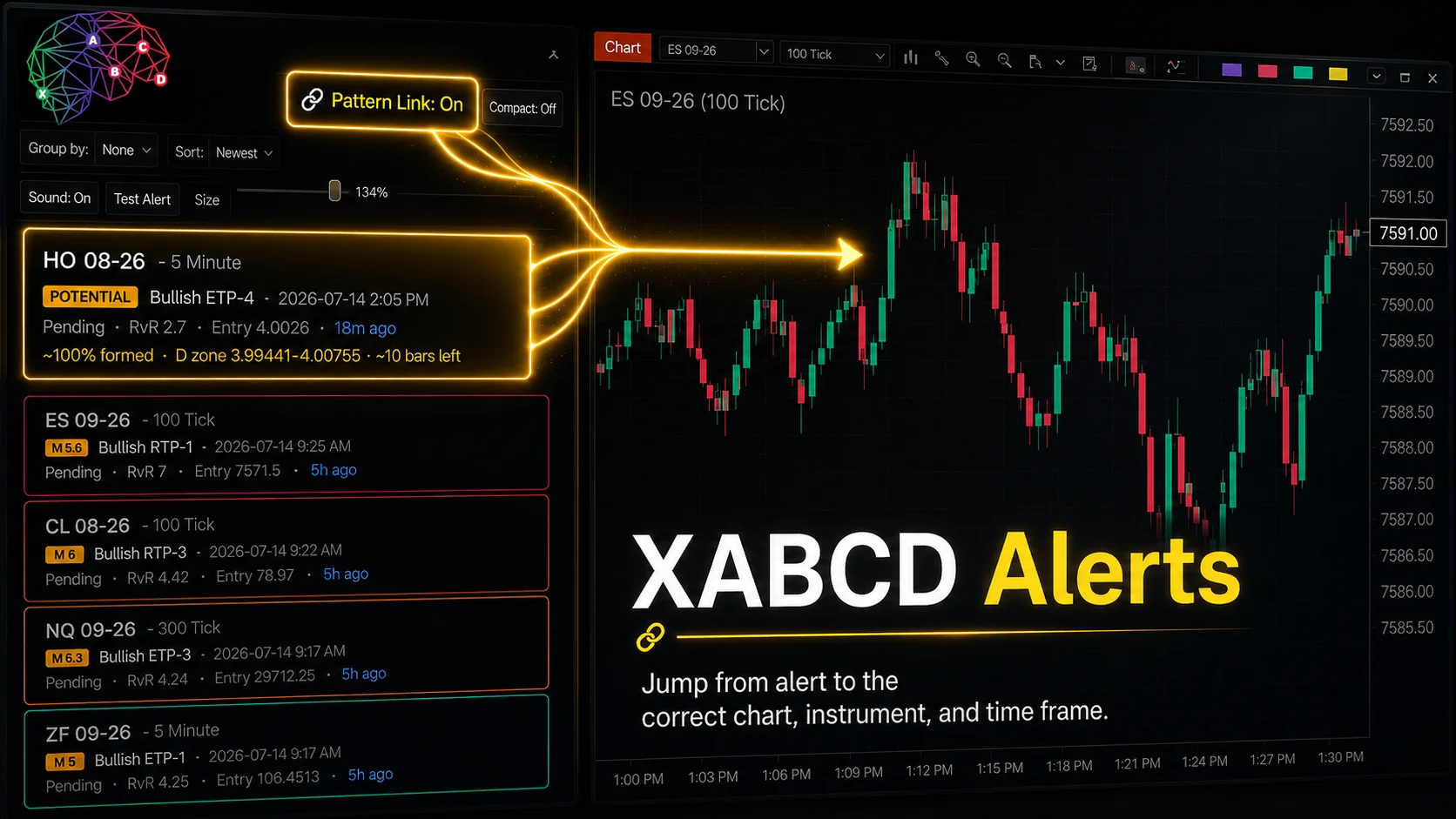
XABCD Pattern Alerts: The Complete Guide for Traders
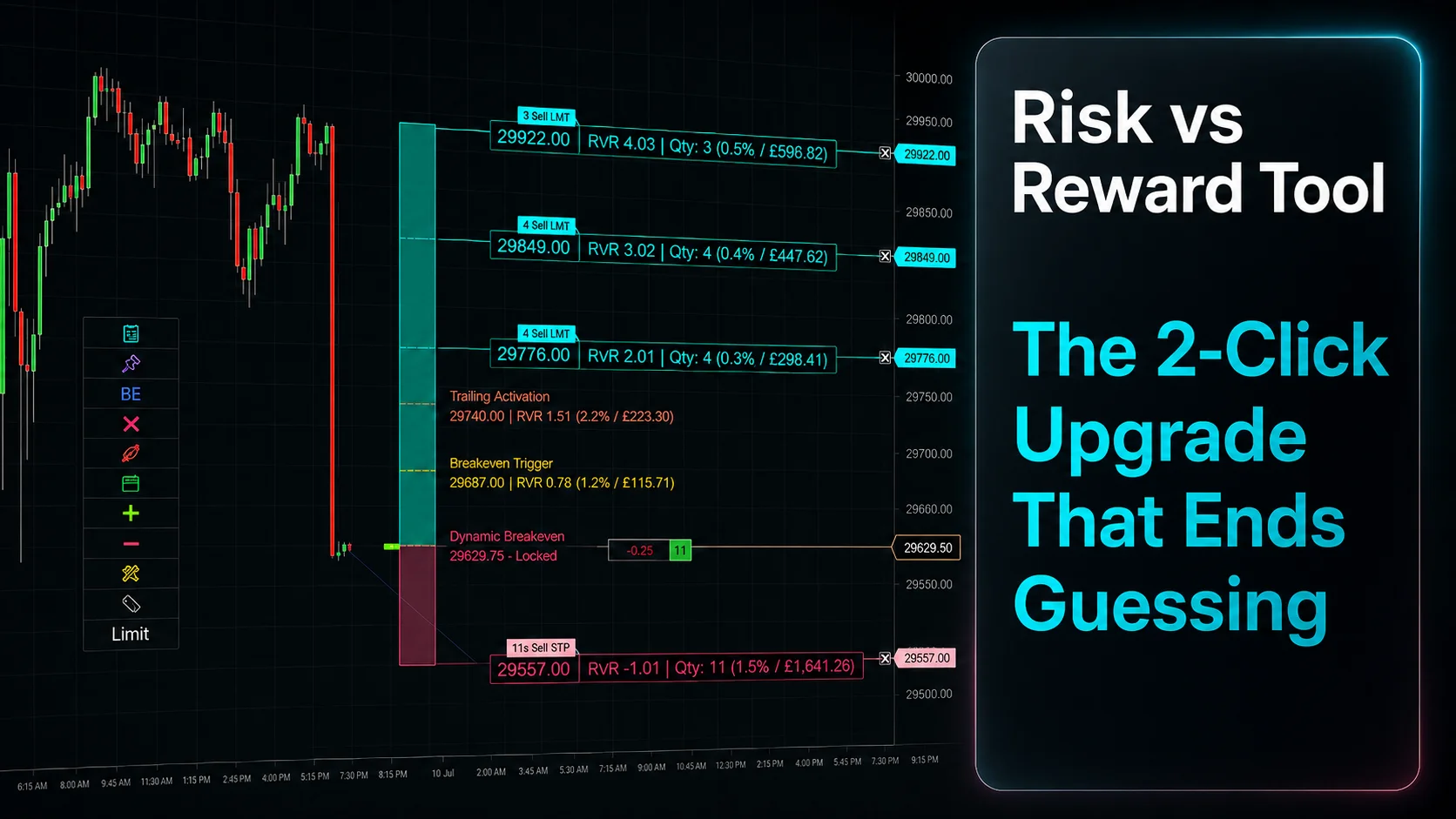
Risk vs Reward Tool: The 2-Click Upgrade That Ends Guessing
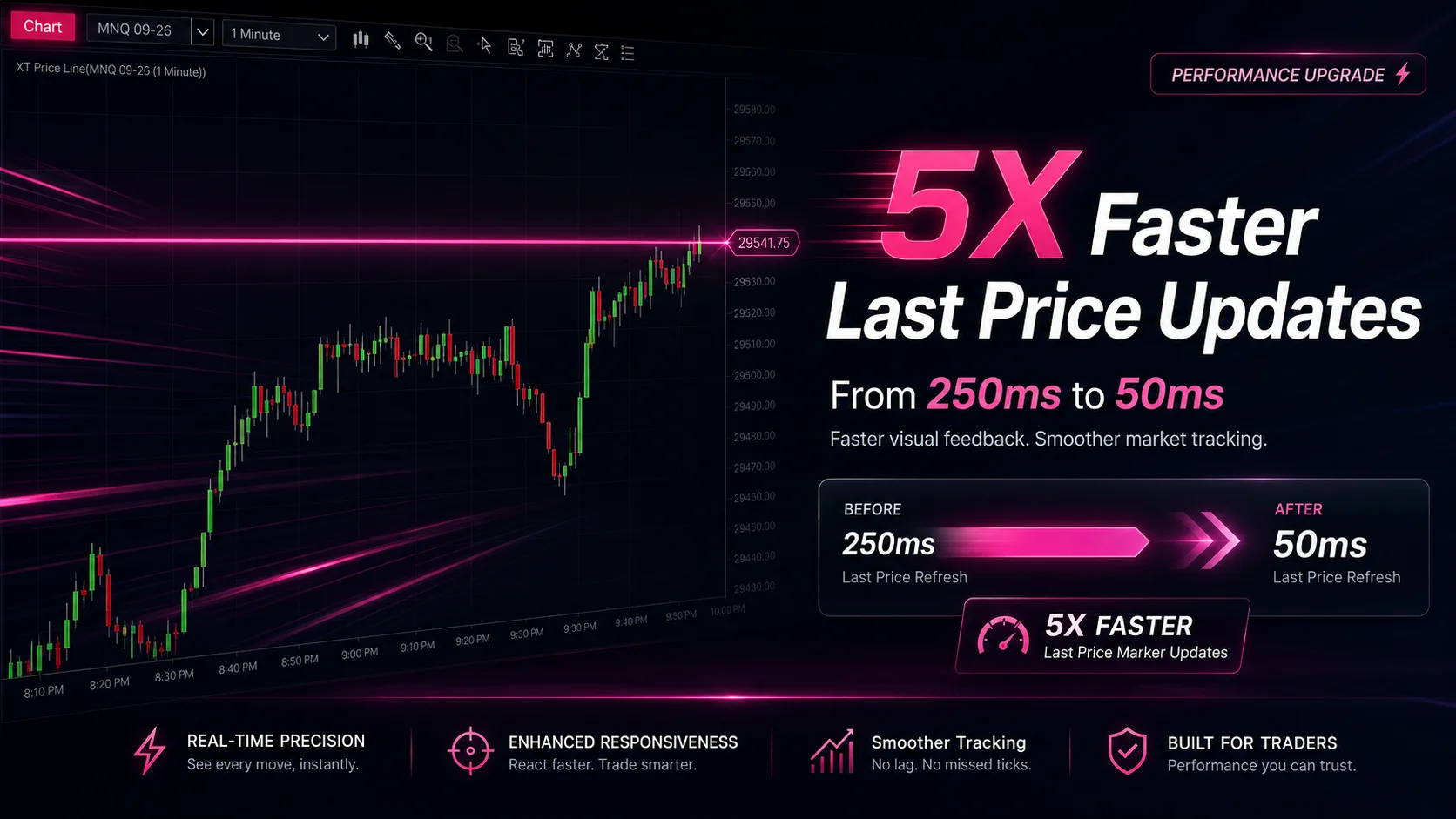
NinjaTrader Faster Last Price Updates on Charts Explained
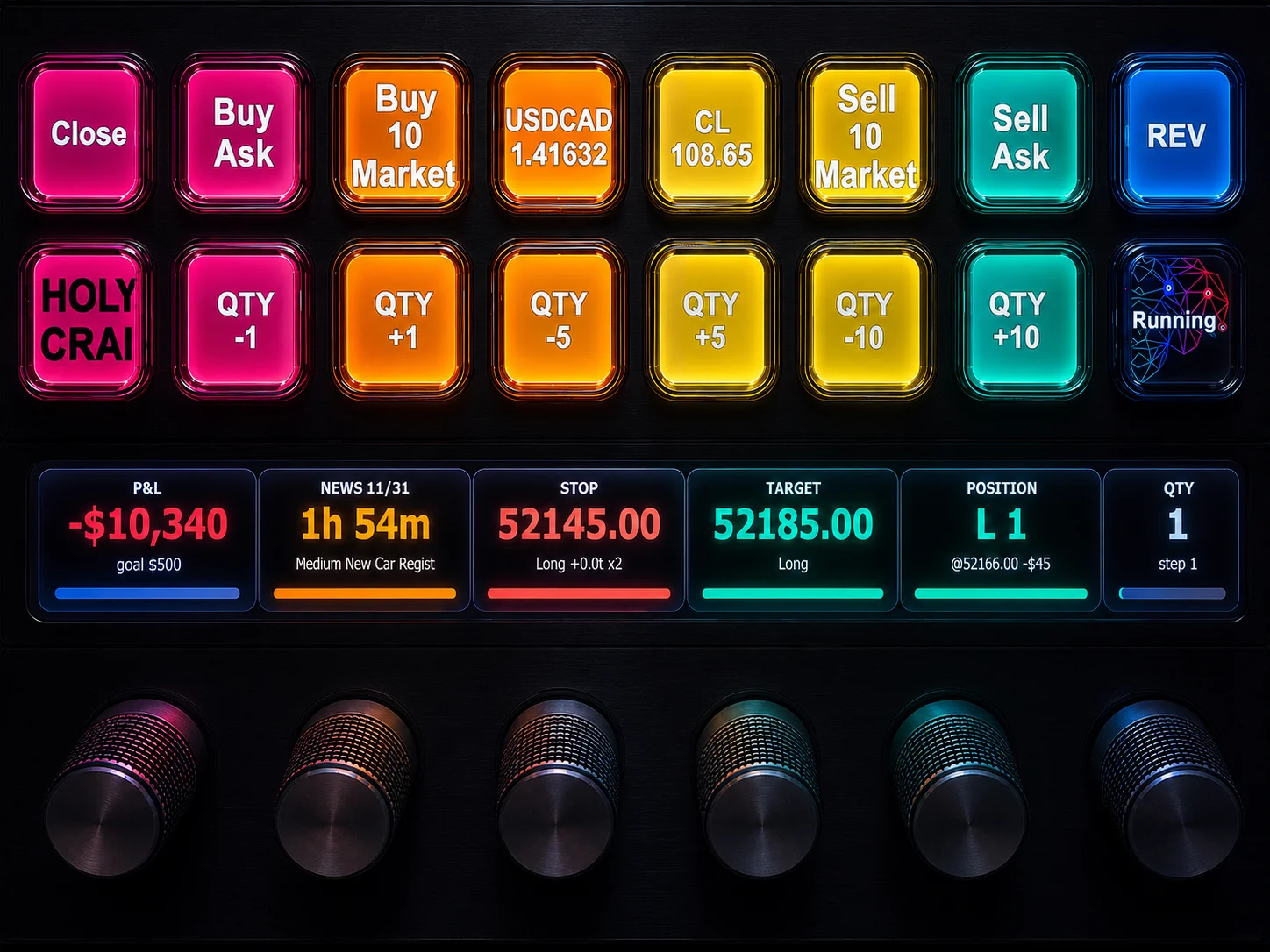
NinjaTrader 8 Hotkeys: Best Shortcuts for Faster Trading