XABCD TRADING

NinjaTrader Position Sizing vs ATMs: Which Is Better?
Subscribe
to get alerts to our next blog post!
NinjaTrader position sizing vs ATMs is an important distinction: position sizing is possible in NinjaTrader, but not through ATMs. Furthermore, you no longer need to build NinjaTrader bracket orders by hand.
Using ATM's to do your entry… then stop… then targets… then fixing quantities. Then realizing your stop is one tick off is just messy. Moreover, you’re spending mental energy on mechanics instead of execution.
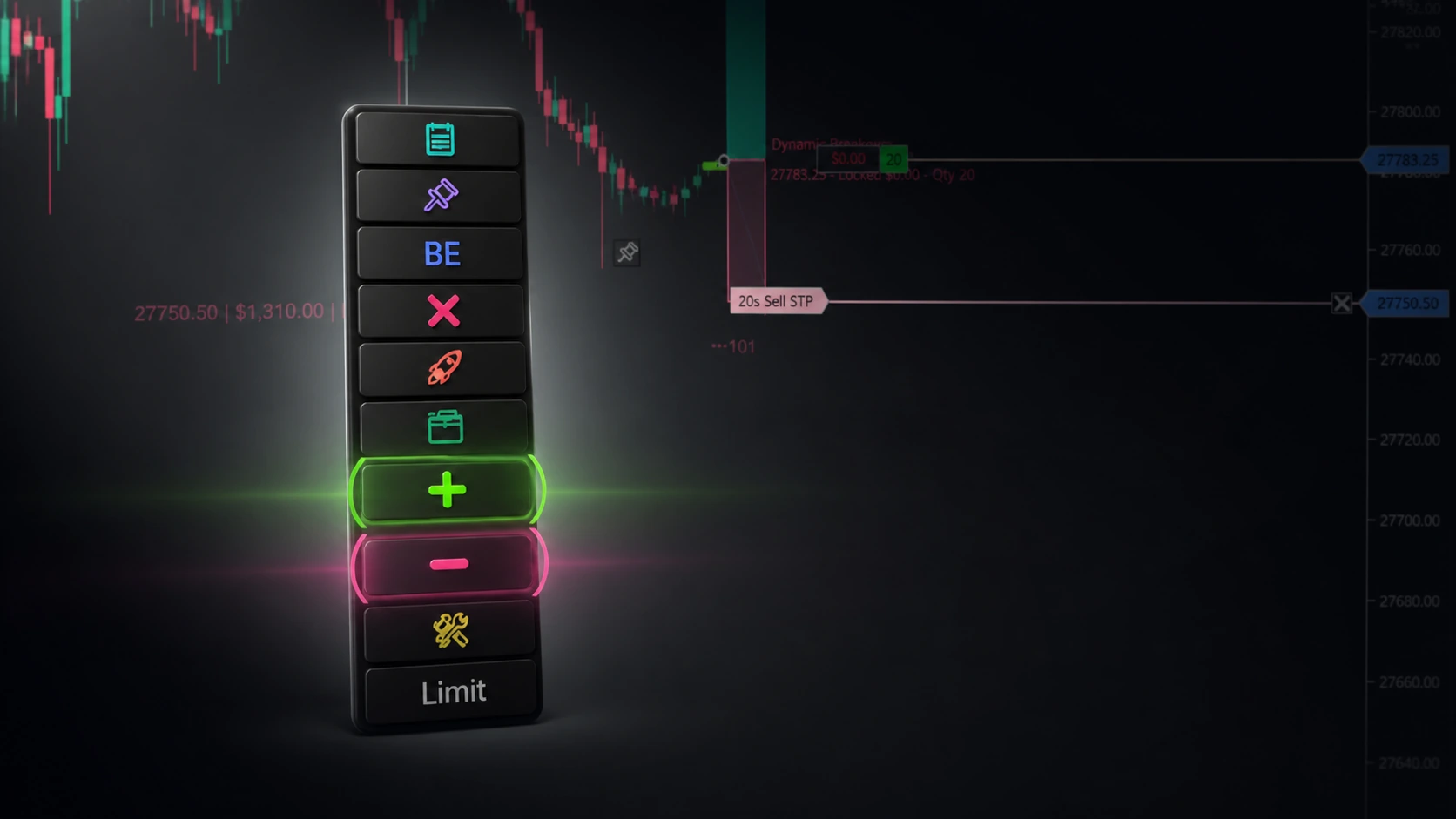
The XABCD Position Tool turns bracket building into a fast, visual, repeatable 1-second setup—directly on the chart. You can pre-plan your trade, see your risk/reward instantly, and submit a clean bracket without the “order-entry juggling act.”
Automatically Calculate NinjaTrader Position Sizing Based on Where You Drag Your Stop
ATM's Can't See Your Account Balance
You set your risk (e.g., 1% of account or $500), then simply drag your stop line on the chart. The tool instantly calculates how many contracts/shares you can trade based on the distance between entry and stop. Wider stop = fewer contracts. Tighter stop = more contracts. The math is automatic.
Video - Watch as I risk 1% of my account. ATM's percent is a percent of the move. It can't see your account balance which makes it impossible to do any sort of NinjaTrader position sizing. However, as you can see with our position tool, we do have access to see your account balance and size trades based off your allocated risk.
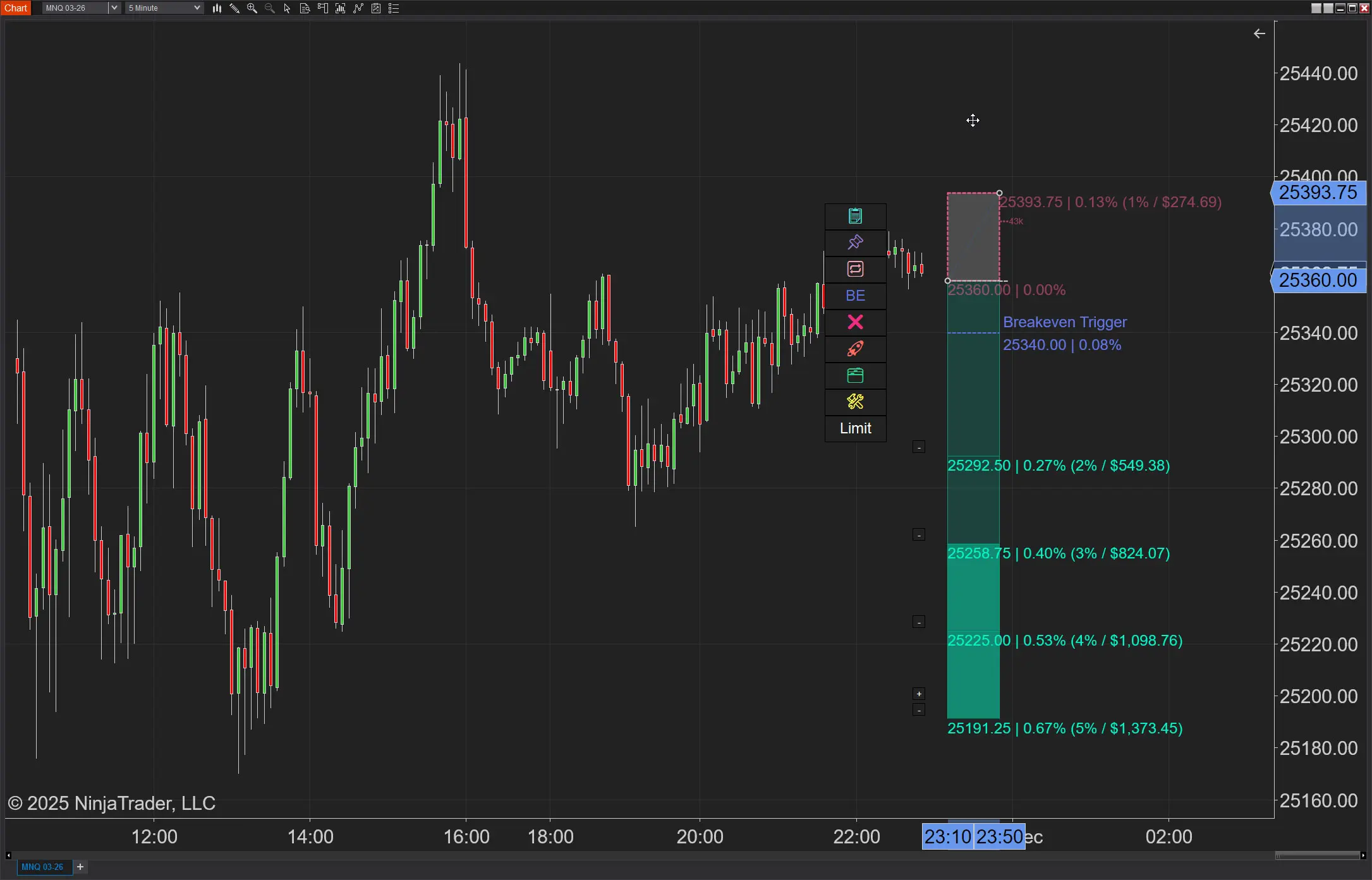
Your ATM Doesn't Know What NFP Is. The XABCD Position Tool Does — And It Reacts.
News doesn't warn you. Now your software does.
You set your risk XT's built-in News Protection automatically detects high-impact releases and takes action before the spike hits — close positions, cancel orders, tighten stops, or just get an alert. Your call.
How many times has a surprise CPI print blown through your stop? XT Position Tool integrates directly with XABCD News Pro to detect upcoming events by currency and severity — then acts on them automatically, so you don't have to be glued to a calendar.
Nevertheless, NinjaTrader's position sizing ATM has zero awareness of the economic calendar. XT Position Tool doesn't just know what's coming — it adapts. Filter news by severity, choose your response (alert, close, cancel, or tighten stops), and trade through volatility on your terms.
Multi-Target Bracket Orders with Distribution Control
Now your targets can be an indicator!
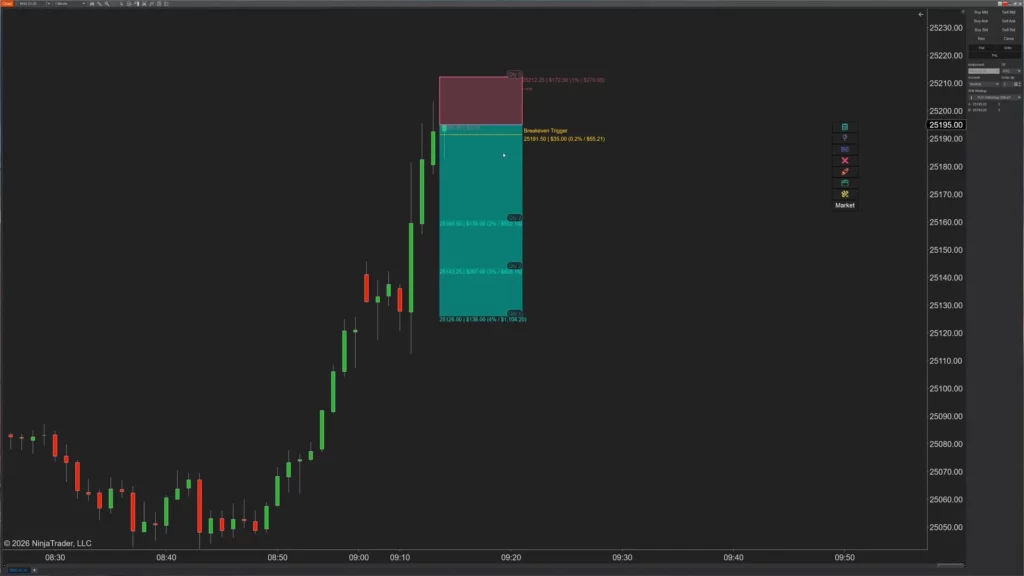
Setting 4 targets in ATM means filling out 4 separate forms. With our Position Tool, you drag them straight onto the chart — then choose how your position distributes across them. Front-heavy to lock in early profits, back-heavy to let runners ride, or custom percentages exactly how you want them.
**NinjaTrader position sizing vs ATMs** also highlights a major difference with targets. ATMs treat every target like a separate chore. The XABCD Position Tool lets you drop unlimited targets directly on the chart and automatically splits your position across them — with four distribution modes and real-time R-multiples showing exactly what each level is worth before you're in the trade.
Pass Your Prop Eval. Then Keep Passing It With Risk Based Position Sizing
Because one bad day shouldn't undo weeks of disciplined trading.
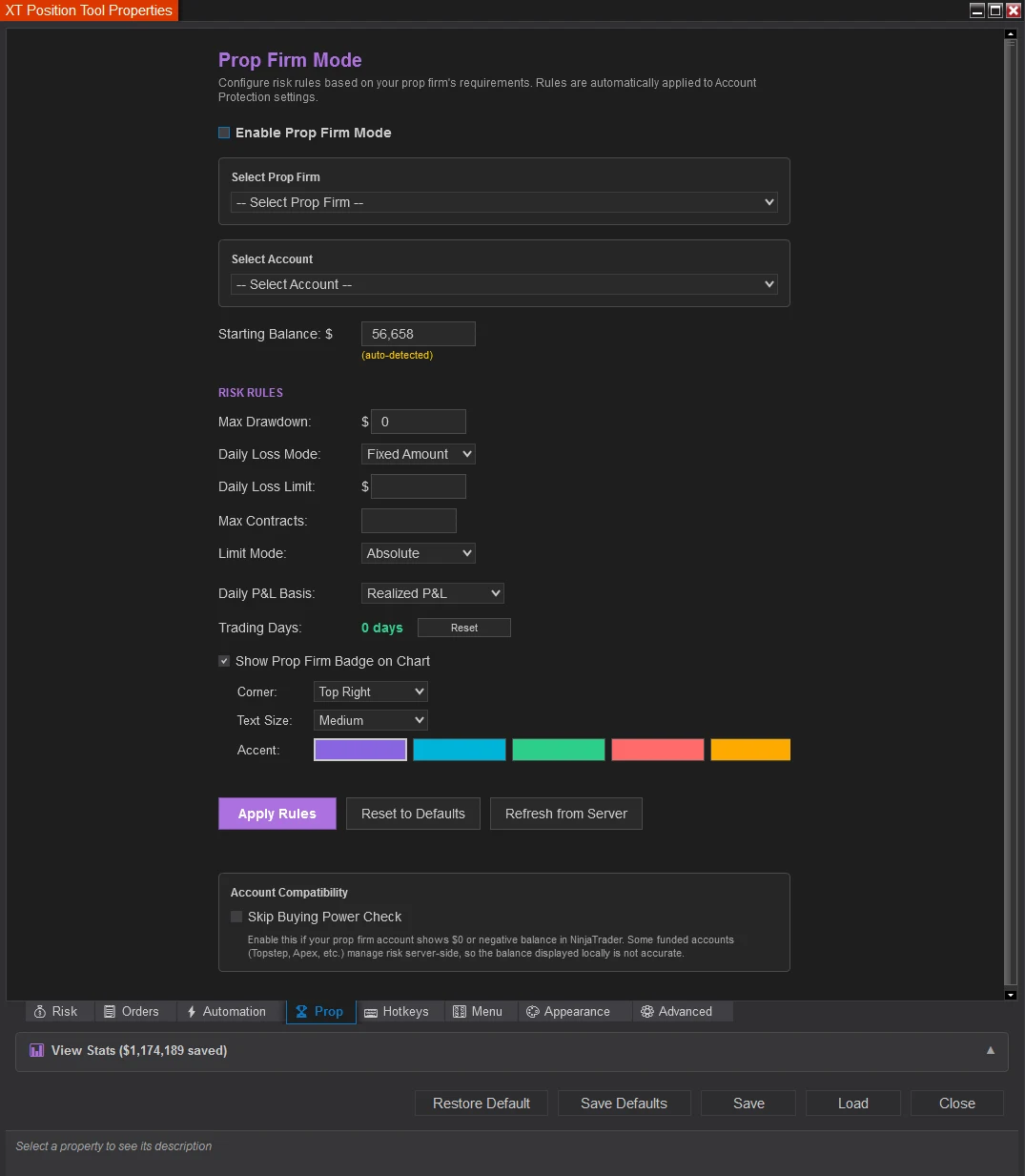
The ATM feature of NinjaTrader is created to manage orders but not risk. It does its job well when it comes to stops and targets, but as soon as you have to manage daily losses, it goes dead on you. There will be no loss management, no automatic shutdowns, no notion about how much risk you've blown up that day. For prop traders who follow drawdowns, this is not a small problem, but a serious one, which can ruin the whole account in one go.
That’s where XABCD Position Tool comes into play. You can set a maximum loss for the day in dollars or as a percentage, and XABCD Position Tool monitors your budget in real-time, automatically adjusting each subsequent trade according to the amount of risk left in your budget.
You've reached your limit, your trades are shut down, period. Factor in the trailing equity floor and the NinjaTrader position-sizing feature builds upward from each successive equity high watermark, ensuring growth without ever penalizing you for a retracement. While ATM leaves prop traders vulnerable, there is a risk manager quietly working behind the scenes with every trade.
Stop Pin — Lock Your Stop Where You Want It
Because one bad day shouldn't undo weeks of disciplined trading.
With a standard ATM, your stop loss is tied to a fixed distance from your entry. If you're using Attach-to-Market mode and the entry price moves, the stop follows — no questions asked. That's fine in theory, until the market gives you a level that matters more than an arbitrary tick distance.
The XABCD Position Tool's Stop Pin feature lets you freeze your stop at a specific price with a single click. When pinned, your stop stays exactly where you placed it regardless of how the entry price moves. Unpin it, and it snaps back to following mode instantly.
Why does this matter? Because real traders don't think in tick distances — they think in levels. You see a key support level 12 ticks below your entry and you pin your stop just beneath it. The market rallies, your entry updates, but your stop stays anchored to that level because that's where the trade idea is invalidated. An ATM has no concept of this. It blindly maintains a distance. The Stop Pin gives you the flexibility to trade levels, not just numbers.
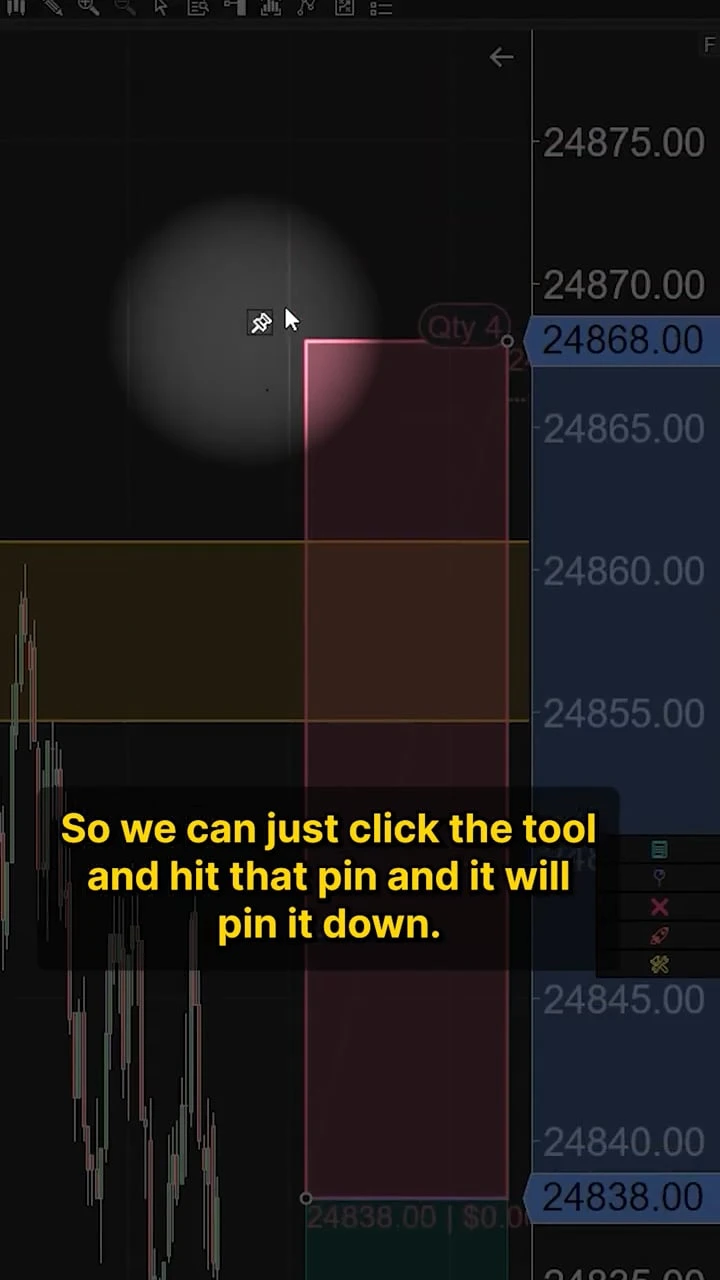
Even better, with Auto Pin on Attach, you can have the stop automatically pin the moment you enter Attach-to-Market mode — no extra clicks. And if price breaches your pinned stop level, the tool can optionally flip your trade direction automatically, turning a stopped-out long into a short entry without lifting a finger.
TTS Audio — Your Trade Talks to You
How many times have you been watching one chart while a critical event happens on another?
With an ATM, you get a fill notification buried in the log tab — if you even notice it.
The XABCD Position Tool has built-in Text-to-Speech audio that speaks trade events out loud in plain English. Toggle it on with a single hotkey and your computer tells you exactly what's happening:
- "Risk up to 3 contracts" — when you scale your position size
- "Stop rejected" — the instant a stop placement fails, so you can react immediately
- "Stop hit" — no ambiguity, no missed exits
- "Breakeven activated" — confirmation your breakeven stop just moved into place
- "Partial fill timeout, applying protection" — critical order flow events you'd otherwise miss
- "Order stuck in submitted state" — problems that need your attention right now
This isn't some generic alert sound. It's specific, contextual information spoken aloud so you never have to take your eyes off price action. ATMs give you silence or, at best, a generic ding. The XABCD Position Tool gives you a co-pilot calling out every meaningful event as it happens. For multi-monitor setups or traders who step away from the screen, this feature alone can save you from missing a critical moment.
Real-Time Margin Display
Know What You Can Afford Before You Click
Here's something no ATM will ever show you: whether you can actually afford the trade you're about to take.
The XABCD Position Tool renders a real-time margin snapshot directly on your chart — right next to your stop level, exactly where your eyes already are. Toggle it on with a hotkey and you instantly see:
Intraday Margin — your available buying power, the margin required per contract, the total margin for your position size, and what's left over after the trade. Green means you're good. Red means you're overleveraged.
Overnight Margin — the same breakdown but for holding positions past the session close. Because that "great swing trade" is useless if your account can't cover the overnight requirement and your broker liquidates you at 4:15 PM.
This Trade — your position size, risk per contract in dollars, total risk, stop distance in ticks, and your risk as a percentage of your account. If you're risking more than 2%, it turns red so you can't pretend you didn't see it.
Profit Targets — units allocated per target, profit per target, total profit if all targets hit, and the risk/reward ratio color-coded so you know at a glance whether the trade is worth taking.
Overnight Margin — the same breakdown but for holding positions past the session close. Because that "great swing trade" is useless if your account can't cover the overnight requirement and your broker liquidates you at 4:15 PM.
This Trade — your position size, risk per contract in dollars, total risk, stop distance in ticks, and your risk as a percentage of your account. If you're risking more than 2%, it turns red so you can't pretend you didn't see it.
Profit Targets — units allocated per target, profit per target, total profit if all targets hit, and the risk/reward ratio color-coded so you know at a glance whether the trade is worth taking.
Therefore, ATM's don't know your account balance. It doesn't know your margin requirements. It doesn't know if the trade you're about to submit will blow past your risk limits. The XABCD Position Tool does, and it puts all of that information on your chart in real time so you make informed decisions before you click submit — not after your broker sends you a margin call. And we have not seen this in any of their releases.
Trade Commentary Overlay
A Post-Trade Debrief on Every Single Trade
After a trade closes, an ATM does nothing. The orders are gone, the position is flat, and if you want to understand what happened, you're left digging through the Trades tab trying to piece together the story.
The Setup — whether you were long or short, your entry quantity and price, and how long the trade lasted down to the second.
Commissions — your template, per-unit cost, total cost, and whether commissions were factored into your risk calculation. No more guessing if commissions ate your edge.
Slippage — did you get filled better or worse than expected? By how much? What percentage of your risk did slippage consume? This data is captured automatically on every fill.
Stop Management — did your breakeven stop activate? How many times did your trailing stop adjust? At what price was each triggered? This is the kind of execution detail that separates traders who review and improve from traders who repeat the same mistakes.
Commissions — your template, per-unit cost, total cost, and whether commissions were factored into your risk calculation. No more guessing if commissions ate your edge.
Slippage — did you get filled better or worse than expected? By how much? What percentage of your risk did slippage consume? This data is captured automatically on every fill.
Stop Management — did your breakeven stop activate? How many times did your trailing stop adjust? At what price was each triggered? This is the kind of execution detail that separates traders who review and improve from traders who repeat the same mistakes.
The XABCD Position Tool's Trade Commentary overlay changes that completely. The moment your position closes, a detailed summary appears directly on your chart breaking down exactly what happened from entry to exit:
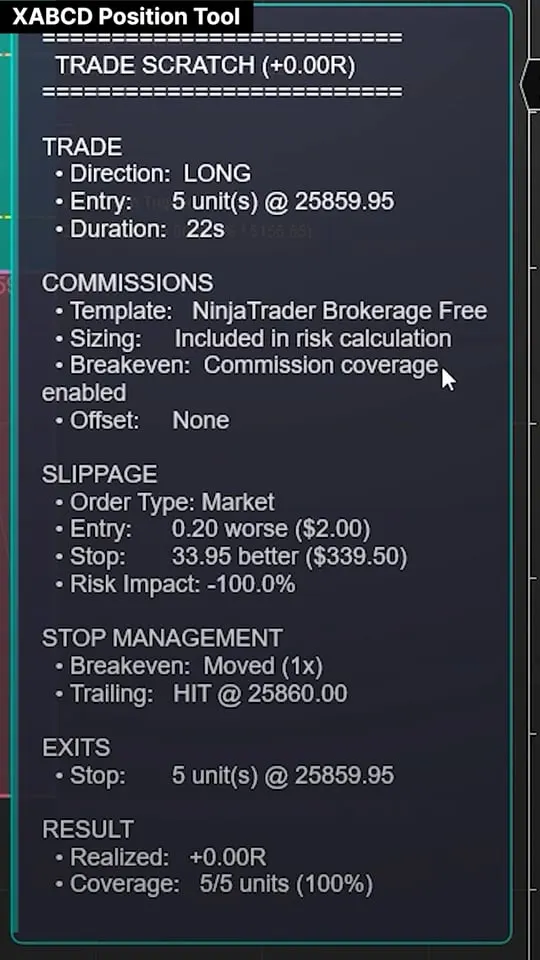
The Result — your realized R-multiple (your actual return measured against your planned risk), dollar P&L, and exit coverage percentage. A +1.5R win means you made 1.5 times what you risked. A -0.8R loss means your stop management saved you 20% of your planned risk.
Notes — order rejects, resubmissions, partial fills, and any adjustments that happened during the trade. Nothing is hidden.
Every piece of this is generated automatically from the actual execution data — fills, timestamps, order states, and stop movements that the tool tracked throughout the life of the trade. You don't journal it. You don't calculate it. It just appears on your chart the moment the trade is done, giving you an instant, accurate debrief while the trade is still fresh in your mind.
The Bottom Line On A NinjaTrader ATM Strategy vs The XABCD Position Tool
A Post-Trade Debrief on Every Single Trade
ATM strategies do one thing: submit bracket orders at fixed distances. That's it. No awareness of your account, no audio feedback, no stop flexibility, no post-trade analysis.
The XABCD Position Tool wraps your entire trading workflow — risk management, margin awareness, real-time audio alerts, flexible stop placement, and automatic trade review — into a single drawing tool on your chart. These aren't nice-to-haves. They're the features that turn NinjaTrader from an order entry platform into a complete trading system.
New NinjaTrader Articles Delivered First
 (opens in a new tab)
Easy Order Tool
The Strategy

Scanning & Alerting
NinjaTrader Release
XABCD News (Free Version)
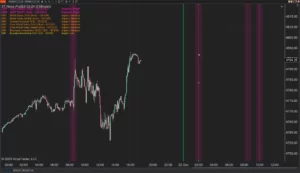
XABCD News (Community Edition) is the best free Indicator for NinjaTrader 8. Don't let news sneak up on you again. Puts economic news events on your charts so you can stay informed and move around positions/stops before the news is released. Works in any market.
XABCD Priceline (Free)
XABCD Price Line tool for NinjaTrader 8 will draw a line at current price and move every time the market changes price. This is useful because it will allow you to easily identify where price is at all times and the exact quoted price.
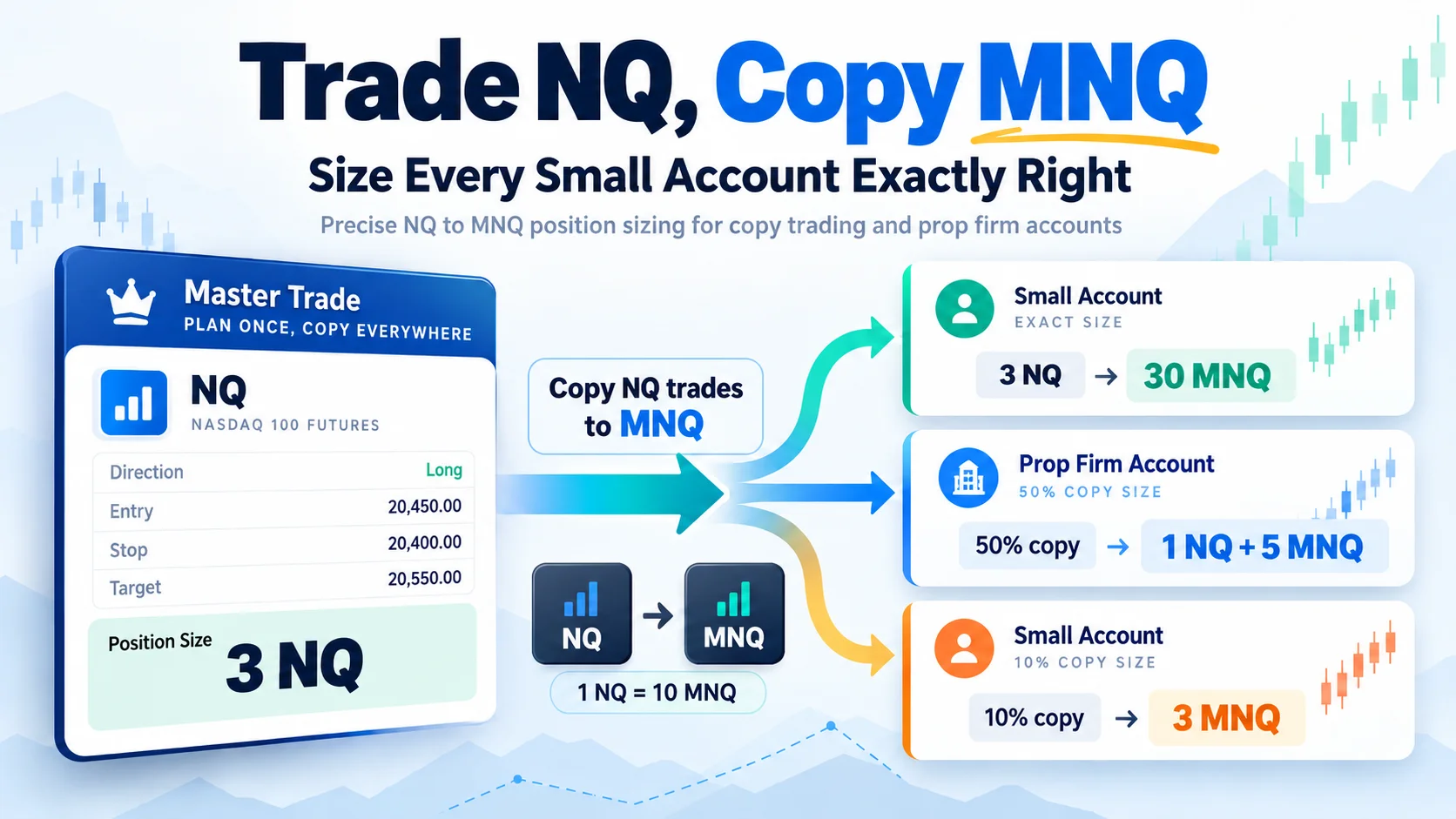
Trade NQ, Copy MNQ: Copy NQ Trades to MNQ in NinjaTrader 8
NinjaTrader Data Feed Not Updating? Quick Fixes
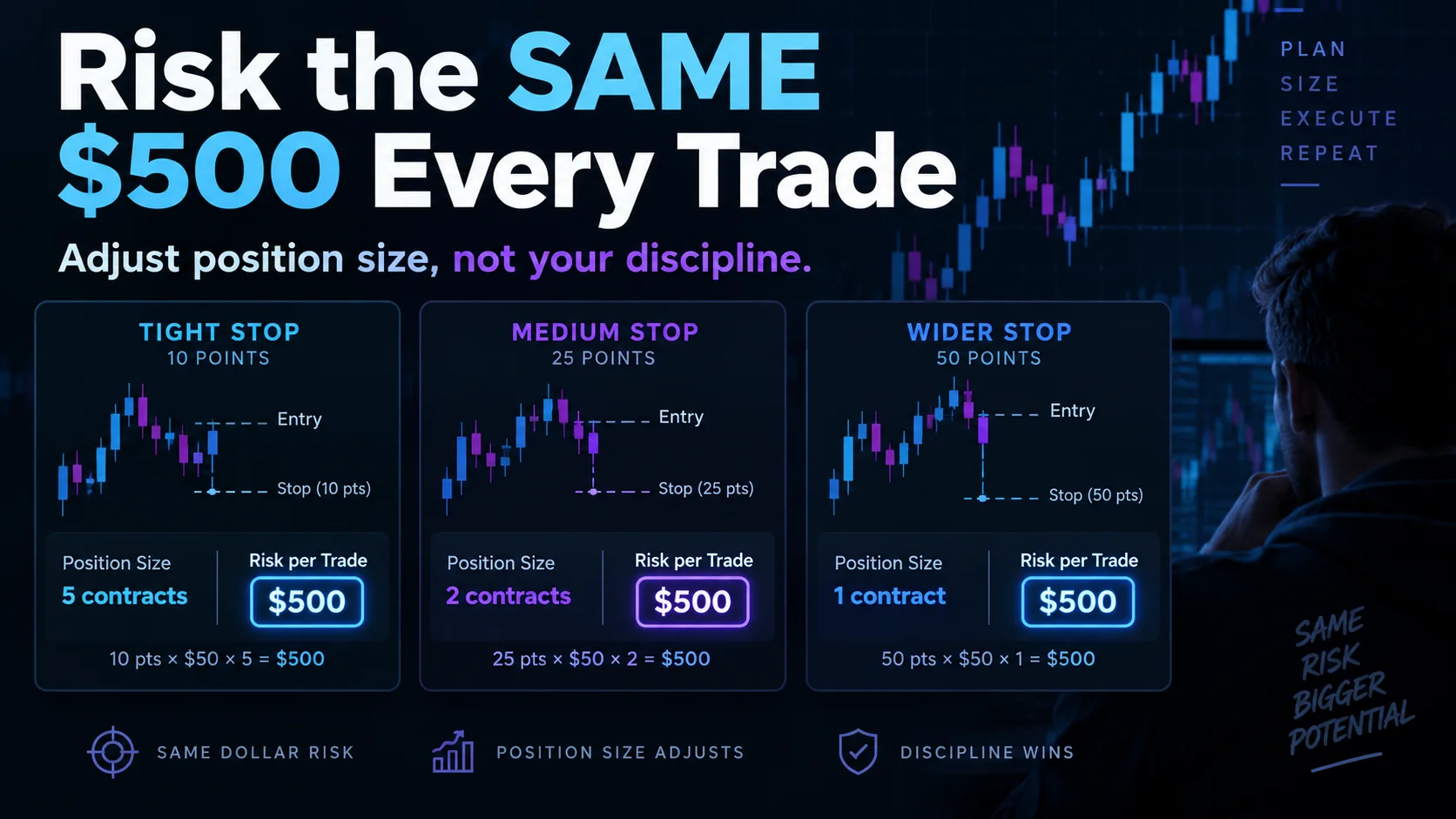
NinjaTrader Risk Per Trade: Risk $500 on Every Trade
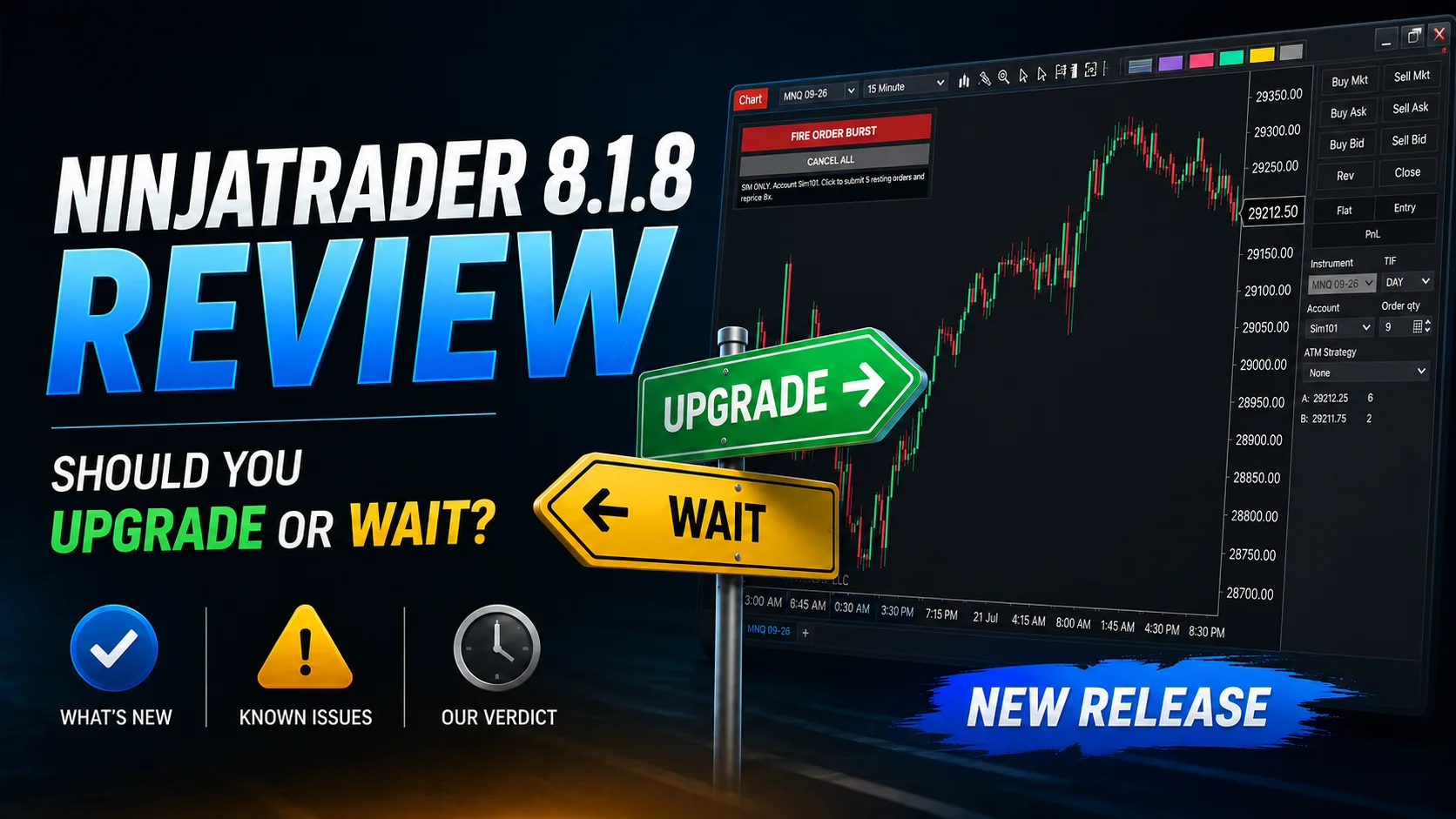
NinjaTrader 8.1.8 Review: Should You Upgrade or Wait?
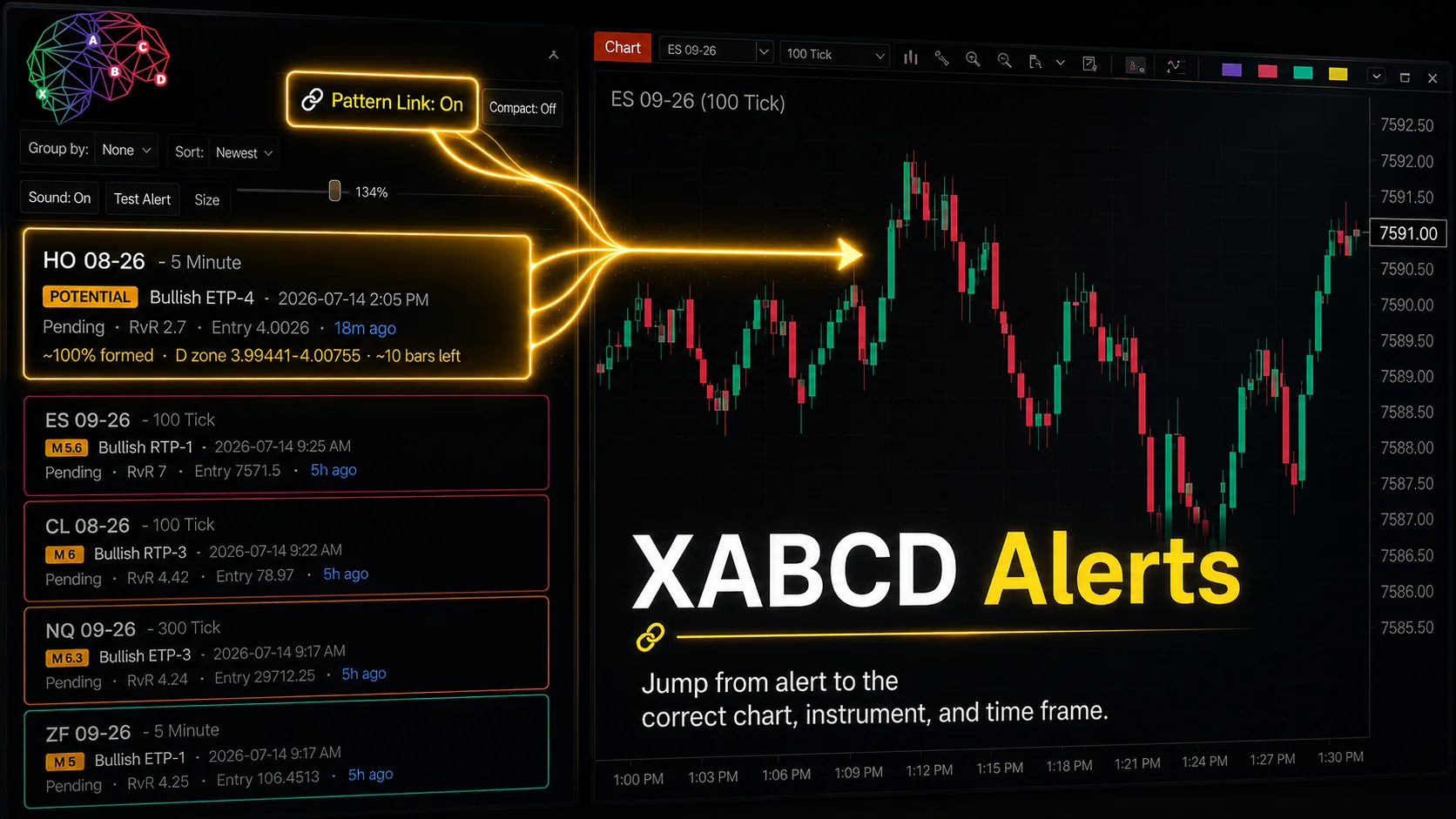
XABCD Pattern Alerts: The Complete Guide for Traders
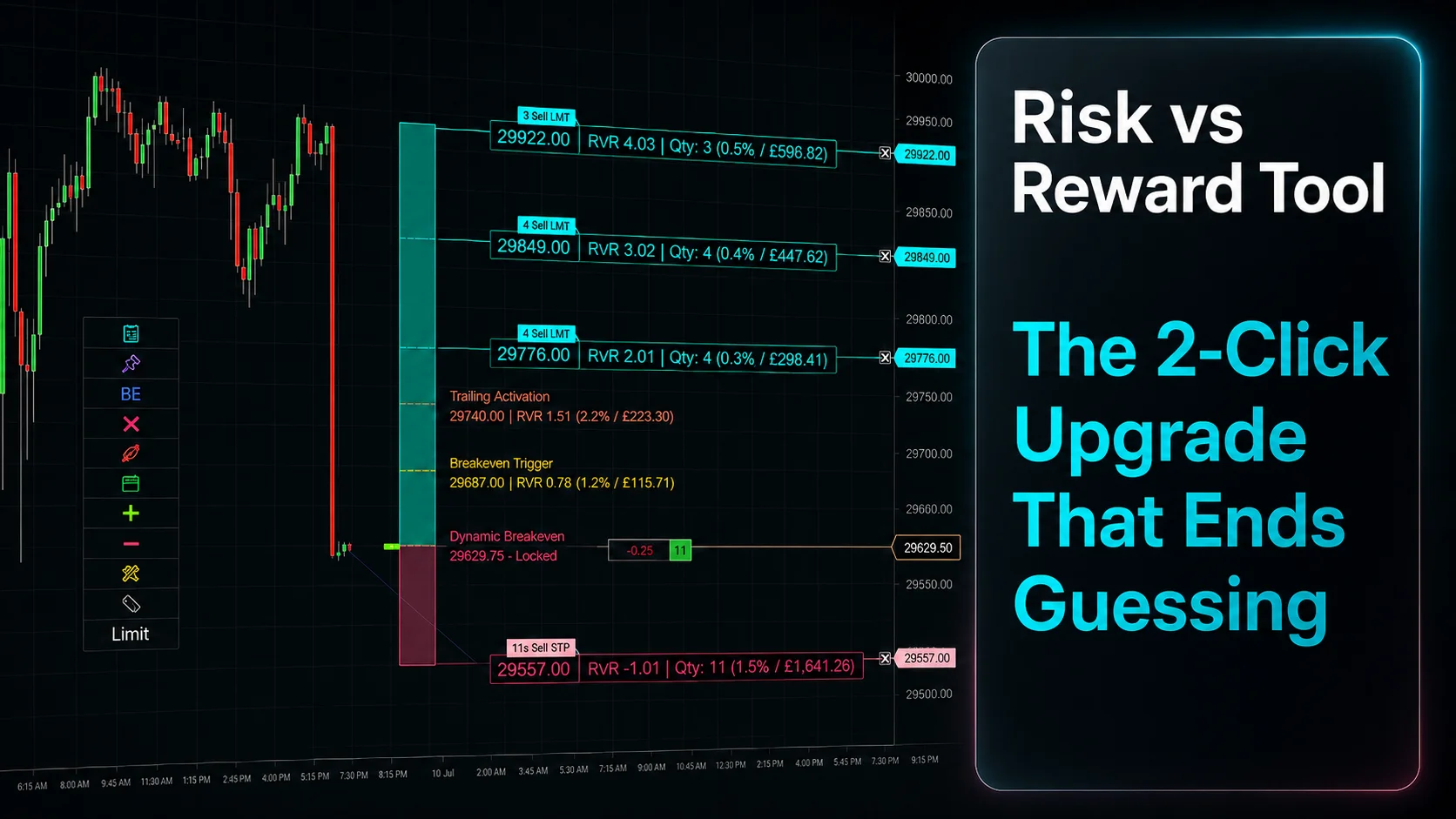
Risk vs Reward Tool: The 2-Click Upgrade That Ends Guessing
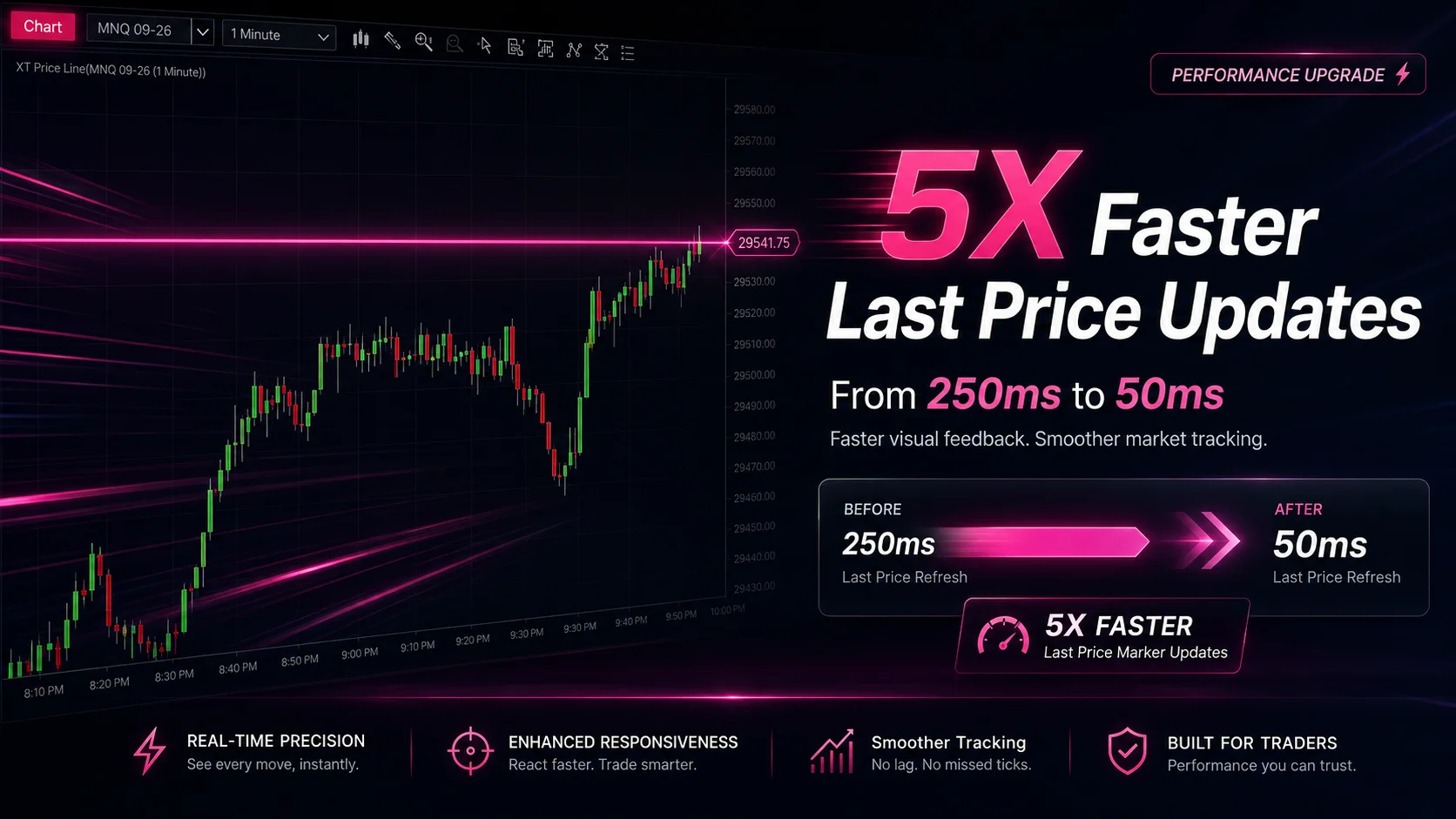
NinjaTrader Faster Last Price Updates on Charts Explained
NinjaTrader 8 Hotkeys: Best Shortcuts for Faster Trading
NinjaTrader Position Sizing Tool: 64 Features Stock NT8 Does Not Include