XABCD TRADING

From Lag to Lightning: The Critical Role of Read/Write Speeds in NinjaTrader 8
Subscribe
to get alerts to our next blog post!
Is Your Disk Speed Killing Your Trades? How to Fix NinjaTrader 8 Lag in 5 Minutes Flat!
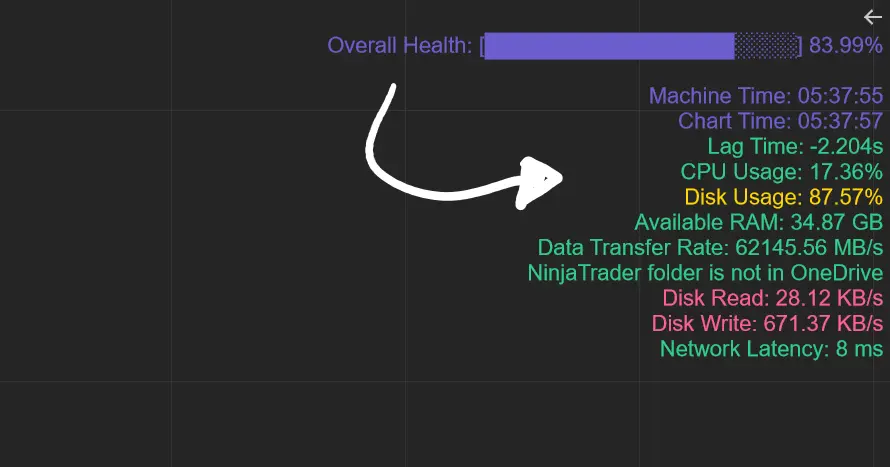
Imagine your computer is a race car. If the engine (your disk) is slow, even the best driver (you!) can’t win the race. For NinjaTrader 8 users, disk speed is everything. Here’s why you need to check it—and how the XABCD Performance Indicator (a free tool) makes it easy.
10 Reasons to Monitor Your Disk Speed
- Stop Waiting Forever: Slow disks make charts take minutes to load. XABCD shows if your disk is the problem.
- No More Frozen Charts: If your disk can’t keep up, charts freeze during busy market hours.
- Save Time Backtesting: Testing strategies takes hours on a slow disk. Speed it up!
- Avoid Missed Trades: Laggy charts mean missed buy/sell signals.
- Handle Multiple Charts: Slow disks choke when you open 20+ charts.
- Protect Your Work: Fast disks save your workspace quickly if your computer crashes.
- Better Live Updates: Real-time data needs a fast disk to stay smooth.
- Faster Indicators: Tools like moving averages reload faster.
- Cheaper Than Losing Money: A $100 SSD upgrade can save you thousands in missed trades.
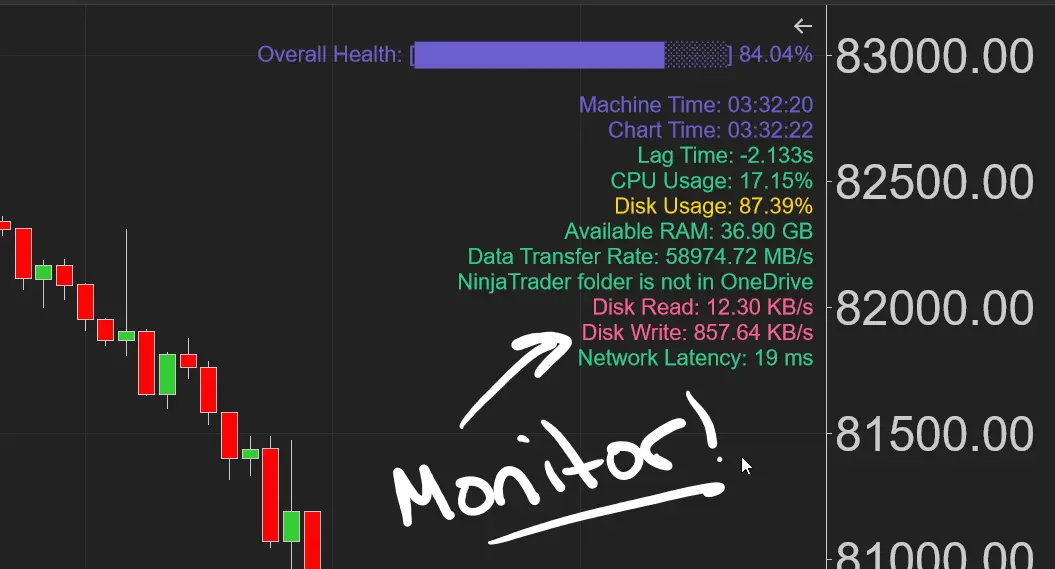
- XABCD Makes It Easy: This free tool checks your disk speed and shouts, “Fix this now!”
Make Sure Your Disk Write/Read Speeds Are Normal
Why 500 KB/s (or Higher) Disk Speeds Are Too Slow and Dangerous for Traders
Real-Time Trading Can't Keep Up.
What Happens: Trading platforms like NinjaTrader 8 process thousands of price updates per second (e.g., ticks, bars).
At 500 KB/s:
A single ES futures contract can generate 5,000+ ticks/minute (≈83 ticks/sec). Writing this data alone would overwhelm a 500 KB/s disk.
Result: Charts freeze, lag, or skip ticks, causing missed entries/exits. You will see some users complaining on the NinjaTrader forums, chances are they are having disk speed issues and it's not the problem of the platform.
Historical Data Loading Takes Forever
Example: Loading 1 GB of historical data (common for multi-year backtests):
A single ES futures contract can generate 5,000+ ticks/minute (≈83 ticks/sec). Writing this data alone would overwhelm a 500 KB/s disk.
At 500 KB/s: 1 GB = 1,000,000 KB → 33+ minutes to load.
Reality: Traders need this data in seconds, not half an hour.
HDD
33
min
SSD
10
seconds
Backtesting Becomes Impossible
Scenario: Testing a strategy on 10 years of 1-minute data (≈2.6 million bars).
At 500 KB/s: The disk can’t read/write fast enough to simulate trades in a reasonable time.
Result: A 1-hour backtest could take days, wasting time and opportunity.
Multi-Chart Setups Fail
Problem: Running 20+ charts with live data means simultaneous read/write operations.
At 500 KB/s: The disk chokes, causing charts to update erratically or crash. Example: Monitoring forex pairs, futures, and stocks? Forget it. HDDs choke on simultaneous I/O requests, causing choppy updates.
The Fix: Make sure you have a good SSD. It will excel at parallel operations. Zero I/O Contention: Handle forex, futures, and equities data simultaneously. Seamless Multi-Timeframe Analysis: Switch between 1-minute and 4-hour charts without hiccups.
Do You Need To Upgrade?
Red Disk Read/Write Values
If your read/write are in the green with only occasional flicks of yellow or red, then you're probably all good to go and nothing else will need to be done.
Red Disk Read/Write Values
If your disk read/write is in the red using our XABCD Performance Tool constantly, then it might be time for an upgrade. Our What is Needed For A Day Trading Computer Setup has some options listed depending on your budget.
Frequently Asked Questions
What is the difference between an HDD hard drive and an SSD?
A traditional HDD (hard disk drive) uses spinning platters to read and write data, which makes it significantly slower than an SSD (solid-state drive). As the page illustrates, loading 1 GB of historical data takes over 33 minutes on an HDD compared to roughly 10 seconds on an SSD. SSDs also excel at parallel operations, handling simultaneous read/write requests without the I/O contention that causes HDDs to choke.
How do I know if my hard drive is too slow?
Signs of a slow hard drive include frozen or laggy charts, long load times for historical data, and erratic updates when running multiple applications. Tools like the free XABCD Performance Indicator for NinjaTrader 8 can monitor your disk read/write speeds in real time—if the values are consistently in the red, it's likely time for an upgrade.
Can a slow disk cause trading platform lag?
Yes, a slow disk is one of the most common causes of trading platform lag. Platforms like NinjaTrader 8 process thousands of price updates per second, and a disk speed around 500 KB/s or lower cannot keep up, resulting in frozen charts, skipped ticks, and missed trade entries or exits. Many users who complain about platform performance on forums are actually experiencing underlying disk speed issues.
Should I upgrade my hard drive for day trading?
If your disk read/write speeds are consistently slow—showing red values in a performance monitoring tool—then upgrading to a good SSD is strongly recommended. The page notes that even a modest SSD upgrade can be far cheaper than the money lost from missed trades due to laggy charts and slow backtesting. An SSD handles multi-chart setups, real-time data, and simultaneous I/O requests without the bottlenecks of a traditional HDD.
Why does backtesting take so long on my computer?
Slow backtesting is often caused by a hard drive that can't read and write data fast enough to simulate trades efficiently. For example, testing a strategy on 10 years of 1-minute data involves millions of bars, and at low disk speeds like 500 KB/s, a backtest that should take an hour could stretch into days. Upgrading to an SSD dramatically reduces this time by providing the high-speed read/write performance that backtesting demands.
Frequently Asked Questions
What is the difference between an HDD hard drive and an SSD?
A traditional HDD (hard disk drive) uses spinning platters to read and write data, which makes it significantly slower than an SSD (solid-state drive). As the page illustrates, loading 1 GB of historical data takes over 33 minutes on an HDD compared to roughly 10 seconds on an SSD. SSDs also excel at parallel operations, handling simultaneous read/write requests without the I/O contention that causes HDDs to choke.
How do I know if my hard drive is too slow?
Signs of a slow hard drive include frozen or laggy charts, long load times for historical data, and erratic updates when running multiple applications. Tools like the free XABCD Performance Indicator for NinjaTrader 8 can monitor your disk read/write speeds in real time—if the values are consistently in the red, it's likely time for an upgrade.
Can a slow disk cause trading platform lag?
Yes, a slow disk is one of the most common causes of trading platform lag. Platforms like NinjaTrader 8 process thousands of price updates per second, and a disk speed around 500 KB/s or lower cannot keep up, resulting in frozen charts, skipped ticks, and missed trade entries or exits. Many users who complain about platform performance on forums are actually experiencing underlying disk speed issues.
Should I upgrade my hard drive for day trading?
If your disk read/write speeds are consistently slow—showing red values in a performance monitoring tool—then upgrading to a good SSD is strongly recommended. The page notes that even a modest SSD upgrade can be far cheaper than the money lost from missed trades due to laggy charts and slow backtesting. An SSD handles multi-chart setups, real-time data, and simultaneous I/O requests without the bottlenecks of a traditional HDD.
Why does backtesting take so long on my computer?
Slow backtesting is often caused by a hard drive that can't read and write data fast enough to simulate trades efficiently. For example, testing a strategy on 10 years of 1-minute data involves millions of bars, and at low disk speeds like 500 KB/s, a backtest that should take an hour could stretch into days. Upgrading to an SSD dramatically reduces this time by providing the high-speed read/write performance that backtesting demands.
New NinjaTrader Articles Delivered First
 (opens in a new tab)
Easy Order Tool
The Strategy


Scanning & Alerting

NinjaTrader Release
XABCD News (Free Version)
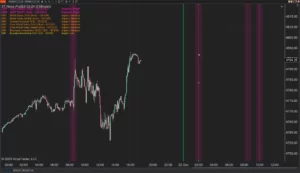
XABCD News (Community Edition) is the best free Indicator for NinjaTrader 8. Don't let news sneak up on you again. Puts economic news events on your charts so you can stay informed and move around positions/stops before the news is released. Works in any market.
XABCD Priceline (Free)
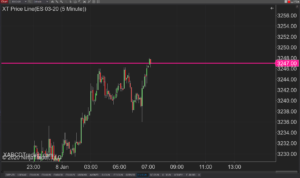
XABCD Price Line tool for NinjaTrader 8 will draw a line at current price and move every time the market changes price. This is useful because it will allow you to easily identify where price is at all times and the exact quoted price.
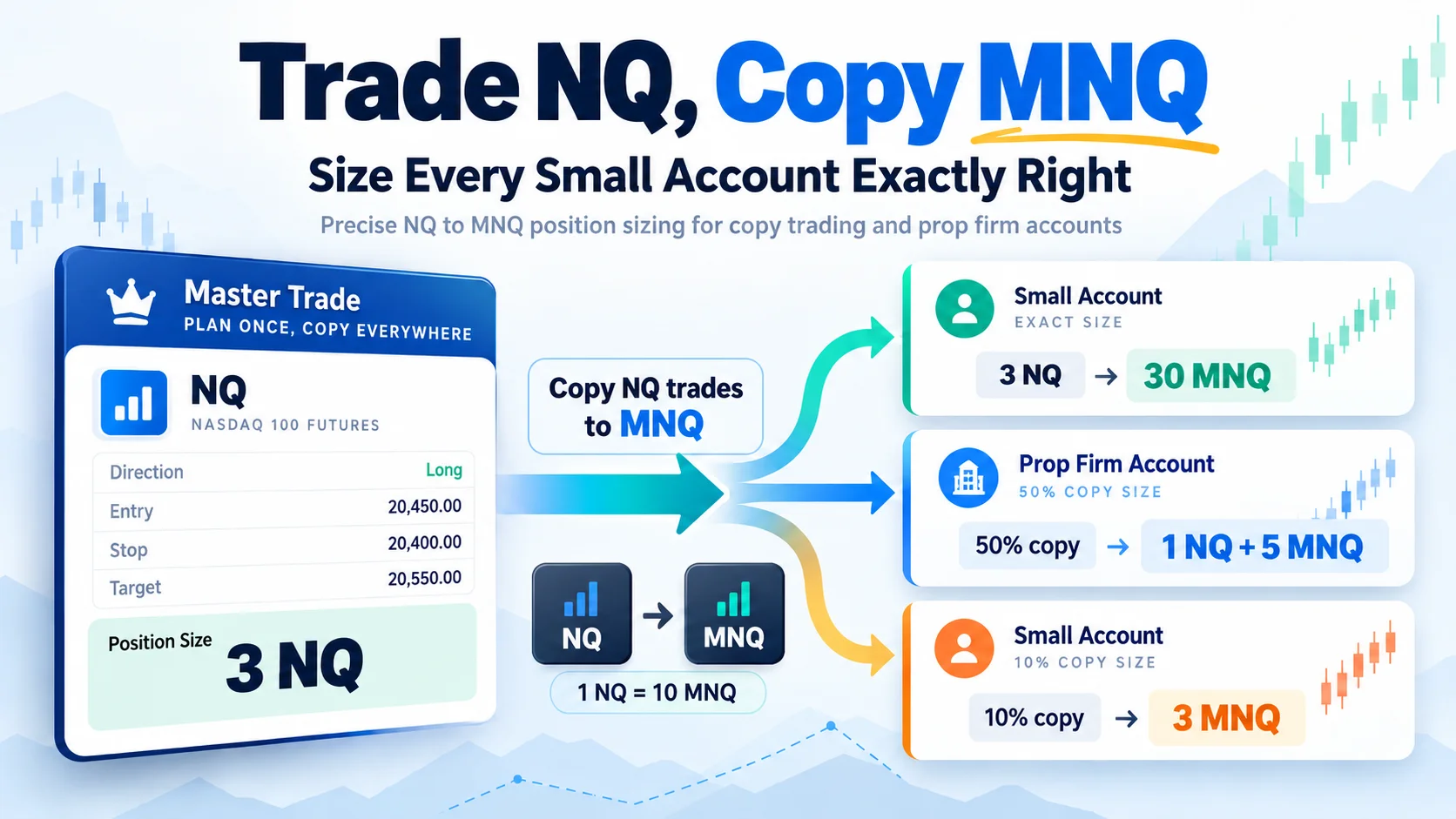
Trade NQ, Copy MNQ: Copy NQ Trades to MNQ in NinjaTrader 8
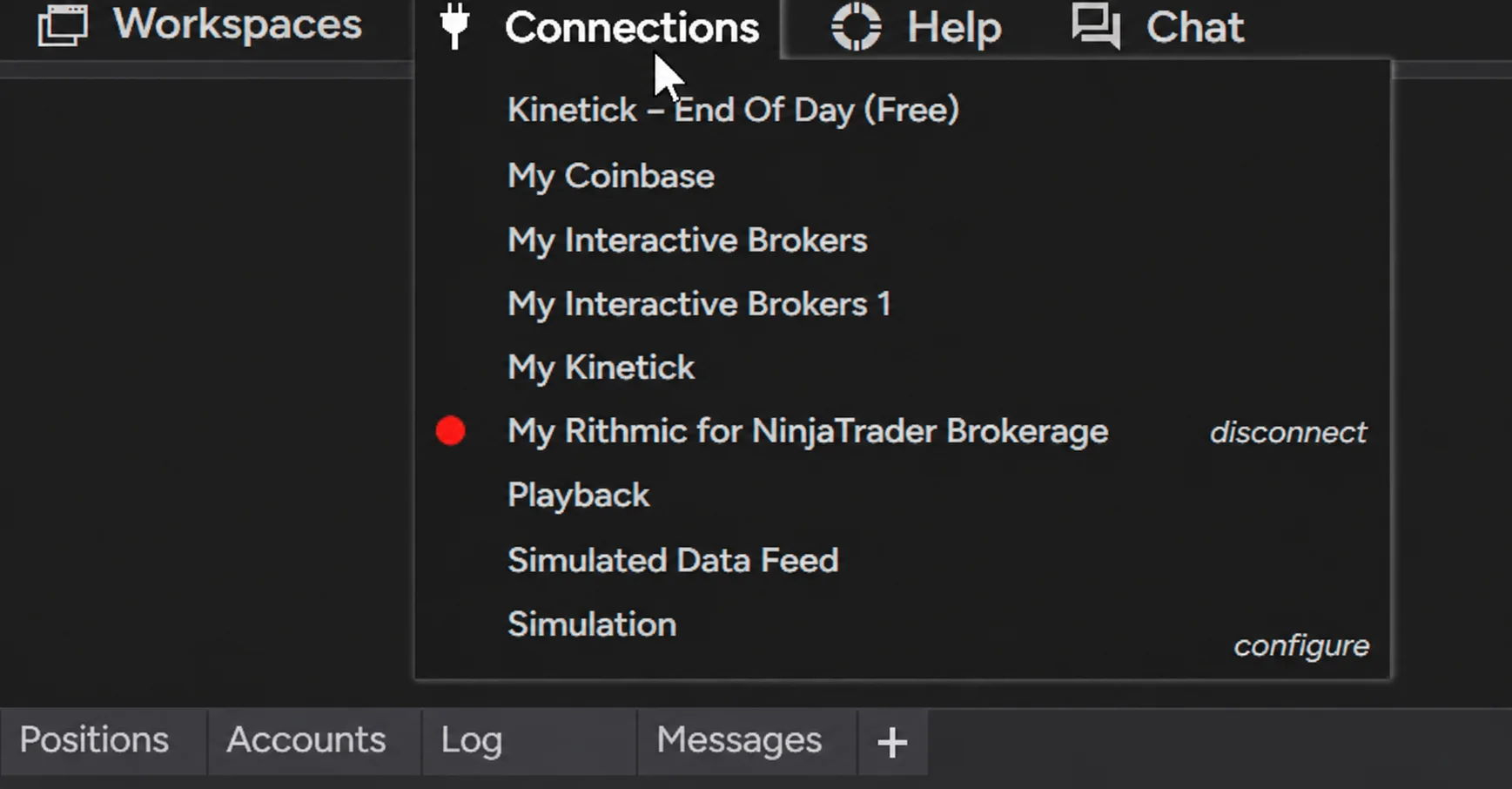
NinjaTrader Data Feed Not Updating? Quick Fixes
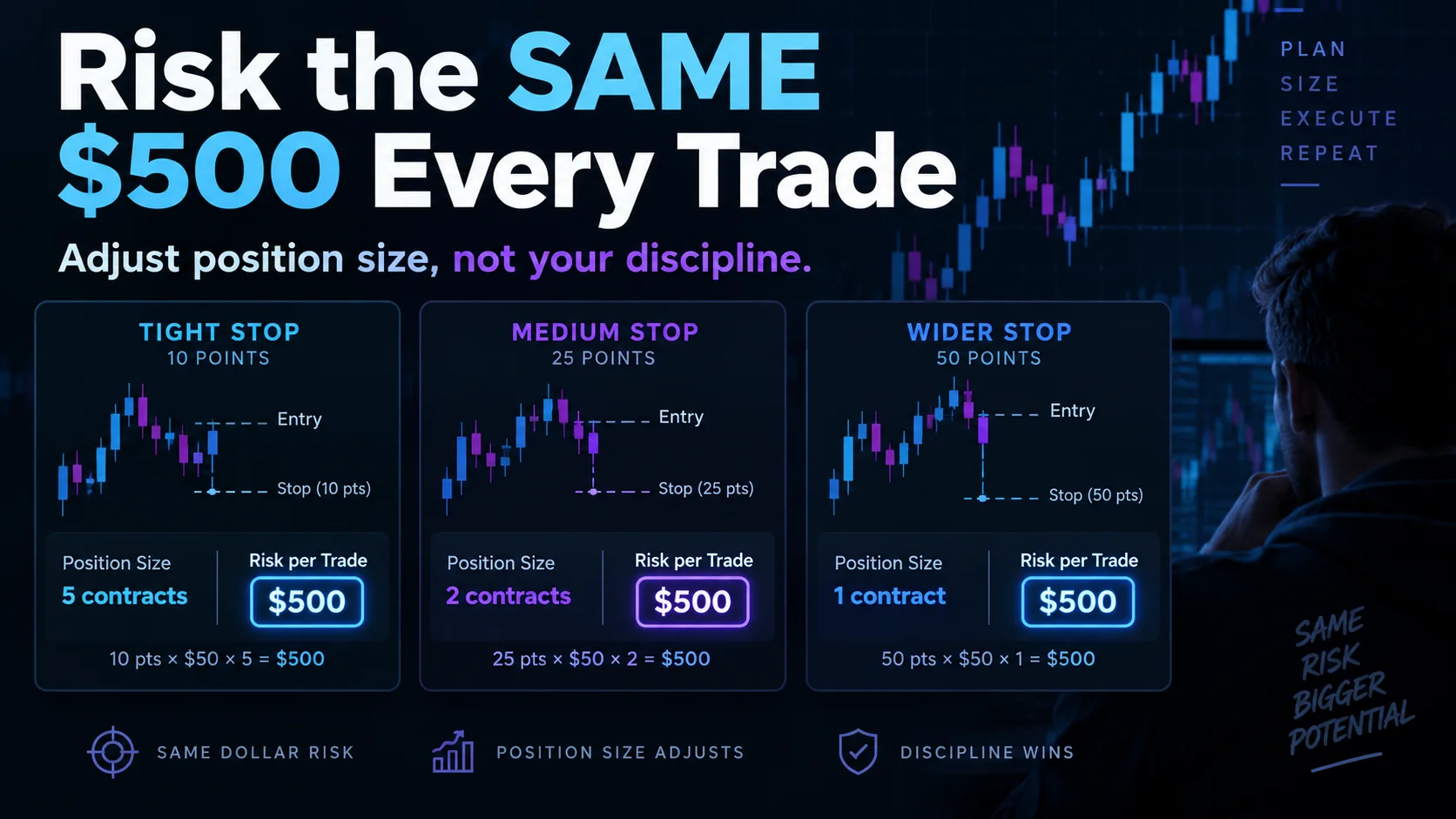
NinjaTrader Risk Per Trade: Risk $500 on Every Trade
NinjaTrader 8.1.8 Review: Should You Upgrade or Wait?
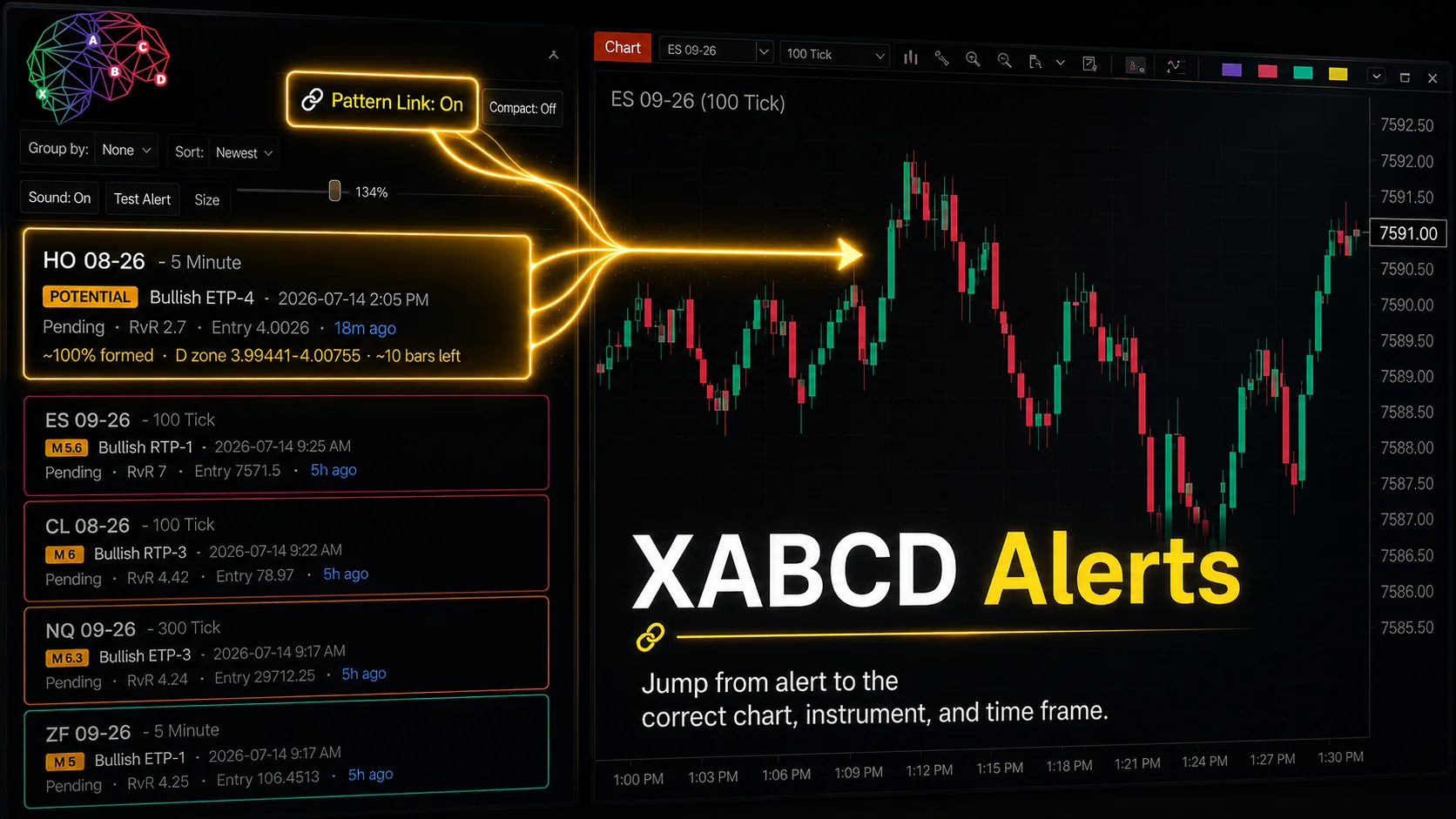
XABCD Pattern Alerts: The Complete Guide for Traders
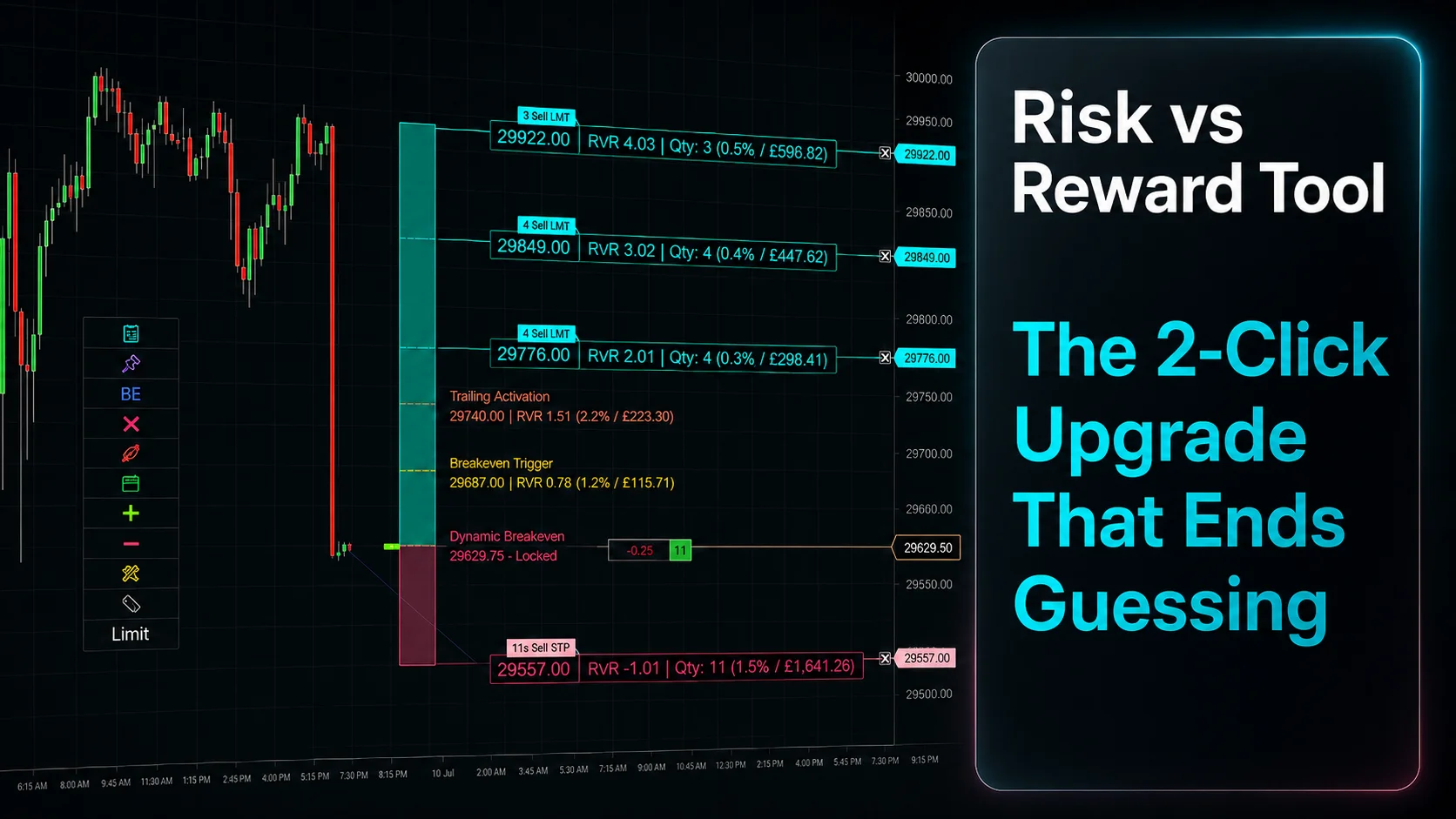
Risk vs Reward Tool: The 2-Click Upgrade That Ends Guessing
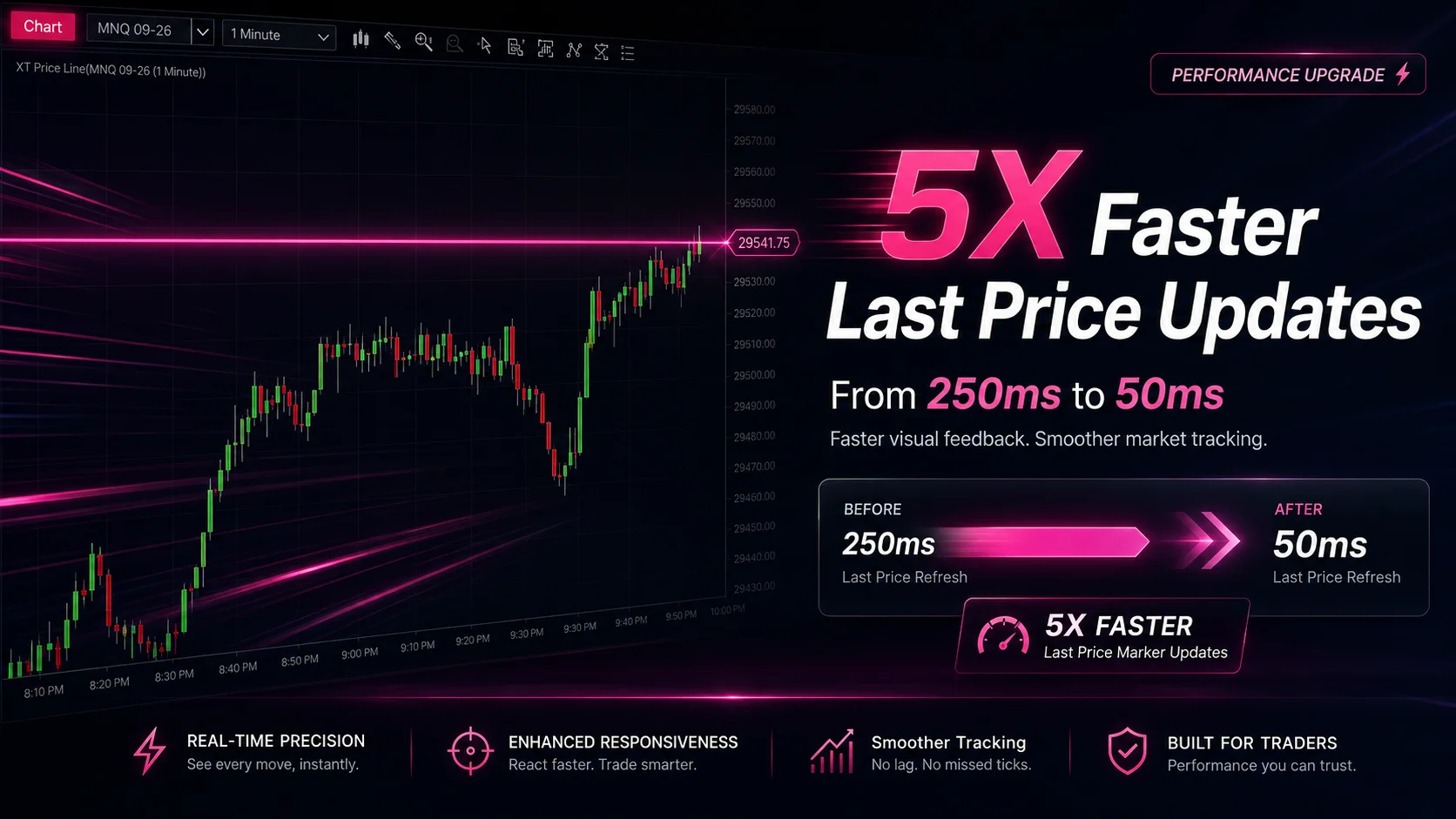
NinjaTrader Faster Last Price Updates on Charts Explained
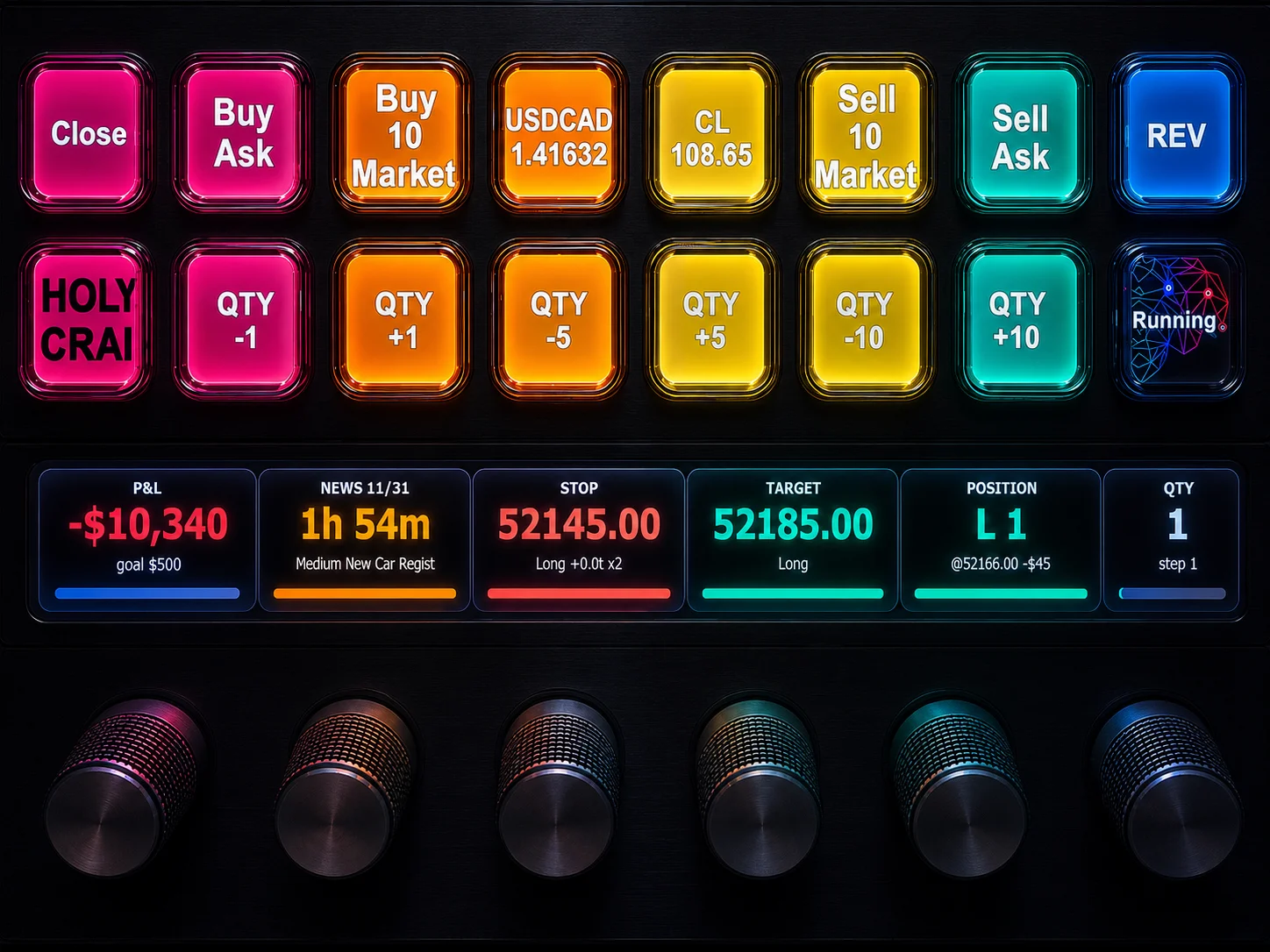
NinjaTrader 8 Hotkeys: Best Shortcuts for Faster Trading
NinjaTrader Position Sizing Tool: 64 Features Stock NT8 Does Not Include