XABCD TRADING

Getting started with the NinjaTrader 8 Market Analyzer?
Subscribe
to get alerts to our next blog post!
Market Analyzer 101
Most people have not used the market analyzer in NinjaTrader 8 and big reason for that is because they don't know how.
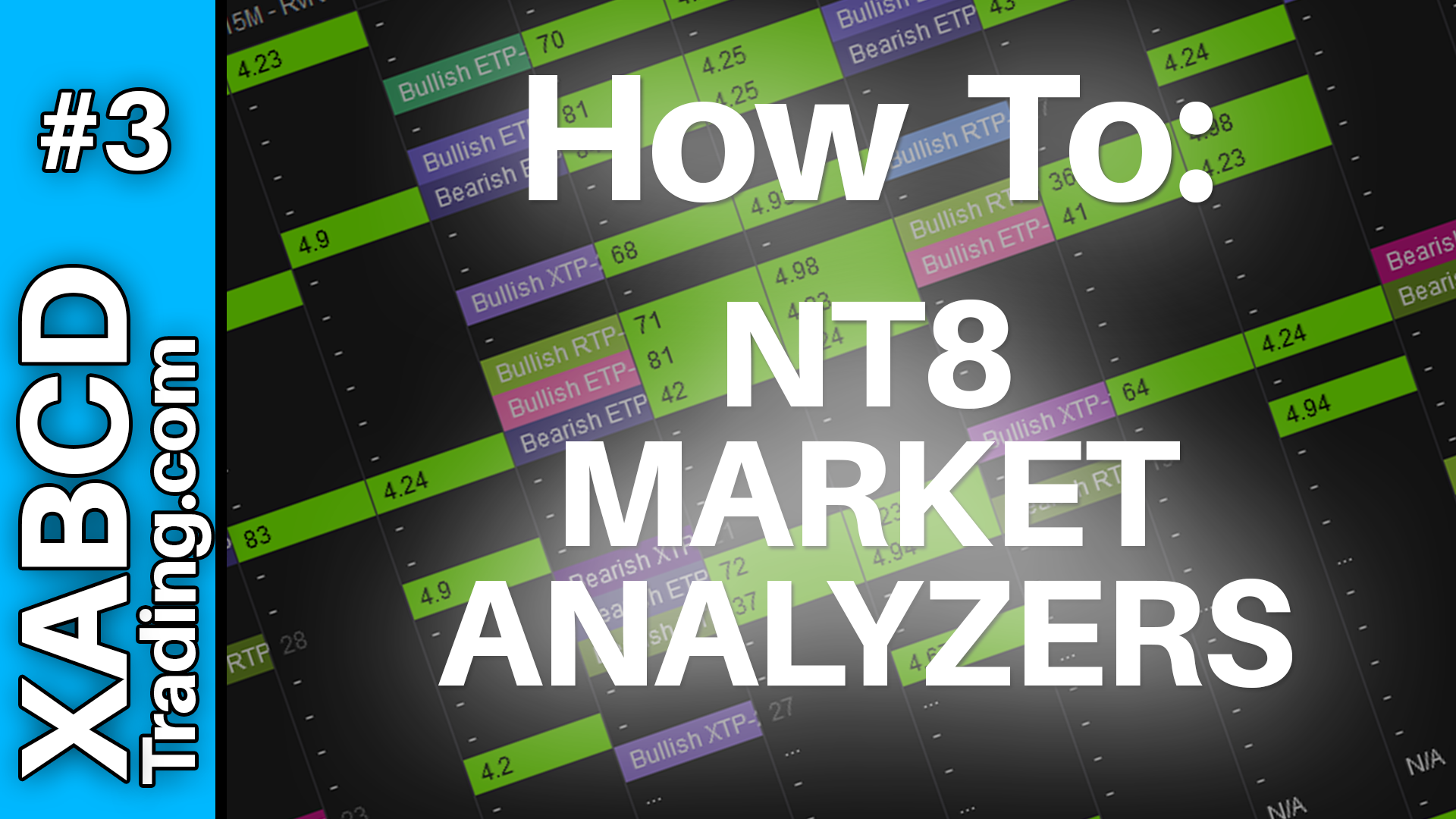
We're going to fix that today and take you on a step by step walk through on how to master the market analyzer. This will talk about configuring columns, using instrument lists, using your filters and how to trigger values to cause parts of your market analyzer to light up and alert you to certain market conditions.
When using the market analyzer correctly it can save you tons of time. We are going to use an example of the market analyzer we provide with our NinjaTrader XABCD Pattern trading tools.
What is the Market Analyzer Used for in NinjaTrader 8?
The market analyzer can mainly be used for scanning the market for certain conditions and then alerting you to them. The alerts can be put into the "Alert" log window within NT8. This way you can have the new patterns or conditions discovered, and the results put into a table format. Makes it very easy to identify patterns.
Why Would I Need to Use the Market Analyzer?
The way a lot of people will trade is trying to find certain conditions in the market that repeat. This is especially true to XABCD pattern traders like ourselves. If you find yourself looking for the same condition over and over again, then you can use the market analyzer scanner to point those out to you. Missing certain conditions is probably not good for your execution plan or your strategy, so this is one way to remove the human error of missing those situations.
How Does the Market Analyzer Work?
The market analyzer has to be build by yourself, or if your one of our members you can download the templates we've created. The market analyzer works by using the same tools on your charts to look for conditions that match. These tools would save you from opening up every chart on every time frame and cycling through them.
Frequently Asked Questions
Can the market analyzer scan multiple instruments and time frames at once?
Yes, the market analyzer is designed to scan across multiple instruments and time frames simultaneously, eliminating the need to manually open every chart and cycle through them individually. This makes it a powerful tool for identifying trading conditions efficiently across a broad watchlist.
How do I set up alerts in the market analyzer in NinjaTrader 8?
The market analyzer in NinjaTrader 8 allows you to configure filters and trigger values that cause parts of the analyzer to light up and alert you to specific market conditions. These alerts are sent to the Alert log window within NT8, so you can be notified as soon as new patterns or conditions are discovered without manually watching every chart.
What is a market analyzer used for in trading?
A market analyzer is primarily used for scanning the market for certain repeating conditions and then alerting you when those conditions occur. The results are displayed in a table format, making it easy to identify patterns and reduce human error from manually searching through charts.
Do I have to build my own market analyzer or can I download one?
You can build your own market analyzer from scratch by configuring columns, instrument lists, and filters yourself. However, some trading tool providers, such as those offering XABCD pattern tools for NinjaTrader, provide downloadable templates that come pre-configured and ready to use.
How does using a market analyzer save time when looking for chart patterns?
A market analyzer saves time by automatically scanning for specific conditions across multiple instruments and time frames, so you don't have to open and review every chart individually. It removes the human error of missing key setups and presents discovered patterns in a clear table format, allowing you to focus on execution rather than manual searching.
Frequently Asked Questions
Can the market analyzer scan multiple instruments and time frames at once?
Yes, the market analyzer is designed to scan across multiple instruments and time frames simultaneously, eliminating the need to manually open every chart and cycle through them individually. This makes it a powerful tool for identifying trading conditions efficiently across a broad watchlist.
How do I set up alerts in the market analyzer in NinjaTrader 8?
The market analyzer in NinjaTrader 8 allows you to configure filters and trigger values that cause parts of the analyzer to light up and alert you to specific market conditions. These alerts are sent to the Alert log window within NT8, so you can be notified as soon as new patterns or conditions are discovered without manually watching every chart.
What is a market analyzer used for in trading?
A market analyzer is primarily used for scanning the market for certain repeating conditions and then alerting you when those conditions occur. The results are displayed in a table format, making it easy to identify patterns and reduce human error from manually searching through charts.
Do I have to build my own market analyzer or can I download one?
You can build your own market analyzer from scratch by configuring columns, instrument lists, and filters yourself. However, some trading tool providers, such as those offering XABCD pattern tools for NinjaTrader, provide downloadable templates that come pre-configured and ready to use.
How does using a market analyzer save time when looking for chart patterns?
A market analyzer saves time by automatically scanning for specific conditions across multiple instruments and time frames, so you don't have to open and review every chart individually. It removes the human error of missing key setups and presents discovered patterns in a clear table format, allowing you to focus on execution rather than manual searching.
New NinjaTrader Articles Delivered First
 (opens in a new tab)
Easy Order Tool
The Strategy


Scanning & Alerting

NinjaTrader Release
XABCD News (Free Version)
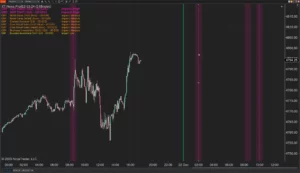
XABCD News (Community Edition) is the best free Indicator for NinjaTrader 8. Don't let news sneak up on you again. Puts economic news events on your charts so you can stay informed and move around positions/stops before the news is released. Works in any market.
XABCD Priceline (Free)
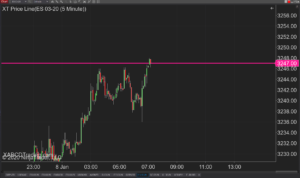
XABCD Price Line tool for NinjaTrader 8 will draw a line at current price and move every time the market changes price. This is useful because it will allow you to easily identify where price is at all times and the exact quoted price.
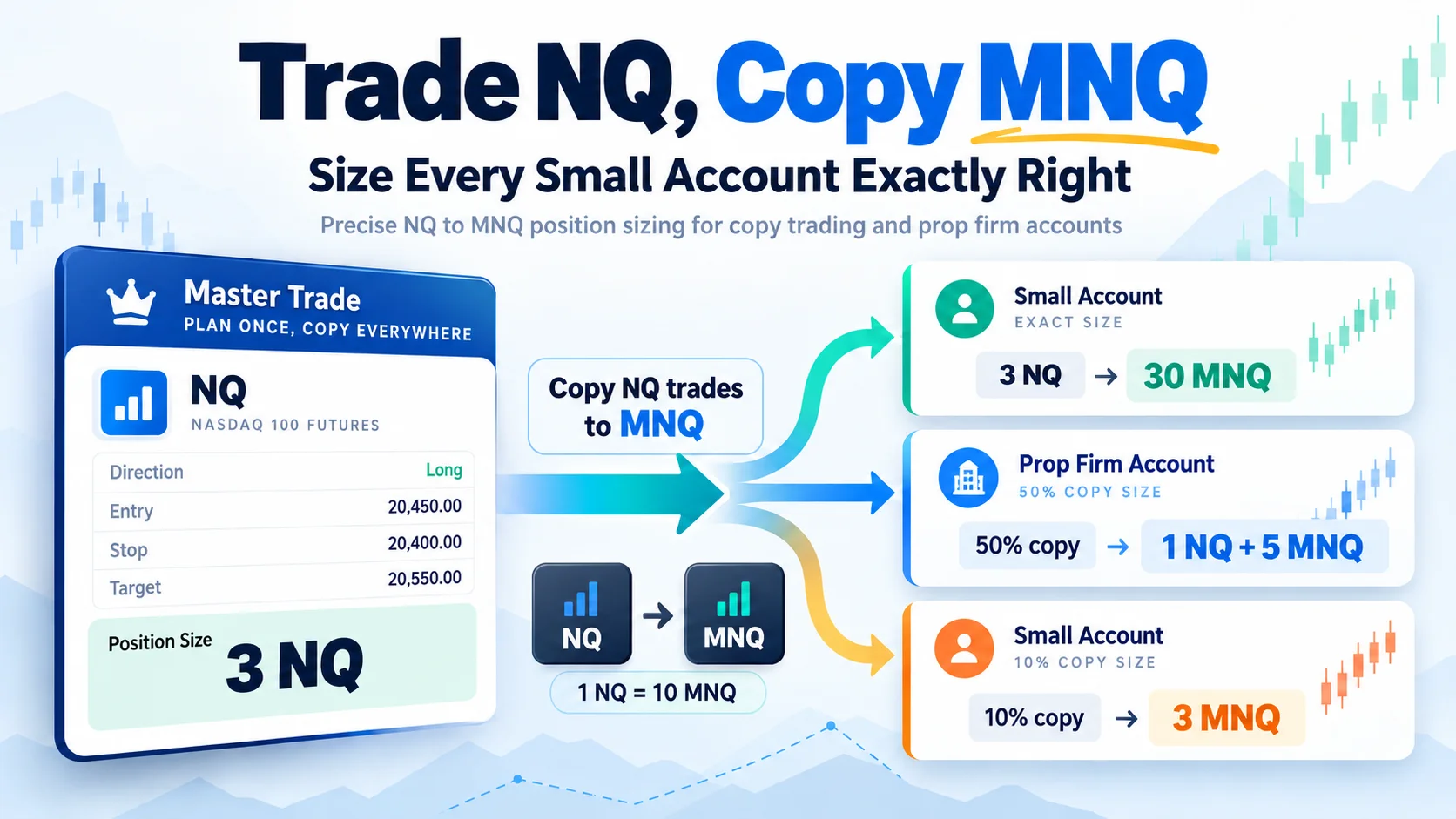
Trade NQ, Copy MNQ: Copy NQ Trades to MNQ in NinjaTrader 8
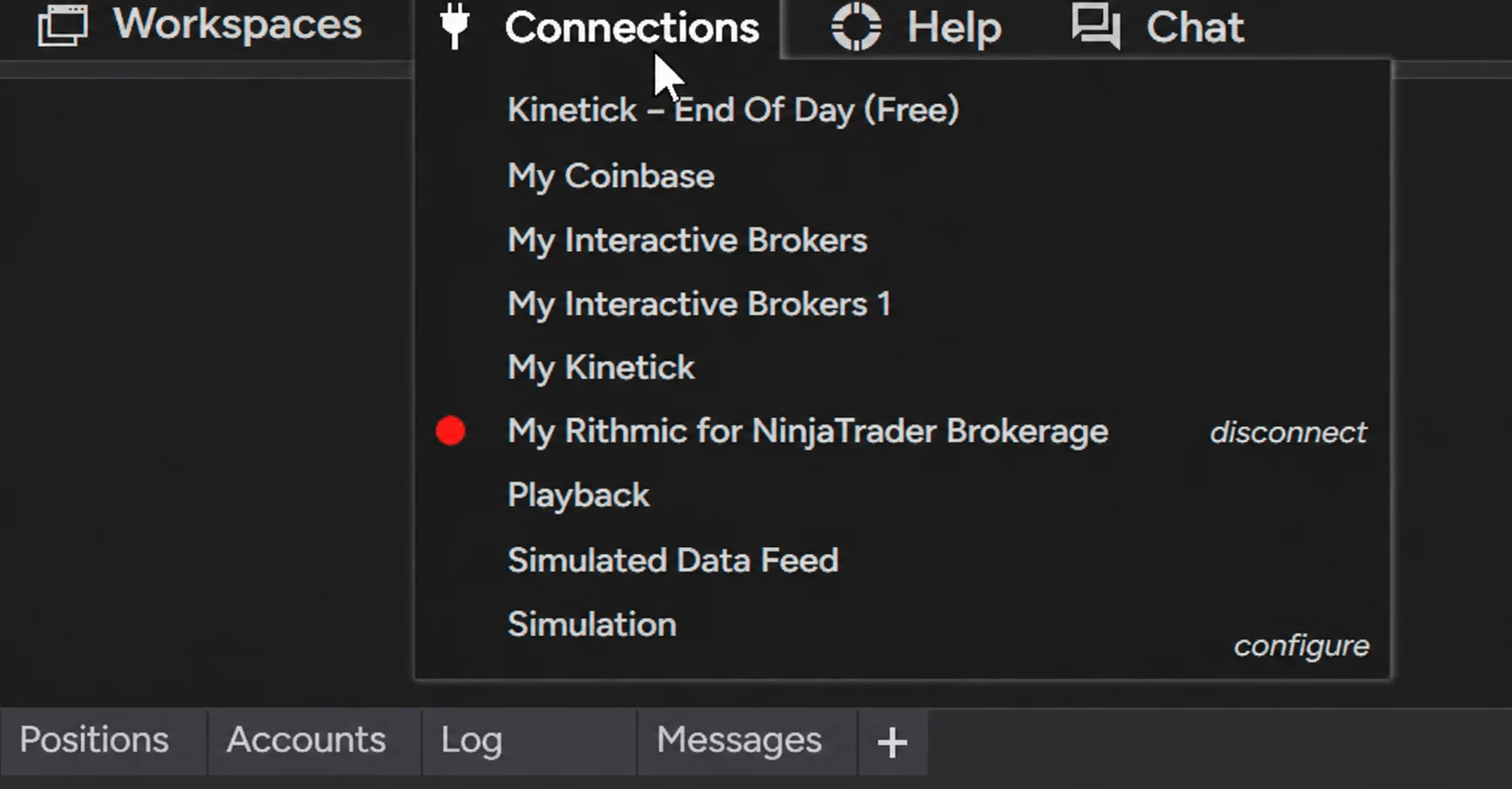
NinjaTrader Data Feed Not Updating? Quick Fixes
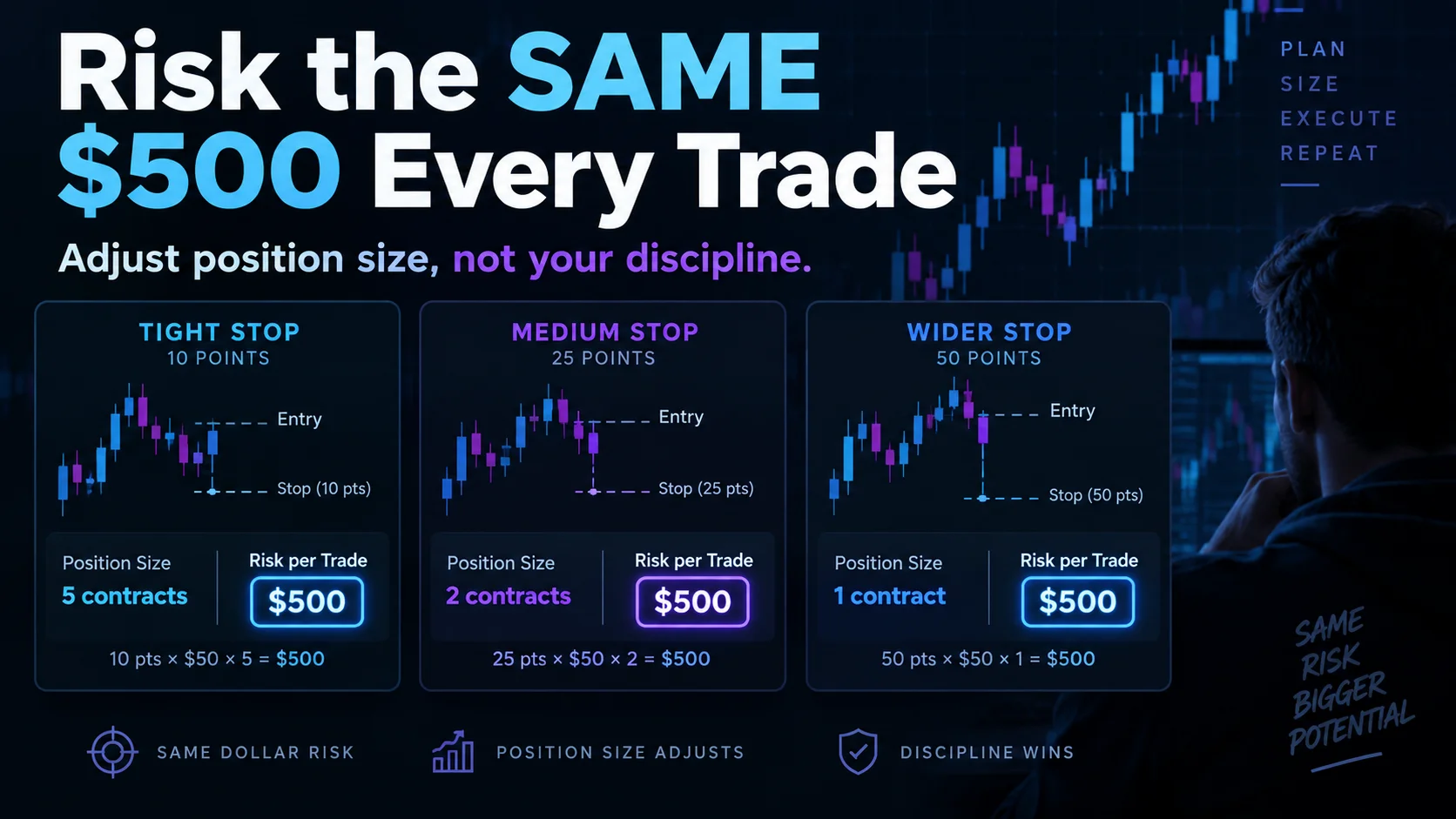
NinjaTrader Risk Per Trade: Risk $500 on Every Trade
NinjaTrader 8.1.8 Review: Should You Upgrade or Wait?
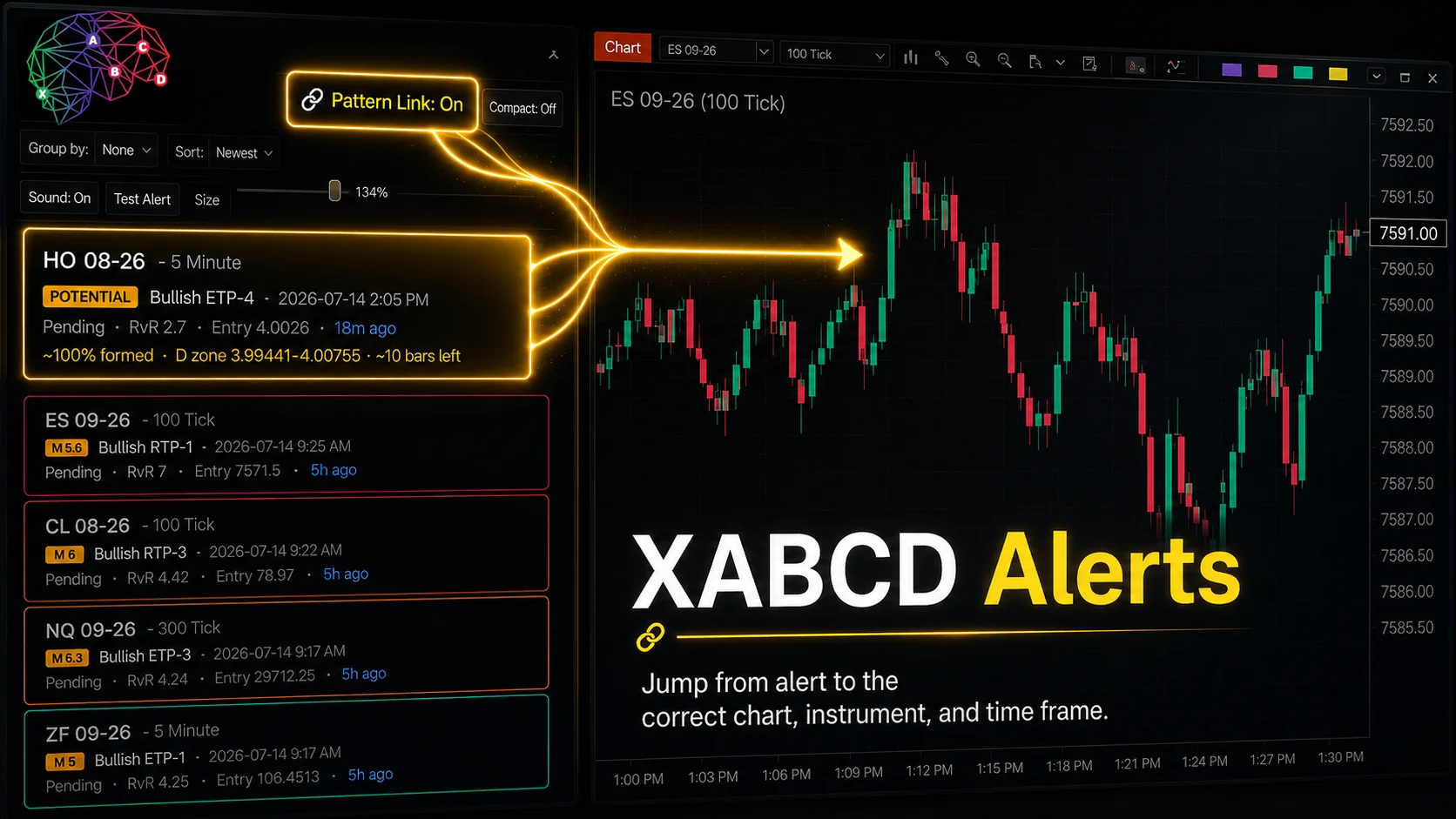
XABCD Pattern Alerts: The Complete Guide for Traders
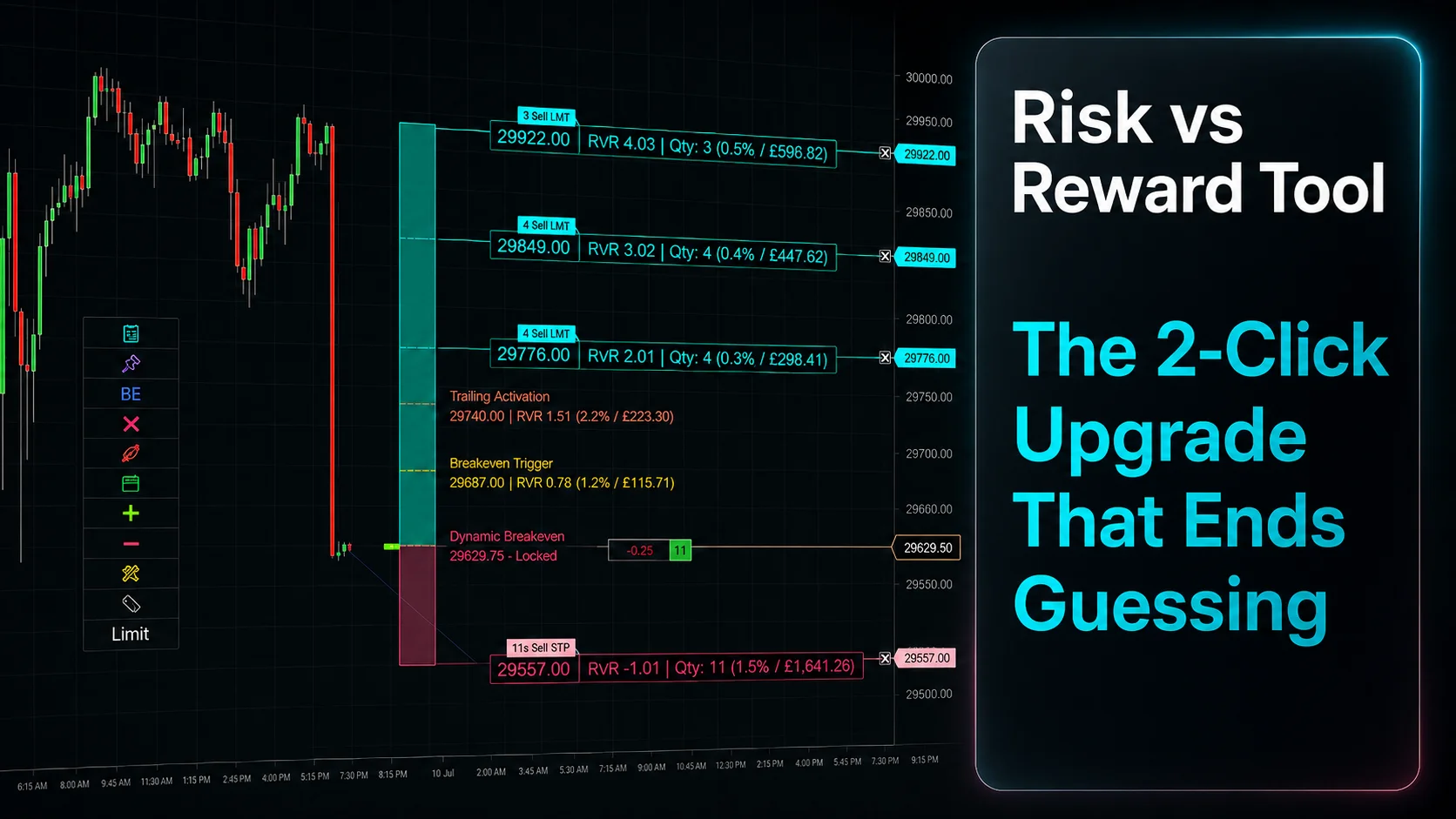
Risk vs Reward Tool: The 2-Click Upgrade That Ends Guessing
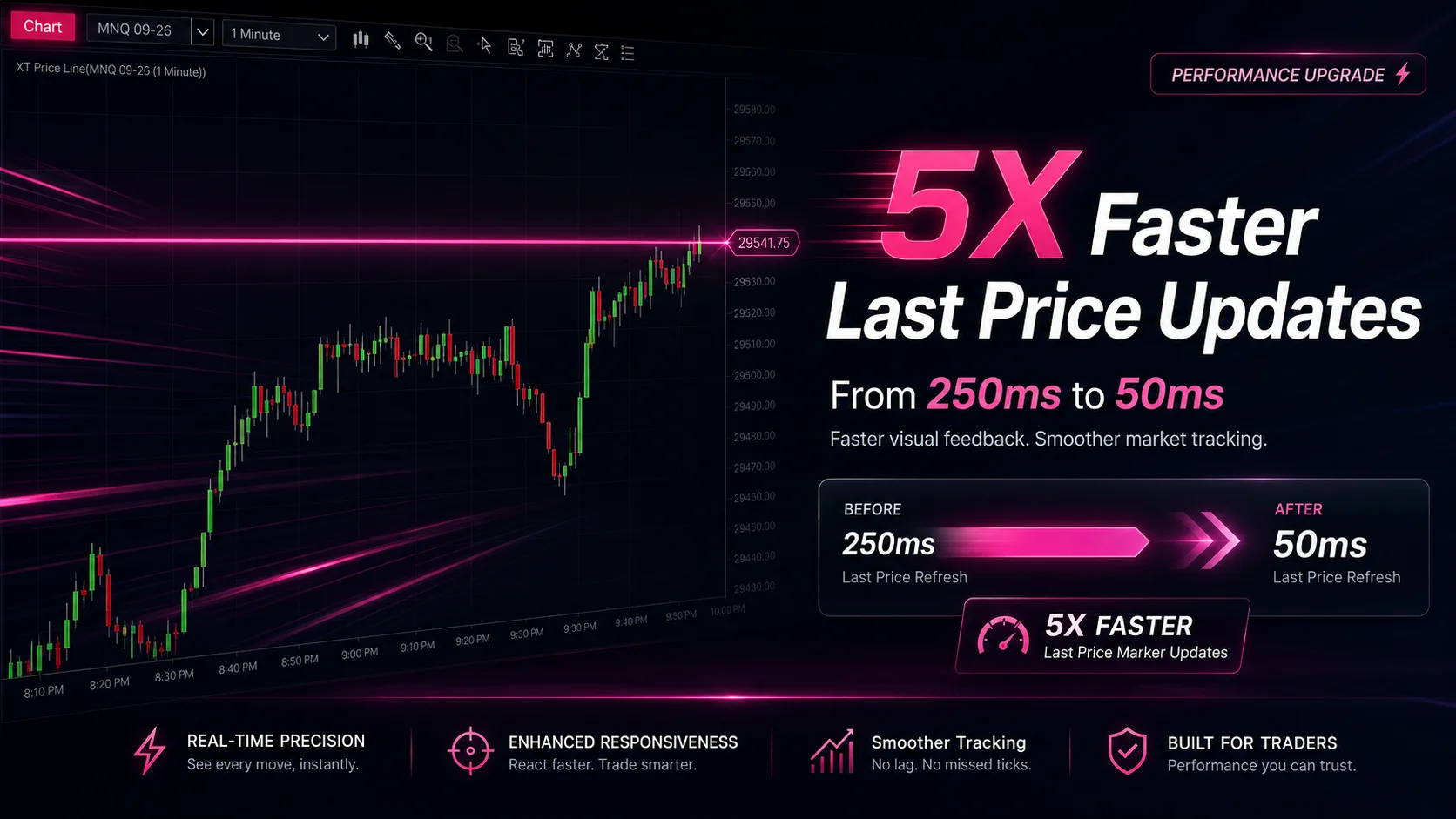
NinjaTrader Faster Last Price Updates on Charts Explained
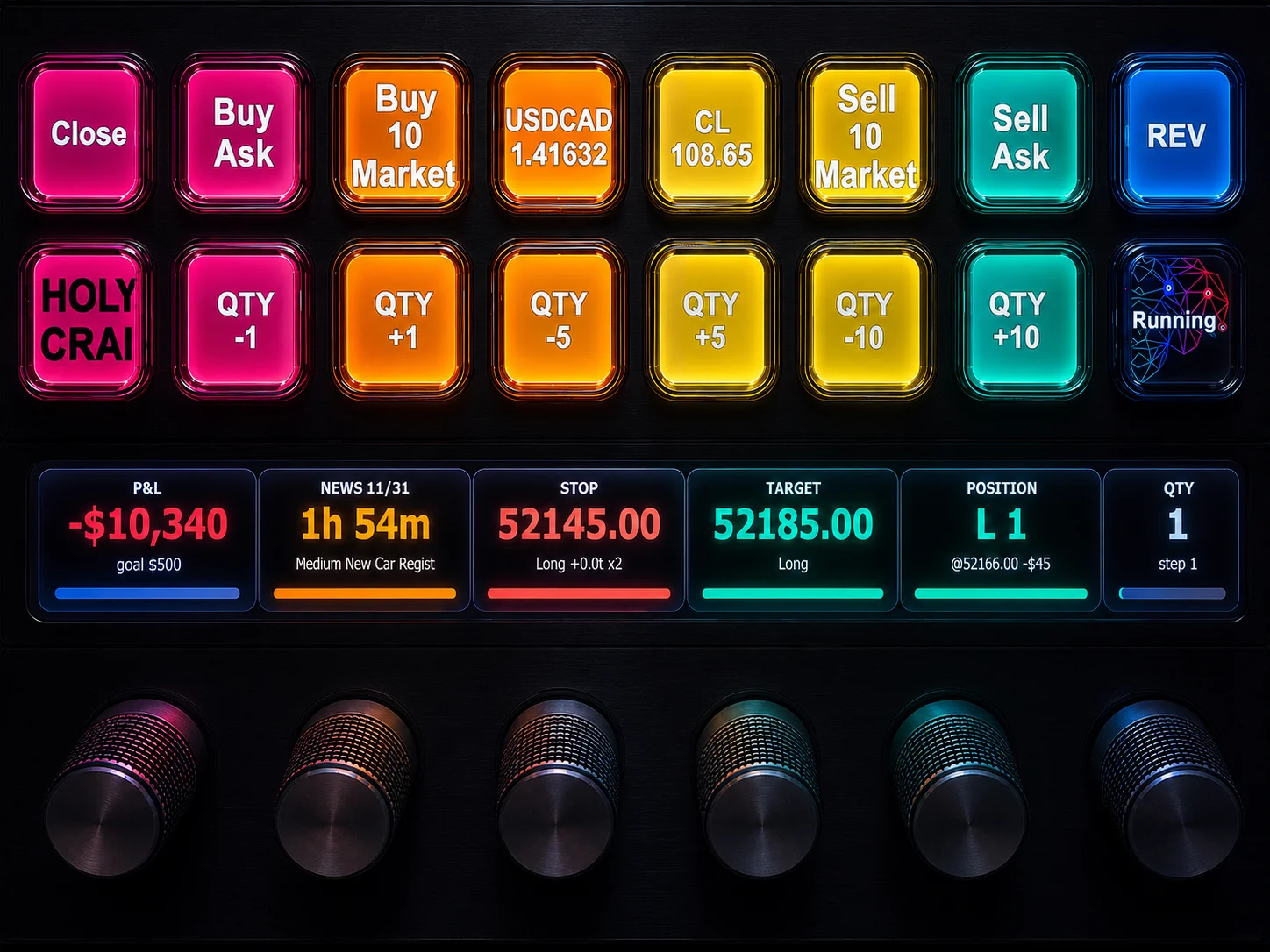
NinjaTrader 8 Hotkeys: Best Shortcuts for Faster Trading
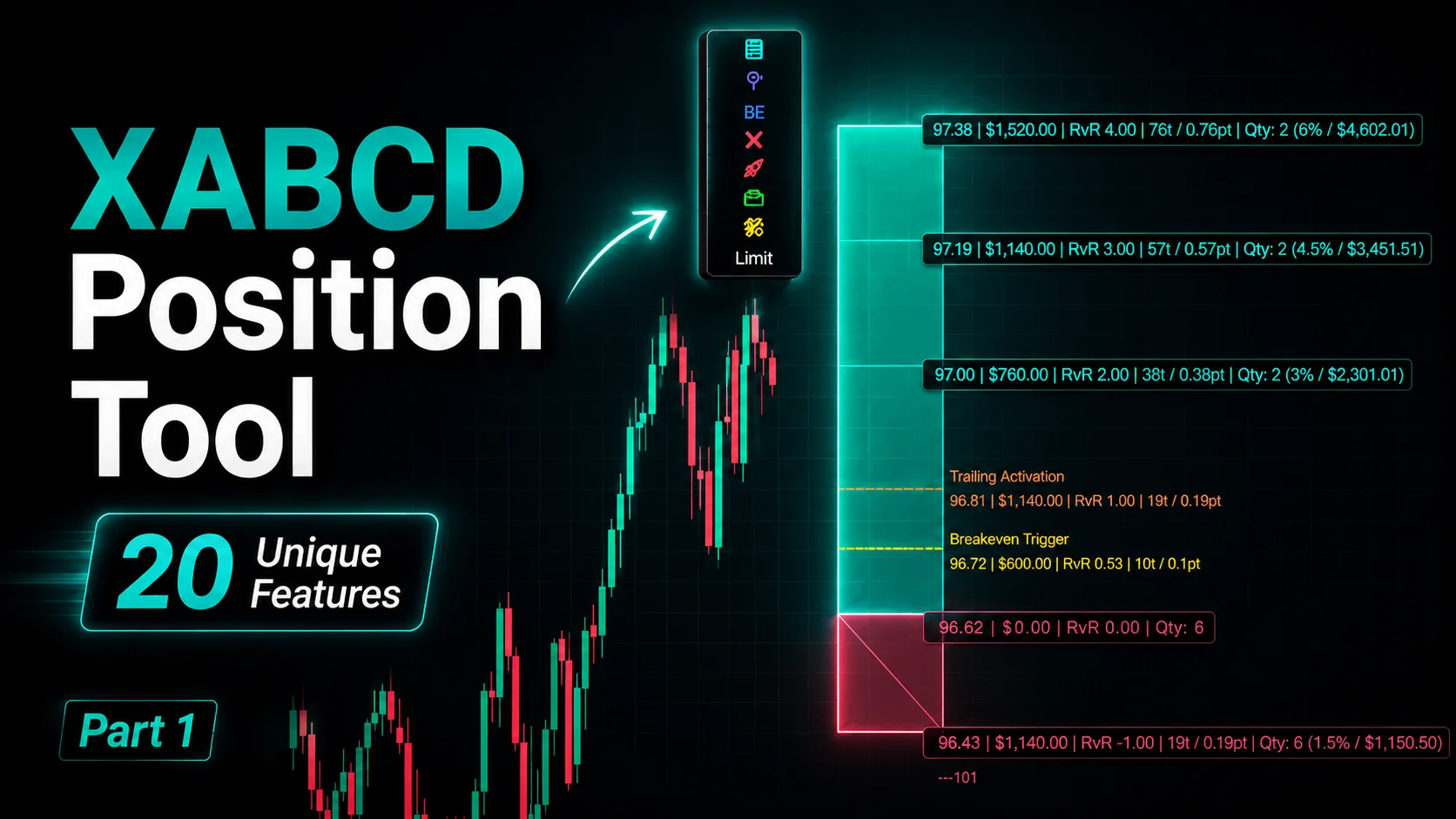
NinjaTrader Position Sizing Tool: 64 Features Stock NT8 Does Not Include