XABCD TRADING

Top 10 Features of our NinjaTrader 8 Indicators
Subscribe
to get alerts to our next blog post!
NinjaTrader 8 Indicators
Top 10 Features Under the Hood?
Feature #1: Real Time Pattern Identification
We re-coded ZigZag to make this possible!
The Problem:
The zigzag indicator (compared to other platforms) is looking for a confirmed high / low and not the most recent high/low. This has people using NinjaTrader commenting that the zigzag indicator is lagging. This indicator built into the platform is called "Zig zag"
The Fix:
We developed our own way of identifying high's and low's in the market that does not cause any lagging. This leaves you with real-time pattern alerts.
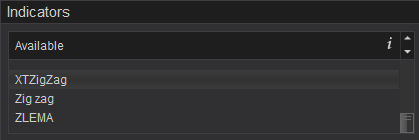
XTZigZag is a way of marking in high's and low's to find patterns without any lagging, live and in real time.
Feature #2: HUGE Performance Optimization
We created our own optimized market analyzer column to maximize performance!
The Problem:
If you have ever created a market analyzer setup before, you will probably create your own columns by choosing "Indicator" and selecting your indicator under the properties. This is a great way to do it if you want poor performance.
The Fix:
We created a high performance version of the NinjaTrader 8 indicators that allow us to scan for patterns through the market analyzer at a fraction of the speed! This makes a huge difference when loading the market analyzer and when it comes to the number of symbols you want to scan. We've tested this with over 500 symbols scanning over 3,500 charts!
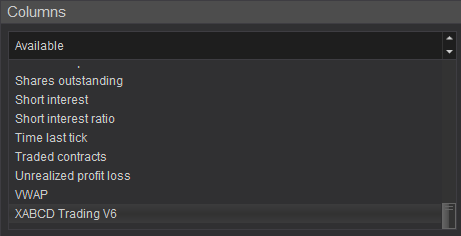
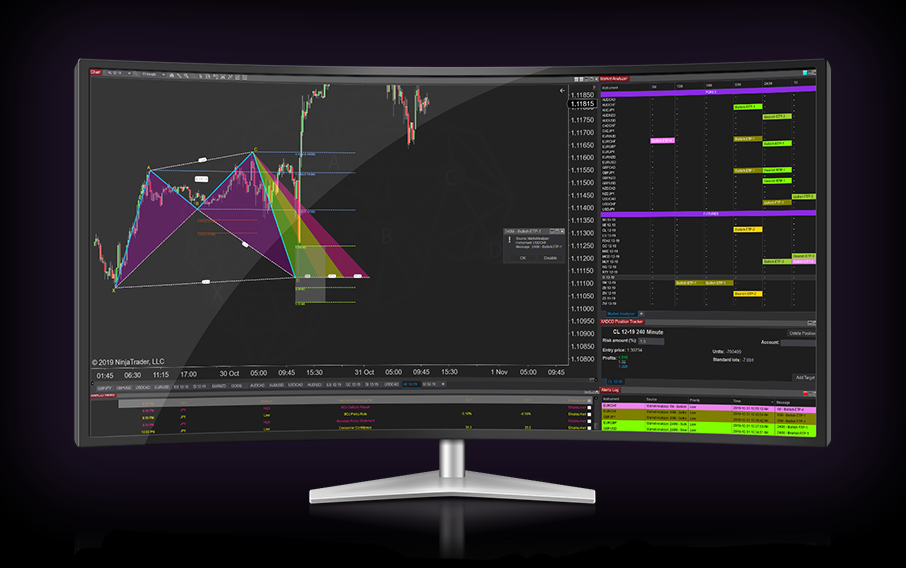
In the above screenshot you will see our XABCD Trading V6 as a market analyzer column - this allows for high performance scanning!
Frequently Asked Questions
What is a NinjaTrader pattern indicator?
A NinjaTrader pattern indicator is a technical analysis tool built for the NinjaTrader platform that automatically detects and highlights chart patterns such as head and shoulders, double tops and bottoms, triangles, and candlestick formations. These indicators scan price data in real time, helping traders quickly identify potential trade setups without manually searching through charts.
How do I add a pattern indicator to NinjaTrader?
To add a pattern indicator in NinjaTrader, open a chart and click the Indicators button in the toolbar. From the available indicators list, search for or browse to the pattern indicator you want, select it, configure any input parameters, and click OK to apply it to your chart. If the indicator is a third-party add-on, you may first need to import it through the Control Center's Tools menu.
Does NinjaTrader have built-in candlestick pattern recognition?
NinjaTrader includes a set of built-in candlestick pattern indicators that can recognize common formations such as doji, engulfing, hammer, and morning/evening star patterns. These are available out of the box in the Indicators list and can be applied directly to any chart for real-time pattern detection.
Can I use a NinjaTrader pattern indicator for automated trading?
Yes, NinjaTrader pattern indicators can be incorporated into automated trading strategies using NinjaScript, the platform's C#-based programming framework. Traders can code conditions that trigger buy or sell orders when a specific pattern is detected, allowing for fully or semi-automated execution based on pattern signals.
What are the best chart patterns to trade with NinjaTrader?
Popular chart patterns traders look for on NinjaTrader include double tops and bottoms, head and shoulders, triangles, flags, and key candlestick formations like engulfing and pin bars. The best pattern to trade depends on your strategy, timeframe, and market conditions, and many traders combine pattern indicators with volume or momentum tools for confirmation.
Frequently Asked Questions
What is a NinjaTrader pattern indicator?
A NinjaTrader pattern indicator is a technical analysis tool built for the NinjaTrader platform that automatically detects and highlights chart patterns such as head and shoulders, double tops and bottoms, triangles, and candlestick formations. These indicators scan price data in real time, helping traders quickly identify potential trade setups without manually searching through charts.
How do I add a pattern indicator to NinjaTrader?
To add a pattern indicator in NinjaTrader, open a chart and click the Indicators button in the toolbar. From the available indicators list, search for or browse to the pattern indicator you want, select it, configure any input parameters, and click OK to apply it to your chart. If the indicator is a third-party add-on, you may first need to import it through the Control Center's Tools menu.
Does NinjaTrader have built-in candlestick pattern recognition?
NinjaTrader includes a set of built-in candlestick pattern indicators that can recognize common formations such as doji, engulfing, hammer, and morning/evening star patterns. These are available out of the box in the Indicators list and can be applied directly to any chart for real-time pattern detection.
Can I use a NinjaTrader pattern indicator for automated trading?
Yes, NinjaTrader pattern indicators can be incorporated into automated trading strategies using NinjaScript, the platform's C#-based programming framework. Traders can code conditions that trigger buy or sell orders when a specific pattern is detected, allowing for fully or semi-automated execution based on pattern signals.
What are the best chart patterns to trade with NinjaTrader?
Popular chart patterns traders look for on NinjaTrader include double tops and bottoms, head and shoulders, triangles, flags, and key candlestick formations like engulfing and pin bars. The best pattern to trade depends on your strategy, timeframe, and market conditions, and many traders combine pattern indicators with volume or momentum tools for confirmation.
New NinjaTrader Articles Delivered First
 (opens in a new tab)
Easy Order Tool
The Strategy


Scanning & Alerting

NinjaTrader Release
XABCD News (Free Version)
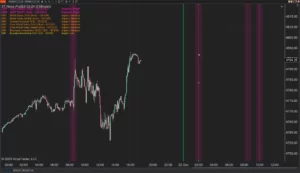
XABCD News (Community Edition) is the best free Indicator for NinjaTrader 8. Don't let news sneak up on you again. Puts economic news events on your charts so you can stay informed and move around positions/stops before the news is released. Works in any market.
XABCD Priceline (Free)
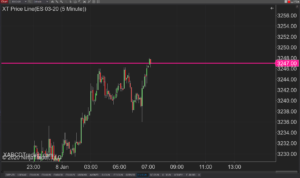
XABCD Price Line tool for NinjaTrader 8 will draw a line at current price and move every time the market changes price. This is useful because it will allow you to easily identify where price is at all times and the exact quoted price.
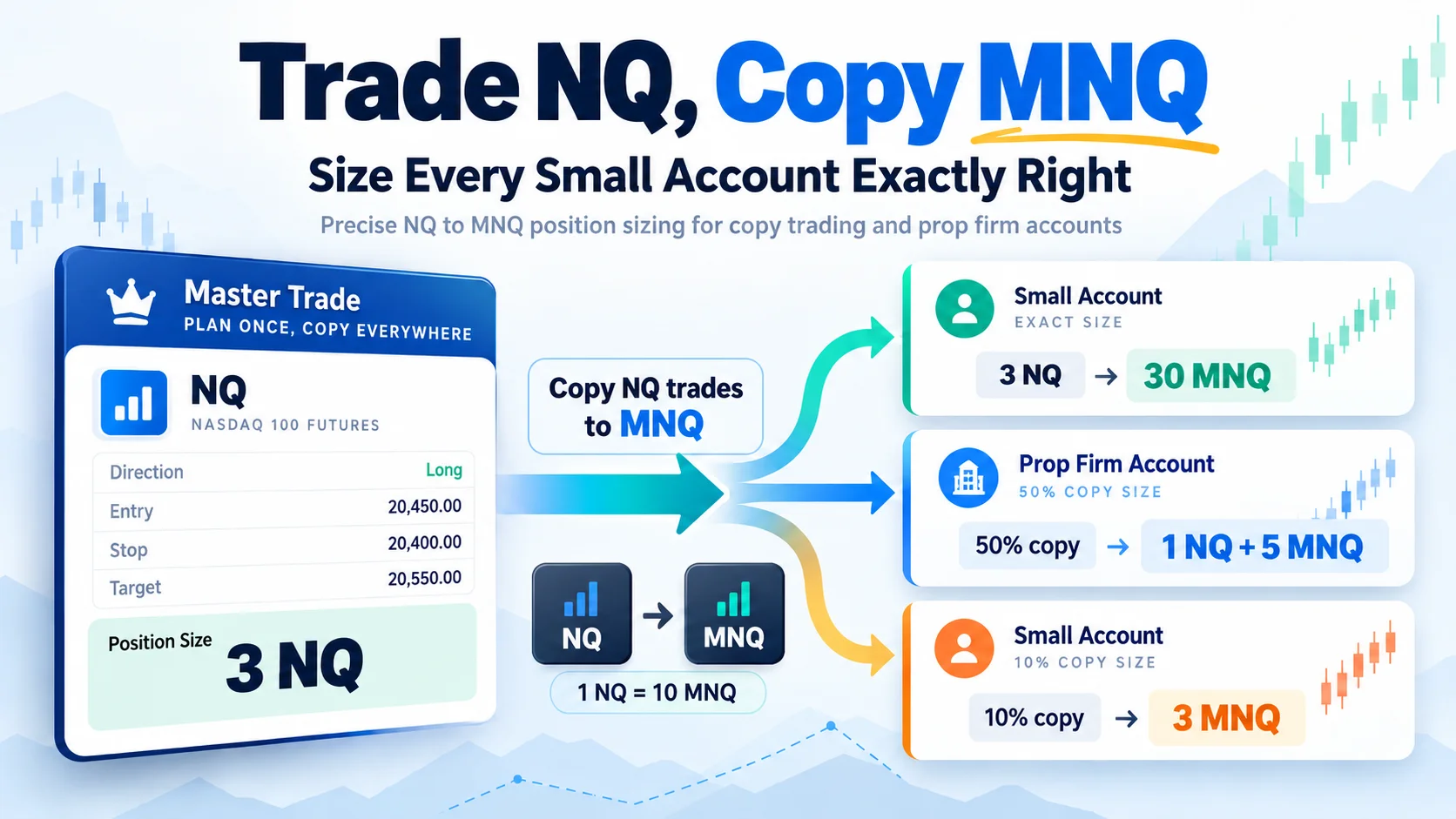
Trade NQ, Copy MNQ: Copy NQ Trades to MNQ in NinjaTrader 8
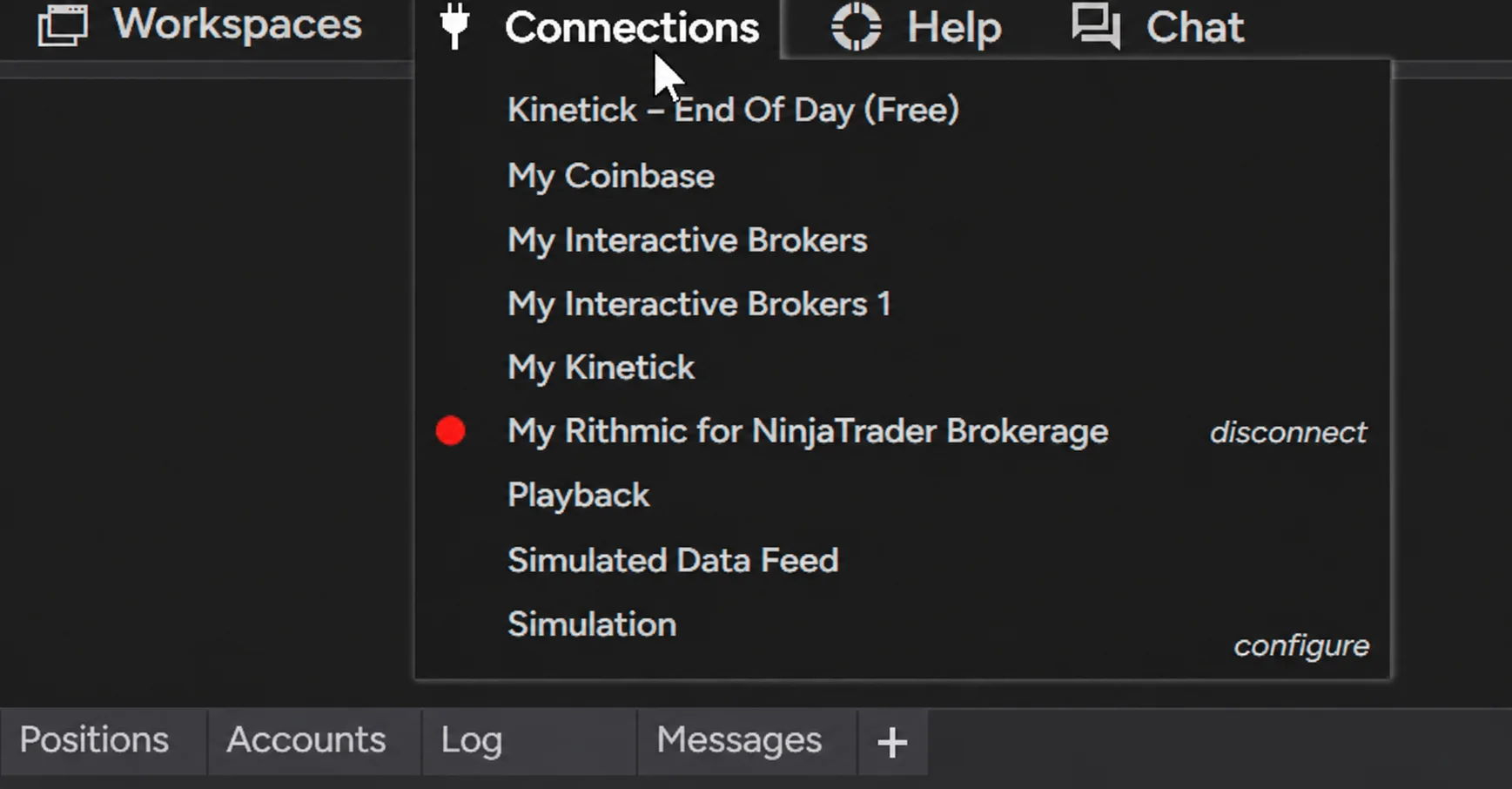
NinjaTrader Data Feed Not Updating? Quick Fixes
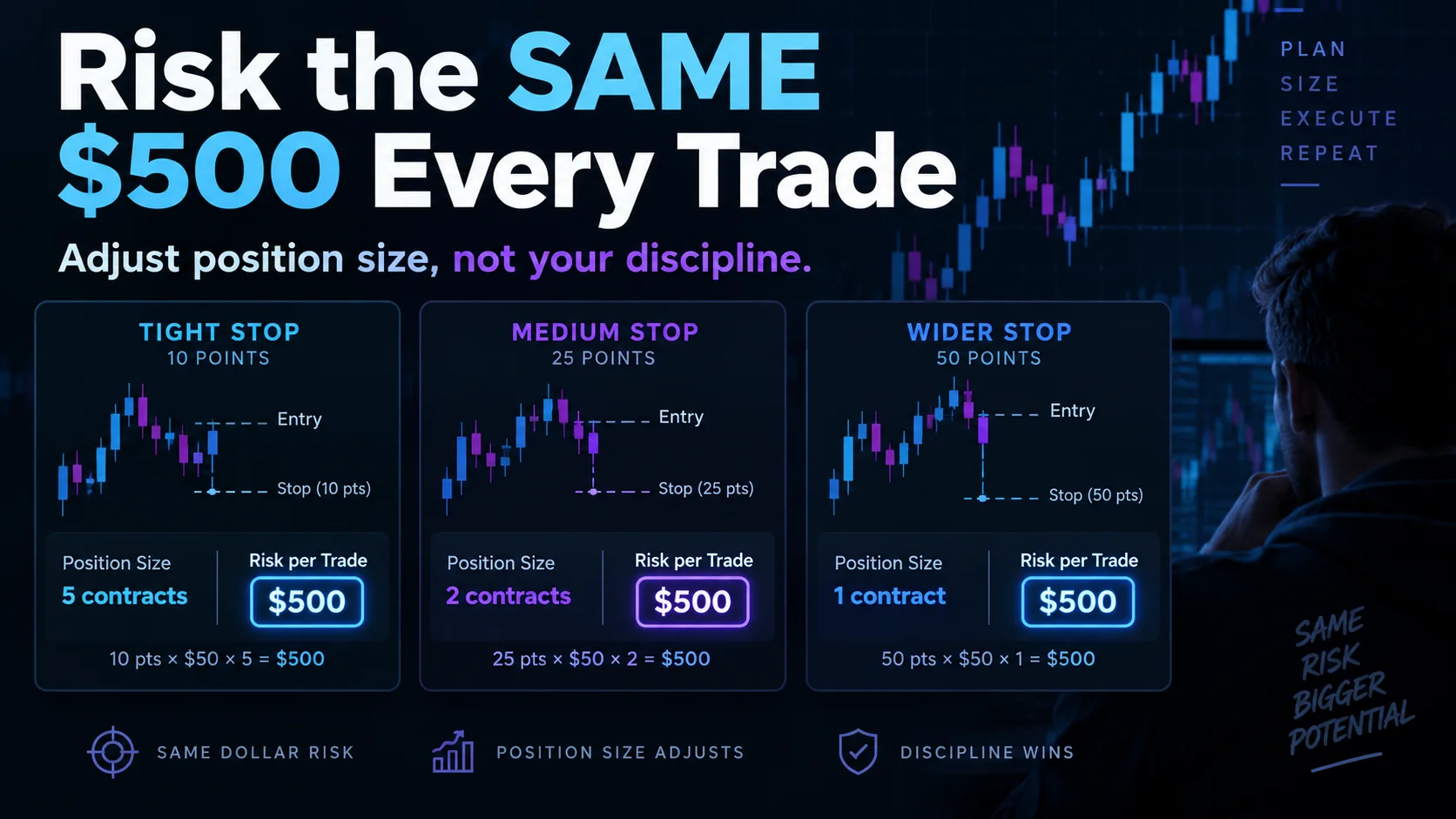
NinjaTrader Risk Per Trade: Risk $500 on Every Trade
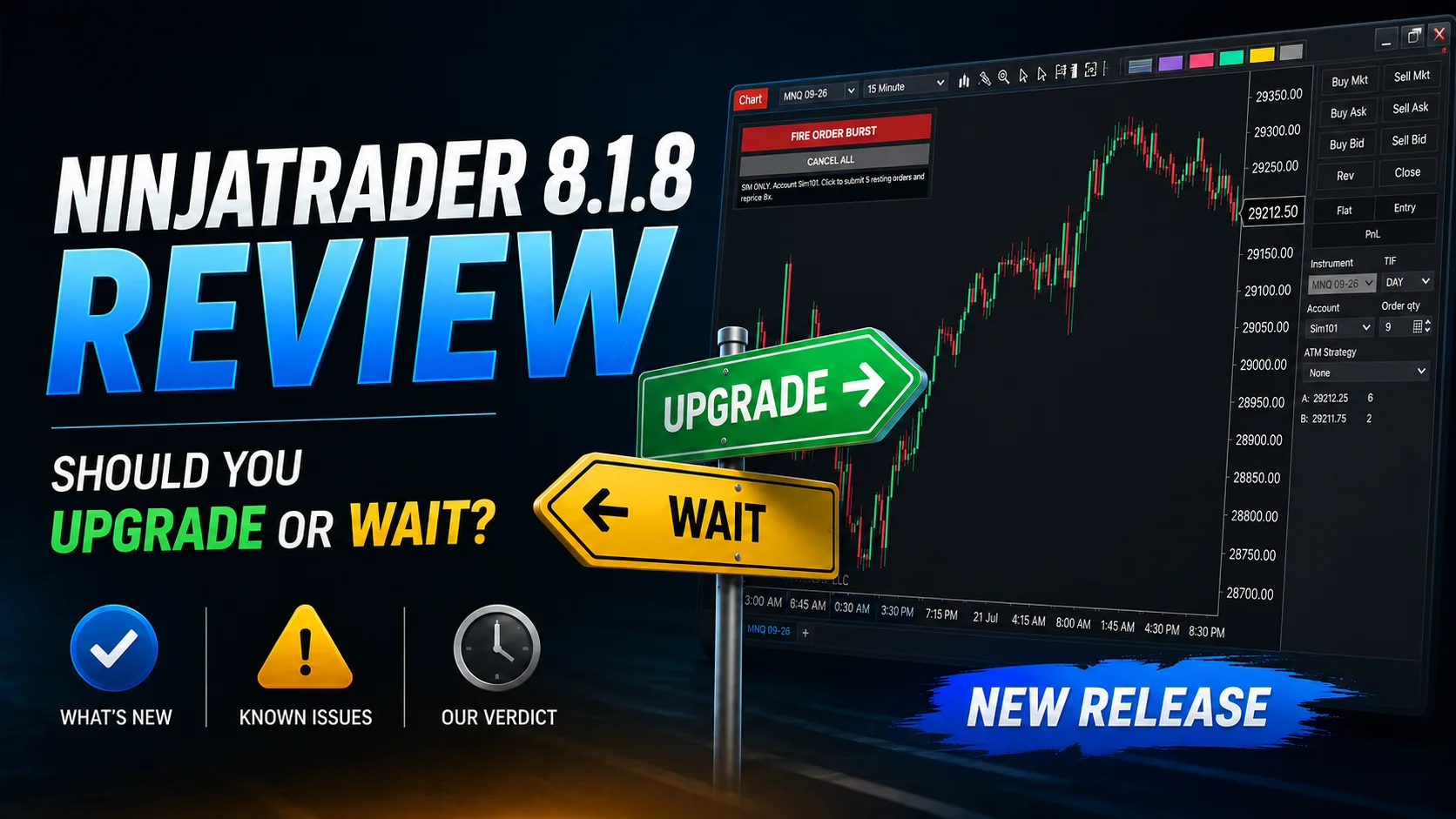
NinjaTrader 8.1.8 Review: Should You Upgrade or Wait?
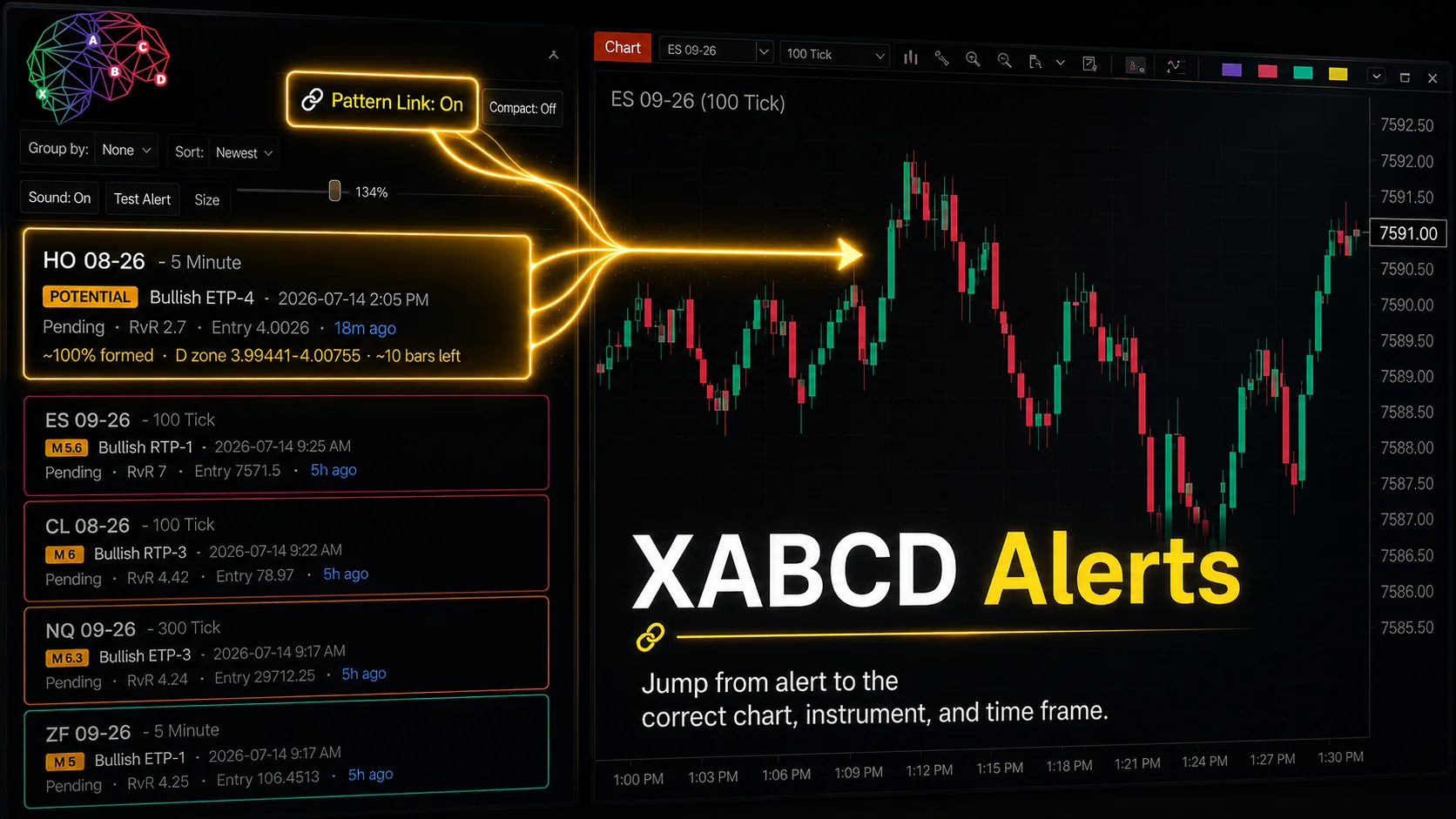
XABCD Pattern Alerts: The Complete Guide for Traders
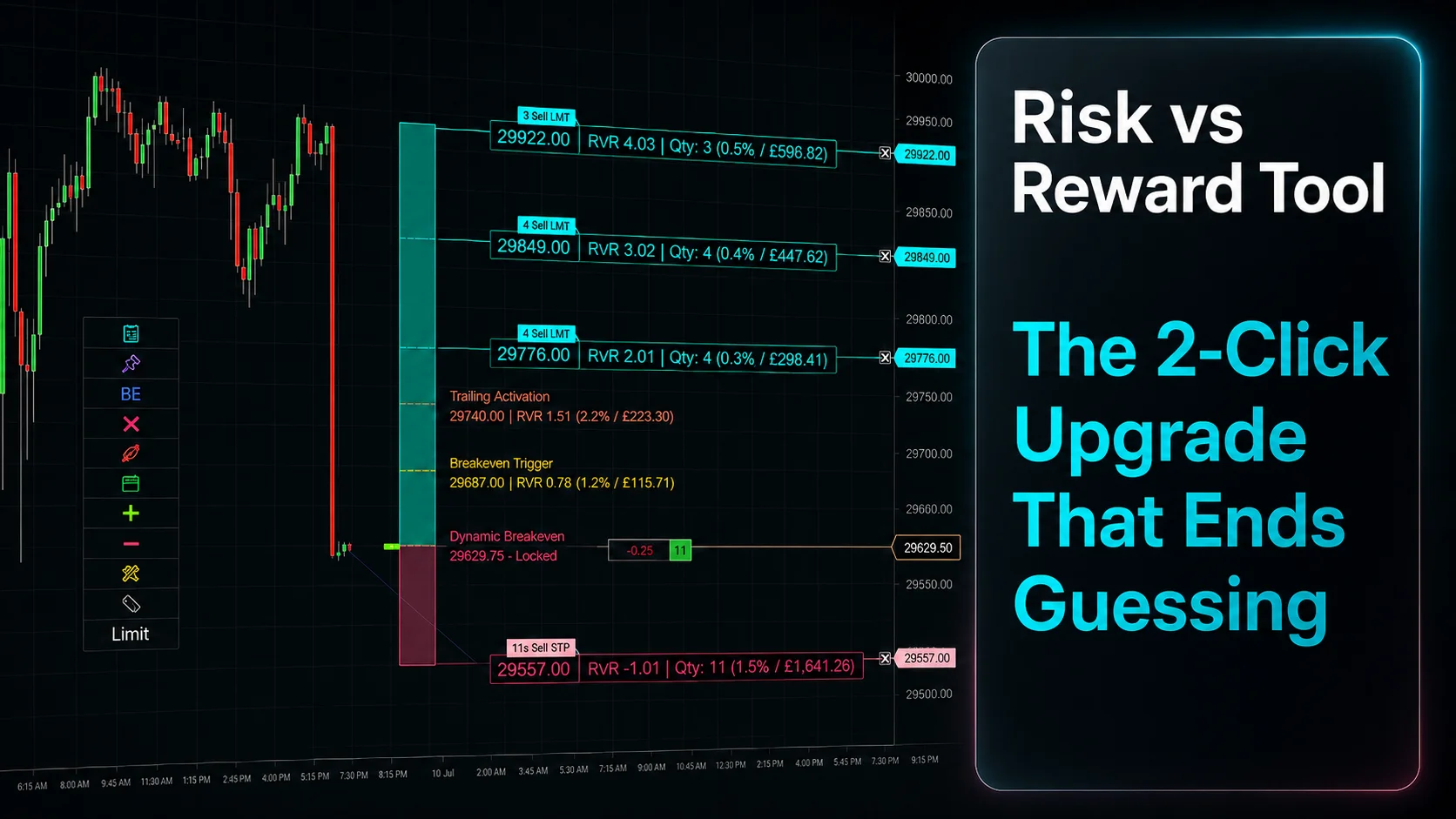
Risk vs Reward Tool: The 2-Click Upgrade That Ends Guessing
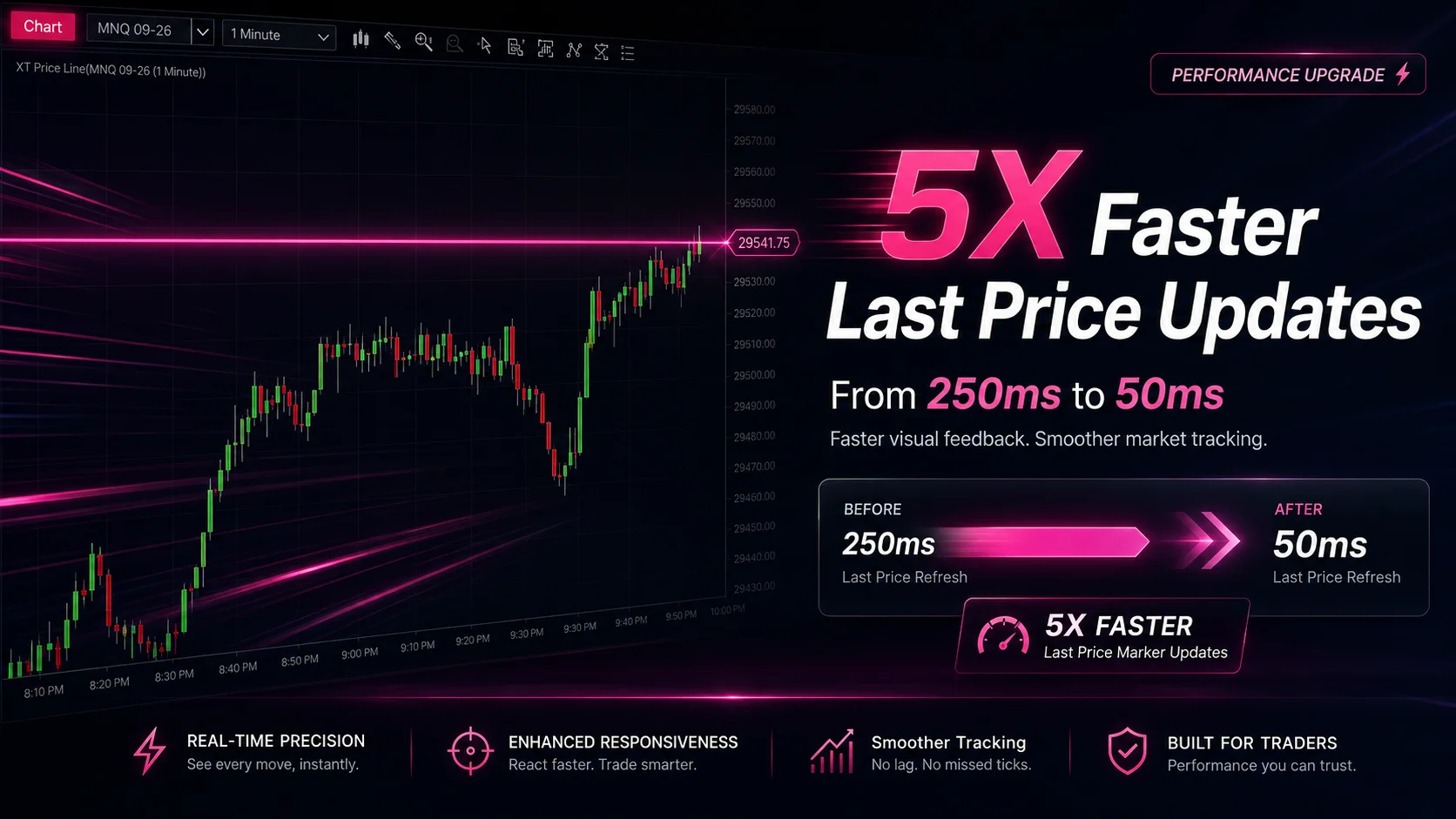
NinjaTrader Faster Last Price Updates on Charts Explained
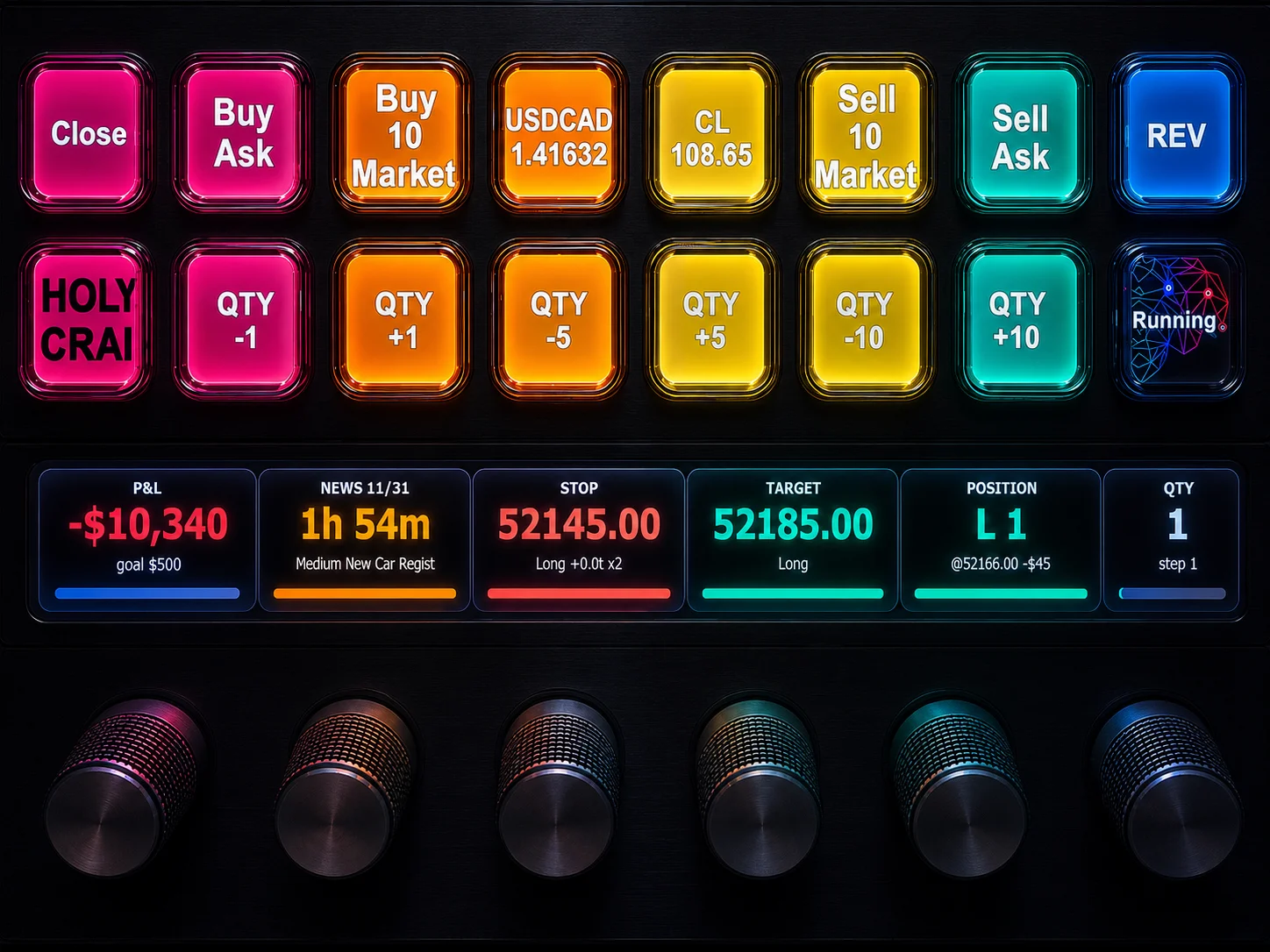
NinjaTrader 8 Hotkeys: Best Shortcuts for Faster Trading
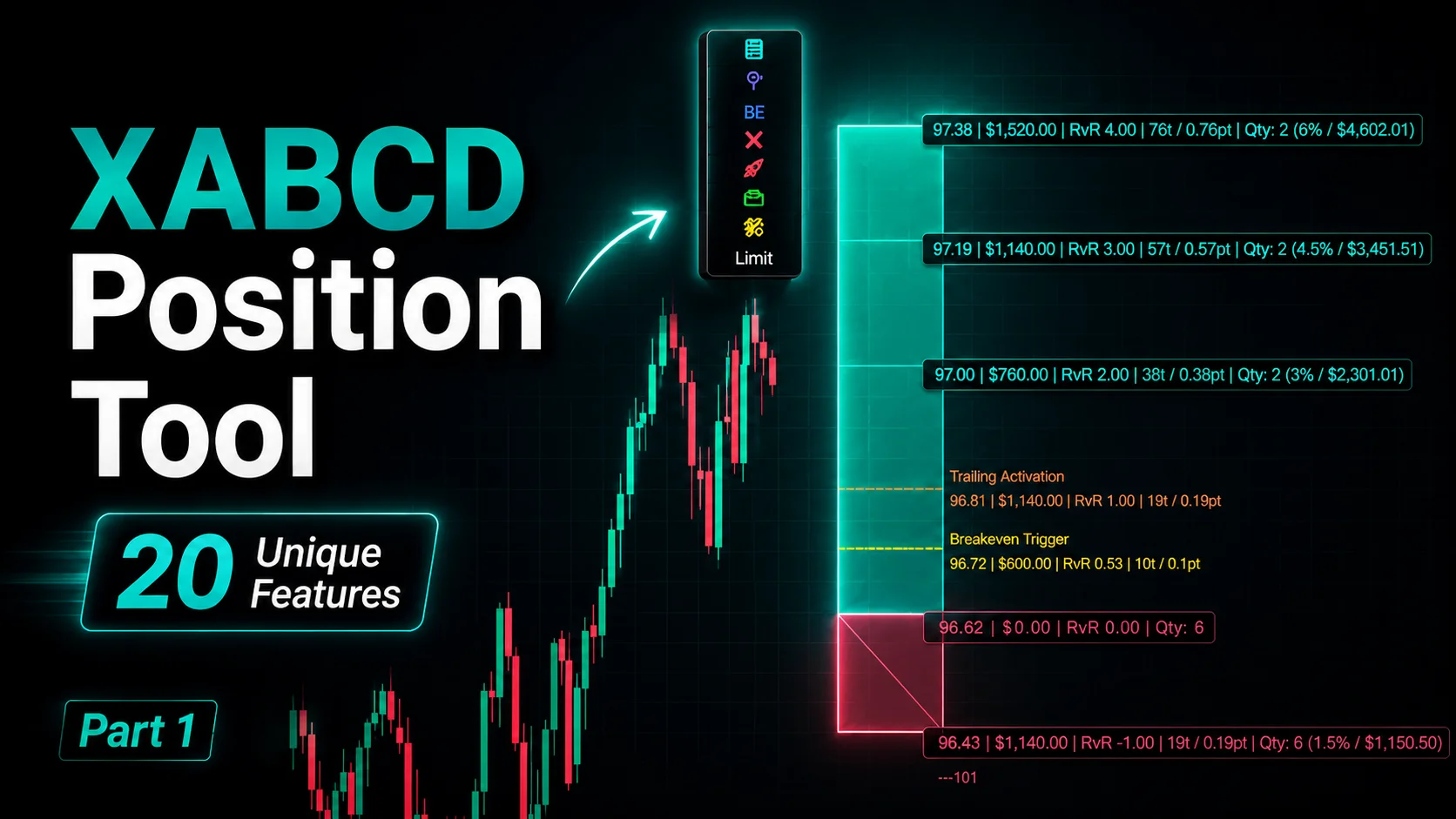
NinjaTrader Position Sizing Tool: 64 Features Stock NT8 Does Not Include