XABCD TRADING

How to Change NinjaTrader Bar Types? (2025)
Subscribe
to get alerts to our next blog post!
Changing NinjaTrader Bar Types
NinjaTrader bar types can be changed from minutes to other options such as range bars or renko bar charts. This will depend on the traders needs and what they are wanting to use. But yes, you can change NinjaTrader bar types very easily by following these simple instructions.
1 Open a new chart inside of NinjaTrader. You can open a new chart from the control center, and clicking on the "New" menu followed by "Chart"
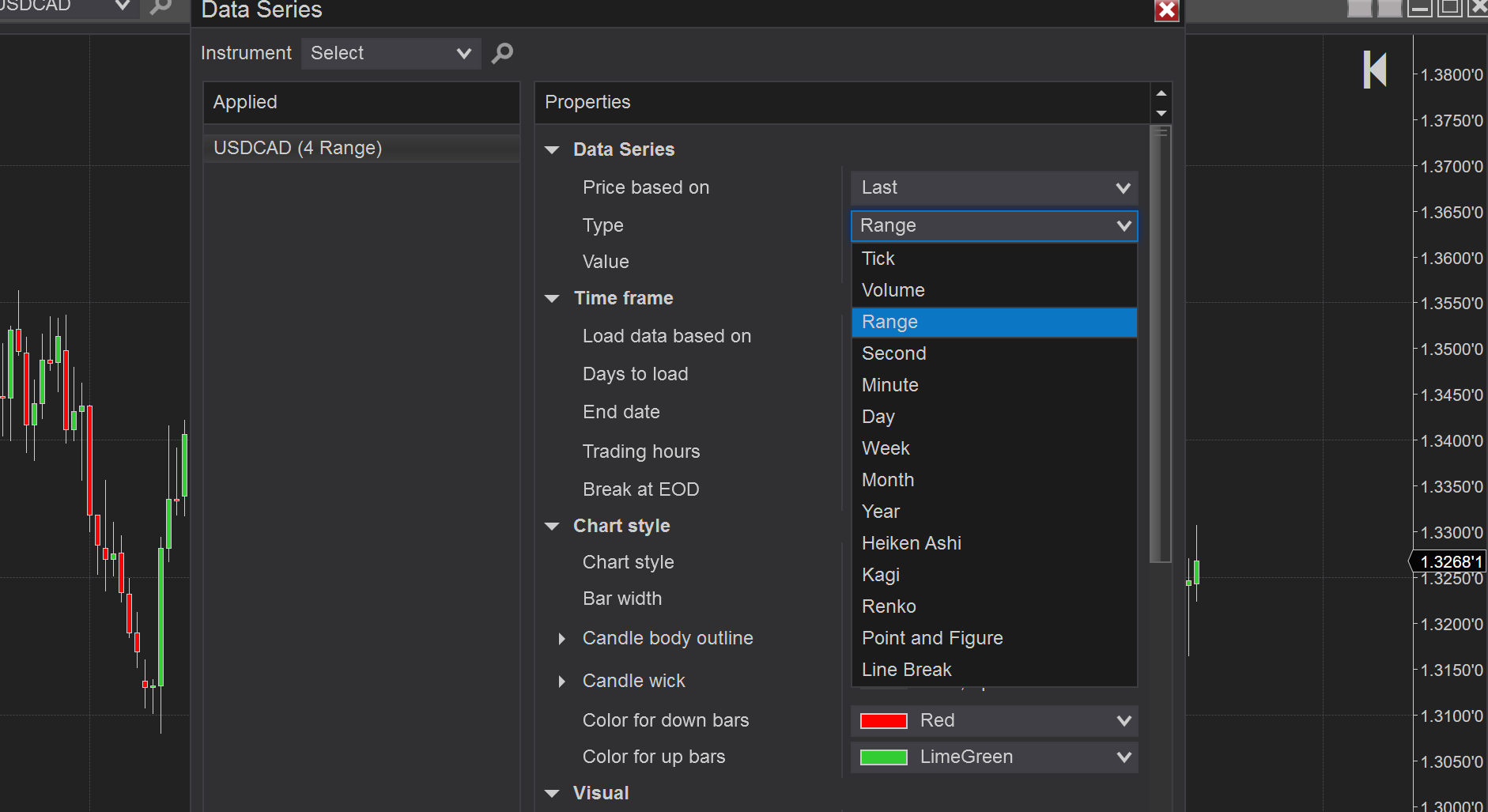
2 Right click on the chart and go to Data Series. More advanced keyboard users, just press CTRL + F and you will get the data series window opened
3 Under "Type" change this to the bar type you desire. That's it! Don't forget you can save this chart template as "default" to have it open up the exact same way every time.
2 Right click on the chart and go to Data Series. More advanced keyboard users, just press CTRL + F and you will get the data series window opened
3 Under "Type" change this to the bar type you desire. That's it! Don't forget you can save this chart template as "default" to have it open up the exact same way every time.
How to Change Bar Types in NinjaTrader 8
The following bar types are available currently in the NinjaTrader 8 platform:
- Tick
- Volume
- Range
- Second
- Minute
- Day
- Week
- Month
- Year
- Heiken Ashi
- Kagi
- Renko
- Point and Figure
- Line Break
Using Presets in NinjaTrader 8
Input your text here! The text element is intended for longform copy that could potentially include multiple paragraphs.
New NinjaTrader Articles Delivered First

Easy Order Tool
The Strategy


Scanning & Alerting

NinjaTrader Release
XABCD News (Free Version)
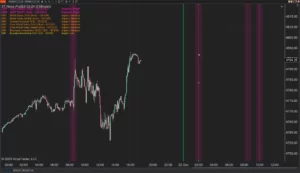
XABCD News (Community Edition) is the best free Indicator for NinjaTrader 8. Don't let news sneak up on you again. Puts economic news events on your charts so you can stay informed and move around positions/stops before the news is released. Works in any market.
XABCD Priceline (Free)
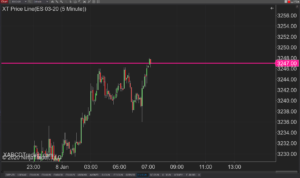
XABCD Price Line tool for NinjaTrader 8 will draw a line at current price and move every time the market changes price. This is useful because it will allow you to easily identify where price is at all times and the exact quoted price.
NinjaTrader 8.1.8 Review: Should You Upgrade or Wait?
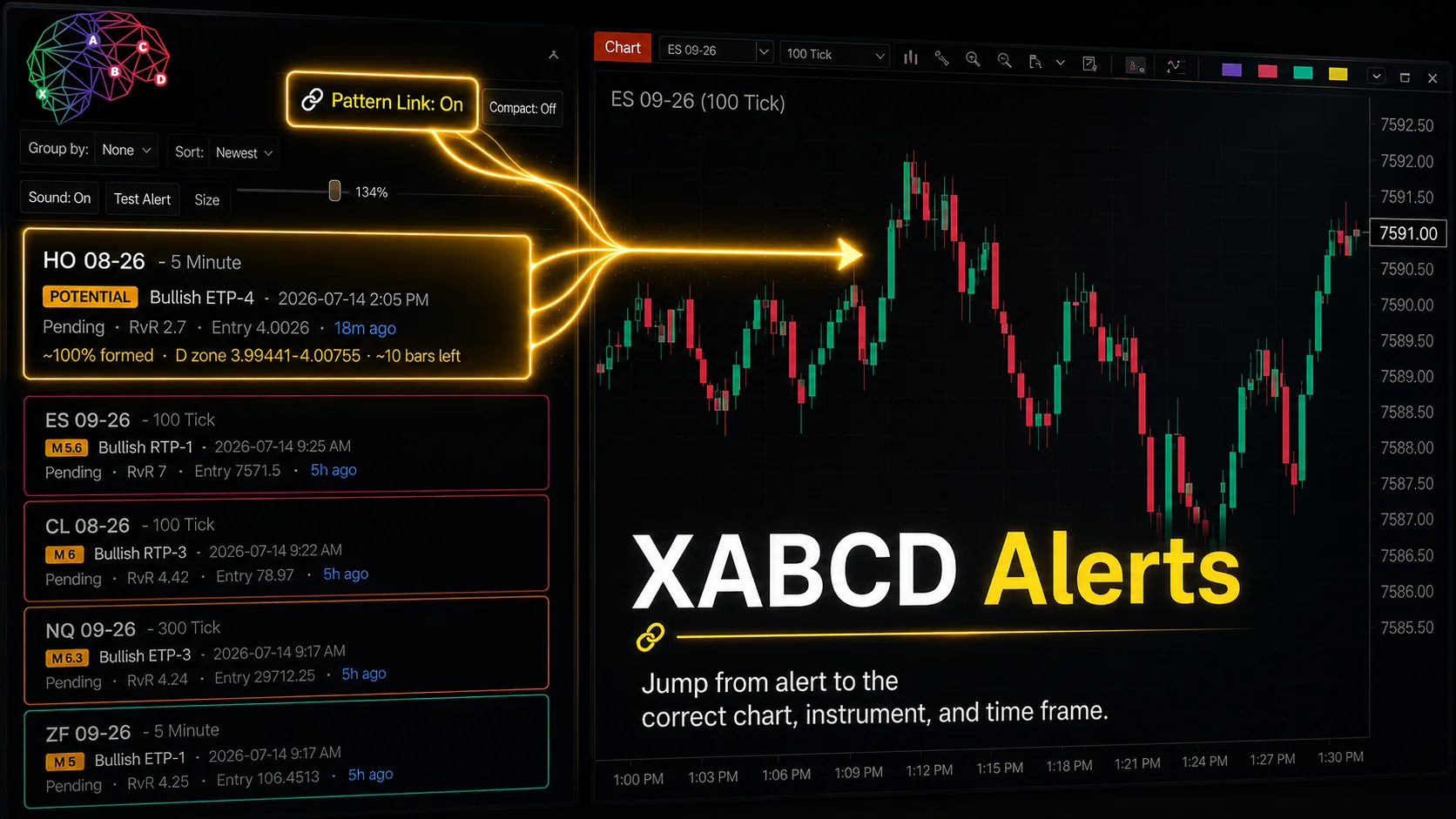
XABCD Pattern Alerts: The Complete Guide for Traders
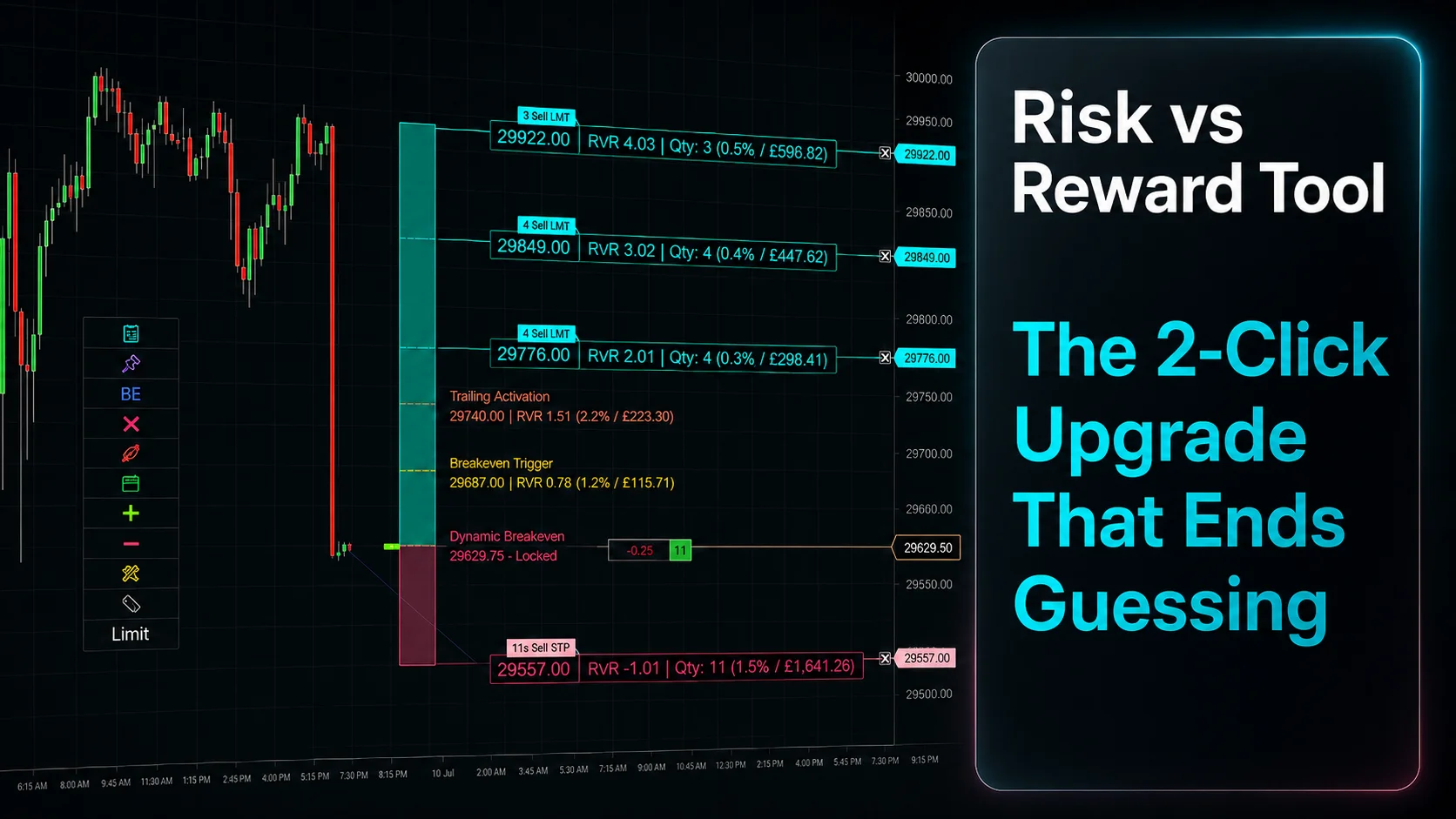
Risk vs Reward Tool: The 2-Click Upgrade That Ends Guessing
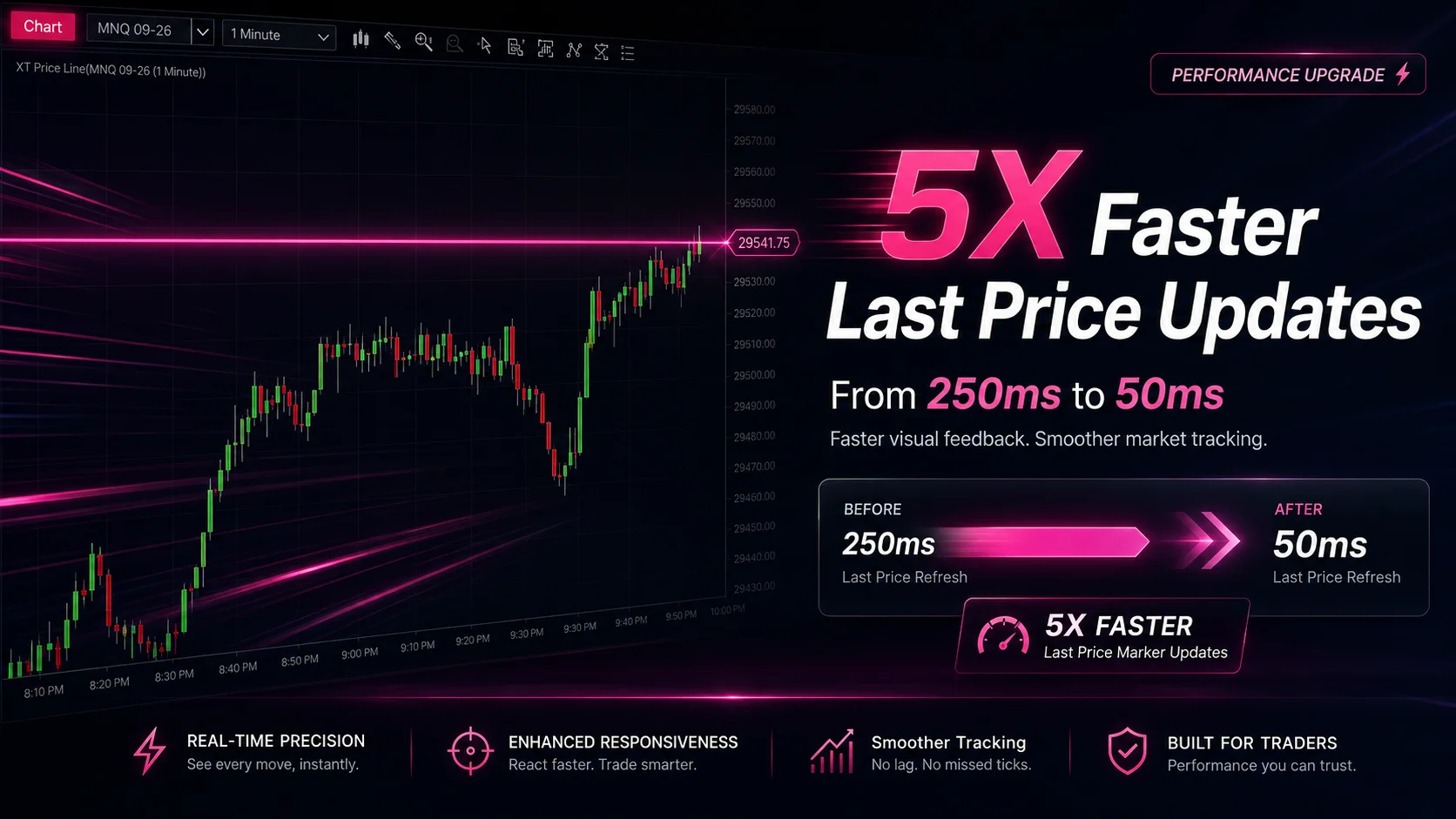
NinjaTrader Faster Last Price Updates on Charts Explained
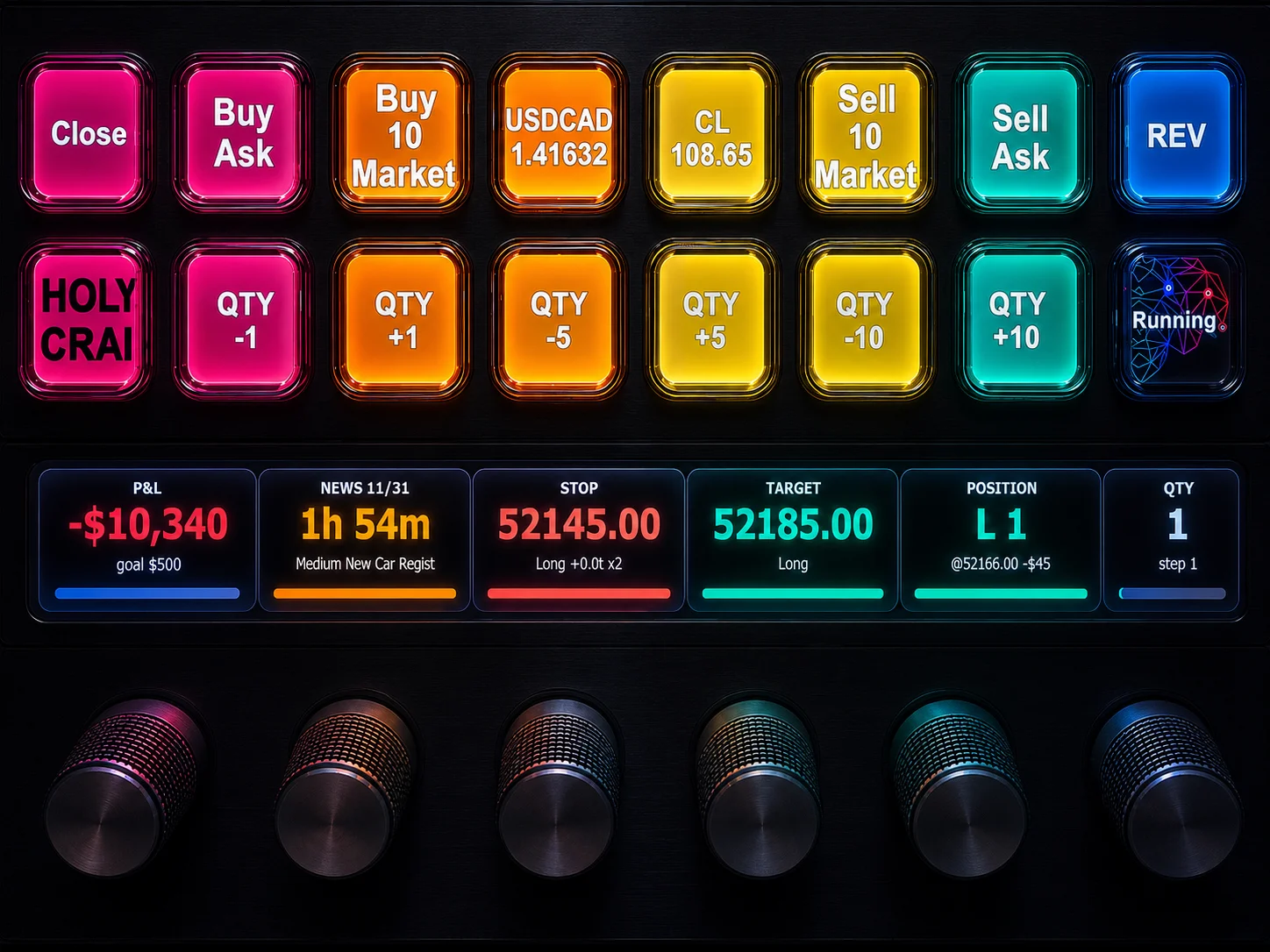
NinjaTrader 8 Hotkeys: Best Shortcuts for Faster Trading
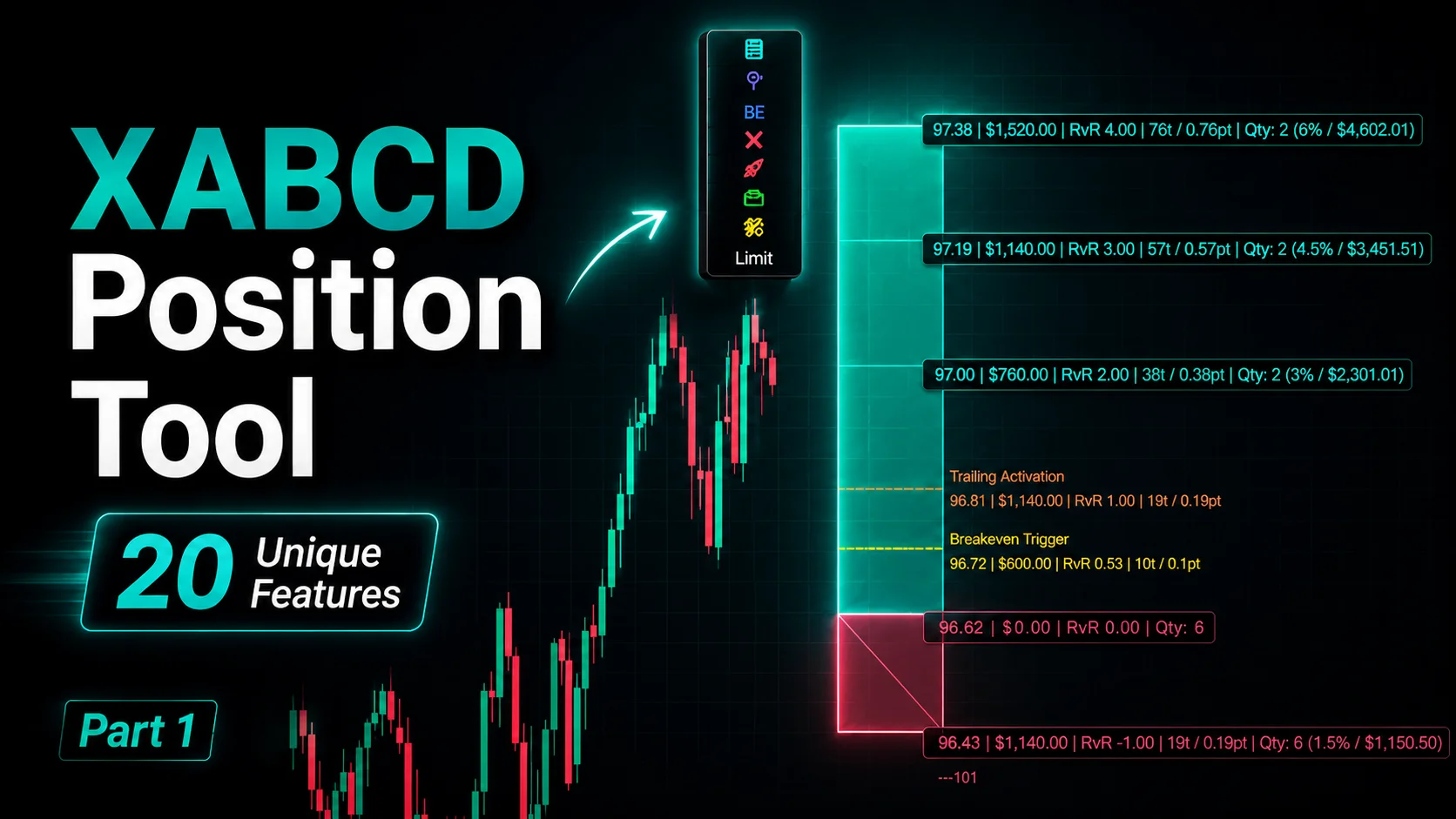
NinjaTrader Position Sizing Tool: 64 Features Stock NT8 Does Not Include
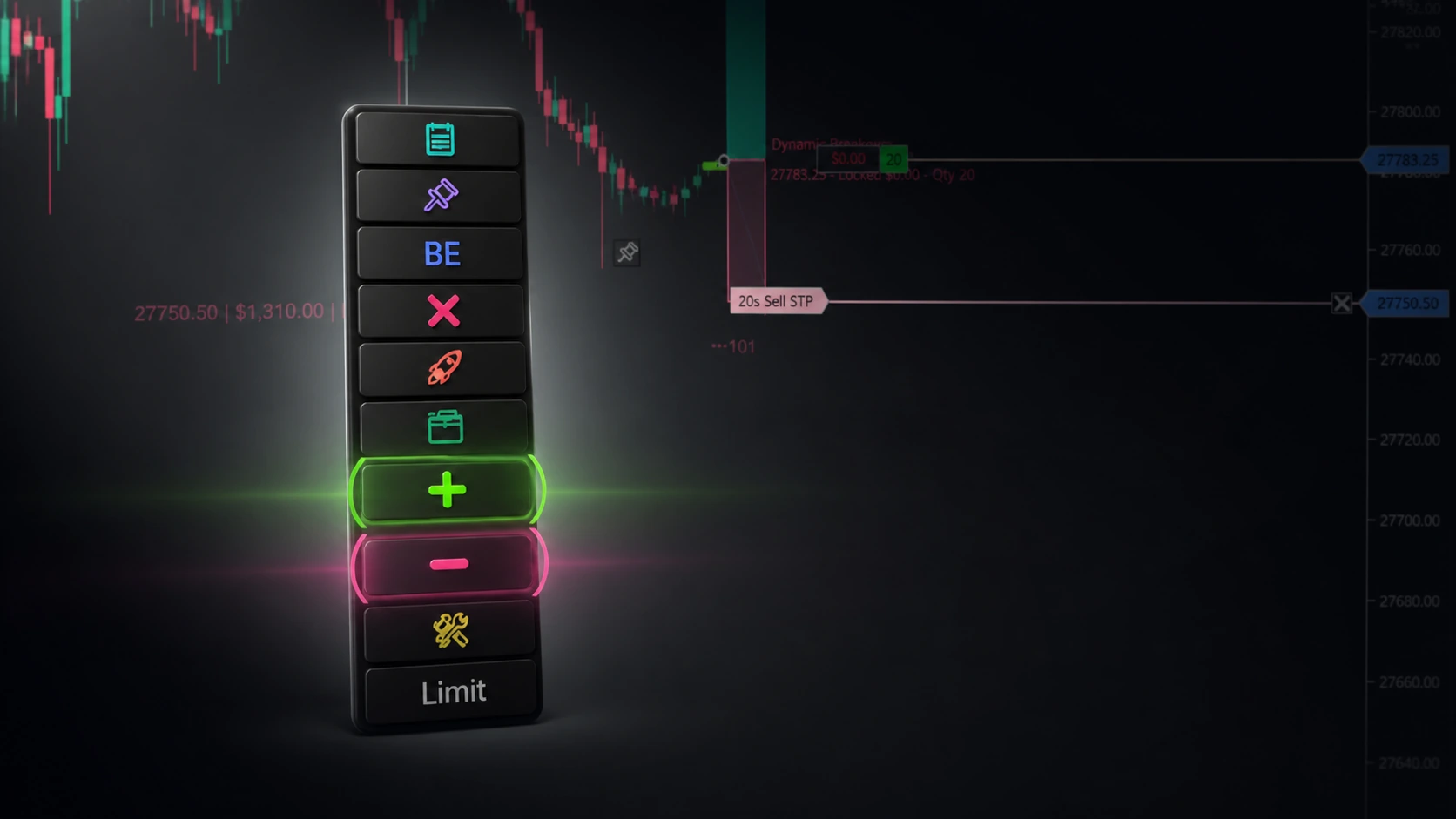
NinjaTrader – Adding to Position: A Field Guide for Active Traders
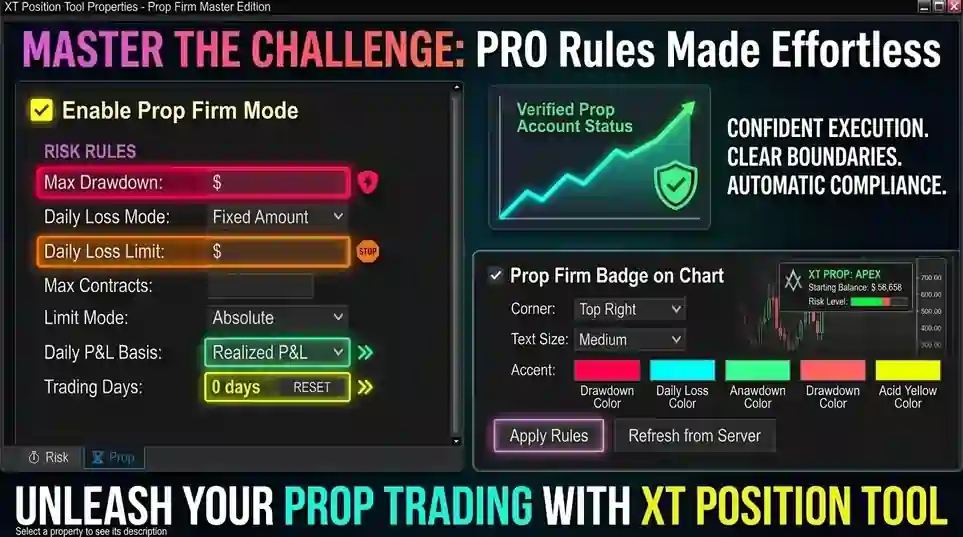
NinjaTrader Prop: The Ultimate Guide to Prop Firm Trading
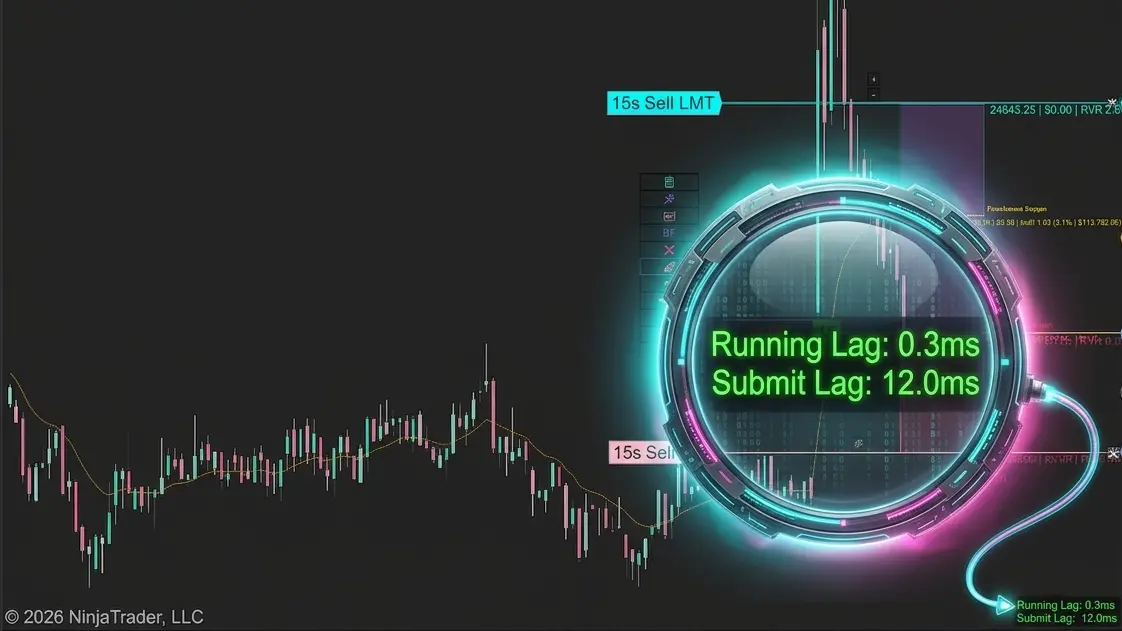
Does the XABCD Position Tool Lag?