XABCD TRADING

NinjaTrader 8 Crashing? Fix It Before Your Next Trade
Subscribe
to get alerts to our next blog post!
Preventing NinjaTrader 8 from Crashing
NinjaTrader 8 crashing doesn't happen much anymore now that the beta is over. Actually, NinjaTrader 8 is impressively stable out of the box and the stability keeps improving with each release (as you can see from the release notes).
However you might have made changes that hurt the over all performance of the trading platform or might not be keeping up to date with the current platform release. Keeping the program updated will solve a lot of stability issues.
If you are unsure what to do with all this info below, and it seems way too technical, contact us on our live chat and we would be happy to help guide you through it.
If NinjaTrader 8 is Crashing, What Should You Do?
Best way to get help with your NinjaTrader 8 Crashing
- Gather Log Files
- Gather Trace Files
- Write a very detailed summary of the event that happened. Stick to the facts and not what you think might have happened. The more detailed you are, the higher chance your probably will be fixed.
- Send Logs and Trace Files to Support
These files are stored in your My Documents/NinjaTrader 8/logs folder.
You can find these in a different directory called My Documents/NinjaTrader 8/trace folder.
You can create a ticket by emailing NinjaTrader 8 support at platformsupport@ninjatrader.com
A Simple Trick To Narrow Down The Issue
A quick and easy way to narrow down any issues and find out where the problem is located is by starting with a fresh workspace.
Quite often NinjaTrader crashing can be a configuration issue. We've seen some really weird usage out there where people will try and load up 10,000 bars of historical data and cause a performance issue where their system runs out of memory (maybe they have low disk space too) and slows things down. In a case like this it isn't the platform that's a problem but instead it's a configuration issue causing a slow down which is causing the stability issues. Creating a new workspace is a great way to eliminate some of the problems right away which can be quicker than trying to file a support ticket.
- You will need to create a new workspace and then close the one that was causing the issue (as it is probably going to be running in the background).
- Can you re-create the issue on the new workspace?
- Add the next change/tool/indicator and see if you can recreate the problem now?
- Keep adding a change/too/indicator one by one until you've hit the problem. If you still have not hit the problem try to use the workspace until you have hit the issue again and take note of what you were doing right before the problem happened. If you do hit a problem, you know where the problem is and perhaps you can narrow it down from there.
- If you have not figured it out yet, go ahead and file a support ticket with Ninjatrader, we have some great tips on how to get the best response from them below.
Quite often NinjaTrader crashing can be a configuration issue. We've seen some really weird usage out there where people will try and load up 10,000 bars of historical data and cause a performance issue where their system runs out of memory (maybe they have low disk space too) and slows things down. In a case like this it isn't the platform that's a problem but instead it's a configuration issue causing a slow down which is causing the stability issues. Creating a new workspace is a great way to eliminate some of the problems right away which can be quicker than trying to file a support ticket.
Does NinjaTrader 8 Start in Safe Mode?
Try starting NinjaTrader 8 in "safe mode".
You can enter safe mode by holding the control key, and double clicking the NinjaTrader icon to start the program.
The reason why this could help you is because the problem might be because of a 3rd party provider that has a plugin which is not functioning correctly. This safe mode start will answer the question if it has to do with the 3rd party provider or not.
Will Filing A Ticket With NinjaTrader 8 Get My Crash Resolved?
Yes. It really can make a big difference. But think of it this way - even if you were one of the first to ever hit an issue that caused an unexpected behavior - there is only one way to get that fixed. It's to let them know about it. Always file a support ticket with NinjaTrader support and don't expect that someone else will do it and it will eventually be resolved.
Check the NinjaTrader 8 Support Forum
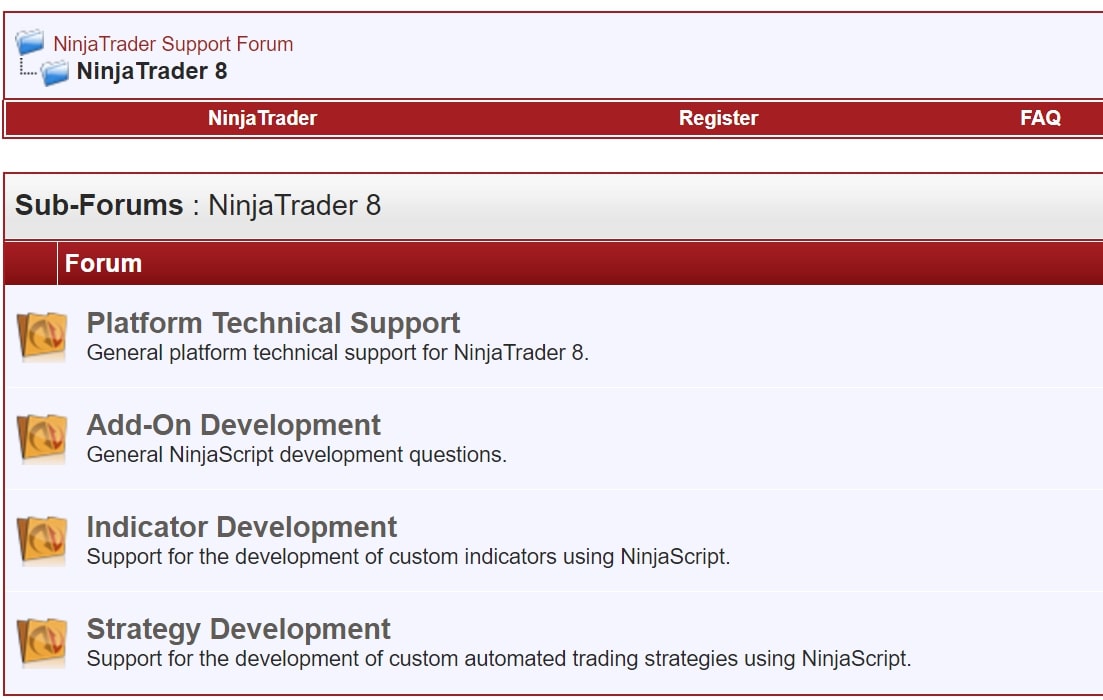
You can check the NinjaTrader 8 Support Forum to see if there has been any other reports of people having a similar problem. Make sure that they are using the same release you are as there have been many crashes happening in beta releases that are no longer happening now.
Be sure to be detailed in your description to get the most helpful responses. Don't guess what you think might be happening and just stick to the facts. Be open minded. More often than not people believe they know what is happening and they try and shape the conversation to their belief. However, a lot of times this can actually slow down the process.
Increasing Performance and Stability to Prevent NinjaTrader 8 Crashing
In the video below we go into 3 settings that you can adjust to make your platform run even more like butter. If you're getting the screen freezing and you click a few more times and the program crashes, this might just be your answer in the first 2 tips and tricks.
 (opens in a new tab)
What Else Can You Do To Fix NinjaTrader 8 Crashing?
#1 - Make Sure You're Updated
That's right, most of the people we talk to are running old versions of NinjaTrader 8. Each version so far has had over 50 fixes and if you're running a couple versions behind then you could have over 300 fixes that were not applied.
#2 - 3rd Party Tools
Preventing crashing couldn't be easier with good and updated code. Programming errors can cause crashes so it's best to check with the vendor to see if it's a known issue. Sometimes when NinjaTrader releases a new build they have changed things which require the vendor to release an update, so check with the vendor to see if any other users have the same issue.
#3 - Check Logs and Trace Files
Check log and trace files which can be found in the "Documents/NinjaTrader 8/log" and "Documents/NinjaTrader 8/trace" folders. These will often provide clues on what is causing the crashing from happening.
Troubleshooting Crashing in NinjaTrader 8
Questions to ask yourself when trying to troubleshoot crashing in NinjaTrader 8 (or any other program). If you need to file a support ticket, this will be extremely helpful to get yourself good support from NinjaTrader.
- Can you reproduce this problem?
- If you can reproduce the problem, write down the exact steps that you take to cause the problem.
- Does the problem happen when your away from the desk or while you're working in the program.
Frequently Asked Questions
Why does NinjaTrader 8 keep crashing on startup?
NinjaTrader 8 crashing on startup is often caused by corrupted workspace files, outdated graphics drivers, or conflicts with third-party indicators and add-ons. To troubleshoot, try launching NinjaTrader in safe mode by holding the Ctrl key during startup, which disables custom add-ons. You can also reset your workspace by renaming or deleting the workspace XML files found in the Documents\NinjaTrader 8\workspaces folder.
How do I fix NinjaTrader 8 crashing when opening a chart?
Chart-related crashes in NinjaTrader 8 are typically caused by corrupt chart templates, excessive historical data loading, or incompatible custom indicators. Try removing any third-party indicators from the chart, reducing the number of bars loaded, or resetting your chart template to default settings. Updating your GPU drivers and ensuring your system meets the minimum hardware requirements can also resolve rendering-related crashes.
Does NinjaTrader 8 crash because of insufficient RAM or system resources?
Yes, NinjaTrader 8 can crash if your system lacks sufficient RAM, especially when running multiple charts, indicators, or market data feeds simultaneously. NinjaTrader recommends at least 8 GB of RAM, though 16 GB or more is ideal for heavy usage with multiple workspaces. Closing unnecessary applications, reducing the number of open charts, and limiting historical data can help prevent resource-related crashes.
How do I report a crash or find NinjaTrader 8 crash logs?
NinjaTrader 8 stores crash logs in the Documents\NinjaTrader 8\trace folder, where you can find detailed log files that record errors leading up to a crash. You can submit these logs to NinjaTrader support through their official support forum or by opening a support ticket. Including the trace log, a description of the steps that led to the crash, and your system specifications will help expedite troubleshooting.
Can a third-party indicator or strategy cause NinjaTrader 8 to crash?
Third-party indicators, strategies, and add-ons are one of the most common causes of NinjaTrader 8 crashing, especially if they contain coding errors or are incompatible with the current platform version. To identify the culprit, launch NinjaTrader 8 in safe mode and re-enable add-ons one at a time. Always ensure third-party tools are updated and sourced from reputable developers to minimize stability issues.
Frequently Asked Questions
Why does NinjaTrader 8 keep crashing on startup?
NinjaTrader 8 crashing on startup is often caused by corrupted workspace files, outdated graphics drivers, or conflicts with third-party indicators and add-ons. To troubleshoot, try launching NinjaTrader in safe mode by holding the Ctrl key during startup, which disables custom add-ons. You can also reset your workspace by renaming or deleting the workspace XML files found in the Documents\NinjaTrader 8\workspaces folder.
How do I fix NinjaTrader 8 crashing when opening a chart?
Chart-related crashes in NinjaTrader 8 are typically caused by corrupt chart templates, excessive historical data loading, or incompatible custom indicators. Try removing any third-party indicators from the chart, reducing the number of bars loaded, or resetting your chart template to default settings. Updating your GPU drivers and ensuring your system meets the minimum hardware requirements can also resolve rendering-related crashes.
Does NinjaTrader 8 crash because of insufficient RAM or system resources?
Yes, NinjaTrader 8 can crash if your system lacks sufficient RAM, especially when running multiple charts, indicators, or market data feeds simultaneously. NinjaTrader recommends at least 8 GB of RAM, though 16 GB or more is ideal for heavy usage with multiple workspaces. Closing unnecessary applications, reducing the number of open charts, and limiting historical data can help prevent resource-related crashes.
How do I report a crash or find NinjaTrader 8 crash logs?
NinjaTrader 8 stores crash logs in the Documents\NinjaTrader 8\trace folder, where you can find detailed log files that record errors leading up to a crash. You can submit these logs to NinjaTrader support through their official support forum or by opening a support ticket. Including the trace log, a description of the steps that led to the crash, and your system specifications will help expedite troubleshooting.
Can a third-party indicator or strategy cause NinjaTrader 8 to crash?
Third-party indicators, strategies, and add-ons are one of the most common causes of NinjaTrader 8 crashing, especially if they contain coding errors or are incompatible with the current platform version. To identify the culprit, launch NinjaTrader 8 in safe mode and re-enable add-ons one at a time. Always ensure third-party tools are updated and sourced from reputable developers to minimize stability issues.
New NinjaTrader Articles Delivered First
 (opens in a new tab)
Easy Order Tool
The Strategy


Scanning & Alerting

NinjaTrader Release
XABCD News (Free Version)
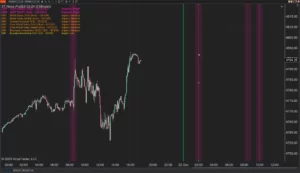
XABCD News (Community Edition) is the best free Indicator for NinjaTrader 8. Don't let news sneak up on you again. Puts economic news events on your charts so you can stay informed and move around positions/stops before the news is released. Works in any market.
XABCD Priceline (Free)
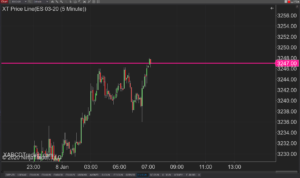
XABCD Price Line tool for NinjaTrader 8 will draw a line at current price and move every time the market changes price. This is useful because it will allow you to easily identify where price is at all times and the exact quoted price.
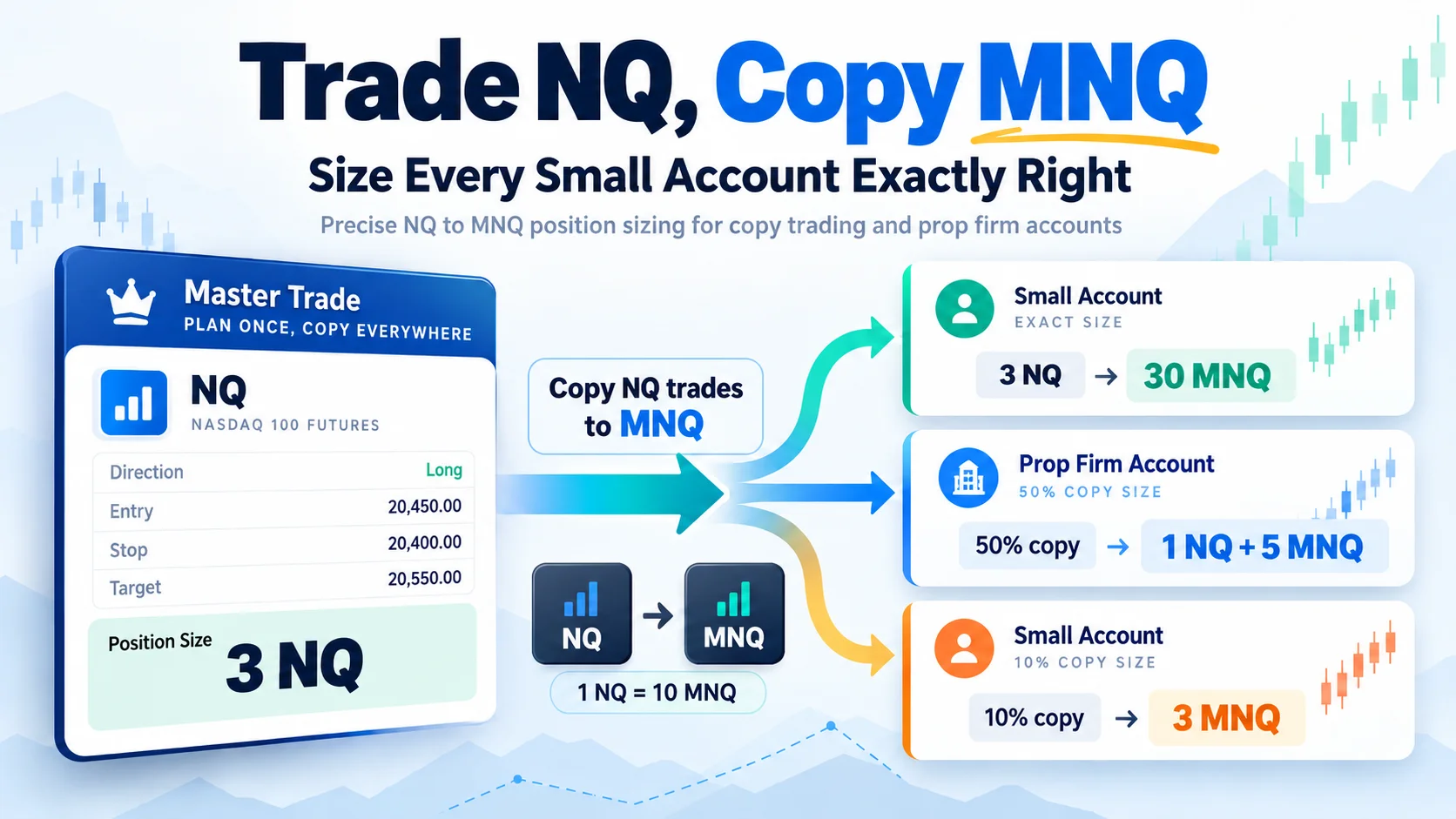
Trade NQ, Copy MNQ: Copy NQ Trades to MNQ in NinjaTrader 8
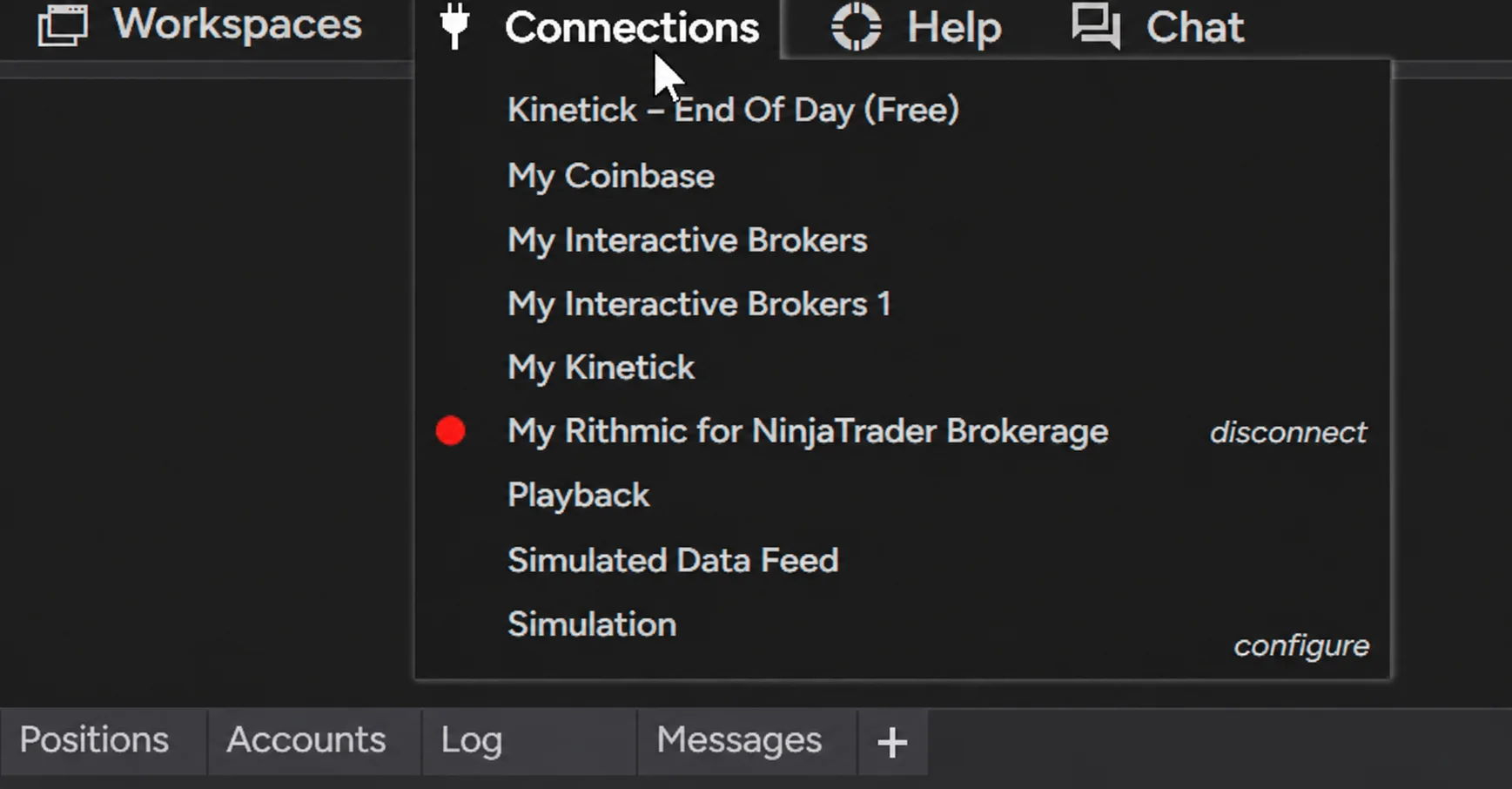
NinjaTrader Data Feed Not Updating? Quick Fixes

NinjaTrader Risk Per Trade: Risk $500 on Every Trade
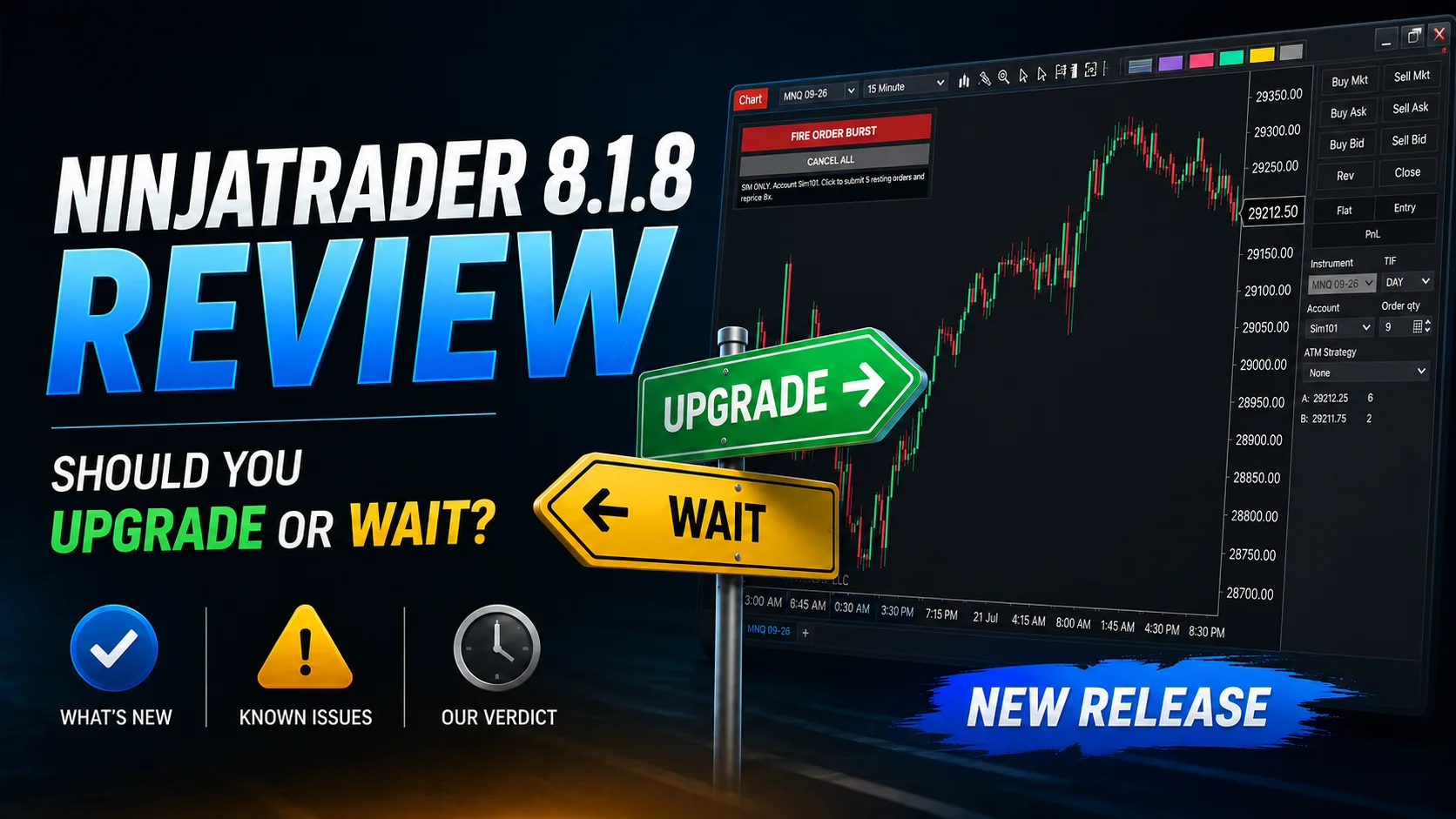
NinjaTrader 8.1.8 Review: Should You Upgrade or Wait?
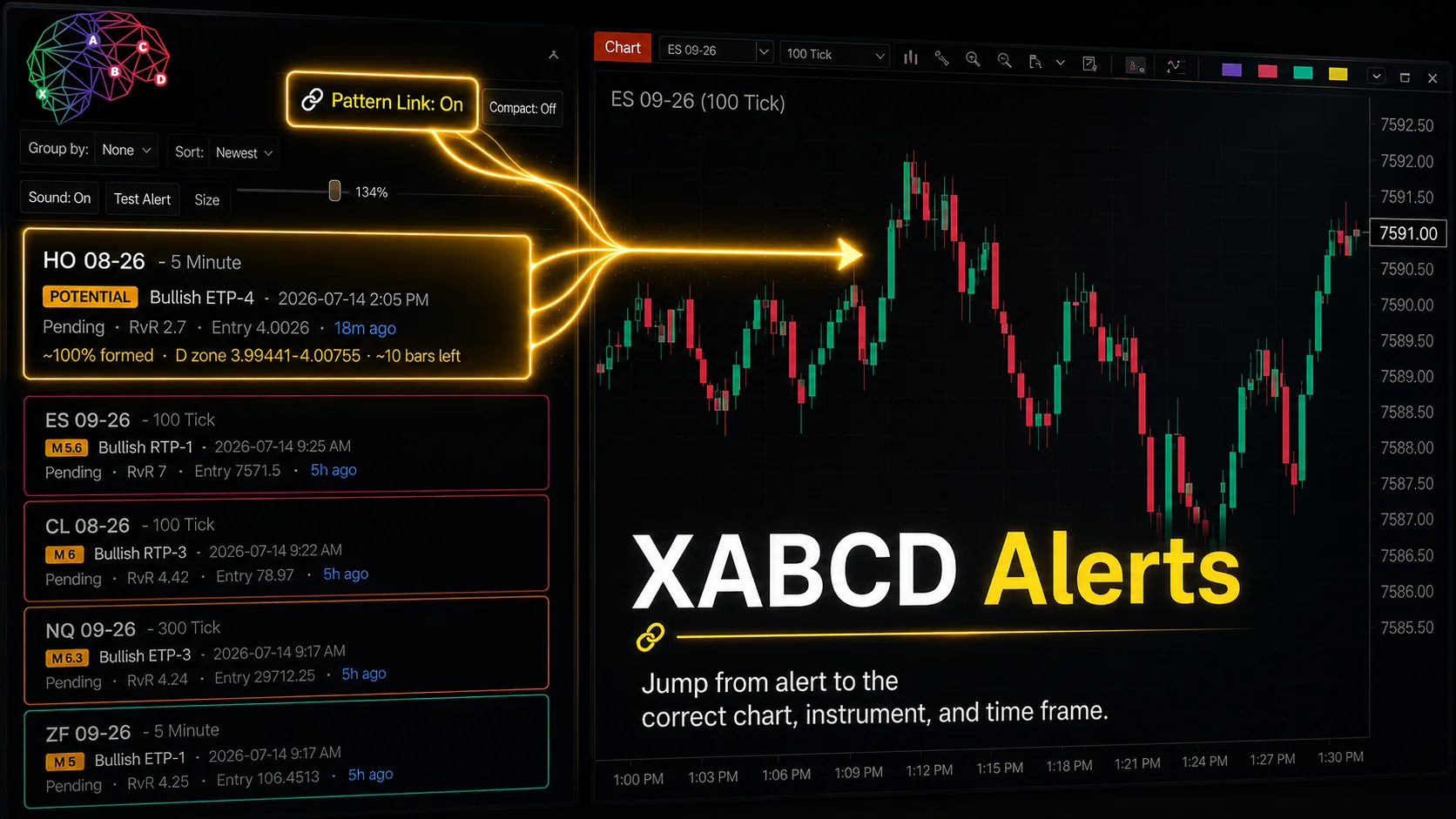
XABCD Pattern Alerts: The Complete Guide for Traders
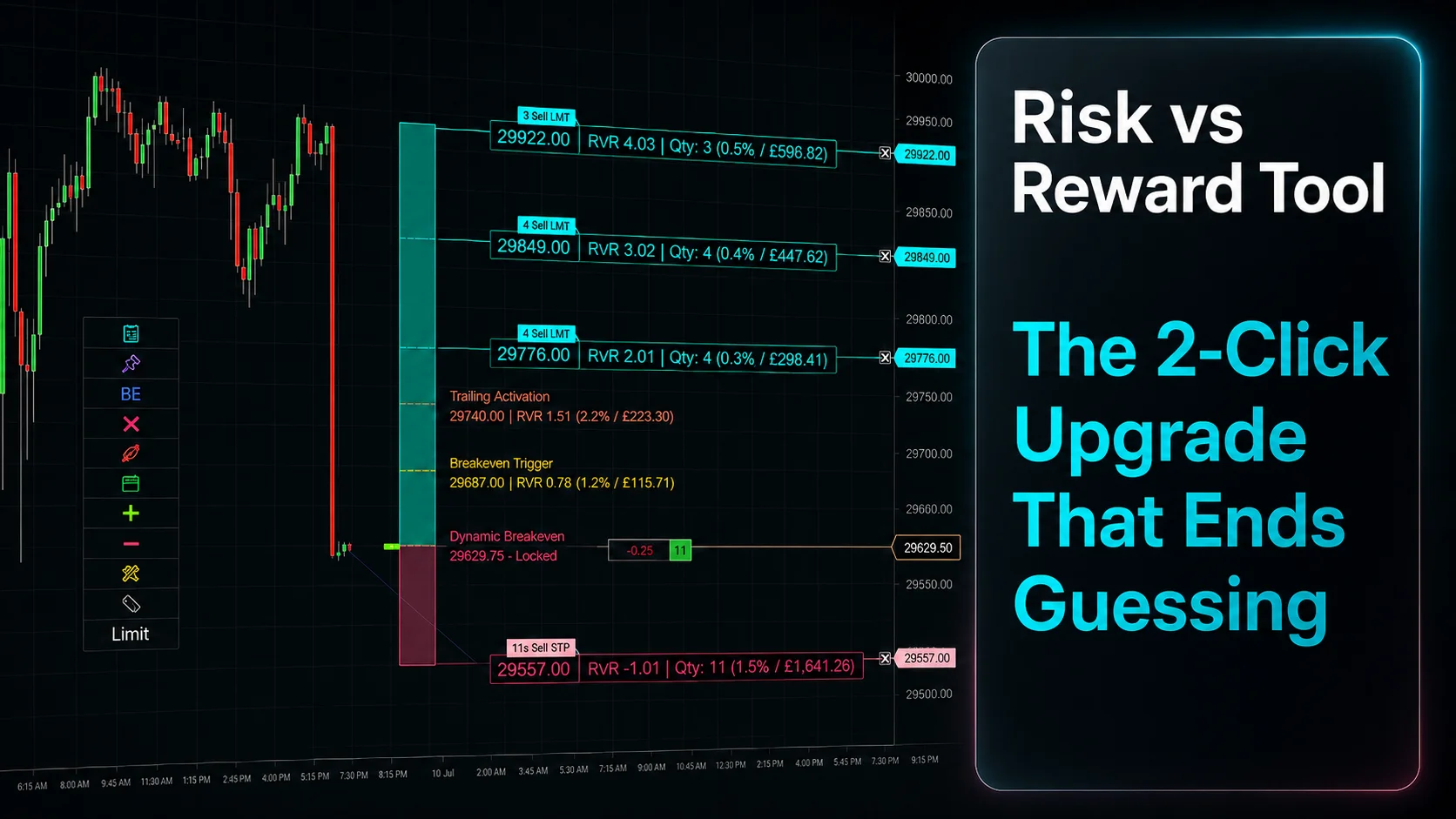
Risk vs Reward Tool: The 2-Click Upgrade That Ends Guessing
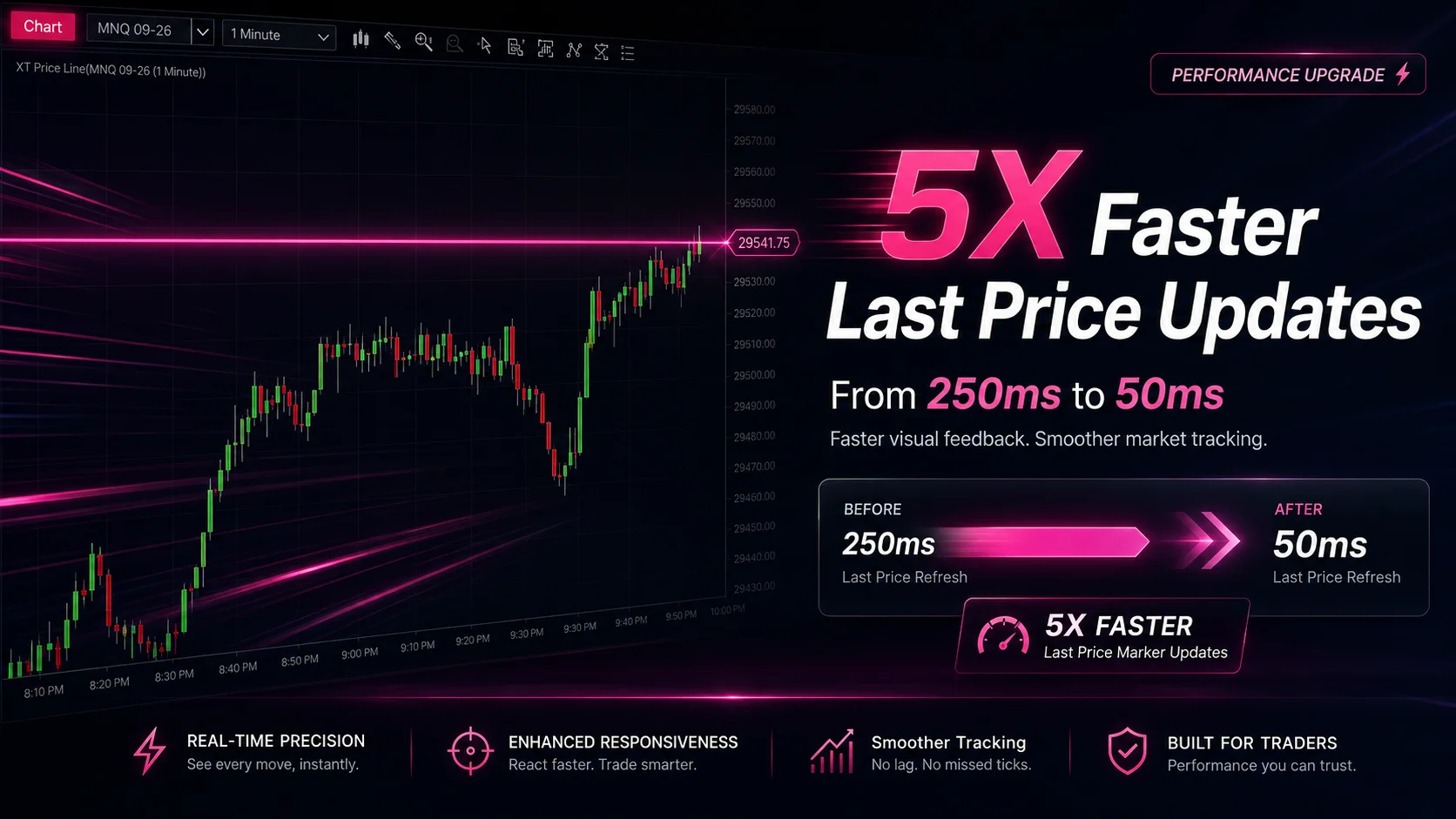
NinjaTrader Faster Last Price Updates on Charts Explained
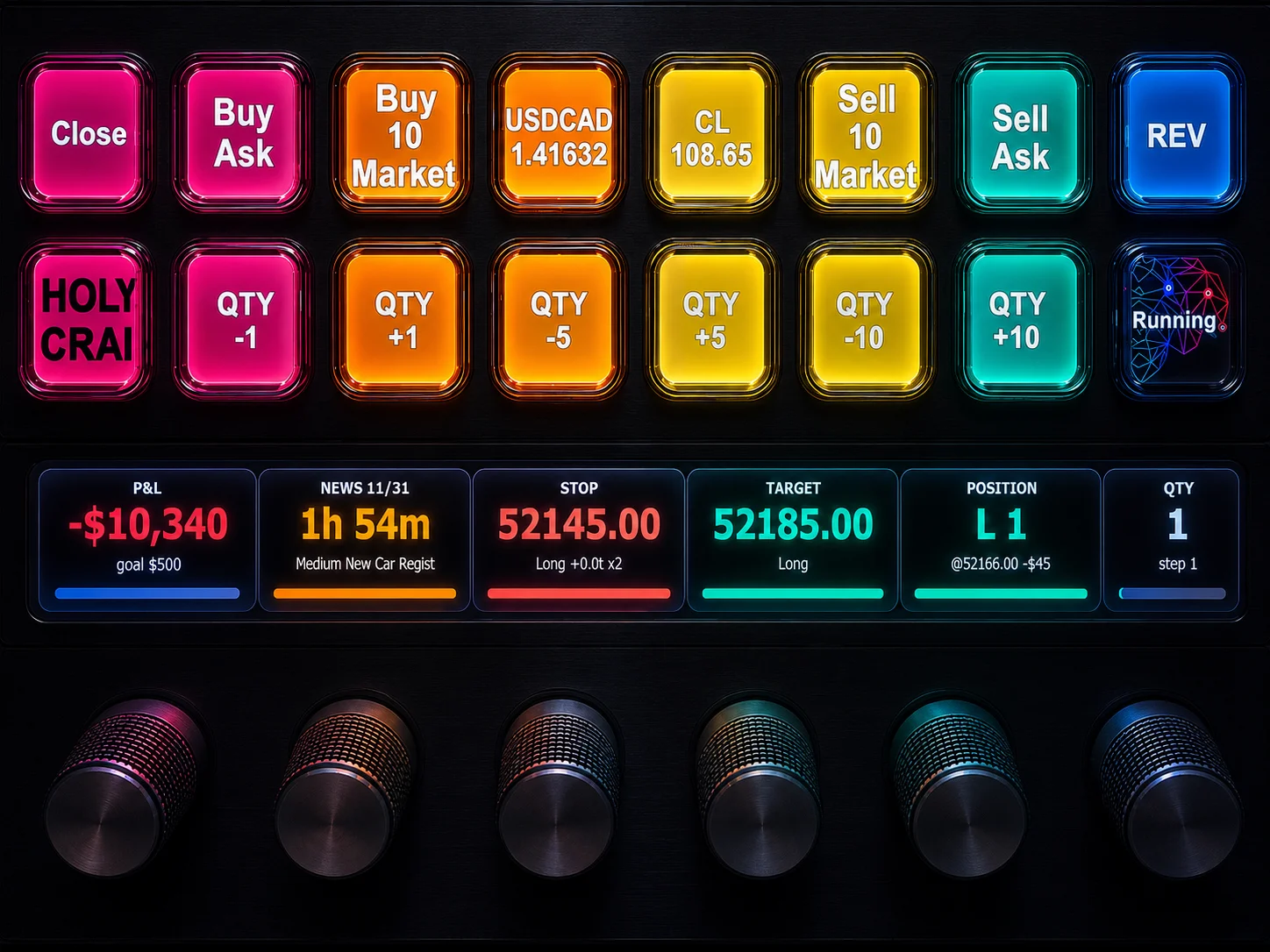
NinjaTrader 8 Hotkeys: Best Shortcuts for Faster Trading
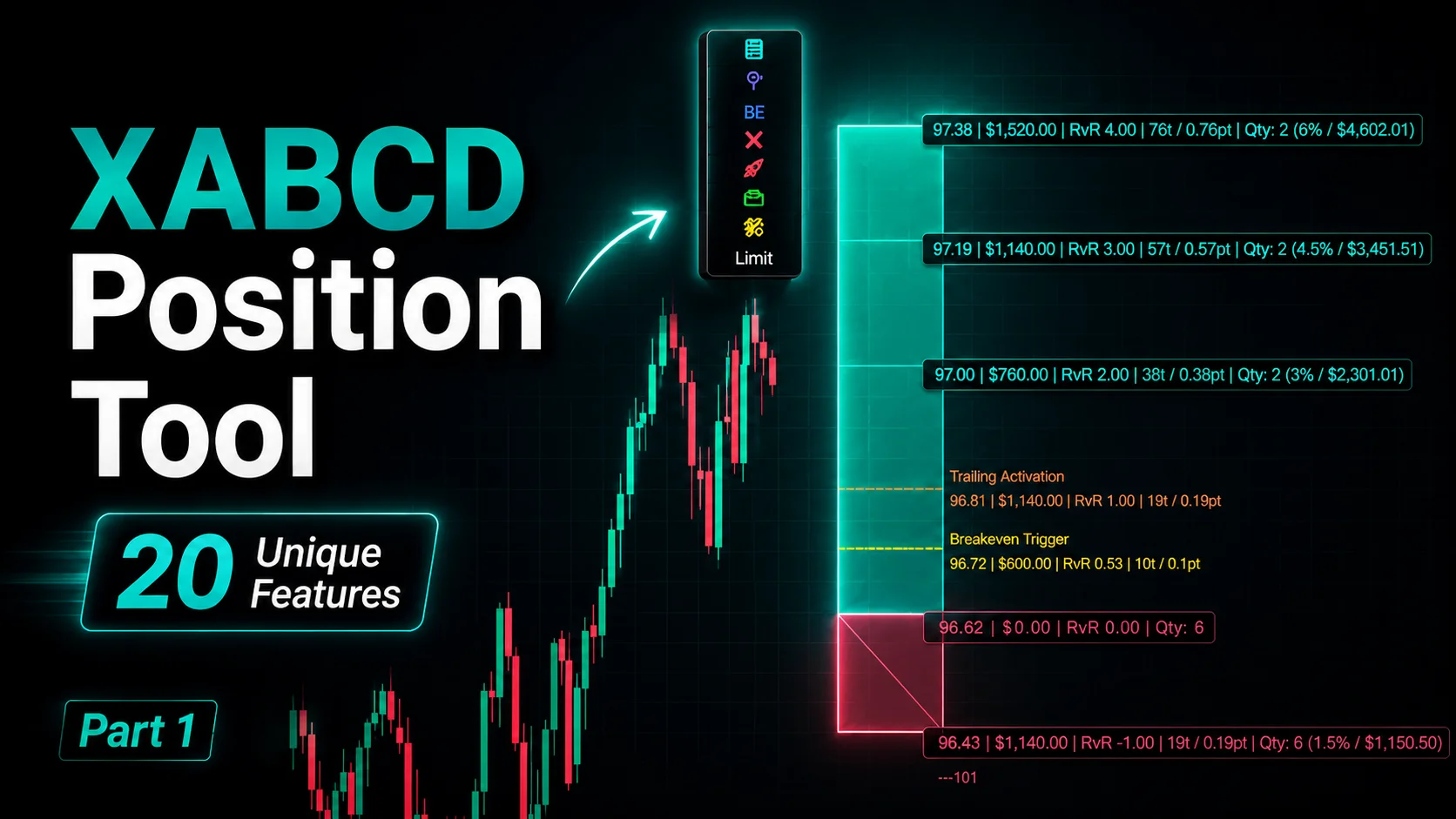
NinjaTrader Position Sizing Tool: 64 Features Stock NT8 Does Not Include