XABCD Trading Blog

NinjaTrader Tips, Patterns & Trading Guides

Practical setups, fixes and step-by-step trading guides for NinjaTrader 8, from the team behind XABCD since 2009.
Featured image for “Drawing XABCD Patterns Automatically or Manually?”
Featured
Tricks and Tips

Drawing XABCD Patterns Automatically or Manually?

Mar 25, 2019 · 5 min read
Scanning Automatically vs Drawing XABCD Patterns ManuallyScanning patterns automatically vs manually is going to be a choice for each trader. The good news is the software we produce for NinjaTrader 8 will give you the flexibility to do it how you chose. Let’s look at the pro’s and con’s of each. Advantages of Automatic XABCD Pattern Detection Detect Large Quantities

Read the guide
Free Newsletter

Get new NinjaTrader fixes first

New guides and setups, at most 2 emails a month.
Latest Articles

Fresh NinjaTrader Guides & Fixes

Featured image for “How to Save Time and Get XABCD Pattern Alerts Working For You?”
Tricks and Tips

How to Save Time and Get XABCD Pattern Alerts Working For You?

How We Do Automatic XABCD Pattern Alerts?Our pattern alerts happen automatically the exact second all the ratios are valid. You’ll see nothing on your chart, and then a second later you might see a pattern alert trigger.×TIP 1 Yes, the pattern automatically gets drawn on your chart and it will do the hard work for you. Just attach the indicator
Feb 26, 2019 · 4 min read
Featured image for “4 Purposes of the Middle Mouse Button in NinjaTrader 8?”
Tricks and Tips

4 Purposes of the Middle Mouse Button in NinjaTrader 8?

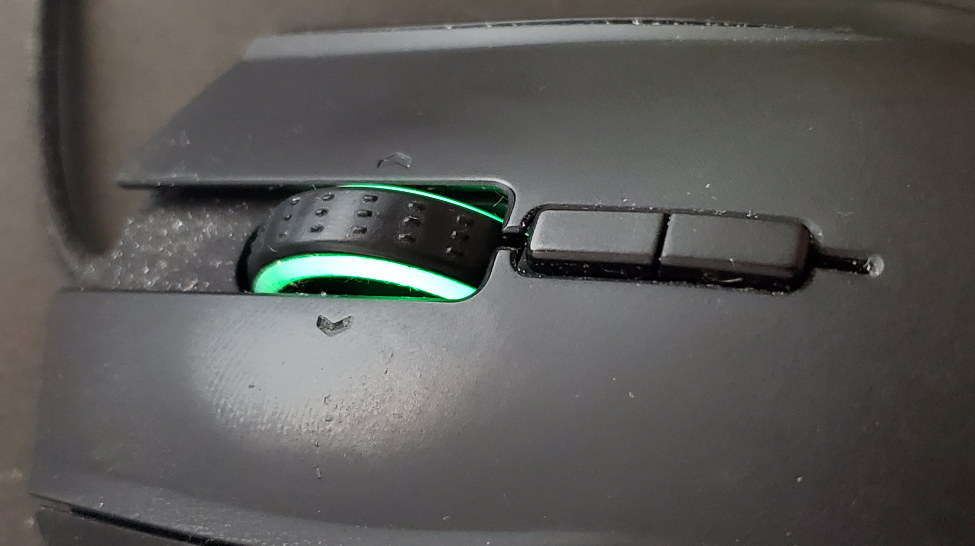
What To Do With The Middle Button in NT8? Chart Details Popup BoxOn any of the NinjaTrader 8 charts, all you need to do is push the middle mouse button down at any point. This will activate a box telling you the date, time, open, high, low, close and volume.The reason this is very useful (or the main reason I
Nov 29, 2018 · 4 min read
Featured image for “Chart Navigation Shortcuts and HotKeys Within NinjaTrader 8”
Tricks and Tips

Chart Navigation Shortcuts and HotKeys Within NinjaTrader 8

Navigation Shortcuts within NinjaTrader 8 are all pretty simple to use. Below we’ve listed 4 of them that you will find most useful in your technical analysis and every day chart navigation. We have also put all the tips in a video that demonstrates the function of each. Free-form Chart MovementShortcut Key: CTRL + Left MouseThis is extremely useful and
Jul 30, 2018 · 4 min read
Featured image for “Wallpaper to Keep You on the Right Course”
Tricks and Tips

Wallpaper to Keep You on the Right Course

Wallpaper That Speaks to You! Need some wallpaper to serve as a reminder on your computer every time you go and sit down? Motivation can improve the level of efficiency in your trading and leads to a more stable work environment. Download Links: 4:3 (1920×1080) 21:9 (3440×1440)Download Links: 4:3 (1920×1080) 21:9 (3440×1440)Installing Wallpaper on Windows 10 View the photo by
Jan 19, 2018 · 3 min read
Featured image for “NinjaTrader 8 Crashing? Fix It Before Your Next Trade”
Tricks and Tips

NinjaTrader 8 Crashing? Fix It Before Your Next Trade

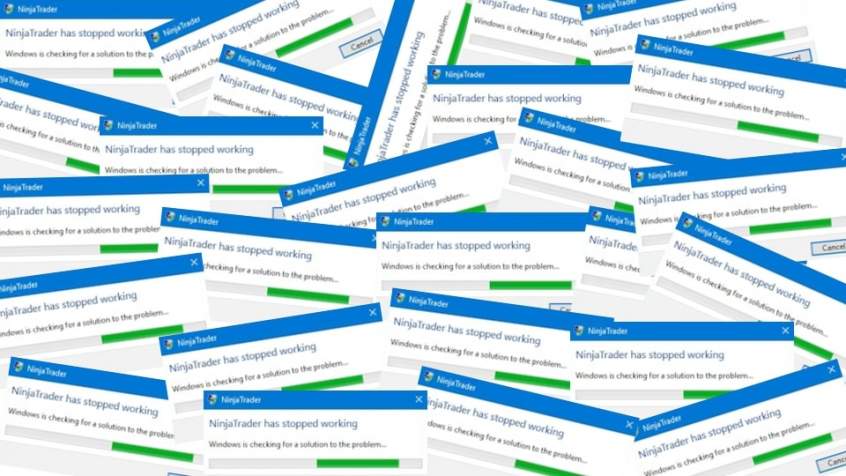
Preventing NinjaTrader 8 from CrashingNinjaTrader 8 crashing doesn’t happen much anymore now that the beta is over. Actually, NinjaTrader 8 is impressively stable out of the box and the stability keeps improving with each release (as you can see from the release notes). However you might have made changes that hurt the over all performance of the trading platform or
Sep 4, 2017 · 8 min read
Featured image for “How to Change NinjaTrader Bar Types?”
Tricks and Tips

How to Change NinjaTrader Bar Types?

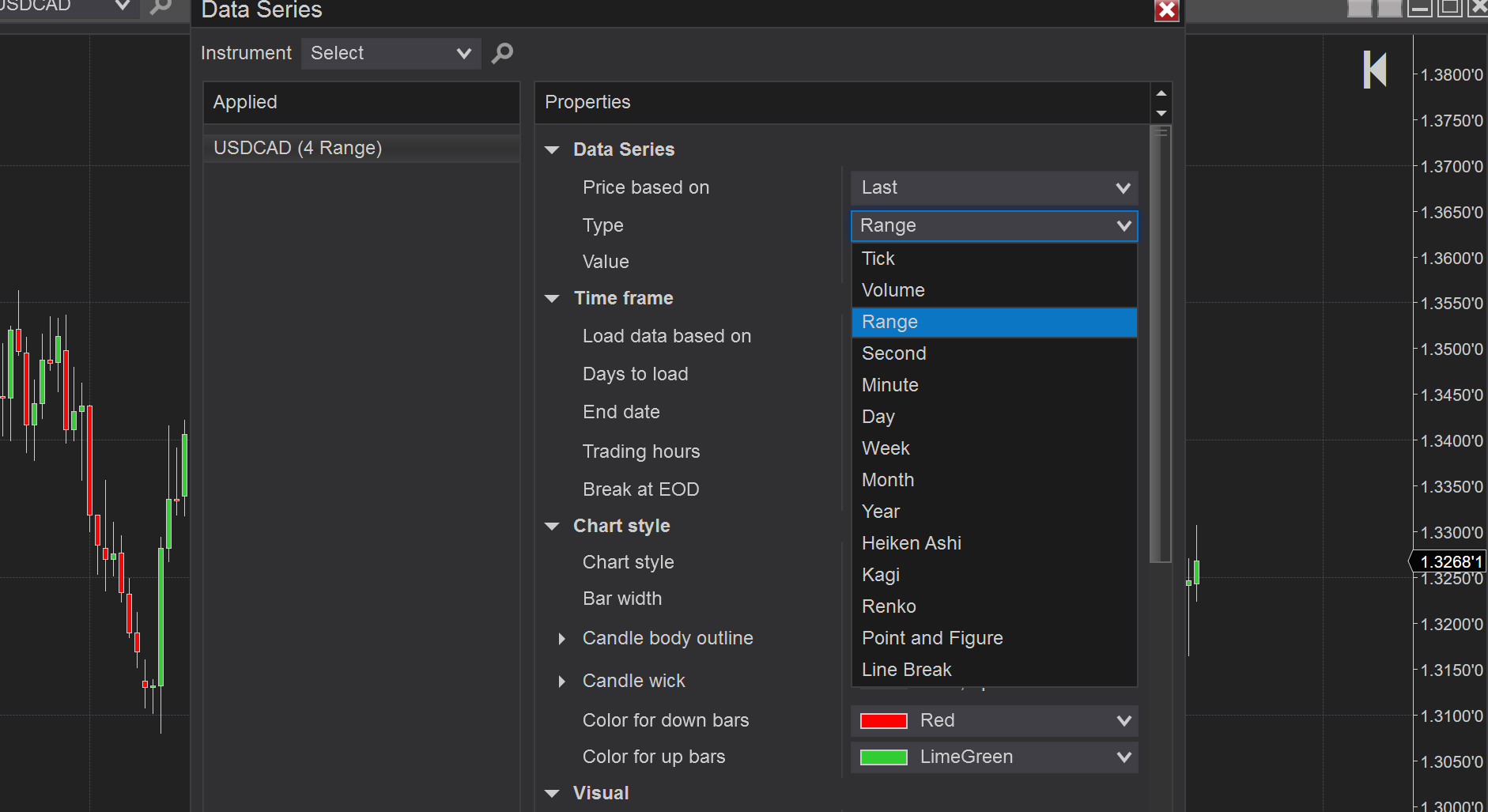
Changing NinjaTrader Bar TypesNinjaTrader bar types can be changed from minutes to other options such as range bars or renko bar charts. This will depend on the traders needs and what they are wanting to use. But yes, you can change NinjaTrader bar types very easily by following these simple instructions.1 Open a new chart inside of NinjaTrader. You can
Jun 16, 2017 · 3 min read
New Here?

Start with these guides

Featured image for “NinjaTrader OCO Orders – A Lesson on Order Placement”
Tricks and Tips

NinjaTrader OCO Orders – A Lesson on Order Placement

NinjaTrader OCO OrdersNinjaTrader OCO Orders are an advanced order type used in many platforms. We’re going to discuss how they work in NinjaTrader 8 and will show you an example of doing this with our XABCD Pattern Indicator Suite for NinjaTrader 8. If you need specific help, feel free to visit our contact us page where you can try the
May 22, 2017 · 5 min read
Featured image for “Can You Run NinjaTrader 8 on Mac?  (2026)”
Tricks and Tips

Can You Run NinjaTrader 8 on Mac? (2026)

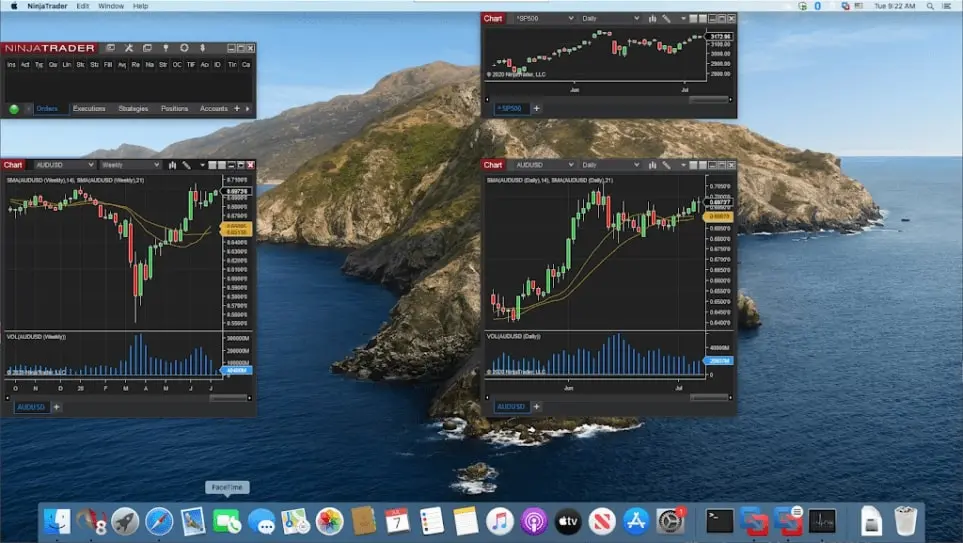
Will NinjaTrader 8 on Mac Work?YES!Yes you can run NinjaTrader 8 on Mac (regardless what mac you own, and yes works on the newer silicon chips (M1, M2, M3, M4, M5 etc.). It requires you to run some free virtualization software as a layer between the NinjaTrader program and the Mac OS and its super easy to do it. There
May 8, 2017 · 7 min read
Featured image for “How to Use NinjaTrader Hotkeys (Basic to Advanced Setups for NinjaTrader 8)”
Tricks and Tips

How to Use NinjaTrader Hotkeys (Basic to Advanced Setups for NinjaTrader 8)

Why You Need To Care About NinjaTrader HotkeysNinjaTrader Hotkeys is an important feature but far too often they will probably think of buy and sell buttons for placing orders. This is not their only practical use. In fact there can be so many applications for hotkeys as trading platforms expand.One of those primary applications you can use them for is
May 5, 2017 · 4 min read
Featured image for “How To: NinjaTrader 8 Demo Accounts”
Tricks and Tips

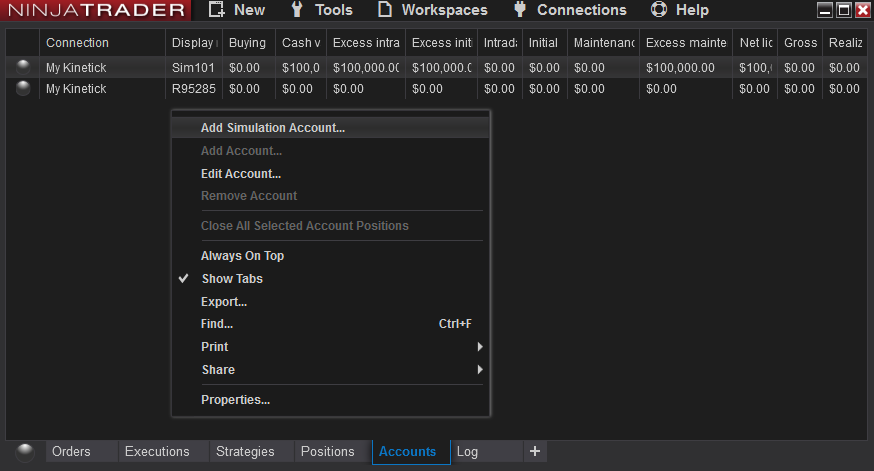
How To: NinjaTrader 8 Demo Accounts

Many traders ask, how do you demo trade futures for free? NinjaTrader lets you open a free simulation account with paper money so you can practice trading futures without risking real capital. Simply install the NinjaTrader 8 platform and connect a simulation account to get started. Demo Data Accounts vs Demo (Fake Money) AccountsLet’s first discuss the differences… Demo Data
May 4, 2017 · 7 min read
Featured image for “What is Needed For A Day Trading Computer Setup?”
Tricks and Tips

What is Needed For A Day Trading Computer Setup?

Desktop Machines For Day Trading Select Your Desktop BudgetDesktop machines are by far the most popular for day traders since parts can be expanded as needed. Usually monitors also require a lot of real estate and specific graphic cards. You’ll find below our selection of desktop machines for traders that we have vetted. As an amazon associate we earn from
Apr 13, 2017 · 4 min read
Featured image for “Audio Alerts Sound Files for the XABCD™ Indicators”
Tricks and Tips

Audio Alerts Sound Files for the XABCD™ Indicators

Sound files for NinjaTrader 8 and XABCD Pattern AlertsWe have a collection of audio alerts in .wav files that can be important into NinjaTrader. These are to be used with the templates we provide for our XABCD pattern scanning through the market analyzer’s alert functionality. There are over 24 audio alerts files done to provide the most professional clarity and
Apr 13, 2017 · 4 min read
XABCD Position Tool

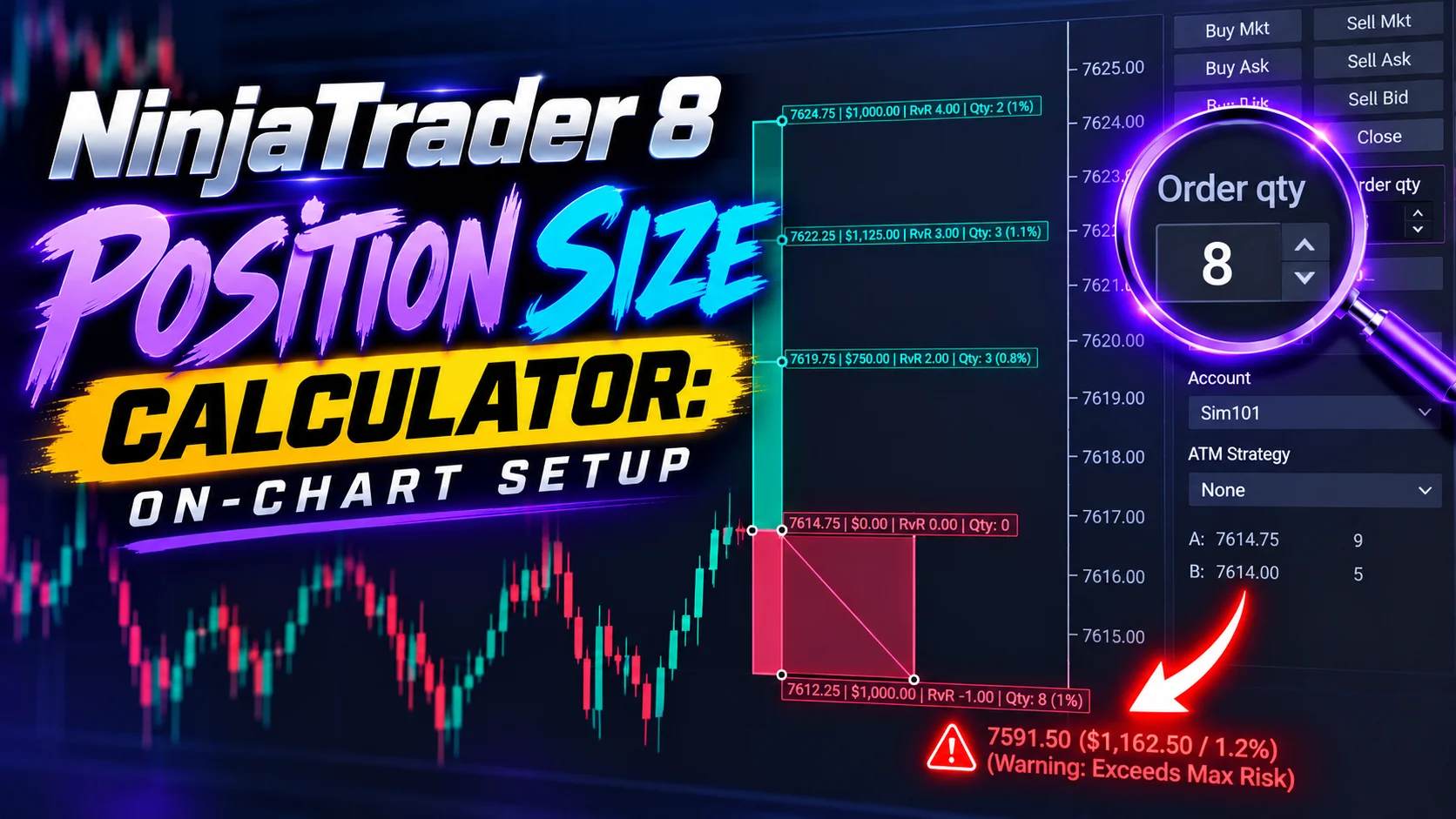
Plan, size and place whole trades on the NinjaTrader chart

Set your risk once and the Position Tool works out the size of every trade, so you stop doing the math by hand.