XABCD TRADING

How to use charts, templates and workspaces effectively in NinjaTrader 8?
Subscribe
to get alerts to our next blog post!
Are you using Charts in NinjaTrader 8 Effectively?
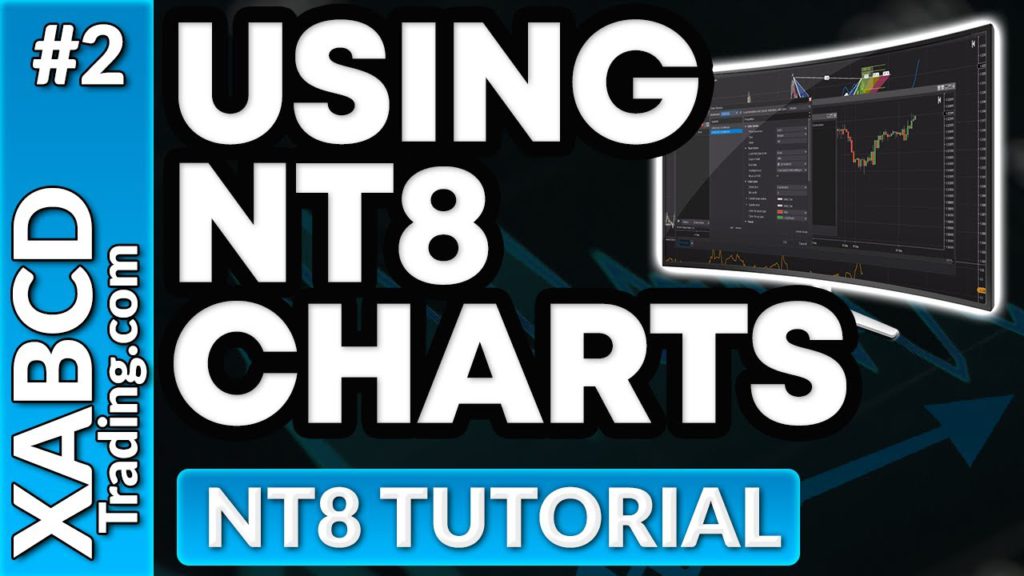
Charts, templates and workspaces in NinjaTrader does not have to be hard to understand. Were going to make it really simple for you in this short video. Here is a few basic things that you can understand before watching the video.
Charts: These charts can be used with windows and tabs.
Templates: Templates belong with charts and you load templates into charts.
Workspaces: Workspaces will save all your charts and your templates on your screen so the next time you open the platform its' all arranged in a nice way.
Templates: Templates belong with charts and you load templates into charts.
Workspaces: Workspaces will save all your charts and your templates on your screen so the next time you open the platform its' all arranged in a nice way.
Are You New to NinjaTrader 8?
Charting can come across new if you have not used NinjaTrader 8 before or need some beginning help to get going. There are a lot of platforms out there that force you to trade inside one window, but not as many of them allow you to run windows and a tabbing system for your charting.
In this video we'll explain how you can go about mastering charts, templates and workspaces within NinjaTrader 8 and how they can all come together.
There is also a mention about 2 free NT8 indicators which we'll link here to allow you easy access. One of them will plot economic news events right on your chart, and the other will allow you to have a horizontal priceline. Feel free to download and use them yourself.
75 Quick Tutorials for NinjaTrader Users
On our youtube channel we have a playlist of over 75 NinjaTrader 8 tutorials which I would highly recommend watching first. This will cover a bunch of topics such as how to use trailing stops, using the scanner within NinjaTrader to do a lot of the analysis work for you, and even how to configure instruments, and add time frames. There is a lot to cover and after watching all 75 of these you will be a ninja with your new found skill.
Need Some Free Market Data for Futures, Forex or Stocks?
When you trade, you need market data. There are lots of different options available to you. NinjaTrader also offers data directly, but there are other providers that are out there too. In most cases there is a free way to get market data into NinjaTrader.
New NinjaTrader Articles Delivered First
 (opens in a new tab)
Easy Order Tool
The Strategy

Scanning & Alerting

NinjaTrader Release
XABCD News (Free Version)
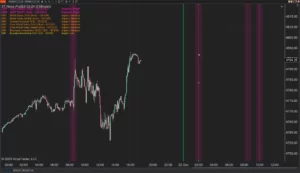
XABCD News (Community Edition) is the best free Indicator for NinjaTrader 8. Don't let news sneak up on you again. Puts economic news events on your charts so you can stay informed and move around positions/stops before the news is released. Works in any market.
XABCD Priceline (Free)
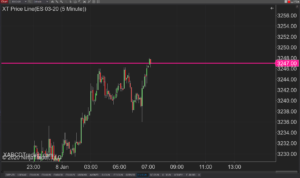
XABCD Price Line tool for NinjaTrader 8 will draw a line at current price and move every time the market changes price. This is useful because it will allow you to easily identify where price is at all times and the exact quoted price.
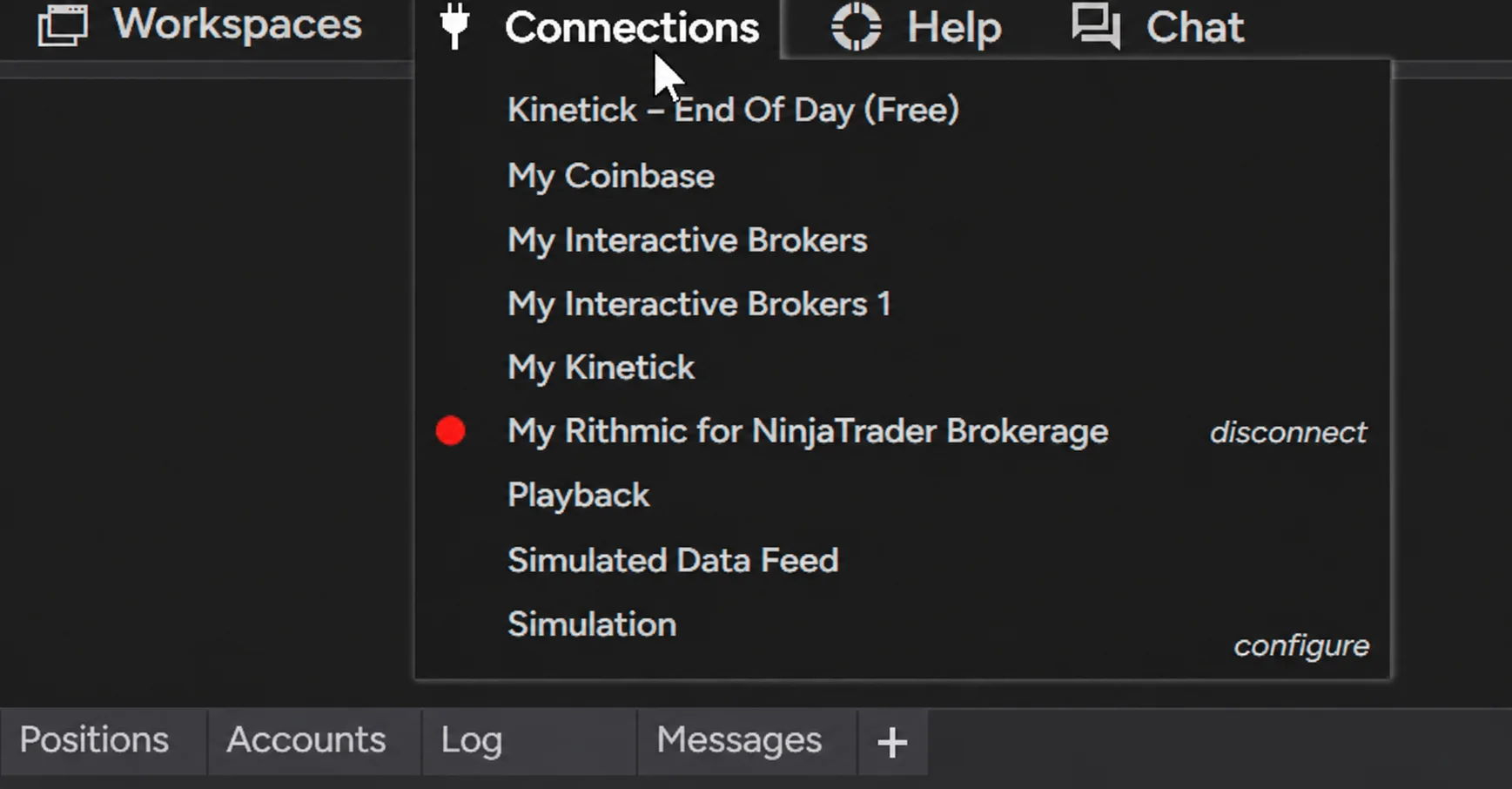
NinjaTrader Data Feed Not Updating? Quick Fixes
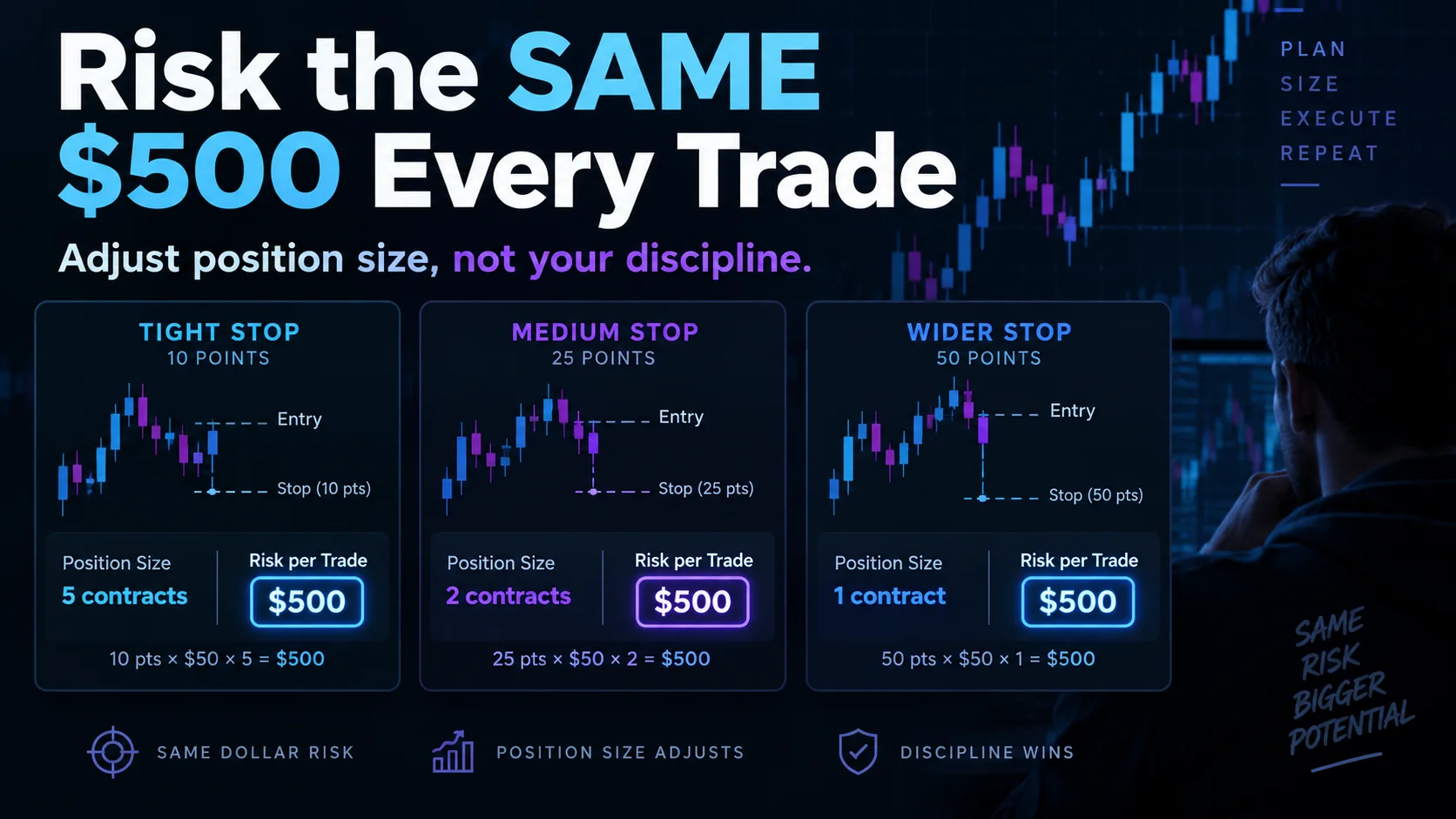
NinjaTrader Risk Per Trade: Risk $500 on Every Trade
NinjaTrader 8.1.8 Review: Should You Upgrade or Wait?
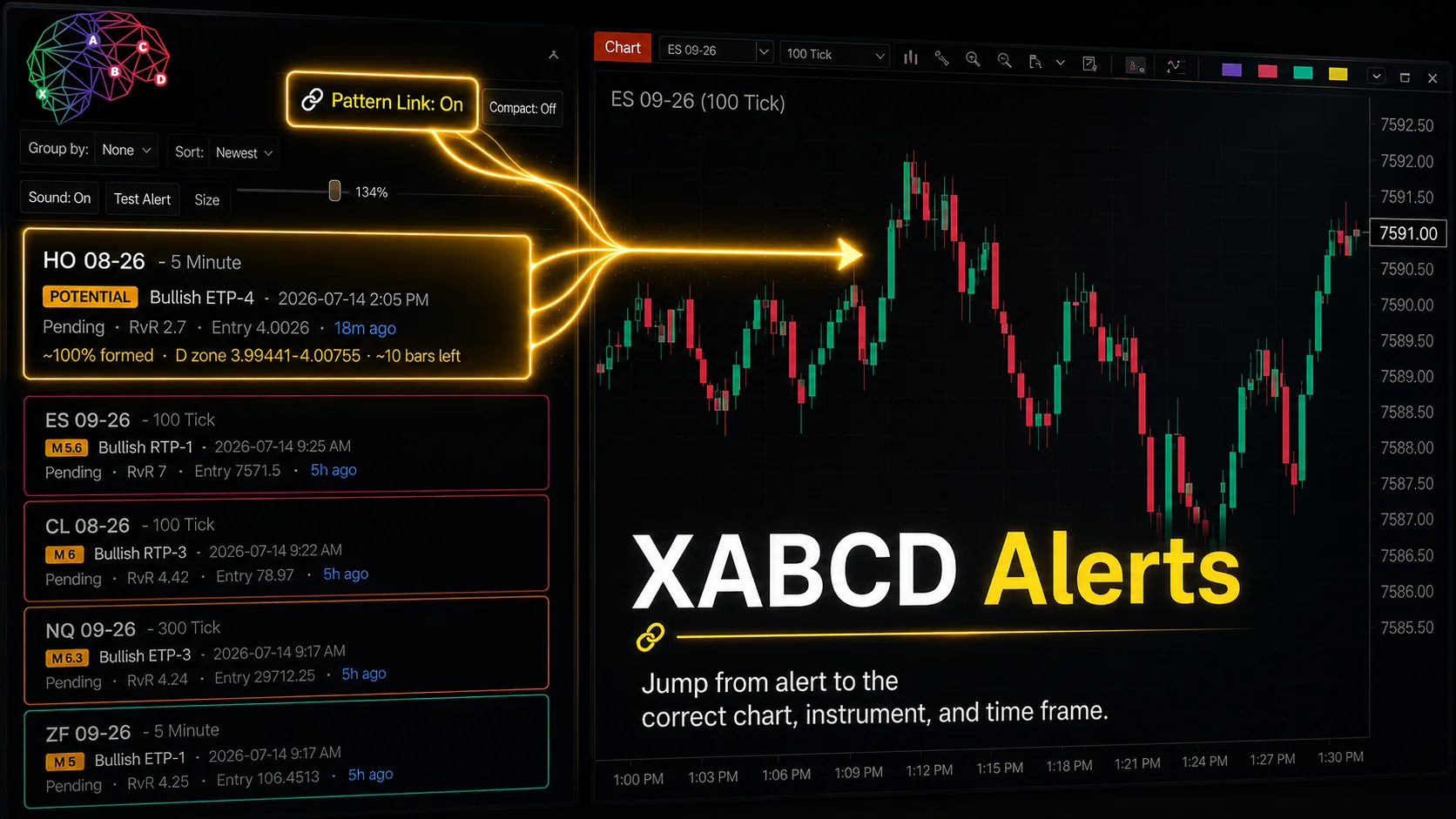
XABCD Pattern Alerts: The Complete Guide for Traders
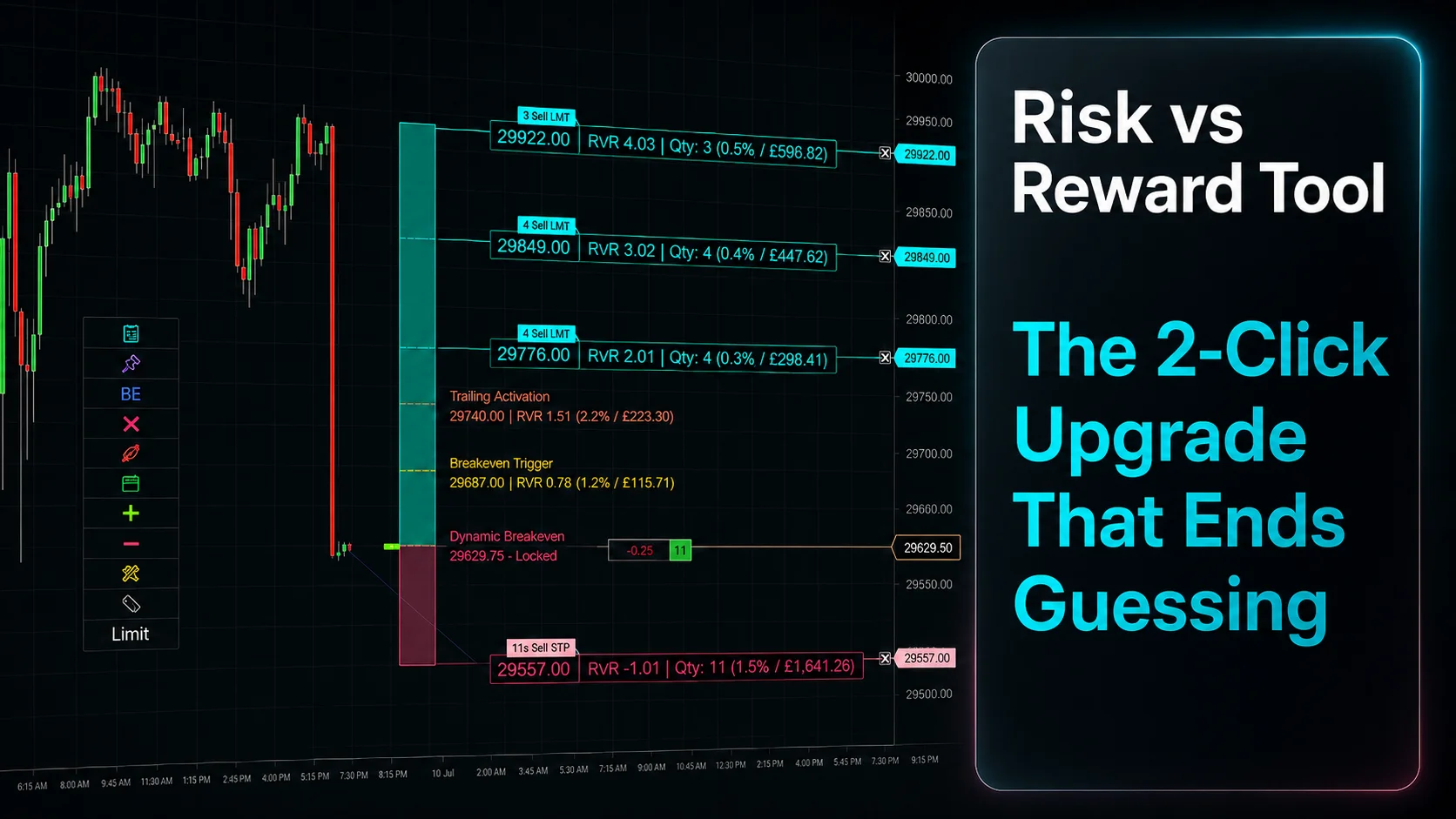
Risk vs Reward Tool: The 2-Click Upgrade That Ends Guessing
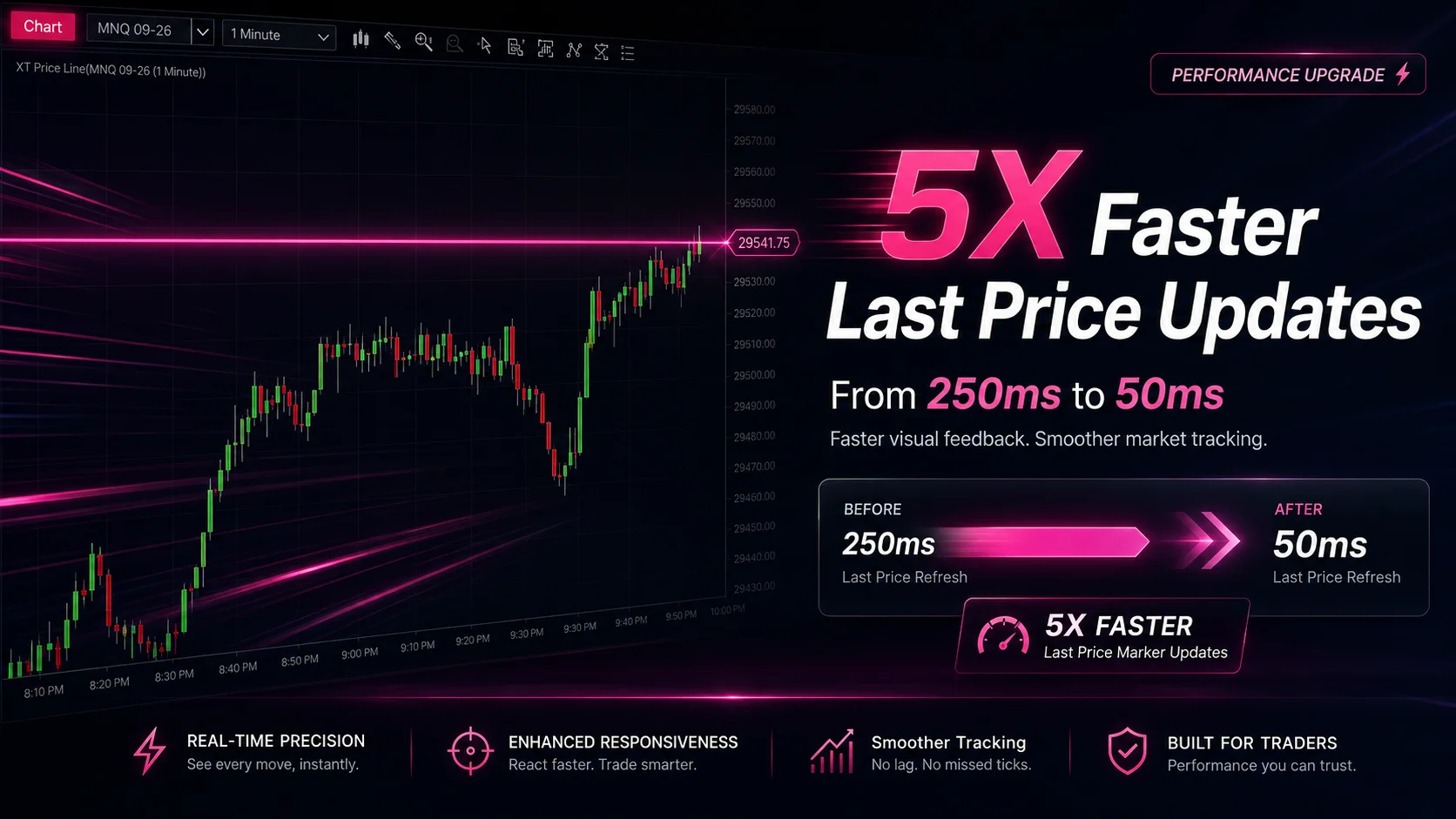
NinjaTrader Faster Last Price Updates on Charts Explained
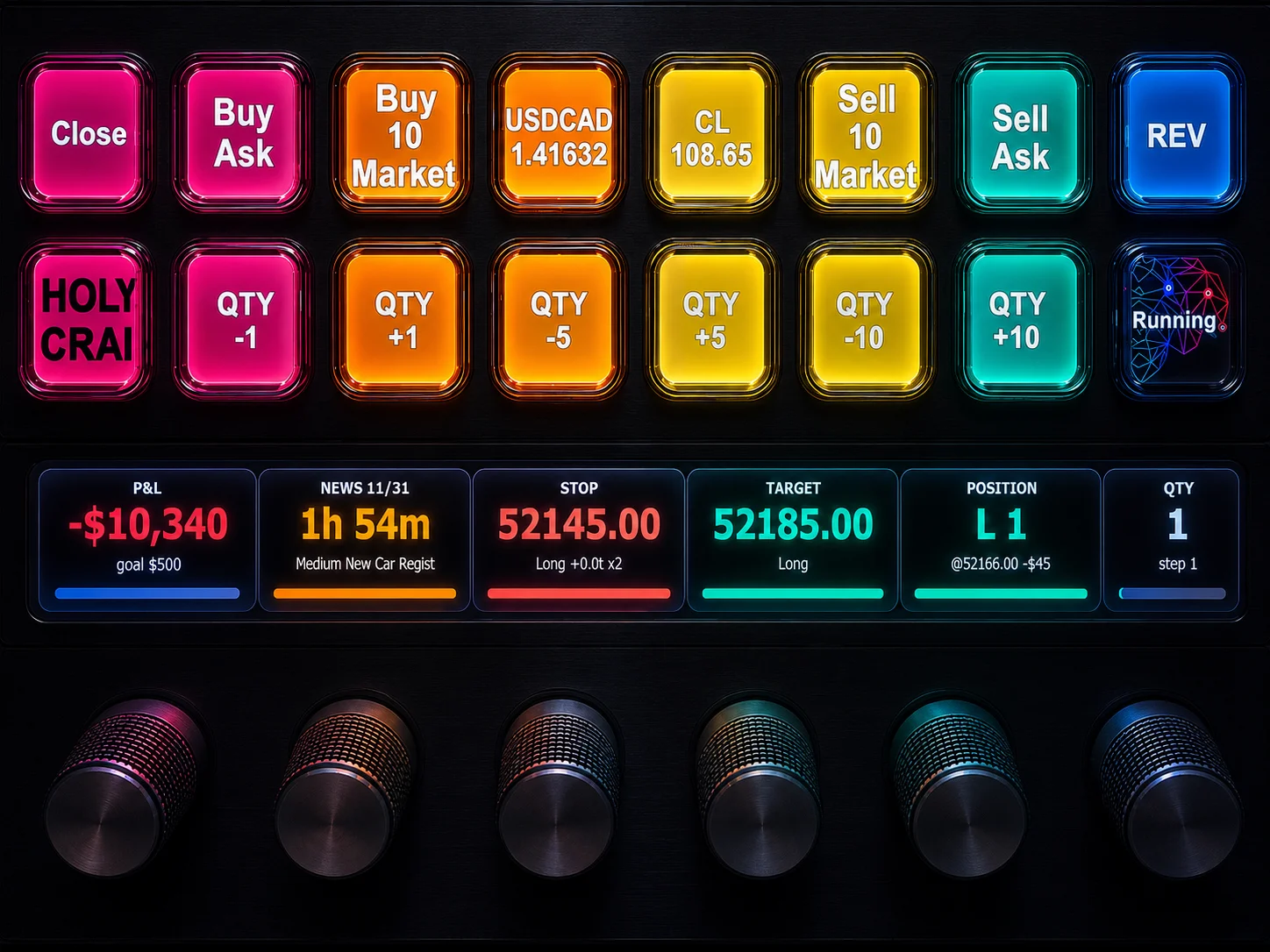
NinjaTrader 8 Hotkeys: Best Shortcuts for Faster Trading
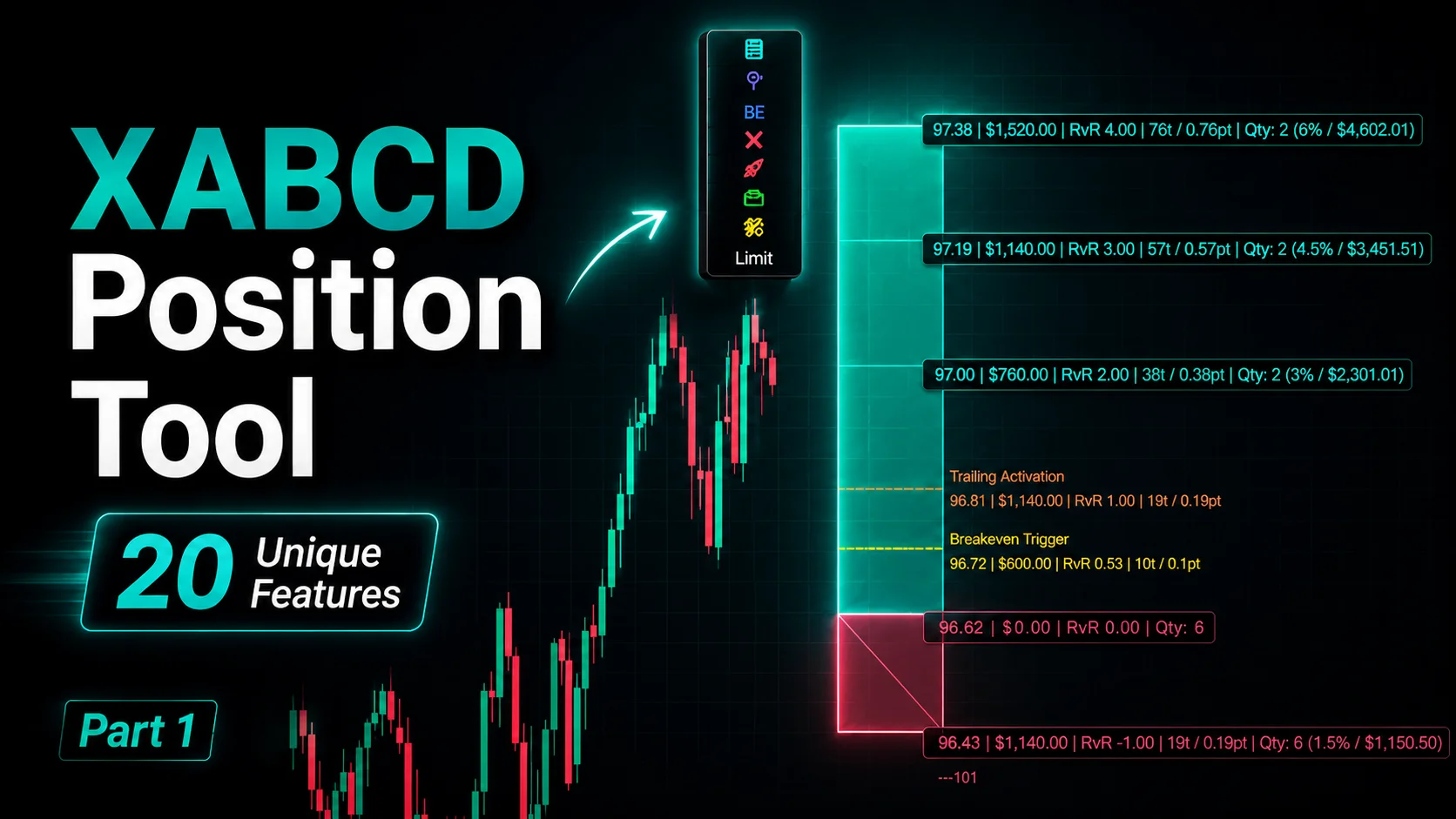
NinjaTrader Position Sizing Tool: 64 Features Stock NT8 Does Not Include
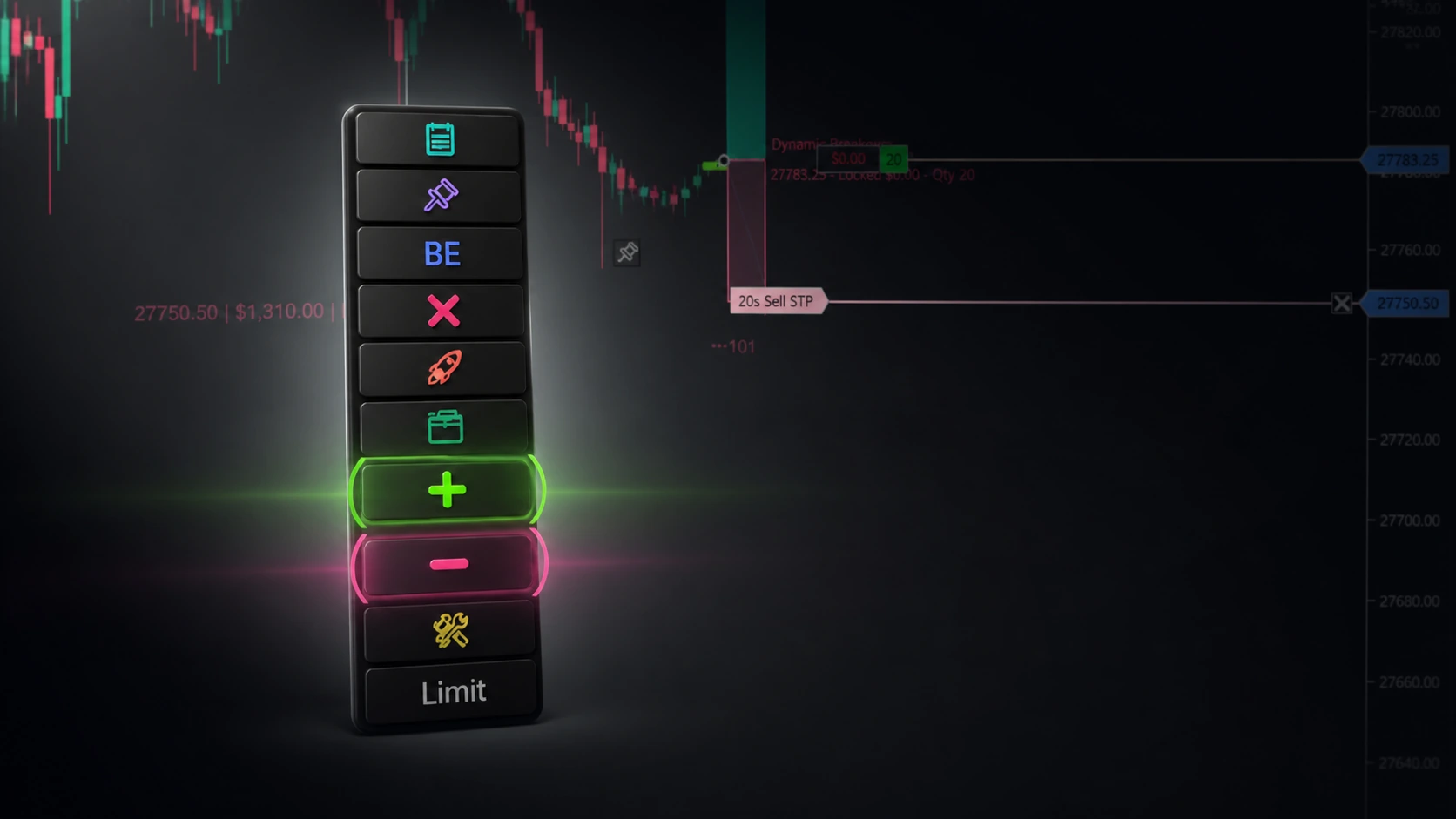
NinjaTrader – Adding to Position: A Field Guide for Active Traders