XABCD TRADING

NinjaTrader Web vs Desktop Versions
Subscribe
to get alerts to our next blog post!
NinjaTrader web gives traders a simple way to access the markets without installing full desktop software, but convenience is only one part of the decision. If you are comparing browser-based access with the full platform, it is important to look at flexibility, charting depth, platform limitations, and long-term trading goals. This NinjaTrader desktop vs web comparison will help you understand which option makes the most sense, while also touching on NinjaTrader system requirements and what to expect from a proper NinjaTrader platform setup guide.
Accessibility: Installation, Platform Compatibility, and Ease of Access
Installation and Setup
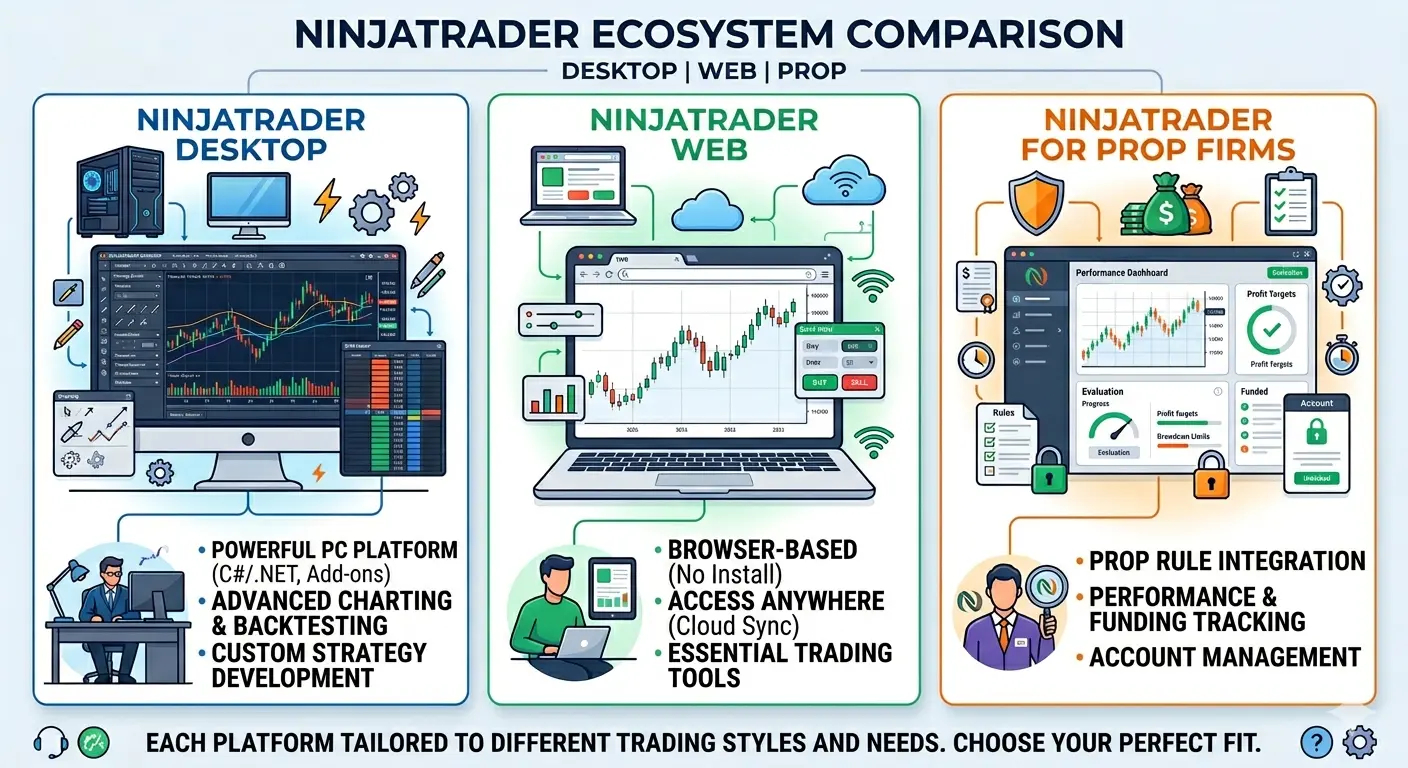
NinjaTrader Desktop - has to be installed on a Windows 10 or higher. NinjaTrader has its' own system requrements, but you can see how ours compares to ninjatraders system requirments. This is the most popular option as the desktop version allows you to customize everything and gives you greater performance and flexibility.
NinjaTrader Web - is good for those who want to run NinjaTrader on any devices, but it comes with a lack of features compared to the desktop version so it might not be for everyone. If you're just looking to buy or sell the market on a mobile device, this might be just what you need. However, if you need to do more advanced trading, you will want to install the desktop version of NinjaTrader. It should also be noted that you won't be able to use the same brokerage account across both platforms. This means you won't be able to work of NinjaTrader Desktop but use the NinjaTrader Web version once you move away from the platform.
NinjaTrader on MAC - If you run a mac, you will need to use virtulzation to achieve these same results and can follow our specific setup guide for NinjaTrader running on a MAC. This will mean setting up a virtual machine with Windows 10 or 11. Setup will probably take you about an hour or two if your a first time user. However, this only has to be done once and then your all set forever. There is no mobile version of NinjaTrader Desktop, but there is a mobile version of NinjaTrader brokerage which will let you manage your orders.
Verdict: Installation and Setup
Although the desktop version has a larger learning curve, it's more worth while to start learning it and using a more powerful platform. This is good if trading is a long term desire or goal. Be sure to checkout our youtube channel with over 75 short video tutorials that will have you turned into a ninja over the course of a weekend.
NinjaTrader Prop and Platform Access
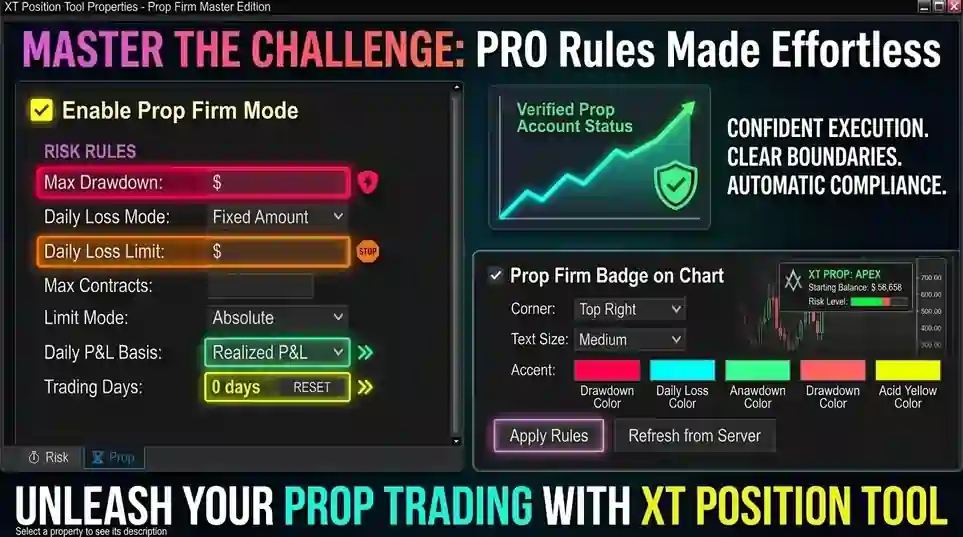
Another option to mention is NinjaTrader Prop, which is designed for prop traders and is offered through participating prop firms. NinjaTrader describes it as a platform built for traders working through evaluations and funded-account goals, with access across web, mobile, and desktop environments depending on the firm and setup. It also highlights features such as integrated TradingView chart trading, bracket orders, risk controls, and tools aimed at helping traders stay within firm rules.
This matters in a NinjaTrader desktop vs web discussion because prop traders may be looking not just at platform convenience, but also at rule-based features that help them avoid account violations. NinjaTrader Prop specifically promotes controls such as daily loss caps, profit targets, and volume controls, and recent support documentation also shows prop-firm connection guides for the web app as well as lockout features for prop users.
For users comparing access options, the key point is that NinjaTrader Prop is less about replacing the standard platform discussion and more about adding a prop-focused layer on top of it. Traders still need to think about device compatibility, workflow, and learning curve, but prop users may also care about whether their setup supports firm rules, evaluations, and account protection features.
Features: Advanced Tools, Customization Options, and Trading Functionality
Customization Options and Flexibility
NinjaTrader Workspaces
If you've used NinjaTrader Desktop you would know how handy it is to have multiple workspaces and stretch them across multiple monitors exactly the way you need things to setup every single time. However, in NinjaTrader Web, you don't have the same flexibility because everything needs to be stored in one open web browser window. You can't detach a chart and have it placed on any monitor or different virtual desktops.
Personalized Chart Settings: Traders have extensive control over chart settings, including timeframes, chart types, colors, and drawing tools. They can save custom chart templates for easy access.
Custom Indicators and Strategies: NinjaTrader Desktop supports the development and integration of custom indicators like our popular XABCD Pattern Suite.
Advanced Order Types: Users can access a wide range of advanced order types, such as bracket orders, OCO (one-cancels-the-other) orders, and trailing stops, for precise trade management
If you've used NinjaTrader Desktop you would know how handy it is to have multiple workspaces and stretch them across multiple monitors exactly the way you need things to setup every single time. However, in NinjaTrader Web, you don't have the same flexibility because everything needs to be stored in one open web browser window. You can't detach a chart and have it placed on any monitor or different virtual desktops.
Personalized Chart Settings: Traders have extensive control over chart settings, including timeframes, chart types, colors, and drawing tools. They can save custom chart templates for easy access.
Custom Indicators and Strategies: NinjaTrader Desktop supports the development and integration of custom indicators like our popular XABCD Pattern Suite.
Advanced Order Types: Users can access a wide range of advanced order types, such as bracket orders, OCO (one-cancels-the-other) orders, and trailing stops, for precise trade management
Verdict: Customization Options and Flexibilityin NinjaTrader Web and Desktop
This will depend on your trading goals. If you're just starting out this might be the option for you. It won't feel overwhelming and you'll be able to start buying and selling. If you have been trading longer than 6 months, this might be too basic and you'll wand to load up the desktop version.
Conclusion of the Two Options
Summary Between Web Vs Desktop
The web version is for those who are just starting out. It could also be for those users on a mac and can't run virtilization - but if you can run vmware fusion, you will want to go that route as you'll quickly outgrow the web version.
The desktop version will provide all the customziation that you'll need and will also come with a bit of a learning curve. This however is worth while and is where it's at and what most traders will be using.
The desktop version will provide all the customziation that you'll need and will also come with a bit of a learning curve. This however is worth while and is where it's at and what most traders will be using.
New NinjaTrader Articles Delivered First
 (opens in a new tab)
Easy Order Tool
The Strategy


Scanning & Alerting

NinjaTrader Release
XABCD News (Free Version)
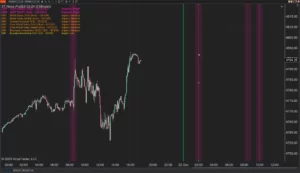
XABCD News (Community Edition) is the best free Indicator for NinjaTrader 8. Don't let news sneak up on you again. Puts economic news events on your charts so you can stay informed and move around positions/stops before the news is released. Works in any market.
XABCD Priceline (Free)
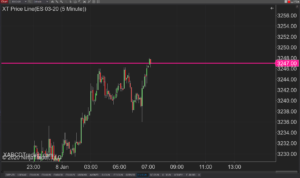
XABCD Price Line tool for NinjaTrader 8 will draw a line at current price and move every time the market changes price. This is useful because it will allow you to easily identify where price is at all times and the exact quoted price.
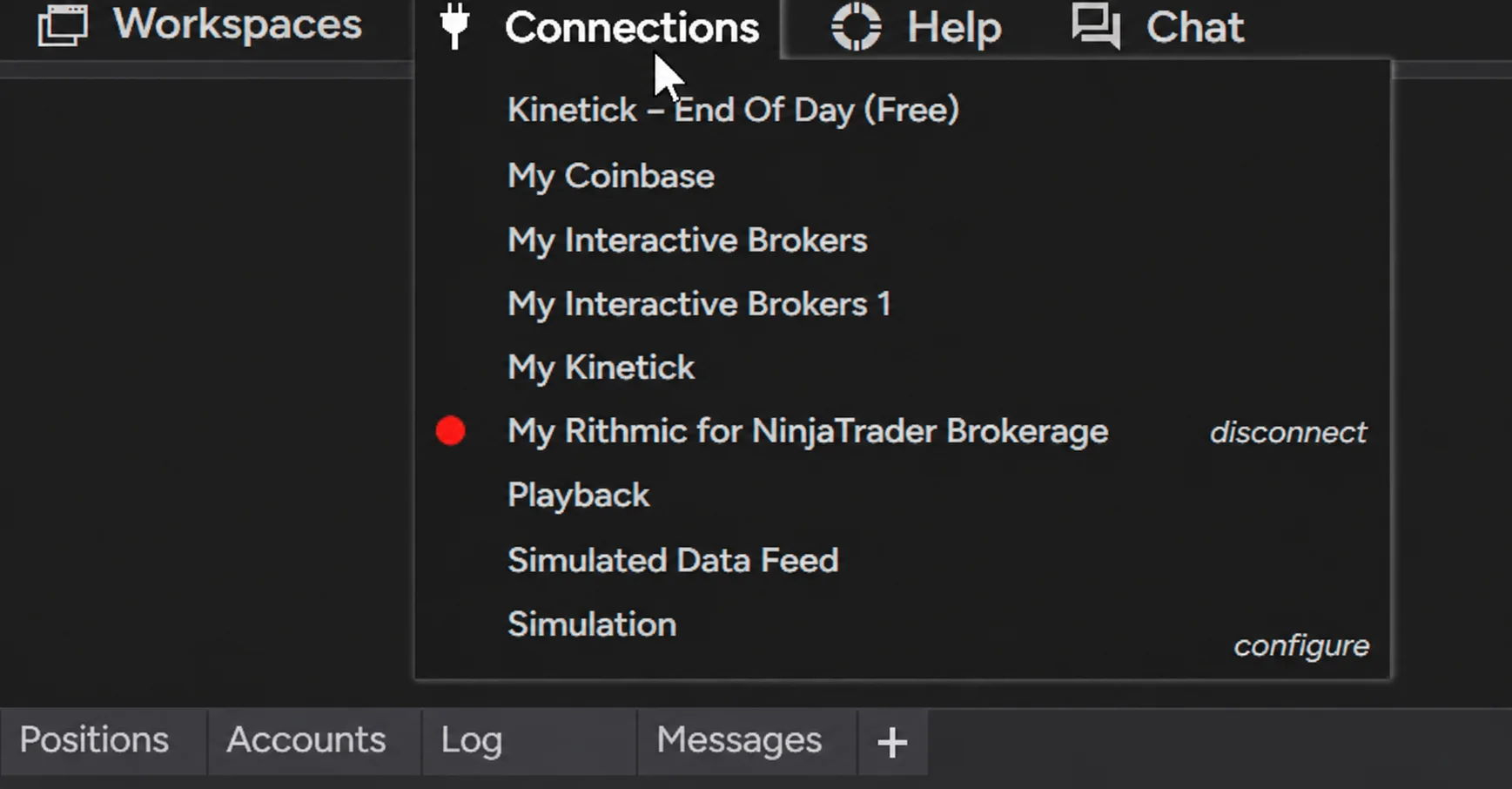
NinjaTrader Data Feed Not Updating? Quick Fixes

NinjaTrader Risk Per Trade: Risk $500 on Every Trade
NinjaTrader 8.1.8 Review: Should You Upgrade or Wait?
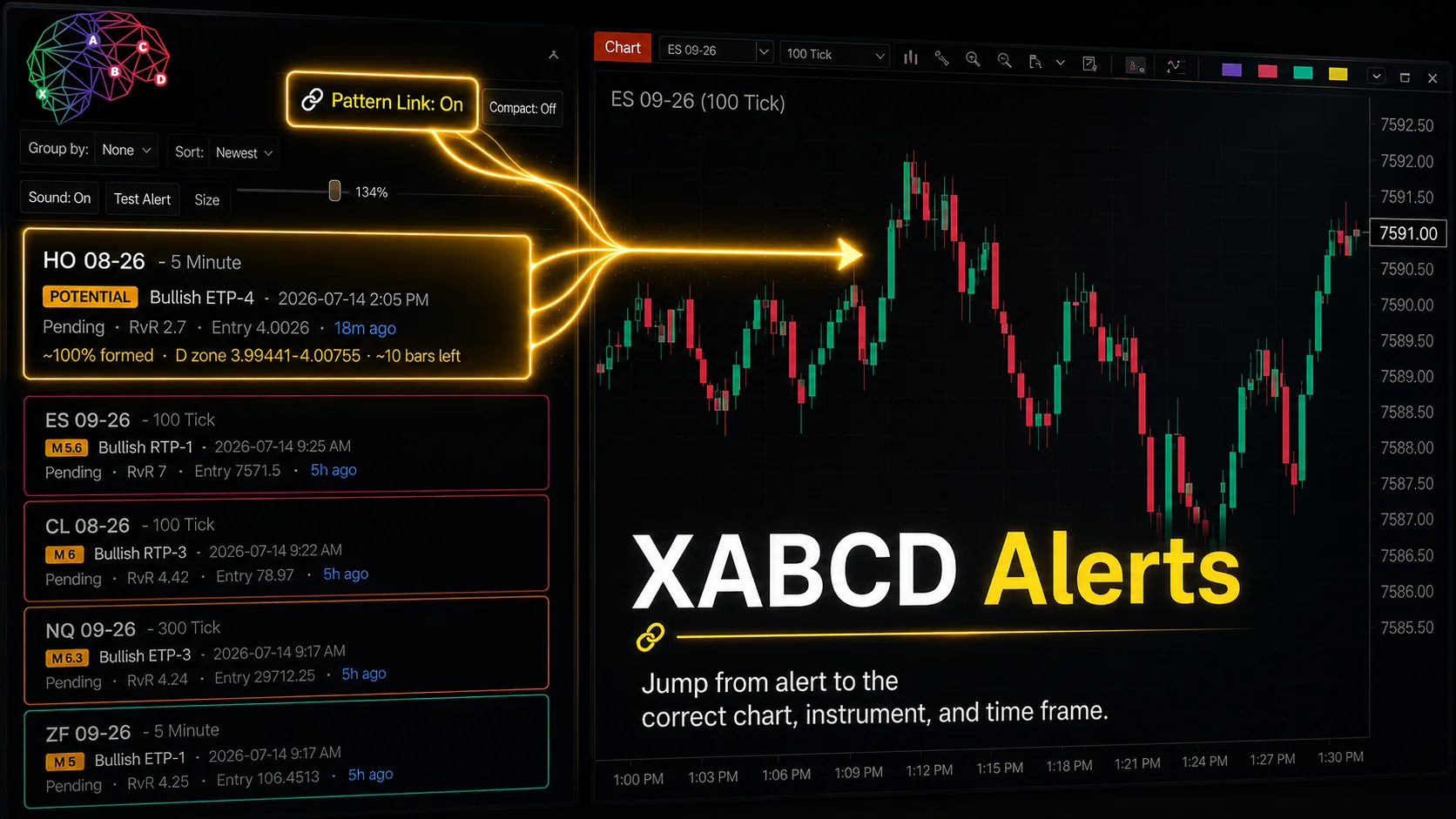
XABCD Pattern Alerts: The Complete Guide for Traders
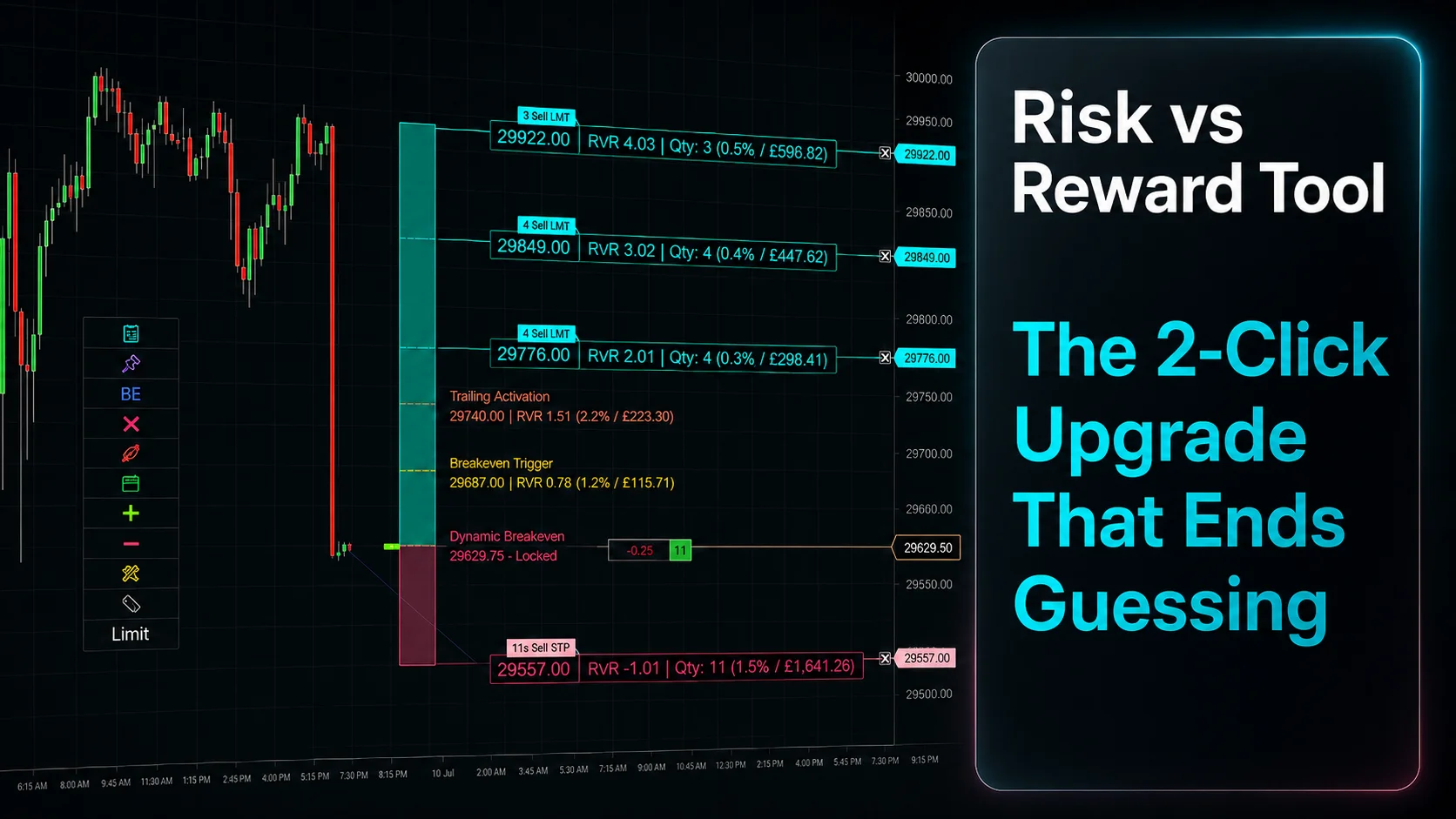
Risk vs Reward Tool: The 2-Click Upgrade That Ends Guessing
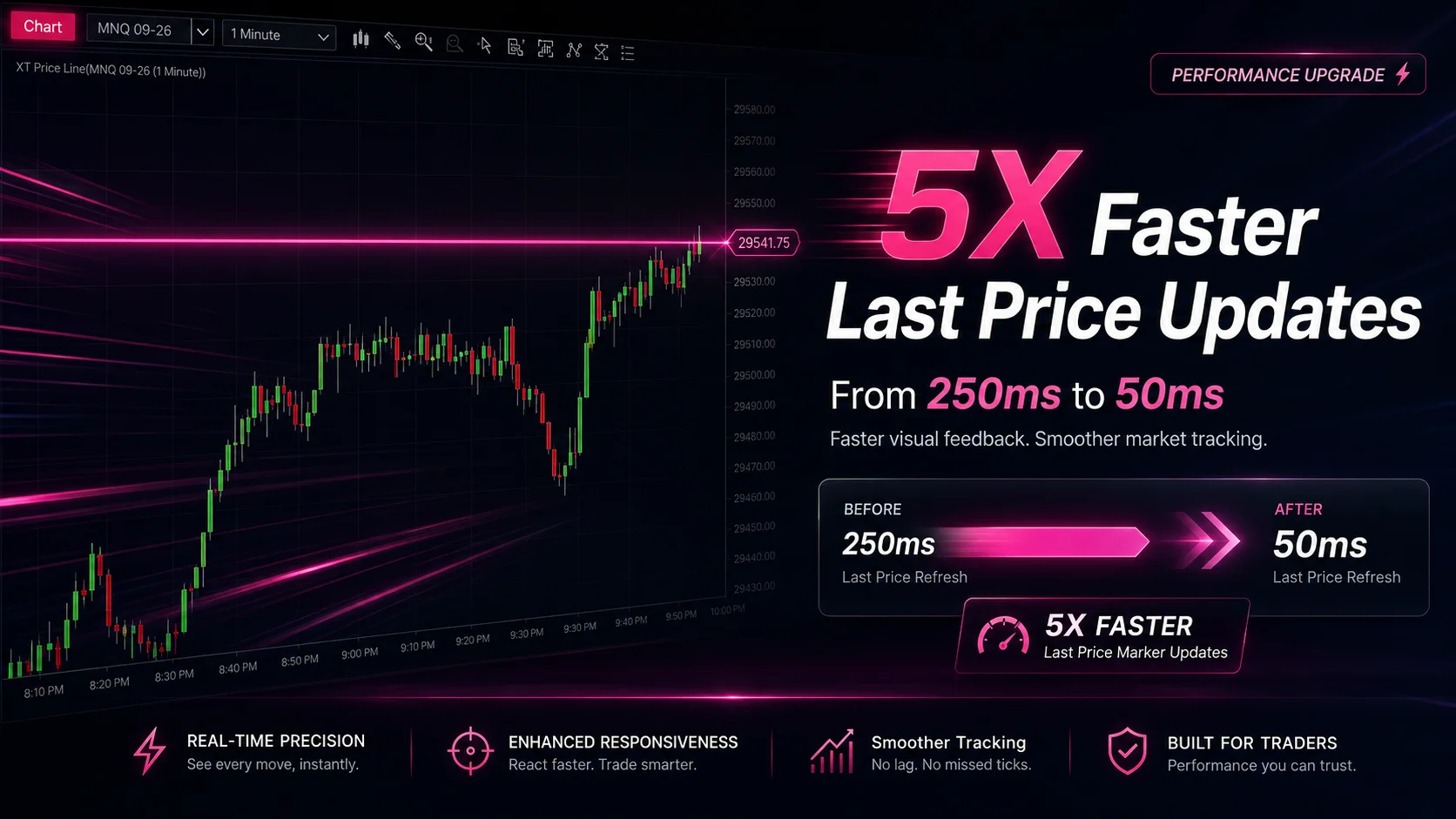
NinjaTrader Faster Last Price Updates on Charts Explained
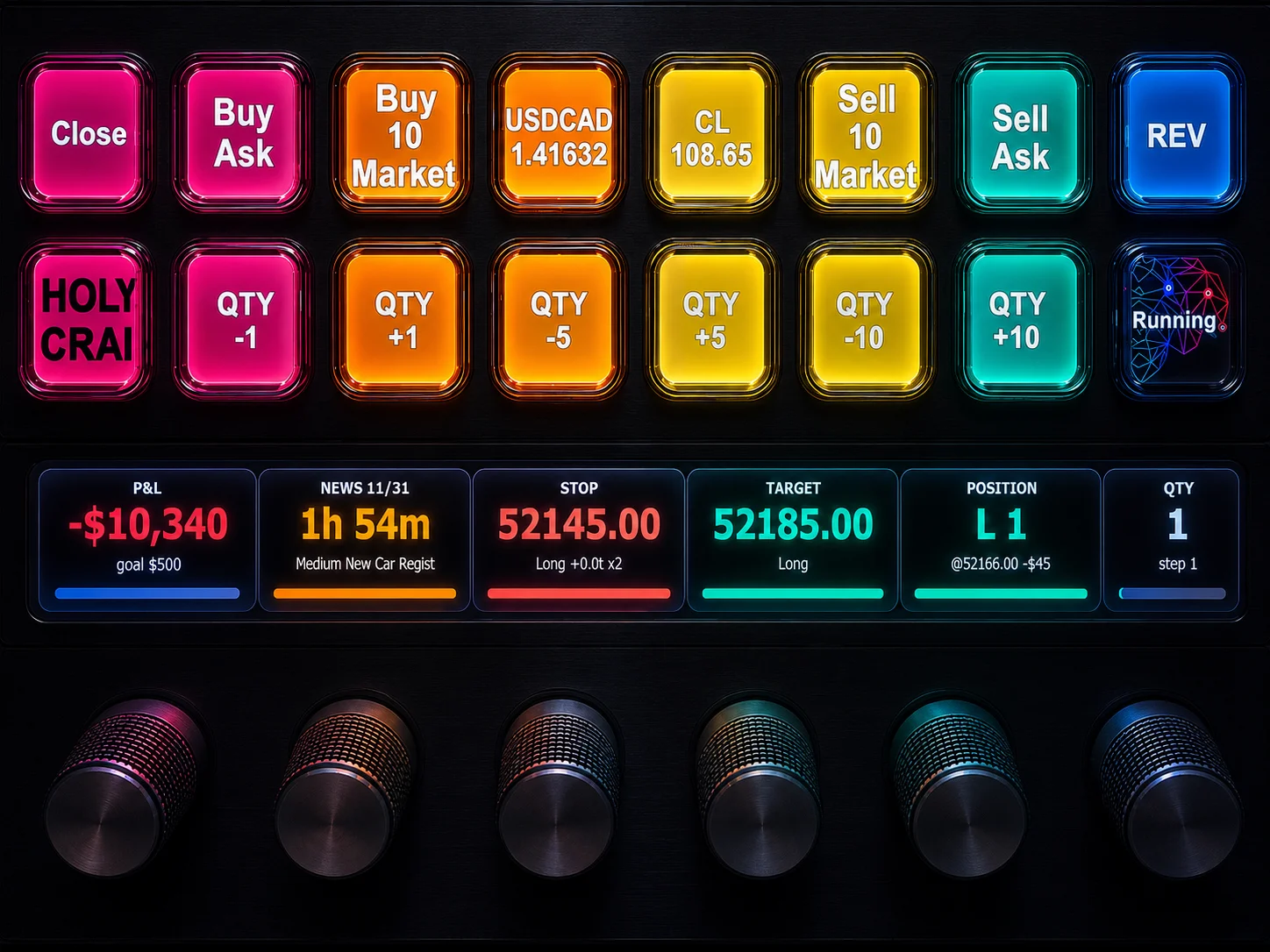
NinjaTrader 8 Hotkeys: Best Shortcuts for Faster Trading
NinjaTrader Position Sizing Tool: 64 Features Stock NT8 Does Not Include
NinjaTrader – Adding to Position: A Field Guide for Active Traders