XABCD TRADING

NinjaTrader 8 Data Providers for 2026
Subscribe
to get alerts to our next blog post!
If you trade futures on NinjaTrader, your data feed is everything. Seriously. You can have the best strategy in the world, but if your NinjaTrader data providers are slow or unreliable, you're going to have a bad time.
So let's break it down. In this guide, we're covering the seven best NinjaTrader data providers available right now in 2026. We'll look at what each one offers, what it costs, and who it's best for. Whether you're just getting started or you've been trading for years, picking the right data feed can make a real difference in your results.
Let's jump in.
Why Your NinjaTrader Data Feed Matters More Than You Think
Before we get into the list, let's talk about why this even matters.
Your NinjaTrader data feed is the backbone of everything you do on the platform. It controls the price data flowing into your charts, your indicators, and your order execution. If it's laggy, you'll see delayed quotes. If it drops out, you could miss a trade or worse — get stuck in one.
Furthermore, the quality of your historical data matters too. If you're backtesting strategies or running pattern recognition tools like the XABCD Pattern Suite, bad data means bad results. Your patterns won't plot correctly. Your stats will be off. And your confidence in a setup will be misplaced.
In other words, your data provider isn't just a utility bill. It's a core part of your trading edge.
What to Look for in NinjaTrader Data Providers
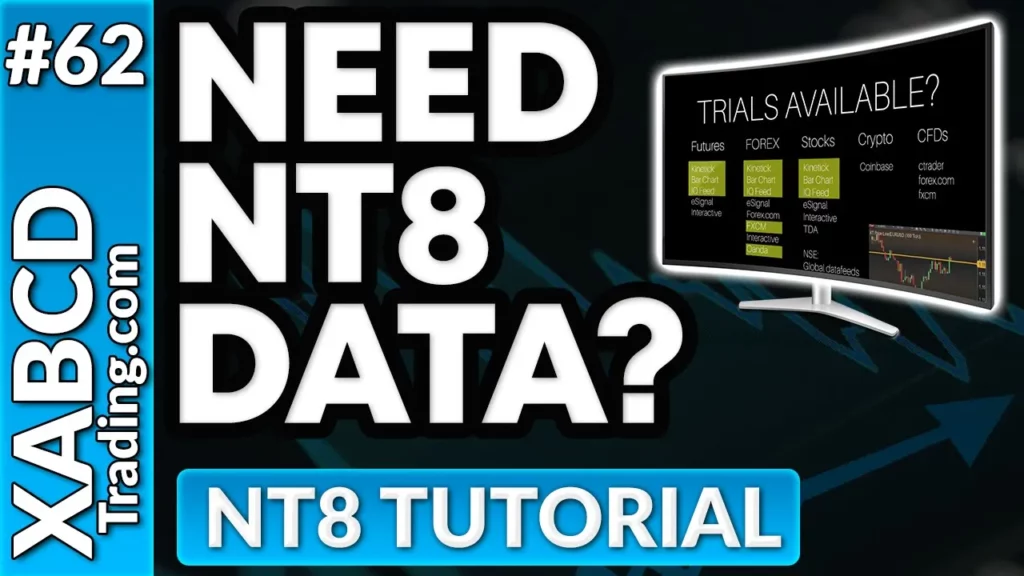
Before you pick a provider, there are a few things you'll want to consider. Not all NinjaTrader data providers are created equal, so here's what to keep in mind.
Real-Time vs. Delayed Data
First of all, some providers offer free delayed data while charging for real-time feeds. If you're actively day trading futures, you absolutely need real-time data. Delayed data is fine for learning, but it won't cut it when real money is on the line.
Market Coverage
Additionally, think about what markets you trade. Some NinjaTrader data providers focus on futures only. Others cover stocks, forex, and options too. If you trade across multiple asset classes, you'll want a provider with broader coverage.
Historical Data Depth
On top of that, historical data depth varies a lot between providers. Some give you years of tick-level data. Others only provide a few months. If you're a backtester or you rely on pattern analysis, deeper history is better.
Reliability and Uptime
Moreover, uptime matters. A data feed that drops out during the opening bell is worse than useless. Look for providers with a solid track record of stability, especially during high-volume market events.
Cost
Finally, price is always a factor. Some NinjaTrader data providers are free with a brokerage account. Others charge a separate monthly fee. We'll cover pricing for each provider below.
Kinetick — Best Free Option for NinjaTrader Users
Kinetick is the data feed that NinjaTrader themselves built. As a result, it's the most tightly integrated option available. If you've ever opened NinjaTrader for the first time, Kinetick is likely what they pointed you toward.
What You Get
Kinetick NinjaTrader integration is seamless. You get real-time and historical data for futures, forex, and equities. The setup process takes about two minutes. There's no fiddling with third-party connections or API keys.
In addition, Kinetick offers end-of-day data completely free. For real-time NinjaTrader futures data, you'll need a paid subscription.
Who It's Best For
Kinetick NinjaTrader is the go-to choice for beginners and anyone who wants a plug-and-play experience. Because it's built by the same team, you'll rarely run into compatibility issues. However, some advanced traders find its tick data less granular than other options.
| Pros | Cons |
|---|---|
| Native NinjaTrader integration | Real-time data requires a paid plan |
| Free end-of-day data | Tick data depth isn't as deep as some competitors |
| Simple setup | Exchange fees are separate |
| Reliable for most use cases |
Rithmic
What You Get
Rithmic provides ultra-low-latency market data, which means you're seeing price changes as fast as possible. On top of that, their order routing is equally fast. Many prop firms and funded trader programs actually require Rithmic as their data feed.
Consequently, if you're trading with a prop firm through NinjaTrader, there's a good chance you're already using Rithmic.
Who It's Best For
Active futures day traders. Period. If you're scalping ES, NQ, or CL and every millisecond counts, Rithmic is hard to beat. It's also the standard NinjaTrader data feed for most prop trading firms.
Pricing
Active futures day traders. Period. If you're scalping ES, NQ, or CL and every millisecond counts, Rithmic is hard to beat. It's also the standard NinjaTrader data feed for most prop trading firms.
| Pros | Cons |
|---|---|
| Extremely low latency | Not ideal for equities or forex |
| Deep NinjaTrader futures data | Setup can be slightly more involved than Kinetick NinjaTrader |
| Widely supported by prop firms | Some brokers charge extra for Rithmic access |
| Solid order routing |
Pro tip: If you're using Rithmic and want to speed up your order entry, check out the XABCD Hotkey tool for NinjaTrader. It lets you place, modify, and close trades with a single keystroke — which pairs perfectly with a fast data feed like Rithmic.
CQG (Continuum)
What You Get
CQG, also known as Continuum when used with NinjaTrader, is an institutional-grade NinjaTrader data feed. It's been around for decades and is trusted by hedge funds, banks, and professional trading desks worldwide.
CQG provides rock-solid market data for futures, options on futures, and forex. Their infrastructure is specifically designed for reliability. As a result, you rarely hear about outages or data gaps with CQG.
In addition, CQG offers excellent historical data depth. This makes it a strong choice for traders who run backtests or use pattern-based analysis tools.
Pricing
CQG access is usually bundled through your broker (like NinjaTrader Brokerage, Dorman Trading, or Phillip Capital). The data feed itself is often free with an active trading account, though exchange fees apply as always.
Who It's Best For
CQG is ideal for traders who want rock-solid reliability above all else. If you've been burned by data outages in the past, CQG Continuum is worth a serious look. It's also great for traders who need clean historical data for backtesting.
Meanwhile, if you're using pattern recognition software like the XABCD Pattern Suite, clean historical data from CQG means more accurate pattern detection and better trade setups.
| Pros | Cons |
|---|---|
| Institutional-grade reliability | Can feel overkill for casual traders |
| Deep historical data | Less flexible for equities |
| Widely supported by NinjaTrader brokers | Pricing varies widely by broker |
| Excellent for options on futures |
Pro tip: If you're using Rithmic and want to speed up your order entry, check out the XABCD Hotkey tool for NinjaTrader. It lets you place, modify, and close trades with a single keystroke — which pairs perfectly with a fast data feed like Rithmic.
IQFeed (DTN)
IQFeed, powered by DTN, is one of the most respected NinjaTrader data providers in the retail trading space. It's been a favorite among serious traders for years, and it continues to deliver in 2026.
What You Get
IQFeed gives you real-time and historical data for stocks, futures, forex, and options. That breadth of coverage is hard to match. Furthermore, their historical data goes back years, even at the tick level.
The data quality from IQFeed is consistently rated among the best. It's unfiltered, meaning you get every single tick. For traders who rely on precise data — especially those using NinjaTrader data providers for technical analysis — this matters a lot.
Pricing
- Base service: Around $80/month
- Exchange fees: Additional (CME, CBOT, etc.)
- Free trial available
Who It's Best For
IQFeed is perfect for traders who need data across multiple asset classes. If you trade futures in the morning and swing-trade stocks in the afternoon, IQFeed covers both. It's also excellent for anyone who needs deep historical tick data for backtesting.
Similarly, if you're using the XABCD Position Tool to manage your position sizing across different instruments, having a reliable multi-asset NinjaTrader data feed like IQFeed ensures your risk calculations are always based on accurate data.
| Pros | Cons |
|---|---|
| Unfiltered tick data | Higher monthly cost than some alternatives |
| Multi-asset coverage (stocks, futures, forex, options) | Setup requires a separate IQFeed account |
| Years of historical data | Interface feels a bit dated |
| Highly reliable |
dxFeed
dxFeed is a newer name in the NinjaTrader data providers space, but it's quickly gaining traction. They specialize in delivering high-quality market data through modern infrastructure.
What You Get
dxFeed provides real-time and historical data for futures, equities, and indices. Their technology stack is more modern than many legacy providers, which translates to faster data delivery and better uptime.
Additionally, dxFeed is becoming a popular NinjaTrader data feed option for traders who also use other platforms. Their API-first approach means the same data subscription can often feed multiple tools.
Pricing
Pricing varies depending on your broker or direct subscription. Some NinjaTrader-compatible brokers now include dxFeed as a default option. Exchange fees apply separately.
Who It's Best For
Tech-savvy traders who want modern infrastructure will appreciate dxFeed. It's also a solid choice for traders who use multiple platforms alongside NinjaTrader. If you value clean, fast data delivery, dxFeed is worth considering.
| Pros | Cons |
|---|---|
| Modern technology stack | Smaller community compared to Rithmic or Kinetick |
| Growing NinjaTrader support | Broker availability can be limited |
| Clean data quality | Still building out some historical data sets |
| Multi-platform friendly |
Barchart
Barchart has a long-standing partnership with NinjaTrader, making it one of the officially supported standalone NinjaTrader data providers. While it doesn't get as much attention as Rithmic or IQFeed, Barchart quietly delivers reliable, exchange-sourced data at a lower price point.
What You Get
Barchart provides real-time streaming quotes for futures and equities sourced directly from the exchanges. You also get historical data for charting and backtesting. As a result, it covers the basics that most retail traders actually need without the extras you might never use.
In addition, Barchart offers a simple web-based subscription management system. You can sign up, pick your exchanges, and get connected without jumping through hoops. It's also worth noting that you can use Barchart as your data source while routing orders through a different broker — a nice bit of flexibility.
Pricing
- Generally positioned as a budget-friendly option
- Specific pricing available through Barchart's registration portal
- Exchange fees apply on top of base subscription
- Typically cheaper than IQFeed but more than CQG via NinjaTrader Brokerage
Who It's Best For
Barchart is ideal for budget-conscious traders who need reliable real-time data without premium pricing. If you trade futures and U.S. equities and don't need full order book depth, Barchart gets the job done at a fair price.
| Pros | Cons |
|---|---|
| Official NinjaTrader integration | Fewer features than IQFeed or Rithmic |
| Affordable compared to premium providers | Limited historical data compared to top-tier providers |
| Reliable exchange-sourced data | No full order book data |
| Can be paired with a separate broker for order routing | Smaller community presence in NinjaTrader circles |
| Simple web-based setup |
Interactive Brokers (TWS)
Interactive Brokers isn't just a data provider — it's a full brokerage. However, their Trader Workstation (TWS) data feed integrates directly with NinjaTrader, making it a legitimate NinjaTrader data feed option. That said, there are some important caveats to be aware of.
What You Get
Through IB's TWS connection, you get real-time data for stocks, futures, forex, options, bonds, and more. It's the broadest market coverage on this list by far. On top of that, you get access to international markets that most other NinjaTrader data providers don't cover.
Historical data is also available, though the depth varies by asset class. For NinjaTrader futures data, IB provides solid coverage of all major contracts.
Pricing
- Market data is included for active traders
- Inactivity fees may apply for low-volume accounts
- Exchange fees vary by market
- No separate data feed subscription needed if you trade through IB
Who It's Best For
Interactive Brokers is ideal for traders who want one account for everything. If you trade global markets and don't want to juggle multiple data subscriptions, IB simplifies things considerably.
In the meantime, if you trade news events across multiple asset classes, the XABCD News indicator for NinjaTrader pairs really well with IB's broad market coverage. It overlays economic events right on your chart so you never get blindsided by a news release.
| Pros | Cons |
|---|---|
| Broadest market coverage available | TWS can feel clunky to set up with NinjaTrader |
| No separate data subscription needed | API data throttling can cause "Loading" issues in NinjaTrader |
| Global market access | Historical tick data is not supported via IB in NinjaTrader |
| Competitive brokerage fees | Platform learning curve is steep |
| Requires specific TWS versions for compatibility | |
| Many experienced traders recommend pairing IB execution with a separate data feed |
How to Choose the Right NinjaTrader Data Provider for You
At this point, you might be wondering which of these NinjaTrader data providers is actually right for your situation. Here's a quick breakdown to help you decide.
If You're a Beginner
Start with Kinetick NinjaTrader. It's simple, it works out of the box, and the free end-of-day data lets you learn without spending extra. Once you're comfortable, you can always upgrade later.
If You're a Futures Day Trader
Go with Rithmic or CQG. Both provide excellent NinjaTrader futures data with low latency. Rithmic has a slight edge on speed, while CQG wins on reliability. Either way, you'll be well-served.
If You Trade Multiple Markets
IQFeed or Interactive Brokers are your best bets. IQFeed gives you the best data quality across assets, while IB gives you the convenience of one account for everything.
If You're Tech-Savvy or Build Algos
Look at dxFeed or IQFeed. Both offer clean, deep data that works well for automated trading systems and custom analysis.
Getting the Most Out of Your NinjaTrader Data Feed
Picking the right data provider is just one piece of the puzzle. To truly level up your NinjaTrader setup, you need the right tools working on top of that data.
For instance, once you have a reliable NinjaTrader data feed flowing in, you can take advantage of advanced position sizing. The XABCD Position Tool automatically calculates your position size based on your account risk, stop distance, and the instrument you're trading. As a result, you never have to do the math manually — and you never accidentally over-leverage a trade.
Similarly, clean data paired with the XABCD Pattern Suite means your XABCD patterns plot with precision. Bad data produces bad patterns. But when your NinjaTrader data providers are feeding you accurate tick data, the XABCD Pattern Suite can identify high-probability setups that you'd otherwise miss.
And if speed is your thing, the XABCD Hotkey tool lets you execute trades with a single keypress. Combine that with a fast NinjaTrader data feed from Rithmic, and you've got a setup that can compete with anyone.
Don't forget about news events either. Even the best NinjaTrader data providers can't protect you from a surprise Fed announcement. That's where the XABCD News indicator comes in. It displays upcoming economic events directly on your chart, so you always know when to be cautious.
Setting Up Your NinjaTrader Data Feed Connection
Once you've picked a provider, getting connected is usually pretty painless. Here's the general process.
First, create an account with your chosen data provider (unless it's bundled with your broker). Then, open NinjaTrader and navigate to Tools > Connections > Configure. From there, select your provider from the dropdown list and enter your login credentials.
After that, you'll want to subscribe to the specific exchanges you need. For example, if you trade E-mini S&P 500 futures, you'll need CME data. If you trade crude oil, you'll need NYMEX. Each exchange has its own fee, so only subscribe to what you actually trade.
Finally, test your connection by loading a chart. Make sure the data is flowing and that historical data loads properly. This step is especially important if you're using tools that depend on accurate historical data, like pattern recognition indicators.
Common Questions About NinjaTrader Data Providers
What are the best NinjaTrader data providers for real-time market data?
The best NinjaTrader data providers for real-time market data include Kinetick, Rithmic, CQG, IQFeed, and Interactive Brokers. Kinetick is a common choice because it works well with NinjaTrader and offers affordable exchange-sourced data. Rithmic and CQG are popular with futures traders who want fast data and strong order routing, while IQFeed is known for broad market coverage and deep historical data.
Can I use multiple data feeds at once?
Yes, NinjaTrader supports multiple data feed connections at the same time. For example, you could use one provider for futures and another for stocks or forex. This gives you more flexibility and lets you choose the data source that fits each market best.
How much does a NinjaTrader data feed cost per month?
NinjaTrader data feed costs can range from free end-of-day data to monthly real-time subscriptions that vary by provider and market. Some feeds are budget-friendly, while others cost more for lower latency, deeper historical data, or wider market coverage. On top of that, exchange fees are often added separately depending on which exchanges you need.
Do I need to pay exchange fees separately?
In most cases, yes. Exchange fees for markets like CME or CBOT are usually charged separately from the base cost of your NinjaTrader data provider. These fees are set by the exchanges, not the software platform, so your final monthly cost depends on both your provider and the markets you subscribe to.
What's the best free NinjaTrader data feed?
For free data, Kinetick is one of the most common options because it offers free end-of-day data for NinjaTrader users. If you want real-time data without paying for a separate standalone feed, Interactive Brokers can also be a practical option if market data is included with your active trading account. The best choice depends on whether you need end-of-day charts or live streaming quotes.
Can I use NinjaTrader data providers for free historical data?
Yes, some NinjaTrader data providers offer free historical data depending on the provider and your account setup. Kinetick gives users access to free end-of-day historical data, while some brokers include limited historical access with an active account. If you need deeper intraday or tick-based history, that usually requires a paid subscription.
How do I connect a data provider to NinjaTrader 8?
To connect a data provider to NinjaTrader 8, open the platform, go to the Connections menu, choose to configure a new connection, and select your provider from the list. After entering your login details and saving the connection, you can connect whenever you need live or historical market data.
How do I switch data providers in NinjaTrader?
Switching data providers in NinjaTrader is simple. You can add a new connection for another provider, save your credentials, and then connect to that provider when needed. NinjaTrader also lets you keep multiple connections configured, which makes it easy to change data sources without redoing the setup each time.
Does my data provider affect order execution?
Your data provider does not always control order execution, but it can still affect your trading experience. The data feed determines the prices you see on your charts and order entry tools, so delayed or lower-quality data can lead to bad timing. In some cases, providers such as Rithmic also handle order routing, which can have a more direct effect on execution speed.
Final Thoughts
Choosing the right NinjaTrader data feed is one of those decisions that quietly impacts everything you do as a trader. It affects your chart accuracy, your backtesting results, your order execution, and ultimately your bottom line.
Here's our recommendation: start with what matches your current trading style. If you're a futures trader, Rithmic or CQG should be at the top of your list. If you trade multiple markets, look at IQFeed. And if you're just getting started, Kinetick NinjaTrader is the easiest way to hit the ground running.
Whatever NinjaTrader data feed you choose, make sure you're pairing it with the right tools. A great data feed combined with the XABCD Pattern Suite, the XABCD Position Tool, XABCD Hotkey, and the XABCD News indicator gives you a complete, professional-grade NinjaTrader setup.
Because at the end of the day, trading is a game of edges. And every edge counts.
New NinjaTrader Articles Delivered First

Easy Order Tool
The Strategy


Scanning & Alerting

NinjaTrader Release
XABCD News (Free Version)
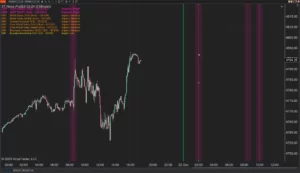
XABCD News (Community Edition) is the best free Indicator for NinjaTrader 8. Don't let news sneak up on you again. Puts economic news events on your charts so you can stay informed and move around positions/stops before the news is released. Works in any market.
XABCD Priceline (Free)
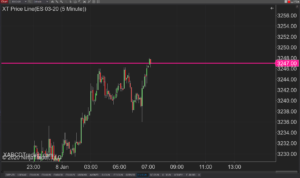
XABCD Price Line tool for NinjaTrader 8 will draw a line at current price and move every time the market changes price. This is useful because it will allow you to easily identify where price is at all times and the exact quoted price.
NinjaTrader 8.1.8 Review: Should You Upgrade or Wait?
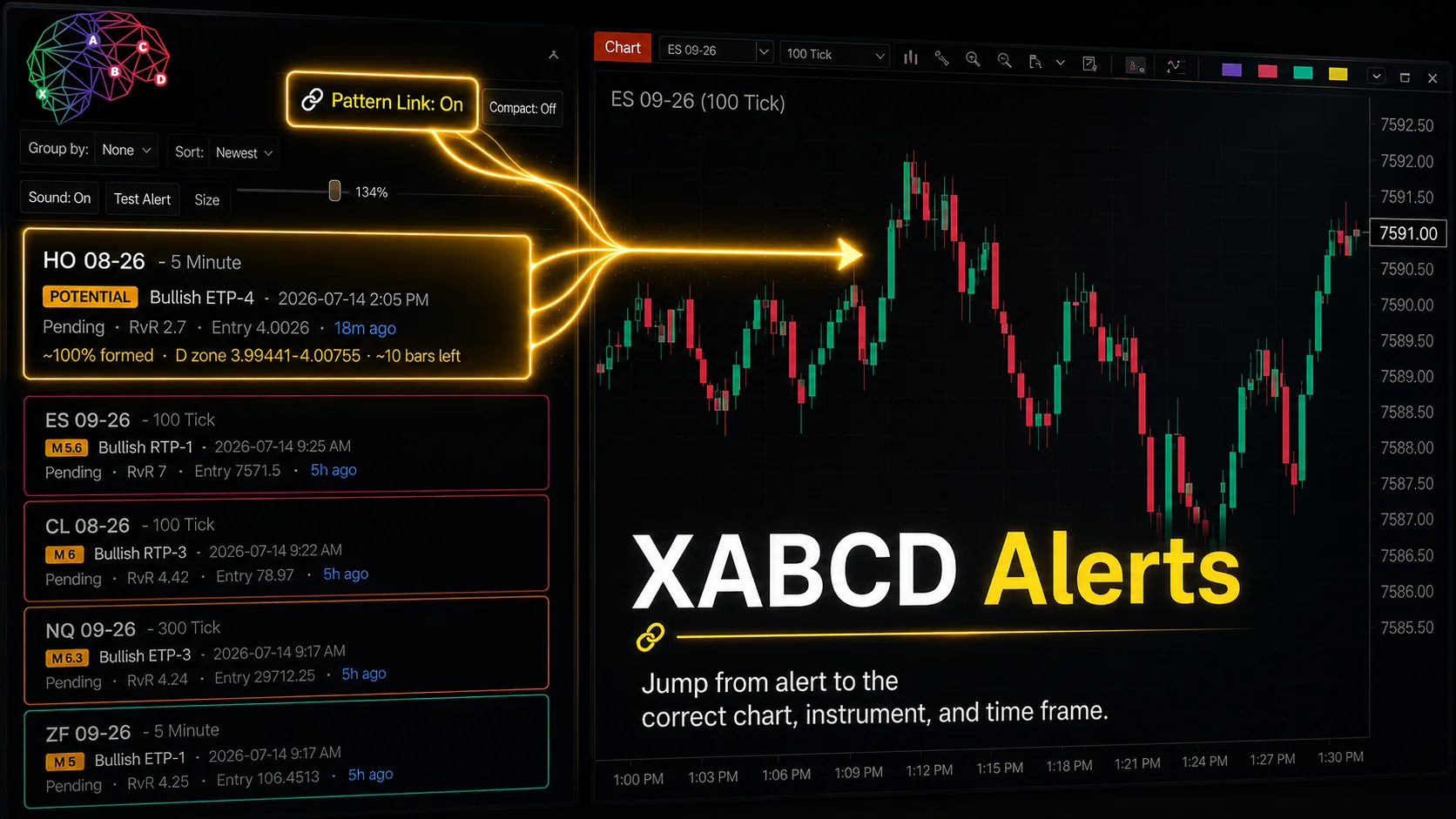
XABCD Pattern Alerts: The Complete Guide for Traders
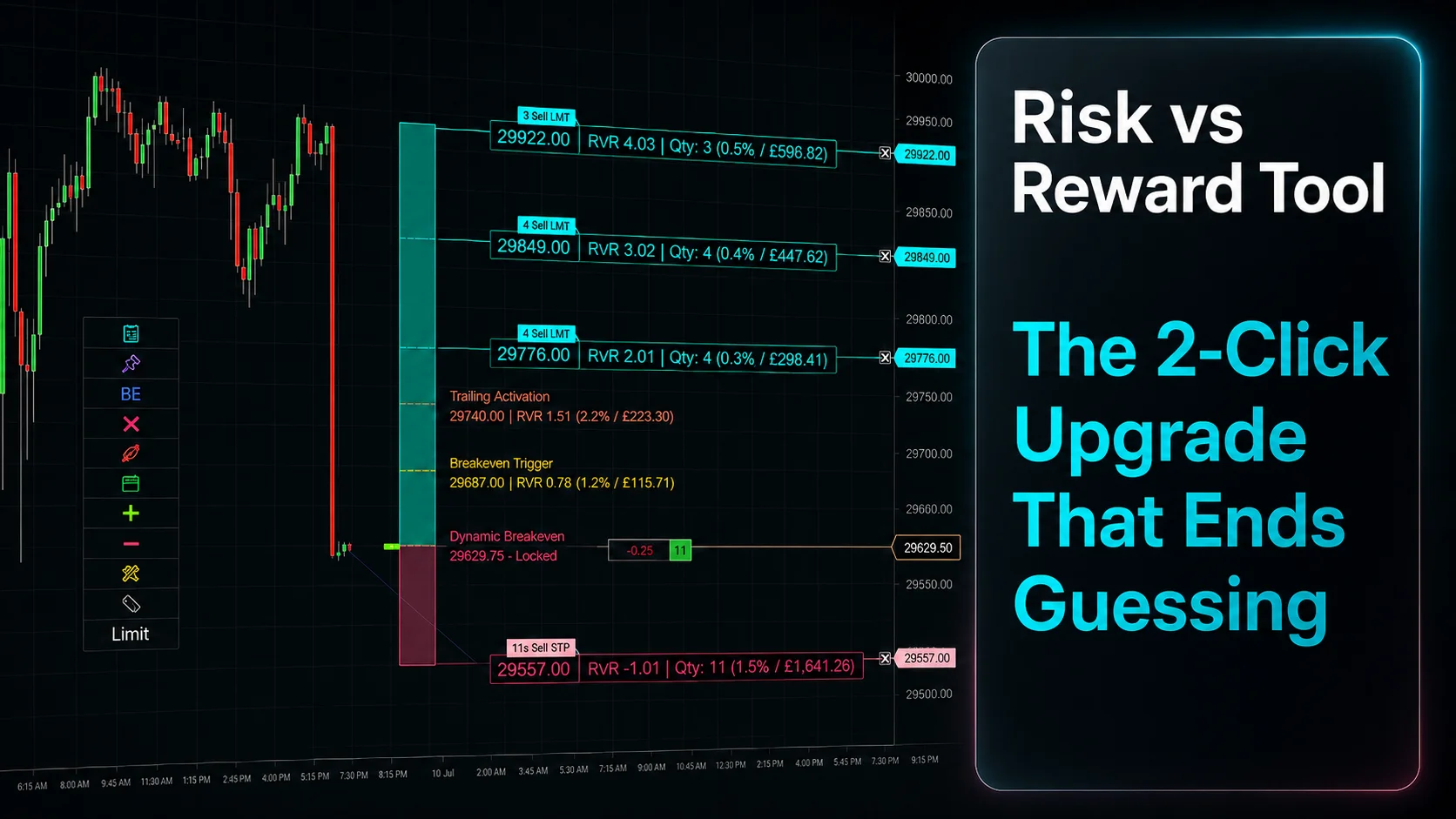
Risk vs Reward Tool: The 2-Click Upgrade That Ends Guessing
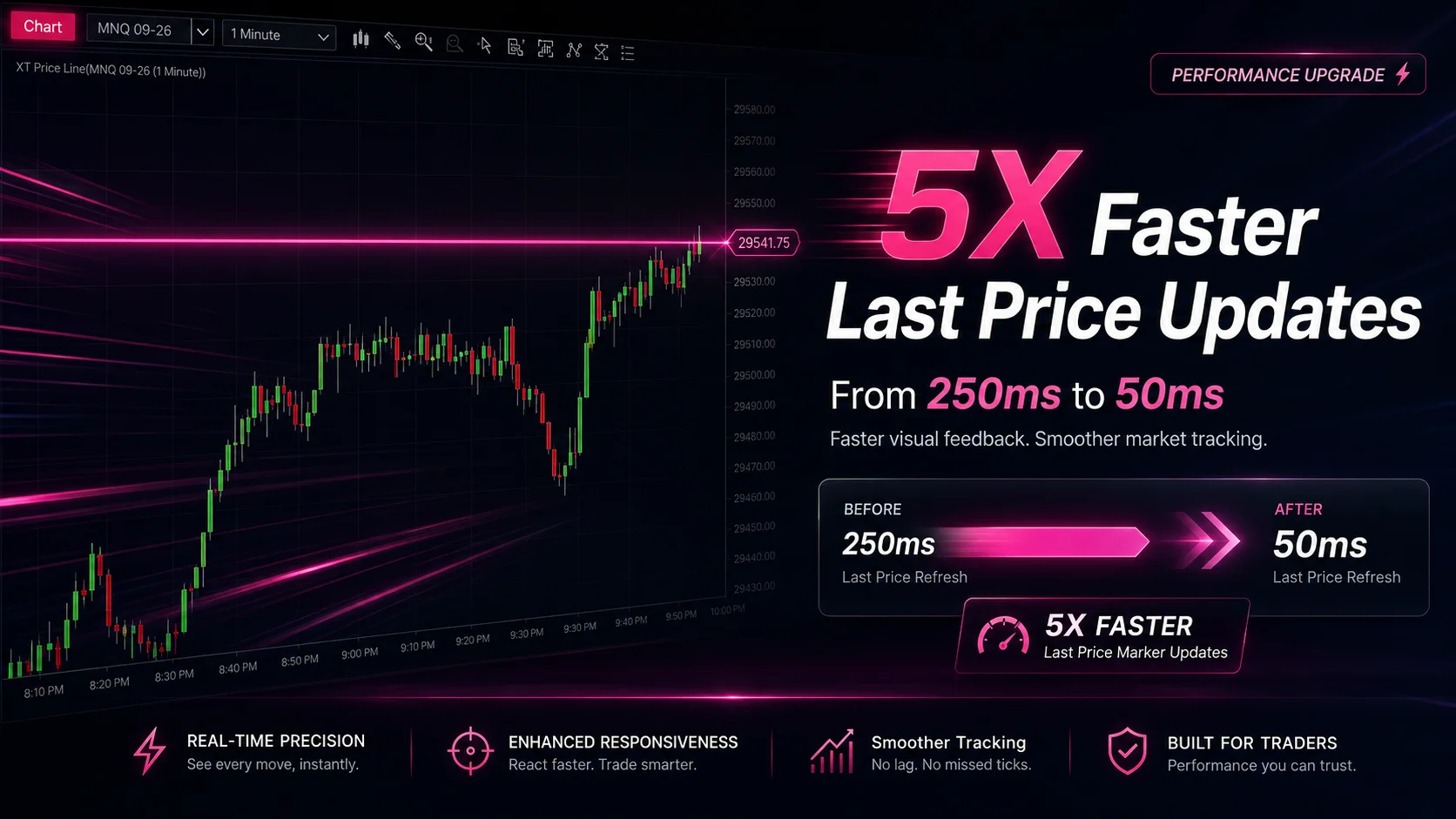
NinjaTrader Faster Last Price Updates on Charts Explained
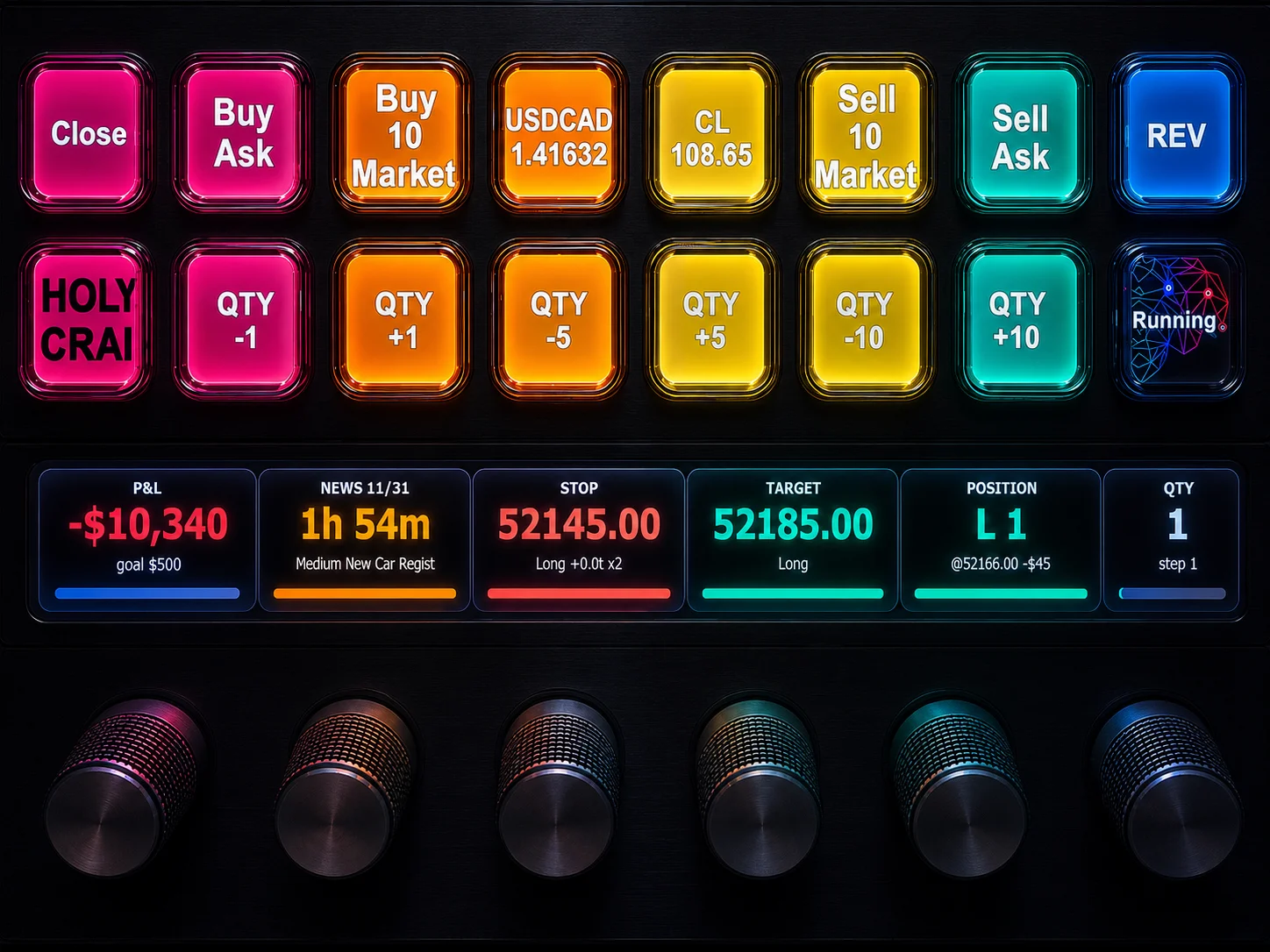
NinjaTrader 8 Hotkeys: Best Shortcuts for Faster Trading
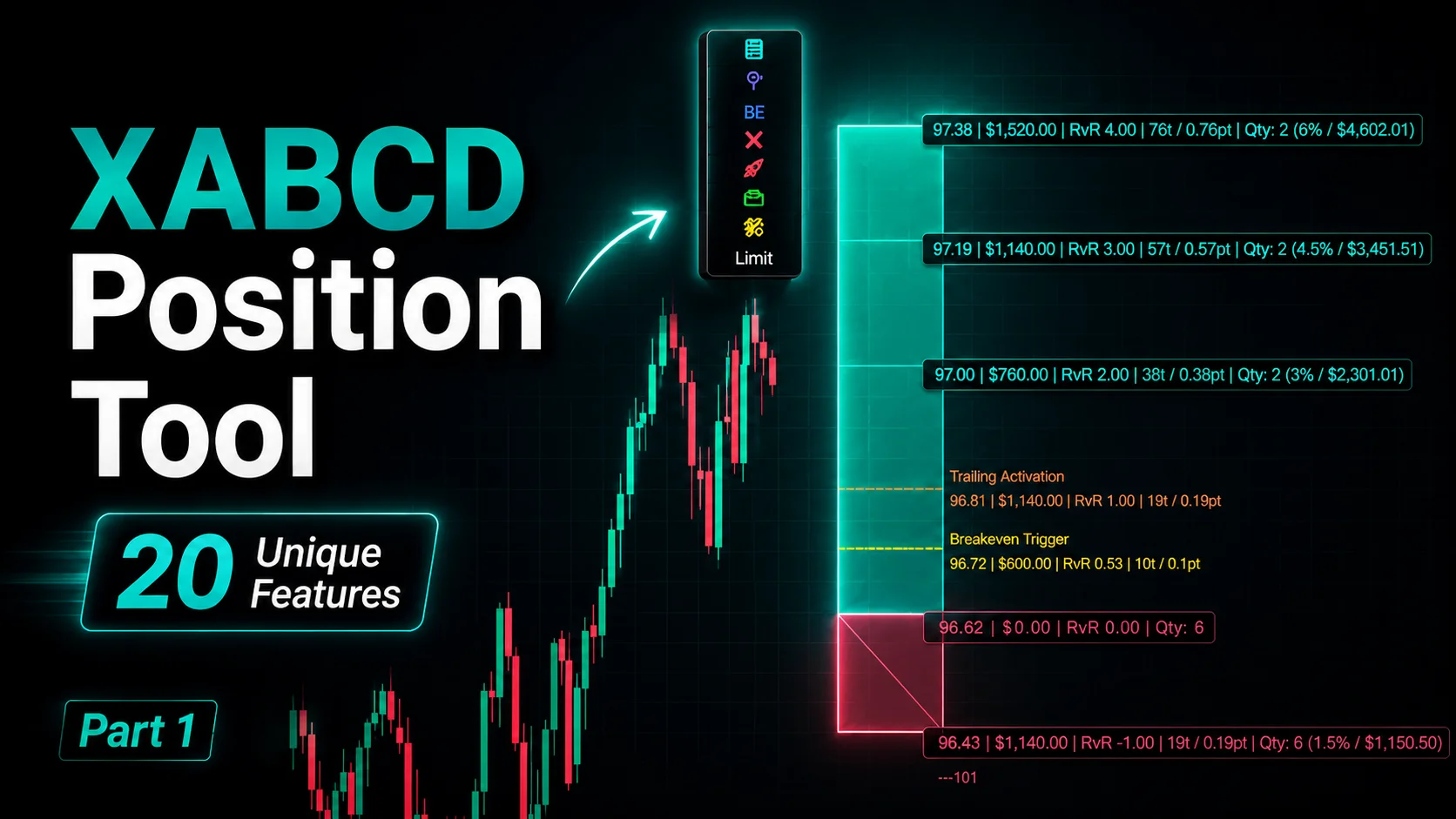
NinjaTrader Position Sizing Tool: 64 Features Stock NT8 Does Not Include
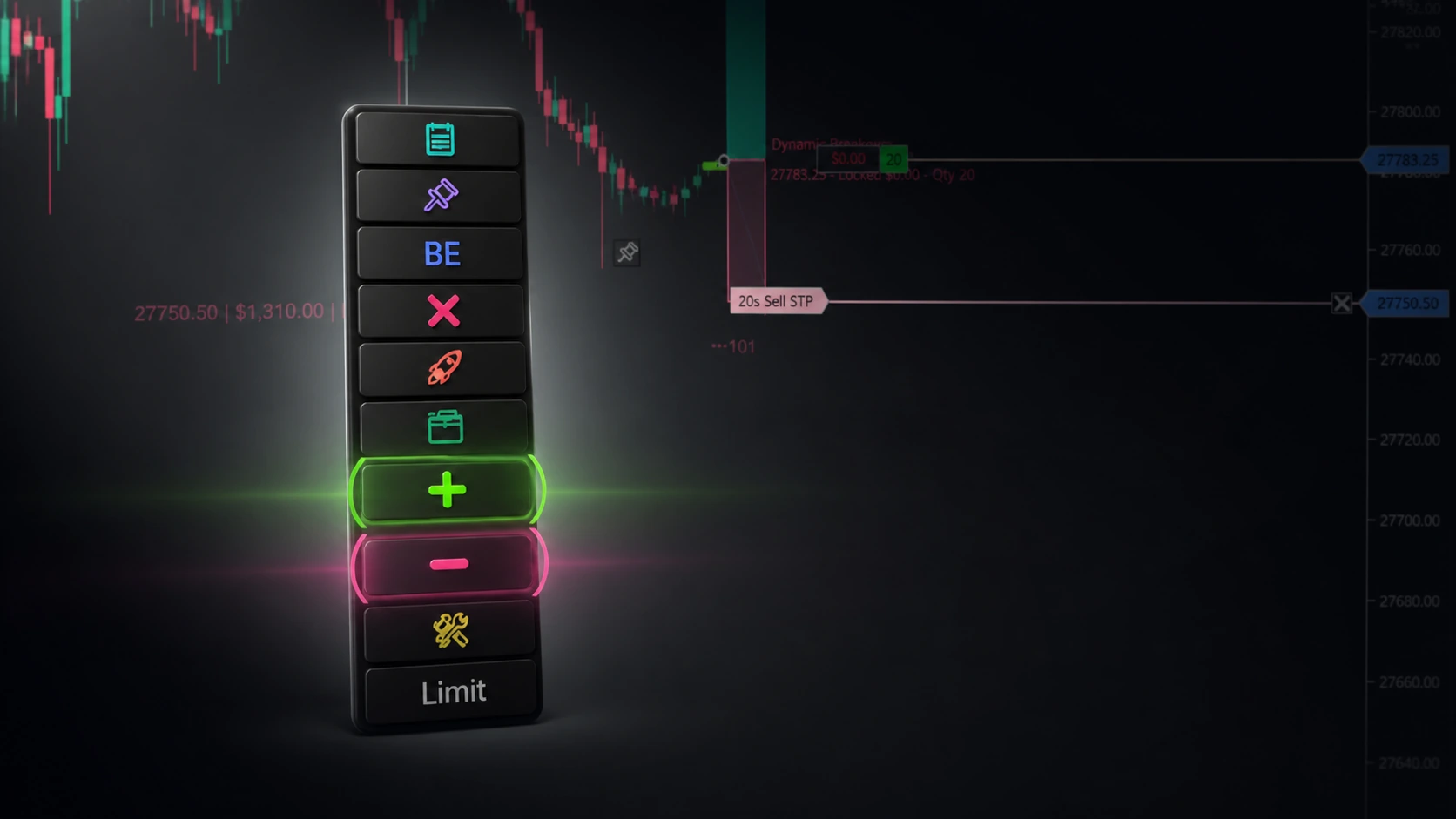
NinjaTrader – Adding to Position: A Field Guide for Active Traders
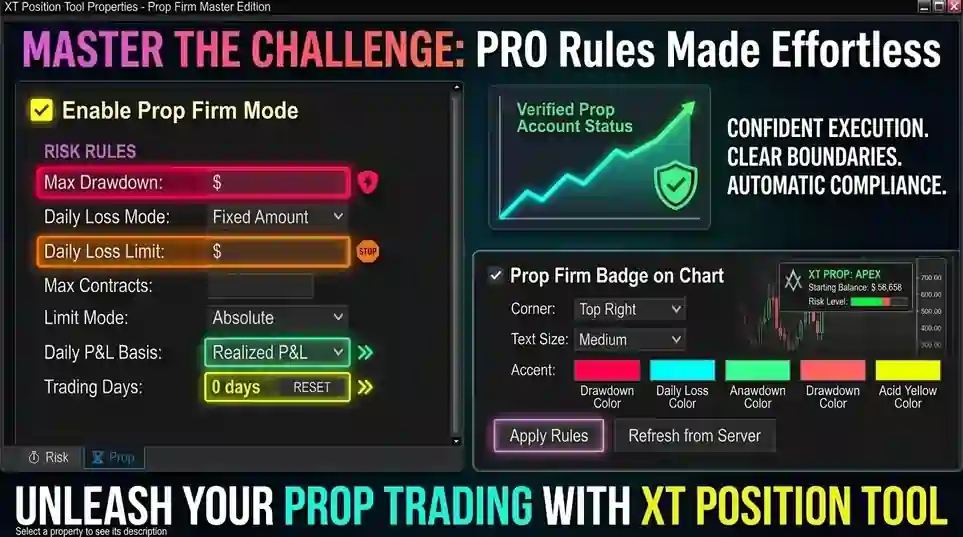
NinjaTrader Prop: The Ultimate Guide to Prop Firm Trading
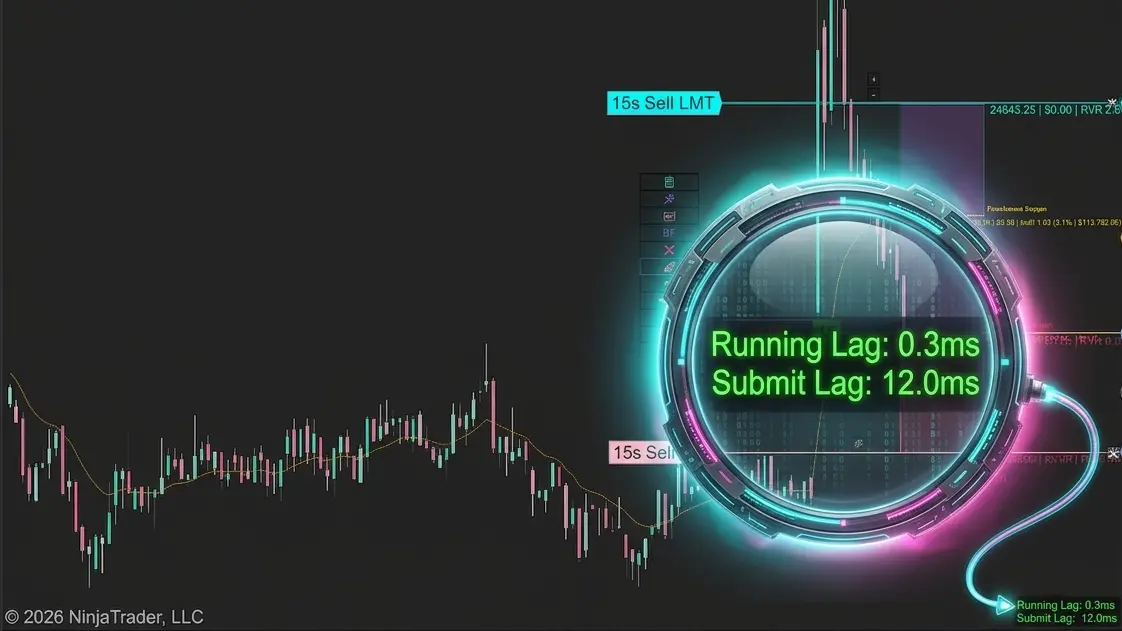
Does the XABCD Position Tool Lag?